90 wallpapers in 9 collections · last added 14 Oct 2026 · sizes for iPhone, Android, desktop and tablet
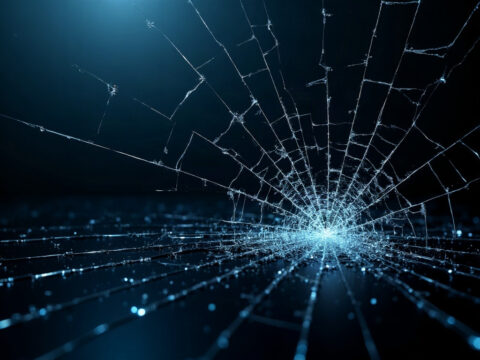
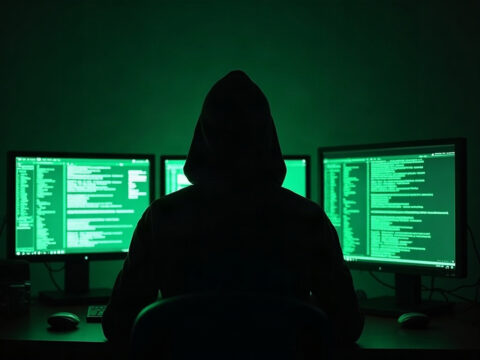
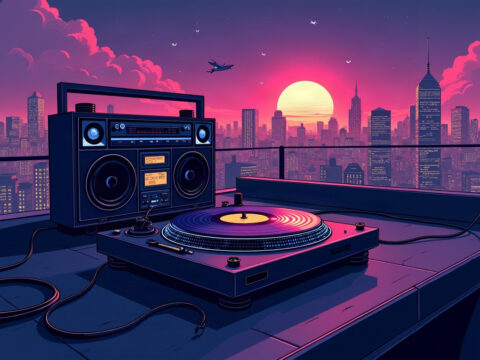
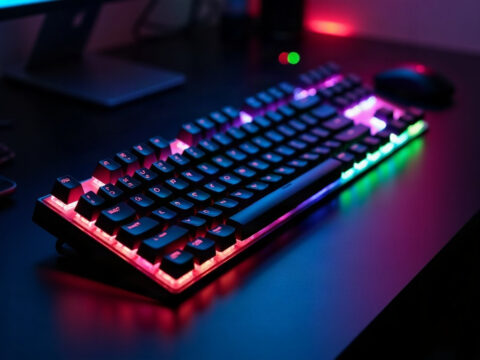
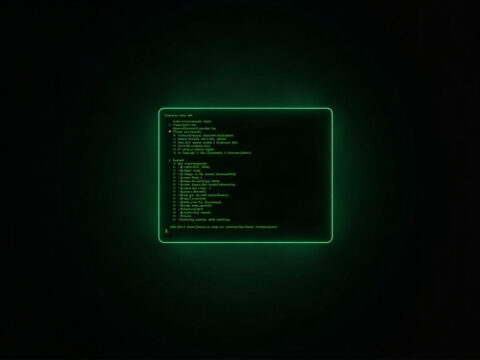
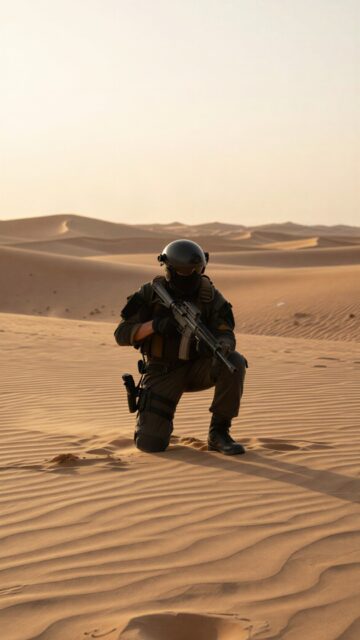
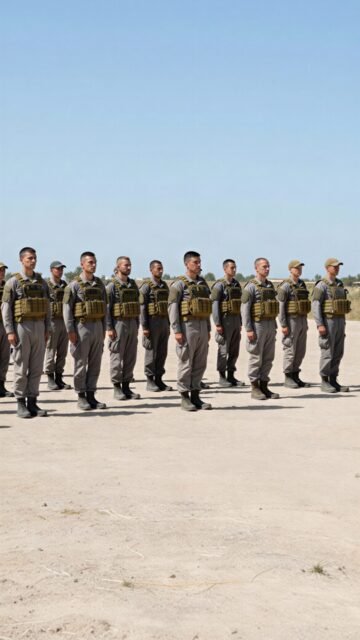
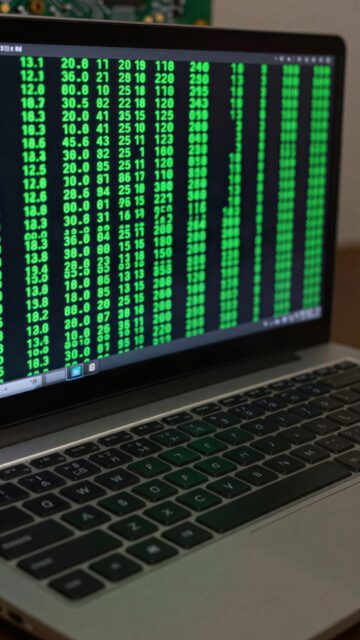
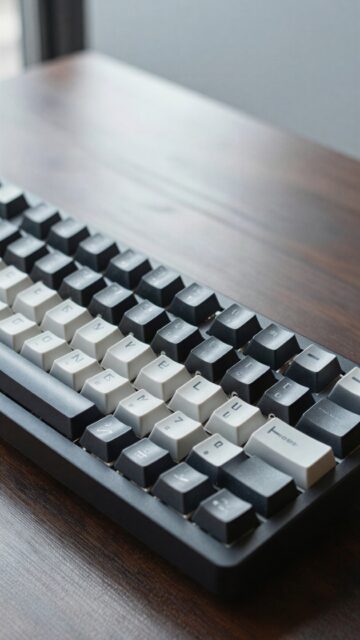
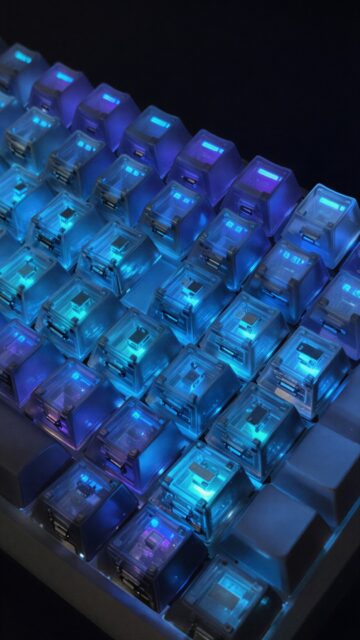
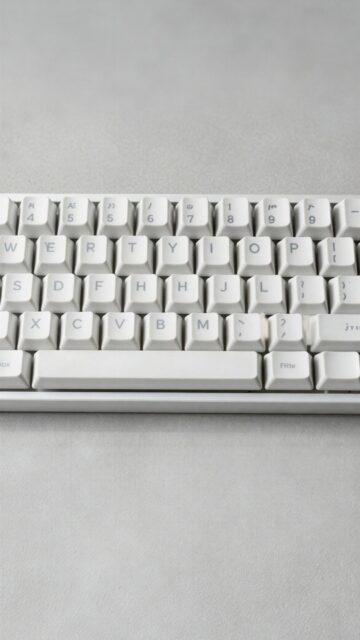
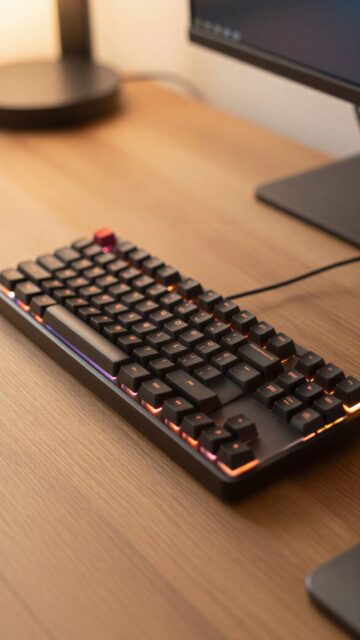
A gaming wallpaper sets the tone for your setup before you even launch a game. This collection of gaming wallpapers covers glowing RGB rigs, controller and joystick art, dark arena scenes, retro arcade vibes and moody cyber-style backgrounds built for long sessions. It also branches into themes gamers tend to love, including hacker code screens, keyboard close-ups, army camo, cracked screen pranks and music designs.
Every collection includes 10 wallpapers in one theme and one size. For battle stations, pick the 3840x2160 desktop 4K sets or the ultra-wide 5120x1440 dual monitor versions; phones get 1170x2532 for iPhone and 1080x2400 for Android, and there are laptop and iPad sizes as well. All designs are original, and each one is checked by hand, crop included, before it is published; images that don't hold up are removed. You can use any of them free on your own devices, with no sign up and no watermark.

A good gamer background usually matches the hardware around it. If your keyboard, mouse and case lighting cycle through colors, a dark image with neon accents ties the desk together; if your gear is all white, a lighter, clean design feels more intentional. On a phone, keep the center of the lock screen calm so notifications stay readable, and save the busy action scenes for a desktop where icons can be hidden. Darker images also reduce glare when you play in a dim room at night, which is when many gamers spend the most time at their desks. For glowing city looks, try cyberpunk wallpapers, and for blocky, 8-bit nostalgia, the pixel art page. Bright tube-light colors are collected under neon.
On Windows you can hide desktop icons by right-clicking the desktop and unchecking Show desktop icons under View, which lets a detailed gaming scene show in full.
Pick a file that is 3840x2160, which matches a 4K monitor exactly. The desktop 4K sets here are made at that size, and they also look sharp on 1080p and 1440p screens because your computer scales them down. Using a smaller image on a 4K display would make details look soft.
iPhone collections are 1170x2532 and Android collections are 1080x2400, both tall portrait shapes. Gaming art often has a lot happening, so for a phone choose a design where the main subject sits in the lower half, leaving the area under the clock darker and simpler.
A static image has essentially no effect on frame rates. It is loaded once and simply shown behind your desktop, and most games run full screen on top of it. Animated or interactive desktop backgrounds from other software can use some resources, but a regular picture like the ones here does not.
Use a 5120x1440 dual monitor file, which equals two 2560x1440 screens placed side by side. In Windows, choose the Span option in background settings so the image runs across both displays. The dual monitor wallpaper guide covers Windows and Mac setups.
Pick one or two accent colors from your lighting profile, such as cyan and magenta, and look for a dark wallpaper that uses those same tones. Dark backgrounds let colored light stand out, while bright images can clash with it. Many people set their lighting to a static color that matches the wallpaper for a cleaner look.
Yes. They're free for personal use on your own phone, tablet, computer or watch, with no account and no watermark. You can't use them commercially, sell them, use them as stream overlays for a business, or repost them elsewhere. See the Terms of Use for the details.

You can, but splitting them often looks better. A detailed action scene makes a striking lock screen, where only the time and a few alerts sit on top. For the home screen, a darker or blurred version keeps app icons readable. Many phones let you set each screen separately.
The site publishes new collections every day, and gaming themes and their sub-themes are added regularly. The latest wallpapers page lists everything as it goes live, and the daily pick features one standout each morning, which may come from any theme on the site.
Every wallpaper is reviewed by a person before it goes live: we remove images with odd details or blur and check the crop for each device. How we check wallpapers
Something wrong with an image? Report an image · Free for personal use, see the Terms.