30 wallpapers in 3 collections · last added 8 Oct 2026 · sizes for iPhone, Android, desktop and tablet
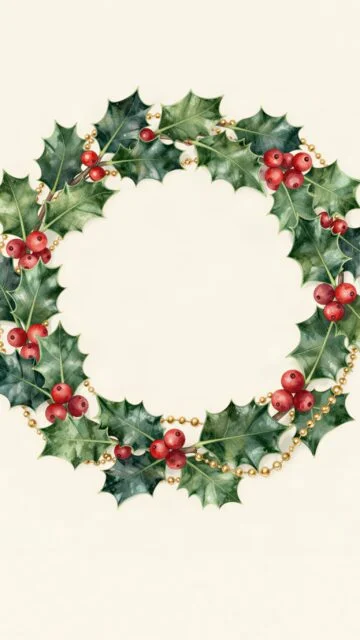
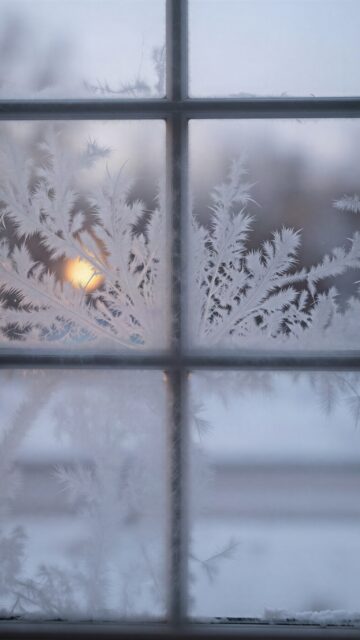
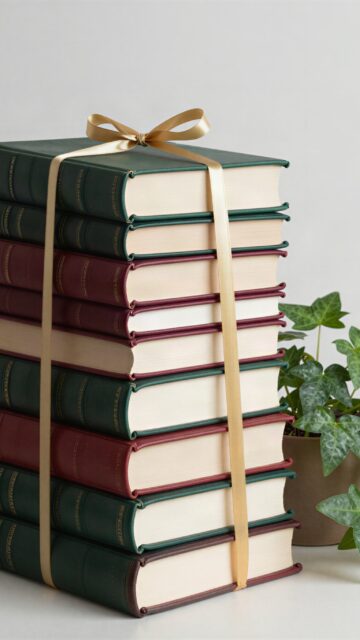
Each iPad wallpaper on this page is created at 2048x2732, the native portrait resolution of the 12.9-inch iPad Pro, so it fills the largest iPad screen pixel for pixel and scales down cleanly on iPad Air, iPad mini and the standard iPad. The frame is close to 3:4, much squarer than a phone, which gives designs more room to breathe and makes artwork feel closer to a framed print. Collections cover soft pastel art, detailed nature scenes, layered abstract shapes, dreamy space views and cozy aesthetic themes.
These iPad backgrounds keep the main subject near the center because the tablet rotates: in landscape, iPadOS trims the top and bottom of the image to fit the wider shape. Need a phone version too? The iPhone section uses many of the same themes. Each design is original and checked by hand on a large screen before publishing, and anything that looks soft at tablet size is removed. Everything is free for personal use, with no sign up and no watermark.
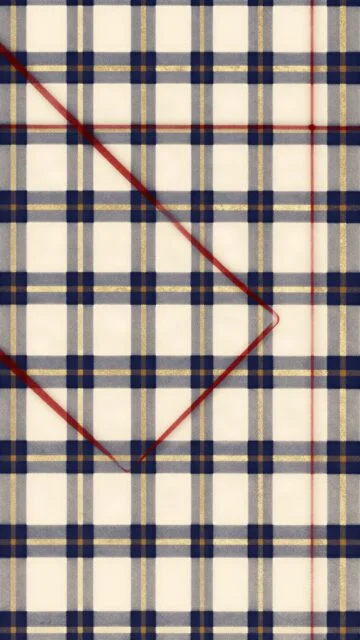
A tablet screen is big enough that a background feels more like a poster than a backdrop. That opens the door to artwork with real detail, such as illustrated scenes, watercolor textures and wide skies, which would look cramped on a phone. If you mostly use your iPad in a keyboard case, test how the image looks with the tablet turned sideways, since that view trims away the top and bottom of a portrait design. Students and note-takers often prefer quieter images that don't compete with open apps in Split View.
Before setting an iPad background, rotate the iPad to landscape in the preview screen; if the subject's head or the key detail disappears off the top, pick a design with more centered framing.
Our iPad images are 2048x2732 pixels in portrait, which is the full resolution of the 12.9-inch iPad Pro. Smaller iPads have slightly different shapes, so iPadOS scales the image and trims a little from the edges. Starting from the largest size keeps the picture crisp on every model, from iPad mini to the biggest Pro.
The iPad rotates, but the wallpaper doesn't change shape. In landscape, iPadOS scales the image up to fill the wider screen, which cuts off part of the top and bottom of the design. Images with the subject in the middle handle both orientations best, and that is how the iPad collections here are composed.
Save the image to Photos, then open Settings, Wallpaper and tap Add New Wallpaper. Choose Photos, pick the image, pinch to adjust the framing and tap Add. You can apply it to both the lock screen and home screen or choose a different home screen image. The steps match the iPhone guide almost exactly.
You can, but it won't fit well. Phone images are tall and narrow, so the iPad has to zoom in heavily to fill its squarer screen, which softens detail and cuts off most of the picture. For a clean result use the iPad size, then pick a matching phone image from the iPhone section if you want both devices to match.
Apps cover the wallpaper while you work, so the choice matters mostly on the home screen and in Split View gaps. Calm, low-contrast images keep the interface feeling tidy and make app icons easy to spot. Soft gradients, paper textures and muted nature scenes are popular with artists and students who switch between apps often.
Yes, they are free for personal use on your own iPad, phone or computer. There is no sign up, no watermark and no limit on how many you save. Commercial use, resale and redistribution are not allowed, so please don't share them on other sites or use them in products. See the terms of use.
Yes, every day. Each collection is 10 images in one theme and one size, so an iPad set is ten tablet-sized images that belong together. Seasonal themes are posted weeks ahead of each holiday. The latest wallpapers page is the easiest way to catch new uploads.
Yes, and that is when they look their best. In portrait the full 2048x2732 frame shows exactly as designed, with no cropping at all on a 12.9-inch iPad Pro and only a sliver trimmed on smaller models. If your iPad lives on a stand as a kitchen display or photo frame, this size is the right choice.
Every wallpaper is reviewed by a person before it goes live: we remove images with odd details or blur and check the crop for each device. How we check wallpapers
Something wrong with an image? Report an image · Free for personal use, see the Terms.