Hacker Wallpaper iPhone
Hacker wallpaper for iPhone brings digital code, neon terminals and cyber circuits to your lock screen. These wallpapers show sleek hacker themes with glowing text, dark interfaces and tech-forward aesthetics. Each design works well on both lock and home screens, giving your iPhone a tech-savvy edge that suits anyone who loves coding, cybersecurity or digital culture.
9 wallpapers at 1170 × 2532 px for iPhone. Checked by hand on 6 Oct 2026.
About this set
This set features dark, tech-focused designs with glowing neon elements, digital code and circuit patterns. The aesthetic blends hacker culture with cyberpunk visuals, using cool blues, greens, purples and magentas against deep black backgrounds. Each wallpaper maintains a clean, minimalist feel while conveying advanced technology and digital security themes.
Lock screen picks show bold single elements like neon icons or glowing text that read clearly at a glance. Home screen choices include denser patterns like code streams and grid networks that work behind app icons without clashing. These designs pair well with dark mode and tech-themed icon packs, keeping your iPhone visually cohesive and aligned with a hacker or cybersecurity aesthetic.
Nine screens, from a terminal to a glowing padlock
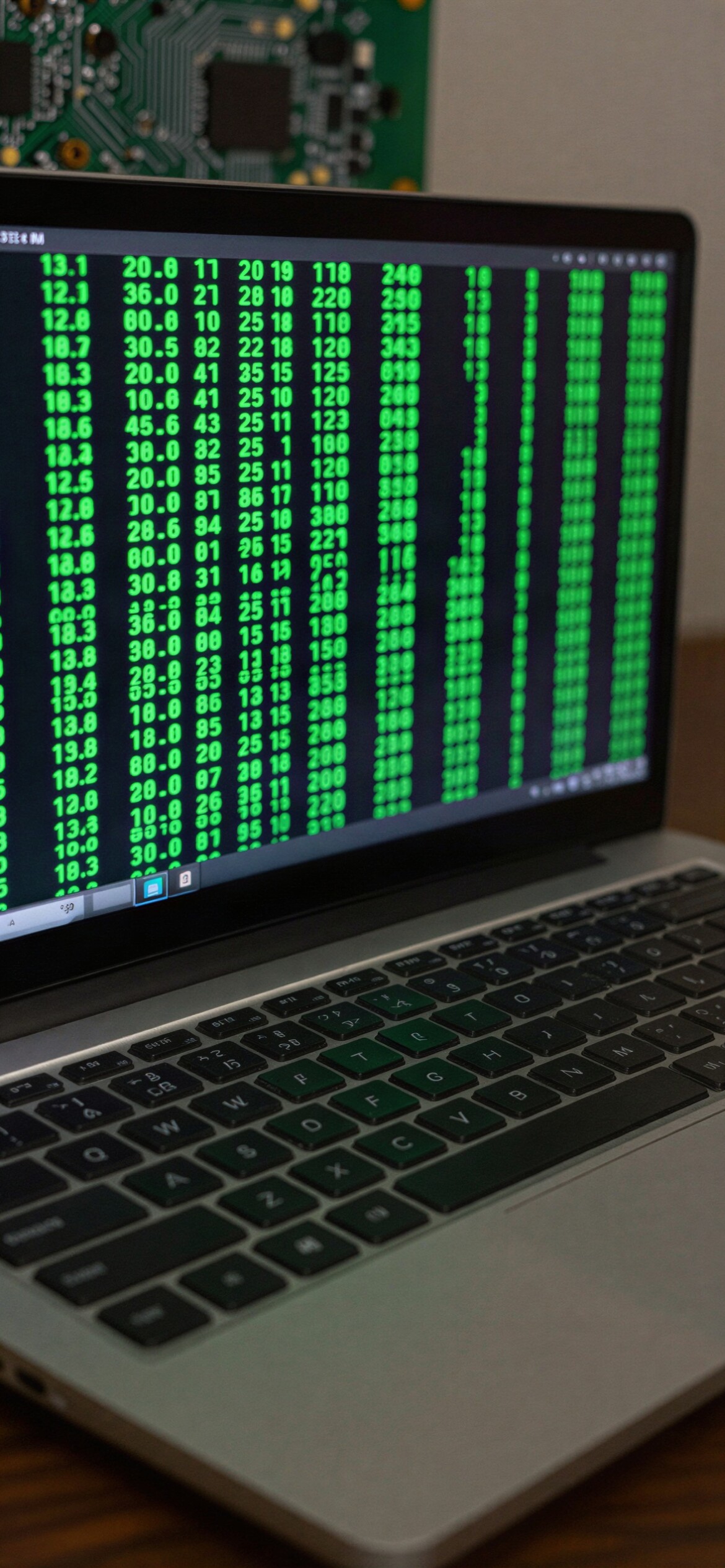
- Green code pouring down a laptop screen. The laptop frame gives it a little more depth than a flat pattern.
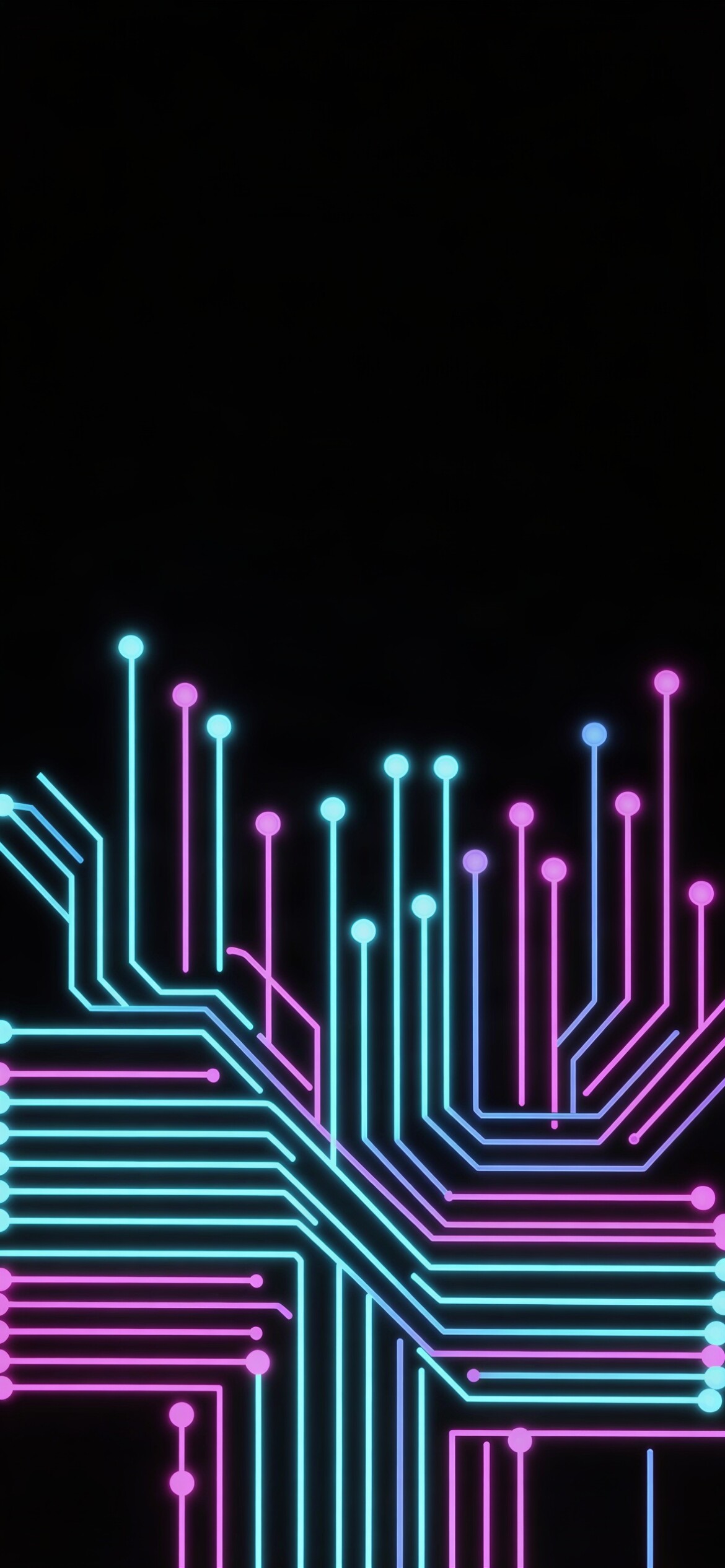
- Cyan and magenta circuit lines on black, thin enough that icons sit over them without trouble.
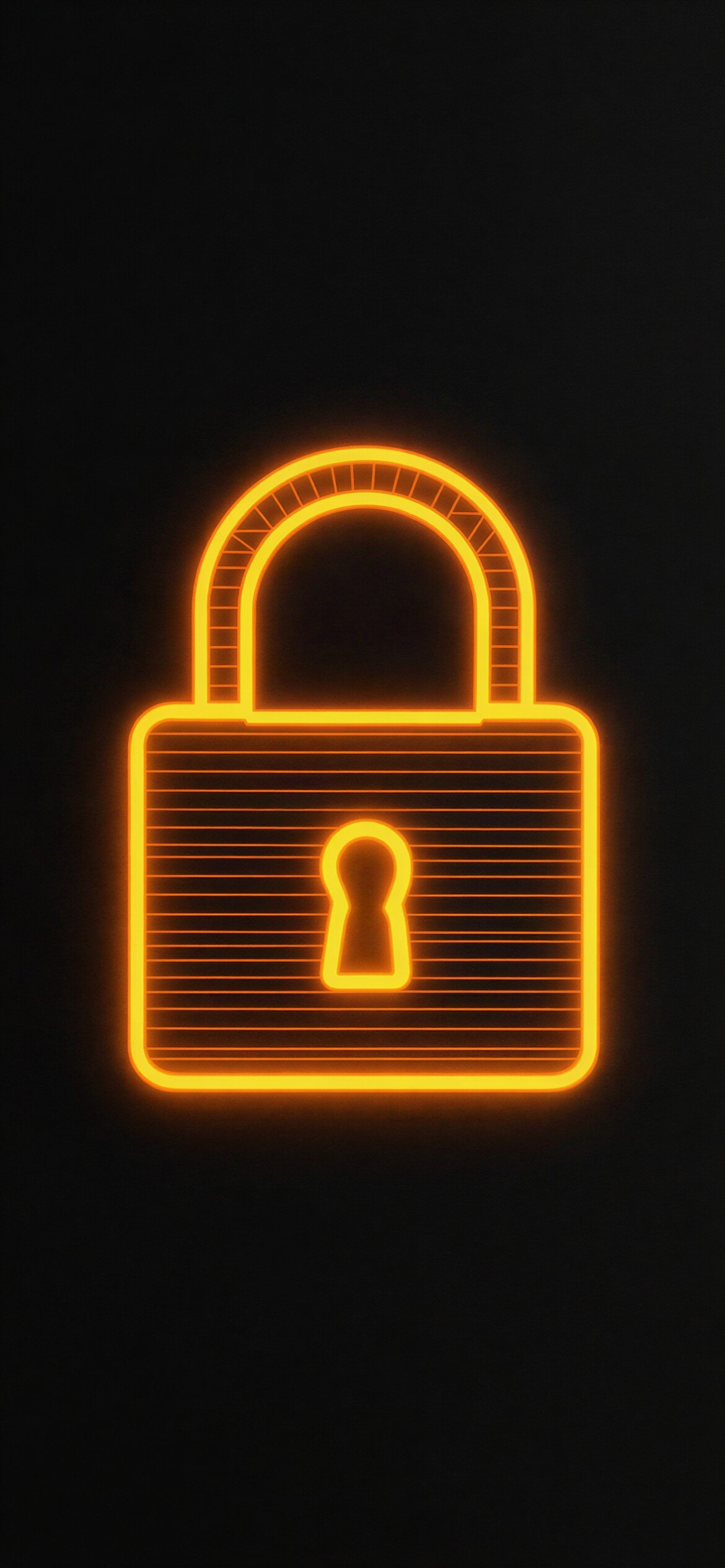
- An orange padlock drawn in digital lines. The warmest picture here and a clear lock screen choice.
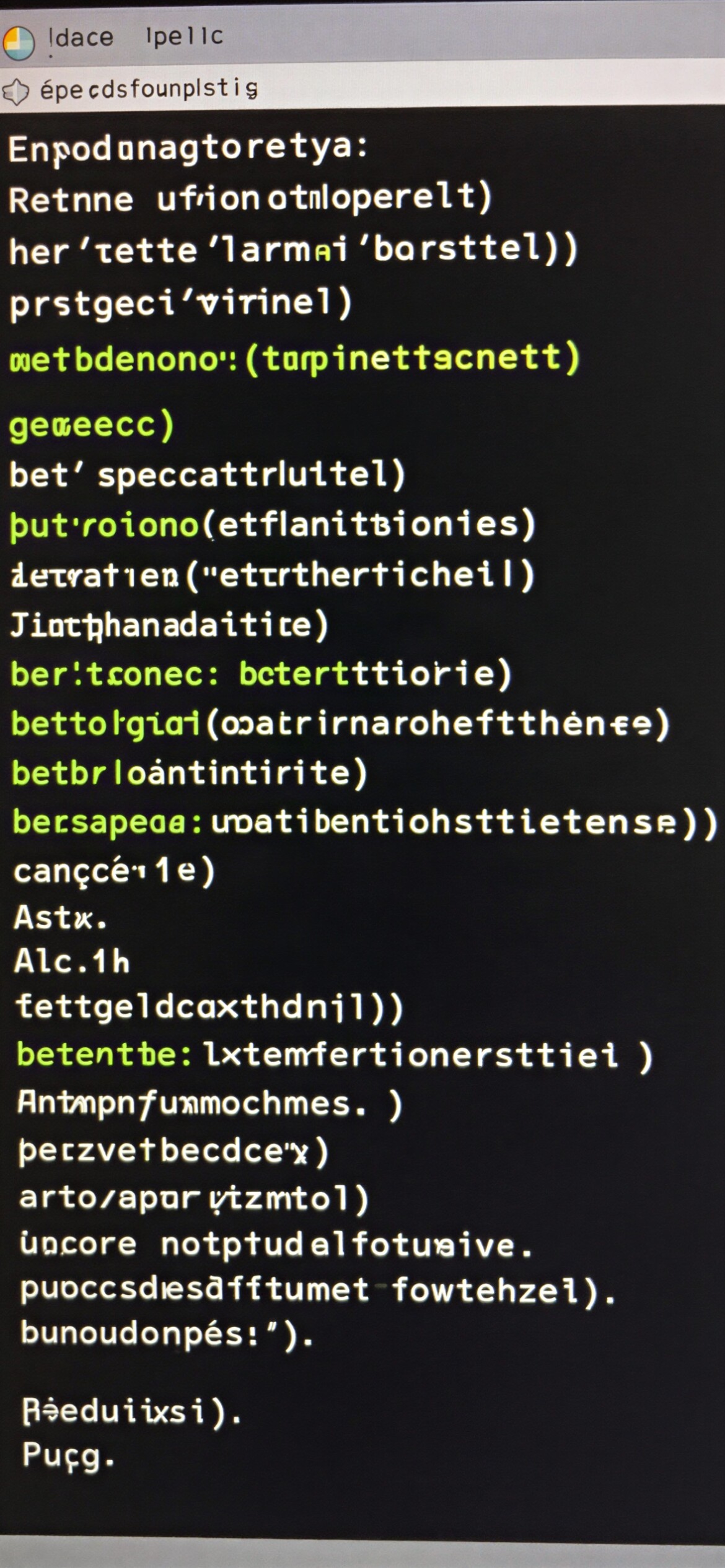
- A terminal window with green and white text on pure black, the most literal take on the theme.
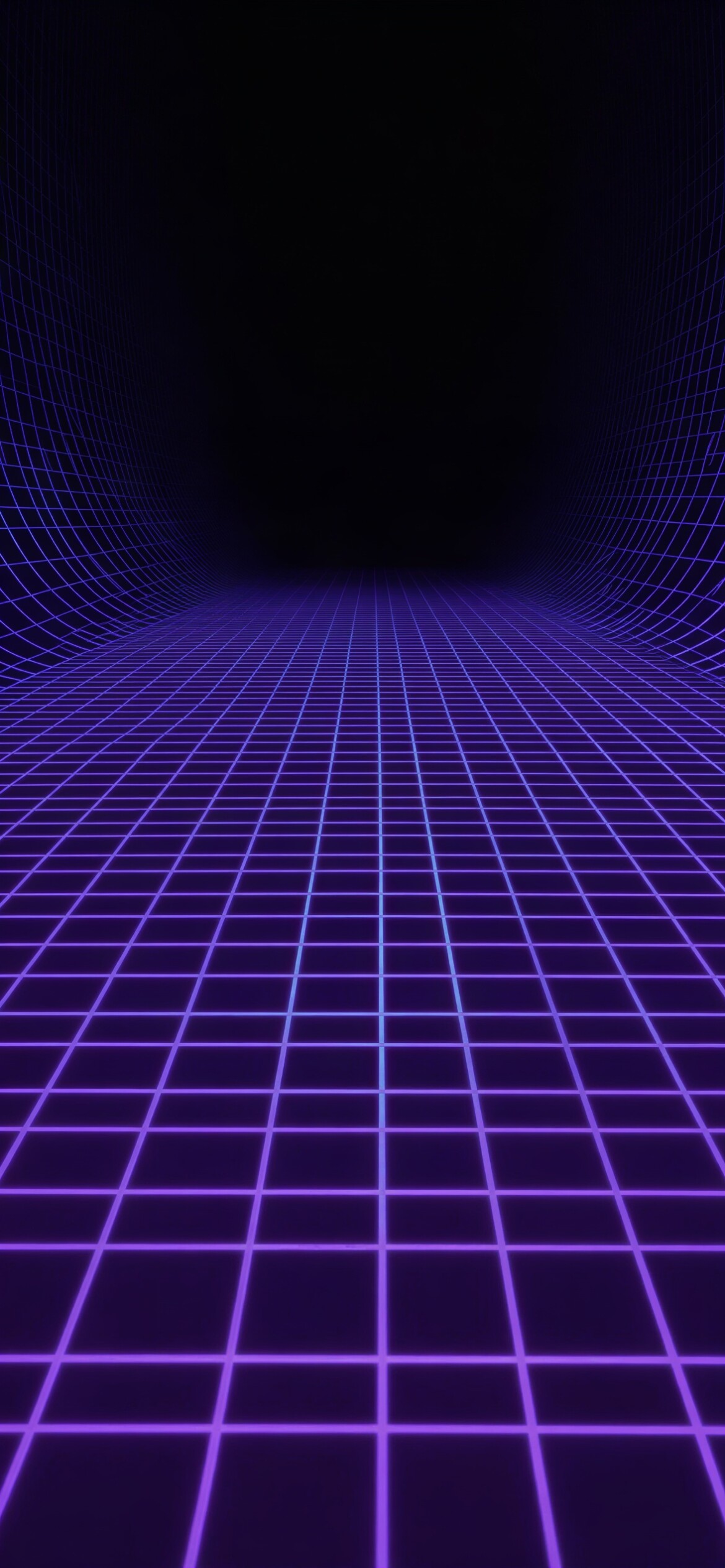
- A purple and blue holographic grid running off into the distance, closer to cyberpunk than to code.
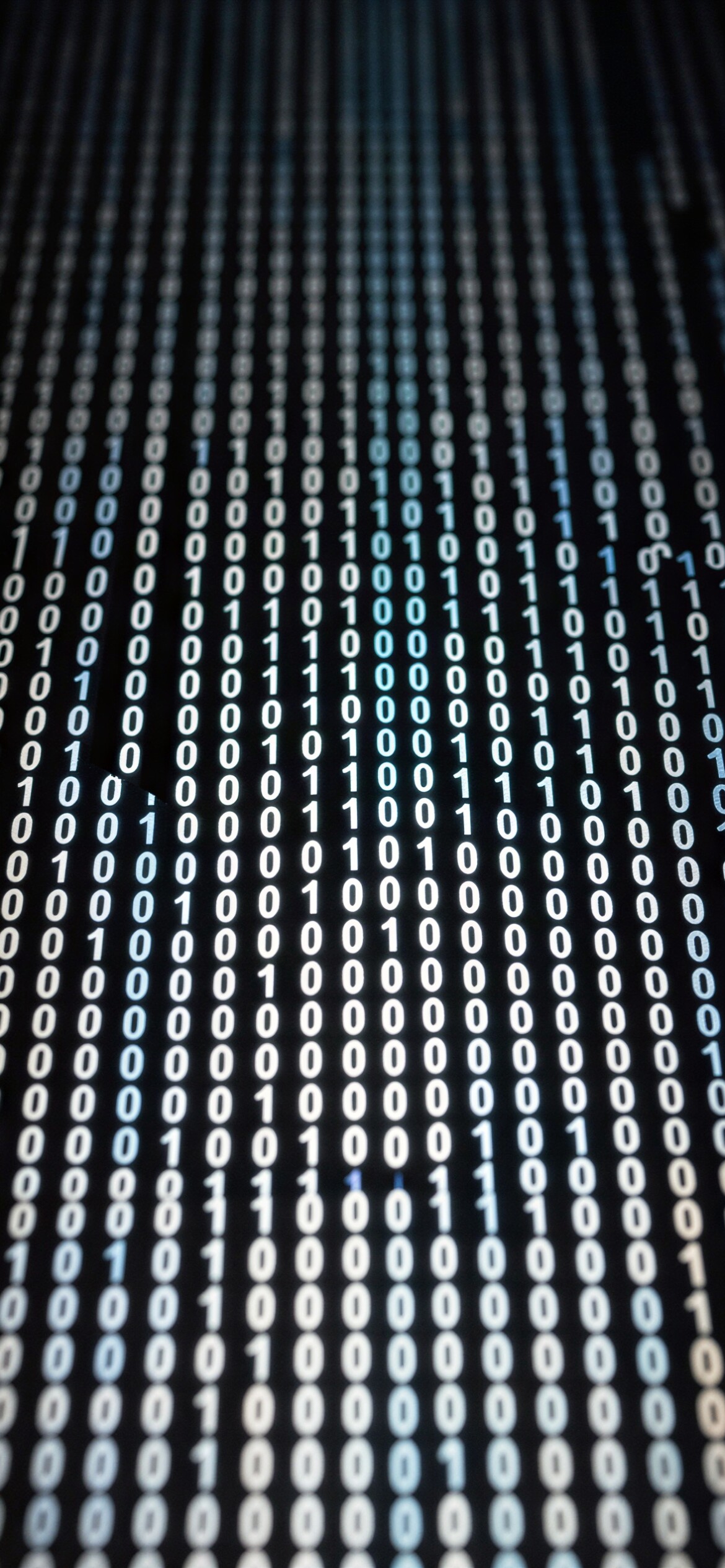
- Streams of binary in white and blue. Busy, so it reads better behind a full page of apps.
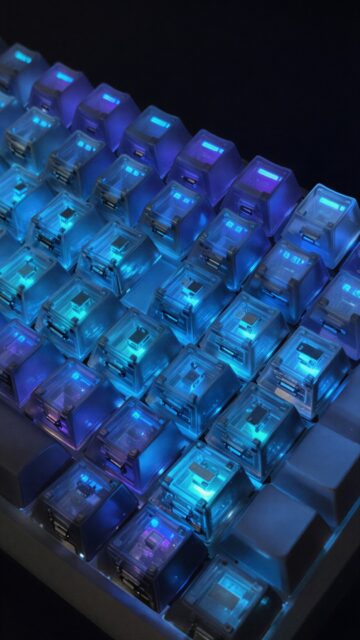
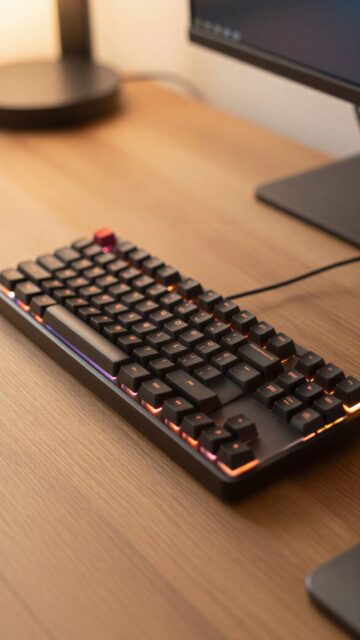
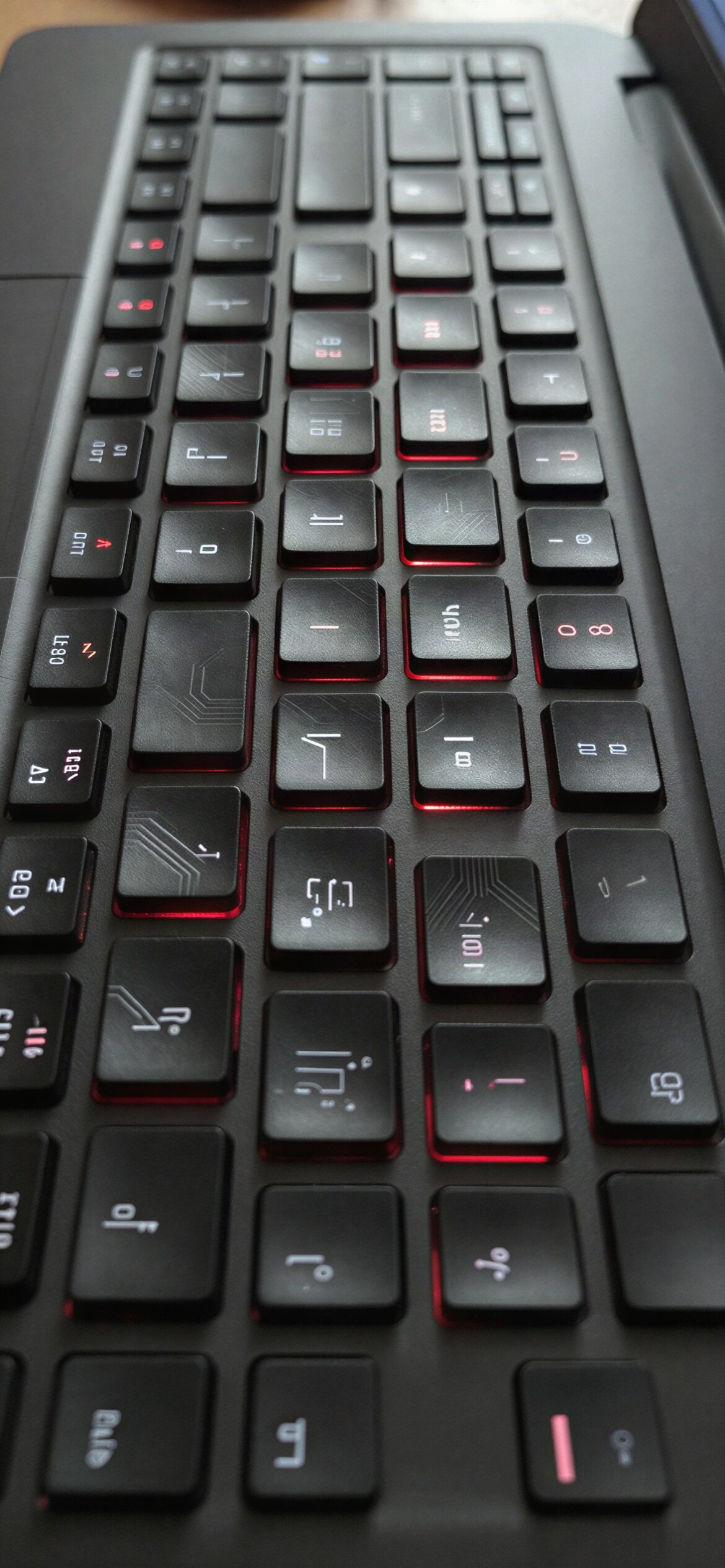
- A backlit laptop keyboard glowing red and white, the only photo-like scene in the set.
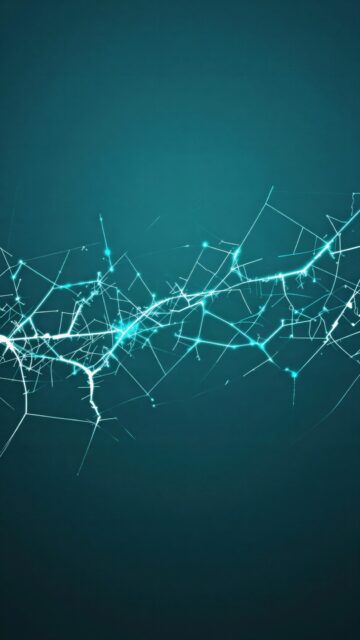
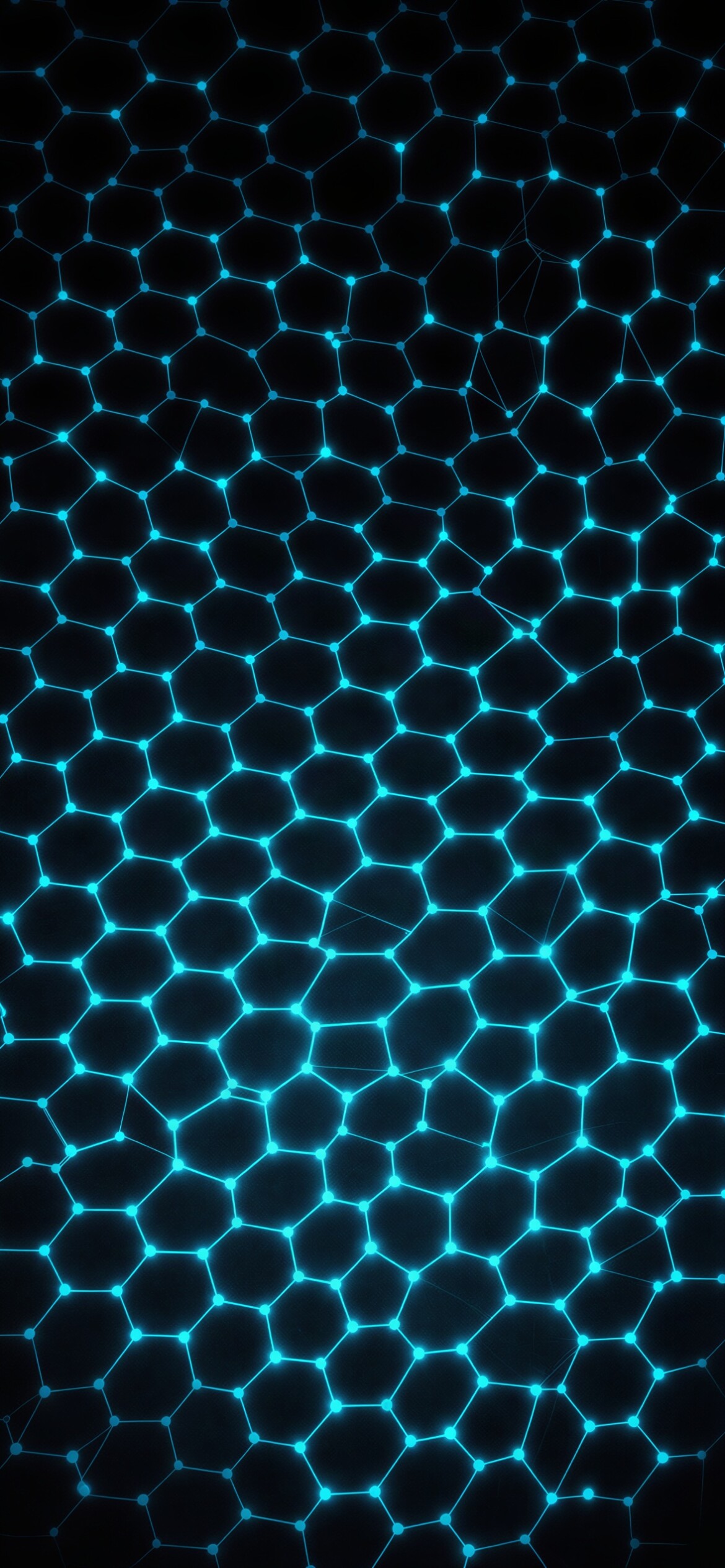
- A hexagonal network pattern in electric blue and cyan, even across the whole screen.
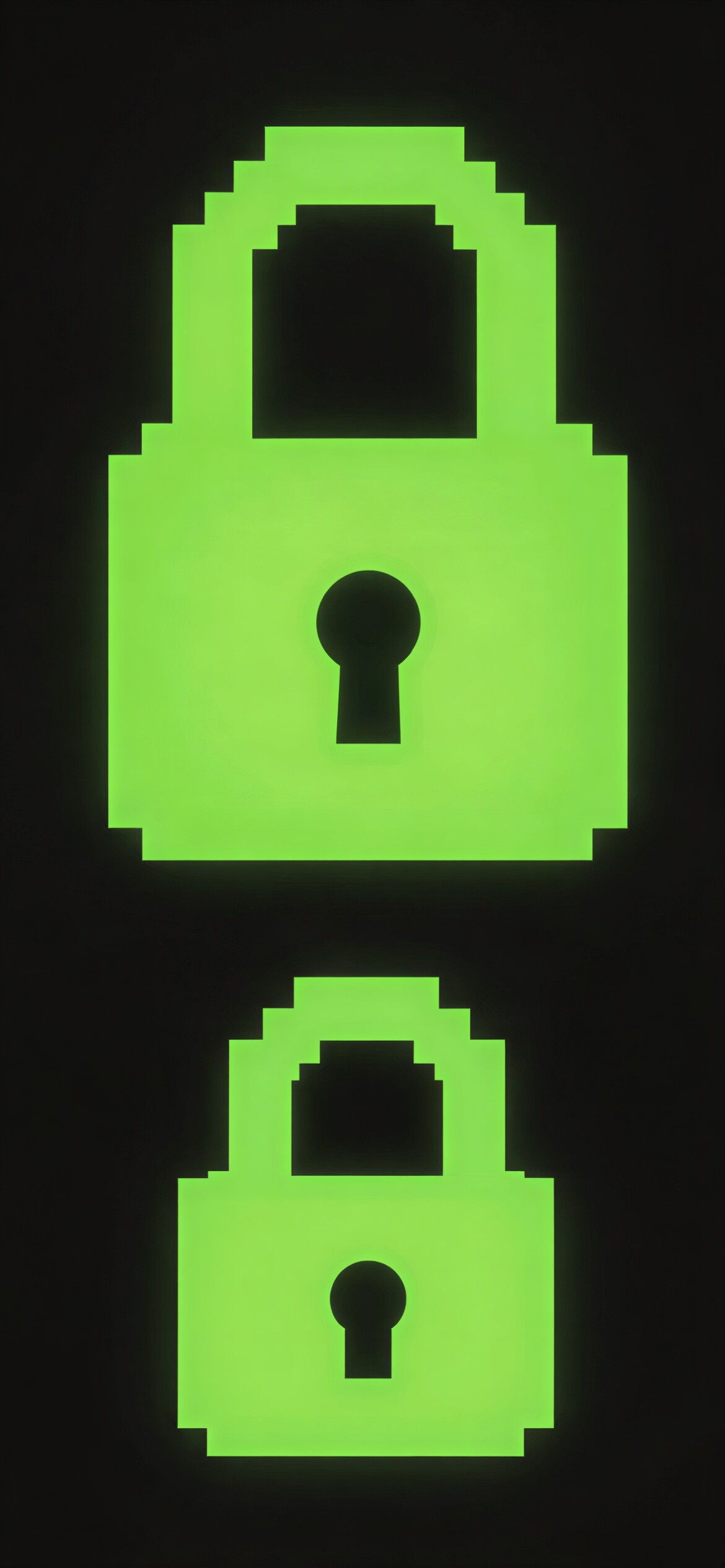
- A pixelated lime green padlock with a soft glow, a retro cousin of #3.
Model trains, green phosphor and falling code
The word hacker started out as praise. In the late 1950s, members of the Tech Model Railroad Club at MIT used "hack" for a clever piece of tinkering, and the label moved with them into early computing. Only later did it pick up its break-in meaning. The green text in #1, #4 and #9 goes back to the monochrome terminals of the 1970s and 80s, many of which used green phosphor screens. The Matrix (1999) turned that look into its famous falling code, which is the image most people now picture for #1. Padlocks like #3 and #9 come from the web, where a lock in the browser bar has long been the sign of an encrypted connection.
Green glow, cold blue or a splash of hot colour
The classic terminal green is in #1, #4 and #9. Cooler, icier screens are #6 and #8, all blue and cyan. #2 and #5 bring in magenta and purple for a neon mood, while #3 and #7 are the warm ones, orange and red against the dark. Pick from one group for lock and home screens and the pair will look planned.
For more desk-side looks, see the Linux wallpapers and the keyboard set, or head outside after dark with the night city collection.
How to set it on your iPhone
- Tap Download and save the image to Photos.
- Open Settings, tap Wallpaper, then Add New Wallpaper, and choose Photos.
- Pick the wallpaper, pinch to position it, then tap Add and choose the lock screen, home screen or both.
Stuck on a step? The iPhone and iPad guide has screenshots for each one.
Questions
Do these wallpapers fit iPhone screens at 1170x2532?
Yes. Each wallpaper is designed for iPhone at 1170x2532 pixels, which suits modern iPhones; some older models may crop slightly at the edges. The tall vertical composition keeps the top quarter simple so notifications and status bars stay visible without covering important details.
Can I use these wallpapers commercially?
These wallpapers are free for personal use on your own devices. Selling them, printing them for sale, or posting them on other wallpaper sites is not allowed. For full terms, visit our Terms page.
Which designs work best for lock screens versus home screens?
Lock screen designs include single bold elements like neon icons and glowing padlocks that read clearly at a glance. Home screen picks feature dense patterns such as code streams and circuit grids that layer nicely behind app icons. Choose based on where you want visual focus.
Do these hacker wallpapers work with dark mode?
Yes. All designs use pure black backgrounds and bright neon accents, so they look sharp in dark mode and actually extend battery life on iPhone OLED screens. The cool color palette also complements dark mode aesthetics throughout iOS.