Science Wallpaper iPhone
Science wallpaper for iPhone brings atoms, planets, lab gear and nature into focus on your lock and home screens. These designs blend scientific subjects with real-world textures and soft lighting, from glowing molecular structures to planetary views and botanical detail. The science wallpapers suit both dark and light iPhone backgrounds, pairing well with minimal app layouts and adding visual interest to any home screen setup.
10 wallpapers at 1170 × 2532 px for iPhone. Checked by hand on 2 Oct 2026.
About this set
These science wallpapers focus on real objects and natural phenomena: water, crystals, plants, shells, sky and light. The mood is calm and observational, with soft natural lighting and neutral or cool color palettes. Each design works well as a lock screen because the subject sits in the lower half, leaving the top clear for the time display.
For home screens, pick designs with simpler subjects like the water droplet or glass sphere to keep app icons readable. The frost crystal and honeycomb wallpapers pair well with dark mode, while the flower and stone designs suit light mode. All of them work with minimal icon layouts and apps arranged in rows.
The science hiding in each picture
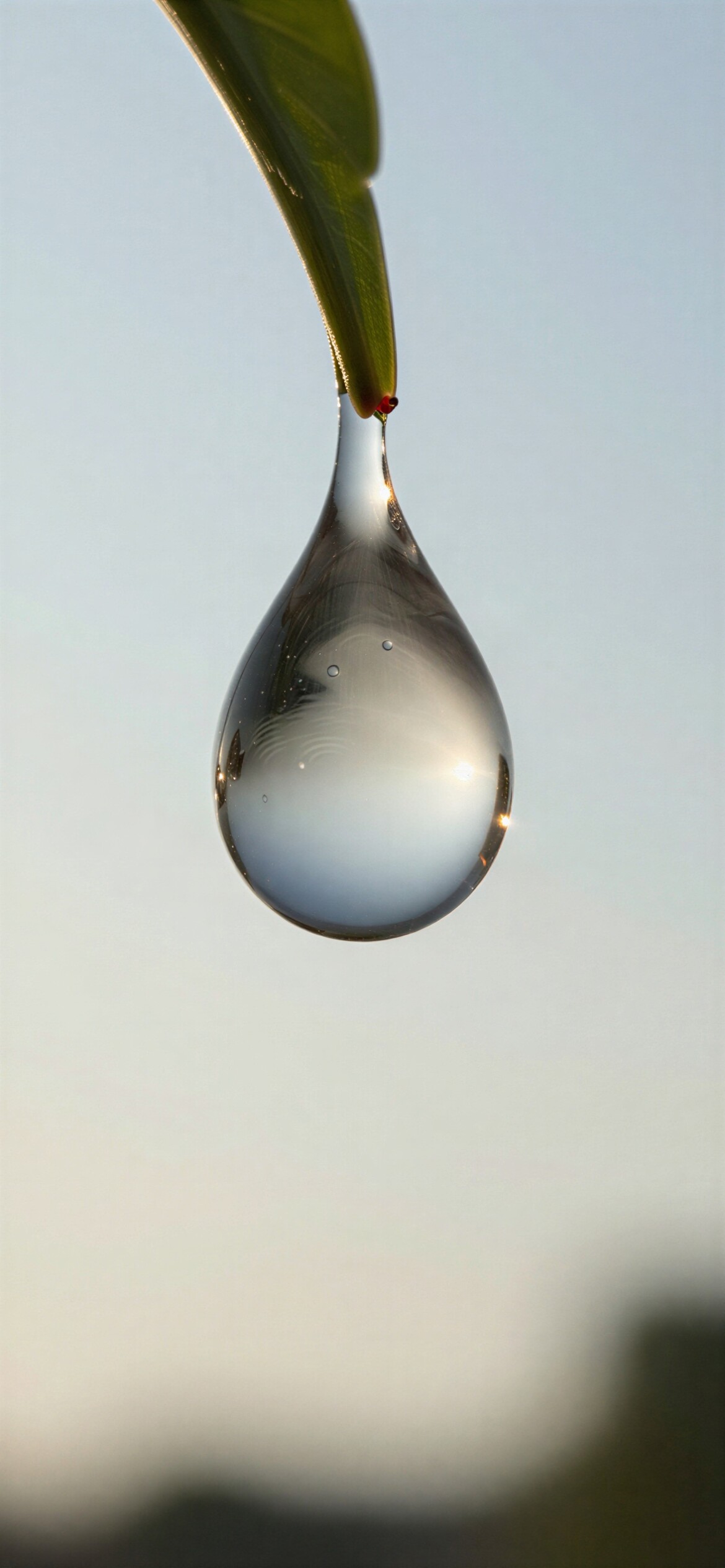
- A backlit water droplet on a stem. A drop of water works like a tiny lens, which is why droplets often hold a small upside-down image of what is behind them. Calm enough for the lock screen.
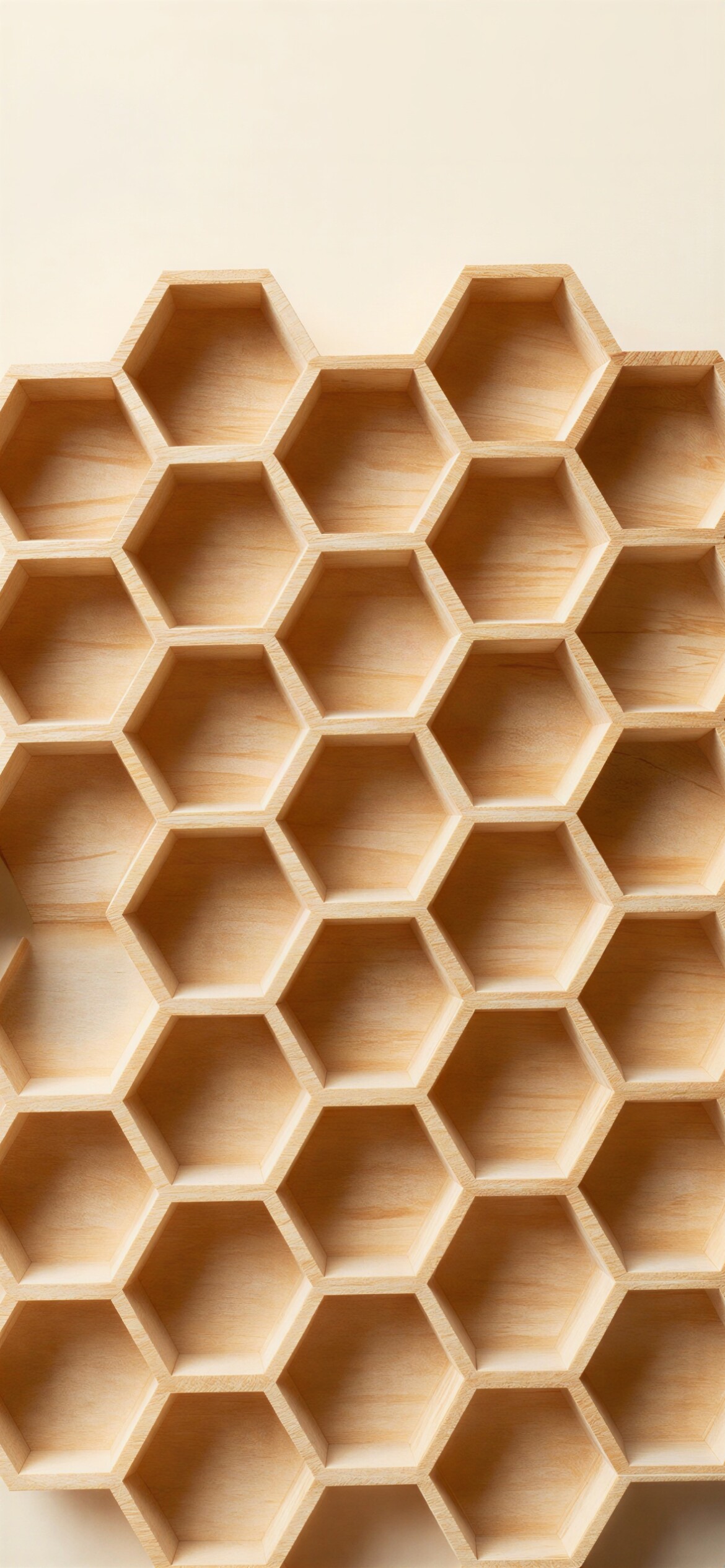
- A hexagon honeycomb pattern in wood, lit from the side. The low light picks out every edge, so this one has the most texture in the set.
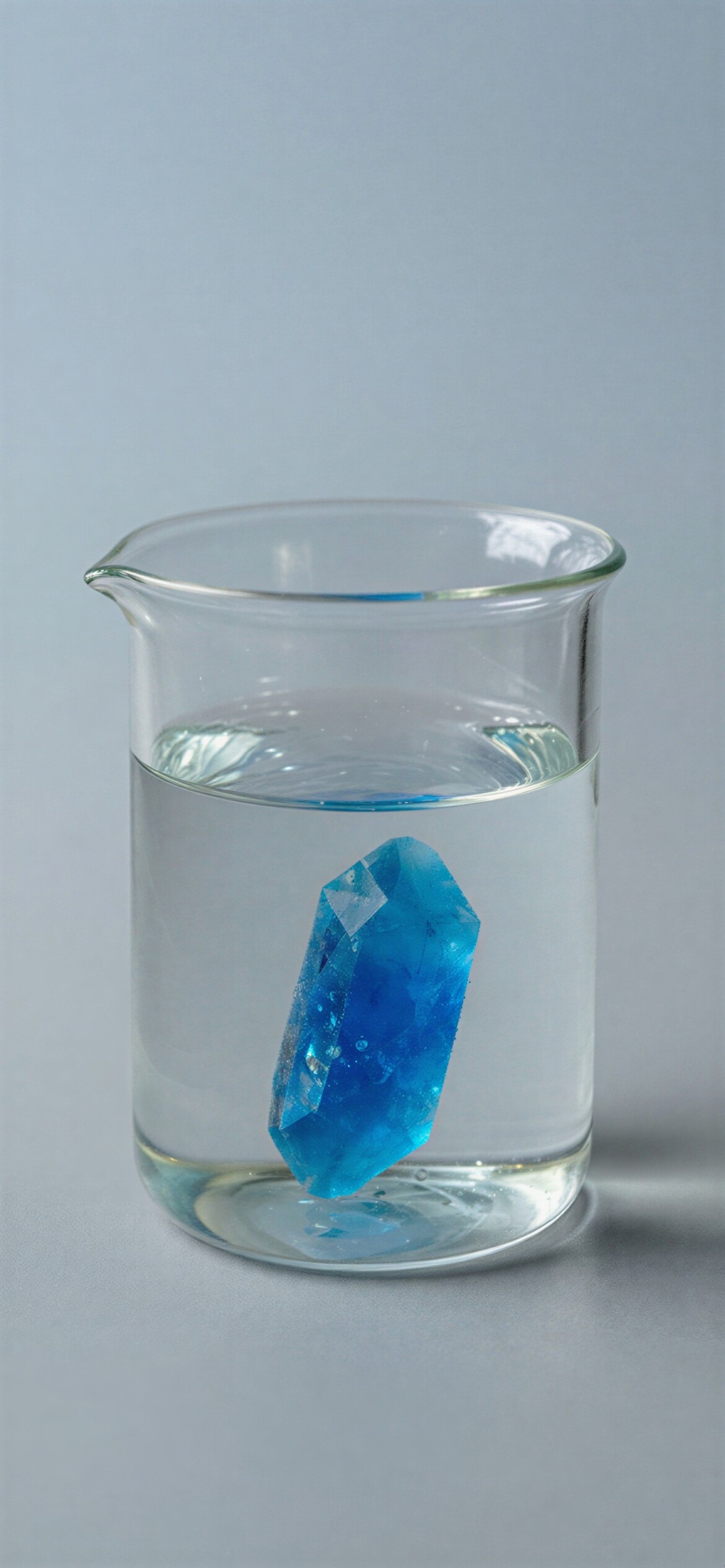
- A blue crystal suspended in a glass beaker. Crystals like this grow as a saturated solution cools or evaporates and the dissolved material settles into a regular, repeating structure.
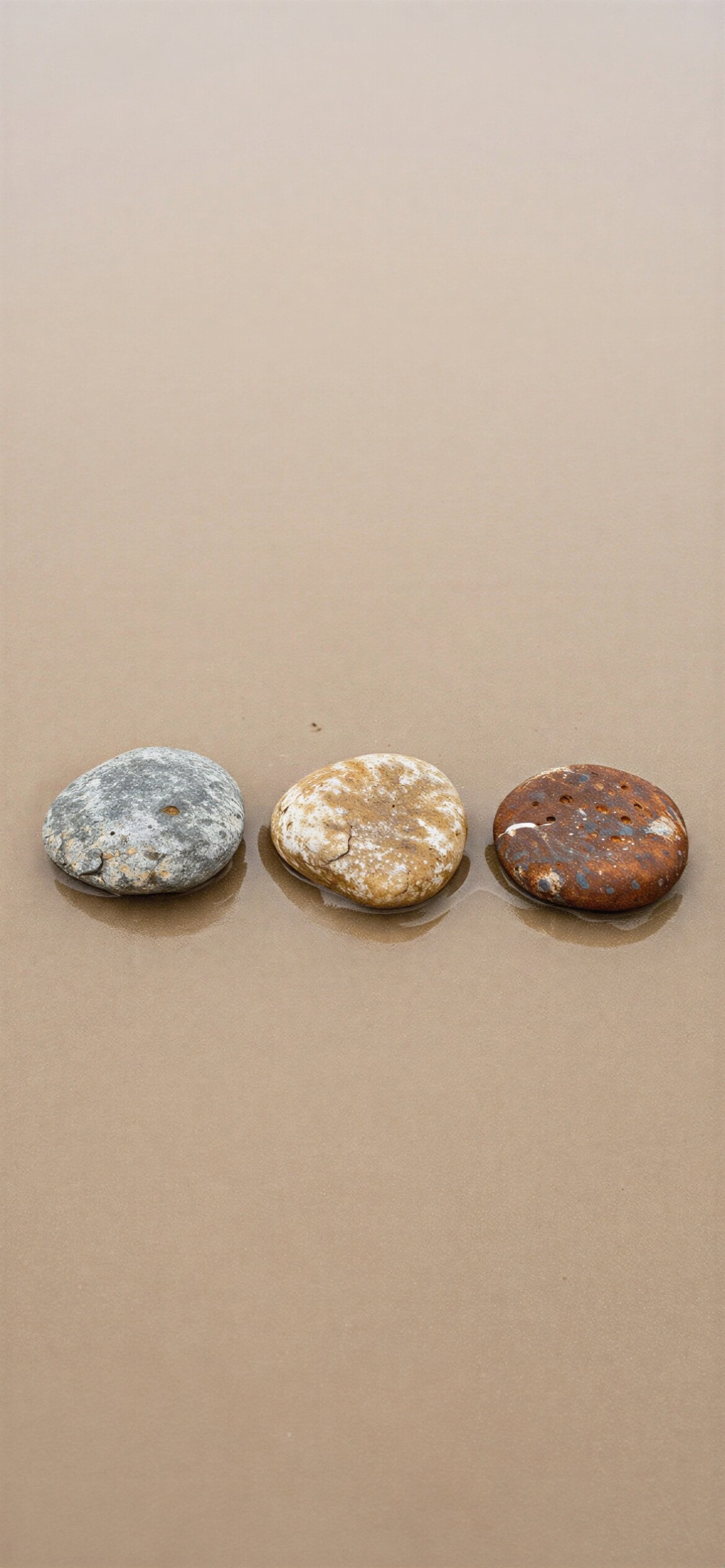
- Three smooth stones on wet sand. Pebbles get their rounded shape from years of water and sand rubbing away their corners. A quiet, grey option.
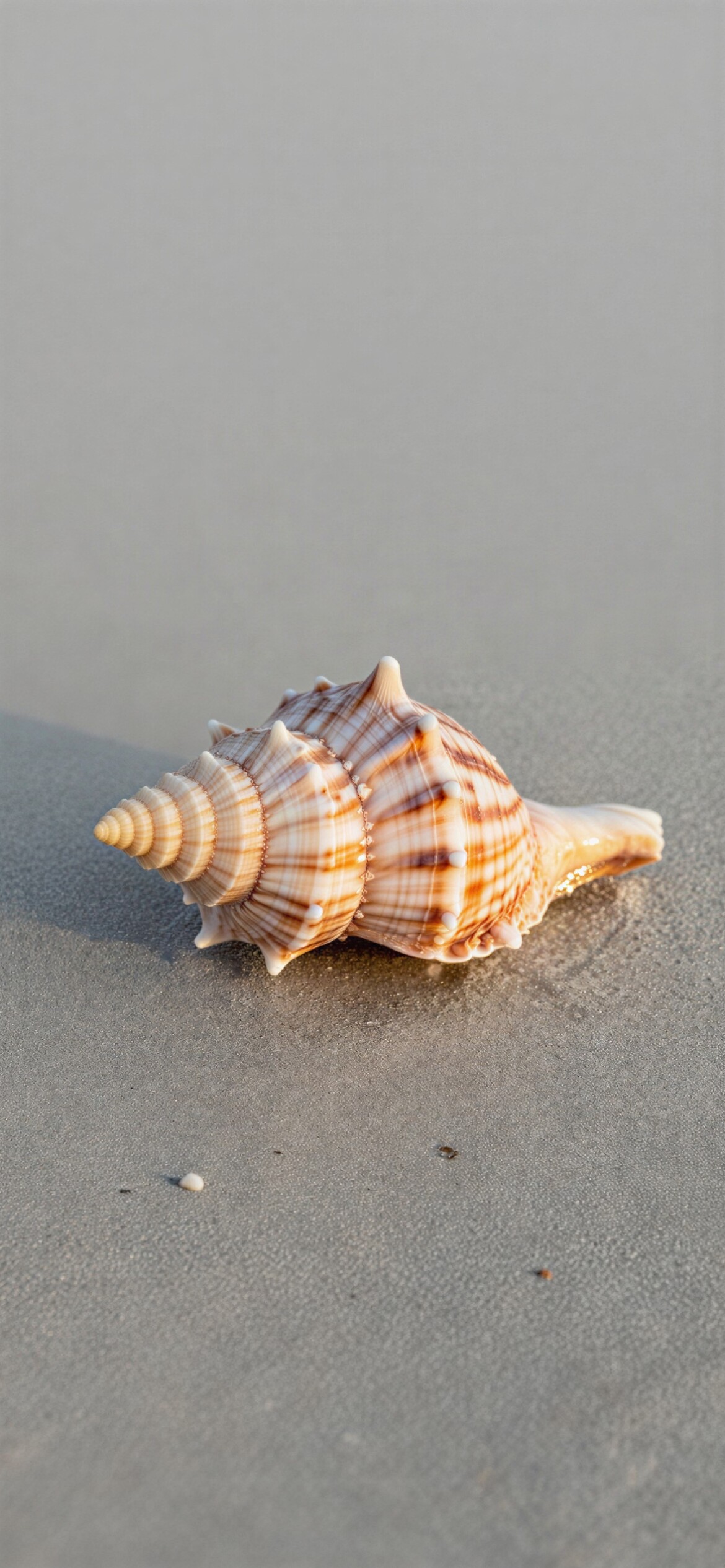
- A spiral seashell in golden hour light. The shell grows only at its open end, adding wider turns while keeping the same shape.
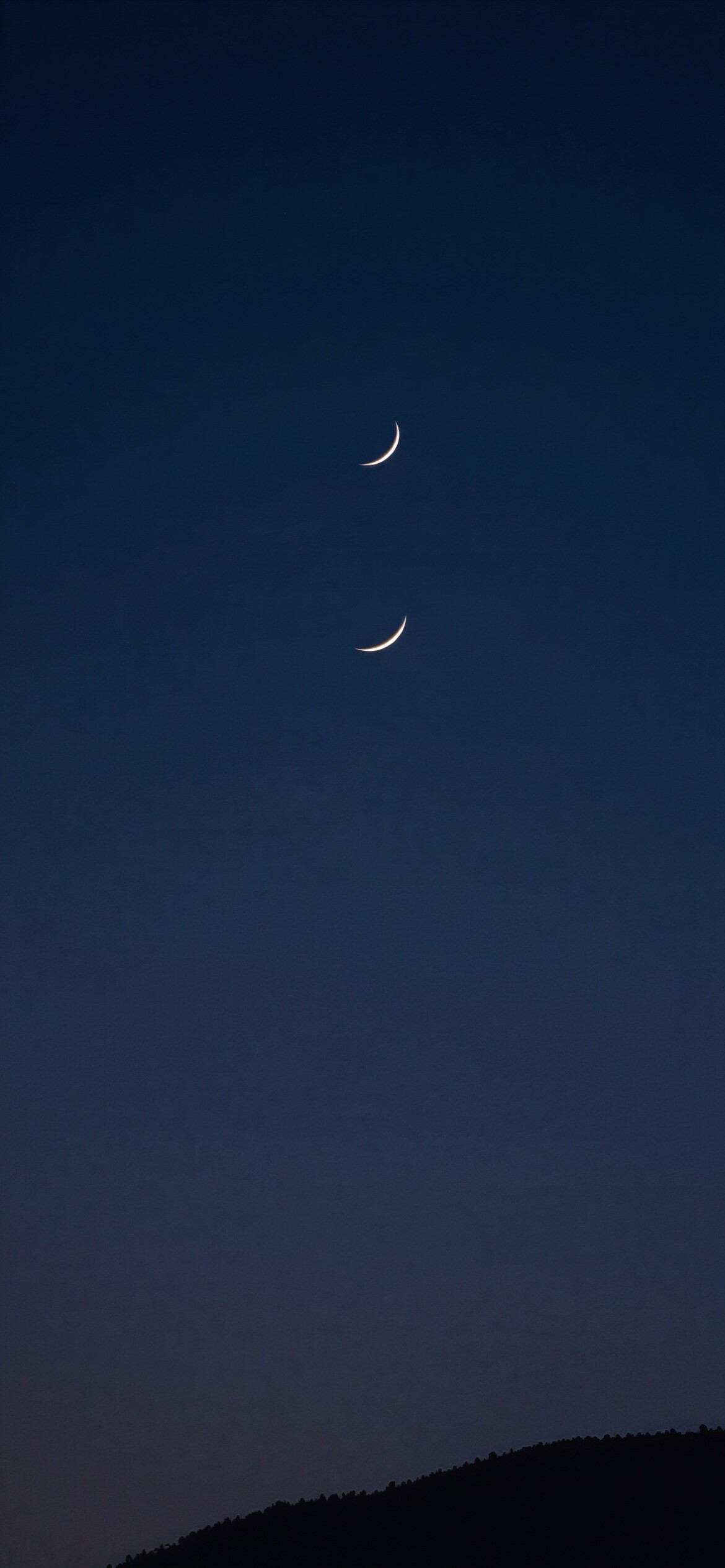
- Stars, a crescent moon and a mountain silhouette. Stars twinkle because moving air in our atmosphere bends their light, while the planets and the Moon look steadier.
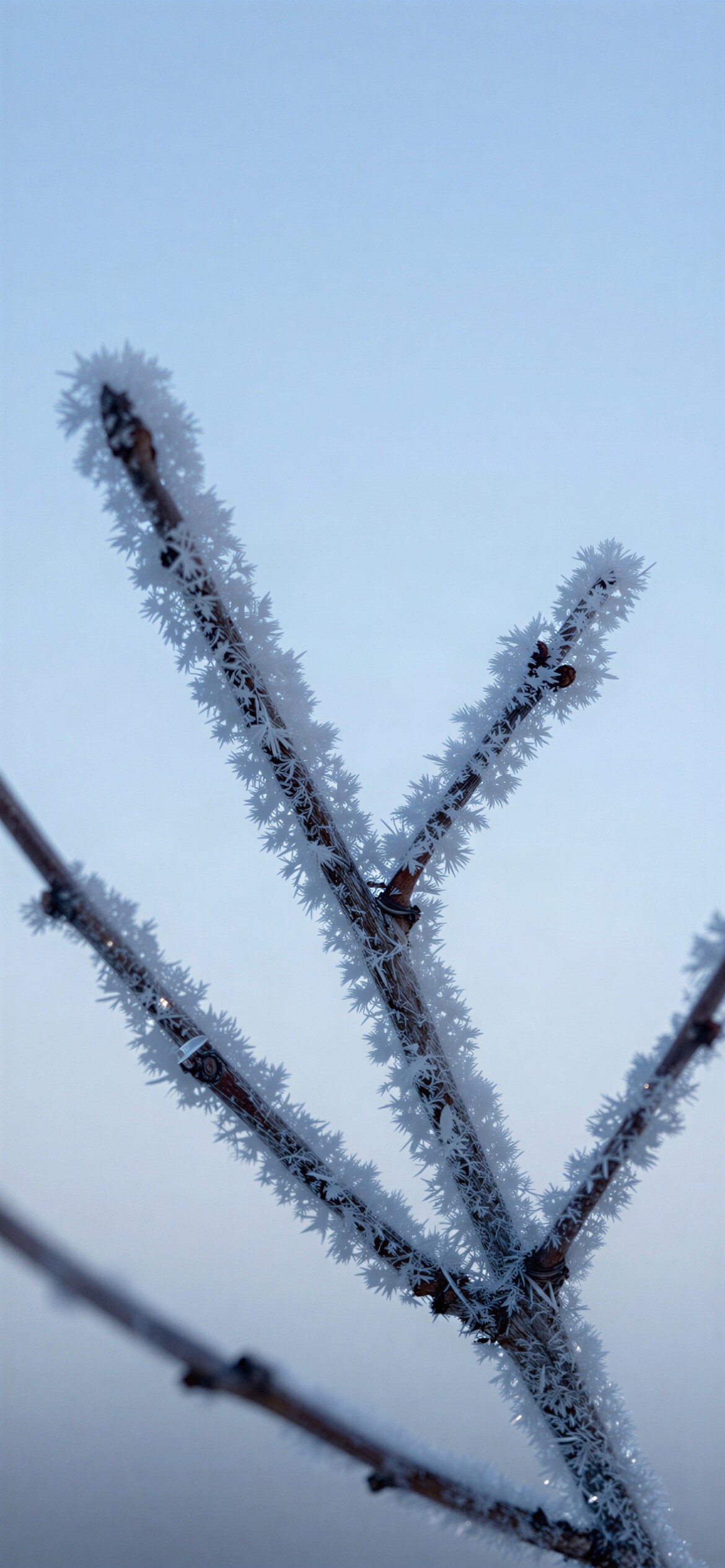
- Frost crystals on a dark branch in blue morning light. Ice crystals branch out in six directions, for the same reason snowflakes have six arms.
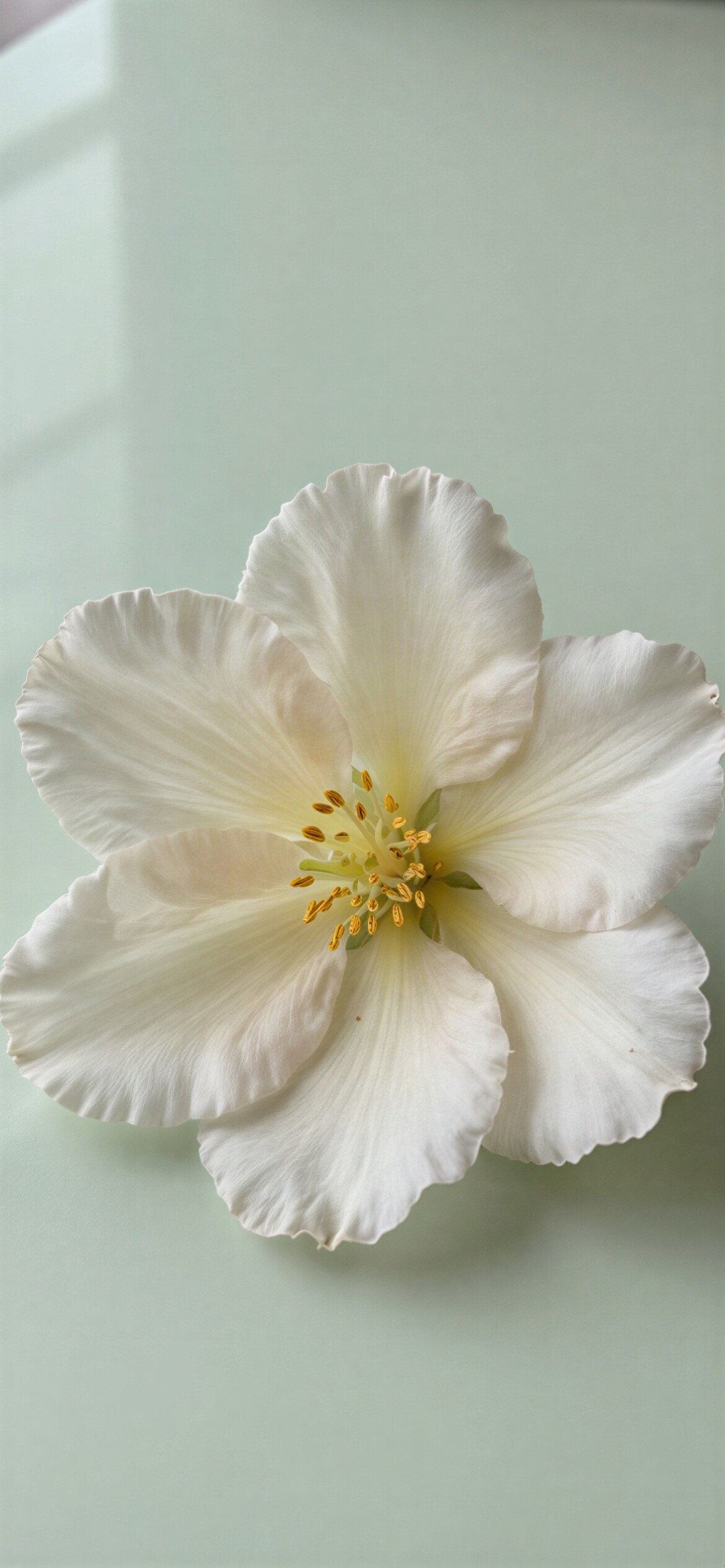
- A single flower seen from above. Looking straight down shows how evenly the petals are spaced around the centre.
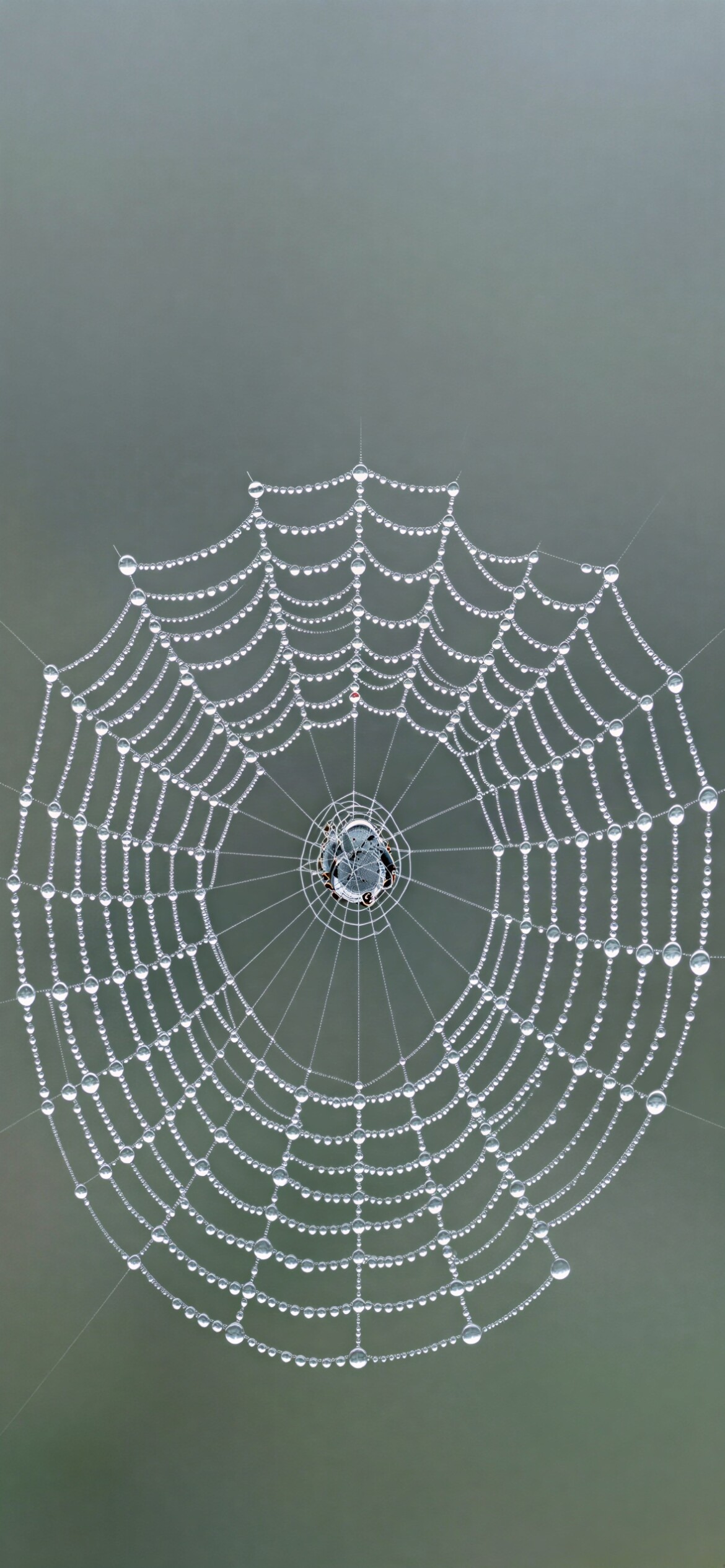
- A spider web covered in droplets. Water on a thin thread does not spread out evenly; surface tension pulls it into a row of beads.
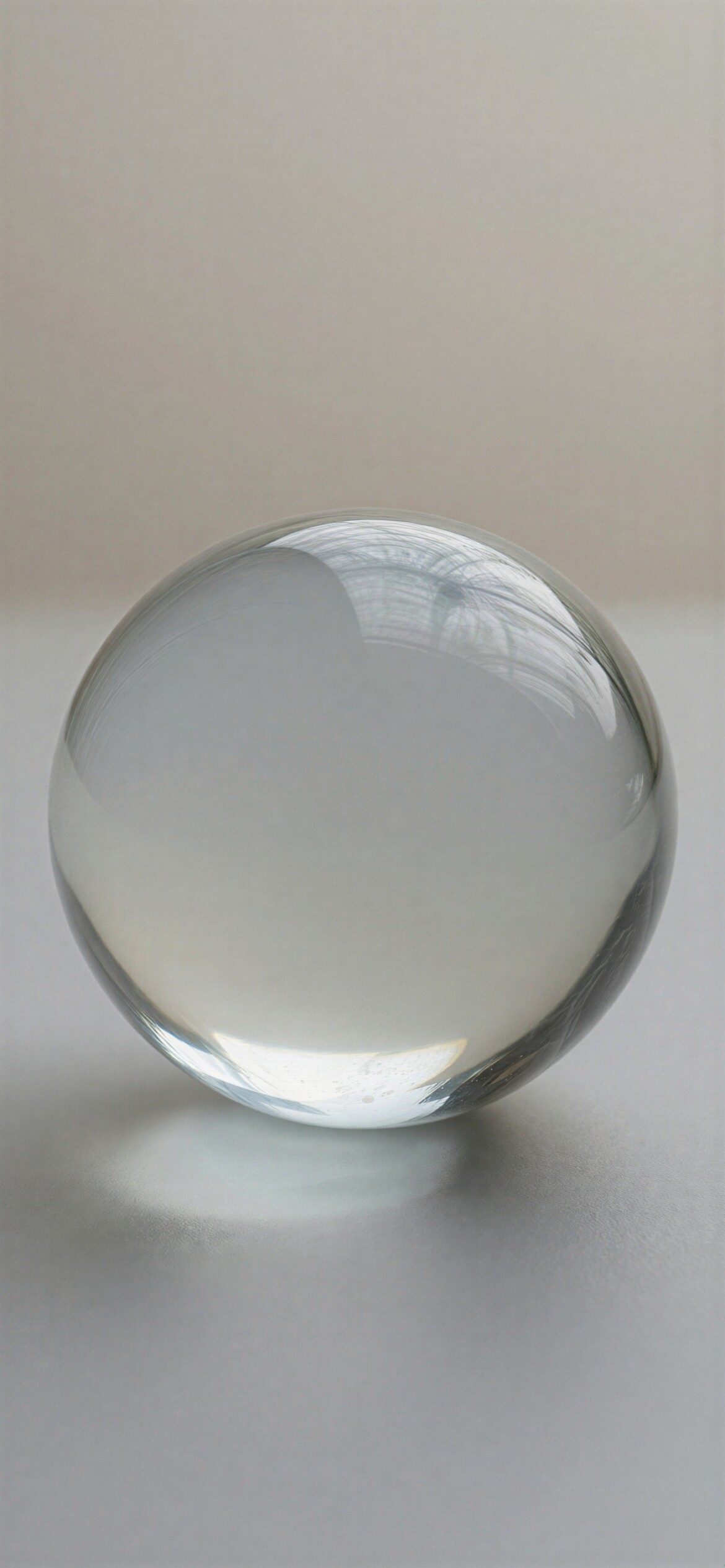
- A glass sphere under soft studio light. A solid glass ball bends light so strongly that the scene behind it appears flipped inside.
Six sides and a spiral
Two shapes turn up again and again in nature, and this set has both. Six-sided forms appear in the hexagon pattern of #2 and the frost of #7. Hexagons fit together with no gaps, which is why bees build their cells in that shape: it encloses the most space for the least wax. The spiral in #5 is the other one. Many shells grow close to a logarithmic spiral, a curve that gets wider at a steady rate and so looks the same at every size.
Cool blues, warm gold and soft neutrals
- Cool and clear: #6, #7 and #9, with night sky, frost and the glassy droplets on the web.
- Warm and glowing: #2, #3 and #5, lit by side light, warm light and late sun.
- Soft and neutral: #1, #4, #8 and #10, the gentlest backgrounds if you want your icons to stand out.
For more close-up nature, see the spider wallpapers and the ice wallpapers, or look up with the moon wallpapers.
How to set it on your iPhone
- Tap Download and save the image to Photos.
- Open Settings, tap Wallpaper, then Add New Wallpaper, and choose Photos.
- Pick the wallpaper, pinch to position it, then tap Add and choose the lock screen, home screen or both.
Stuck on a step? The iPhone and iPad guide has screenshots for each one.
Questions
What size are these wallpapers and do they fit my iPhone?
All wallpapers in this set are 1170 by 2532 pixels, sized for modern iPhones; some older models may crop slightly at the edges. Download and open the image in your Photos app, then go to Settings > Wallpaper > Add New Wallpaper to set it.
Can I use these wallpapers for personal use?
Yes, you can download and use these wallpapers free on your own iPhone for personal enjoyment. Selling them, printing them for sale, or reposting them on other wallpaper sites is not allowed. See our Terms page for the full license details.
Which wallpapers work best for my lock screen versus home screen?
Lock screen wallpapers should have the main subject in the lower half so the time display stays visible and readable. Try the water droplet, crystal, flower, shell or sphere designs. For home screens, choose simpler subjects like the stone, droplet or sphere so app icons remain clear and readable in the top half.
Do these science wallpapers work with both light and dark mode?
Yes. The frost crystal, honeycomb and mountain sky designs suit dark mode well. The flower, stone, shell and water droplet work better with light mode. The glass sphere and spider web work with both. Test each one on your iPhone to see which matches your icon colors and app layout.