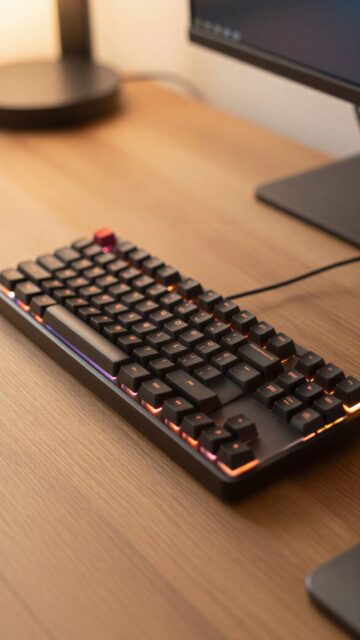
10 wallpapers in 1 collections · last added 3 Oct 2026 · sizes for iPhone, Android, desktop and tablet
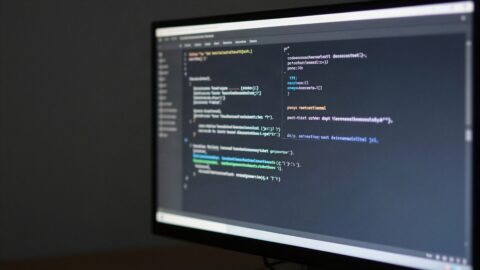
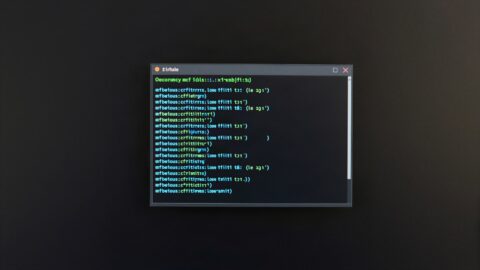
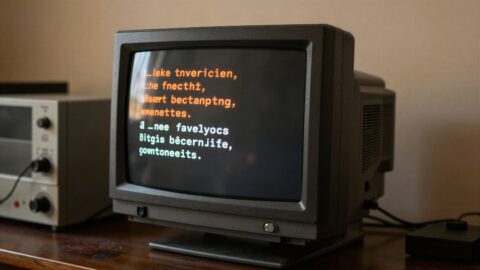
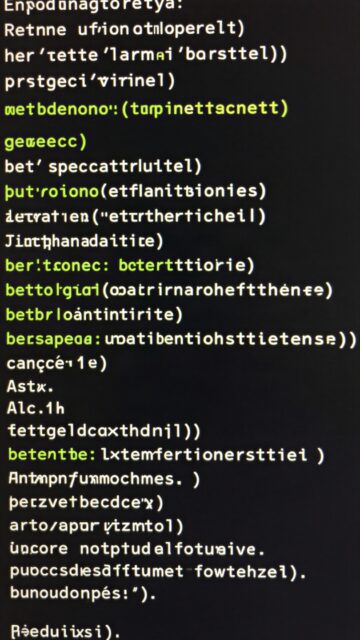
A Linux wallpaper gives your desktop a look that matches the open source system running underneath it. These Linux wallpapers cover clean command-line scenes, minimal geometric layouts, penguin-inspired mascot art, dark terminal windows with glowing text, abstract code patterns and calm, flat-color designs that suit a tidy tiling setup. Some are made for distro fans who like a technical feel, others simply offer a quiet backdrop for long work sessions. The theme belongs to the gaming section, alongside other tech-minded collections.
Each collection comes with 10 wallpapers in one size. Most Linux users will want the 3840x2160 desktop 4K sets, the 1920x1080 laptop versions or the 5120x1440 dual monitor format, though there are phone sizes as well: 1170x2532 for iPhone and 1080x2400 for Android. Every design is original and hand-checked before it goes live, including the crop for each device, and weak images are removed. They're free for personal use, with no sign up and no watermark.
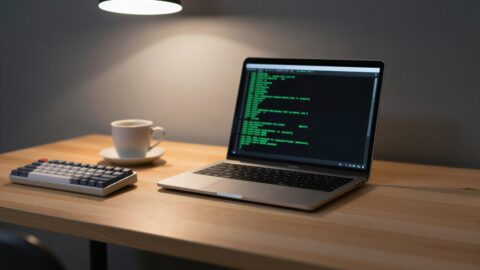
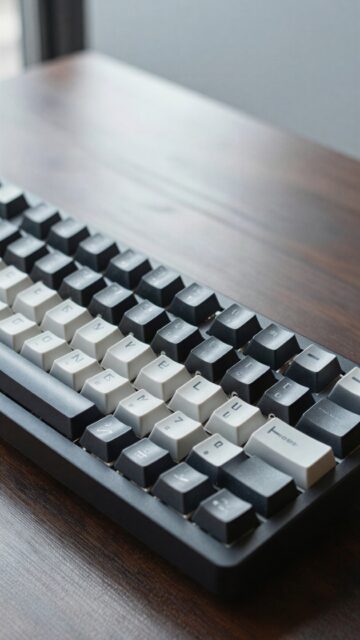
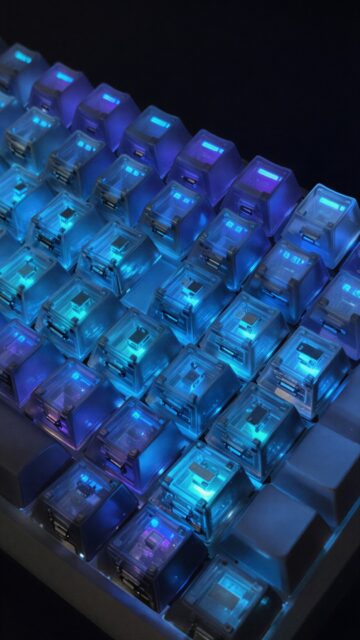
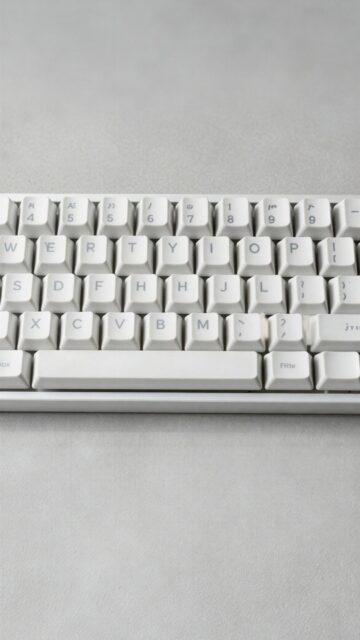
Many Linux desktops ship with their own clean, flat wallpaper styles, so users often look for designs that fit the same calm, geometric feel. Muted backgrounds with lots of empty space work well with panels, docks and tiling window managers, since windows rarely cover the whole screen. If you customize your theme, picking a wallpaper first and pulling your accent color from it is a common approach. Darker designs also keep a terminal readable when it has a transparent background, and they are easier on the eyes during late-night sessions spent compiling or tweaking config files. For a more dramatic coder vibe, check out hacker wallpapers, or see keyboard wallpapers if your desk setup is part of the hobby. Calm, uncluttered images also live in the minimalist archive.
If your terminal uses a transparent or blurred background, pick a dark, low-detail wallpaper, because busy images behind text make long command output hard to read.
Match your monitor. The 3840x2160 desktop sets fit 4K screens and also scale down cleanly to 1080p and 1440p. The 1920x1080 laptop version suits most laptops, and the 5120x1440 dual monitor format spans two 2560x1440 displays. Using a file equal to or larger than your screen keeps lines and text sharp.
It depends on your desktop environment. In GNOME and KDE Plasma, you can usually right-click the desktop and choose the background or wallpaper option, then pick your downloaded image. Lighter window managers often set the background with a small tool or a line in a config file, so check your distro's documentation.
Yes. Every theme comes in phone sizes, with 1170x2532 for iPhone and 1080x2400 for Android. Android itself is built on the Linux kernel, so a penguin or terminal design on an Android phone is a fun nod to the system's roots. Choose a darker design if you use dark mode.
Linus Torvalds announced the Linux kernel in 1991 as a personal project while he was a student in Finland. Combined with free software tools from the GNU project and many others, it grew into a full operating system that now runs on servers, phones, supercomputers and desktops worldwide.
The Linux mascot, Tux, was chosen in 1996 after Linus Torvalds mentioned his fondness for penguins. The well-known cartoon version was drawn by Larry Ewing. Penguin imagery has been tied to Linux ever since, which is why penguin-inspired art is a favorite for Linux desktops.
No. They're free for personal use on your own devices, but they can't be bundled with a distribution, included in a software package, used in commercial work or redistributed on other sites. That includes open source projects. Check the Terms of Use for what personal use covers.
Yes. Download the 5120x1440 dual monitor version, then use your desktop's span option if it has one; KDE Plasma and several tools support stretching one image across displays. If yours doesn't, split the image into two halves. The dual monitor guide explains the general approach.
New collections go up every day across the site, and tech themes like Linux are added from time to time. Visit the latest wallpapers page to see new arrivals in every category, sorted with the newest collections first, or check the daily pick for one featured image.
Every wallpaper is reviewed by a person before it goes live: we remove images with odd details or blur and check the crop for each device. How we check wallpapers
Something wrong with an image? Report an image · Free for personal use, see the Terms.