Forest Wallpapers

10 wallpapers in 1 collections · last added 9 Oct 2026 · sizes for iPhone, Android, desktop and tablet

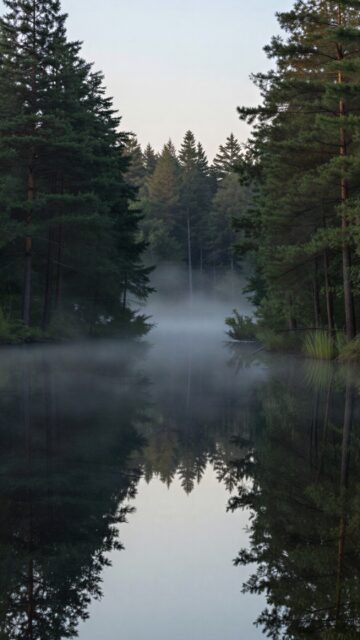
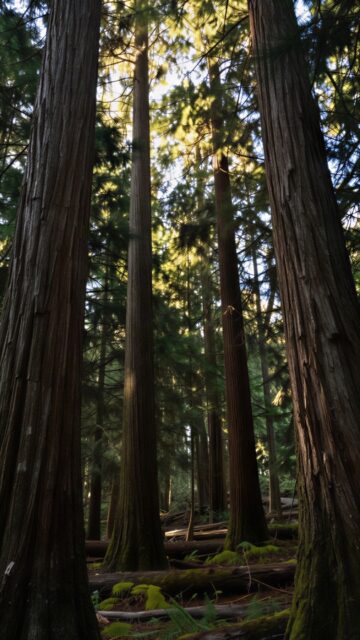
A forest wallpaper gives your screen the feeling of a deep breath among the trees. This collection covers forests in every mood: misty pine woods at dawn, sunbeams slanting through tall trunks, mossy paths, giant redwoods, birch groves in autumn gold, snowy evergreens and dark, mysterious woods at night. These forest backgrounds range from bright and peaceful to moody and cinematic, all with the deep greens and soft light that make woodland scenes so calming.

Collections come with 10 wallpapers in one theme and one size. Tall trunks fit phones perfectly, so you'll find iPhone wallpapers at 1170x2532 and Android at 1080x2400, while wide forest panoramas open up on a desktop 4K screen at 3840x2160 or a dual monitor at 5120x1440, with iPad and laptop sizes too. Every image is an original design and is checked by hand before it is published, with weak images removed, so fine branches and mist look clean. New collections are published every day, with seasonal forests arriving ahead of fall and winter.
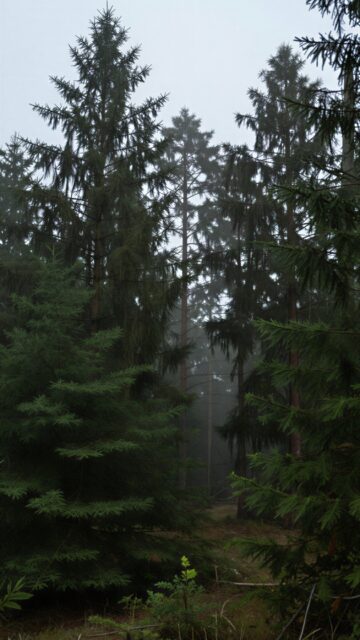
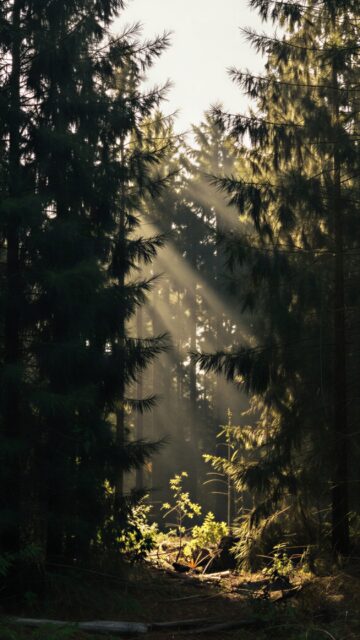
The season changes everything in a forest. Spring and summer woods are fresh and green, autumn forests glow in red and gold, and winter scenes with snow-heavy pines feel quiet and still. Misty or foggy forests are a favorite for dark, moody setups, and they look especially deep on OLED phones. For close-up woodland details, see our woodland wallpapers and mushroom wallpapers, and for tropical greenery, the jungle wallpapers take a wilder turn. A path leading into the trees makes a strong lock screen, while dense canopy and leafy textures sit well behind a home screen full of icons and widgets.

  • Misty scenes keep white clock digits readable.
  • Tall trunks suit portrait phone screens.
  • Dark green pairs well with dark mode.

Expert tip

For a lock screen with a depth effect, choose a forest image with one clear tree or a path in the foreground and soft mist behind it, so the subject stands out from the background.

Color palette

#0E1F17#1F3D2B#3E6B48#8FA98B#D9E4D3

Forest wallpaper FAQ

What size forest wallpaper should I download for my phone?

Choose 1170x2532 for an iPhone and 1080x2400 for an Android phone. These tall portrait sizes suit tree trunks and forest paths, so more of the scene stays in view. If your phone crops the sides slightly, a centered path keeps the composition balanced. The iPhone guide shows how to set it.

Should I use a forest scene on my lock screen or home screen?

Forests with a clear path or a beam of light make a great lock screen, since the eye follows the path past the clock. Dense trees, moss and leafy canopy are better for the home screen, where the even texture keeps icons readable and nothing important gets covered.

What is forest bathing?

Forest bathing, or shinrin-yoku, is a practice that started in Japan in the 1980s. It simply means spending slow, mindful time in a forest, paying attention to the sights, sounds and smells around you. Many people find it relaxing, and a calm forest wallpaper is a small reminder to take a break and breathe.

What are the tallest trees in the world?

Coast redwoods, which grow along the coast of Northern California and southern Oregon, are the tallest known trees on Earth. Some individual trees are well over 350 feet tall. Their straight, towering trunks and soft light filtering through fog make redwood forests one of the most striking themes for tall phone wallpapers.

Do dark forest wallpapers save battery?

On phones with OLED screens, dark pixels use less power because they are dimmed or switched off, so a dark forest image can save a small amount of battery compared with a bright one. The effect is modest, but dark misty forests also look rich and deep on these displays, which is a nice bonus.

Are these forest wallpapers free?

Yes, they are free for personal use on your own phone, tablet, computer or watch, with no sign up and no watermark. You can't use them for commercial projects, sell them or redistribute them on another site. The Terms of Use cover the details.

How do I set a forest panorama across two monitors?

Download the dual monitor size of 5120x1440 and set it to span both screens instead of repeating. Wide forest scenes with a continuous tree line work best. Follow the dual monitor wallpaper guide for the steps on Windows and Mac.

How often are new forest collections added?

New collections are published to the site every day, and forest designs are added in every season, with autumn and snowy sets going up weeks early. Check the latest wallpapers page, or request a specific forest type through the contact page.

Curated and checked by the FreeWallpaperDaily experts

Every wallpaper is reviewed by a person before it goes live: we remove images with odd details or blur and check the crop for each device. How we check wallpapers

Something wrong with an image? Report an image · Free for personal use, see the Terms.