Linux Wallpaper
Linux wallpaper 4K brings clean code, terminal windows and tech aesthetics to your desktop. These wallpapers are free to download for Windows, Mac and Linux systems, no sign up needed. The set features a linux desktop wallpaper collection with monochrome terminals, glowing text, circuit patterns and minimalist system designs. Each image suits a wide monitor and pairs well with dark mode interfaces.
10 wallpapers at 3840 × 2160 px for Desktop 4K. Checked by hand on 3 Oct 2026.
About this set
This linux desktop wallpaper 4K collection features clean terminals, flowing code and minimalist tech aesthetics in dark tones. Each design emphasizes typography and glowing text elements against black and dark grey backgrounds, creating a professional atmosphere for developers and system administrators.
The wallpapers work best as full desktop backgrounds on wide monitors, where the open left composition leaves space for desktop icons and taskbars. Pair these images with dark mode themes and monospace fonts for a cohesive technical workspace. They suit home screen placement on Linux systems running GNOME, KDE or other desktop environments.
Terminals, old hardware and a few quiet desks
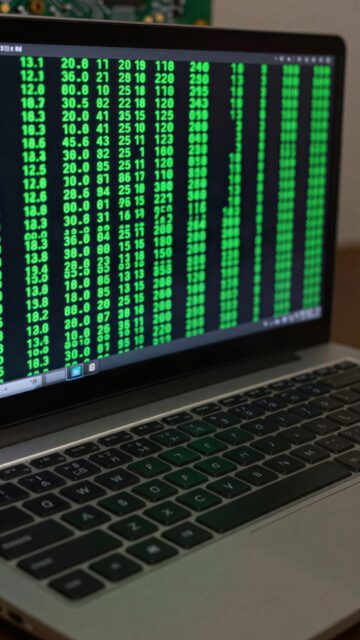
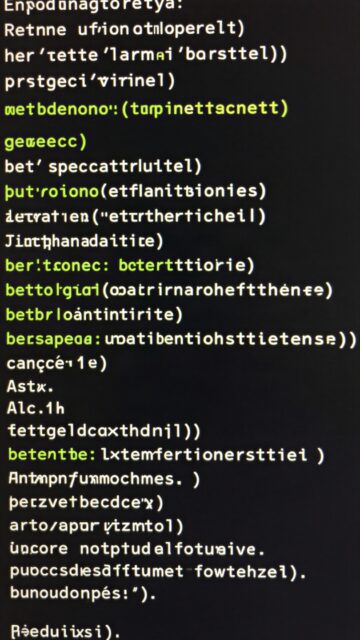
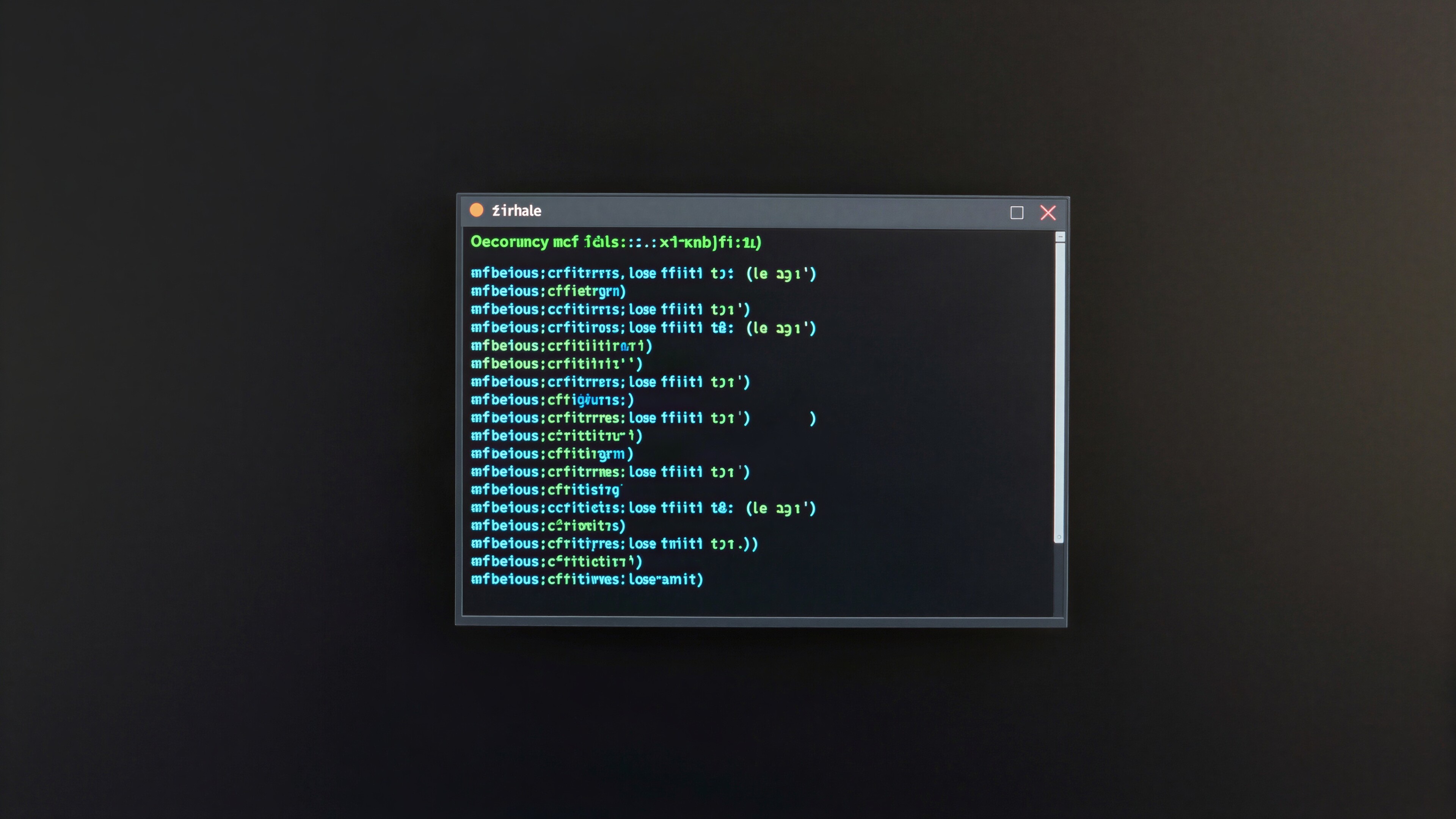
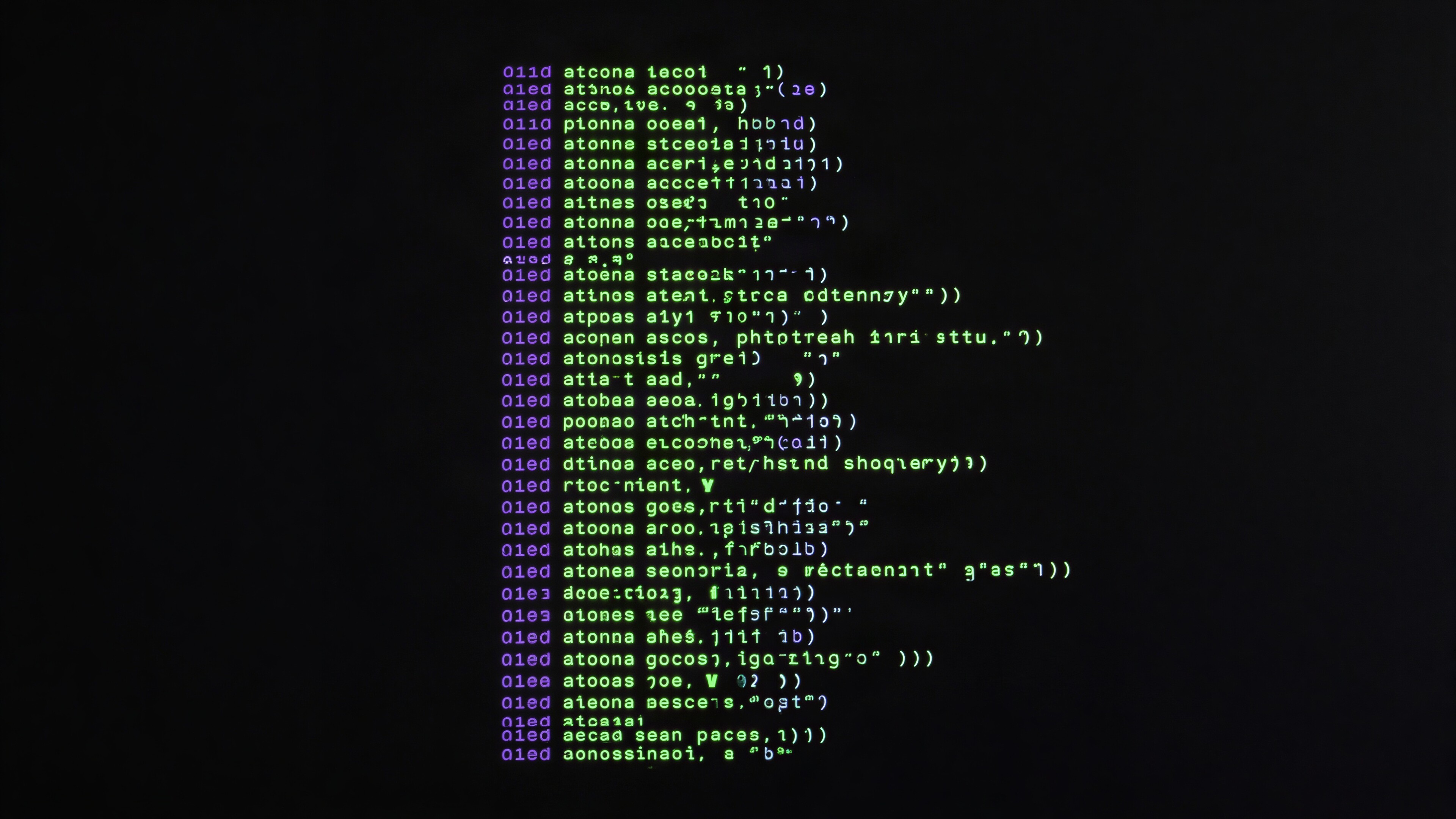
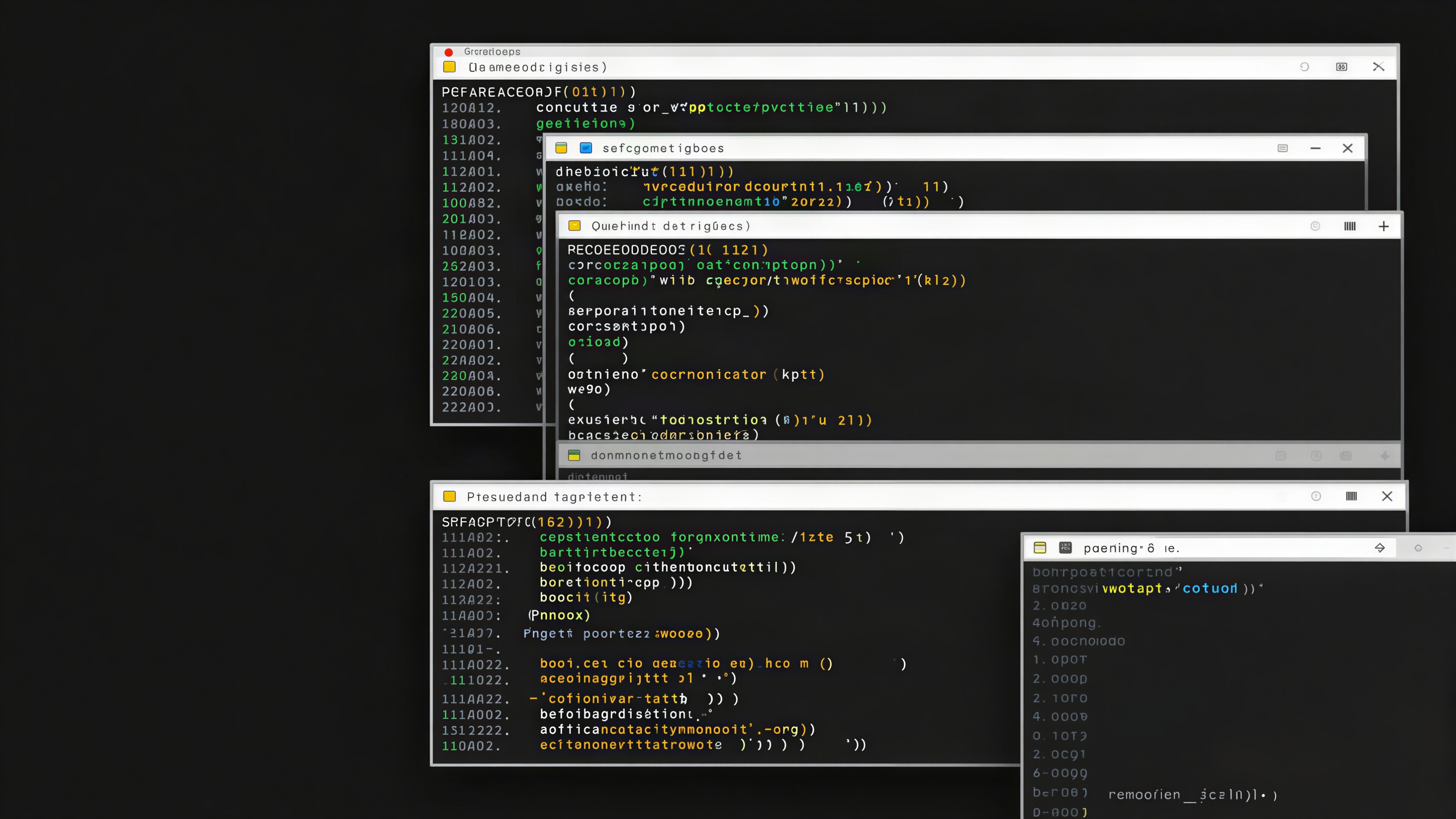
Four of the designs are pure screen. #2 is a monitor full of bright green code on black, #3 is a terminal with cyan and green prompts and file paths, #7 floats neon green and purple command lines on empty black, and #10 stacks several terminal windows with white, green and yellow text. These are the ones that look most like a working session.
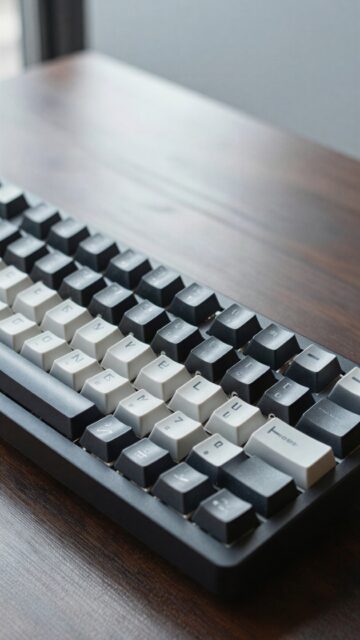
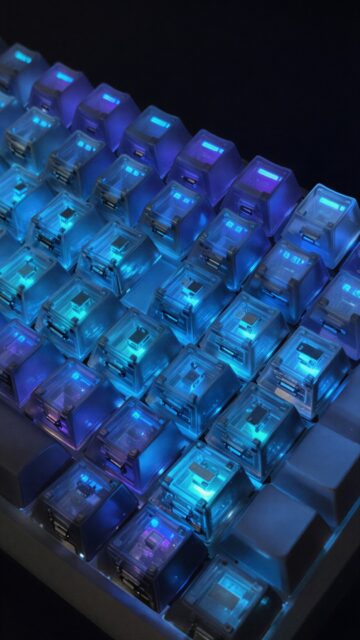
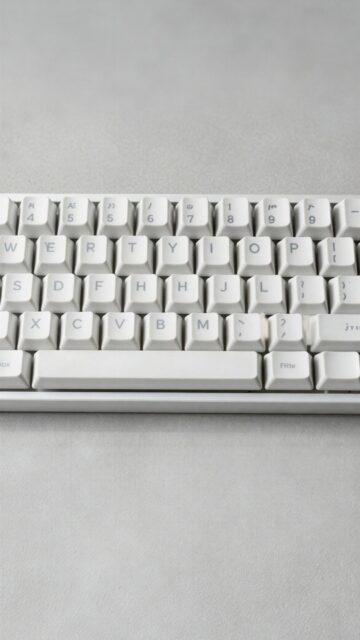
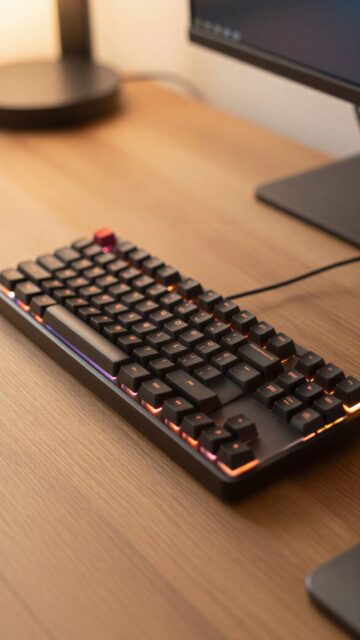
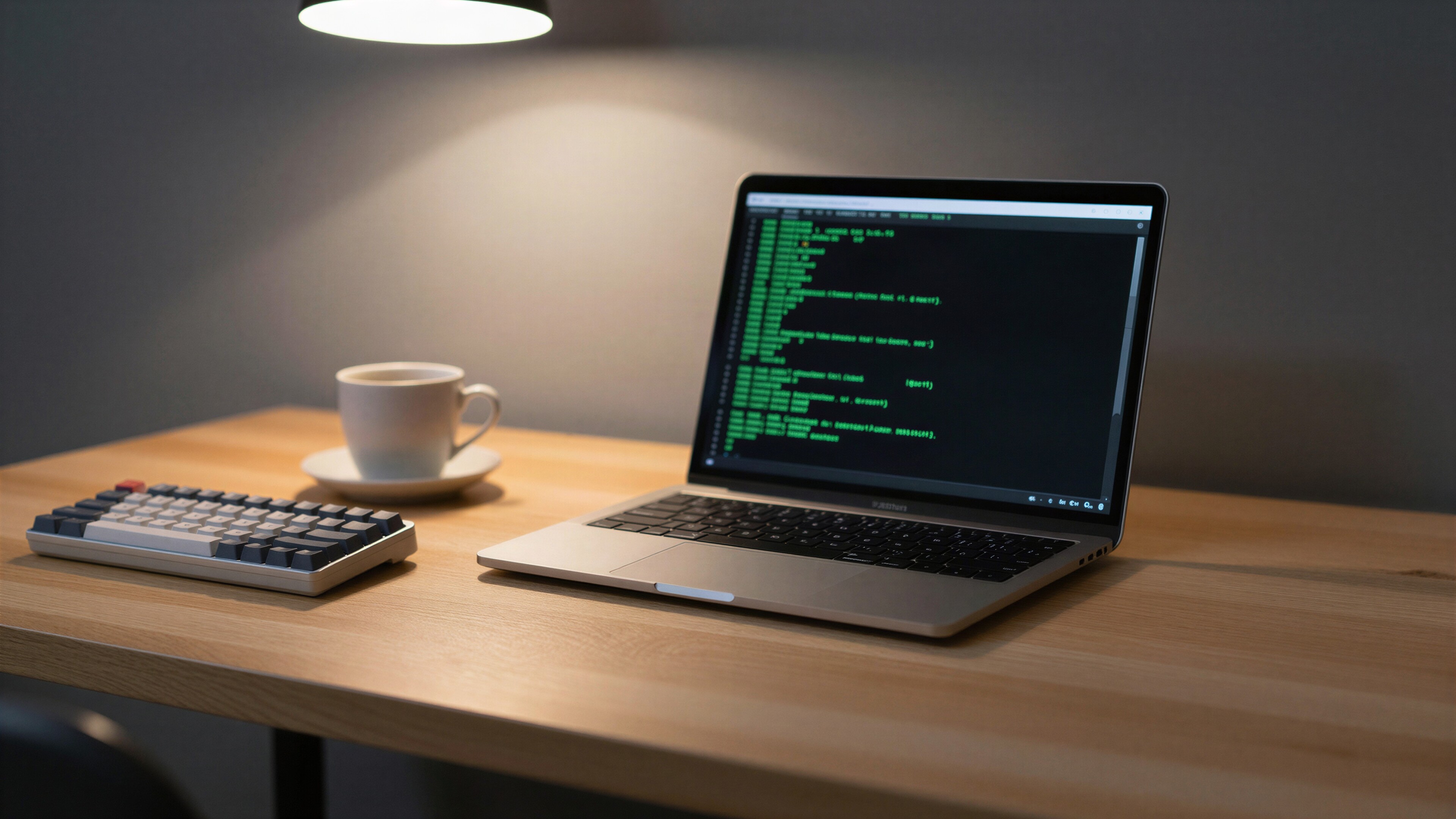
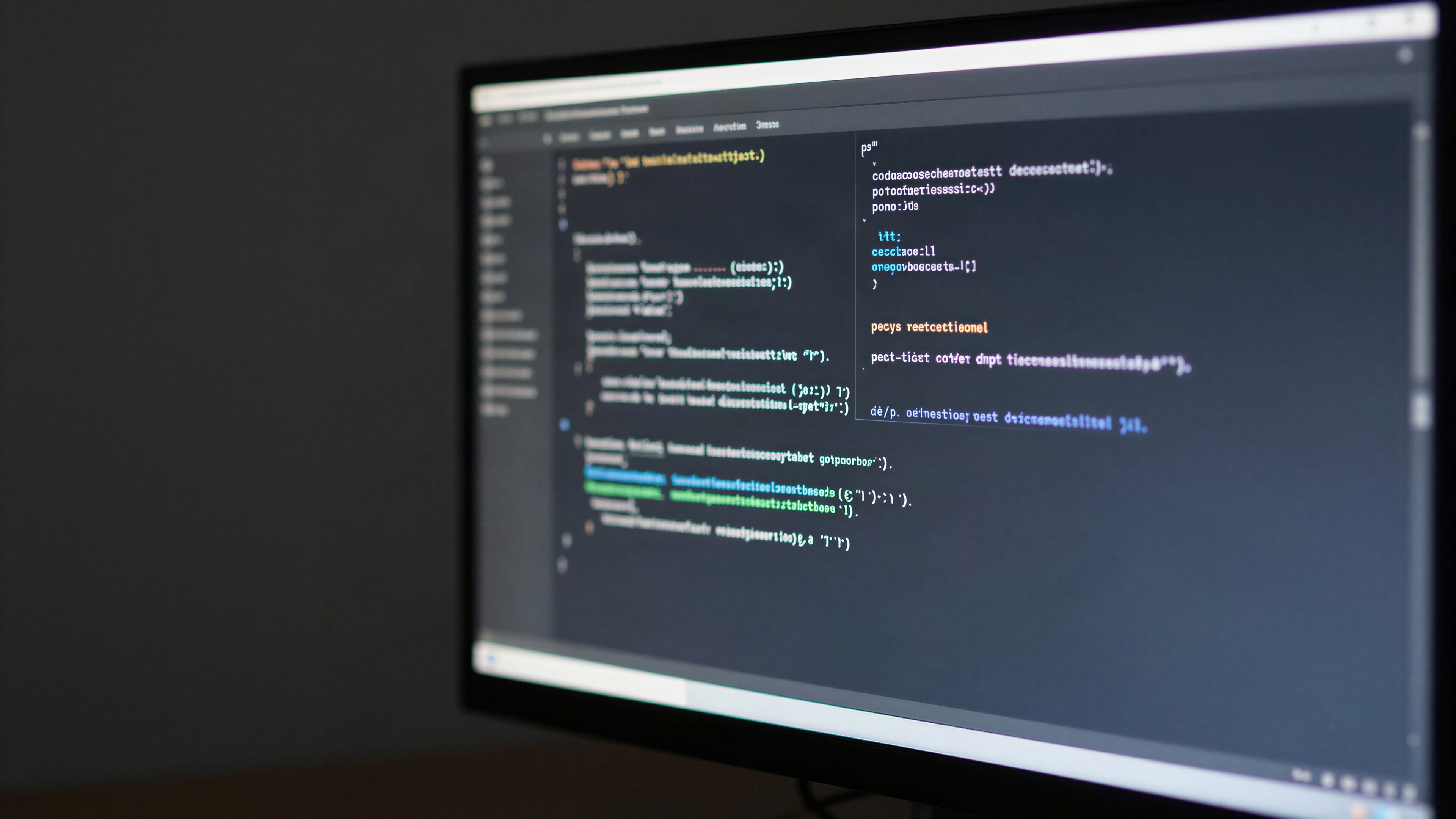
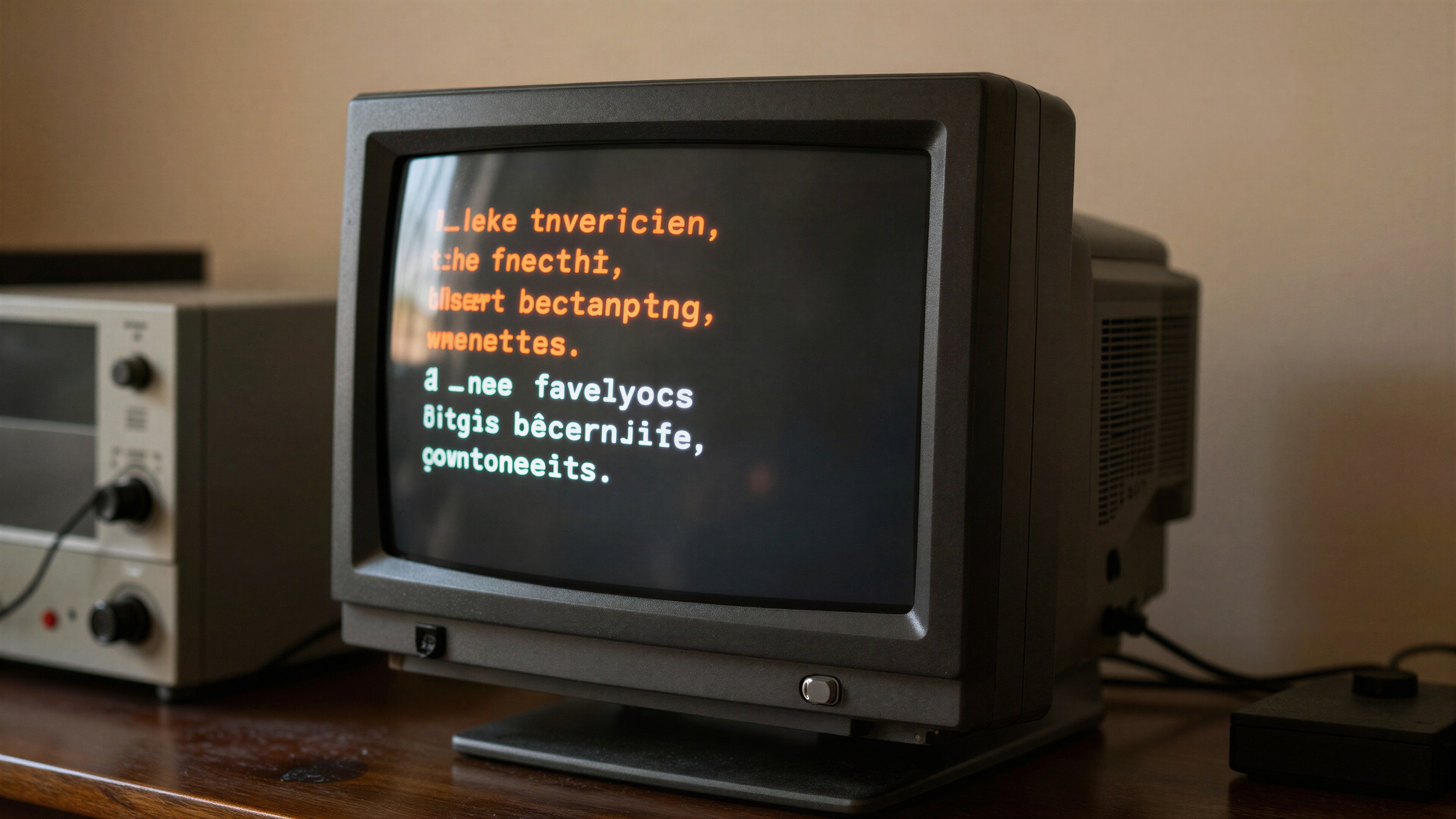
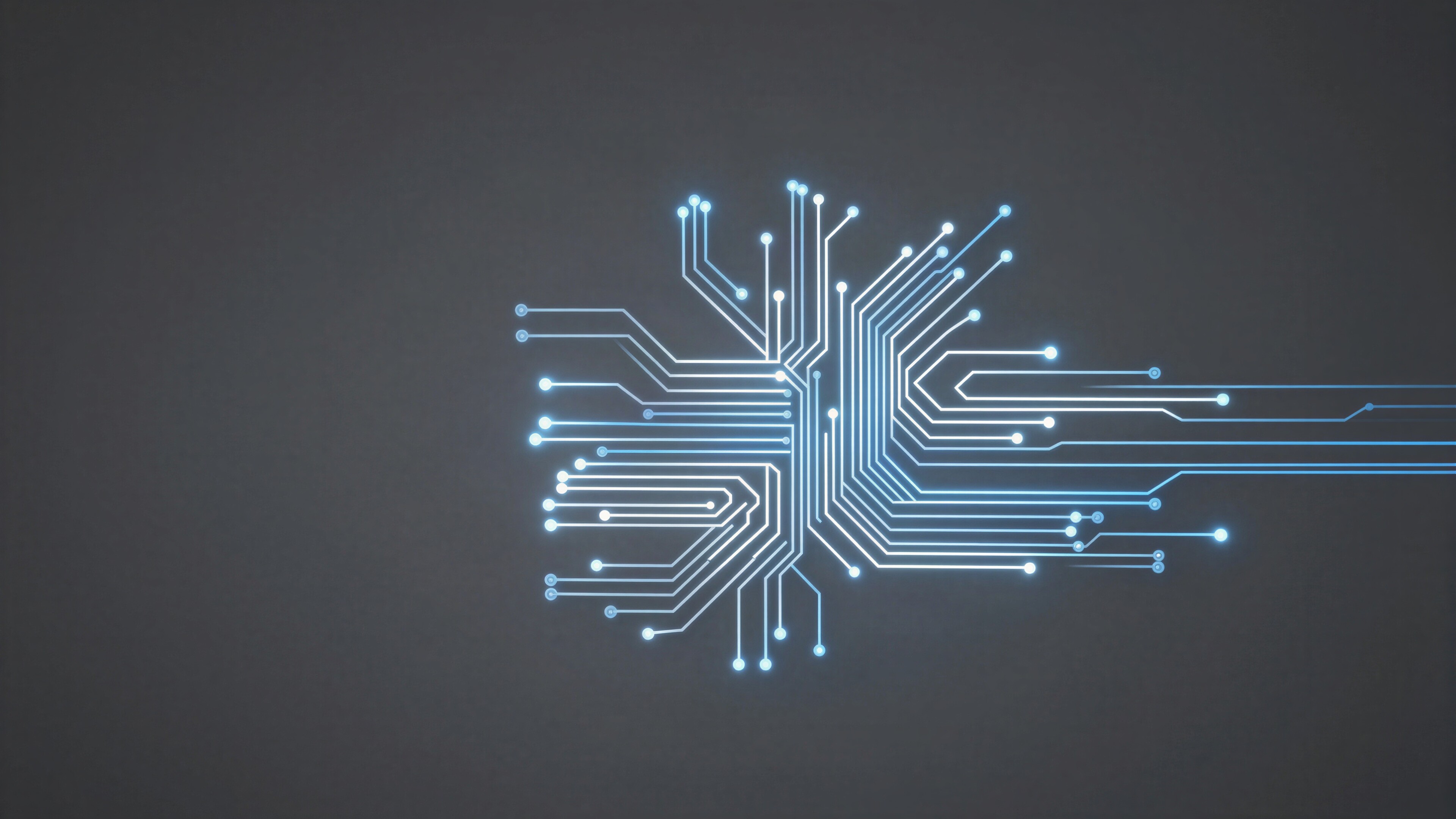
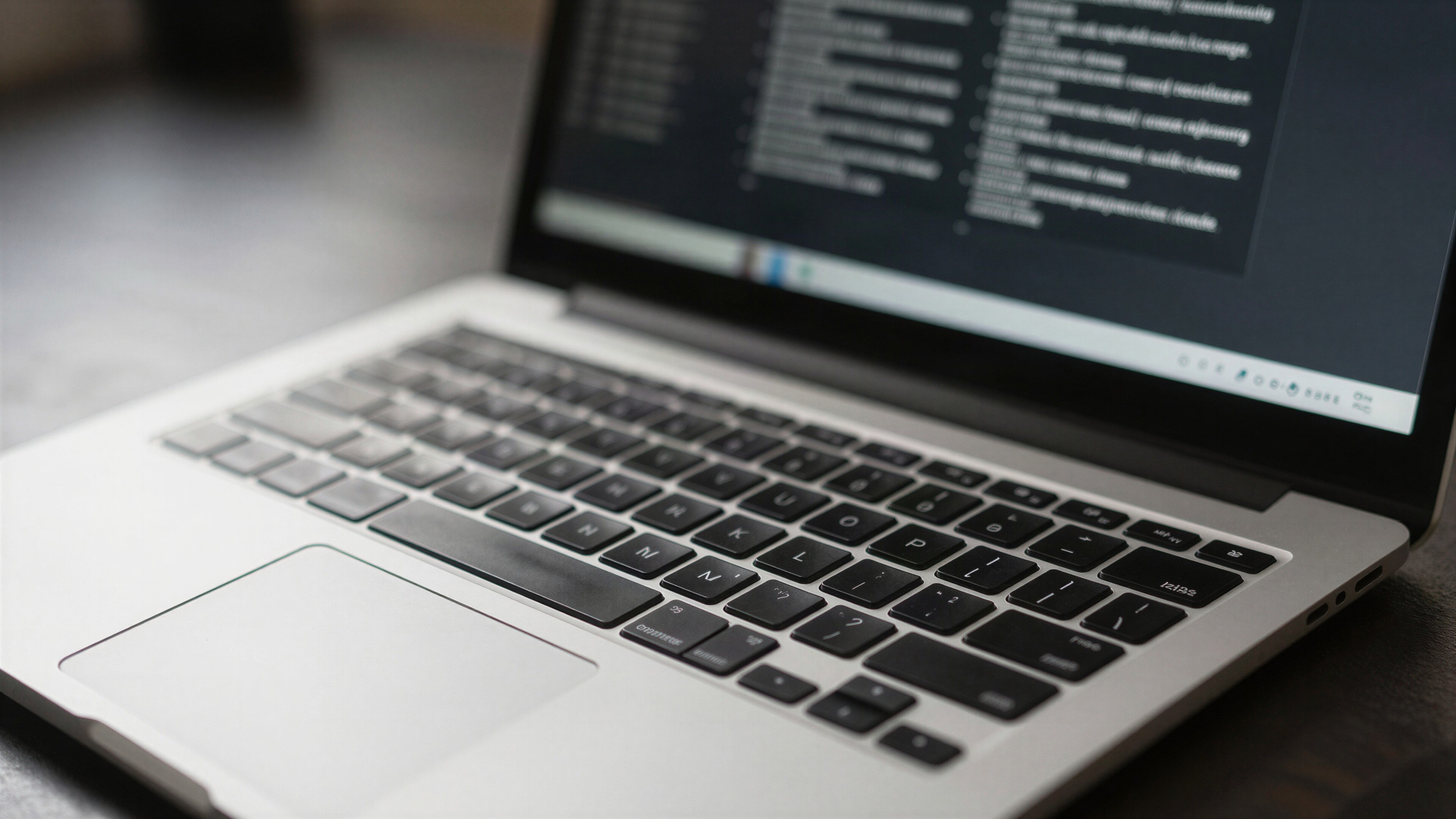
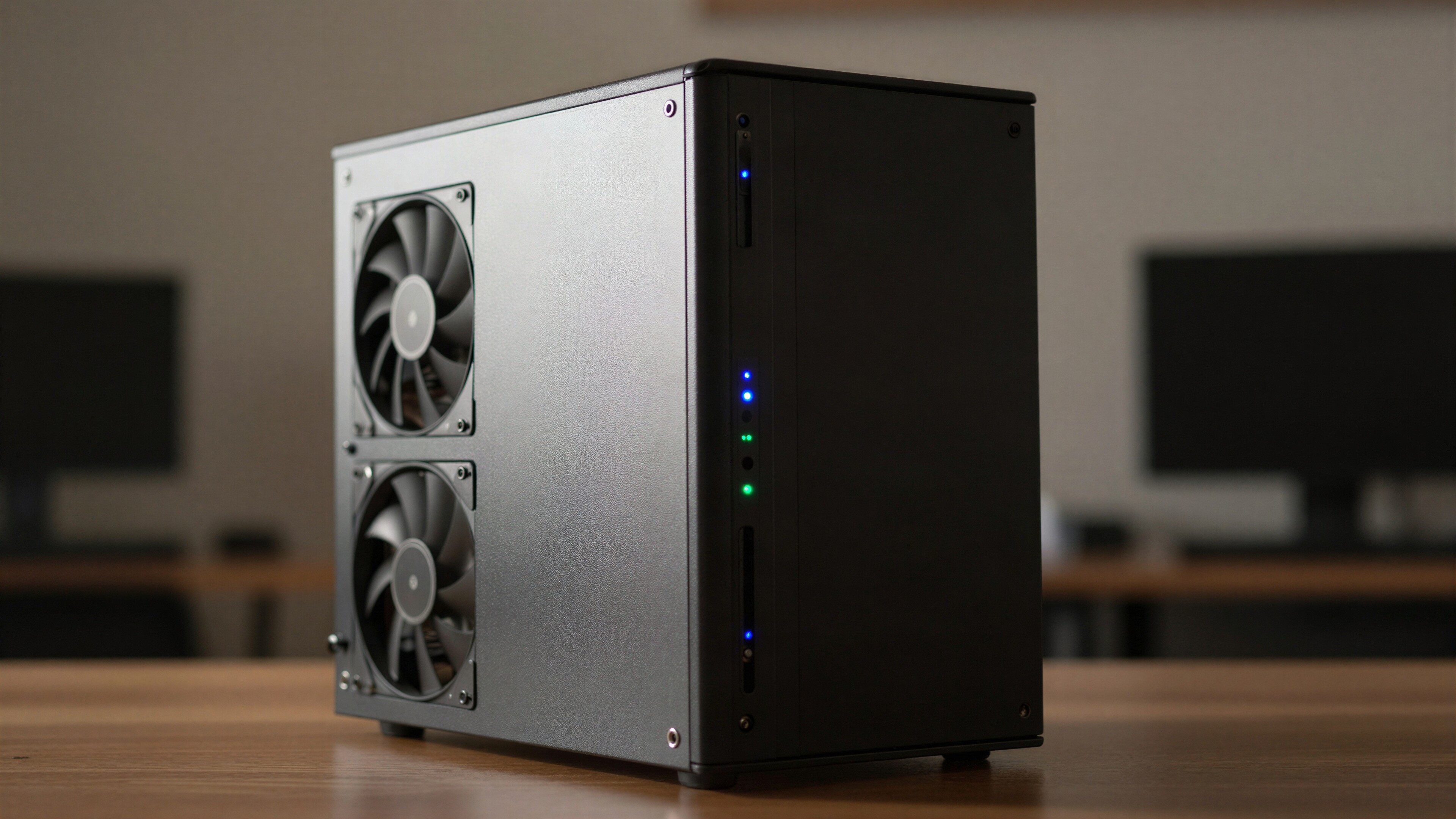
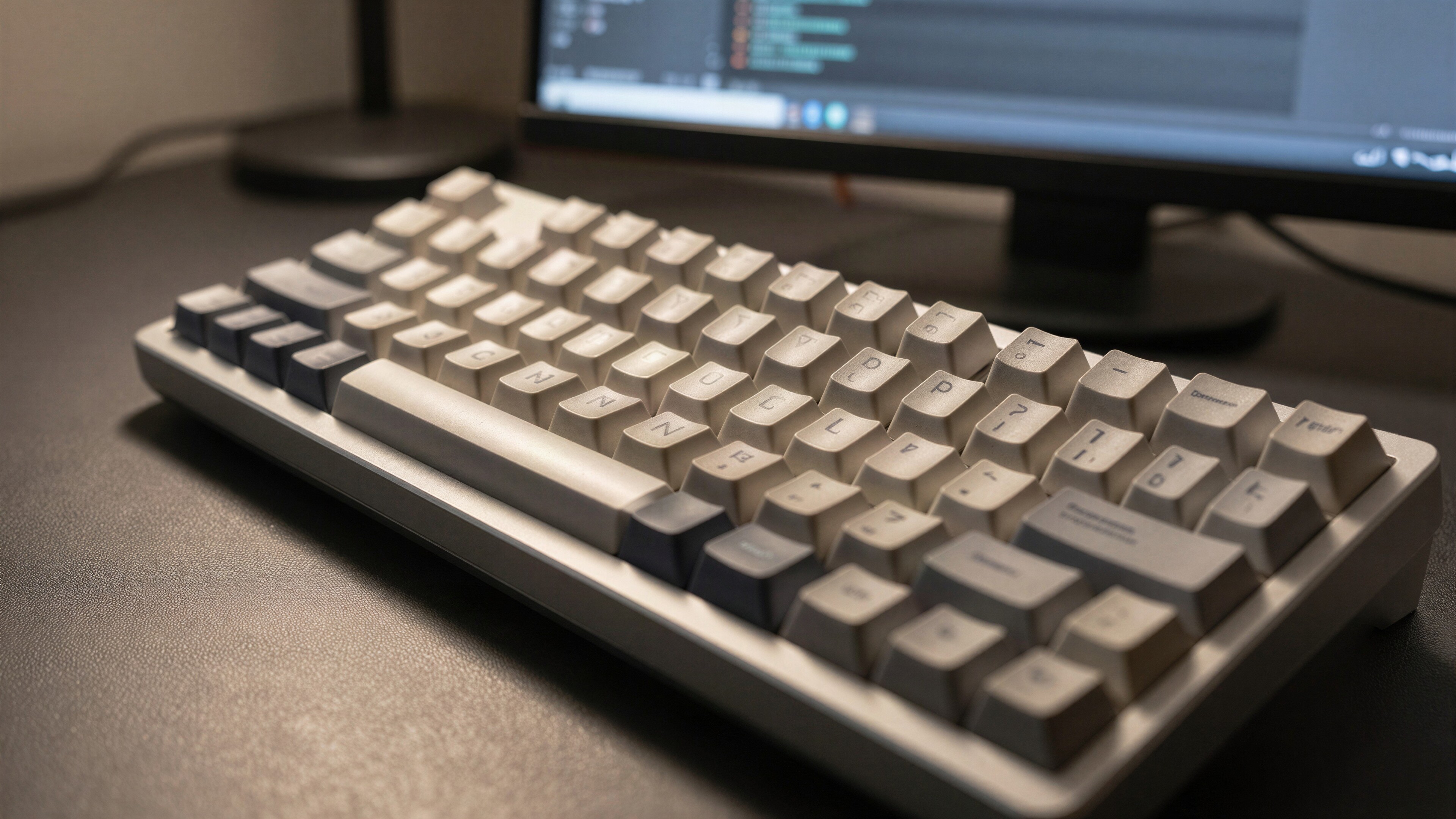
Three lean on the machines themselves. #4 brings back a vintage CRT monitor with orange and white commands on a dark wooden desk, #5 is a circuit board pattern with glowing nodes on dark grey, and #8 shows a desktop tower with blue and green LEDs. The last three are desk scenes: #1 and #9 pair a mechanical keyboard with warm lamp light and a terminal or blurred monitor, while #6 looks across a laptop keyboard toward a blurred system monitor.
From a hobby kernel to a penguin called Tux
Linux started in August 1991, when a Finnish student, Linus Torvalds, posted that he was writing a free operating system kernel, "just a hobby, won't be big and professional". It joined the tools of the GNU project, which Richard Stallman had launched in 1983 to build a free Unix-like system, and the two together became the systems people install today. Both borrow their command line habits from Unix, written at Bell Labs from 1969. The penguin mascot, Tux, was drawn by Larry Ewing in 1996. One small detail you can spot in shell screenshots: by convention a prompt ending in $ means a normal user, while # means you are working as root.
Picking a glow colour
- Classic green on black: #2, #3 and #7.
- Warm lamp light: #1 and #9, the cosiest of the set.
- Retro amber: #4, a nod to the amber monochrome monitors of the 1980s.
- Cool blue and white: #5 and #8.
- Mostly white text: #6 and #10, the most neutral of the set.
If you like this look, the hacker wallpapers and the keyboard set carry the same desk-at-night feel over to your phone.
How to set it on your computer
- Click Download to save the full-size image.
- On Windows, right-click the image and choose Set as desktop background.
- On a Mac, right-click the image and choose Set Desktop Picture, or use System Settings, then Wallpaper.
Stuck on a step? The desktop guide has screenshots for each one.
Questions
Will these wallpapers fit my 4K monitor?
Yes. This set is designed for 3840x2160 resolution and will display at full quality on 4K monitors without scaling or distortion. On ultrawide or curved displays, your desktop environment may add black bars depending on the exact aspect ratio.
Can I use these wallpapers commercially or share them elsewhere?
These wallpapers are free for personal use on your own devices only. Selling them, printing them for sale, or reposting them on other wallpaper sites is not permitted. See our Terms page for the full license agreement and permitted uses.
Which wallpapers work best for hiding desktop icons?
The designs with pure black backgrounds and minimal text clusters right of center work best for icon visibility. Images with dense code or bright terminal windows may reduce contrast with light-colored icons, so pair them with dark icon themes or place icons in the calm left third of the frame.
Do these linux wallpapers match dark mode interfaces?
Absolutely. Every image uses black, dark grey and muted tones with glowing accents, designed to blend seamlessly with dark mode in GNOME, KDE, Cinnamon and other desktop environments. The high contrast text ensures readability over the wallpaper background.