Pastel Christmas Wallpaper iPhone
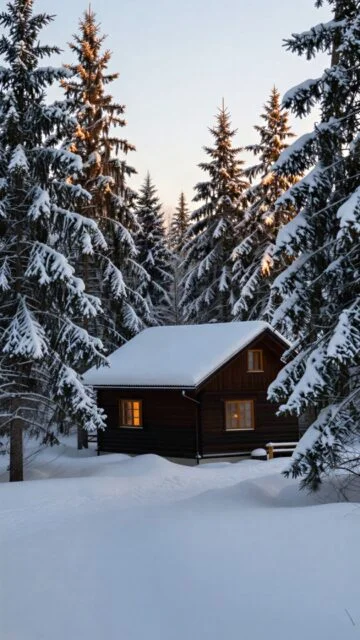
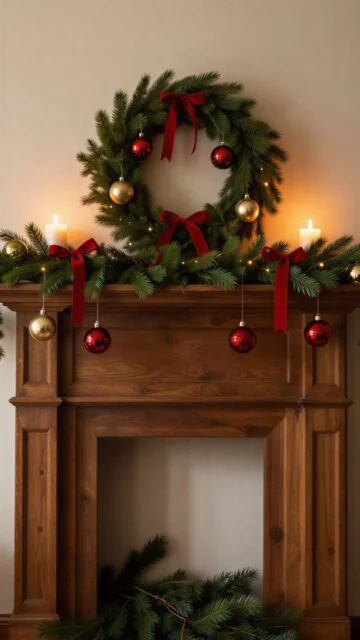
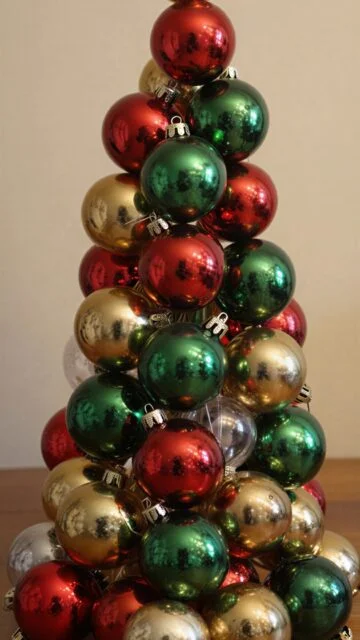
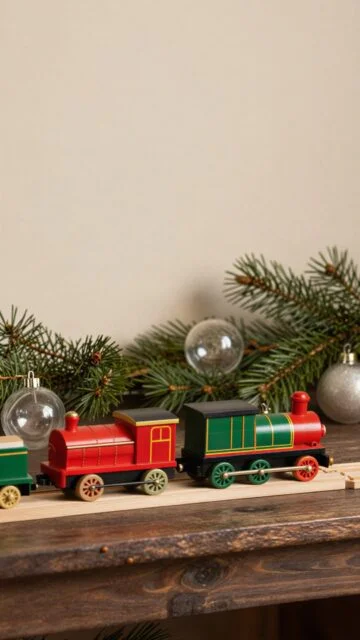
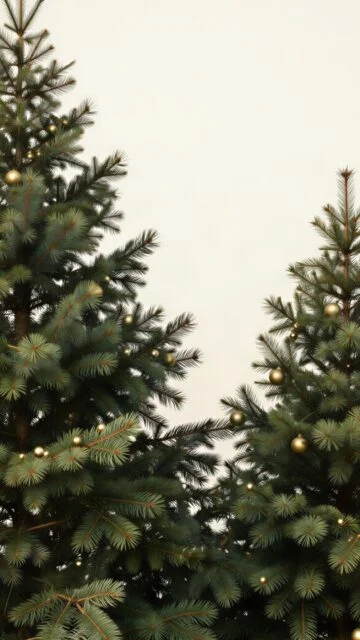
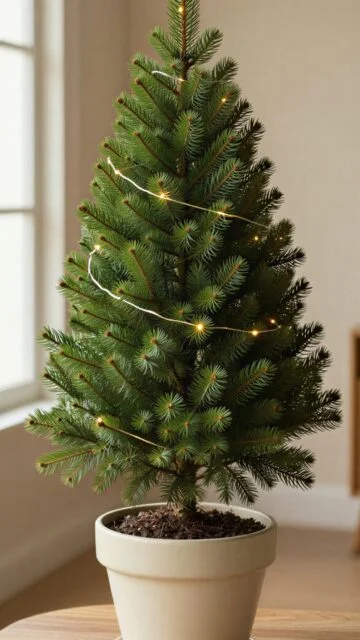
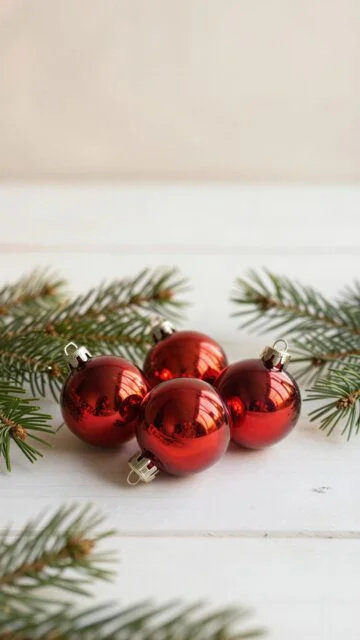
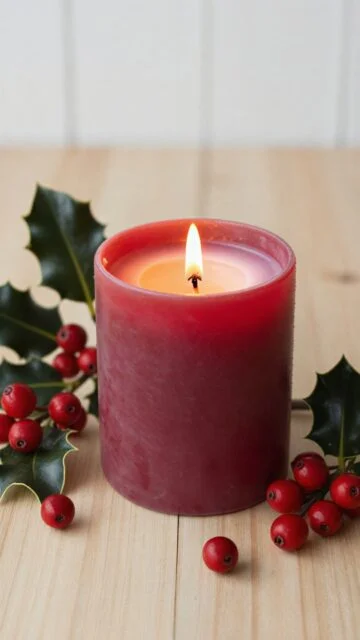
Pastel christmas wallpaper iphone brings soft, muted holiday colors to your phone with gentle designs that feel calm instead of loud. These wallpapers feature Christmas subjects like ornaments, garland, candles and snow in pale pinks, mint greens, soft blues and warm creams that work beautifully on iPhone screens. The pastel palette gives classic Christmas imagery a modern, relaxed look that suits anyone who wants festive decorations without bright reds and greens. Each wallpaper uses a tall vertical format sized for modern iPhones, with simple backgrounds at the top and main subjects positioned in the middle or lower half. This set works year-round for December decorating and pairs well with minimal app layouts or monochrome icon packs. The designs are original artwork, curated and checked by hand before publishing.
10 wallpapers at 1170 × 2532 px for iPhone. Checked by hand on 21 Nov 2026.
About this set
These pastel Christmas wallpapers feature soft, muted holiday imagery that replaces traditional bright reds and greens with gentle pinks, mints, lavenders, creams and cool greys. Each design shows recognizable Christmas subjects like ornaments, candles, garland, snow and wrapped gifts, but rendered in a calming, contemporary palette. The lighting is consistently soft and natural, with warm window light or cool overcast daylight that emphasizes texture over drama. Compositions use plenty of negative space, keeping the top quarter of each frame simple and plain so the designs work cleanly behind app icons and status bars. Fine details appear throughout: frost crystals on branches, fabric weave in ribbons, melted wax on candles and ceramic texture on ornaments, all visible in soft focus that feels photorealistic without demanding attention.
Wallpapers 1, 3, 6 and 8 work best as lock screens because their simpler compositions and focused subjects remain clear when covered by time, date and notification widgets. Wallpapers 2, 4, 5, 7, 9 and 10 suit the home screen, where their layered arrangements of objects and richer detail show properly behind app grids and are not obscured by interface elements. The lock screen designs emphasize single focal points or linear elements like branches and garland that read well in small spaces, while home screen designs feature grouped still-life arrangements that benefit from full visibility.
What each wallpaper shows
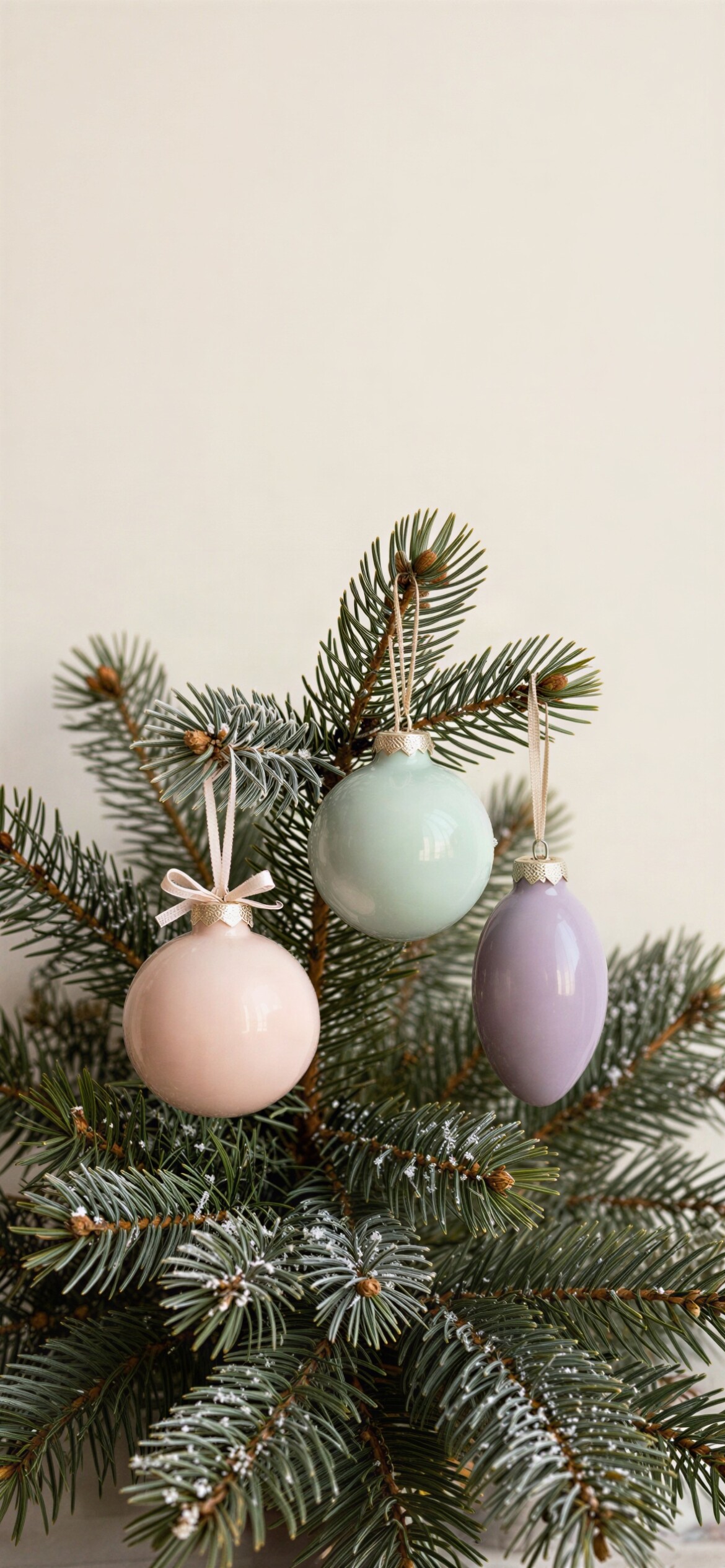
- Ornaments on branch: A frosted evergreen branch holding three hanging ornaments in coordinating pastels. Best for lock screen, where the simple branch composition stays readable behind widgets.
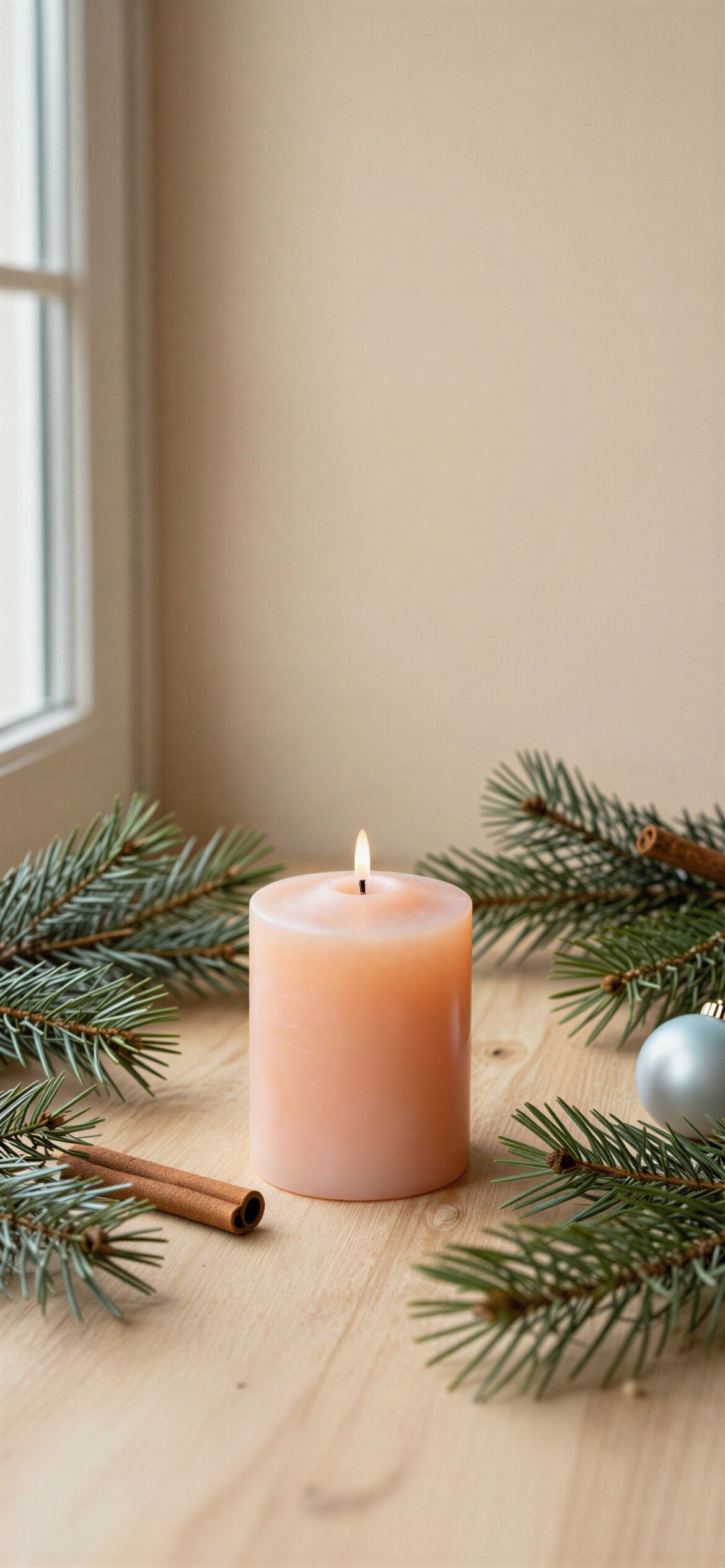
- Candle and spices: A single peach candle surrounded by natural elements. Strong lock screen choice due to its centered, singular focus and minimal background.
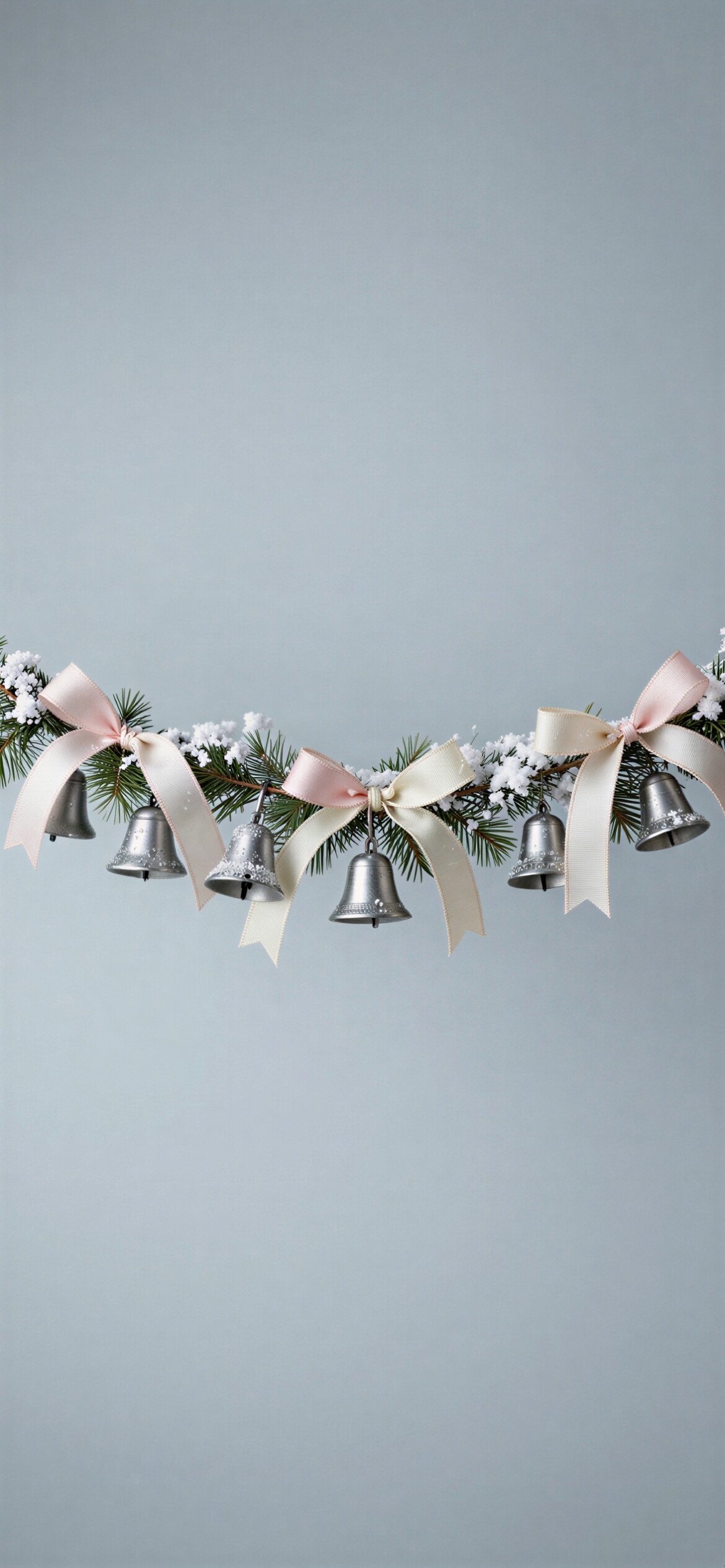
- Draped garland: A horizontal ribbon of garland with texture and detail. Works as lock screen because the linear composition stays clear with widgets overlaid.
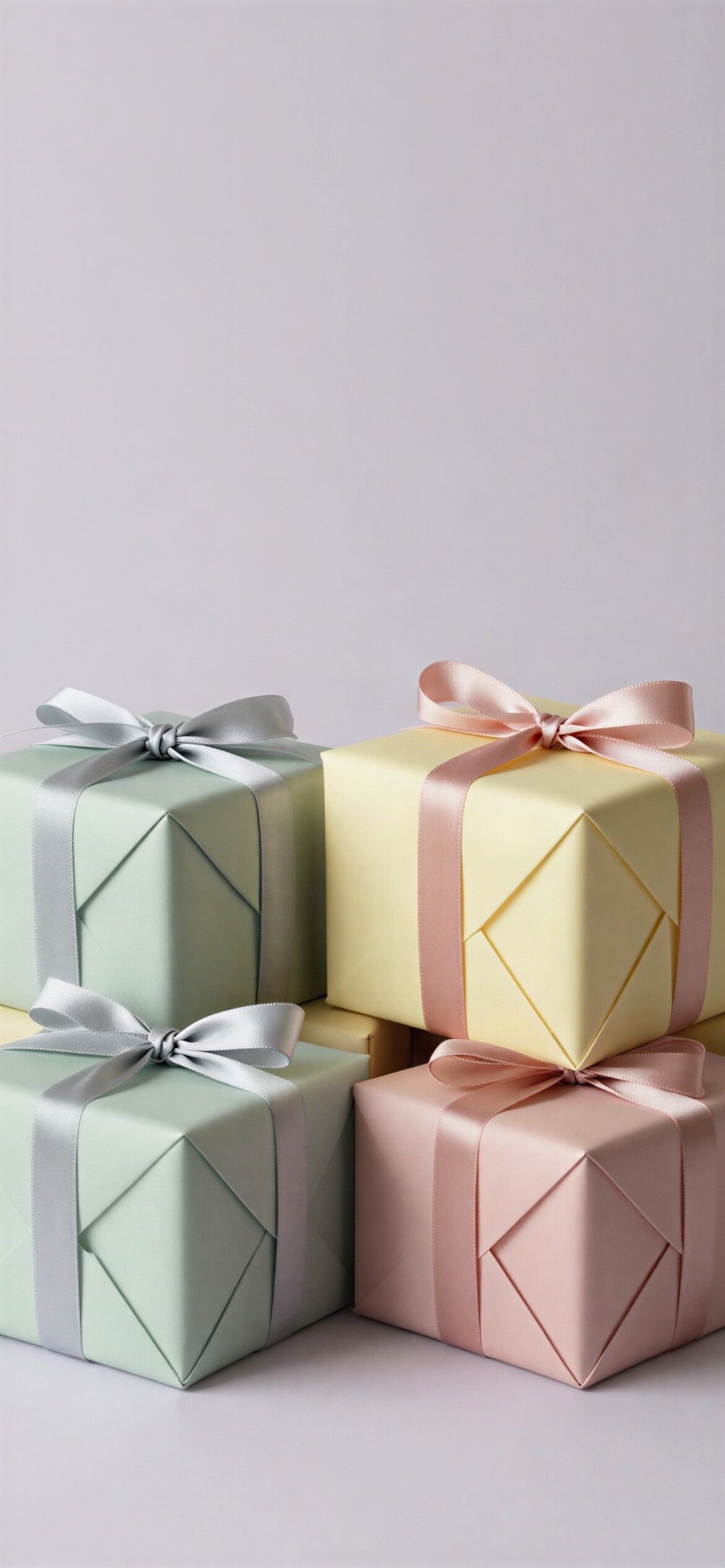
- Stacked gifts: A cluster of wrapped boxes in soft colors. Home screen wallpaper where the grouped arrangement shows fully without interface obstruction.
- Hot chocolate moment: A warm beverage scene with accessories. Home screen design with enough layered detail to remain interesting when partially covered by apps.
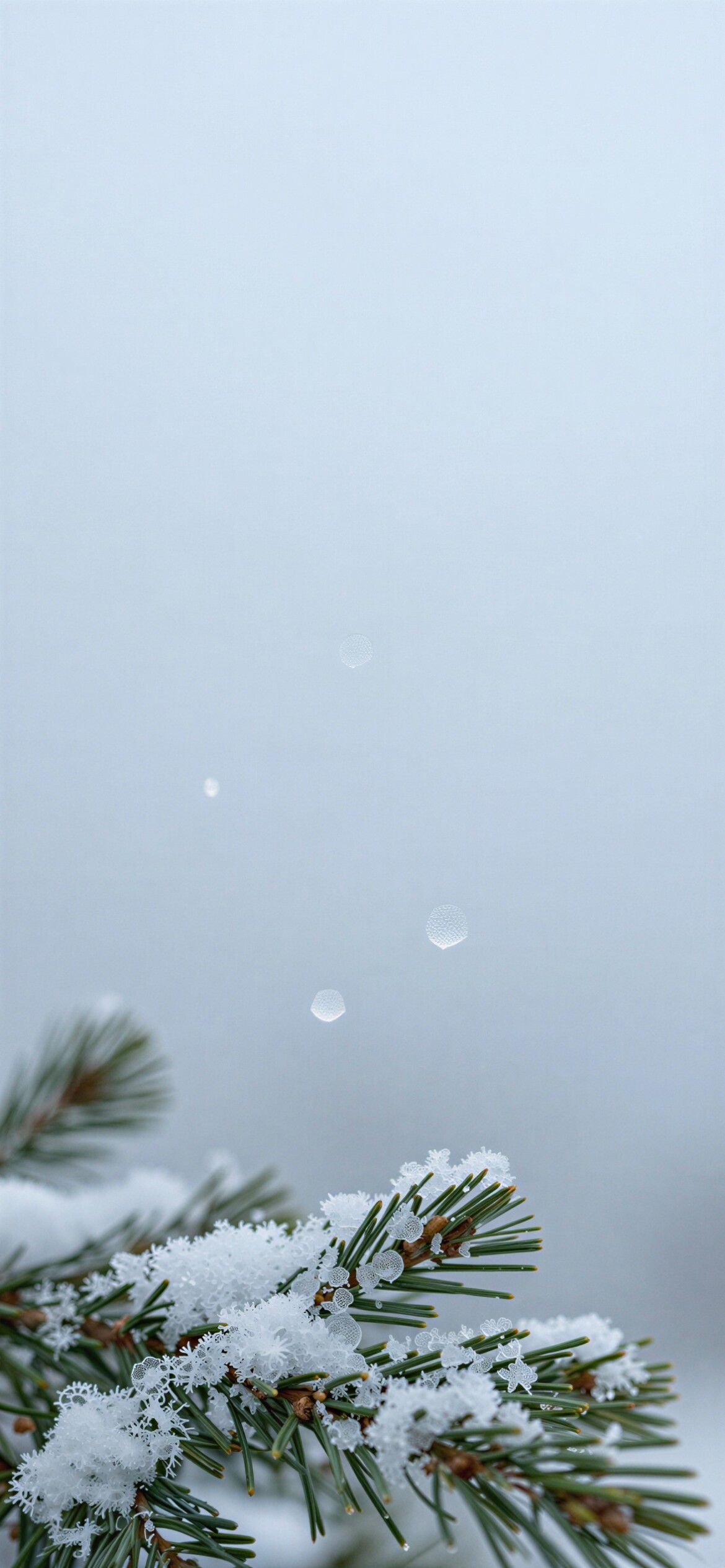
- Falling snow: Snowflakes and a branch creating a quiet, minimal scene. Lock screen wallpaper due to its simple composition and open space.
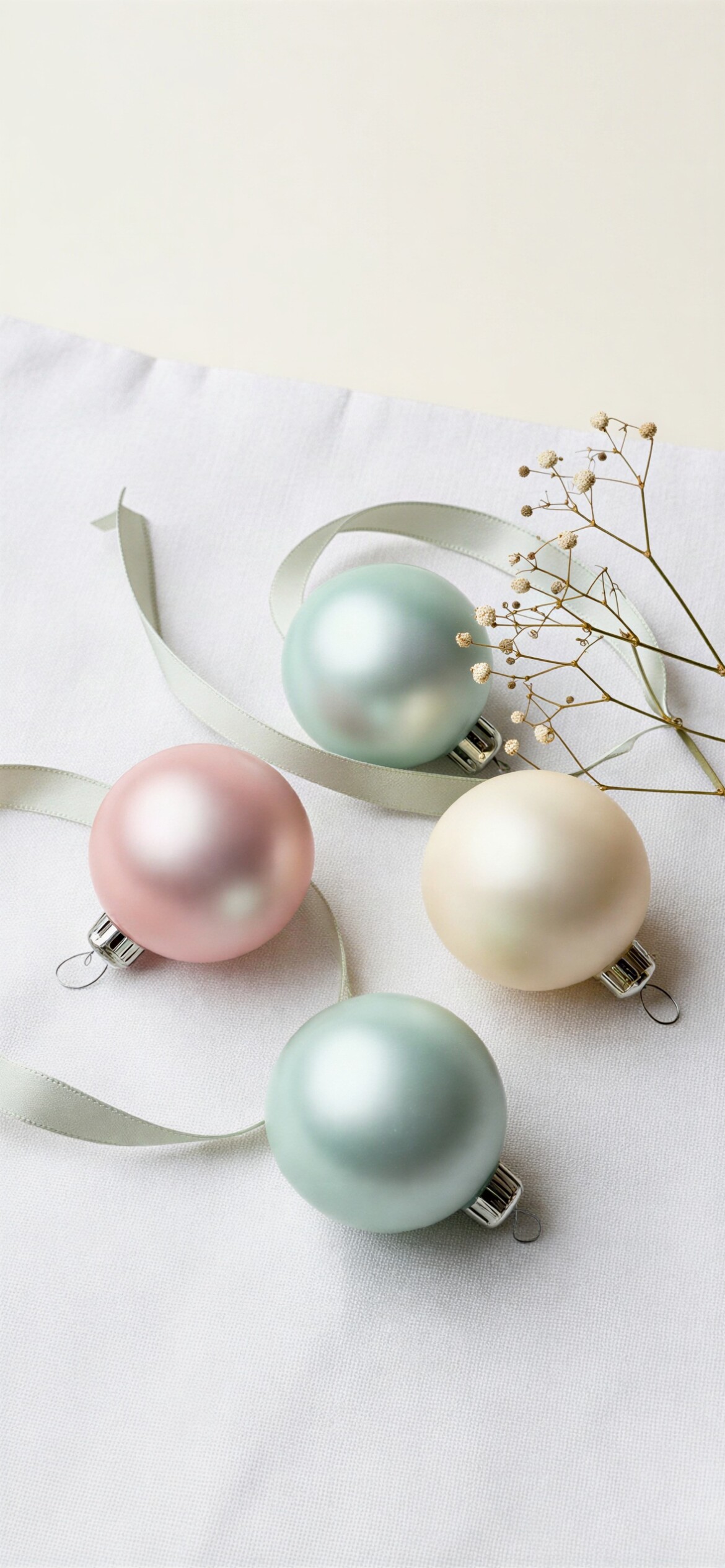
- Ornaments on linen: A flat-lay of multiple ornaments and dried flowers. Home screen wallpaper with enough visual interest across the full canvas.
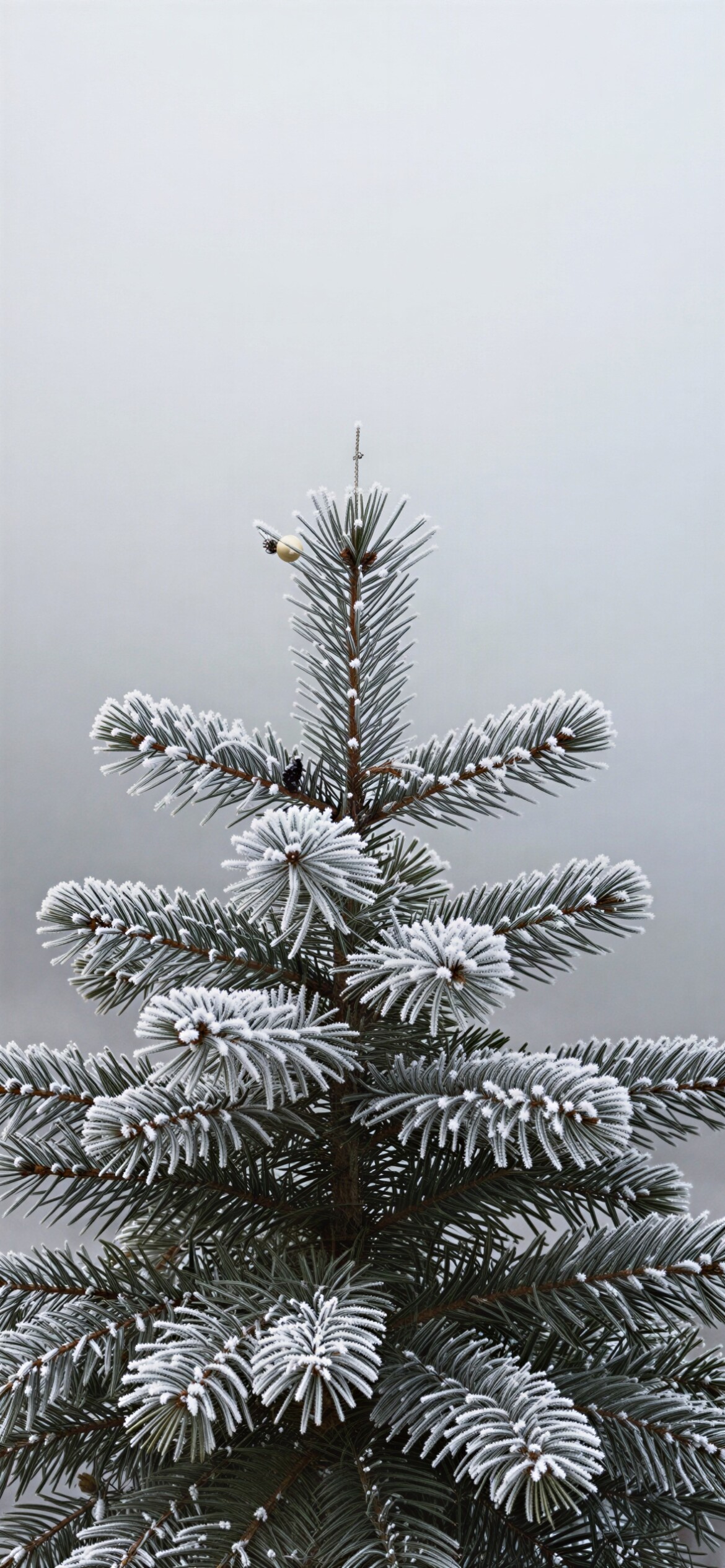
- Frosted branch: A single branch with frost and one small ornament. Lock screen option because the diagonal composition remains striking with widgets on top.
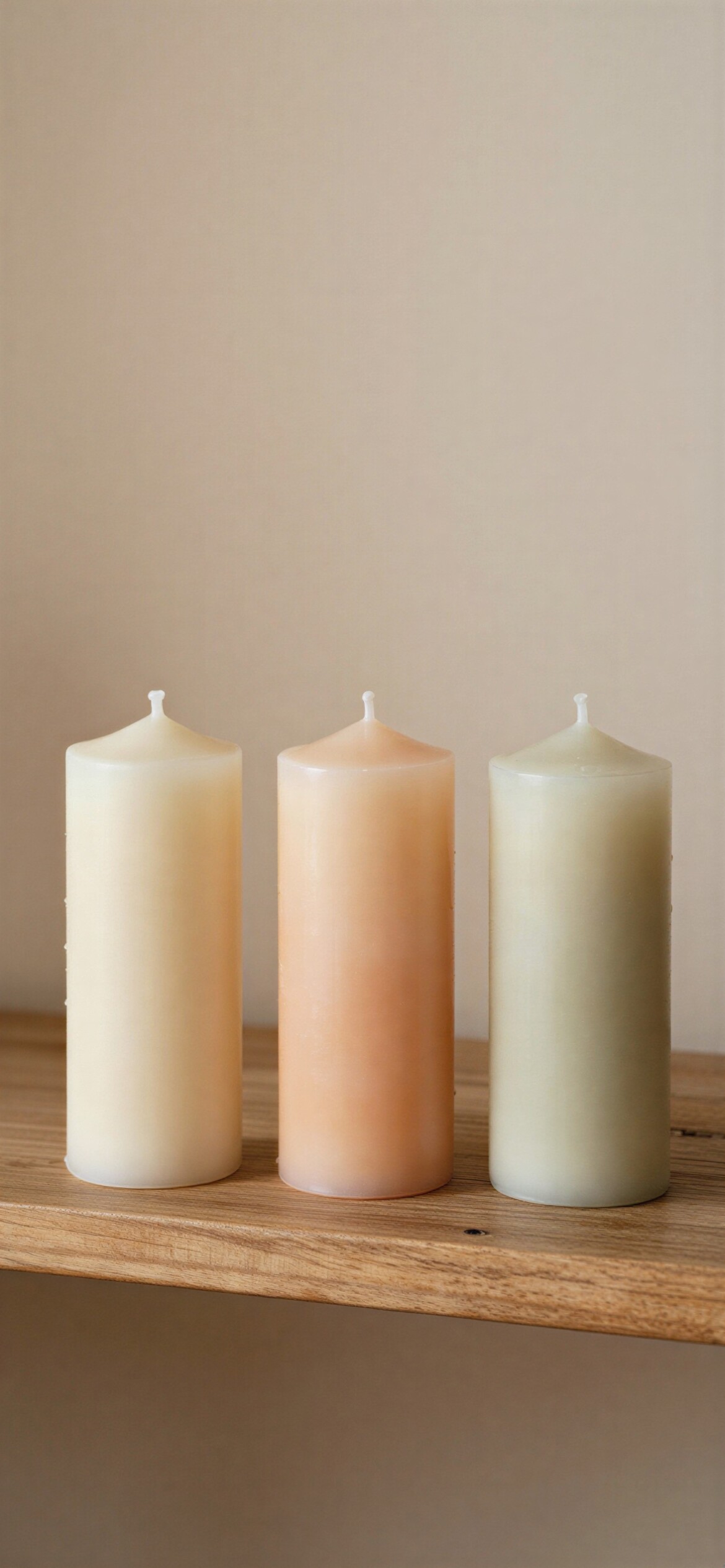
- Candle trio: Three graduated candles on a shelf. Home screen wallpaper where the full arrangement of three objects and their shadows need visibility.
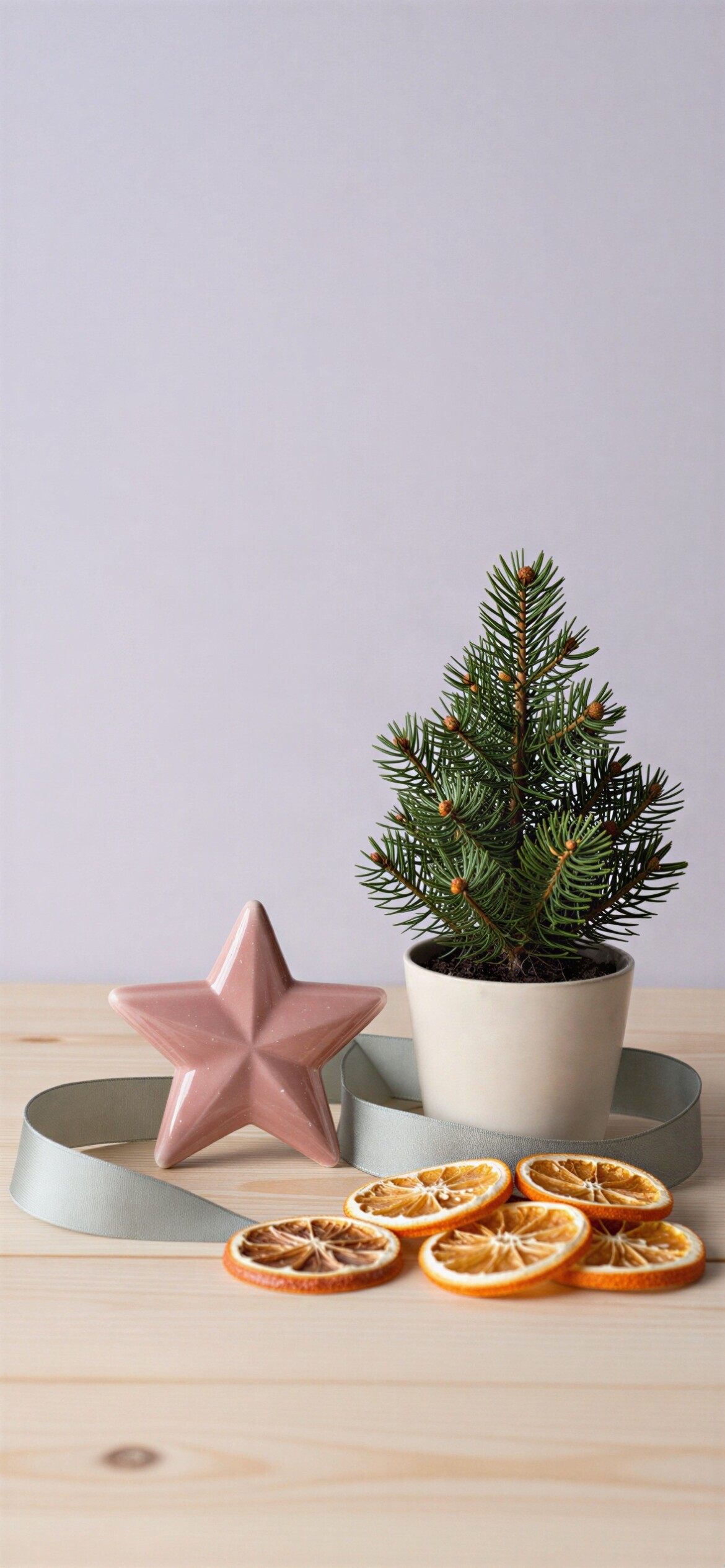
- Scattered elements: A mixed arrangement of star, plant, dried fruit and ribbon. Home screen design where the varied composition benefits from full-screen display.
The pastel Christmas tradition
Soft, muted holiday palettes emerged in interior design and fashion during the 2010s as a reaction against traditional bright Christmas colors. Designers began creating Christmas displays using blush pinks, sage greens, cream and grey as a way to extend holiday decorating into modern, minimalist homes. This approach maintains the comfort and nostalgia of Christmas while matching contemporary neutral interiors. Wallpapers 1, 2, 4 and 9 reflect this design shift by showing classic Christmas objects in subdued tones that feel both festive and calm. The aesthetic appeals to people who celebrate Christmas but prefer a quieter visual language, and it has become mainstream in home decor, fashion and digital design. This set brings that contemporary holiday sensibility to iPhone screens, allowing the pastel Christmas look to work year-round or specifically during December.
Mood and atmosphere by design
Wallpapers 1, 6 and 8 create a quiet, contemplative mood through simplicity and open space. Each focuses on a single element or small group against plain backgrounds, evoking stillness and calm. Wallpapers 2, 5 and 9 convey warmth and comfort through warm lighting, cozy objects like candles and blankets, and natural materials like wood and ceramic. These designs feel intimate and welcoming. Wallpapers 3, 4, 7 and 10 celebrate gathered beauty and abundance through clustered arrangements of ornaments, gifts and mixed textures. These designs feel festive without being loud, showing the joy of Christmas through carefully arranged objects rather than bold color.
How to set it on your iPhone
- Tap Download and save the image to Photos.
- Open Settings, tap Wallpaper, then Add New Wallpaper, and choose Photos.
- Pick the wallpaper, pinch to position it, then tap Add and choose the lock screen, home screen or both.
Stuck on a step? The iPhone and iPad guide has screenshots for each one.
Questions
Will these wallpapers fit my iPhone without cropping?
These wallpapers are sized at 1170x2532 pixels, which fits modern iPhones perfectly. Older iPhone models may crop slightly at the top and bottom edges. If you notice cropping, try adjusting the wallpaper position in your iPhone settings by moving the preview image up or down until the composition sits where you want it.
Can I use these wallpapers commercially or share them on other sites?
These wallpapers are free for personal use on your own devices only. You cannot sell them, print them for sale, or repost them on other wallpaper sites or social media as your own work. For full terms of use, visit the Terms page on Free Wallpaper Daily.
Which wallpapers work best for a minimal or monochrome app setup?
Wallpapers 1, 3, 6 and 8 are ideal for minimal setups because their simpler compositions with open space and single focal points won't compete with app icons. The pale backgrounds in all designs work well with black or white icon packs. Wallpapers 2, 5 and 9 with warm wood tones also pair nicely with sepia or vintage-style icon themes.
Can I use these wallpapers year-round, or are they only for December?
While designed for Christmas, the soft pastel palette and natural subjects like evergreen, candles and ornaments feel appropriate throughout winter or even year-round in homes with neutral, modern decor. The calm mood and muted colors don't feel aggressively seasonal, so you can keep them as long as they match your aesthetic.