10 wallpapers in 1 collections · last added 12 Oct 2026 · sizes for iPhone, Android, desktop and tablet
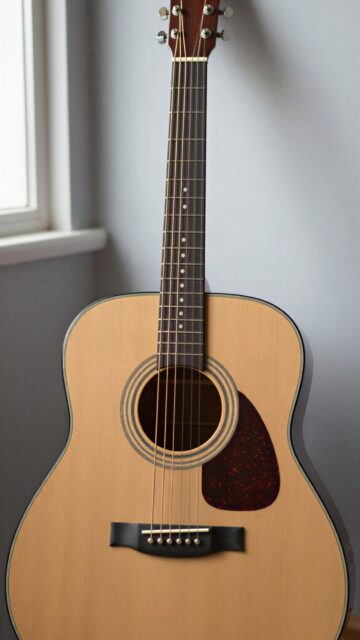
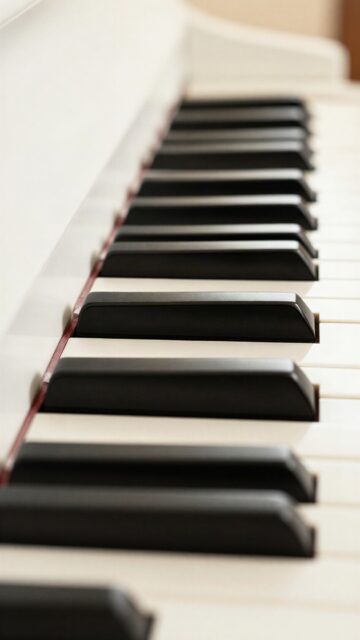
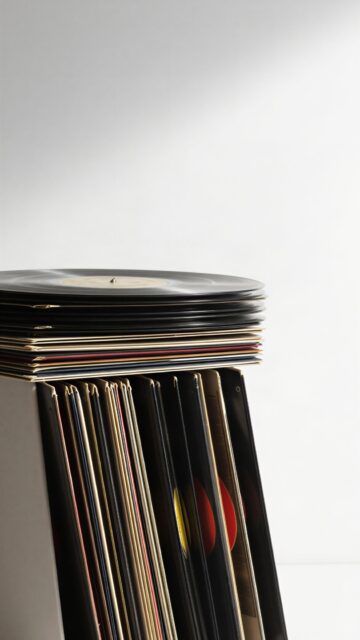
A music wallpaper lets your screen show what you love to listen to, whether that's classical piano, guitar rock or late-night lofi beats. These music wallpapers include flowing sheet-music notes, vinyl records spinning under warm light, headphones on bold color fields, electric and acoustic guitars, sound waves, cassette tapes and concert-stage glow. Some designs are calm and elegant, others loud and colorful like a festival poster. The theme is part of the gaming section, close to other creative and tech collections.
Each collection holds 10 wallpapers in one size. Phone versions come in 1170x2532 for iPhone and 1080x2400 for Android, and there are 2048x2732 iPad sets that look great on a tablet propped up on a music stand, plus laptop and 4K desktop sizes. Every design is original and checked by hand, crop included, before publishing, and weak images are removed. All of them are free for personal use, with no sign up and no watermark.
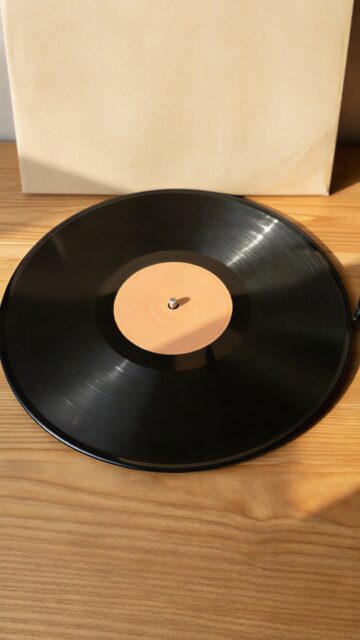
Musical backgrounds work best when the style matches the sound you love. Treble clefs, piano keys and flowing staff lines feel classic and graceful, a natural fit for anyone who plays an instrument or sings in a choir. Guitars, amps and stage lights bring rock energy. Turntables, cassettes and headphones lean into a retro or study-session mood. For the lock screen, a single instrument placed low in the frame looks striking with the clock above. On the home screen, a soft pattern of notes or a sound wave across the middle stays readable behind icons. If you like rap and street culture, try hip hop wallpapers, and for relaxed, beat-tape vibes, the lofi archive. Tape decks and boom boxes also show up in retro designs.
Pick a wallpaper whose colors echo the album art you play most, since many music apps tint their player screen to match the cover and your whole phone will feel coordinated.
Use the 1170x2532 iPhone sets, made in a tall portrait shape that fills modern iPhones. Designs with fine details, such as sheet music or guitar strings, stay crisp at this size. Pick one where the instrument or notes sit in the lower half so the clock and widgets don't cover them.
Yes, Android collections come in 1080x2400, a 20:9 format that suits most current Android phones. If your home screen slides the wallpaper as you swipe, a repeating pattern of notes or a long sound wave looks smooth, while a single centered instrument works best on launchers with scrolling turned off.
The treble clef, also called the G clef, marks the second line of the staff as the note G above middle C. Its curl wraps around that line. It's used for higher-pitched parts like violin, flute and the right hand in piano music, and it has become the most recognizable symbol of music itself.
Calm, low-contrast designs work best, such as faint sheet music on cream, soft piano keys or a muted vinyl record. They add a musical touch without pulling focus. Warm tones like beige, brown and gold feel cozy for studying, while cool blues and grays suit a clean, modern practice room.
Yes, and pairing two designs from the same collection gives a nice matched look. Put the boldest image, like a guitar or headphones, on the lock screen, where only the time sits on top. Use a quieter pattern on the home screen so app icons and labels stay easy to read.
They're free for personal use on your own devices, but they can't be used for band artwork, channel banners, video thumbnails, merchandise or any commercial purpose, and they can't be reposted on other websites. The Terms of Use explain exactly what's allowed.
Download the 1920x1080 laptop version or the 3840x2160 4K file. On Windows, right-click the image and choose Set as desktop background; on a Mac, open System Settings, select Wallpaper and add your image. The desktop wallpaper guide has step-by-step help.
New collections are published every day across the whole site, and music themes appear regularly. The latest wallpapers page lists every new set as it goes live, and the daily pick features one hand-chosen image each morning, from any theme on the site.
Every wallpaper is reviewed by a person before it goes live: we remove images with odd details or blur and check the crop for each device. How we check wallpapers
Something wrong with an image? Report an image · Free for personal use, see the Terms.