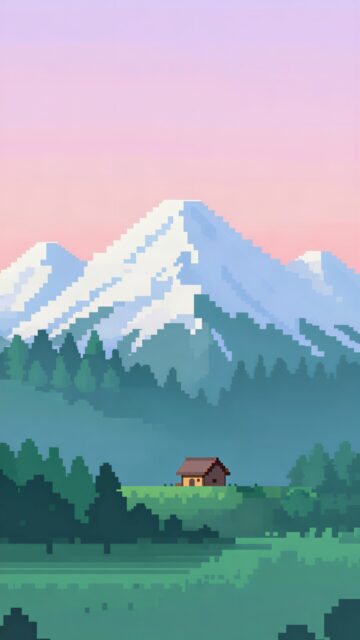
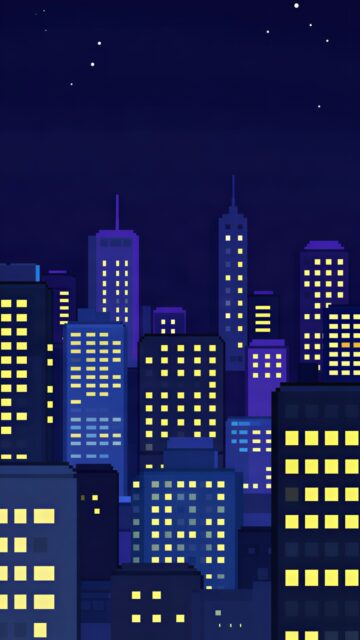
10 wallpapers in 1 collections · last added 4 Oct 2026 · sizes for iPhone, Android, desktop and tablet
A pixel art wallpaper turns your screen into a tiny world built from visible square pixels, the blocky style that defined early video games and still feels warm and nostalgic today. Our pixel art wallpapers range from cozy night cities and rainy streets to forests, mountains, sunsets, space scenes, retro game-style landscapes and small character vignettes. Some lean bright and arcade-like, others use muted palettes for a calm, lo-fi feel that works well as a background you look at all day. If you grew up with handheld consoles or still play indie games, the style will feel instantly familiar.
Every collection holds 10 wallpapers in one size. Phone sets are 1170x2532 for iPhone and 1080x2400 for Android, while tablet, laptop and 4K desktop versions let wide scenes stretch out properly. The dual monitor size, 5120x1440, is a great fit for side-scrolling landscapes. All designs are original and checked by hand, and weak images are removed before they go live.
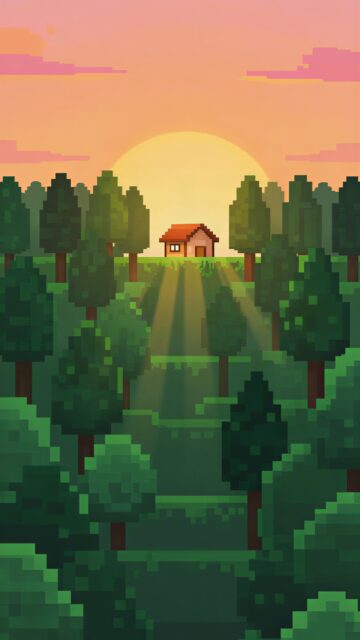
Pixel scenes come in a few distinct flavors. 8-bit inspired art uses few colors and chunky shapes, a nod to early home consoles. 16-bit styles add more shades, soft gradients and detailed backgrounds. Modern pixel art mixes that retro grid with atmospheric lighting, like neon signs reflected in puddles. On a phone, horizon scenes with a big sky up top leave room for the clock, while dense city views look best on the lock screen. If you like the nostalgia, pair this with retro wallpapers or gaming backgrounds, and for glowing night streets try cyberpunk. A limited palette also tends to look cleaner behind icons than a scene packed with tiny details.
On Windows, set pixel art backgrounds to Fill or Span rather than Stretch, since stretching changes the aspect ratio and makes the square pixels look uneven.
Use the iPhone set at 1170x2532 pixels. Pixel art looks best when it isn't resized much, because scaling can soften the hard square edges that give the style its charm. Starting with a file made for the iPhone screen keeps every block crisp after you set it.
Pick the Android collection at 1080x2400, which suits most current Android phones. If your launcher adds zoom or parallax scrolling, the image gets scaled and pixel edges can look fuzzy, so turning that motion off in launcher settings helps keep the art sharp and true to its grid.
Pixel art is built from hard-edged squares. When a device stretches or shrinks the image with smoothing, those edges get blended and the result looks soft. Using a wallpaper made at your screen's size, and avoiding extra zoom or crop, keeps the blocky detail clean.
The terms come from console generations. 8-bit style recalls systems like the original Nintendo, with small palettes and simple shapes. 16-bit style recalls consoles like the Super Nintendo and Sega Genesis, with more colors, smoother shading and richer backgrounds. Today both are used loosely to describe a look.
Detailed scenes like a busy city street or a cozy room shine on the lock screen, where little covers them. For the home screen, choose a landscape with a wide open sky or calm ground area, so app icons sit on simple color and the scene still reads clearly.
Yes, free for personal use on your own phone, tablet, computer or watch, with no sign up and no watermark. They can't be used commercially, sold, printed on merchandise or reposted as downloads. See our terms for the full list of what is allowed.
Download the dual monitor version at 5120x1440, which covers two side-by-side screens. In Windows, choose the Span option in background settings so the scene runs continuously. Our dual monitor guide explains Windows and Mac setups and what to do with mismatched screens.
Fresh collections go live every day across the site, and pixel art sets appear regularly in that rotation, including seasonal scenes ahead of holidays. Keep an eye on the latest wallpapers page for new uploads, or check the daily pick each morning, US time.
Every wallpaper is reviewed by a person before it goes live: we remove images with odd details or blur and check the crop for each device. How we check wallpapers
Something wrong with an image? Report an image · Free for personal use, see the Terms.