Apple Watch Wallpapers

10 wallpapers in 1 collections · last added 8 Oct 2026 · sizes for iPhone, Android, desktop and tablet

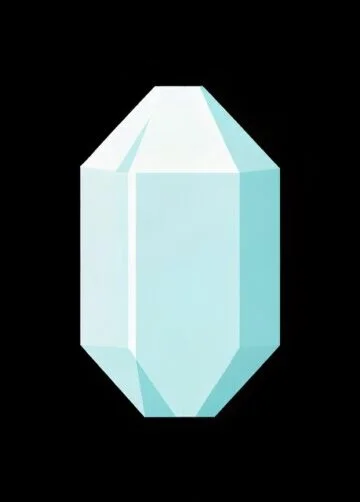
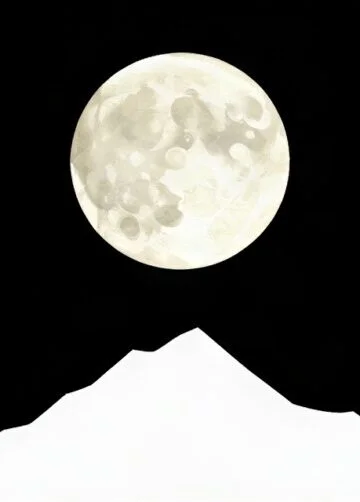
Each apple watch wallpaper here measures 410x502, the native resolution of the 49mm Apple Watch Ultra, and it scales down cleanly to smaller case sizes. The portrait frame is tiny compared to a phone, so these designs use bold shapes, strong color and a single clear subject that reads at a glance on your wrist, even mid-run or mid-meeting. Browse true-black black designs, glowing neon art, simple minimalist patterns, starry space scenes and soft flower close-ups.

Because Apple Watch uses an OLED display, dark backgrounds blend into the black bezel and make the screen look edge to edge. These images also work on most rectangular Wear OS watches. For a matching look, grab the same theme for your phone from the iPhone section. Every design is original and checked by hand at watch size before it goes live, and each collection holds 10 images. Free for personal use, no sign up, no watermark.
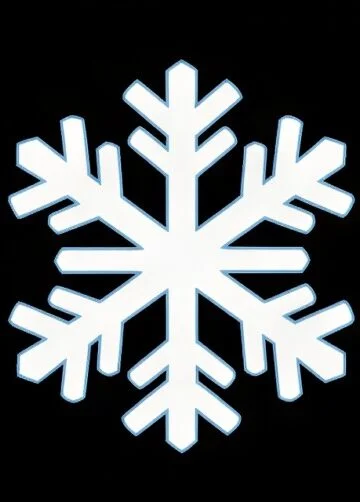
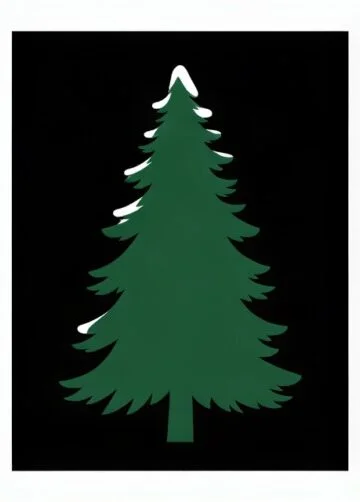
A watch face is read in under a second, so simplicity wins. Pick images where the main detail is large and sits away from the top corners, where the time and complications usually appear. High contrast keeps the face readable in sunlight, and a dark border area helps the picture melt into the bezel. Many people like to match their watch to their phone's lock screen for a coordinated look, or rotate several images that change each time they raise their wrist. Bright, saturated colors also stand out better outdoors than pale pastels do.

  • Deep blacks from black aesthetic sets look seamless on OLED.
  • Small, crisp star designs stay clear at watch size.
  • Avoid fine text in the image, it becomes unreadable on a small screen.

Expert tip

On Apple Watch, pick an image with a black or very dark border around the subject; the OLED panel turns those pixels off, so the photo blends into the bezel and the screen looks bigger than it is.

Color palette

#000000#1A1A1F#3B3B45#FF3B30#F2F2F7

Smartwatch wallpaper FAQ

What size is an Apple Watch wallpaper?

Our watch images are 410x502 pixels, the native screen resolution of the 49mm Apple Watch Ultra. Smaller Apple Watch models have slightly lower resolutions with a similar shape, so the image scales down neatly. Starting from the largest size keeps the picture crisp on every case size without visible blur or stretching.

How do I put a custom wallpaper on my Apple Watch?

Save the image to Photos on your paired iPhone. Open it, tap Share, then choose Create Watch Face and pick the Photos face. You can also open the Watch app, go to Face Gallery and choose Photos to select several images. The new face syncs to your watch within a few moments.

Can I show a different photo each time I raise my wrist?

Yes. The Photos watch face can use a group of images and shows a new one each time you raise your wrist or tap the screen. Saving several pictures from one collection is an easy way to build a rotating set that still feels consistent, since every set here shares one theme.

Why do black Apple Watch wallpapers look better?

Apple Watch uses an OLED display, where black pixels are fully off. A black background disappears into the dark bezel, so the screen appears larger and the edges vanish. It also helps battery a little, since lit pixels draw power. That's why dark designs with one bright subject are so popular for watch faces.

Do these watch wallpapers work on Samsung or Wear OS watches?

They work on many rectangular Wear OS watches with a similar shape. On round watches such as the Galaxy Watch, the image is cropped to a circle, so the corners are lost. Designs with a centered subject and a plain background handle that crop best. Use your watch's companion settings to add a photo face.

Are these Apple Watch wallpapers free?

Yes, all of them are free to save and use on your own watch and other devices. You don't need an account, and there's no watermark on the images. They are licensed for personal use only, so please don't sell them or share them on other sites. Read the terms of use for full details.

How often are new Apple Watch wallpapers posted?

New collections are added to the site every day across all device sizes, and each has 10 images in one theme. Holiday sets appear weeks in advance, so you can switch your watch face early. Check the latest wallpapers page to spot new watch-sized sets as they arrive.

How do I keep the time readable on a photo watch face?

Choose an image with a calm area where the time appears, usually the top of the face. In the Photos face settings you can move the time to the bottom if the subject fills the top. High contrast between the clock and the background is the key, so dark images with white digits are the safest choice.

Curated and checked by the FreeWallpaperDaily experts

Every wallpaper is reviewed by a person before it goes live: we remove images with odd details or blur and check the crop for each device. How we check wallpapers

Something wrong with an image? Report an image · Free for personal use, see the Terms.