10 wallpapers in 1 collections · last added 2 Oct 2026 · sizes for iPhone, Android, desktop and tablet
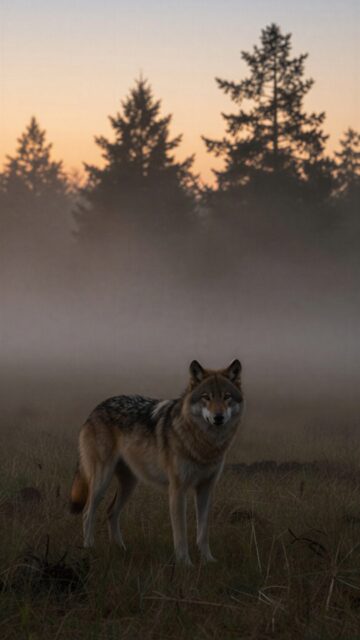
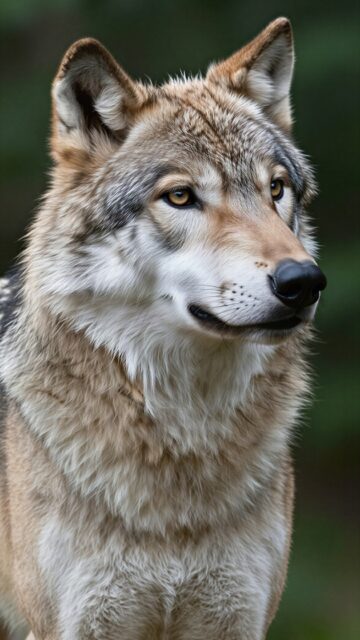
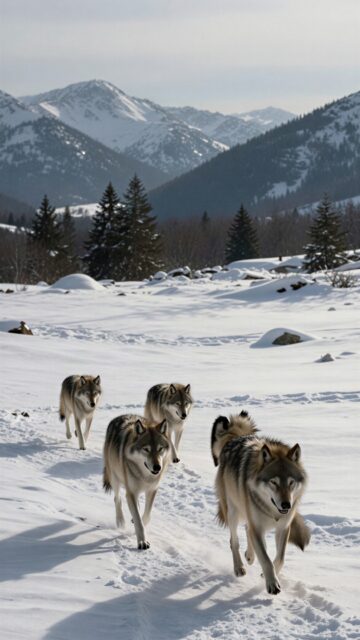
A wolf wallpaper puts one of the most recognizable wild animals on your screen, whether it's a gray wolf standing in fresh snow, a pack moving through a pine forest or a lone silhouette howling under the moon. Our wolf backgrounds include close-up portraits with piercing eyes, misty mountain scenes, white arctic wolves, black wolves at night and more stylized designs with geometric lines or glowing outlines. The mood ranges from calm and majestic to fierce and dramatic, so it's easy to find one that fits your style.
Every collection has 10 wallpapers in one theme and one size. Wolf designs are available for iPhone (1170x2532), Android (1080x2400), iPad (2048x2732), laptop (1920x1080), 4K desktop (3840x2160) and dual monitor (5120x1440). Tall portraits suit the iPhone page, while wide pack and landscape scenes look best on the 4K desktop page. Each design is original and checked by hand, and the crop is checked for every device size before it goes live.
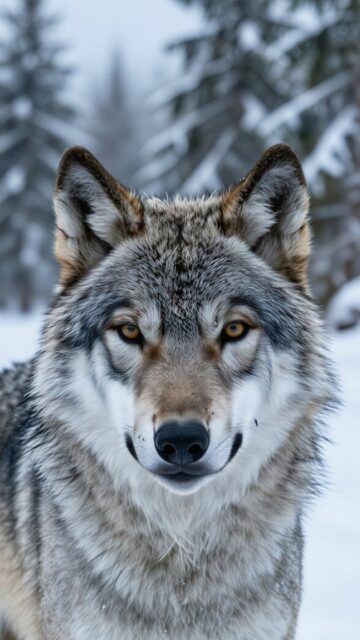
Choosing a wolf image often comes down to the scene around the animal. Snowy designs feel quiet and cold and fit right in with our winter wallpapers. Night scenes with a big glowing moon connect to the moon collection, and forest shots share a palette with forest wallpapers. On a lock screen, a portrait with the wolf in the lower half leaves room above for the clock; on newer iPhones, depth effect can tuck the time behind the wolf's ears if there's enough clear sky. For the home screen, a darker image with the wolf off to one side keeps icons from covering the face.
If you use lock screen depth effect on iPhone, pick a wolf portrait where the head and ears sit below plain sky; the effect only layers the subject over the clock when it can cleanly separate it from the background.
iPhone wolf wallpapers are 1170x2532 pixels, which shows fur detail and eye color clearly on current models. Portrait shots work well with lock screen depth effect when the head sits below a clear sky. The iPhone wallpaper guide explains how to set and adjust it.
Yes, Android sets are 1080x2400, which fits the tall 20:9 screens on most current Android phones. A wolf centered in the frame stays visible even if the launcher crops the edges or uses a slight scroll effect. Setup steps are in the Android wallpaper guide.
Wolves are widely linked with loyalty, family and teamwork, since they live and hunt in packs. The lone wolf image stands for independence and self-reliance. In many Native American traditions the wolf is respected as a teacher and guardian, and in folklore it often appears alongside the moon as a symbol of the wild.
No, that's a myth, though it makes a great wallpaper. Wolves howl to communicate with their pack, mark territory and locate each other over long distances. They tend to be more active at night and lift their heads to let the sound carry, which is why the moonlit silhouette became such a familiar image.
A portrait with the wolf in the lower two-thirds and plain sky or mist above is ideal, since the clock and notifications sit at the top. Dark night scenes with a bright moon also work, because the time appears clearly against the dark sky. Avoid images where the eyes sit right under the clock.
Yes, they are free for personal use on your own phone, tablet, computer or smartwatch. There's no sign up and no watermark. Commercial use, resale and redistribution aren't allowed, so they can't go on printed products or into shared packs. The terms of use explain the details.
The site adds new collections every day across all its themes, and wolf and wildlife sets turn up regularly. To find them as soon as they're published, check the latest page. If you'd like a wolf theme that isn't covered yet, you can request it through the contact page.
Download the 5120x1440 dual monitor version and set it to span both displays. Pack scenes and wide snowy landscapes look natural stretched across two screens, especially when the wolves sit away from the center bezel. Our dual monitor guide covers the span setting on Windows and Mac.
Every wallpaper is reviewed by a person before it goes live: we remove images with odd details or blur and check the crop for each device. How we check wallpapers
Something wrong with an image? Report an image · Free for personal use, see the Terms.