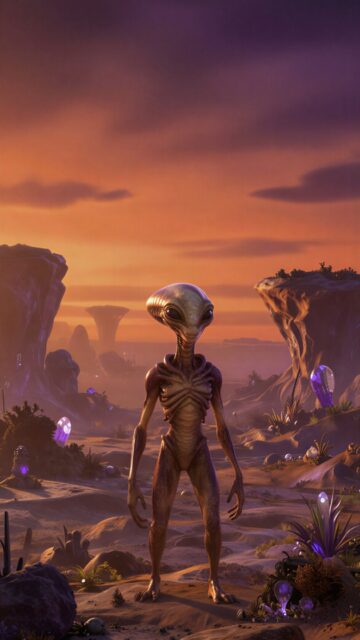
90 wallpapers in 9 collections · last added 12 Oct 2026 · sizes for iPhone, Android, desktop and tablet
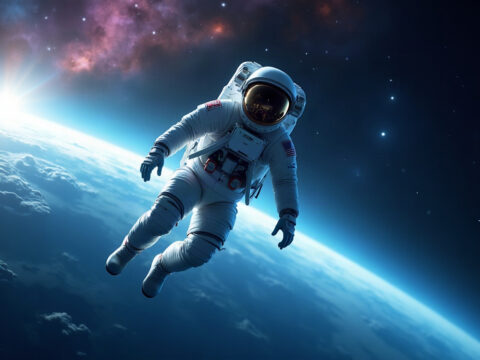
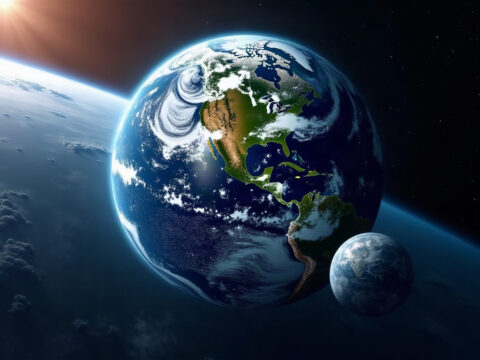
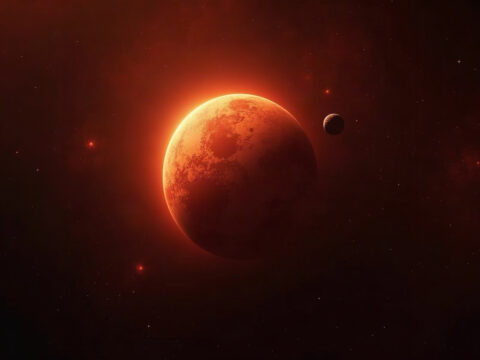
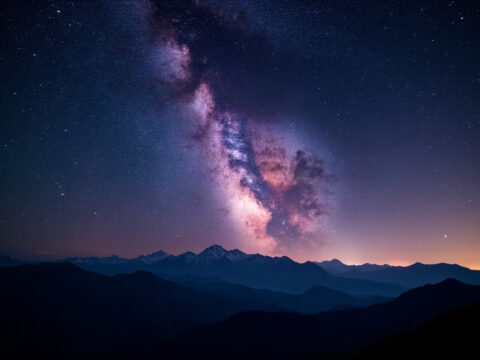
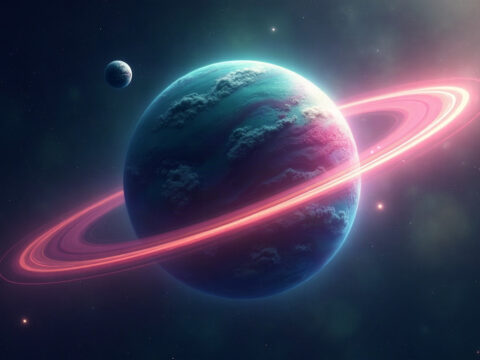
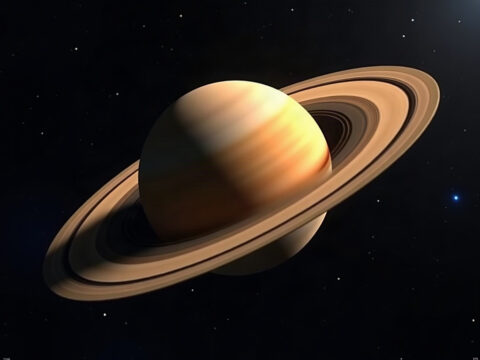
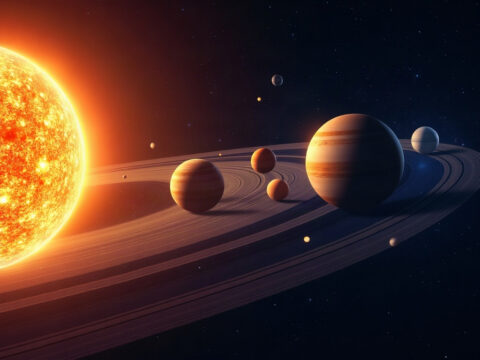
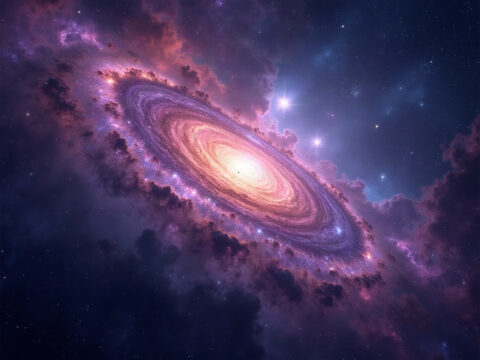
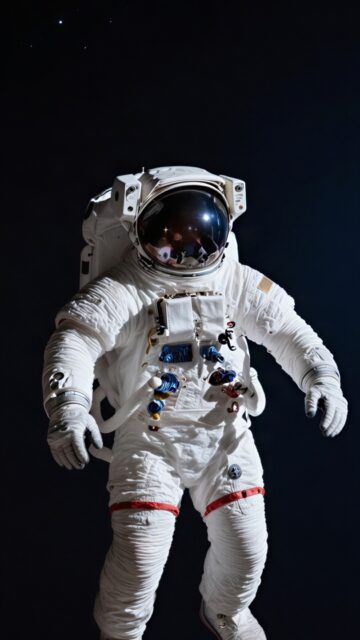
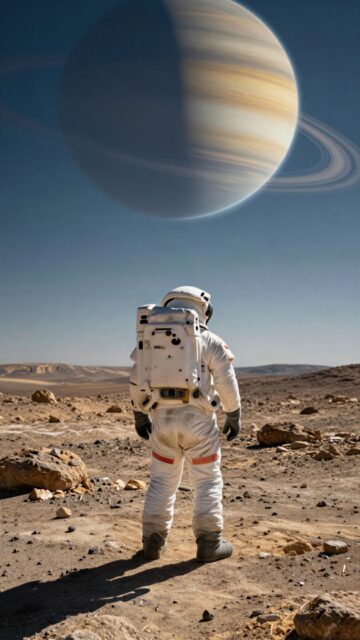
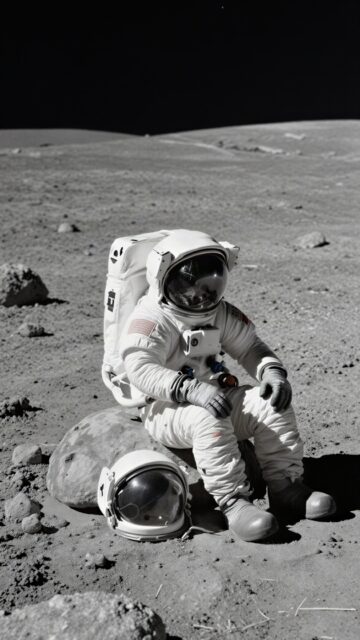
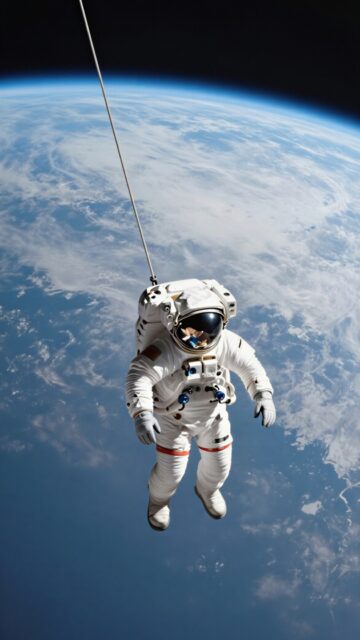
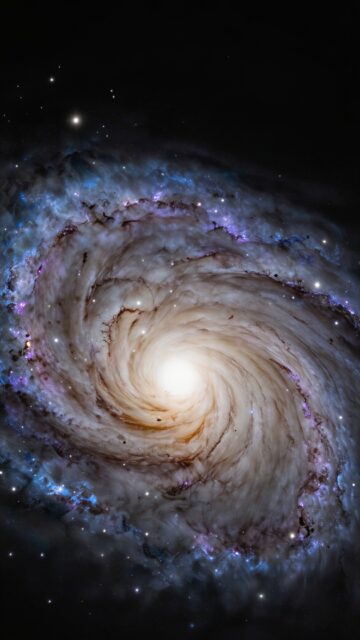
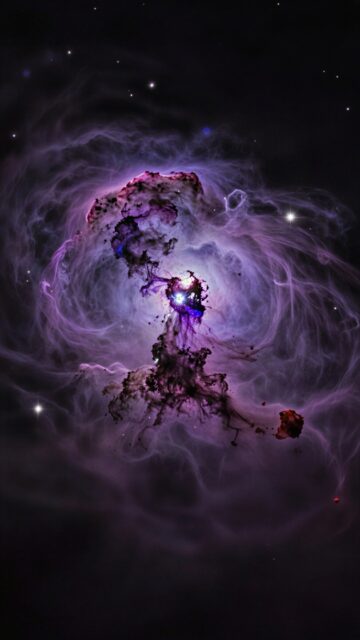
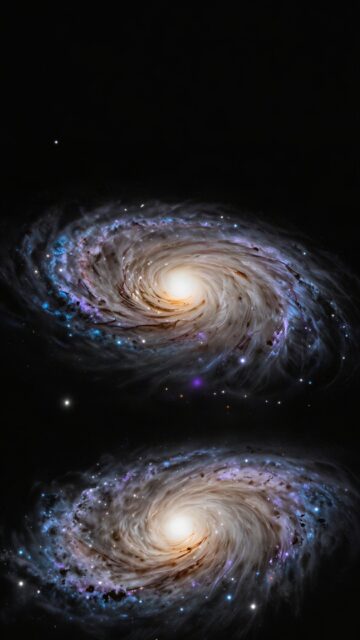
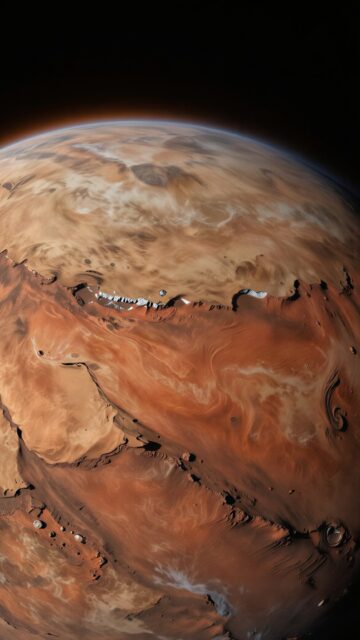
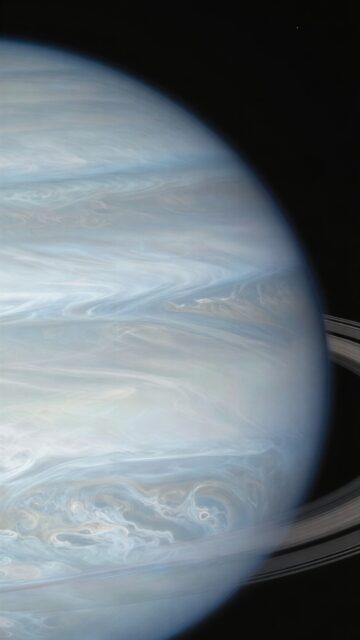
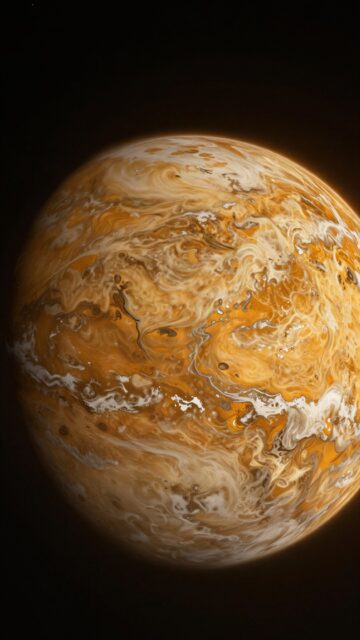
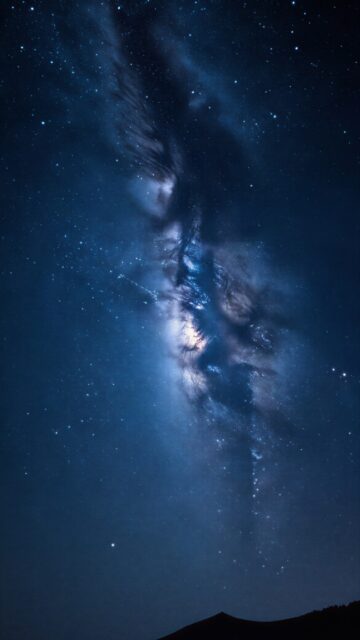
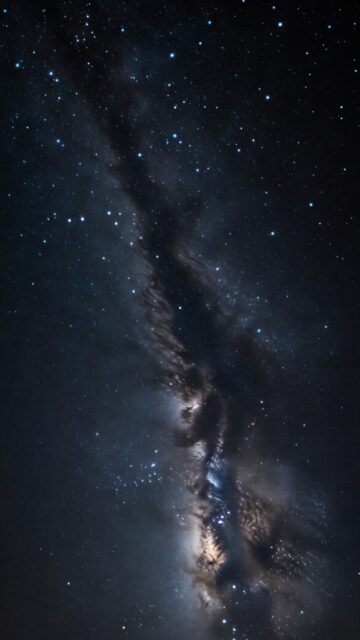
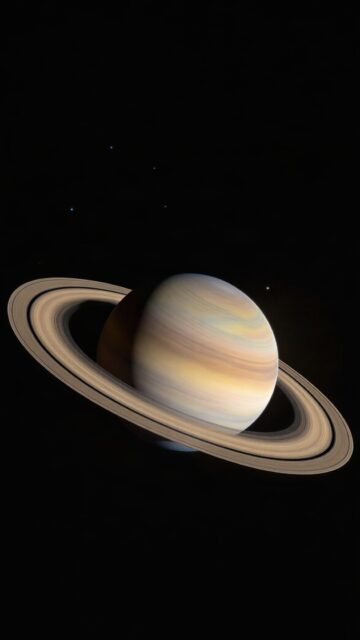
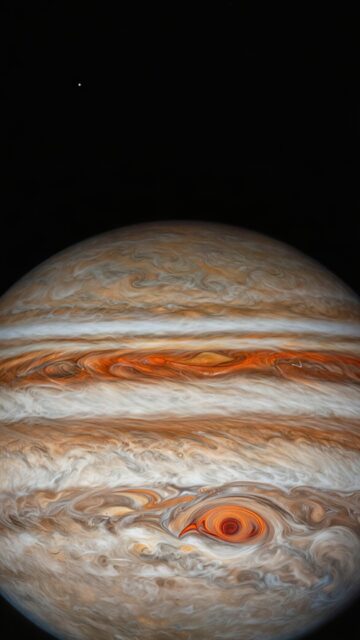
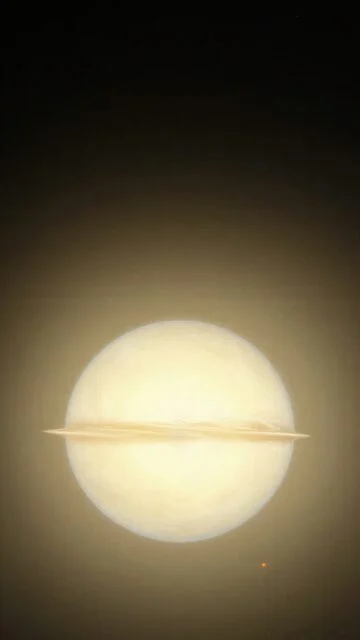
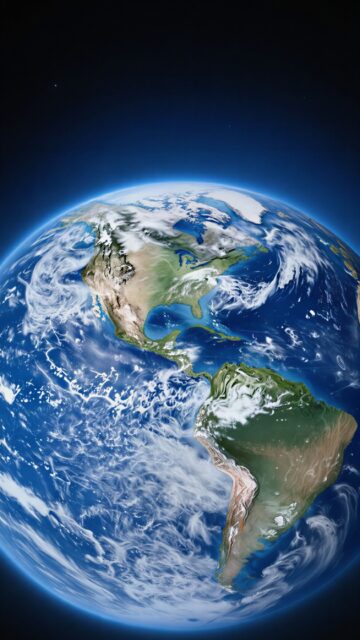
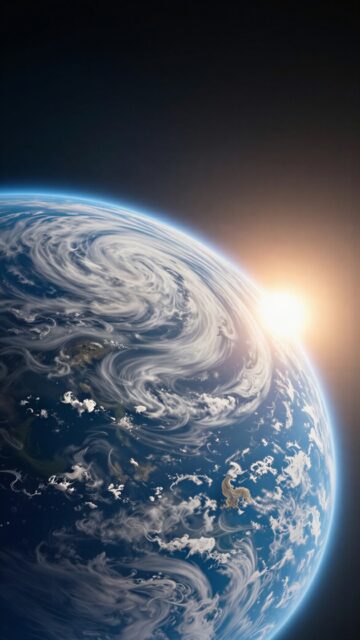
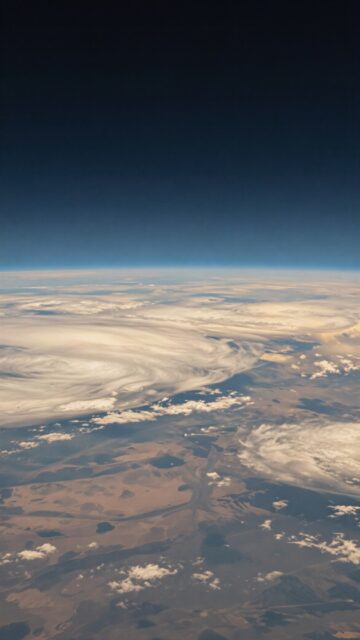
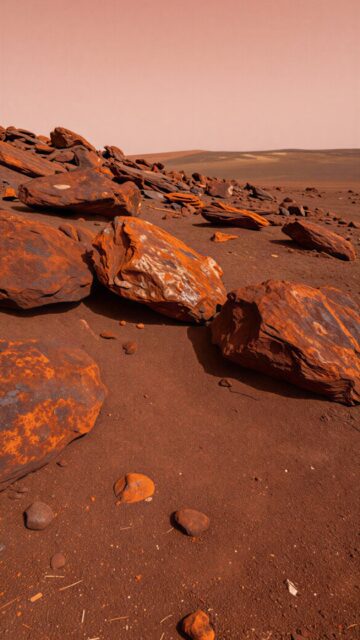
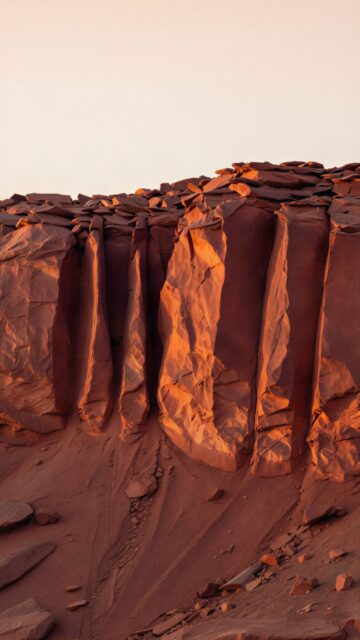
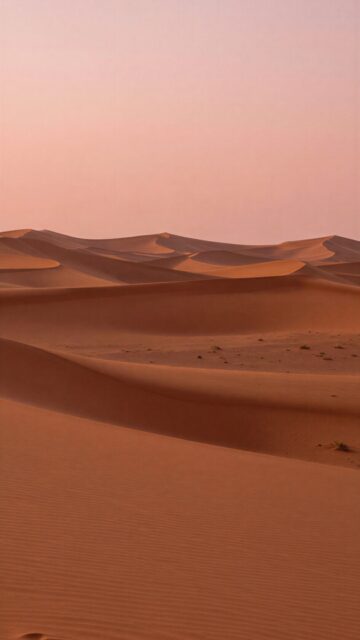
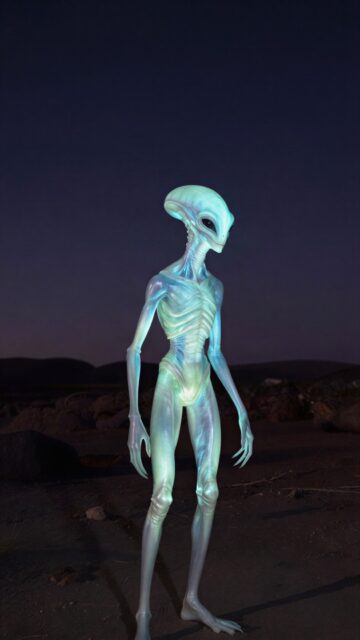
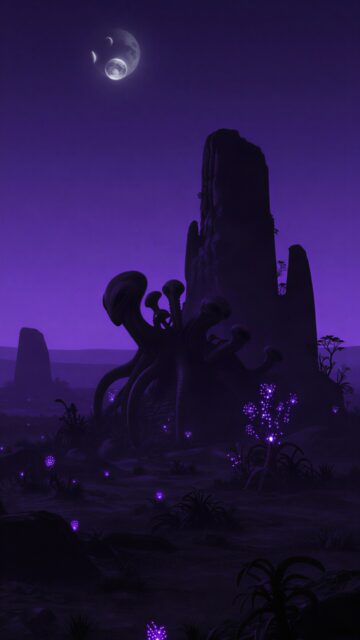
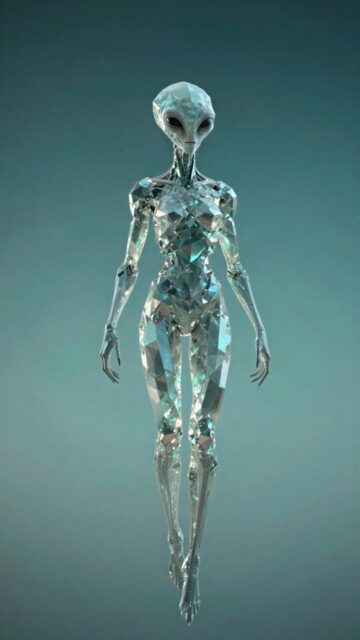
A space wallpaper turns your screen into a window on the cosmos, with deep black skies, glowing nebulae, ringed worlds and distant stars. This collection of space backgrounds covers a wide range of themes, and you can browse focused pages for planets, astronauts, Earth seen from orbit, night skies and the wider universe. Some designs are calm and quiet, others are bright and cinematic, and many of them lean on the inky darkness that makes space art so striking.
Each collection includes 10 wallpapers in one theme and one size. Phones get 1170x2532 for iPhone and 1080x2400 for Android, tablets get 2048x2732, and computers get 1920x1080, 3840x2160 and a 5120x1440 version for a dual monitor setup. Wide space scenes look especially good on a 4K desktop. Every design is original and checked by hand before it is published, and weak images are removed along the way.
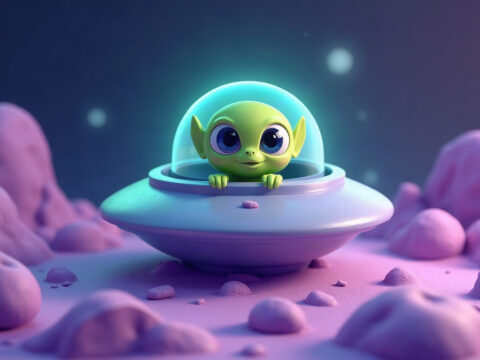
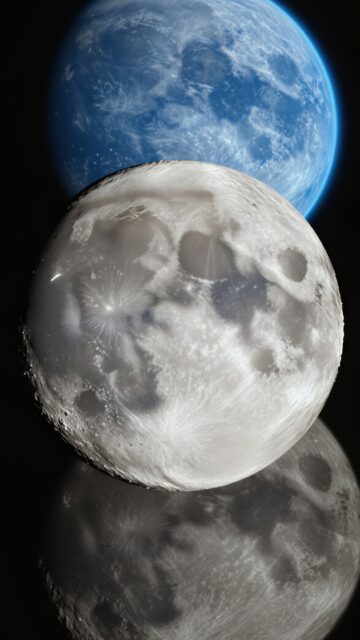
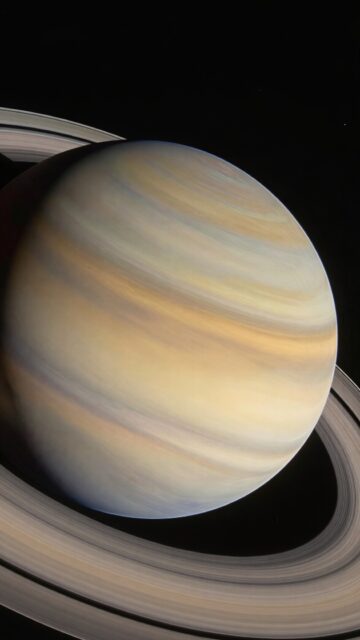
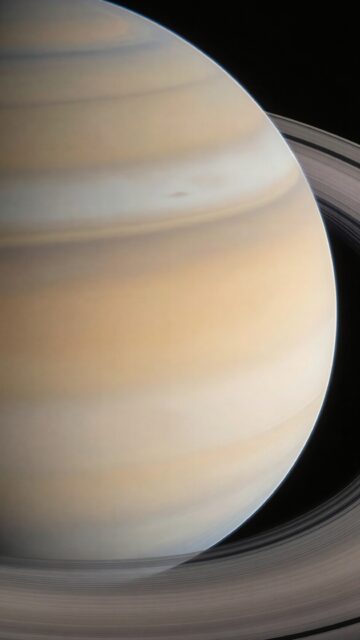
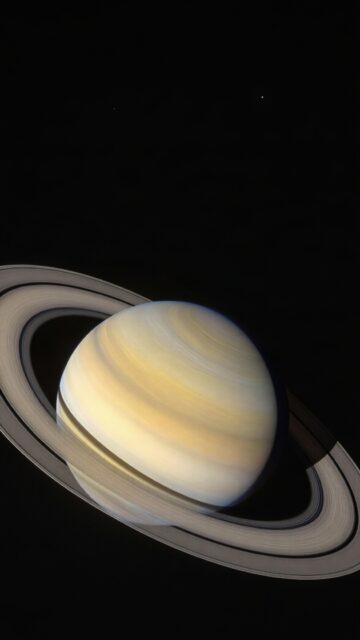
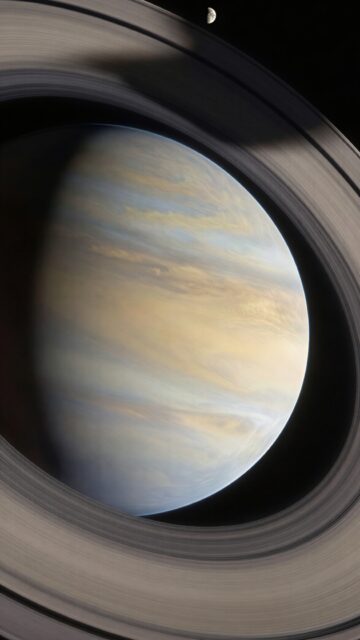
Cosmic art comes in a few distinct flavors. Realistic scenes show planets lit from one side, rocky moons and starfields, while illustrated styles use bold color, flat shapes and playful rockets. For a lock screen, a planet sitting low in the frame with empty black sky above leaves perfect room for the clock. For the home screen, a soft starfield or nebula haze keeps icons readable without hiding the theme. Colors that work well together here:
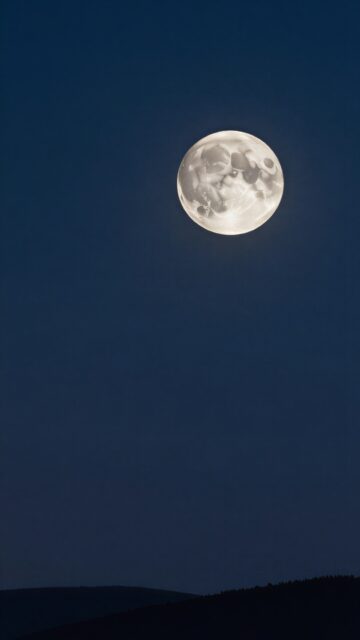
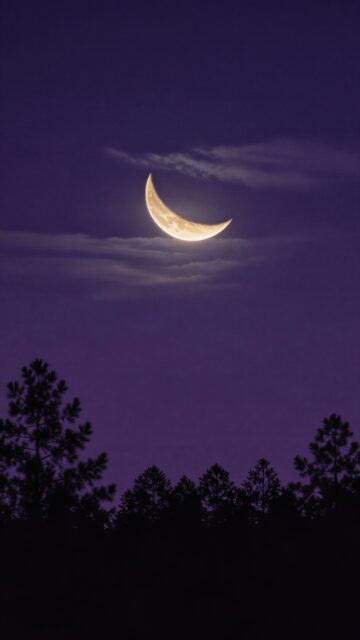
For more night-sky themes, see the moon and star wallpapers, which share the same dark, dreamy mood.
On iPhone, turn off Perspective Zoom (or the motion effect) when you set a starfield, because the slight zoom it adds can soften tiny star points and make the image look less crisp.
Download 1170x2532 for iPhone and 1080x2400 for Android. These portrait sizes fill current phone screens edge to edge. Space scenes usually have plenty of dark sky, so a slight crop on a different phone shape rarely cuts anything important. The iPhone wallpaper guide walks through setting it as your lock or home screen.
Choose an image where the main subject, such as a planet, moon or astronaut, sits in the lower half and the top is mostly dark sky. That gives the clock a clean place to sit. Busy nebula designs are often better on the home screen, where small icons blend into the soft color rather than clashing with one big subject.
Yes. They are free for personal use on your own phone, tablet, computer or watch, with no sign up and no watermark. Commercial use, resale and redistribution are not allowed, so please do not print them on products or repost them as downloads. The Terms of Use page has all the details.
The site publishes new collections every day, each with 10 wallpapers in one theme and size. Space sets and their sub-themes are added here as they go live. For a quick look at everything new across the site, visit the latest wallpapers page or check today's pick each morning.
Use the 5120x1440 dual monitor version, which is made to span two screens side by side. Wide cosmic scenes are ideal for this because the stars and planets flow naturally across the gap. The dual monitor guide shows how to set the span option on Windows and Mac.
They can help a little. On OLED screens, pure black pixels are turned off, so a design with large areas of true black uses slightly less power than a bright one. Space art often has lots of dark sky, which makes it a natural fit, especially if your phone has an always-on display.
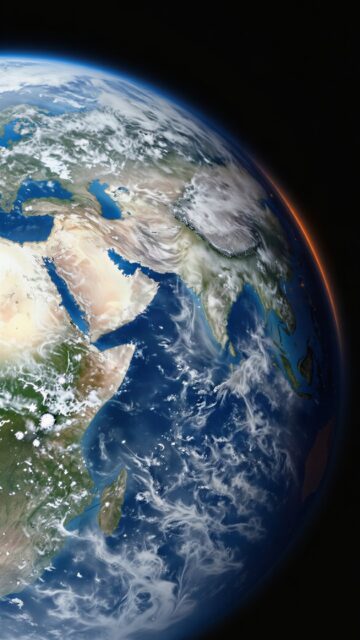
No. Every wallpaper here is an original design rather than a mission photo. Some are styled to look realistic, while others are clearly artistic, with exaggerated colors or impossible views. If you want actual images from telescopes and spacecraft, space agencies publish those separately. These designs focus on looking great on your screen.
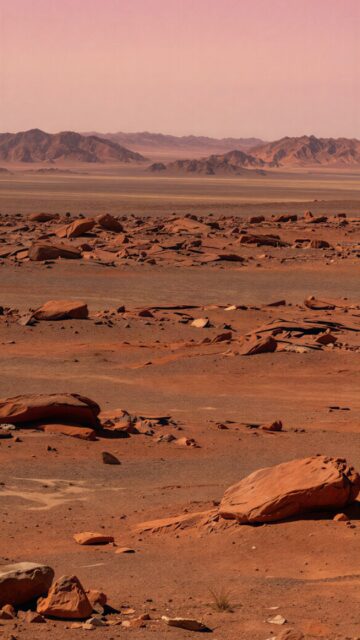
Kids usually love bright planets, friendly rockets and astronauts floating among the stars. Simple, colorful designs with one clear subject are easiest to enjoy on a small tablet. The solar system page is a good place to start, since lined-up planets are both fun and a little educational.
Every wallpaper is reviewed by a person before it goes live: we remove images with odd details or blur and check the crop for each device. How we check wallpapers
Something wrong with an image? Report an image · Free for personal use, see the Terms.