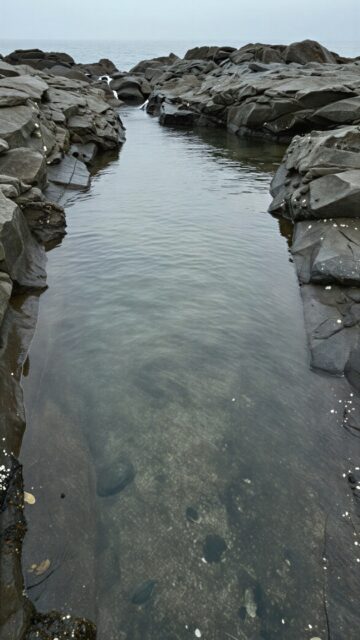
10 wallpapers in 1 collections · last added 10 Oct 2026 · sizes for iPhone, Android, desktop and tablet
An ocean wallpaper brings the size and calm of the open sea to your screen, from gentle turquoise shallows to deep blue swells. This collection of ocean backgrounds covers rolling waves, aerial views of surf meeting sand, sunlit underwater scenes, coral reefs, sea turtles and whales, moonlight on the water and dramatic stormy seas. The palette runs through aqua, cobalt, teal and deep navy, with white foam and golden light for contrast. If you like this theme, our beach wallpapers show the shoreline side of the sea.
Each collection has 10 wallpapers in one size. Underwater and wave scenes fill portrait screens beautifully, making the iPhone ocean wallpapers at 1170x2532 a favorite, and Android versions come at 1080x2400. Wide horizons look great on the 4K desktop (3840x2160), and there are also iPad, laptop, dual monitor and smartwatch sizes. Every design is original and checked by hand before publishing, with weak images removed.
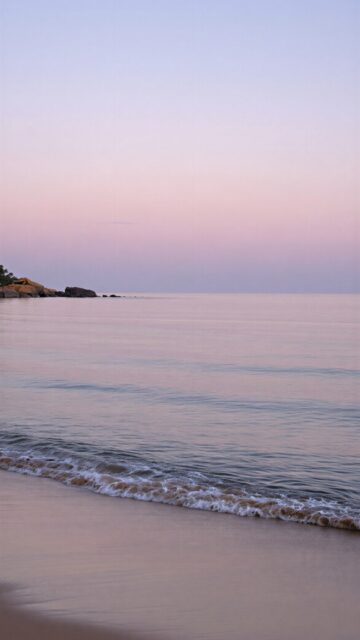
Sea-themed backgrounds suit very different moods, so start with how you want your screen to feel. Clear tropical shallows feel bright and refreshing, a single curling wave feels energetic, and a deep blue underwater scene with light rays feels quiet and dreamy. Aerial shots of surf on sand create natural lines that look great on a home screen, especially when the busy foam runs along one side. For a lock screen, choose open water or sky at the top so the clock sits on a calm area. Turquoise pairs well with sand and white, while deep navy seas suit silver and soft gray. Ocean themes are popular all year, with extra interest in summer travel season. More ways to enjoy the theme:
Aerial shots where the waves run diagonally across the frame make some of the best home screens, because the busy white foam sits in one corner and the calm deep water stays clear behind your icons.
Pick the 1080x2400 Android version. It's composed for tall Android screens, so waves and underwater scenes fill the frame without awkward cropping. iPhone users should choose 1170x2532 instead. Using the right file keeps fine detail like sea foam and light rays sharp rather than soft.
Water absorbs red, orange and yellow light more strongly than blue, so in deep water mostly blue light is scattered back to your eyes. Shallow water over white sand often looks turquoise because light reflects off the bottom. Algae, sediment and the color of the sky can also shift the ocean toward green or gray.
Both work well. Underwater scenes with light rays and open blue space make a calm lock screen because the clock has a clean background. Aerial wave and surf patterns suit the home screen, since their texture spreads evenly behind icons. Many people use one of each from the same collection.
Yes, they're free for personal use on your own phone, tablet, computer or watch. You don't need to sign up, and there's no watermark. Commercial use, resale and redistribution are not allowed, so please don't post them to other websites or use them in products. Our terms page has more information.
The site publishes new collections every day, and ocean scenes are added over time, from tropical reefs to stormy seas. Visit the latest wallpapers page to see new sets first, or check the daily pick each morning, US time. You can request a sea creature or scene through the contact page.
Download the 5120x1440 dual monitor version and set it to span both screens. A long horizon or a wide wave works best, because the sea flows naturally across the gap between monitors. Follow our dual monitor guide for Windows and Mac setup steps.
Many people find them calming. Blue and teal tones, gentle wave lines and open horizons are visually simple and remind people of holidays and time by the water. An underwater scene with soft light rays is especially quiet. It won't replace a real break, but it makes your screen feel less cluttered.
Turquoise and aqua pair with sand, white and coral for a beachy look. Deep navy and cobalt seas go well with silver, slate gray and soft white. For widgets and icons, a translucent white keeps things fresh, while a dark navy theme suits moody, stormy ocean designs.
Every wallpaper is reviewed by a person before it goes live: we remove images with odd details or blur and check the crop for each device. How we check wallpapers
Something wrong with an image? Report an image · Free for personal use, see the Terms.