Android Wallpapers

40 wallpapers in 4 collections · last added 12 Oct 2026 · sizes for iPhone, Android, desktop and tablet

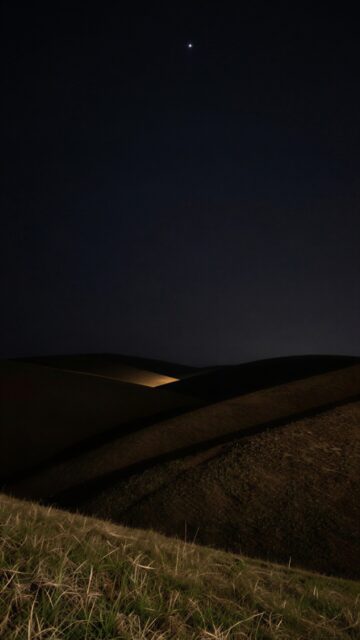
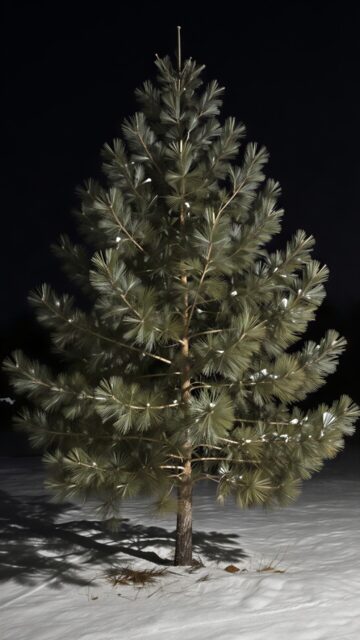
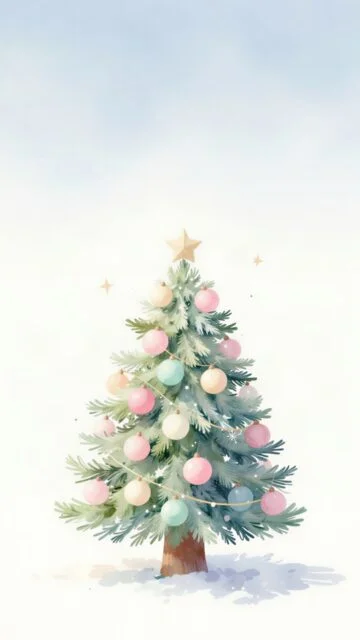
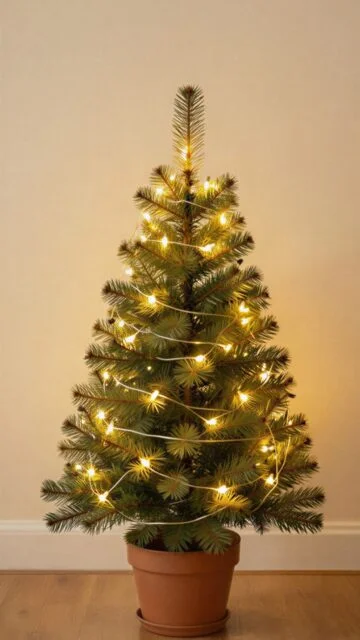
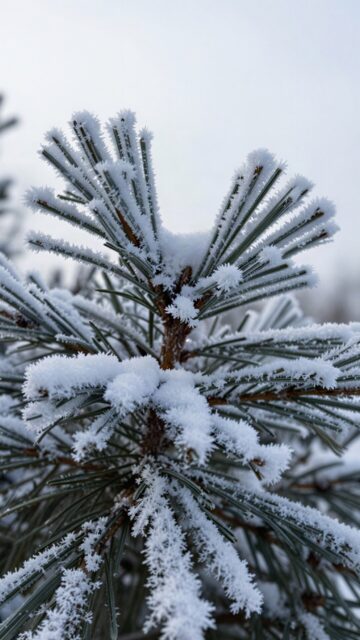
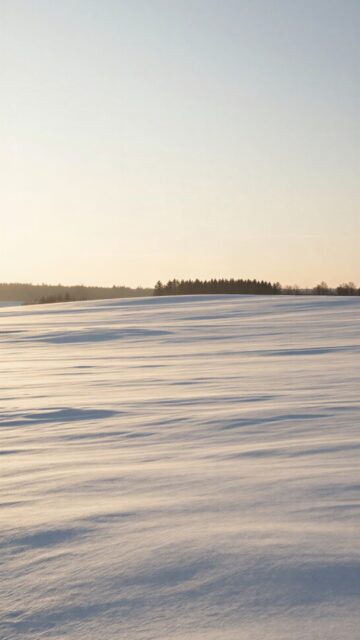
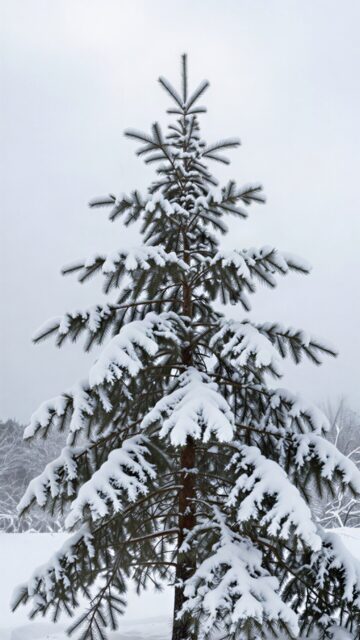
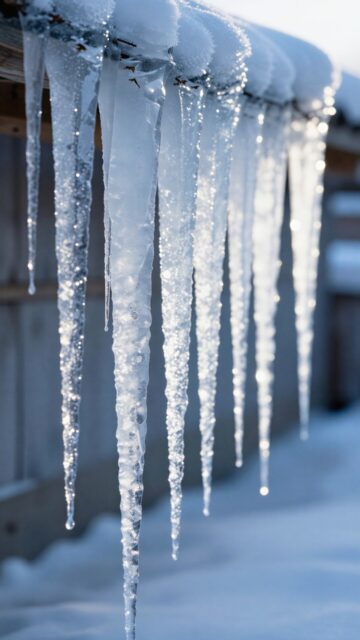
Every android wallpaper here is built at 1080x2400, a tall 20:9 portrait frame that fits the screens of many popular Android phones and scales cleanly to slightly taller or shorter models. You get one consistent size per collection, so the 10 images in each set all line up the same way on your phone. Browse moody dark wallpapers, bright anime scenes, calm nature shots, glowing galaxy art and clean aesthetic designs, all cut for a phone held upright.

These Android backgrounds work on both the home screen and the lock screen, and the framing leaves room at the top for the clock and status bar. Looking for a tablet or computer instead? Try the iPad or 4K desktop sizes. Every design is original and checked by hand before it goes live, and anything that looks soft or awkward on a real screen is removed. No sign up, no watermark, just pick a set and save the image you like.
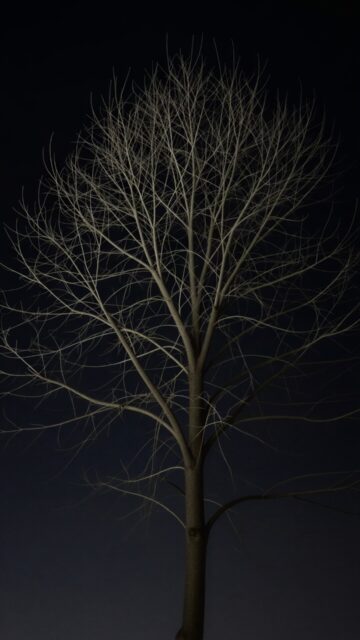
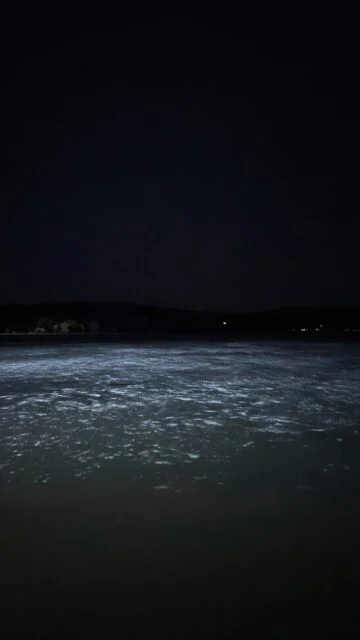
Android has one trick most phones don't: on Android 12 and later, many devices read the colors in your background and tint the quick settings, buttons and widgets to match. That means the image you choose quietly sets the color scheme for the whole phone. A teal ocean scene gives you cool blue menus, while a warm sunset pushes everything toward orange and coral. If you like a calm interface, pick a picture with one dominant color rather than a rainbow of competing tones.


  • Deep, dark images pair well with AMOLED screens and a dark system theme, see black aesthetic.
  • Soft single-color art keeps app labels easy to read, see minimalist.
  • Busy, detailed scenes look best on the lock screen, where no icons sit on top.

Expert tip

If your phone uses dynamic color, test a new background for a day before settling on it, because a single strong hue in the image (like a bright red car) can tint every menu and toggle the same color.

Color palette

#0F1A14#1E3A2B#3DDC84#9BE8BF#F1FBF5

Android wallpaper FAQ

What size is an Android wallpaper on this site?

Android images here are 1080x2400 pixels, a 20:9 portrait ratio. That matches a large share of current Android phones exactly, and on screens with a slightly different shape your phone simply trims a thin strip from the edges. Because the subject is kept away from the borders, nothing important gets cut off when that small crop happens.

How do I set a wallpaper on my Android phone?

Save the image, then long-press an empty spot on your home screen and open the wallpaper settings (the menu name varies a little by brand). Choose the photo from your gallery, adjust the crop, and decide whether it goes on the home screen, the lock screen or both. Our Android wallpaper guide walks through every step in plain language.

Will an Android wallpaper change my phone's theme colors?

On many phones running Android 12 or newer, yes. The system picks accent colors from your background and applies them to menus, toggles and some widgets. Pixel calls this Material You, and Samsung offers a similar color palette option. If you don't want the tint, you can usually switch to a fixed basic color in the wallpaper and style settings.

Should I use a different Android wallpaper for the lock screen and home screen?

It often looks better. The lock screen shows the clock and notifications but no app grid, so a detailed scene or portrait reads well there. The home screen is covered by icons and widgets, so a simpler, lower-contrast image keeps labels legible. Many people use two images from the same collection to keep a matching look across both screens.

Are dark Android wallpapers better for battery life?

On phones with an AMOLED or OLED display, black pixels are switched off, so a background with large pure black areas uses slightly less power than a bright one. The saving is small but real, and dark images also feel easier on the eyes at night. On LCD screens the backlight stays on, so color makes no difference to battery.

Are these Android wallpapers free to use?

Yes. You can save any image and use it on your own phone, tablet or computer at no cost, with no account and no watermark. They are for personal use only, so please don't sell them, print them for sale or repost them as your own. The full details are in our terms of use.

How often are new Android wallpapers added?

New collections are published every day, and each one holds 10 images in a single theme. Seasonal sets, like Halloween or Christmas, go up a few weeks ahead so you can switch early. To see the newest uploads across every device, check the latest wallpapers page, or visit today's pick for one hand-picked image each morning.

Why does my Android wallpaper look zoomed in or blurry?

Zooming usually happens when the launcher stretches the image to allow scrolling between home pages, or when the crop tool was dragged too far. Re-apply it and pinch out until the full frame fits. Blurriness usually means the file was compressed by a messaging service along the way, so save the original from this site rather than a forwarded copy.

Curated and checked by the FreeWallpaperDaily experts

Every wallpaper is reviewed by a person before it goes live: we remove images with odd details or blur and check the crop for each device. How we check wallpapers

Something wrong with an image? Report an image · Free for personal use, see the Terms.