Black Wallpapers

90 wallpapers in 9 collections · last added 5 Nov 2026 · sizes for iPhone, Android, desktop and tablet

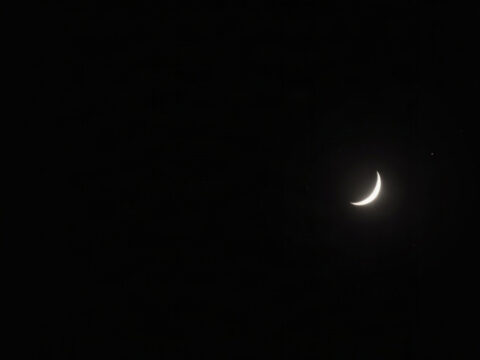
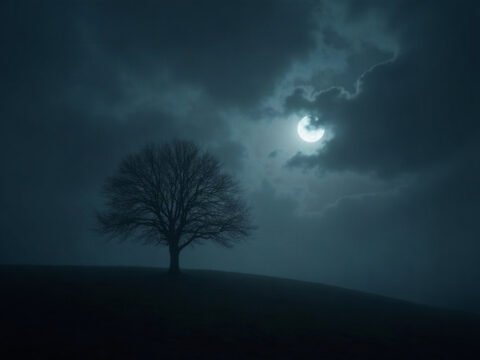
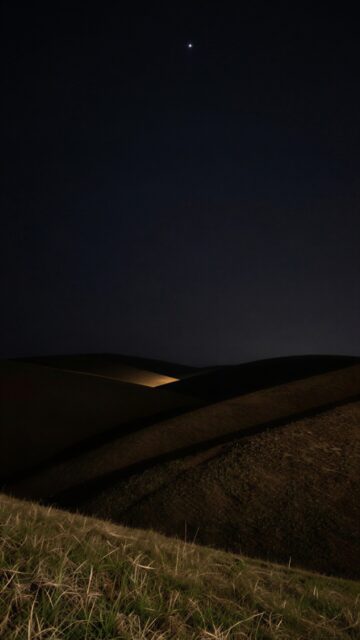
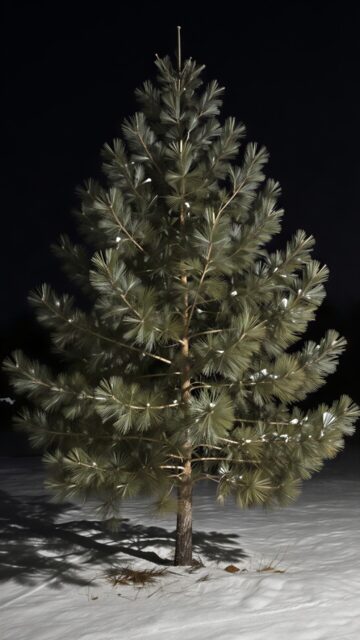
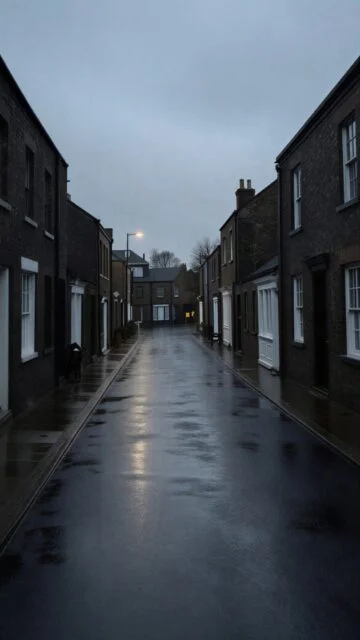
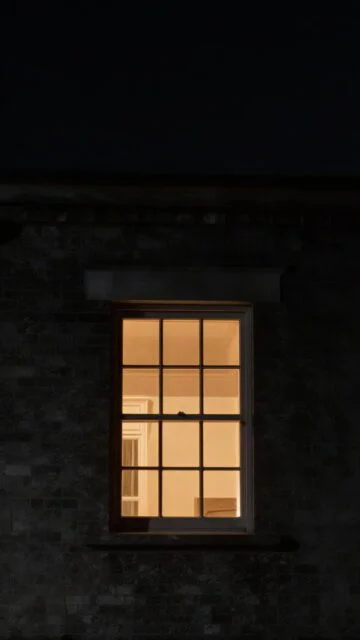
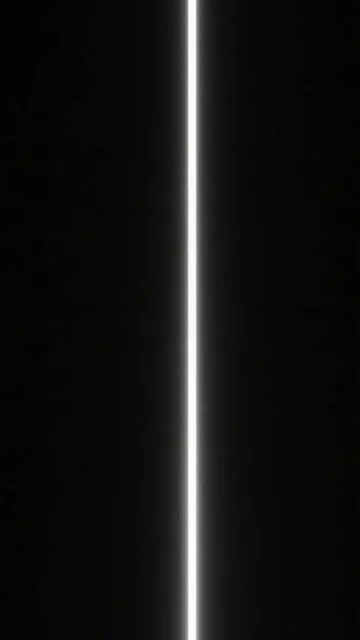
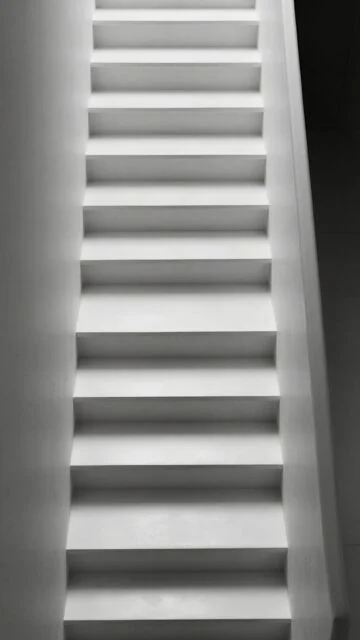
A black wallpaper gives your screen a clean, calm base that makes icons, widgets and the clock easy to read. This collection of black backgrounds ranges from pure solid black to deep textures, glossy shapes, moody night scenes and fine line art on a dark field. Explore the sub-themes: dark wallpapers for shadowy scenes, black aesthetic designs with a minimal, stylish edge, black and white monochrome art, simple black screen options and gothic-tinged black flowers and hearts.

Black looks especially good on phones with OLED displays, and every collection is available in one size per set: iPhone at 1170x2532, Android at 1080x2400, plus iPad, laptop, 4K desktop, dual monitor and smartwatch versions. Each set contains 10 wallpapers in a single theme, so your devices can match. All designs are original and checked by hand before they are published, and weak images are removed, so what's left looks deep, smooth and finished.

Not all black is the same. True black (#000000) feels flat and modern, near-black charcoal shows subtle texture, and black with a single accent, like a red rose, a gold line or a neon edge, gives a striking focal point without clutter. On the lock screen, a darker top area keeps white clock digits crisp. On the home screen, black makes colorful app icons look brighter, while a matte texture hides the edges of widgets. Black also works year-round, though it gets extra attention in fall and around Halloween, when darker, cozier screens feel right for the season.

Expert tip

If your phone has an OLED screen, choose a design with large areas of pure black (#000000) rather than dark grey; those pixels switch off completely, which gives deeper contrast and a slight battery saving.

Color palette

#000000#121214#26262B#4A4A52#D9D9DE

Black wallpaper FAQ

What is the best size for a black wallpaper on iPhone?

Use 1170x2532 pixels, our iPhone size. It fills the screen on current iPhones and scales down cleanly on smaller ones. Solid black looks the same at any size, but textured or illustrated designs stay sharp only when the resolution matches. The iPhone wallpaper guide shows how to set it.

Does a black wallpaper save battery?

On phones with OLED or AMOLED screens, black pixels are switched off, so a mostly black wallpaper uses a little less power than a bright one. The saving is modest and depends on how much of the screen is truly black. On LCD screens the backlight stays on, so there is no real difference.

What black wallpaper size works on Android?

Our Android wallpapers are 1080x2400 pixels, a tall shape that fits most current Android phones. Many Android phones also use OLED panels, so deep black designs look rich and inky on them. For help with home and lock screen settings, follow the Android wallpaper guide.

Is a black wallpaper better for the lock screen or the home screen?

Both, for different reasons. On the lock screen, black makes the white clock and notifications very easy to read. On the home screen, it lets colorful app icons stand out and keeps the look tidy. Many people use a black design with one small accent on the lock screen and plain black behind their apps.

Are black wallpapers easier on the eyes at night?

A dark background gives off less light than a white one, so it can feel more comfortable when you check your phone in a dark room. It pairs naturally with your phone's dark mode. For long reading in bright daylight, though, dark backgrounds aren't always easier, so it comes down to personal preference.

What colors go well with a black wallpaper?

Almost every color pops against black. Gold and silver feel elegant, deep red feels dramatic, neon pink, cyan and purple give a bold night-city look, and pure white keeps things crisp and graphic. For a soft look, try muted greys or dusty rose accents on a charcoal background instead of pure black.

Can I use black wallpapers for free?

Yes, for personal use on your own devices. There's no sign up, no watermark and no cost. You may not use them commercially, resell them or share them on other websites or apps. Please read our Terms of Use for the full details on what counts as personal use.

How do I set a black wallpaper on a 4K desktop?

Choose a set in our 4K desktop size, 3840x2160 pixels, which also looks sharp on 1080p and 1440p monitors. Then open your system's background settings and select the image. The desktop wallpaper guide covers both Windows and Mac step by step, including how to pick the fill option.

Curated and checked by the FreeWallpaperDaily experts

Every wallpaper is reviewed by a person before it goes live: we remove images with odd details or blur and check the crop for each device. How we check wallpapers

Something wrong with an image? Report an image · Free for personal use, see the Terms.