Army Wallpaper iPhone
Army iPhone wallpaper features tactical gear, military vehicles and combat scenes ready to download free for your phone. These original artworks show soldiers in action, armored tanks, helicopters and battlefield landscapes in realistic detail. The set ranges from intense warfare to quiet military camps, with color palettes that shift from dusty browns and greens to stormy greys and deep blacks. Each design works well as a lock screen or home screen background.
10 wallpapers at 1170 × 2532 px for iPhone. Checked by hand on 14 Oct 2026.
About this set
This set showcases military scenes in realistic detail, from soldiers in the field to vehicles and equipment. The color palettes shift between warm desert tones, cool tactical greys and natural earth greens, giving each design its own mood. Lock screen picks work best with subjects positioned in the lower half, leaving the top clear for quick glances at the time. Home screen designs can fill more of the frame and pair well with minimal icon layouts that don’t cover the action.
These wallpapers suit anyone drawn to military themes, tactical aesthetics or action-focused backgrounds. They work across light and dark mode without losing detail, and the varied lighting conditions mean you can match them to your current season or preference.
Dust-coloured cloth and a code name that stuck
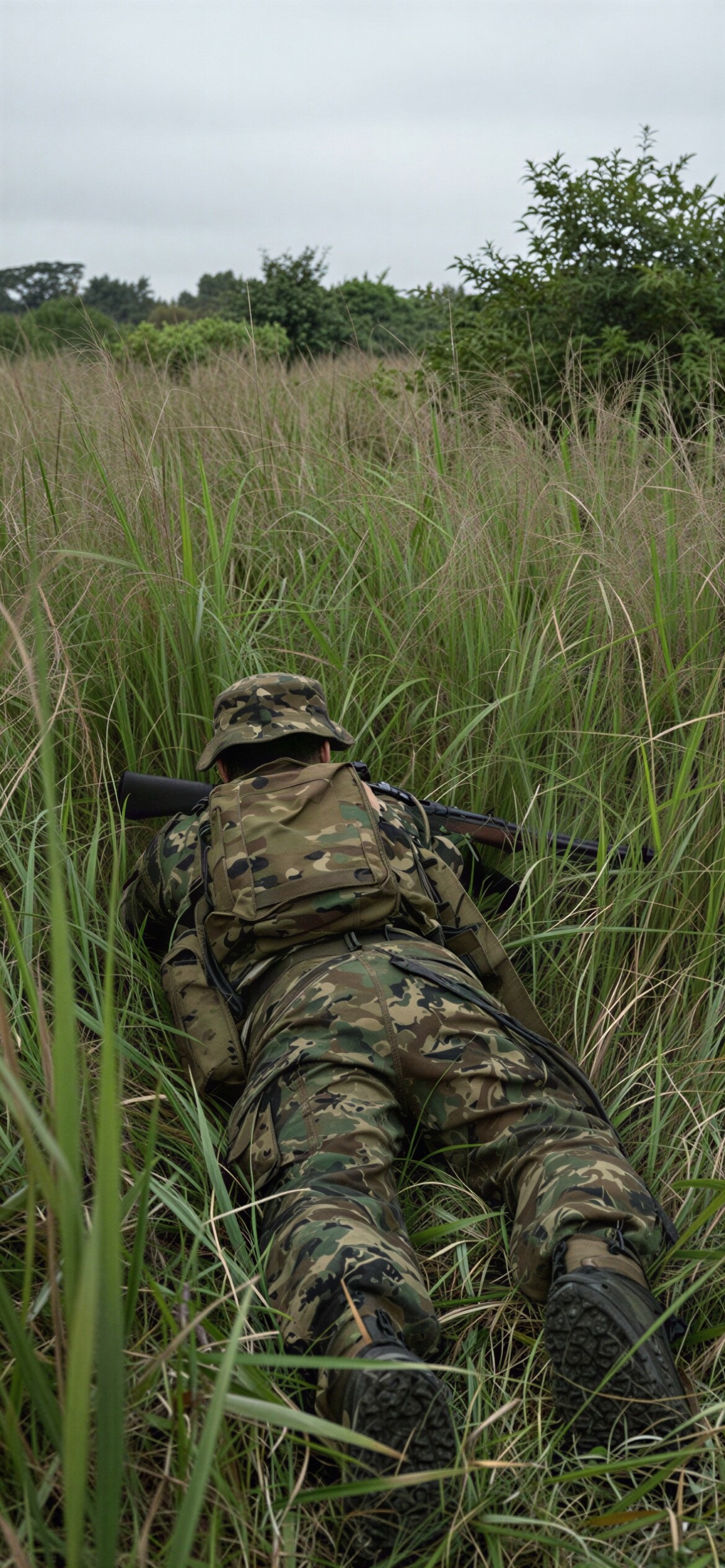
Many of the uniforms and vehicles here are coloured to blend in, and that idea is newer than it looks. For centuries armies often wore bright coats so units could be told apart on a smoky battlefield. During the 1800s the British army began using khaki for field uniforms, a word borrowed from Hindi and Urdu meaning dust-coloured, and by the First World War dull earth tones were the norm. The French army set up specialist camouflage units in that same war, and the word camouflage itself comes from French. You can see the idea at work in wallpaper 7, where a soldier almost vanishes into tall grass, and in the desert tones of wallpaper 1.
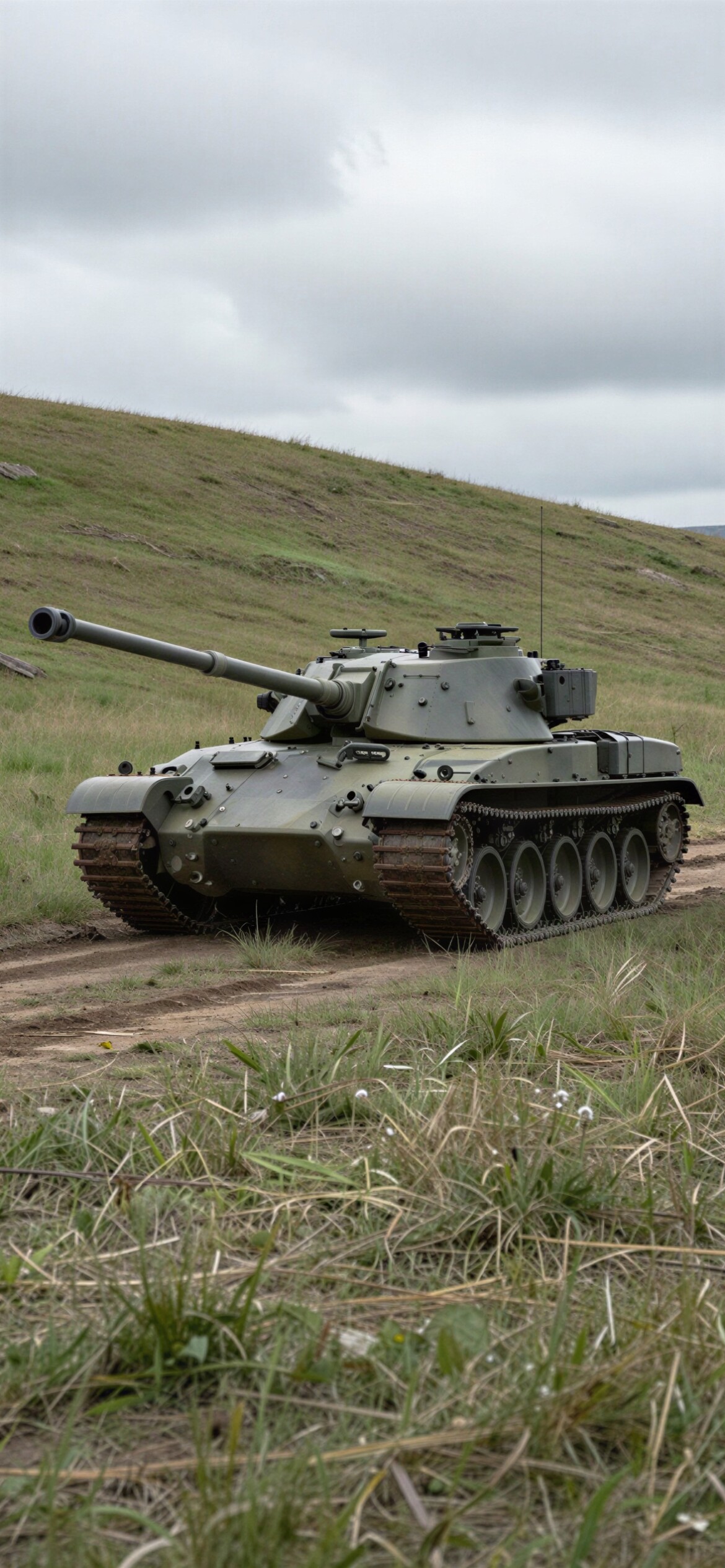
The tank in wallpaper 3 has a story of its own. British tanks first went into battle in September 1916, during the Battle of the Somme, and while they were being built they were passed off as water tanks to keep the project secret. The name stayed.
Ten scenes, from the front line to the camp
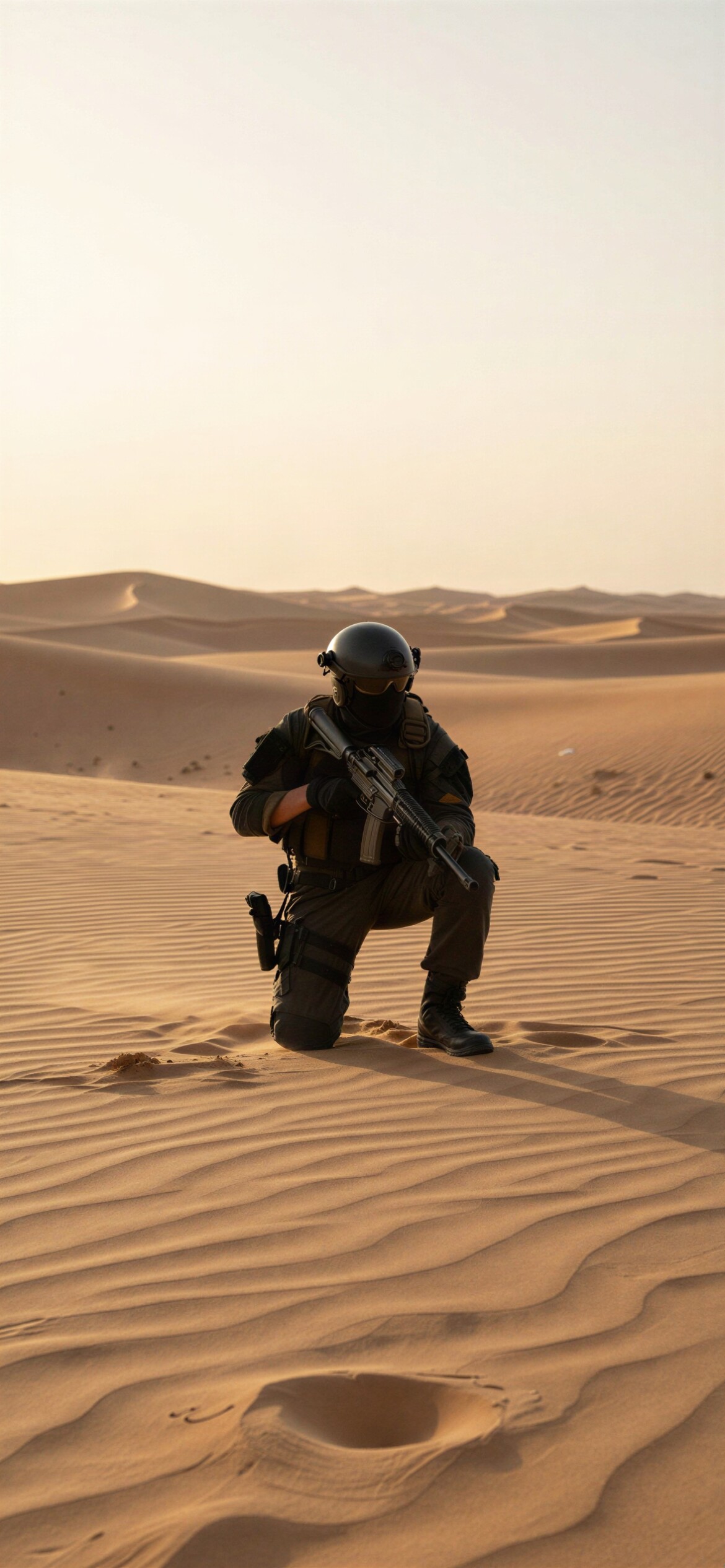
- A soldier in desert tactical gear at golden hour, with warm light that keeps the scene soft.
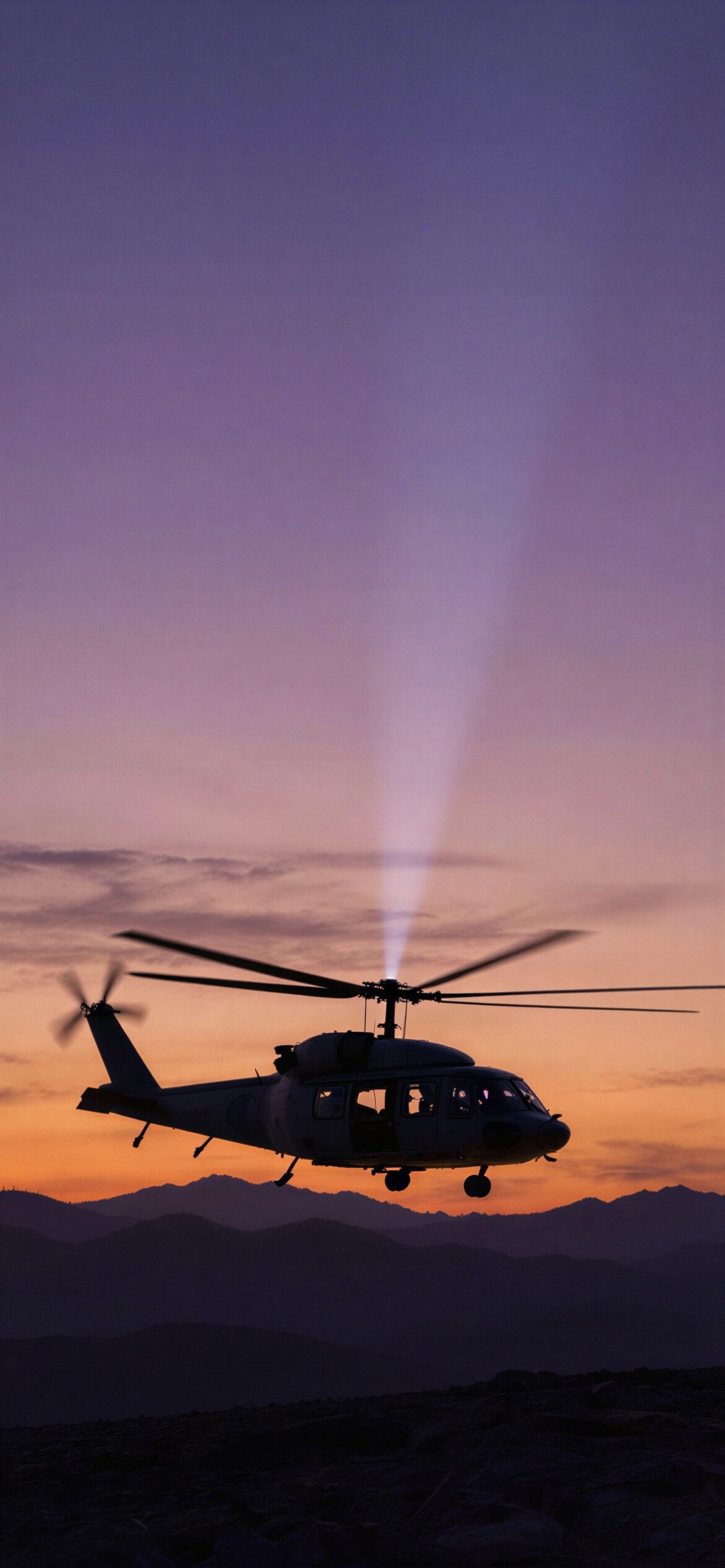
- A helicopter silhouette against a dusk sky, a simple dark shape that leaves the rest of the screen calm.
- An armored tank on a hillside under an overcast sky.
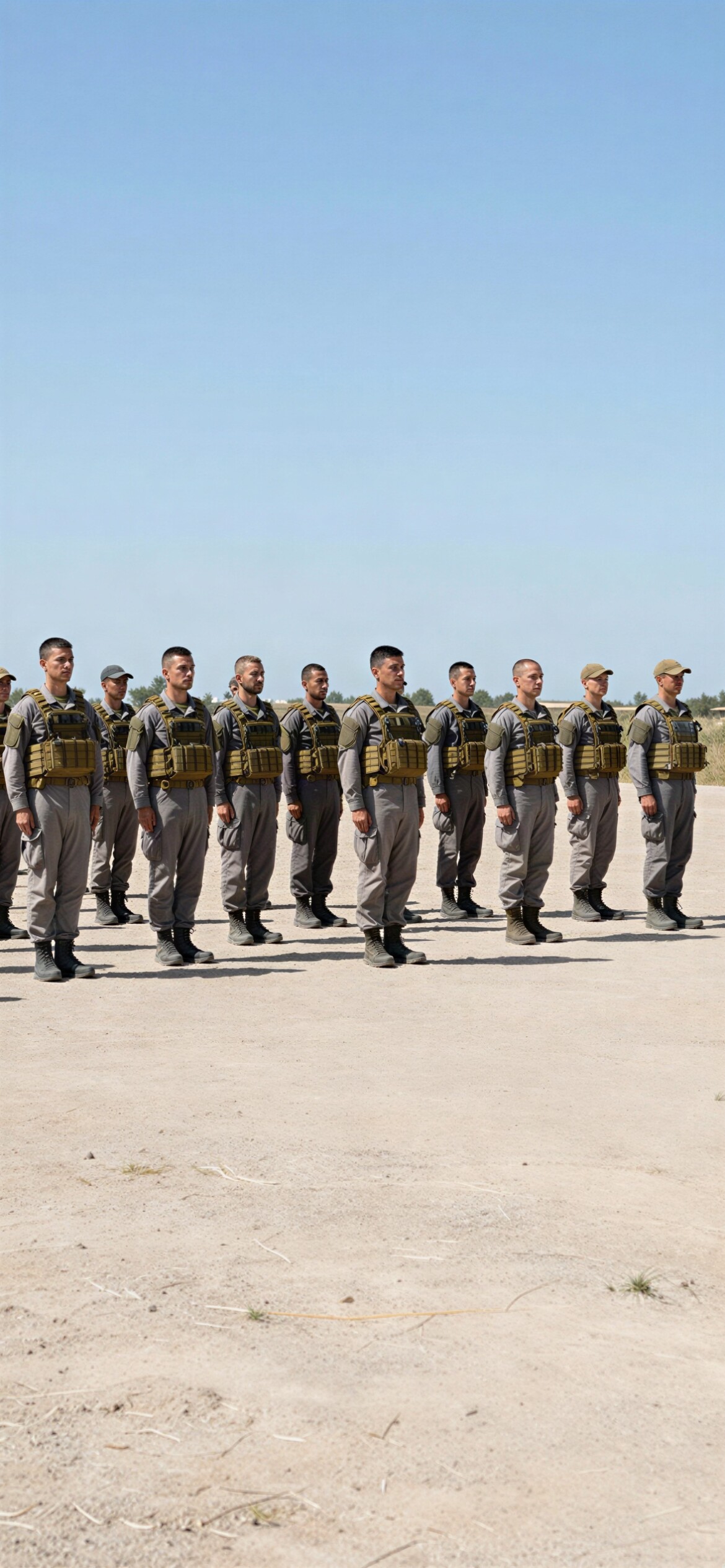
- Troops standing in formation on a training ground, the most orderly picture in the set.
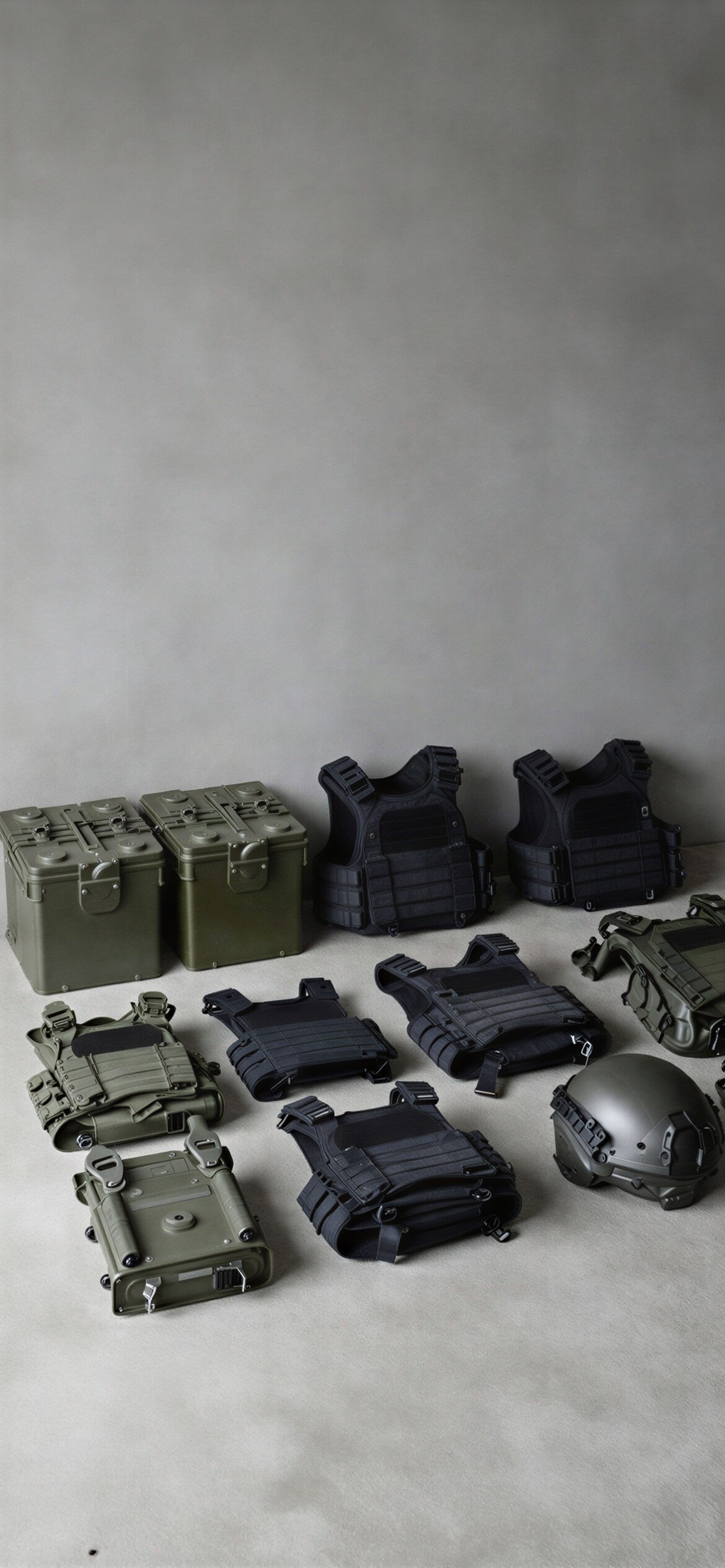
- Tactical equipment laid out on concrete, a still life with no people in it.
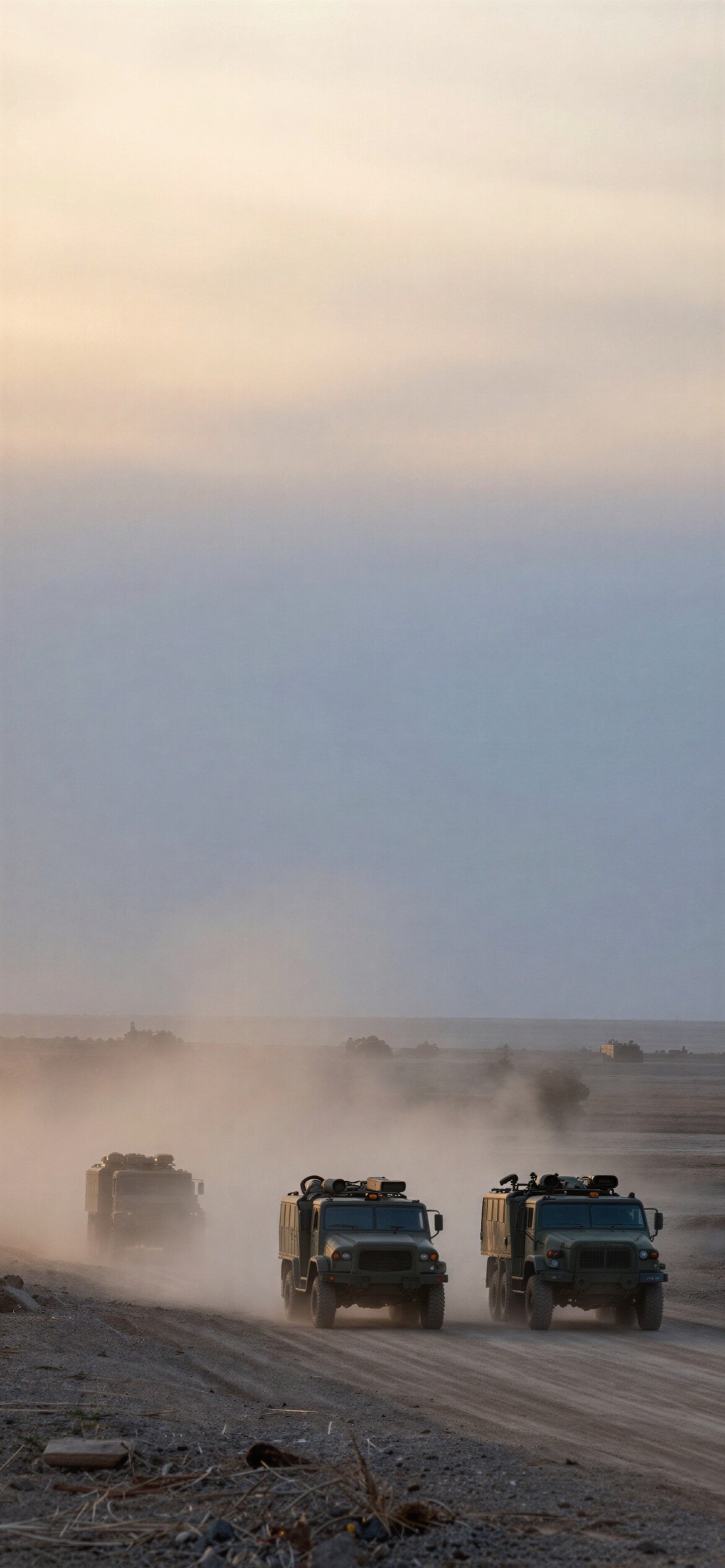
- A convoy of vehicles rolling through dusty terrain at dawn.
- A camouflaged soldier in tall grass, holding a rifle.
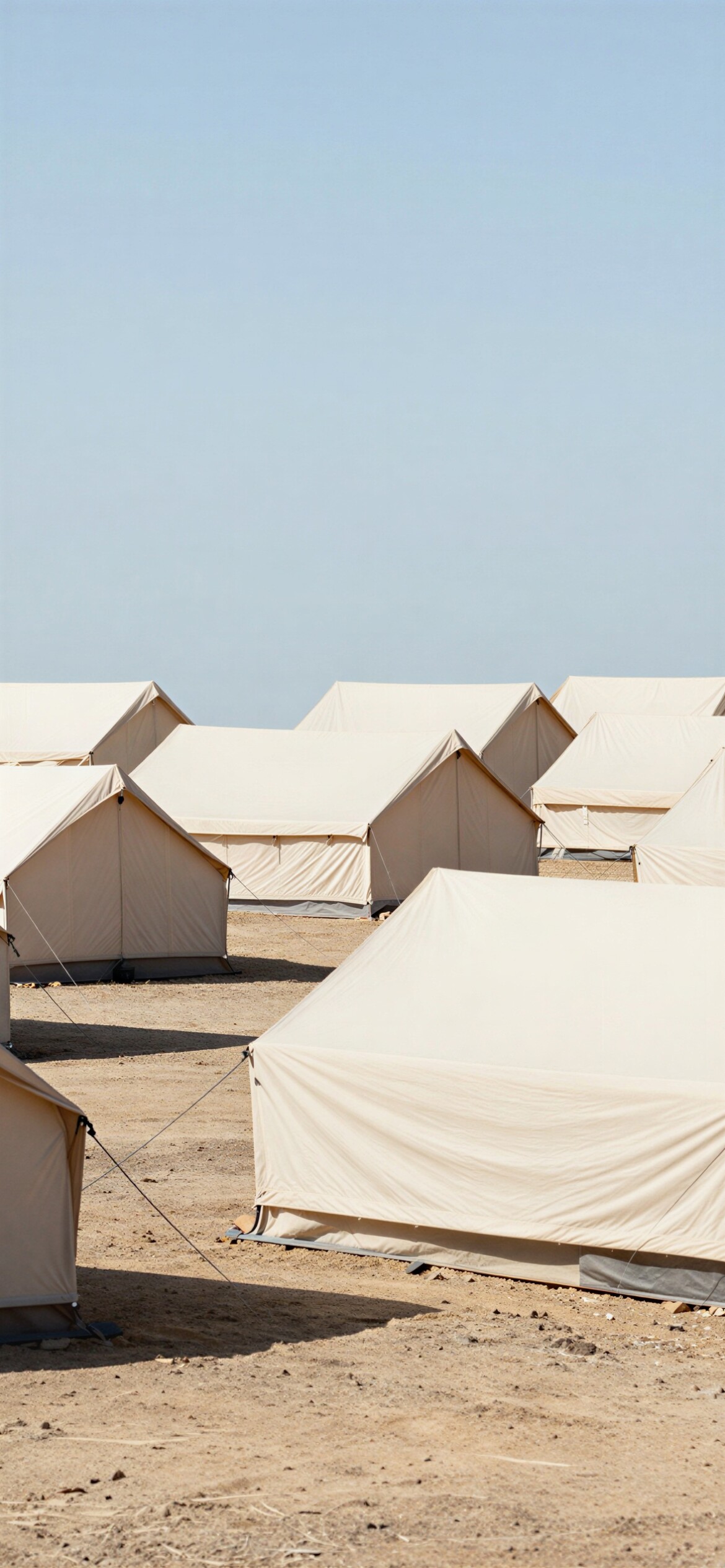
- A temporary camp of canvas tents under a clear sky, the quietest scene of the ten.
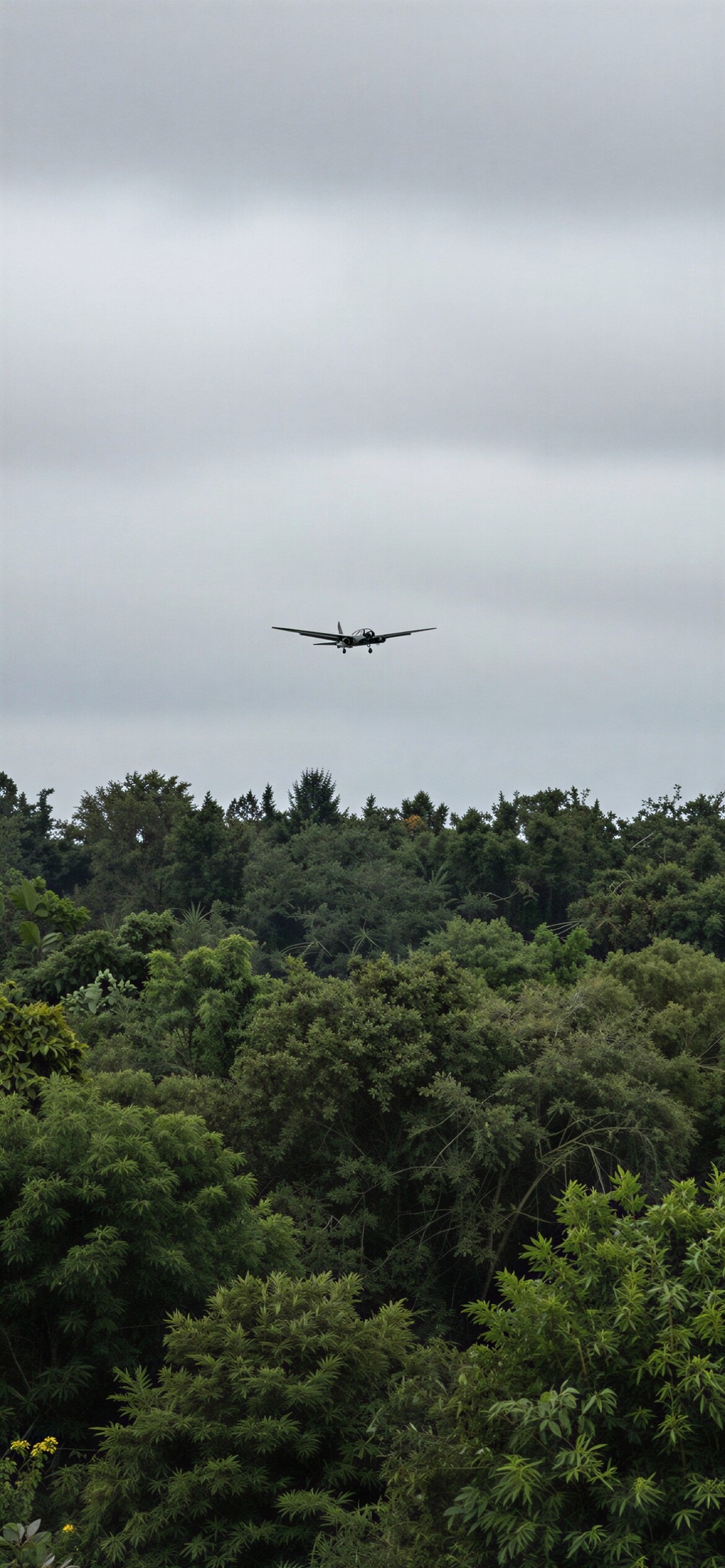
- An aircraft flying low over a forested landscape.
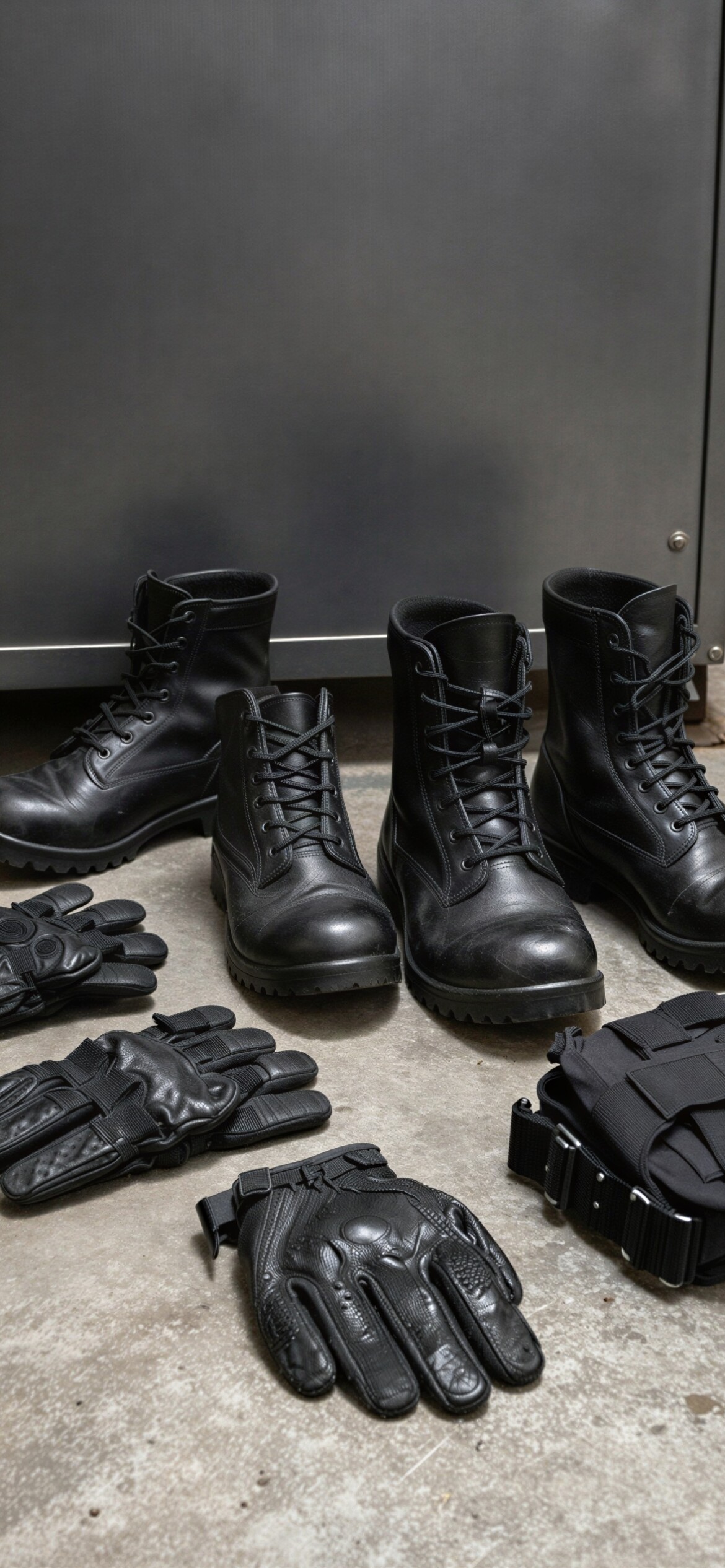
- Military boots and gear on a metal surface, a close-up for when you want texture more than a scene.
Dust, dusk or a clear sky?
The warmest pictures are 1 and 6, lit by low sun through dust, and 2 sits with them thanks to its dusk sky. For cooler, greyer tones, go to 3 under its heavy clouds or the concrete and metal of 5 and 10. The green outdoor scenes, 7 in the grass and 9 over the forest, fall in between, while 4 and 8 are the calmest, with open ground and plenty of sky.
If uniforms are what draws you in, our police wallpapers are another set to browse, the airplane designs suit anyone who likes wallpaper 9 best, and the dark green collection brings the olive tones without the scenes.
How to set it on your iPhone
- Tap Download and save the image to Photos.
- Open Settings, tap Wallpaper, then Add New Wallpaper, and choose Photos.
- Pick the wallpaper, pinch to position it, then tap Add and choose the lock screen, home screen or both.
Stuck on a step? The iPhone and iPad guide has screenshots for each one.
Questions
What size are these wallpapers for iPhone?
All wallpapers in this set are 1170 by 2532 pixels, the standard resolution for iPhone lock screens and home screens. This size is made for modern iPhones, and some older models may crop slightly at the edges. You can download any design and apply it directly without resizing.
Can I use these wallpapers for personal use?
Yes, these wallpapers are free to download and use on your own iPhone. You may not sell them, print them for sale, or repost them on other wallpaper sites or social media as your own work. See our Terms page for the full licensing details.
Which designs work best for a lock screen versus a home screen?
Lock screen designs have subjects in the lower half with open sky at the top, so the time display stays visible and readable. Home screen designs can fill more of the frame since icons sit below the main subject. Pick lock screens for daily visibility and home screens for visual impact behind your app grid.
What mood do these military designs have?
This set ranges from intense tactical action to quiet military moments. Some designs show movement and drama with vehicles and aircraft, while others focus on gear and equipment in still arrangements. Together they create a realistic, grounded military aesthetic without stylization, suiting anyone who appreciates tactical or action-focused backgrounds.