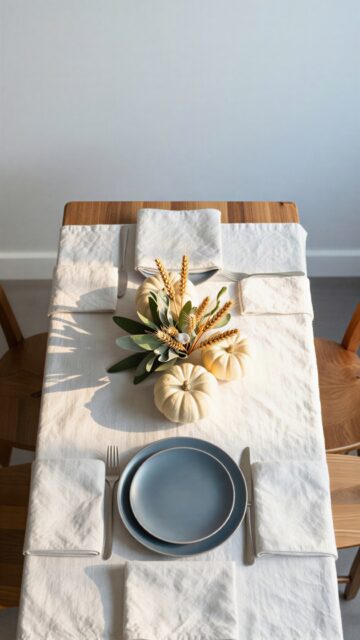
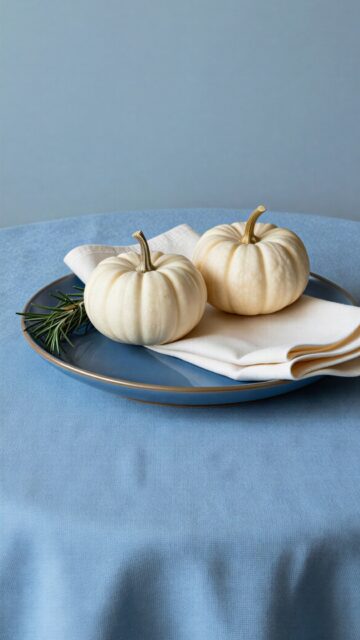
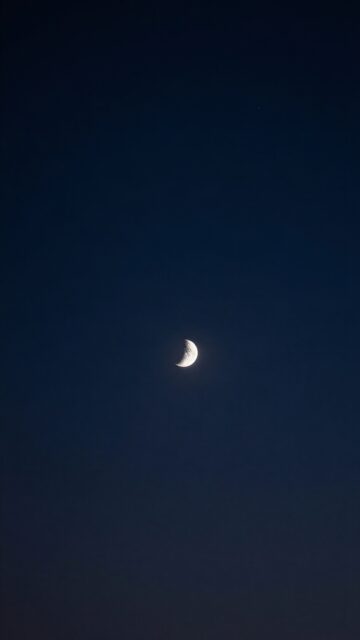
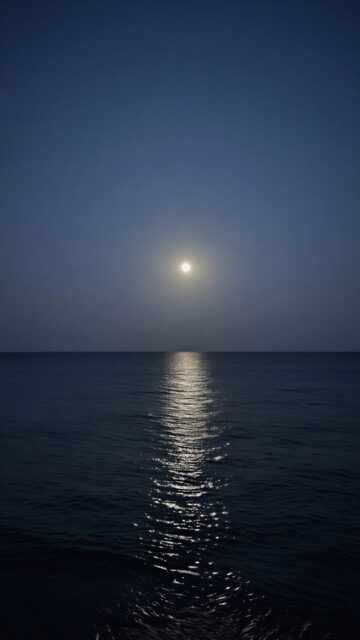
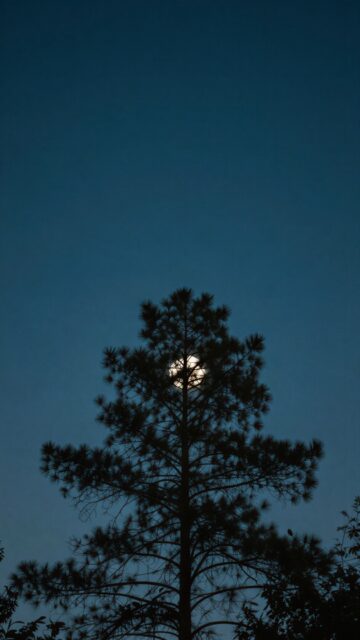
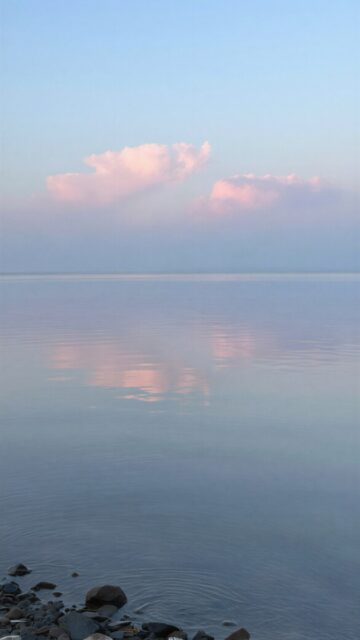
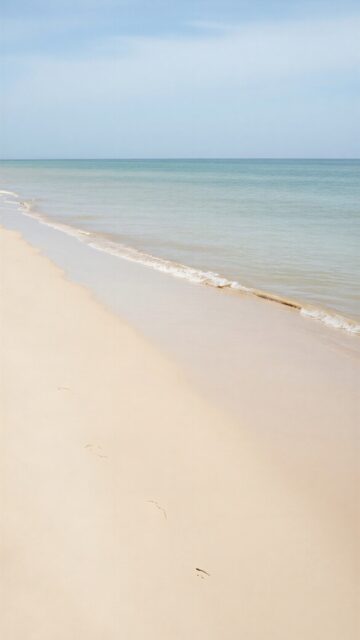
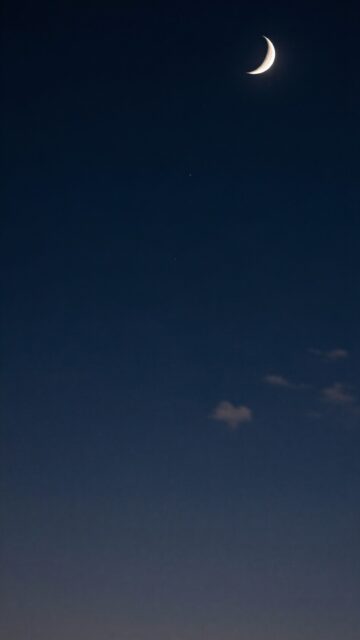
Blue Wallpapers

60 wallpapers in 6 collections · last added 8 Nov 2026 · sizes for iPhone, Android, desktop and tablet

A blue wallpaper is one of the most relaxing ways to dress up your screen, whether you like the soft calm of a clear sky or the depth of a midnight ocean. This collection of blue backgrounds covers every shade, from icy pastels and powder blue to cobalt, sapphire and navy, across themes like waves, clouds, gradients, abstract shapes, flowers and starry nights. For a dreamier, curated look, visit our blue aesthetic wallpapers, or narrow things down with light blue and navy blue designs.

Every collection includes 10 wallpapers in one theme and one size, with sets for iPhone (1170x2532), Android (1080x2400), iPad, laptop, 4K desktop, dual monitor and smartwatch. Blue tones work well behind both white and colorful icons, so they're an easy pick for a home screen. Every design is original and checked by hand before it goes live, and weak images are removed, so gradients stay smooth and the color looks true on your screen.
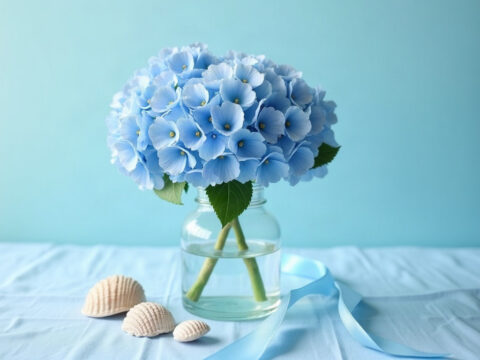

The shade you choose changes the mood a lot. Pale sky and baby blue feel light and airy, teal and turquoise feel tropical and fresh, cobalt feels bold and modern, and navy feels calm and serious. On a lock screen, darker blues keep a white clock crisp; on a home screen, mid-tones let icons stand out without glare. Blue pairs nicely with white and silver for a clean look, with gold for something richer, or with soft orange for a sunset contrast. Summer brings out ocean blues, and winter suits icy, frosty tones that echo snow and clear cold skies.

Expert tip

If you use your phone's night light or blue light filter in the evening, preview the wallpaper with it on; bright cyan and sky blue can turn greenish, while navy and cobalt keep their character better.

Color palette

#0B1F3A#1C3F7A#2F6FD0#7FB3E8#DCEBF8

Blue wallpaper FAQ

What size is a blue wallpaper for iPhone?

Our iPhone blue wallpapers are 1170x2532 pixels, which fills current iPhone screens and stays sharp on larger models. Smooth blue gradients look best at the native size, since stretching can cause visible bands. For step-by-step setup, see our iPhone wallpaper guide.

What blue wallpaper size should I use on Android?

Use 1080x2400 pixels, the tall size that fits most current Android phones. If your phone's screen shape is a little different, centered designs like gradients and clouds crop most gracefully. Our Android wallpaper guide explains how to set a different image for the home and lock screens.

Why is blue considered a calming color?

Blue is strongly associated with the sky and the sea, two things most people link with open space and quiet. In color surveys across many countries, blue regularly comes up as a favorite color. That familiarity and its cool tone are why so many people find a blue background relaxing to look at.

Why is the sky blue?

Sunlight contains all colors, but as it passes through the atmosphere, tiny gas molecules scatter shorter blue wavelengths much more than red ones. This effect, called Rayleigh scattering, sends blue light across the whole sky. At sunrise and sunset, light travels through more air, so the blues scatter away and warmer colors appear.

Which blue wallpaper works best on a lock screen?

A darker blue at the top of the image keeps a white clock and notifications easy to read. Ocean scenes with deep water near the top, starry skies and navy gradients all work well. Pale blue designs can look great too, but you may want to switch the clock to a darker color.

What colors go well with a blue wallpaper?

White and silver keep blue crisp and clean, while gold or warm brass make it feel richer. Coral, peach and soft orange sit opposite blue on the color wheel, so they add a lively contrast. For a calm look, combine several blues in one design, from navy to ice.

Can I use blue wallpapers for free?

Yes, for personal use on your own phone, tablet, computer or watch. There's no sign up and no watermark. You can't use them commercially, resell them or post them elsewhere online. For the full list of what is and isn't allowed, read our Terms of Use.

How do I get a blue wallpaper in 4K for my desktop?

Choose a set in our 4K desktop size, 3840x2160 pixels, which also looks crisp on 1080p and 1440p monitors. Then open your system's background settings and select the image. The desktop wallpaper guide covers the exact steps for both Windows and Mac.

Curated and checked by the FreeWallpaperDaily experts

Every wallpaper is reviewed by a person before it goes live: we remove images with odd details or blur and check the crop for each device. How we check wallpapers

Something wrong with an image? Report an image · Free for personal use, see the Terms.