Lock Screen Wallpapers

20 wallpapers in 2 collections · last added 8 Oct 2026 · sizes for iPhone, Android, desktop and tablet

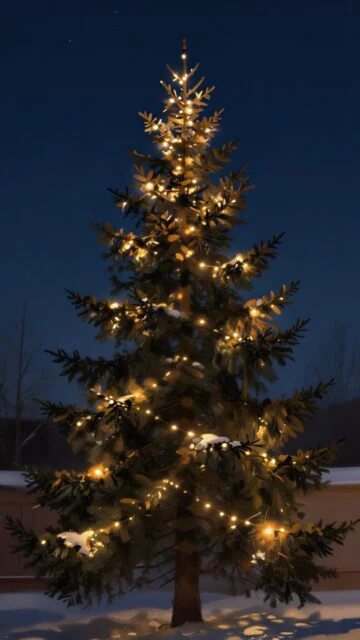
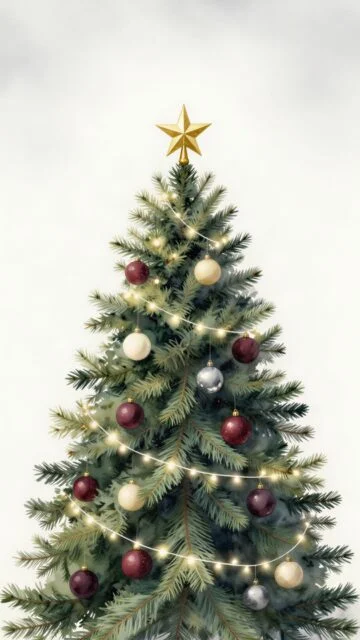
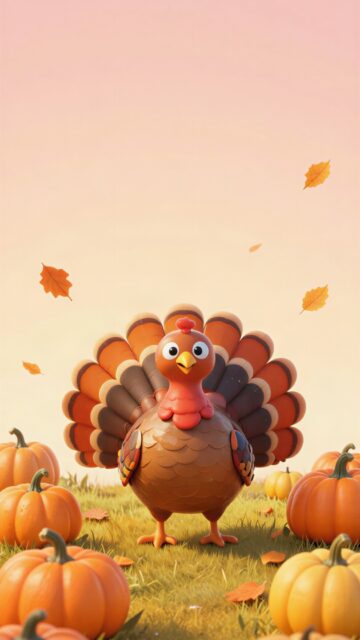
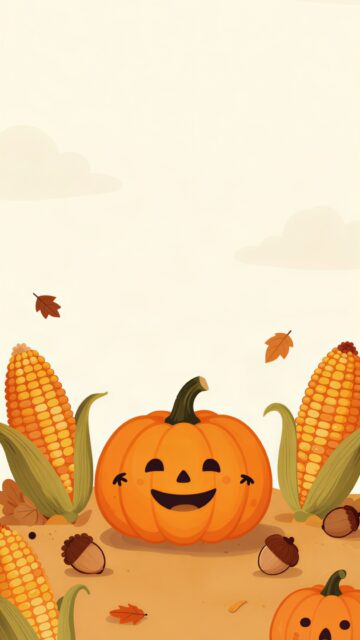
A lock screen wallpaper is the first thing you see every time you pick up your phone, and since no app icons cover it, it is the best place for a picture you really want to look at. Everything in this section is a 1170x2532 portrait image, which fits iPhone exactly and scales neatly on Android phones. The designs leave open space at the top for a large clock and keep the main subject in the middle third, clear of notifications at the bottom. Expect bold portraits, detailed anime scenes, glowing neon art, moody dark designs and playful don't touch my phone messages.

Want an easier image to sit behind your icons? Pair your favorite with something from the home screen section. All of these designs are original and checked by hand before they are published, and new collections of 10 arrive every day. They are free for personal use with no sign up and no watermark.
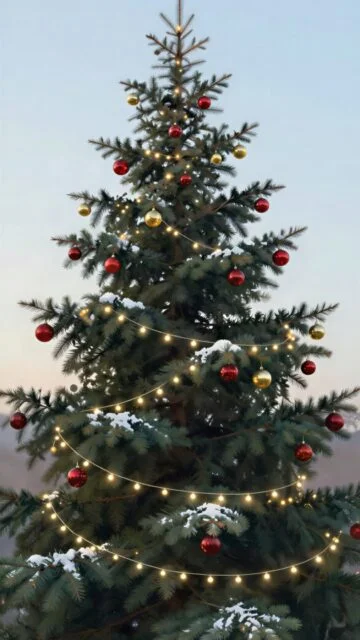
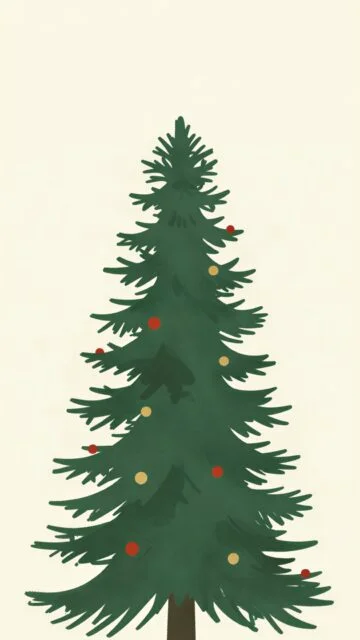
Clock placement is the deciding factor. On iPhone the time sits high and large, so images with a strong subject in the middle or lower half look best, and the depth effect can let a figure overlap the numbers. On Android, the clock is usually smaller and sometimes centered, and the always-on display may show a dimmed version of your image. Bright clocks need darker skies behind them, while a dark clock style pairs better with light, airy pictures. Test any image at full brightness and at night before you commit to it.

  • Statement images from motivational sets give you a reminder each time you unlock.
  • A deep galaxy scene keeps a white clock crisp.
  • Keep notification-heavy phones on images with a calm lower half.

Expert tip

If your clock is white, pick an image whose top third is darker than the rest, or the time will wash out on a sunny day; on iPhone you can also switch the clock color to match the image.

Color palette

#0D0D12#23233A#4B4B7A#9A9AD0#EDEDFA

Lock Screen wallpaper FAQ

What size is a lock screen wallpaper?

Our lock screen images are 1170x2532 pixels in portrait, a 19.5:9 ratio that matches iPhone screens and comes very close to most Android phones. Devices with a slightly different shape trim a sliver from the edges. Key details sit away from the borders, so the composition stays intact whichever phone you use.

How do I set a lock screen wallpaper without changing my home screen?

On iPhone, add a new wallpaper in Settings, Wallpaper, then choose Customize Home Screen and pick a different photo or a solid color for the home side. On Android, choose Lock screen only when applying the image. Our iPhone guide and Android guide cover each option.

What makes a good lock screen wallpaper?

A clear subject, clean space for the clock and good contrast with the time. Because nothing covers the lock screen except notifications, it is the right spot for detailed art, portraits, pets and scenes you want to see in full. Avoid images with important detail right at the top, where the clock and status icons sit.

Can I have different lock screen wallpapers that change automatically?

Yes. On iPhone, choose Photo Shuffle when adding a lock screen and pick several images; iOS rotates them on tap, on wake, hourly or daily. Many Android phones offer a similar rotating lock screen option in wallpaper settings. Saving a few images from one collection gives you a set that changes but still feels consistent.

Do lock screen wallpapers show on the always-on display?

On iPhones with an always-on display, starting with the iPhone 14 Pro, the screen shows a dimmed version of your lock screen image. Some Android phones do the same, while others show only the clock on black. Darker images with true blacks look most natural when dimmed, and they use a little less power on OLED screens.

Are these lock screen wallpapers free?

Yes. Save as many as you like for your own phone, tablet or computer. There's no sign up, no watermark and no fee. The only limit is that they are for personal use, so they can't be sold, used commercially or shared on other sites. Our terms of use have the details.

How often are new lock screen wallpapers added?

New collections are published every day, each with 10 images that share a theme. Seasonal designs show up weeks ahead of holidays, so your lock screen can be ready early. For one new hand-picked image every morning, US time, visit today's pick.

Why does my lock screen wallpaper look zoomed in?

iOS sometimes zooms in slightly when perspective or motion effects are on, and Android can crop extra if the image isn't saved at full size. In the wallpaper editor, pinch out to fit the whole frame and turn off any zoom or motion option. Saving the original file instead of a screenshot also keeps the full resolution.

Curated and checked by the FreeWallpaperDaily experts

Every wallpaper is reviewed by a person before it goes live: we remove images with odd details or blur and check the crop for each device. How we check wallpapers

Something wrong with an image? Report an image · Free for personal use, see the Terms.