80 wallpapers in 8 collections · last added 18 Nov 2026 · sizes for iPhone, Android, desktop and tablet
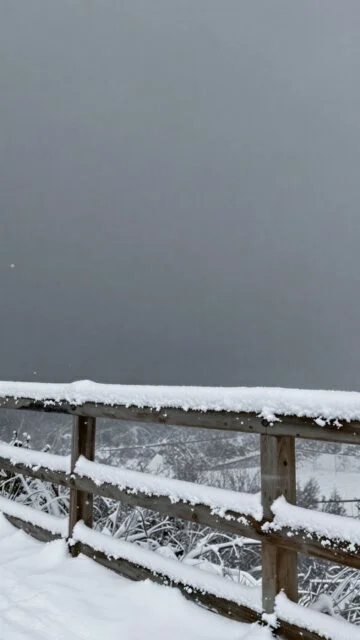
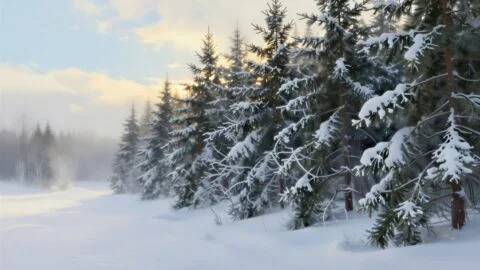
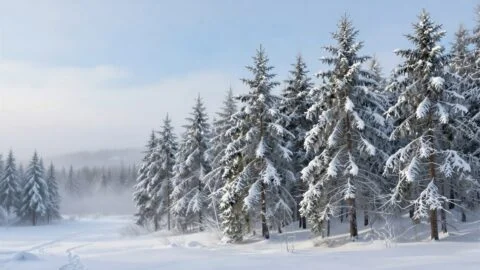
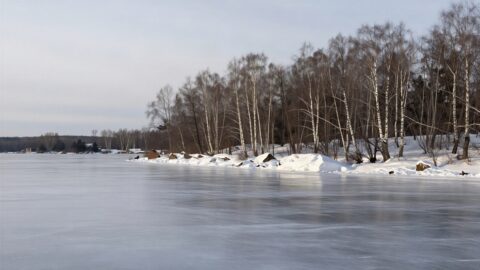
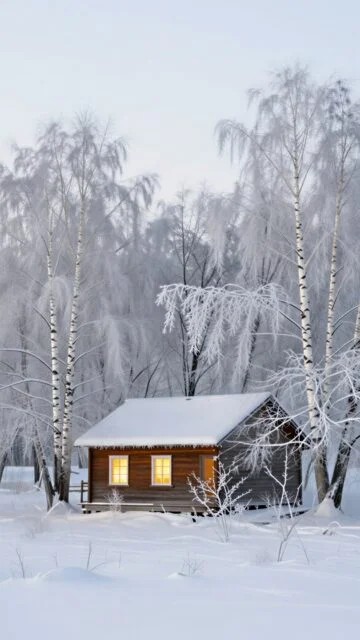
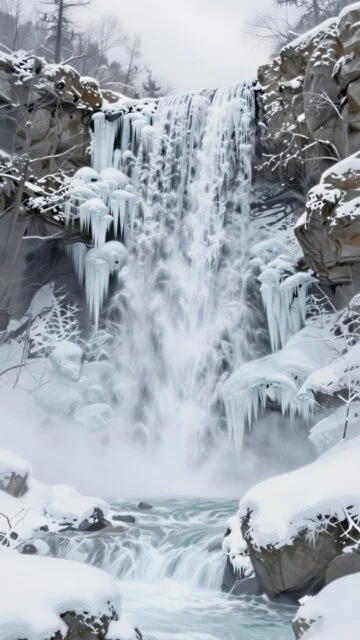
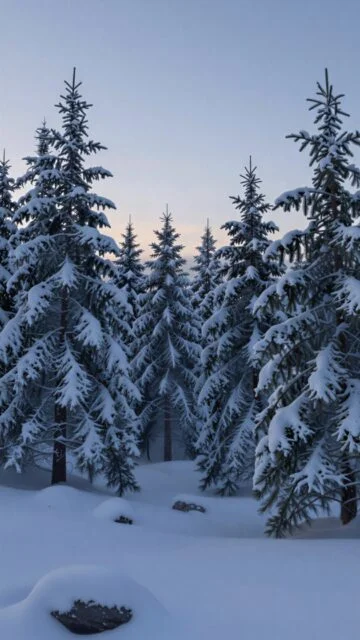
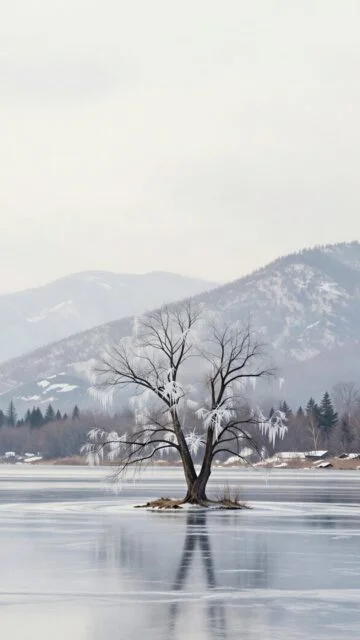
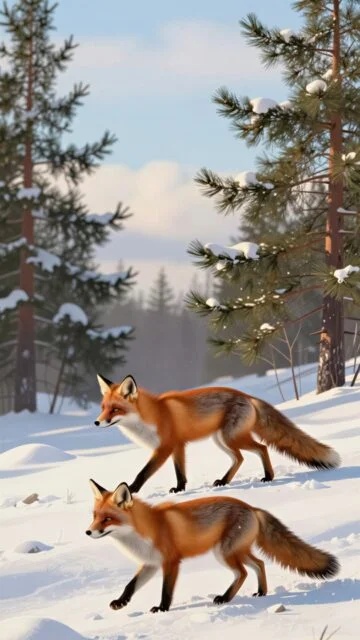
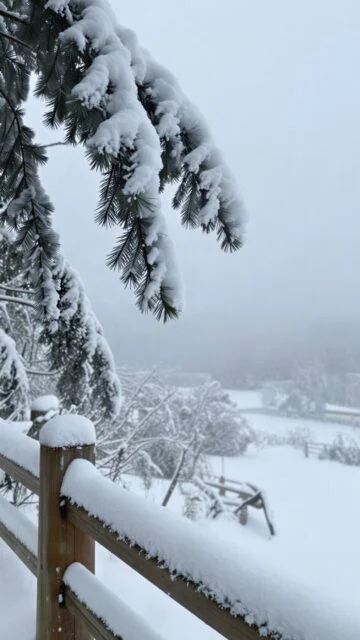
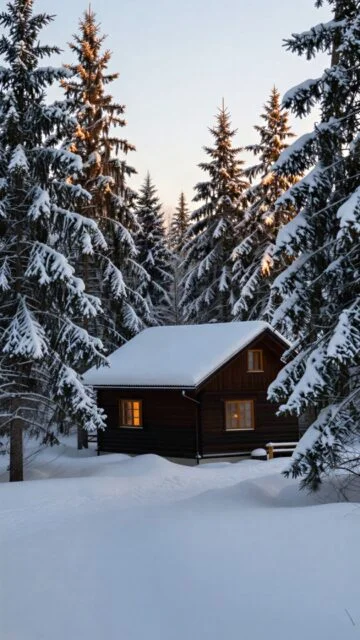
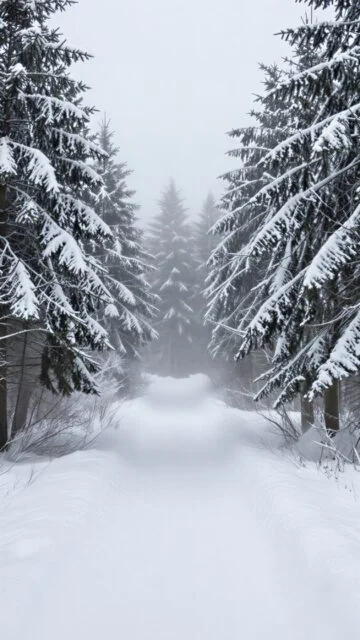
A winter wallpaper brings the hush of the cold months to your screen: fresh snow on pine branches, frosted windows, frozen lakes, mountain cabins with glowing lights and pale blue mornings after a storm. Our winter backgrounds cover both sides of the season, from crisp icy landscapes and close-up snowflakes to warm scenes with knitted blankets, hot cocoa and lit fireplaces. Many people start browsing in November and keep these designs up well past the holidays, right through February, since a quiet snowfield never feels out of date.
Each collection has 10 wallpapers in a single theme and size. Winter sets are available for iPhone (1170x2532), Android (1080x2400), iPad (2048x2732), laptop (1920x1080), 4K desktop (3840x2160) and dual monitor (5120x1440). Snowy forests and mountain panoramas look especially good on the 4K desktop page, and tall frosted scenes fit the iPhone page. Every design is original and checked by hand, and the crop is checked for each device size before publishing.

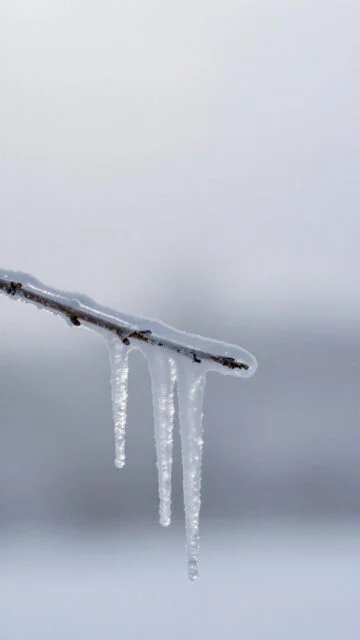
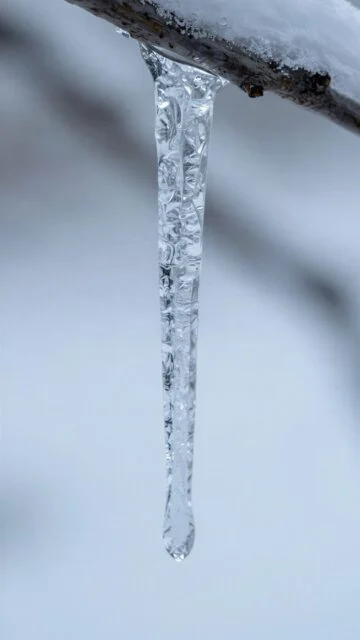
Cold-season screens fall into two moods. Icy designs, with blue shadows, white snowfields and clear skies, feel fresh and quiet; you can find more of them in our snow wallpapers. Cozy designs swap the chill for amber light, wool textures and steaming mugs, which overlap with the cozy style. For a lock screen, a scene with a pale sky at the top keeps the clock clear, while a darker forest at the bottom anchors the image. When December arrives, many people switch to Christmas wallpapers for a few weeks and then return to plain snowy scenes in January, which still feel seasonal without the decorations. Frosty abstract textures, like ice crystals or a fogged window, are a subtler option if you'd rather not have a full landscape behind your icons.
Snow scenes look grayer on screen than in real life, so pick a winter wallpaper with a little blue in the shadows; it reads as cold and clean instead of dull.
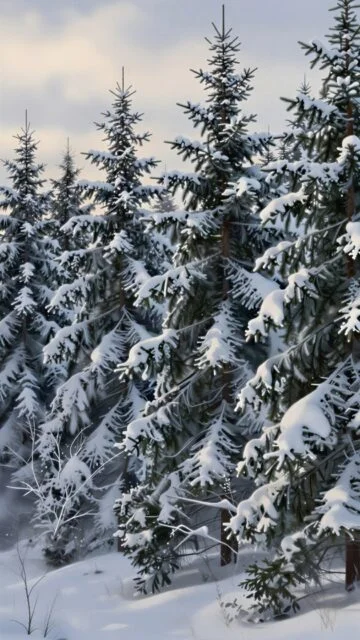
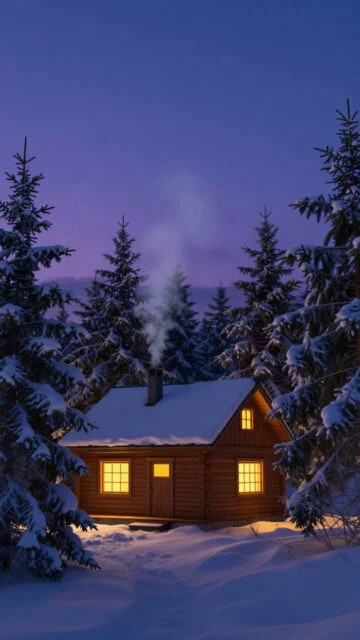
Use the iPhone version at 1170x2532. It fills modern iPhone screens in portrait and keeps falling snow and frost patterns crisp. Tall scenes like snowy pines or a cabin under a night sky suit this shape well. The iPhone wallpaper guide explains how to set it.
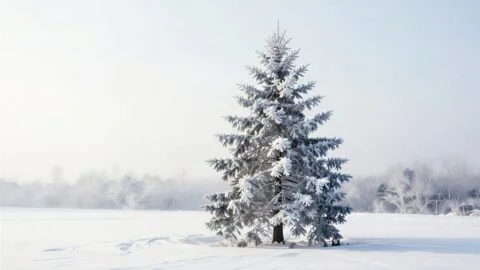
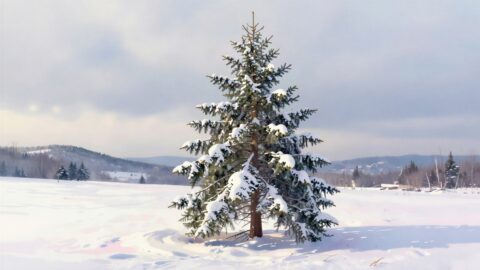
Yes. Android collections are made at 1080x2400, the 20:9 portrait shape common on most Android phones today. Designs with the main subject centered, such as a lone tree in snow, handle launcher crops best. For setup steps, see the Android wallpaper guide.
In the Northern Hemisphere, winter officially begins around the December solstice, but many people switch their screens in November once the first cold snap arrives. Snowy scenes that skip holiday decorations can stay up until March. In Australia and the rest of the Southern Hemisphere, winter runs from June to August.
Pick a scene with an open, light-colored sky near the top so the clock and date stay readable. Snowy mountains, pale dawn forests and soft falling-snow designs all work well. Very bright all-white images can make white text vanish, so choose one with some blue or gray tone behind the time.
Icy blues, silver, slate gray and clean white give a cold, crisp look. Deep evergreen and navy add depth, especially in forest and night scenes. For a cozier feel, mix in warm accents like amber window light, cranberry red or cream wool. Two or three of these together keep the screen calm.
Yes, every winter wallpaper is free for personal use on your own phone, tablet, computer or watch, with no sign up and no watermark. Commercial use, resale and redistribution are not allowed, so you can't print them for sale or repost them as a pack. See the terms of use.
Download the dual monitor size at 5120x1440 and choose the span option so the scene stretches across both screens instead of repeating. Long snowy ridges and frozen lakes look natural at this width. Our dual monitor wallpaper guide shows the setting on Windows and Mac.


New collections are published every day, and seasonal themes go up weeks ahead of time, so winter designs start appearing before the cold weather does. Keep an eye on the latest page from late fall onward to catch new snowy and cozy sets as they arrive.
Every wallpaper is reviewed by a person before it goes live: we remove images with odd details or blur and check the crop for each device. How we check wallpapers
Something wrong with an image? Report an image · Free for personal use, see the Terms.