10 wallpapers in 1 collections · last added 13 Oct 2026 · sizes for iPhone, Android, desktop and tablet
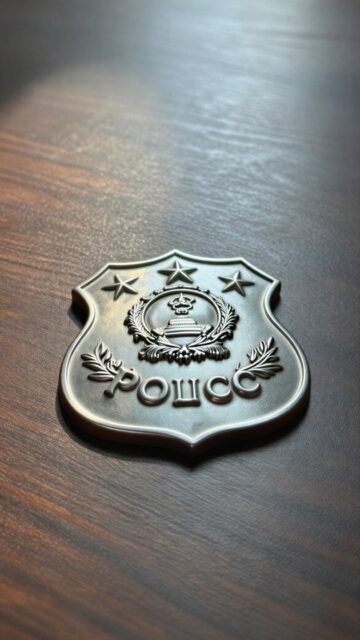
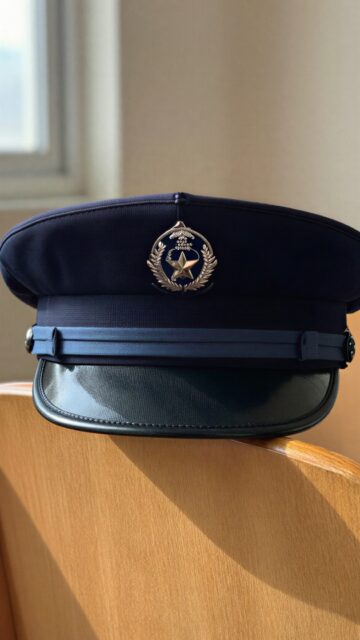
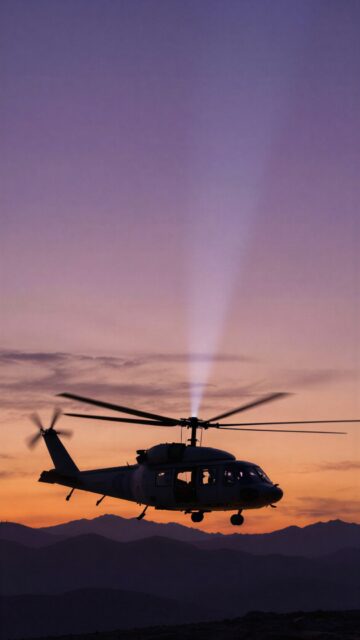
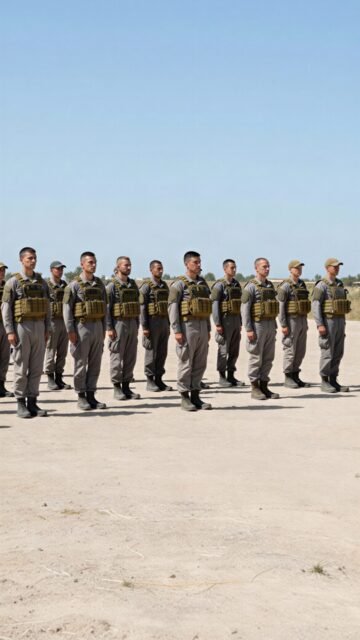
A police wallpaper is a way to show respect for law enforcement, celebrate a family member on the force or simply enjoy the bold look of patrol cars and flashing lights. These police wallpapers include red and blue light bars glowing at night, cruisers on city streets, badge-inspired emblems, K-9 partners, motorcycle units and simple dark navy designs with a single shield. Some sets feel cinematic and dramatic, others are calm tributes. The theme sits within the gaming wallpapers collection, next to other action and uniform themes.
Every collection includes 10 wallpapers in one size. Phone sets are 1170x2532 for iPhone and 1080x2400 for Android, and there are iPad, laptop, 4K desktop and dual monitor versions for bigger screens. All designs are original, and each one is reviewed by a person, crop included, before it's published; images that fall short are removed. Badges and emblems here are artistic designs rather than official department insignia. You can use them free on your own devices, with no sign up and no watermark.
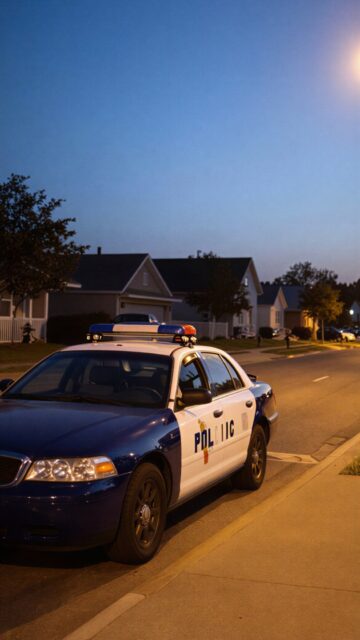
Law enforcement backgrounds tend to fall into two moods. Action scenes with light bars, rain-slicked streets and motion blur feel exciting and work best on a lock screen, where the glow frames the clock. Tribute designs use deep navy, black and a single badge or shield, and their quiet look sits well behind home screen icons. Many families of officers choose them during National Police Week in May, which includes Peace Officers Memorial Day on May 15. For other service and uniform themes, see army wallpapers. If you love the cruisers more than anything, browse car wallpapers, and for the classic uniform color on its own, try navy blue backgrounds.
Night scenes with red and blue lights look their best with dark mode turned on, because a white interface around them makes the glow look washed out.
The iPhone collections are 1170x2532 pixels, which fills modern iPhones in portrait without stretching. Night scenes with glowing lights look best at full resolution, because soft, blurry light bars lose their punch. Pick a design where the brightest lights sit below the clock so the time stays readable.
Yes. Android sets use 1080x2400, a tall 20:9 format that suits most current Android phones. If your home screen scrolls the wallpaper sideways, a centered badge or patrol car keeps the main subject in view, while wide street scenes look best with scrolling turned off.
Red and blue stand out strongly against each other and against most surroundings, day or night, which helps drivers notice an emergency vehicle quickly. The exact colors police use differ by country and by state, but red and blue have become the best-known combination, and many wallpapers here use that glow.
In the US, National Police Week takes place each May and includes Peace Officers Memorial Day on May 15, which honors officers who died in the line of duty. Many people switch to a tribute wallpaper during that week, often with navy, black and a simple badge or shield design.
Yes. Children who dream of becoming officers often love patrol cars, motorcycles and K-9 dogs. For younger kids, choose a design with bright colors and a friendly, daytime scene rather than a dark, dramatic one. A tablet with a cheerful cruiser background makes a fun touch for a young fan.
No. The wallpapers are free for personal use on your own phone, tablet, computer or watch. They can't be used on department websites, recruiting material, patches, merchandise, fundraising flyers or any commercial or official project, and they can't be reposted elsewhere. See the Terms of Use for details.
The lock screen is the best spot for glowing light bars and night street scenes, since only the time and a few alerts sit on top. On the home screen, bright red and blue flashes can make icons hard to read, so a darker navy design or a simple emblem works better there.
Download the laptop (1920x1080) or 4K desktop (3840x2160) version. In Windows, right-click the image and choose Set as desktop background; on a Mac, open System Settings and select Wallpaper. Both methods are explained step by step in the desktop wallpaper guide.
Every wallpaper is reviewed by a person before it goes live: we remove images with odd details or blur and check the crop for each device. How we check wallpapers
Something wrong with an image? Report an image · Free for personal use, see the Terms.