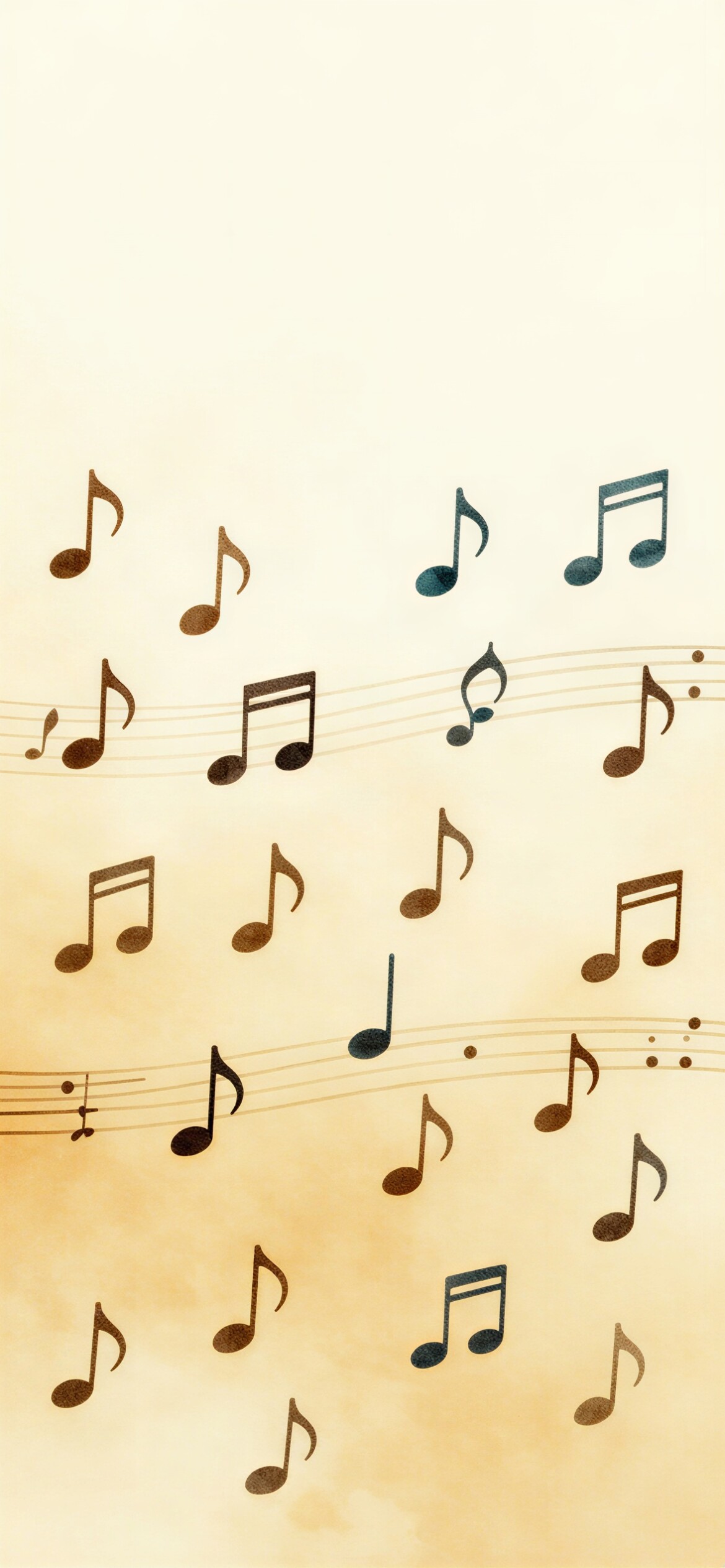
Music Wallpaper iPhone
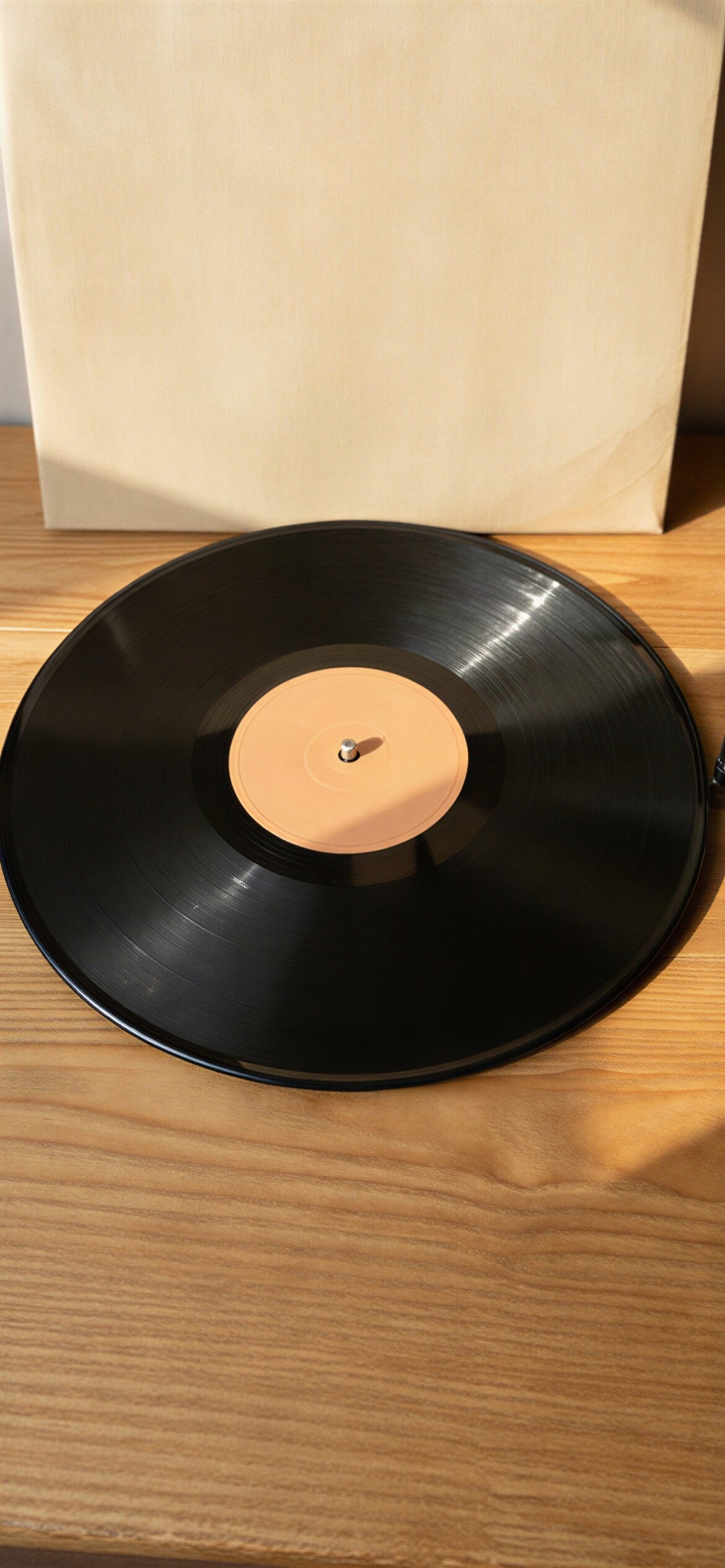
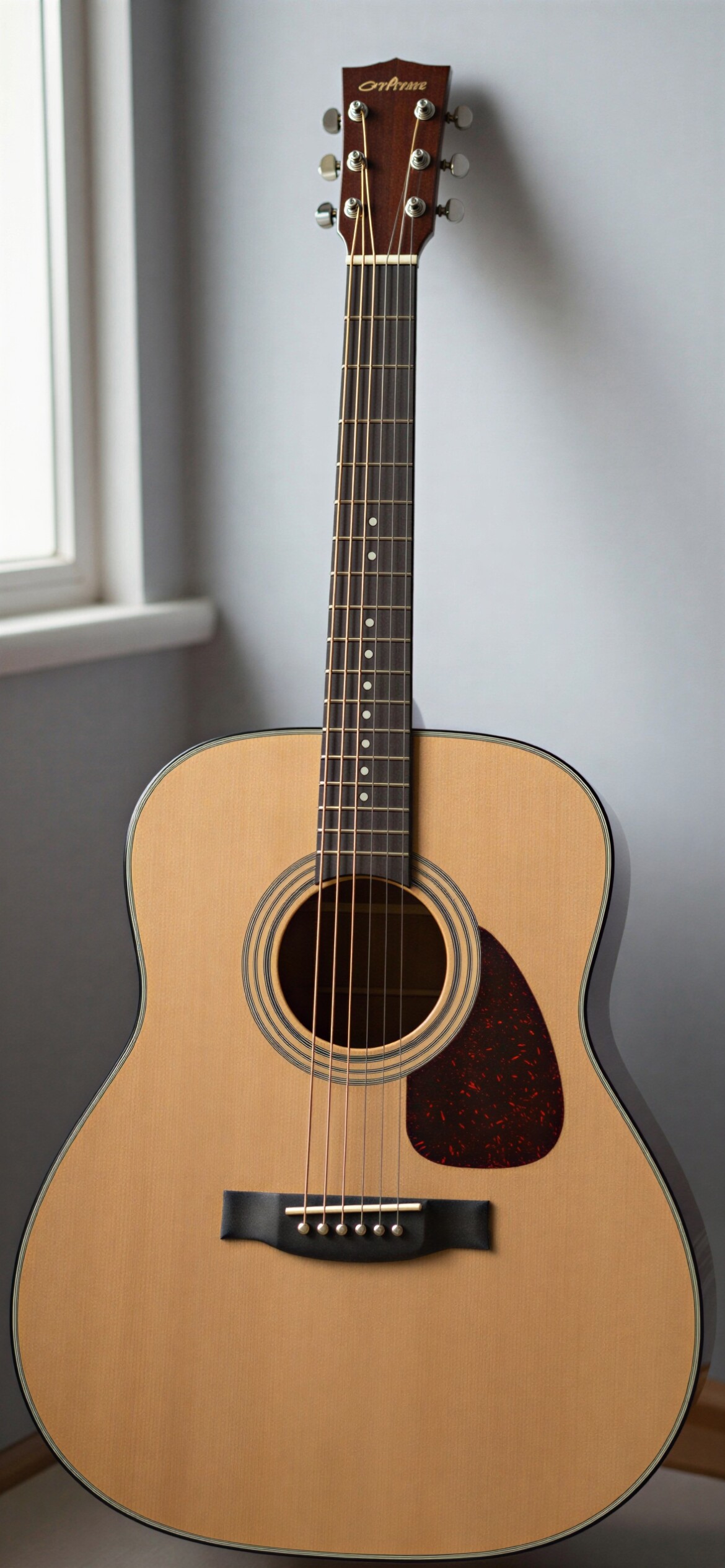
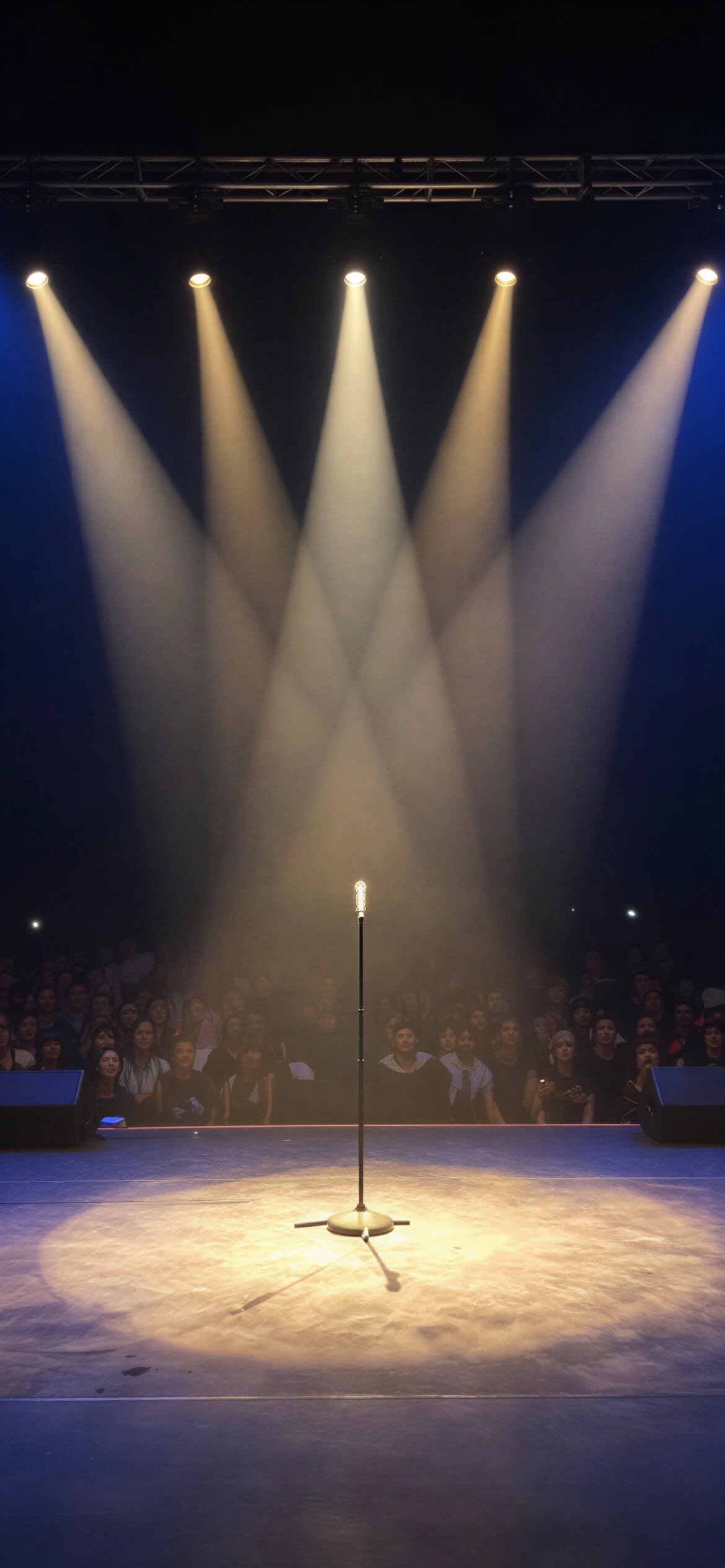
Music wallpaper iPhone designs show vinyl records, instruments, concert stages and sound waves in rich detail. Free to download for your iPhone lock screen or home screen, no sign up needed. Each wallpaper in this set captures the energy and emotion of music through photography and illustration. The designs work well on any iPhone model and pair nicely with music app icons and dark mode themes.
10 wallpapers at 1170 × 2532 px for iPhone. Checked by hand on 12 Oct 2026.
About this set
This set blends real studio photography with soft illustration, capturing the tools and atmosphere of music creation. Vinyl records, instruments and stage lighting are shown with warm natural light and shallow focus, while sound wave and note designs use calming gradients and muted tones.
Lock screen picks: the headphones, turntable and microphone designs stay clear and readable when notification badges appear. Home screen picks: the vinyl record, guitar and sound wave wallpapers work beautifully behind app icons and suit both light and dark mode. Pair these with music app icons, podcast apps or any music player for a cohesive look.
Tinfoil cylinders, soft-loud keys and a monk's four lines
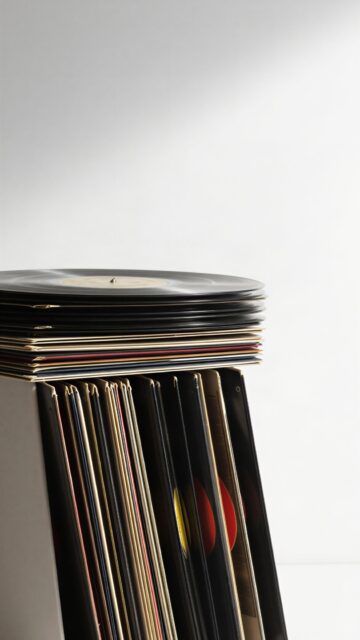
Recorded sound is younger than most people think. Thomas Edison's phonograph of 1877 cut sound into a sheet of tinfoil wrapped around a cylinder, and ten years later Emile Berliner patented the gramophone, which used a flat disc instead. Every record in wallpapers 1, 7 and 8 goes back to Berliner's idea: a spiral groove that a needle follows from the outside in.
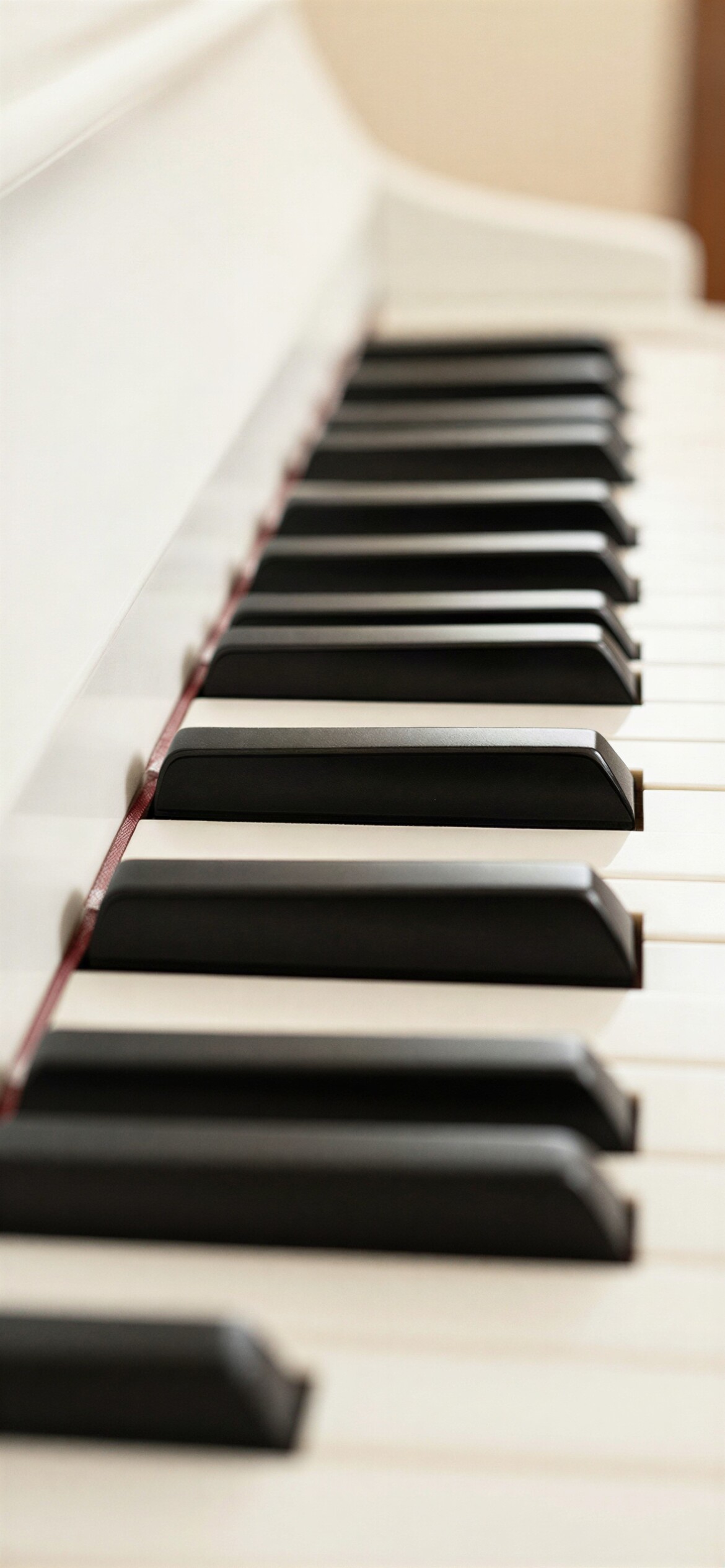
The piano in wallpaper 3 started around 1700 in Florence, where Bartolomeo Cristofori built a keyboard whose strings were struck by hammers rather than plucked. Its full name, pianoforte, means "soft-loud", because the player could change the volume just by pressing harder, something the harpsichord could not do. Most modern pianos have 88 keys, 52 white and 36 black.
The notes in wallpaper 10 have an even longer story. In the early 11th century the Italian monk Guido of Arezzo used lines to fix the pitch of each note and gave singers the syllables ut, re, mi, fa, sol, la, taken from a hymn. Ut was later swapped for do, and the staff of lines is still how music is written today.
Studio, stage and table top
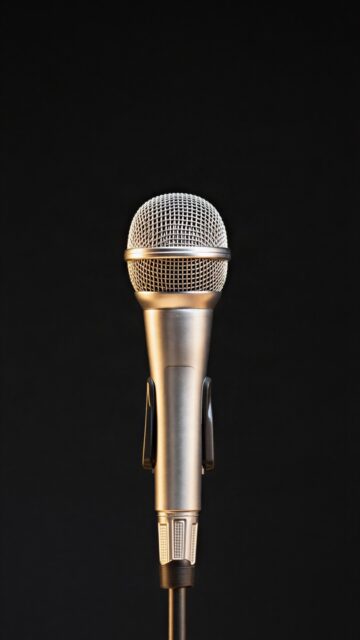
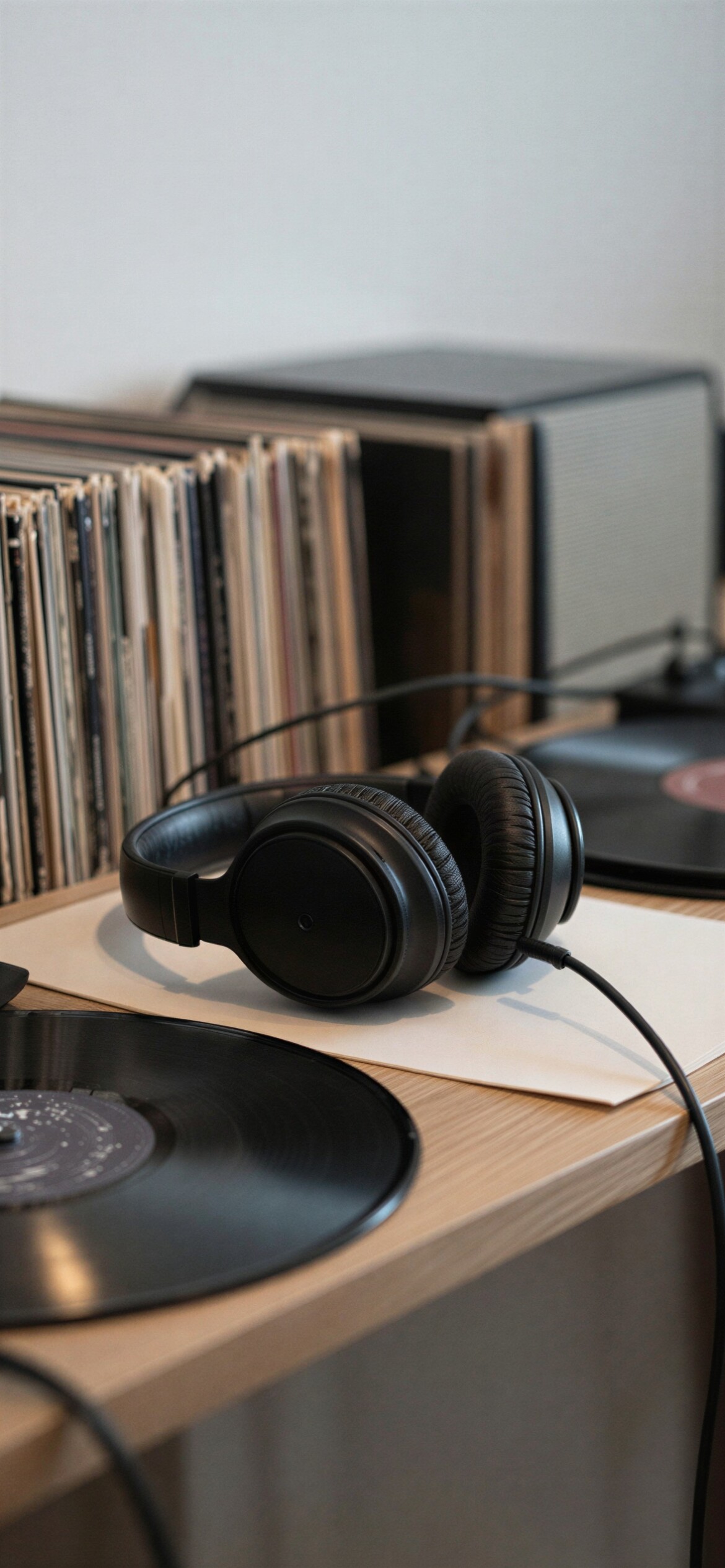
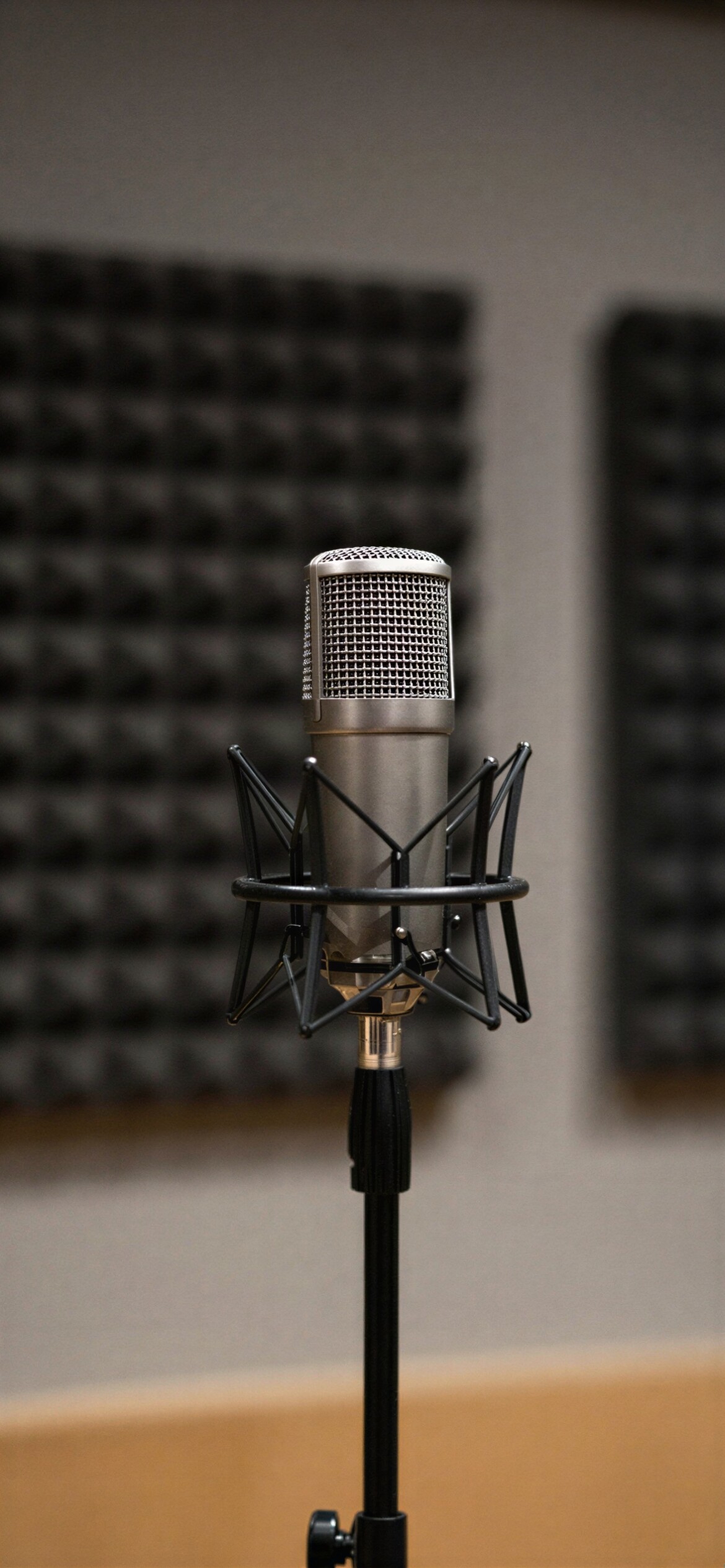
Three of the pictures feel like a working studio: the guitar against a grey wall in 2, the headphones on a production desk in 7 and the microphone on its stand in 9. They are tidy and quiet, a good fit if you like your phone to look calm.
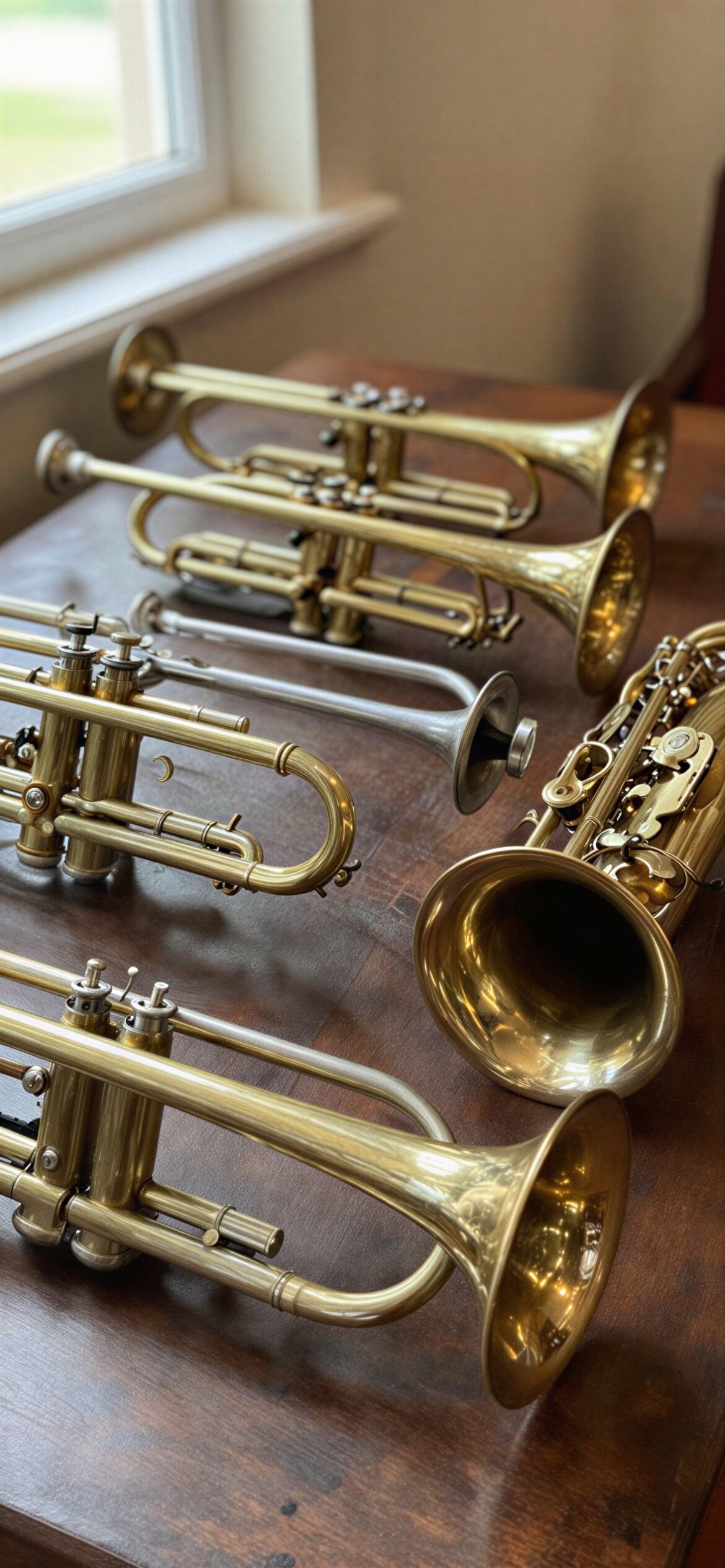
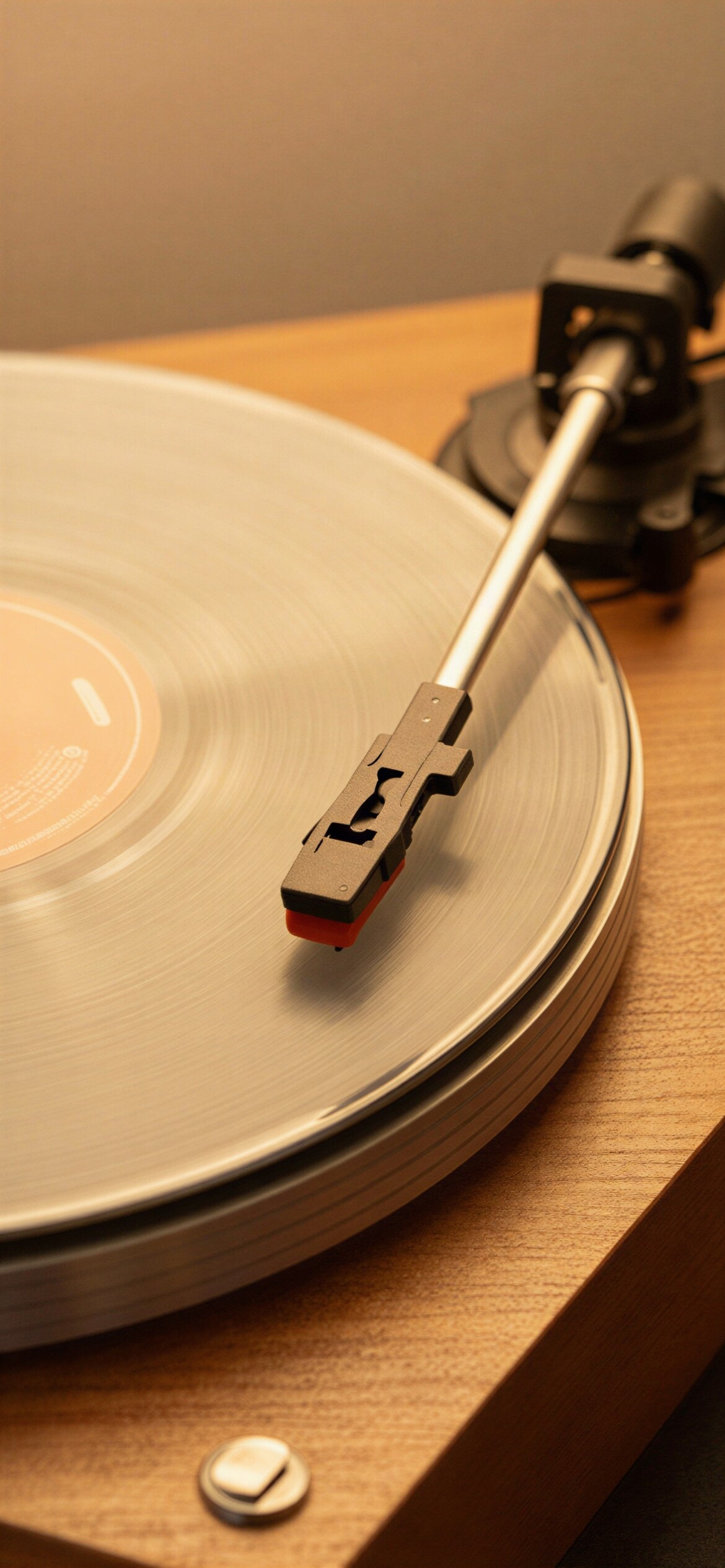
Wallpapers 1, 3, 5 and 8 are close-ups of things you can touch: a record on wood, piano keys, brass instruments laid on a table and a turntable with the needle down. A brass instrument makes its sound from the player's lips buzzing against the mouthpiece, so the shine you see in 5 is really the outside of a long, coiled air tube.
The last group is about sound itself. 4 is a concert stage under blue and gold lights, 6 shows glowing circles like rings of sound spreading out on black, and 10 is a soft pattern of notes.
Warm wood or cool blue?
- Golden and brown: 1, 3, 5, 7 and 8, all lit with warm light.
- Grey and neutral: 2 and 9.
- Blue and dark: 4 and 6, with 6 mostly black.
- Brown and teal: 10, the softest of the lot.
If records and studio gear are your thing, the lofi wallpapers share the same relaxed mood, the hip hop set takes the music to the street, and the retro collection has more old-school music gear.
How to set it on your iPhone
- Tap Download and save the image to Photos.
- Open Settings, tap Wallpaper, then Add New Wallpaper, and choose Photos.
- Pick the wallpaper, pinch to position it, then tap Add and choose the lock screen, home screen or both.
Stuck on a step? The iPhone and iPad guide has screenshots for each one.
Questions
Do these wallpapers fit all iPhone sizes?
These wallpapers are 1170x2532 pixels and are sized for modern iPhones, and some older models may crop slightly at the edges. They fit well on iPhone 12 and newer models. The composition keeps the main subject in the lower half so it stays visible even on devices with different aspect ratios.
Can I use these wallpapers for commercial purposes?
No. These wallpapers are free for personal use on your own devices only. Selling them, printing them for sale, or reposting them on other wallpaper sites is not allowed. See our Terms page for the full license agreement.
Which wallpapers work best for a lock screen?
The headphones, microphone and turntable designs keep important details in the center and lower half, leaving the top clear for time and notifications. Avoid the full concert stage or sound wave designs on lock screen if you want maximum text visibility. Test each one with your notifications enabled.
Do these music wallpapers look good in dark mode?
Yes. The warm wood tones, metallic instruments and cool blue sound waves all read well against dark mode backgrounds. The vinyl record and guitar designs have enough contrast to look sharp behind app icons. The abstract note pattern works especially well in dark mode for a calm, focused home screen.