Keyboard Wallpapers

10 wallpapers in 1 collections · last added 4 Oct 2026 · sizes for iPhone, Android, desktop and tablet

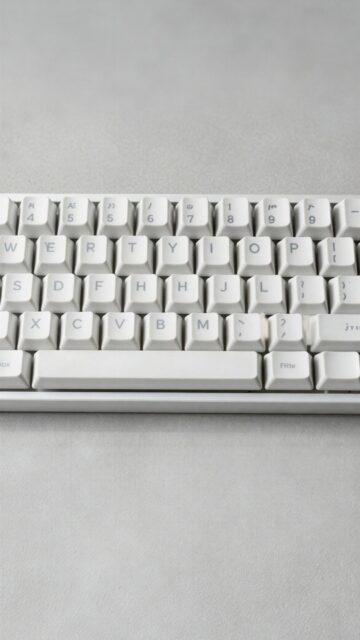
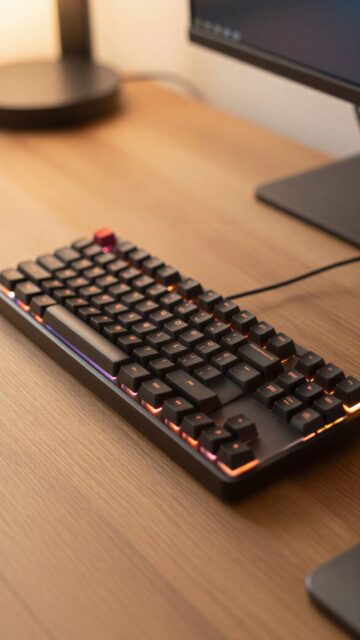
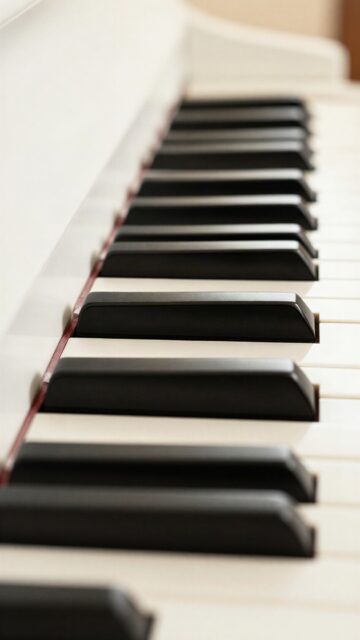
A keyboard wallpaper celebrates the gear you touch more than anything else at your desk. These keyboard wallpapers include close-up keycaps with soft lighting, glowing RGB boards in dark rooms, pastel and retro colorways, clean top-down views of tidy desk setups, typewriter-style keys and abstract patterns built from rows of letters. Some sets are moody and dramatic, while others are bright and minimal for a calm workspace. It's one of the tech-focused themes in the gaming wallpapers collection.

Every collection holds 10 wallpapers in a single size. For a computer, choose 1920x1080 for a laptop or 3840x2160 for a 4K desktop; phones get 1170x2532 for iPhone and 1080x2400 for Android, and there are iPad and dual monitor sets too. Each design is original and goes through a hand check, crop included, before it's published, and weak images are cut. Everything is free for personal use, with no sign up and no watermark.
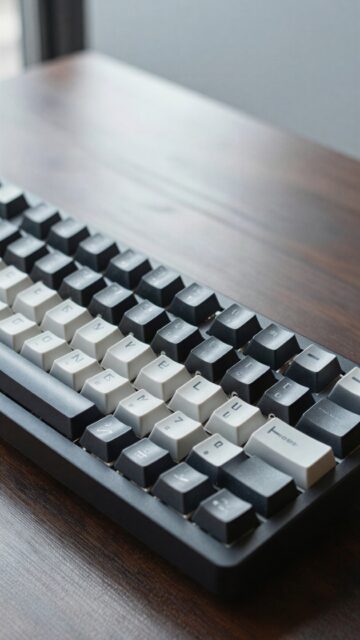
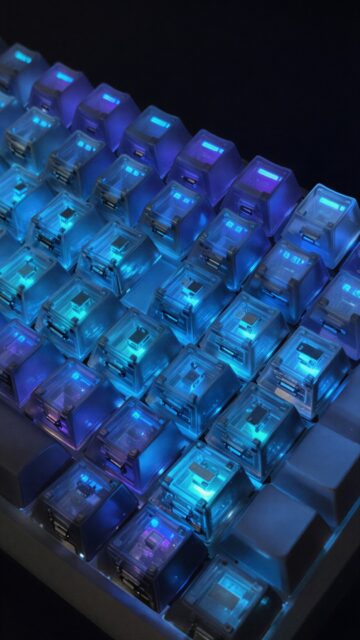
Mechanical keyboard fans often build a whole desk around one colorway, and a matching background is the finishing touch. Retro beige and gray keycaps look great next to warm, vintage-toned images. Pastel boards pair with soft pink, mint or lavender scenes. All-black or RGB setups suit dark backgrounds with glowing edges. On a phone, a top-down keyboard photo with plenty of empty desk above it leaves a clean area for the lock screen clock. For more coder-friendly backdrops, look at hacker wallpapers, and for a quiet, uncluttered workspace feel, browse minimalist designs. Bright, glowing light trails and tube-light colors are in the neon style.

  • Beige or gray keycaps: warm retro images
  • Pastel keycaps: soft, light scenes
  • RGB or black: dark, glowing designs

Expert tip

If your keyboard has per-key RGB, set it to a single static color taken from your wallpaper instead of a rainbow wave, and the whole desk will look far more deliberate.

Color palette

#1B1D23#3C3F4A#8E8B82#D9D2C3#F6F3EC

Keyboard wallpaper FAQ

What size keyboard wallpaper should I use for my desktop?

For a 4K monitor, use the 3840x2160 desktop sets, which also look sharp on 1080p and 1440p screens. For a typical laptop, the 1920x1080 version is a perfect match. If you run two 2560x1440 monitors side by side, a 5120x1440 dual monitor set covers both screens with one image.

Are there keyboard backgrounds sized for iPhone and Android?

Yes. iPhone collections are 1170x2532 and Android collections are 1080x2400. Phone versions are framed in portrait, so you'll often see angled close-ups of keys or a vertical slice of a desk setup rather than a full-width keyboard, which keeps the design readable on a tall screen.

Why are keyboards laid out in QWERTY order?

The QWERTY layout comes from early typewriters designed by Christopher Latham Sholes in the 1870s. The arrangement stuck when typewriters became popular and later carried over to computer keyboards. Alternatives like Dvorak and Colemak exist, but QWERTY remains the standard in English-speaking countries.

How do I match a wallpaper to my mechanical keyboard colorway?

Pick the two main colors of your keycaps, such as the base and the accent keys, and look for a wallpaper that uses the same pair. A muted version of the colors usually looks better than an exact, bright match. Repeat one shade in your desk mat or widgets to pull the whole setup together.

Is a keyboard image a good lock screen wallpaper?

It can be, especially a close-up with one sharp key in focus and the rest softly blurred. That depth leaves calm space for the clock and notifications. On the home screen, rows of keys can compete with app icons, so a darker or more distant shot tends to look cleaner there.

Can I use these keyboard wallpapers in a product listing or review video?

No. They're free for personal use on your own devices only. Using them in product listings, sponsored content, monetized videos, shop banners or reposting them on other websites counts as commercial or redistribution use and isn't allowed. See the Terms of Use for the full details.

How do I change my desktop background to a keyboard design?

Download the laptop or 4K desktop file, then on Windows right-click it and choose Set as desktop background. On a Mac, go to System Settings, then Wallpaper, and add your image. The desktop wallpaper guide walks through each step for both systems.

How often are new keyboard collections added?

New collections are published every day across the site, and desk and tech themes like keyboards appear regularly. Check the latest page to see new sets as they go live, or the daily pick, which features one favorite each morning.

Curated and checked by the FreeWallpaperDaily experts

Every wallpaper is reviewed by a person before it goes live: we remove images with odd details or blur and check the crop for each device. How we check wallpapers

Something wrong with an image? Report an image · Free for personal use, see the Terms.