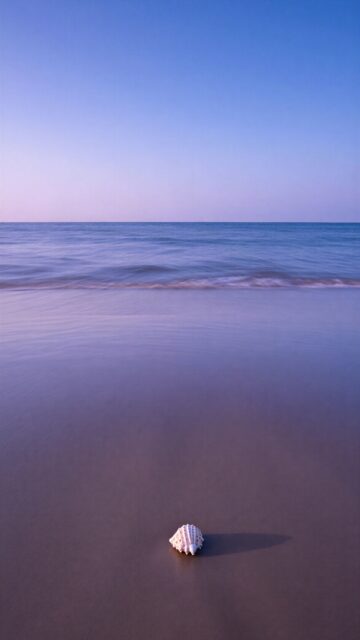
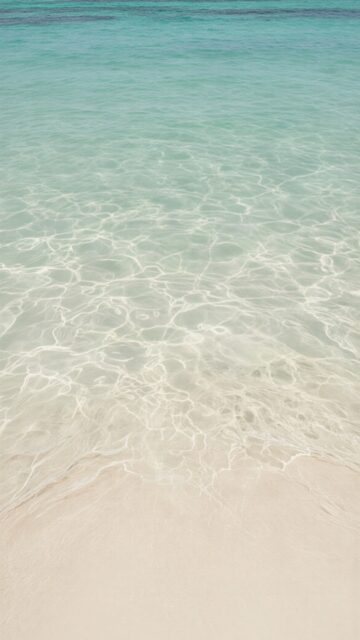
Beach Wallpapers

10 wallpapers in 1 collections · last added 8 Oct 2026 · sizes for iPhone, Android, desktop and tablet

A beach wallpaper is an instant mini vacation, bringing turquoise water, white sand and swaying palms to your screen. These beach wallpapers include aerial shots of waves curling onto the shore, quiet coves at sunrise, tropical islands with clear shallow water, footprints in wet sand, beach huts in pastel colors and golden sunset scenes with silhouetted palms. Some are bright and summery, perfect for vacation mode, while others are calm and minimal, with soft tones and gentle foam lines that feel restful every time you look at them, like a deep breath of sea air.

Collections come in one size each, with 10 wallpapers per set: iPhone at 1170x2532, Android at 1080x2400, iPad, laptop at 1920x1080, desktop 4K and dual monitor at 5120x1440. Vertical shoreline views fit a tall lock screen beautifully, and wide coastal panoramas shine across a dual monitor setup. Each beach design is original and checked by hand, and anything that does not hold up is removed.
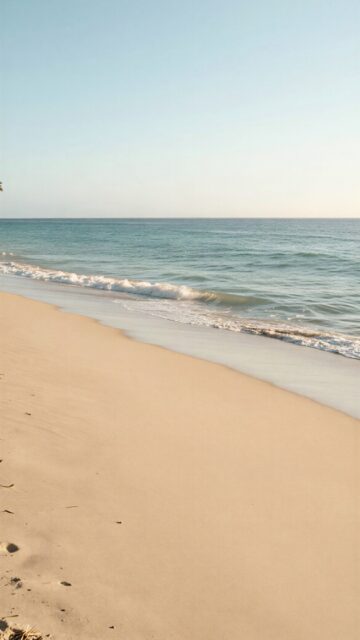
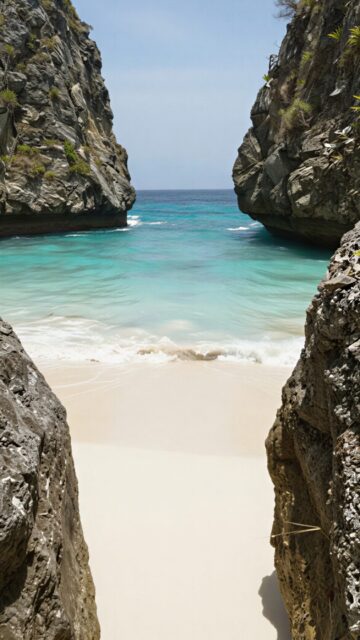
Beach scenes change mood with the time of day. Midday shots are bright and saturated, with deep blue sky and sparkling water. Sunrise and sunset bring warm pinks, oranges and long shadows, and twilight beaches feel calm and moody, with deep blues and the first stars appearing. For the lock screen, an aerial view with the shoreline running diagonally gives a clean, modern look and leaves room for the clock in the water. On the home screen, soft sand tones or pale water keep icons readable. Summer is peak season for this theme, but many people keep a beach background through winter as a reminder of warmer days. For more coastal ideas, browse ocean wallpapers, the swaying trees on the palm tree page, and sunny summer wallpapers.

Expert tip

Bright sand and white foam can wash out a white clock, so on a beach lock screen pick a view with deeper blue water or sky at the top where the time sits.

Color palette

#0B4F6C#1C9CB4#7FD6CF#F2D7A6#FFF8EC

Beach wallpaper FAQ

Why is shallow beach water turquoise?

Water absorbs red and other warm colors of light, so the deeper it is, the bluer it looks. Over shallow areas with white sand, sunlight reflects off the bottom and back through a thin layer of water, which creates bright turquoise and aqua tones. That effect is why tropical beaches look so vivid in photos and wallpapers.

Why do some beaches have pink or black sand?

Sand color comes from what it is made of. Pink sand beaches, such as those in Bermuda and the Bahamas, get their color from tiny bits of red shell from marine organisms. Black sand forms from volcanic rock worn down by waves, as seen on parts of Hawaii and Iceland. Both make striking wallpaper colors.

What is the best beach wallpaper size for my phone?

For a beach phone background, pick 1170x2532 on iPhone and 1080x2400 on Android. These tall portrait sizes suit shoreline views and palm trees, keeping the horizon level and the waves sharp. If you want help applying it, the iPhone wallpaper guide walks through the steps.

Which beach wallpapers look best on the lock screen?

Aerial shots with the shoreline crossing the screen and simple sunset scenes with a clear sky both work very well. They give the clock open space at the top and keep notifications readable. Very busy scenes with umbrellas and people are better suited to the home screen or desktop.

Are these beach wallpapers free to use?

Yes, every beach wallpaper is free for personal use on your own phone, tablet, computer or watch, with no sign up and no watermark. You cannot use them commercially, sell them, use them in travel ads or repost them as your own. The Terms of Use have the full details.

How often do new beach wallpapers come out?

The site publishes new collections every day, each one with 10 wallpapers in a single size. Beach sets are added throughout the year, with more summer designs going up as the weather warms. To see every new upload, check the latest wallpapers page.

How do I set a beach wallpaper on my computer?

Download the laptop version at 1920x1080 or the desktop version at 3840x2160, which stays sharp on 4K screens and scales down to 1080p and 1440p. Then set it through your system settings. The desktop wallpaper guide explains the steps for Windows and Mac.

Can a beach wallpaper help me feel more relaxed?

Many people find calm ocean views and soft blue tones soothing to look at, which is why beach scenes are a favorite for work phones and desktops. Choosing a quiet scene with gentle waves and few details keeps your screen restful. Save the bright, busy beach scenes for when you want energy instead.

Curated and checked by the FreeWallpaperDaily experts

Every wallpaper is reviewed by a person before it goes live: we remove images with odd details or blur and check the crop for each device. How we check wallpapers

Something wrong with an image? Report an image · Free for personal use, see the Terms.