iPhone Wallpapers · Page 9

2,350 wallpapers in 235 collections · last added 4 Oct 2026 · sizes for iPhone, Android, desktop and tablet

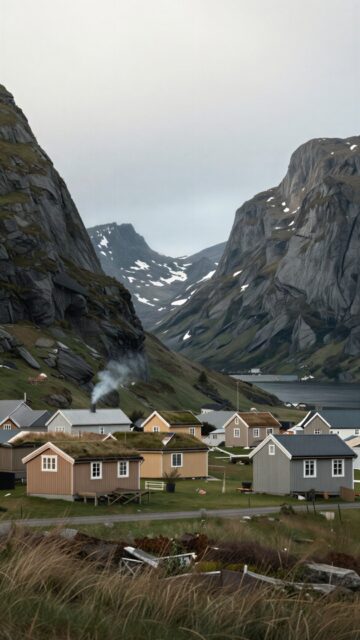
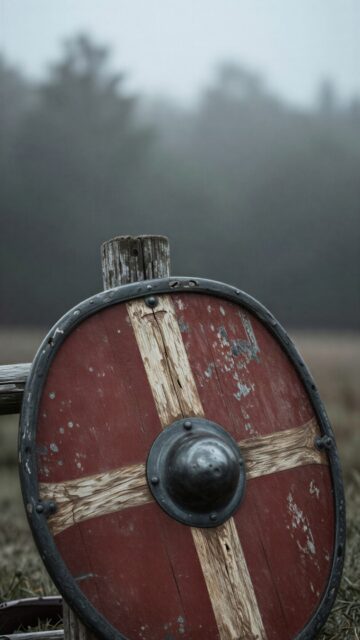
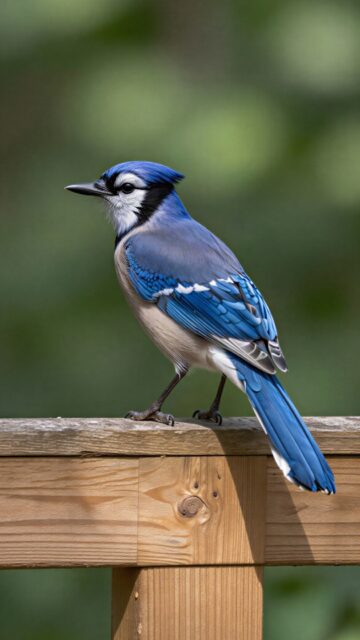
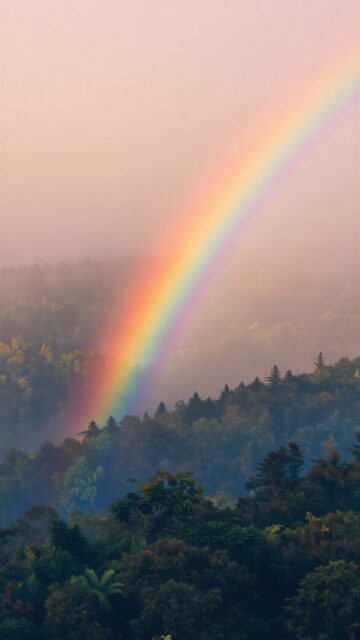
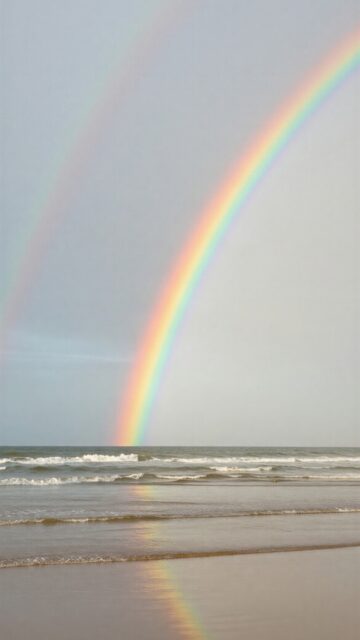
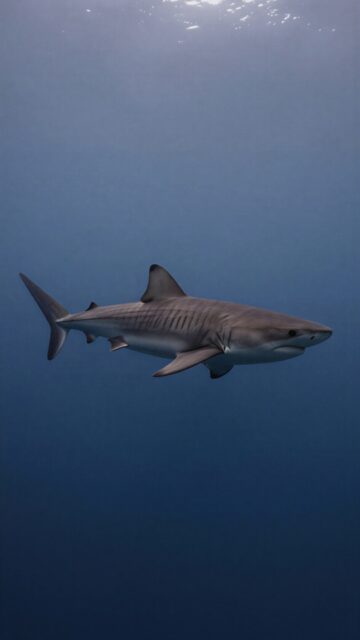
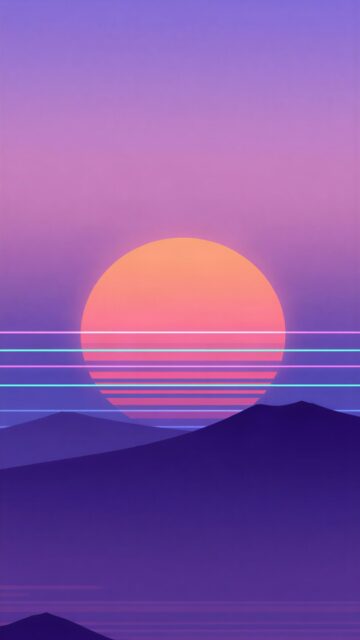
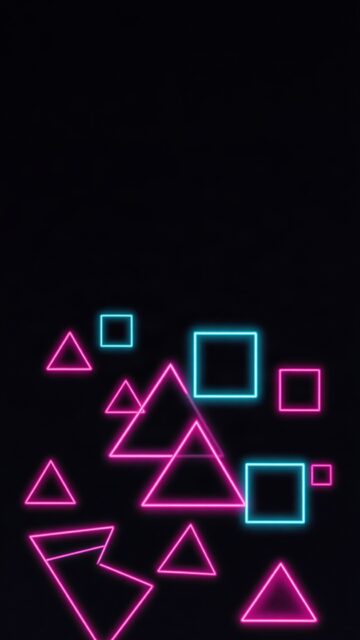
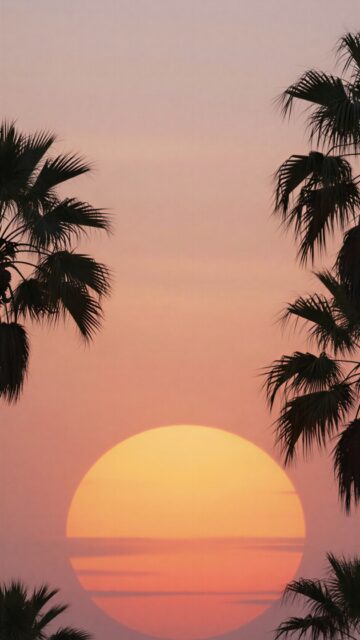
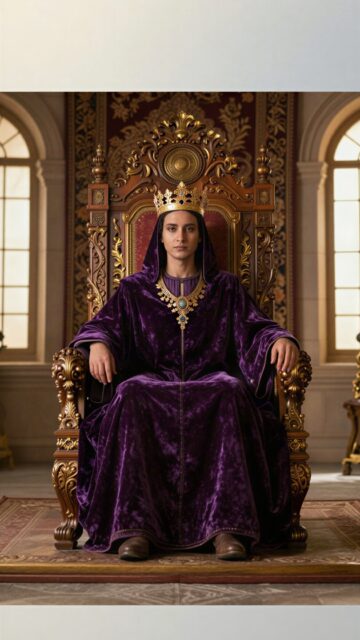
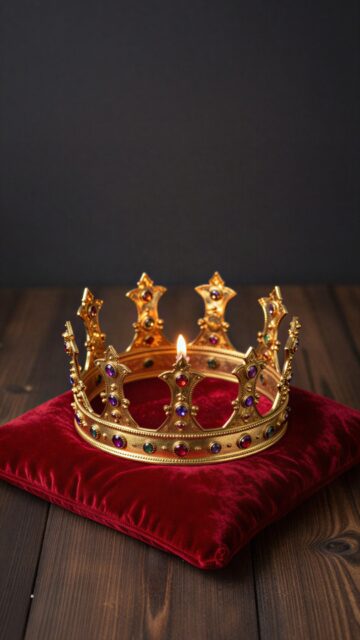
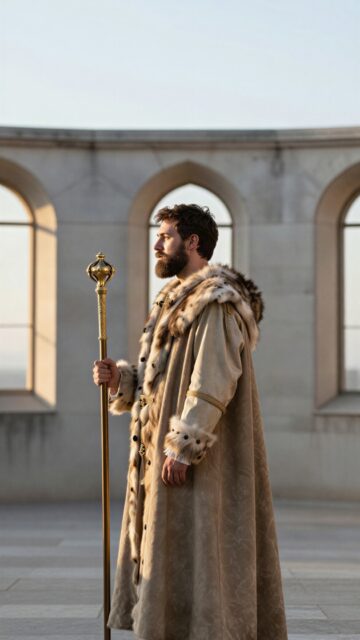
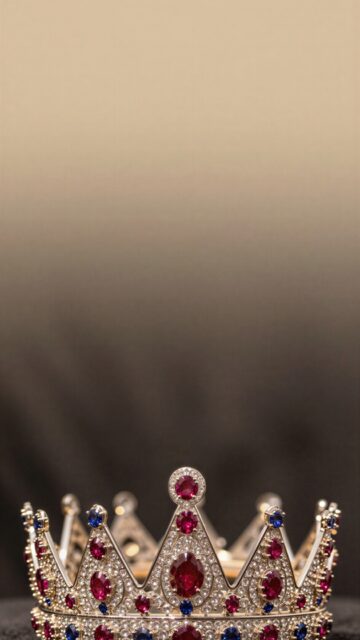
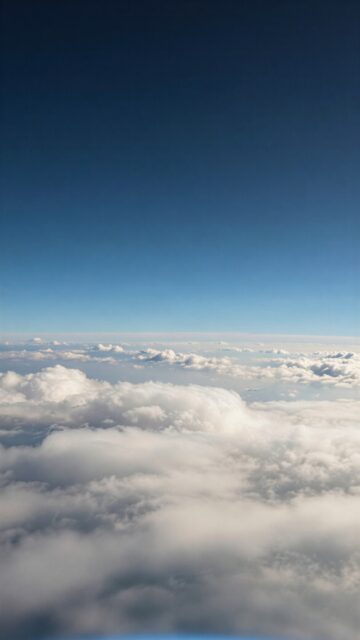
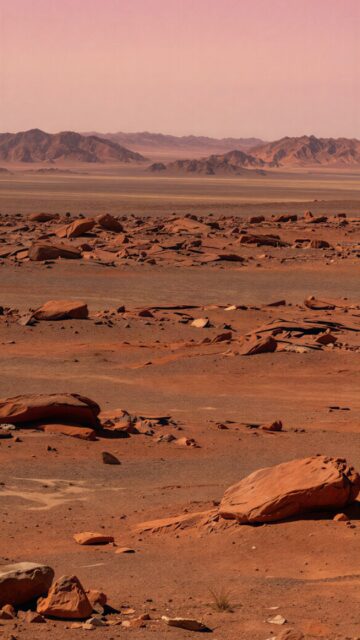
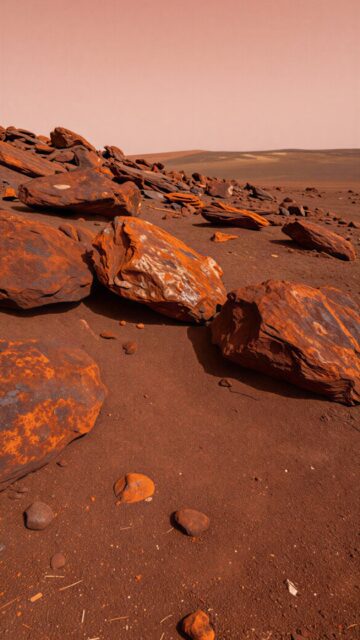
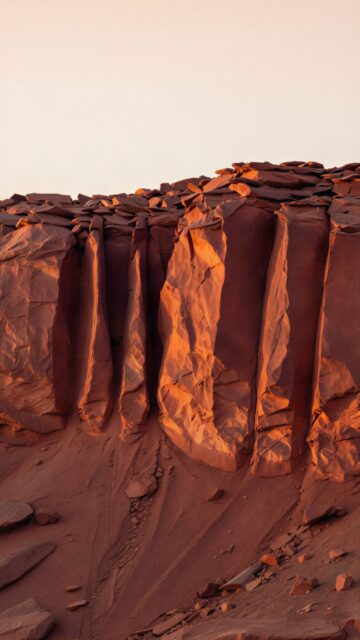
Every iPhone wallpaper on this page is 1170x2532, the exact screen resolution of the iPhone 12, 13 and 14, in a tall 19.5:9 portrait frame. Newer and larger models, including the Pro Max phones, scale it up smoothly, and the compact sizes trim only a thin edge, so one image looks right across most current iPhones. You can browse sleek black designs, soft pink art, popular anime scenes, starry space views, cute cute characters and calm aesthetic picks, each collection holding 10 images in one theme.

These iPhone backgrounds are framed with the lock screen clock, the Dynamic Island and the home screen dock in mind, leaving clear space where the time sits and keeping faces and focal points out of the way. If you want separate images for each screen, mix this section with the lock screen picks. All designs are original and checked by hand before they are published. They are free for personal use, with no account and no watermark.
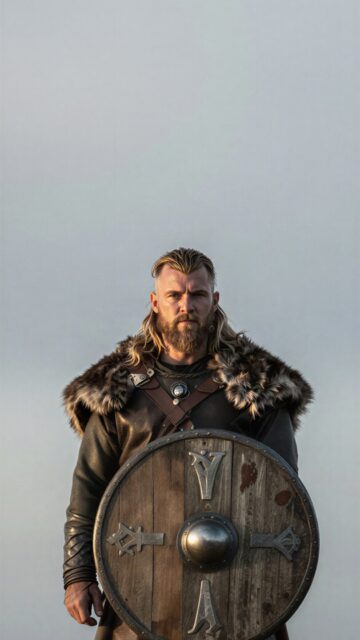
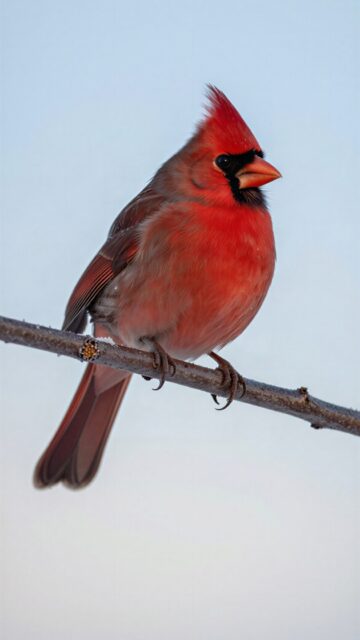
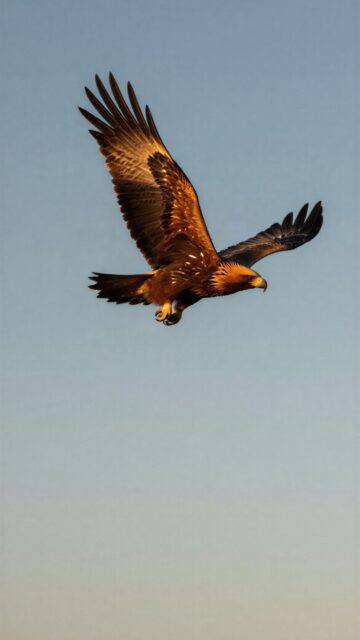
Since iOS 16, the iPhone lock screen treats your photo almost like a magazine cover. The large clock sits near the top, widgets slot in just under it, and the depth effect can tuck the clock behind a person, animal or object when the subject is clearly separated from the background. That makes portraits and single-subject images especially rewarding on iPhone. For the home screen, the same picture can be blurred or swapped for a calmer partner image so your icons stay readable. Animals, flowers and people with clean outlines give iOS the easiest job when it cuts the subject out.

  • Single, bold subjects from cat or flower sets work well with the depth effect.
  • True blacks in dark designs look inky on OLED iPhones.
  • Leave widgets off if you want the depth effect to show fully.

Expert tip

For the iOS depth effect, choose an image where the subject's head sits just below the top fifth of the frame; too high and iOS drops the effect, too low and the clock floats over empty background.

Color palette

#111114#2A2A33#5E5E6E#B8B8C7#F5F5F7

iPhone wallpaper FAQ

What is the best iPhone wallpaper size?

Our iPhone images are 1170x2532 pixels, the native resolution of the iPhone 12, 13 and 14 series. Pro Max and Plus models have bigger screens, so iOS scales the image up slightly, while mini models scale it down. The 19.5:9 shape is shared by nearly every current iPhone, so you won't see stretching or black bars.

How do I set an iPhone wallpaper?

Save the image to Photos, then open Settings, Wallpaper and tap Add New Wallpaper, or open the photo, tap Share and choose Use as Wallpaper. Pinch to frame it, pick a clock style and tap Add. iOS then asks whether to use it as a pair or customize the home screen. Our iPhone wallpaper guide covers every step.

Why isn't the depth effect working on my iPhone wallpaper?

The depth effect needs a clear subject, such as a person, pet or object, that iOS can separate from the background, and the subject can't cover too much of the clock. It also switches off when you add lock screen widgets under the time. Remove the widgets, reframe the photo so the subject sits a little lower, then check again.

Will an iPhone wallpaper be hidden by the Dynamic Island?

Only a small strip at the top center, which on most designs is sky, background or empty space. The pill-shaped cutout on iPhone 14 Pro and later models sits above the clock, so it rarely touches the main subject. If an image has detail right at the top edge, pinch to move it down slightly in the wallpaper editor.

Do black iPhone wallpapers save battery?

On iPhones with OLED screens, which includes every model from the iPhone X onward except the XR, 11 and SE, black pixels are turned off. A background with large true-black areas uses a little less power, especially with the always-on display on newer Pro models. The difference is modest, but dark images also look sharper at night.

Can I use these iPhone wallpapers for free?

Yes. Every image is free to save and use on your own iPhone, iPad or computer, with no sign up and no watermark. Personal use is the only condition: no selling, no commercial projects and no reposting the images on other sites or channels. The terms of use explain this in full.

How often do you add new iPhone wallpapers?

Every day. New collections of 10 images go up daily, and holiday themes arrive several weeks before each date so your phone is ready early. For one standout image each morning, check today's pick, or scroll the latest page to see every new collection in order.

What makes a good iPhone lock screen versus home screen wallpaper?

The lock screen shows the full picture with only the clock and notifications on top, so detailed art and portraits shine there. The home screen is covered by app icons and the dock, so a softer or blurred version reads better. Many people pick two images from the same collection to keep both screens consistent but practical.

Curated and checked by the FreeWallpaperDaily experts

Every wallpaper is reviewed by a person before it goes live: we remove images with odd details or blur and check the crop for each device. How we check wallpapers

Something wrong with an image? Report an image · Free for personal use, see the Terms.