Greenery Wallpaper iPhone
Greenery iPhone wallpaper with lush plants, leafy vines and natural garden scenes brings fresh outdoor views to your lock and home screens. This set of greenery designs features botanical close-ups, garden paths, moss-covered stones and soft natural light that makes your iPhone feel calm and alive. Each greenery wallpaper for iPhone works year-round and pairs well with minimal icons or widget layouts.
10 wallpapers at 1170 × 2532 px for iPhone. Checked by hand on 3 Oct 2026.
About this set
These greenery wallpapers show real plants, gardens and natural foliage in soft natural light. The designs use muted greens, creams and earth tones that stay calm and grounded whether your iPhone is in light or dark mode. Botanical close-ups and leaf details work well on lock screens where they sit visible behind the time; wider garden scenes and full plants suit home screens where they frame your app icons.
Pair these greenery designs with minimal icon layouts, white widgets or neutral app covers for a cohesive natural look. The soft lighting and simple compositions won’t clash with text or widgets on your home screen, and they bring a sense of outdoor calm to everyday use.
A Pantone shade, a Japanese walk and a monastery herb plot
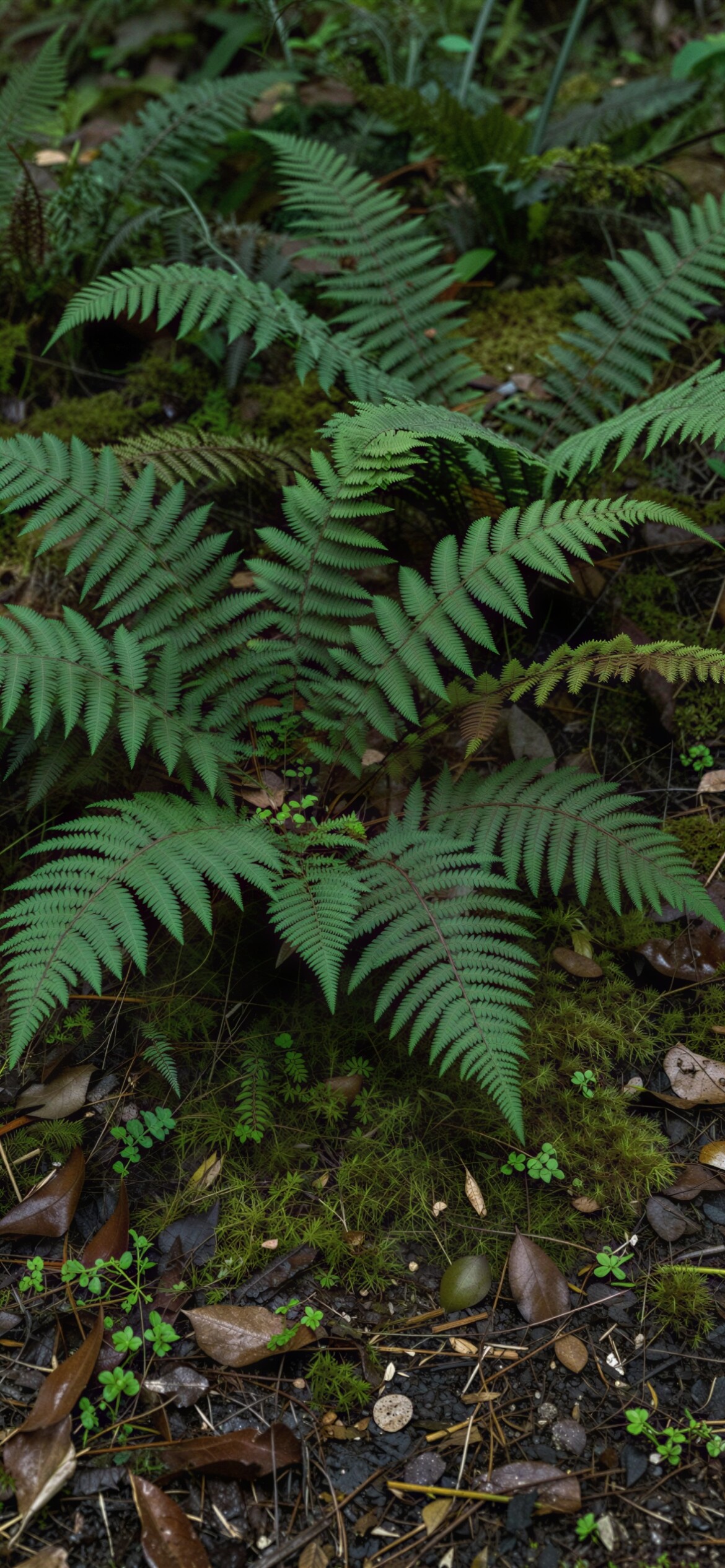
Greenery is also the name of a real colour. Pantone chose a fresh yellow-green called Greenery as its Color of the Year for 2017, a shade meant to suggest new leaves in spring. In Japan, the Forestry Agency coined the term shinrin-yoku, or forest bathing, in 1982 to encourage people to spend slow, unhurried time among trees. The mossy forest floor in #5 is exactly the sort of place that idea had in mind.
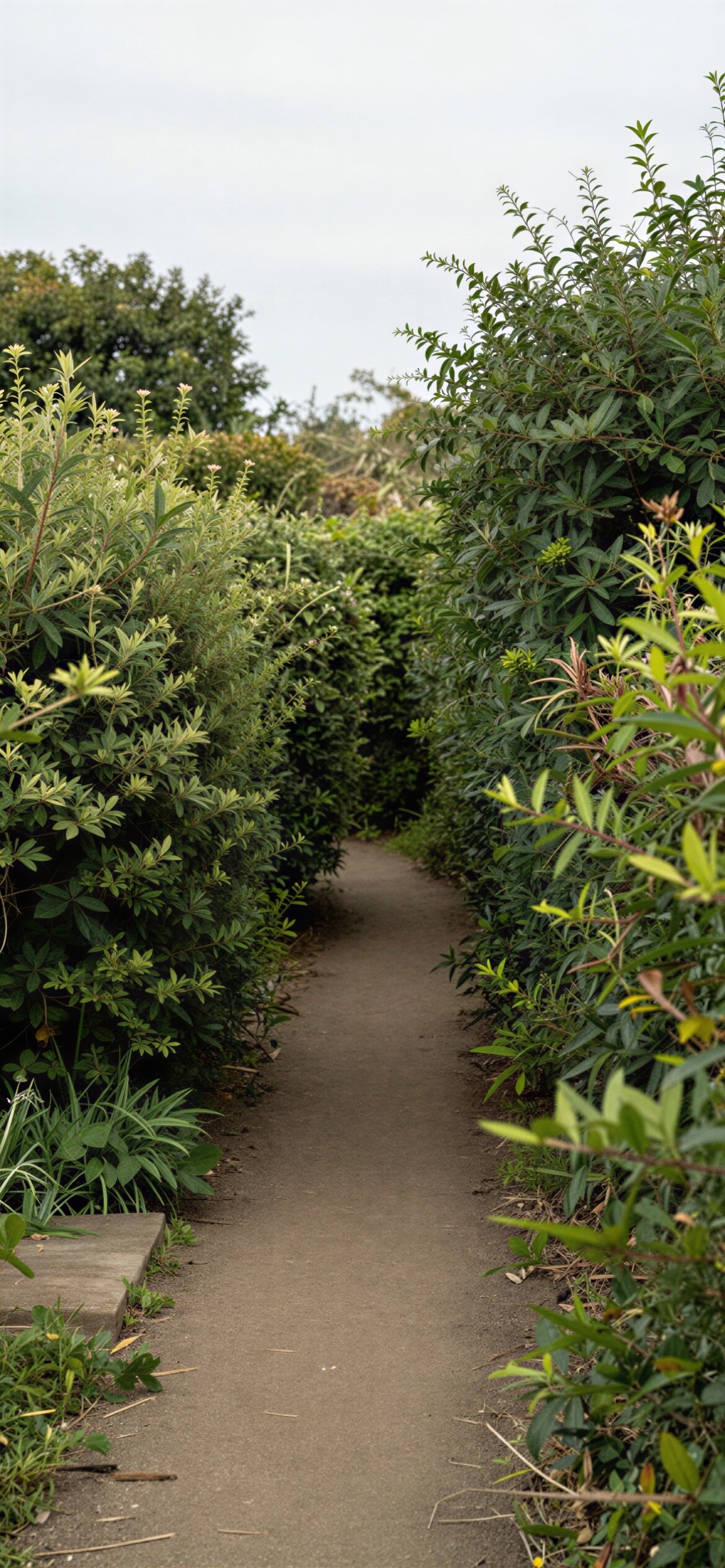
The clipped hedges along the path in #8 have a long story as well. The hedge maze at Hampton Court Palace, planted around 1690 for William III, is the oldest surviving hedge maze in Britain. Small herb plots like the one in #10 go back at least to medieval monasteries, where monks grew plants for the kitchen and for medicine.
From mossy stone to a box of seedlings
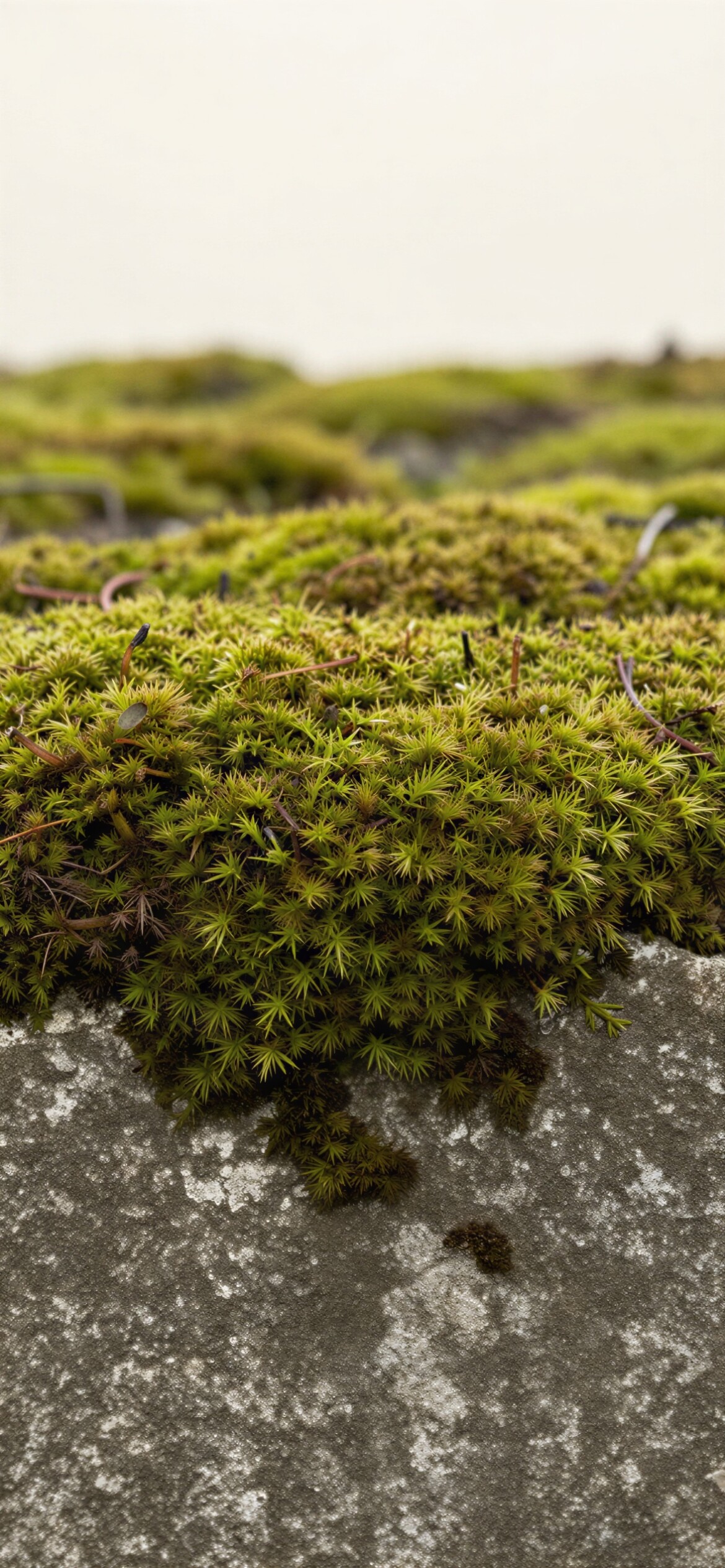
- #1 Moss and tiny plants on weathered stone. Close and textured, and a good lock screen choice because the clock sits over plain rock.
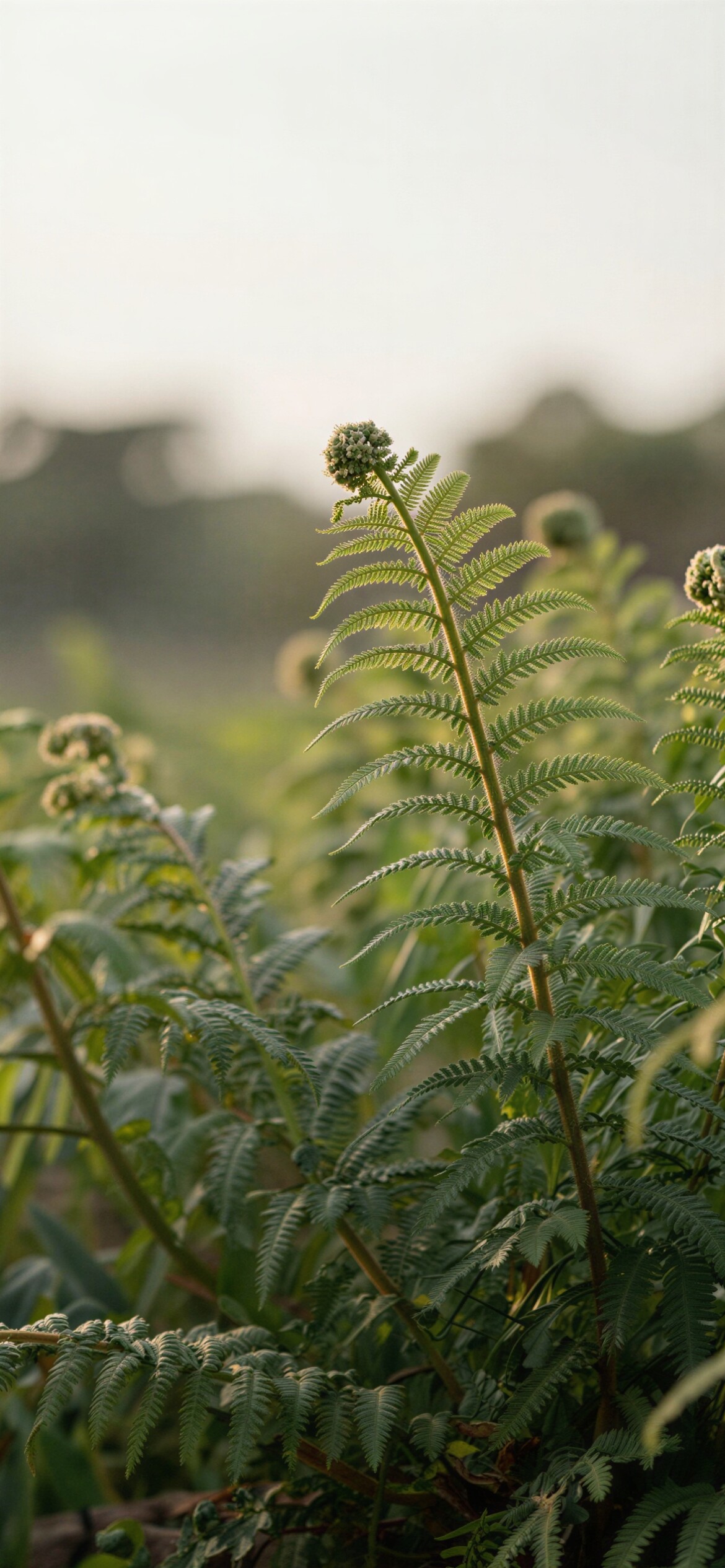
- #2 Fern fronds just starting to unfurl, lit from behind. The light coming through the fronds makes this one of the brightest pictures in the set.
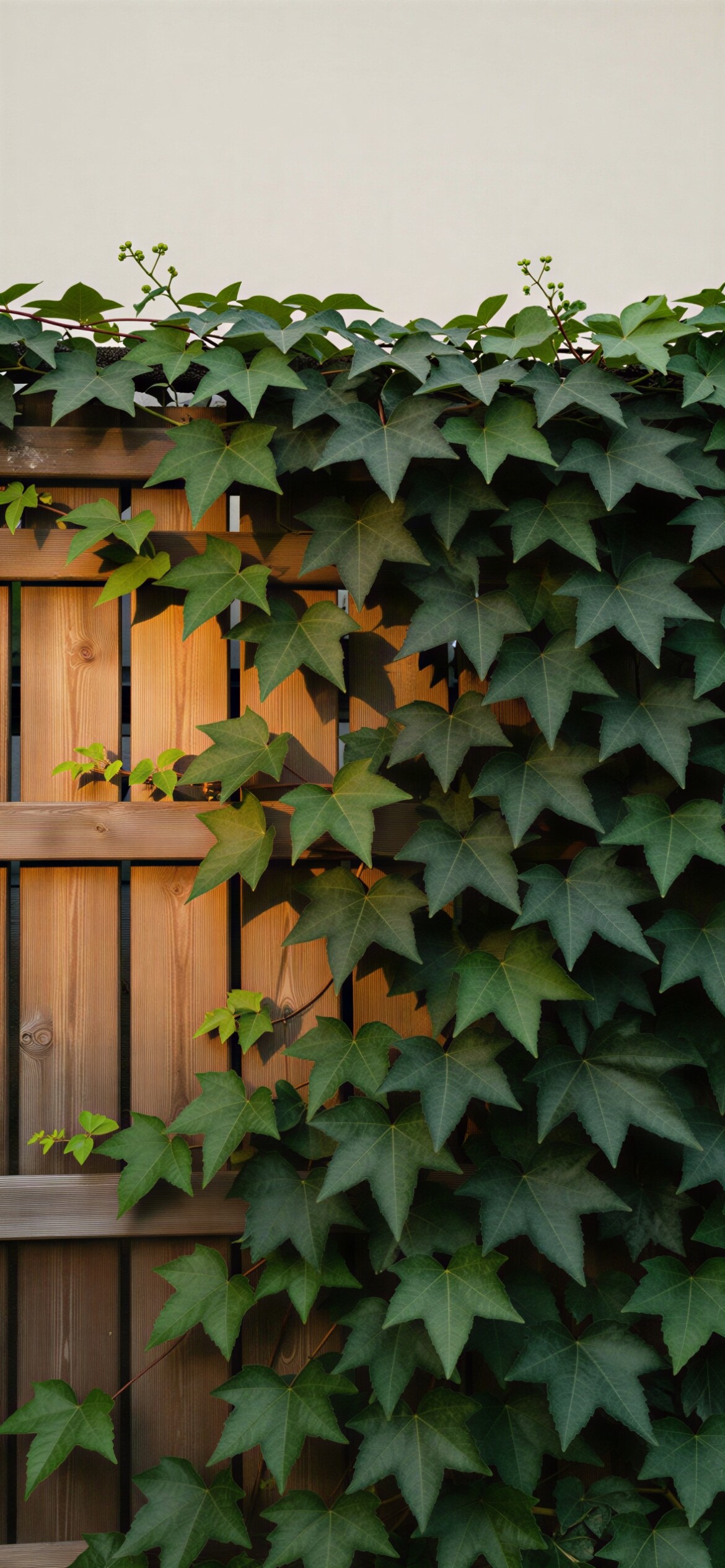
- #3 Ivy and vines climbing a wooden trellis. The criss-cross lines give a home screen a little structure behind the icons.
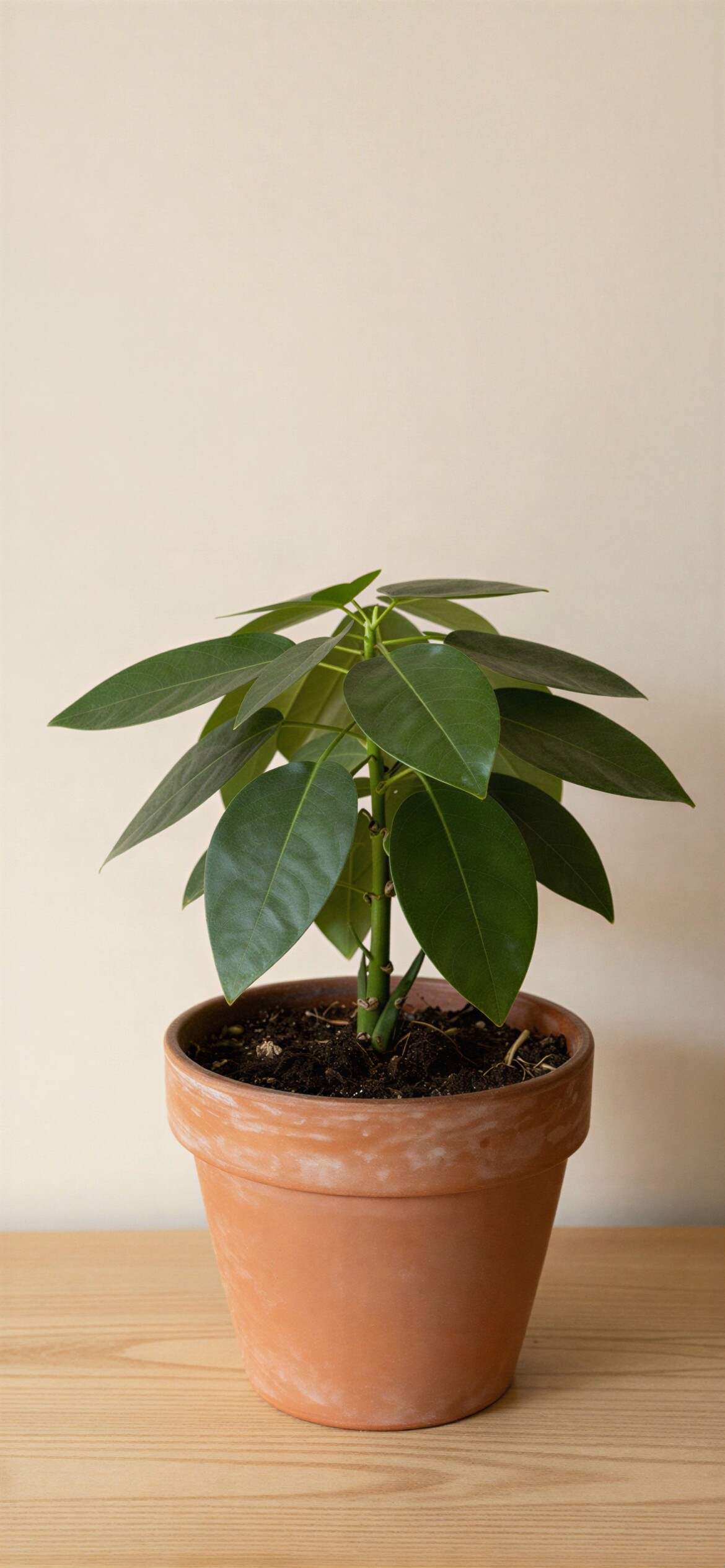
- #4 A potted plant by a window, standing on wood. Indoor and homely, it suits a desk or reading-corner setup.
- #5 Layered ferns and moss on the forest floor. Dense and dark, for when you want something deep and quiet.
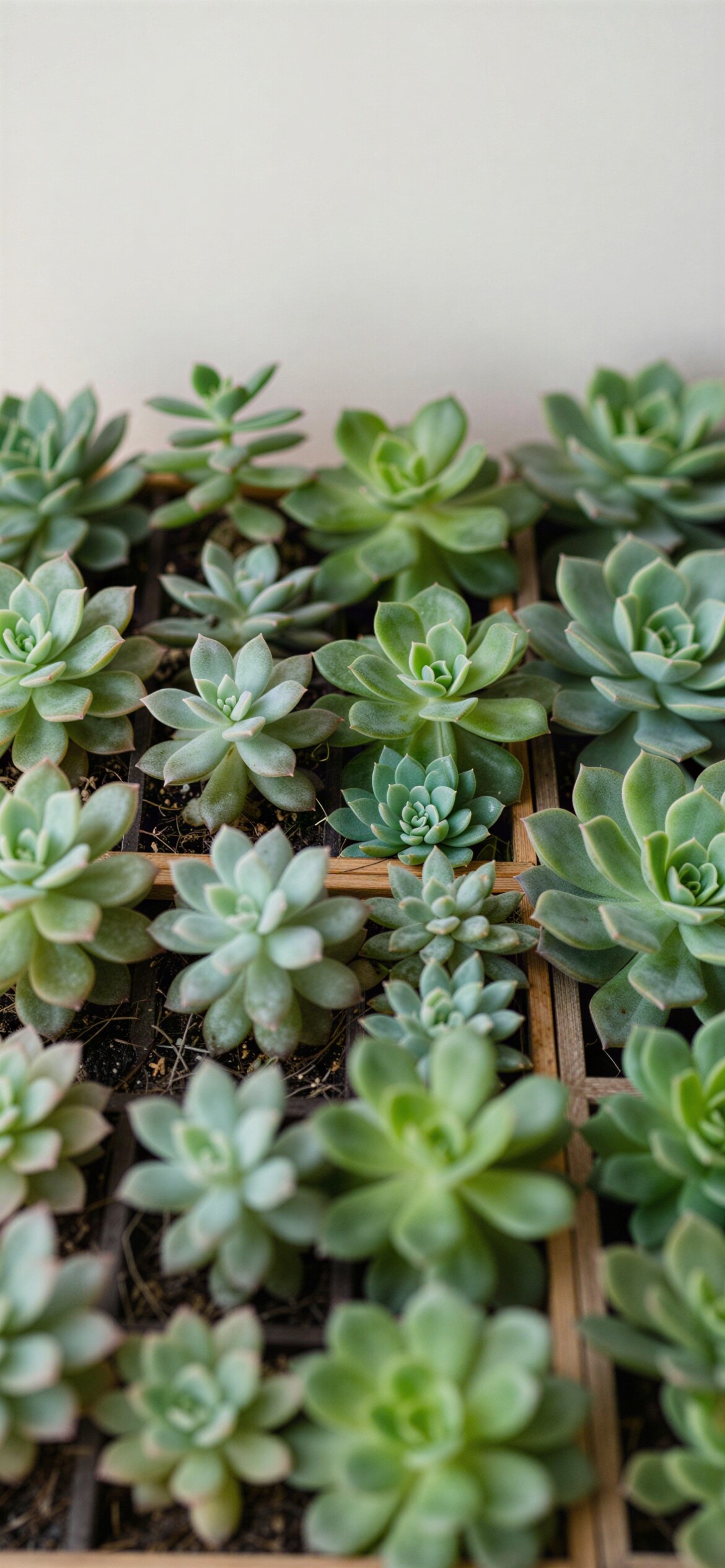
- #6 Succulents seen from above in a wooden planter. The round rosettes repeat almost like a pattern.
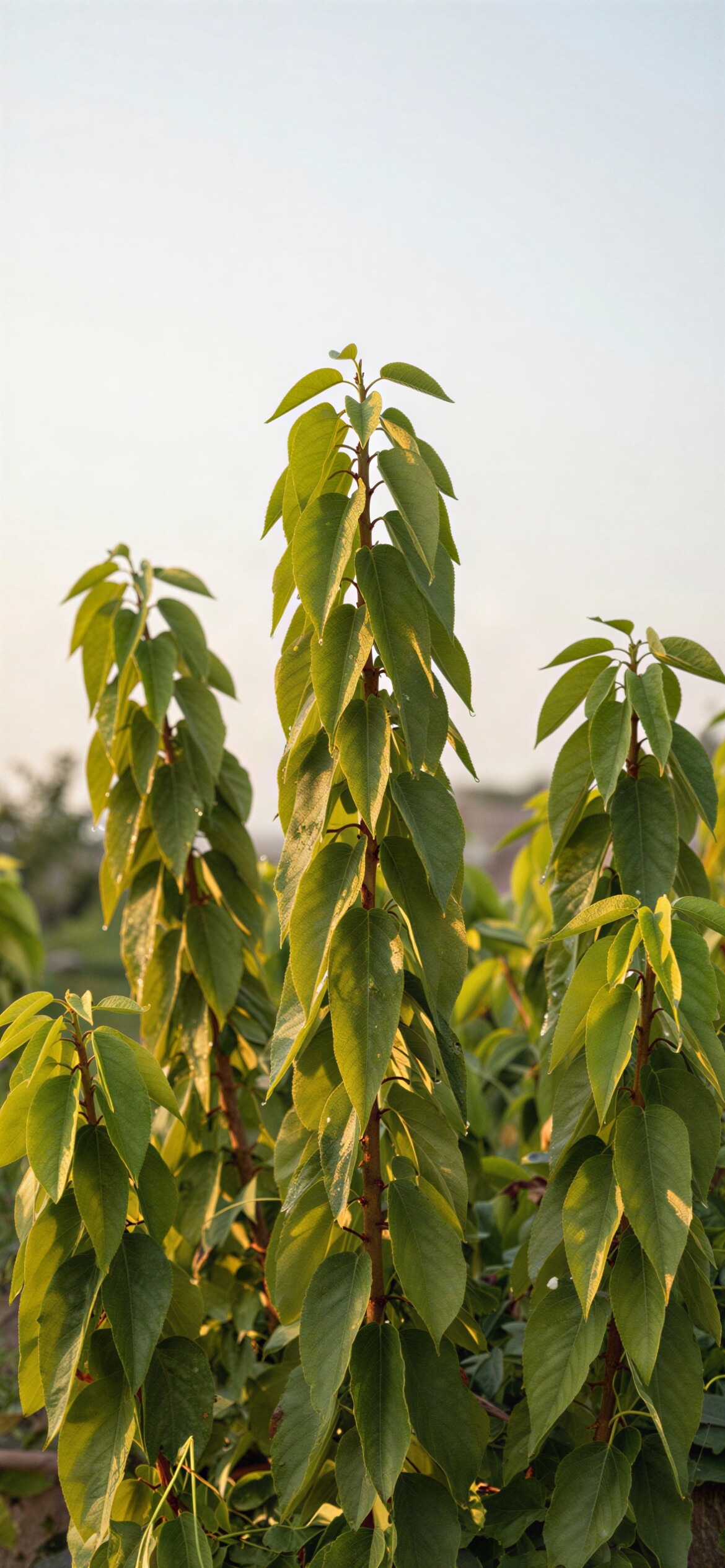
- #7 Leafy branches holding water droplets, backlit by golden light. The warmest picture here, with an after-the-rain feel.
- #8 A garden path running between hedges and shrubs. The path draws the eye upward, which works well on a tall screen.
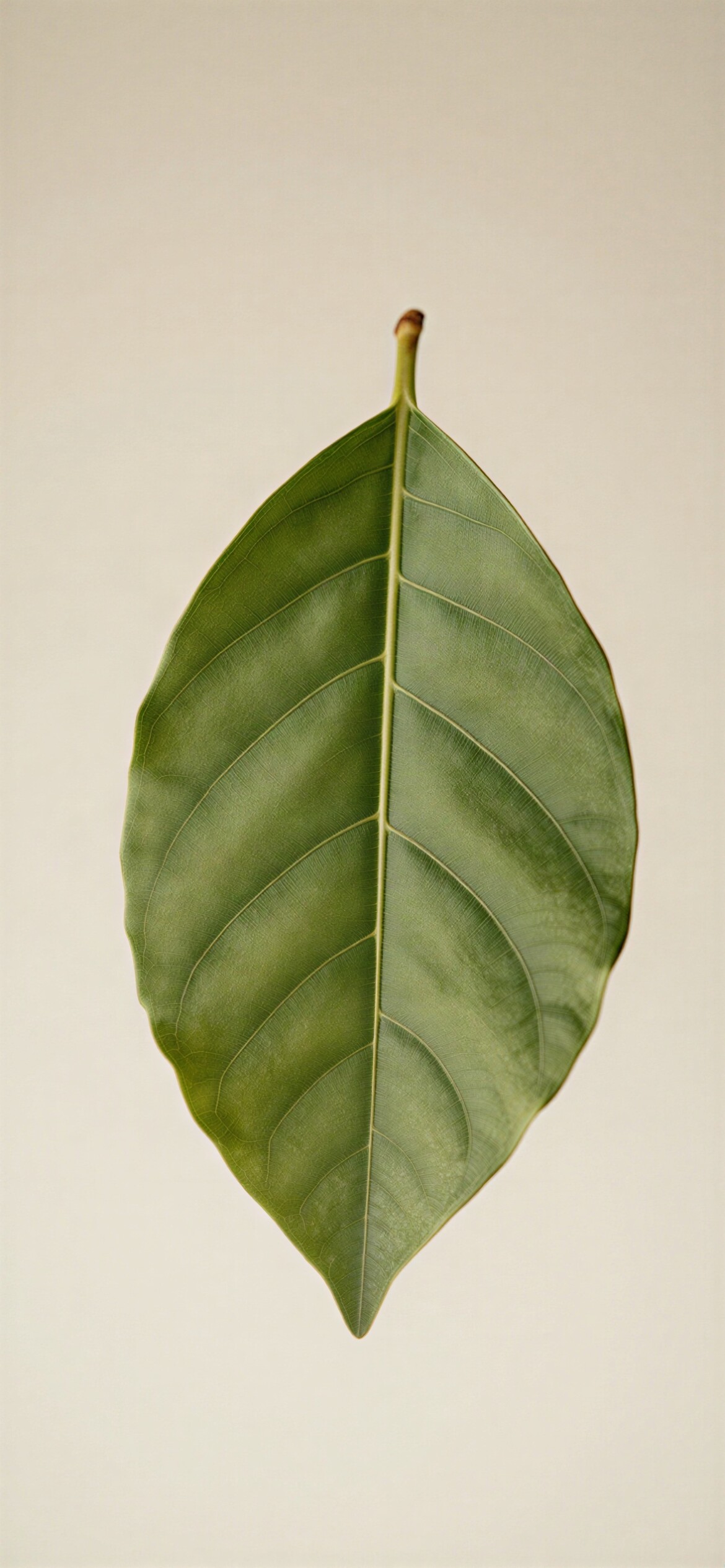
- #9 A single leaf with its veins showing in soft window light. Those veins carry water in and sugars out, a whole plumbing system in one leaf. Very simple, so widgets sit cleanly on top.
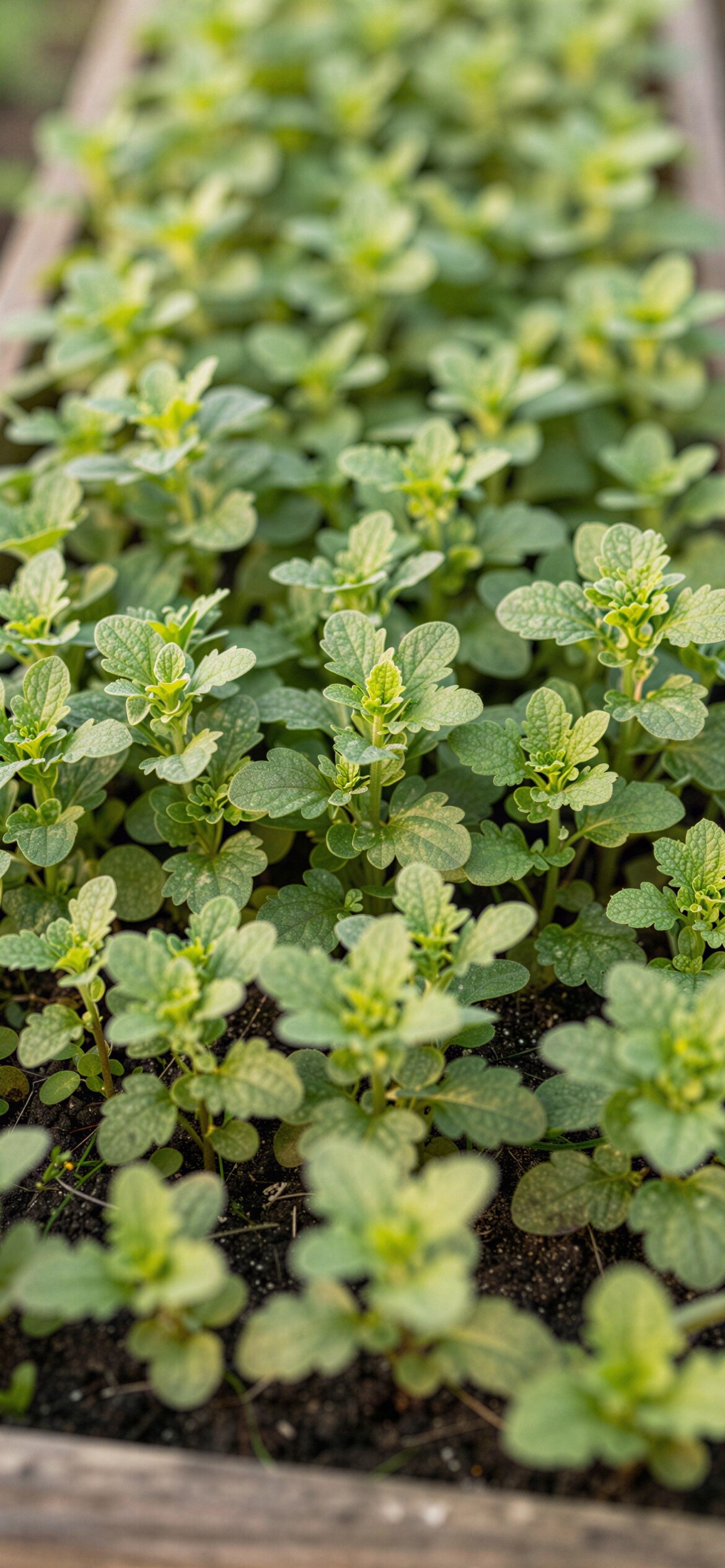
- #10 Herbs and seedlings packed into a wooden container. A cheerful kitchen-garden pick.
Bright, woody or deep?
For the lightest, most sunlit greens, go with #2, #7 and #9. Pictures where warm wood sits next to the leaves are #3, #4, #6 and #10, and they look good beside beige or brown widgets. The darker, more shaded greens are #1, #5 and #8. If you want more of this, the plant wallpapers bring houseplants indoors, the leaf collection goes in close on single leaves, and the botanical set adds blooms, fronds and buds.
How to set it on your iPhone
- Tap Download and save the image to Photos.
- Open Settings, tap Wallpaper, then Add New Wallpaper, and choose Photos.
- Pick the wallpaper, pinch to position it, then tap Add and choose the lock screen, home screen or both.
Stuck on a step? The iPhone and iPad guide has screenshots for each one.
Questions
Will these greenery wallpapers fit my iPhone screen?
Yes. This set is sized at 1170x2532 pixels, which is the native resolution for modern iPhones. The tall vertical format with simple space at the top suits both lock and home screens. The designs are sized for modern iPhones, and some older models may crop slightly at the edges.
Can I use these wallpapers for personal use?
Yes. You can download and use these greenery wallpapers for free on your own iPhone and personal devices. Selling them, printing them for sale, or reposting them on other wallpaper sites is not allowed. See our Terms page for full details on permitted use.
Which wallpapers work best for lock screens versus home screens?
Close-up leaf and moss details work well on lock screens because they look good behind the time and notification text. Wider garden scenes and full plant arrangements suit home screens better since they frame app icons without overwhelming detail. Try both to see what feels right for your setup.
Are these greenery designs seasonal or can I use them year-round?
These wallpapers are evergreen, meaning the plants and foliage look fresh and relevant in any season. The soft natural lighting and muted green tones work with both light and dark mode throughout the year, so you can keep them on your iPhone as long as you like.