80s Wallpaper iPhone
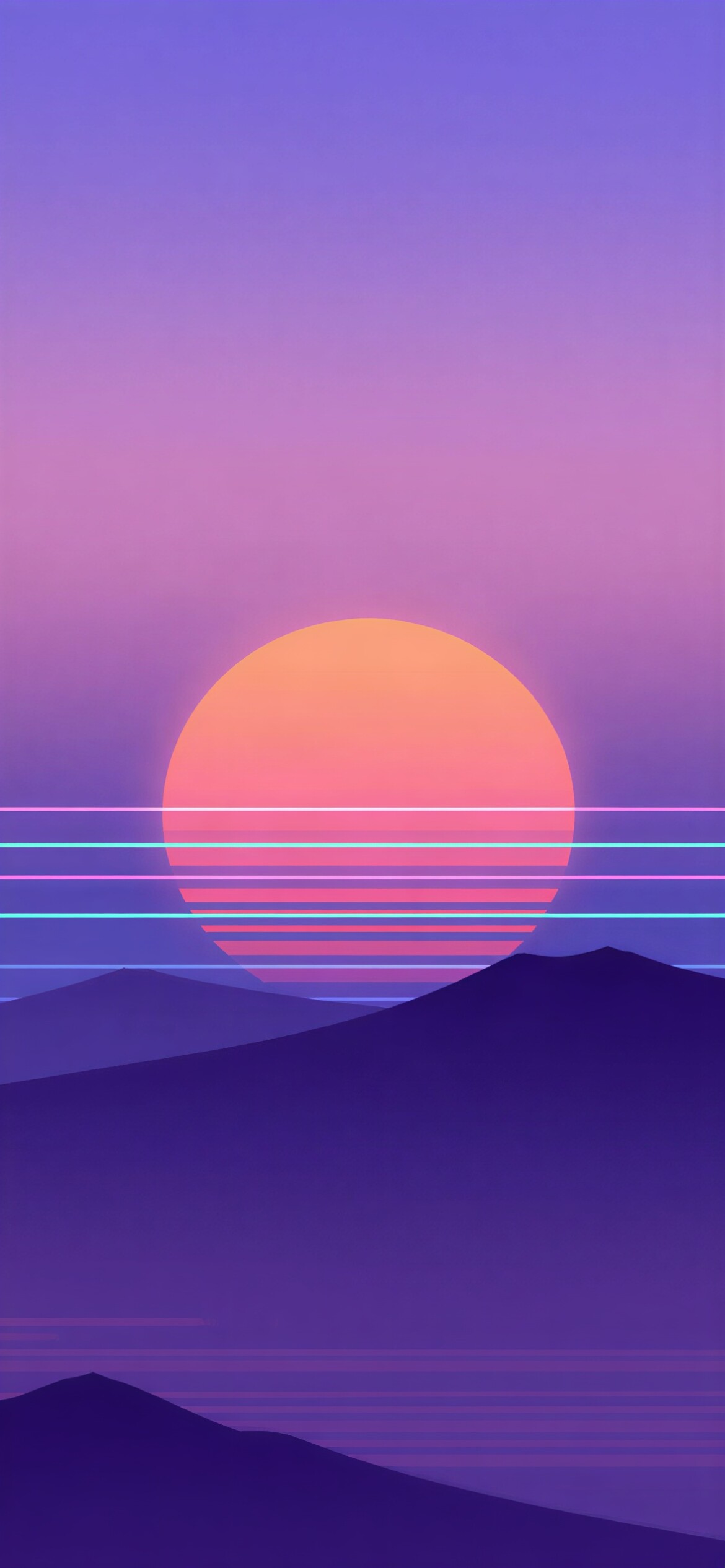
80s wallpaper iPhone brings neon grids, retro sunsets and vintage synthwave vibes to your screen. This set of free iPhone wallpapers captures the bold colors and geometric energy of the 1980s. Each design features classic 80s aesthetics like glowing neon lines, dusty sunsets and chromatic color shifts. These 80s iPhone wallpapers suit both lock screen and home screen and pair well with minimal icon layouts.
10 wallpapers at 1170 × 2532 px for iPhone. Checked by hand on 3 Oct 2026.
About this set
This collection captures the iconic look of 1980s design with neon grids, glowing shapes and retro sunsets. The color palette ranges from warm peachy sunsets to cool electric neon pinks and cyans, creating that signature synthwave mood. Many designs work best as lock screen wallpapers where the simple top quarter keeps the time and date readable, while the bolder neon and sunset designs suit a home screen behind minimal icon layouts.
These 80s wallpapers pair well with monochrome or pastel app icons and clean home screen setups. The retro aesthetic complements both dark and light icon styles, and the vertical composition ensures the main visual interest stays in the lower half of your screen.
Ten screens from the neon decade
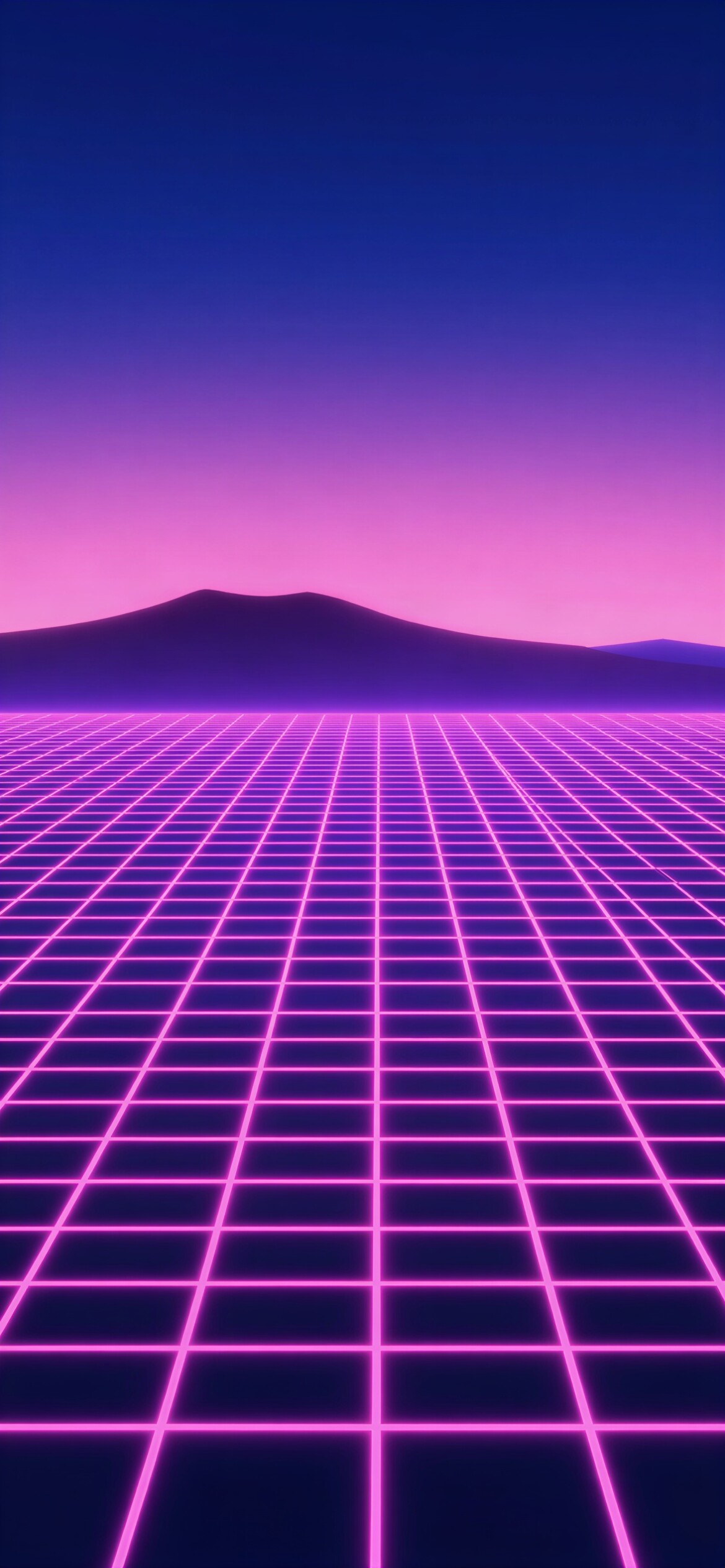
- A neon grid running toward a synthwave sunset, with dark mountains on the horizon. The classic version of the look.
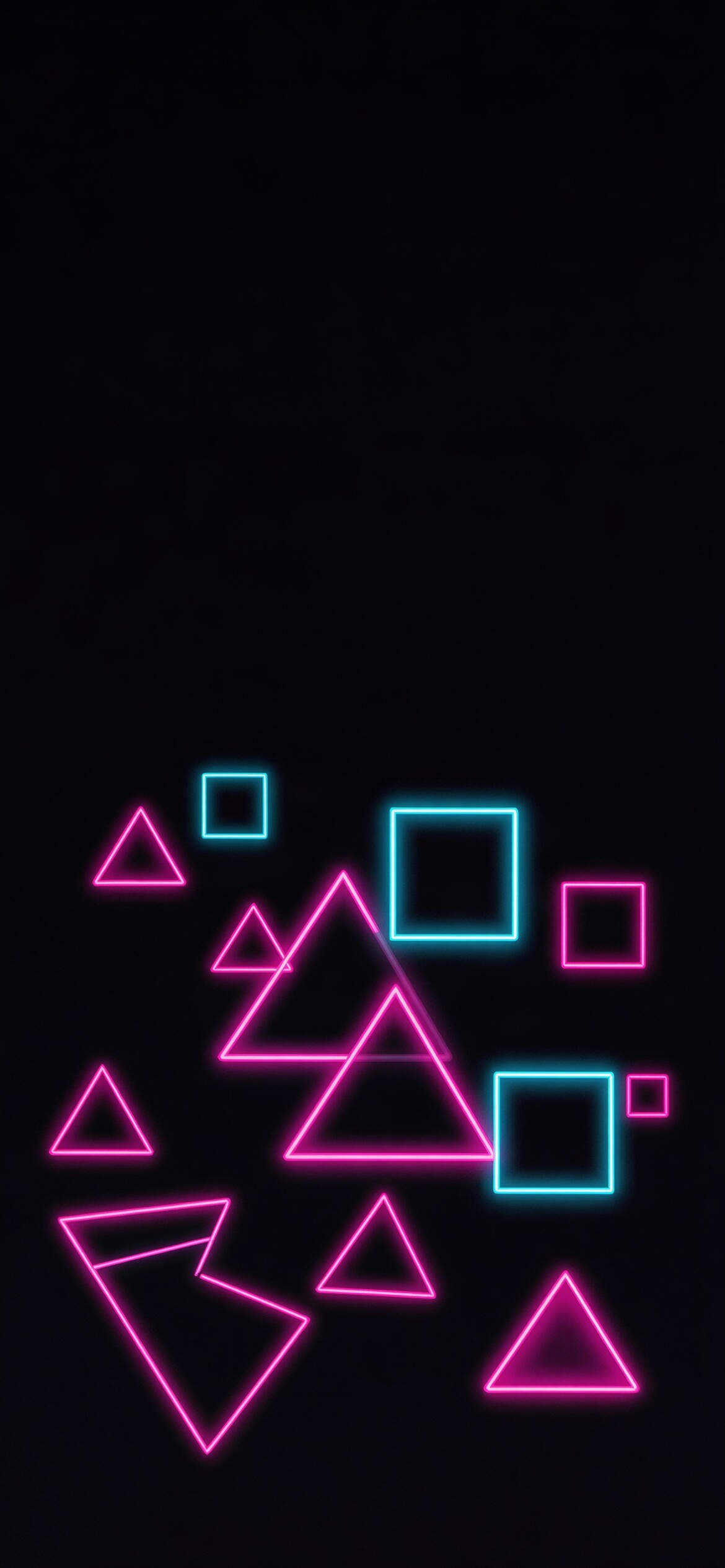
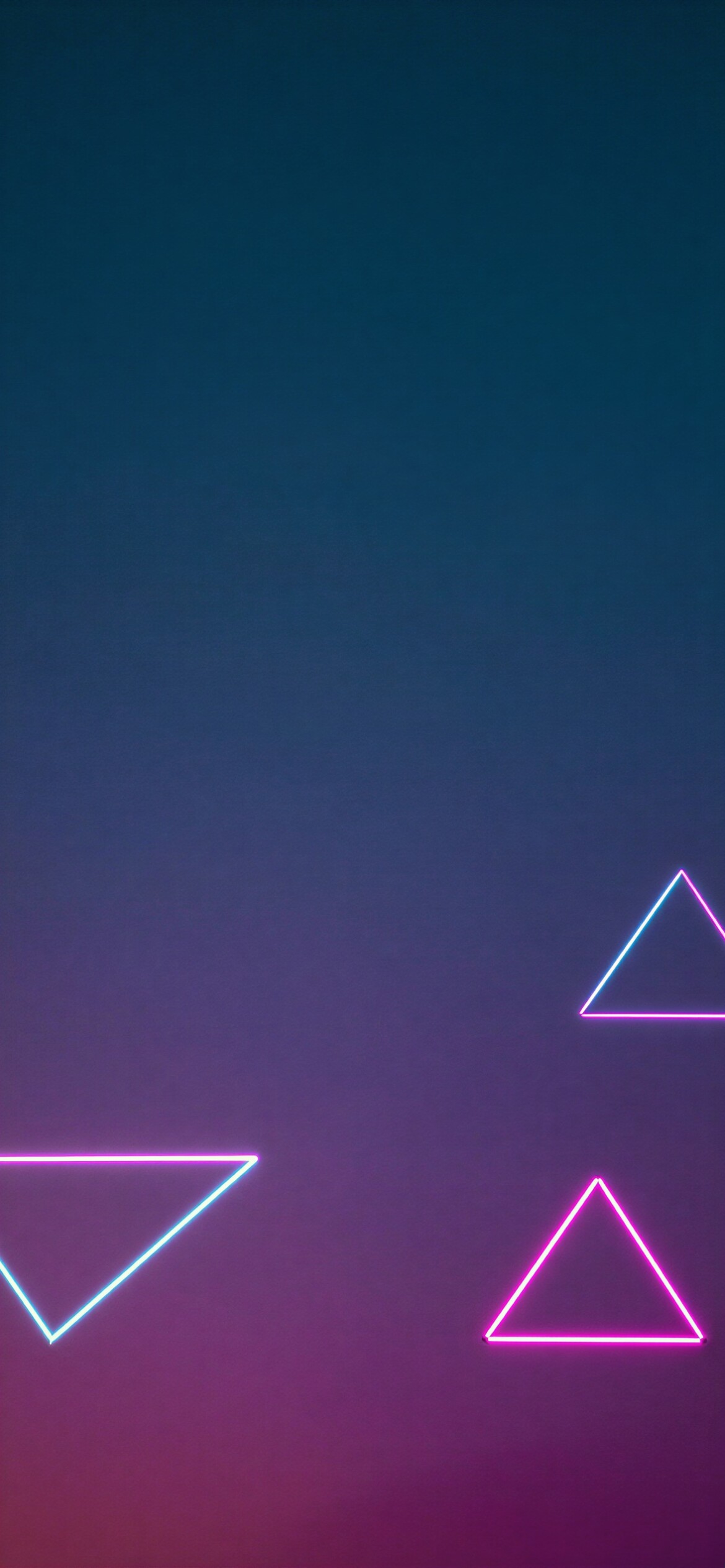
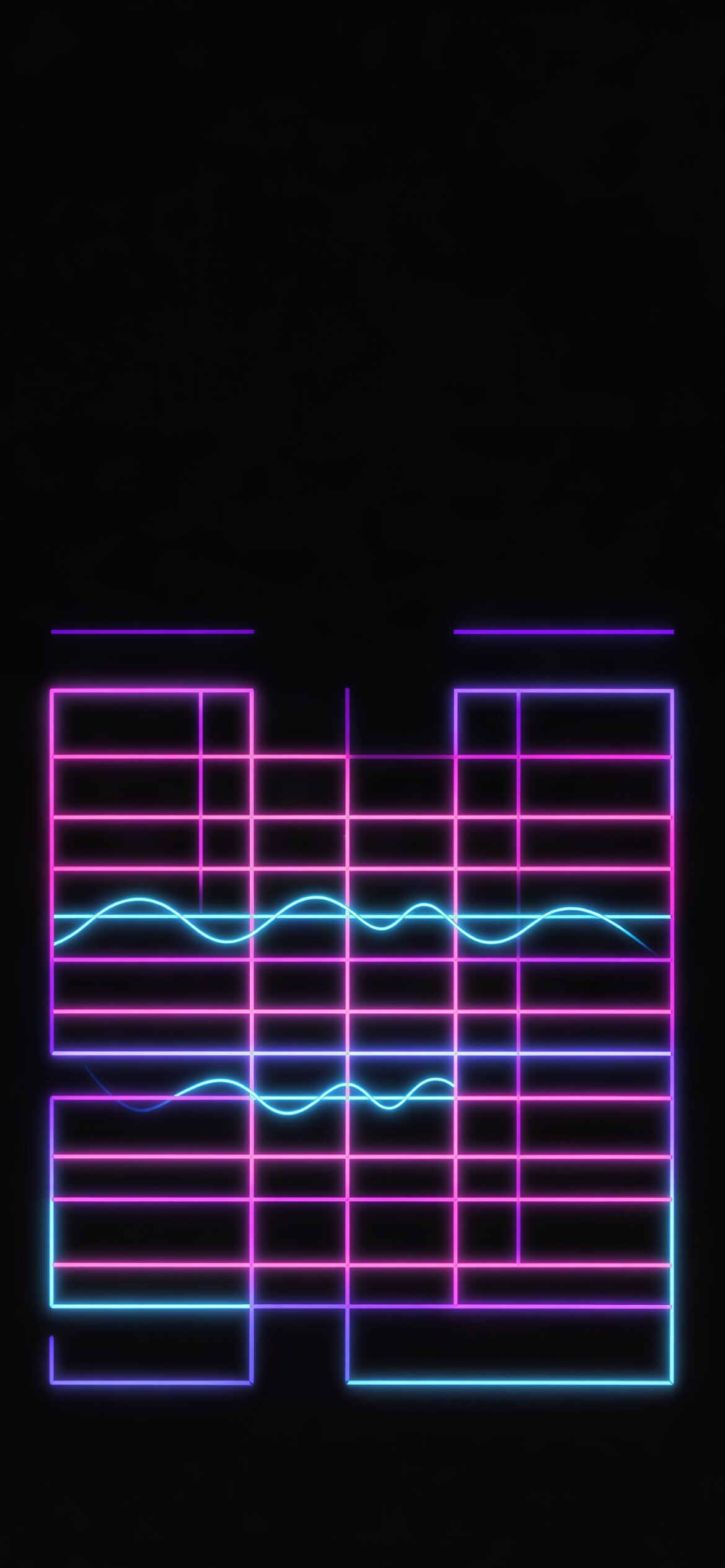
- Abstract neon shapes in pink and cyan floating on black, with no landscape at all.
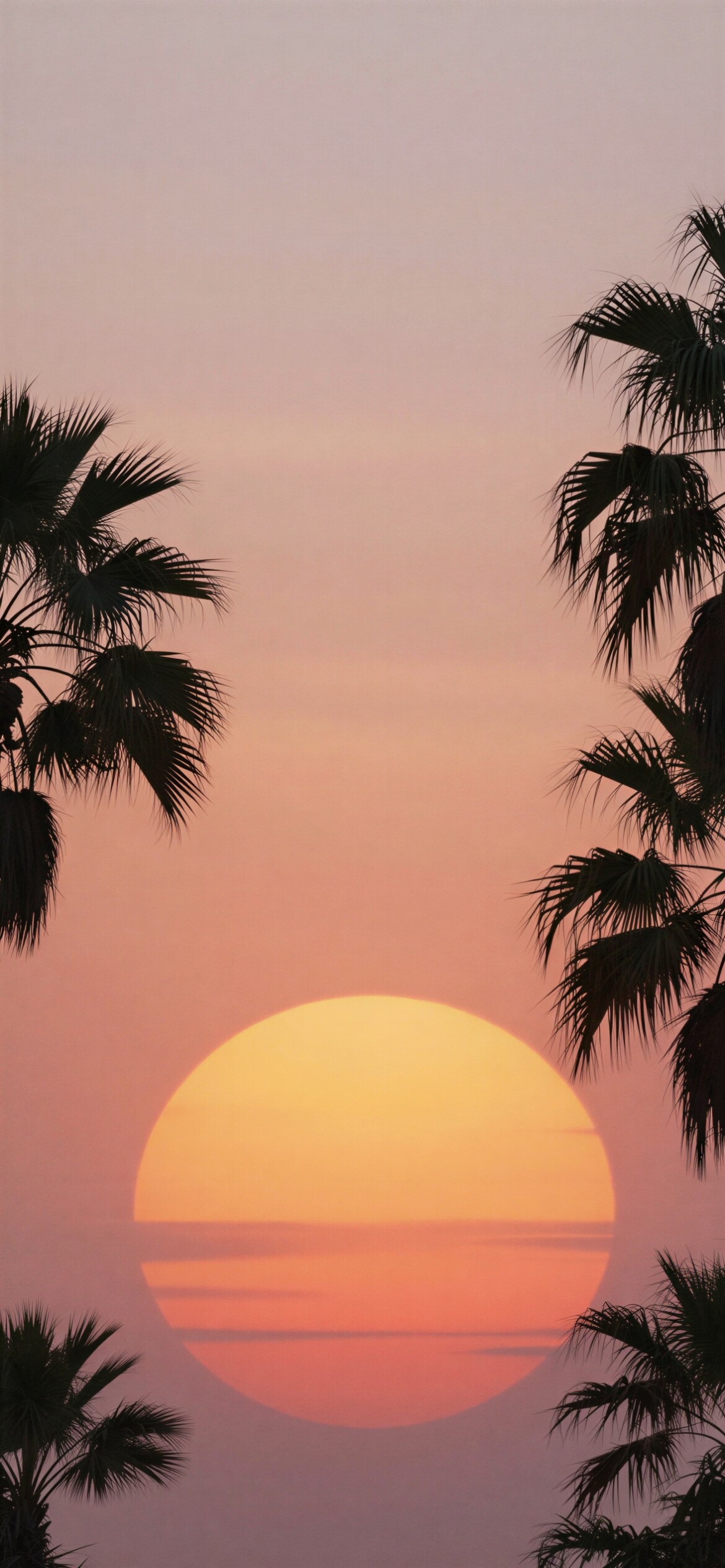
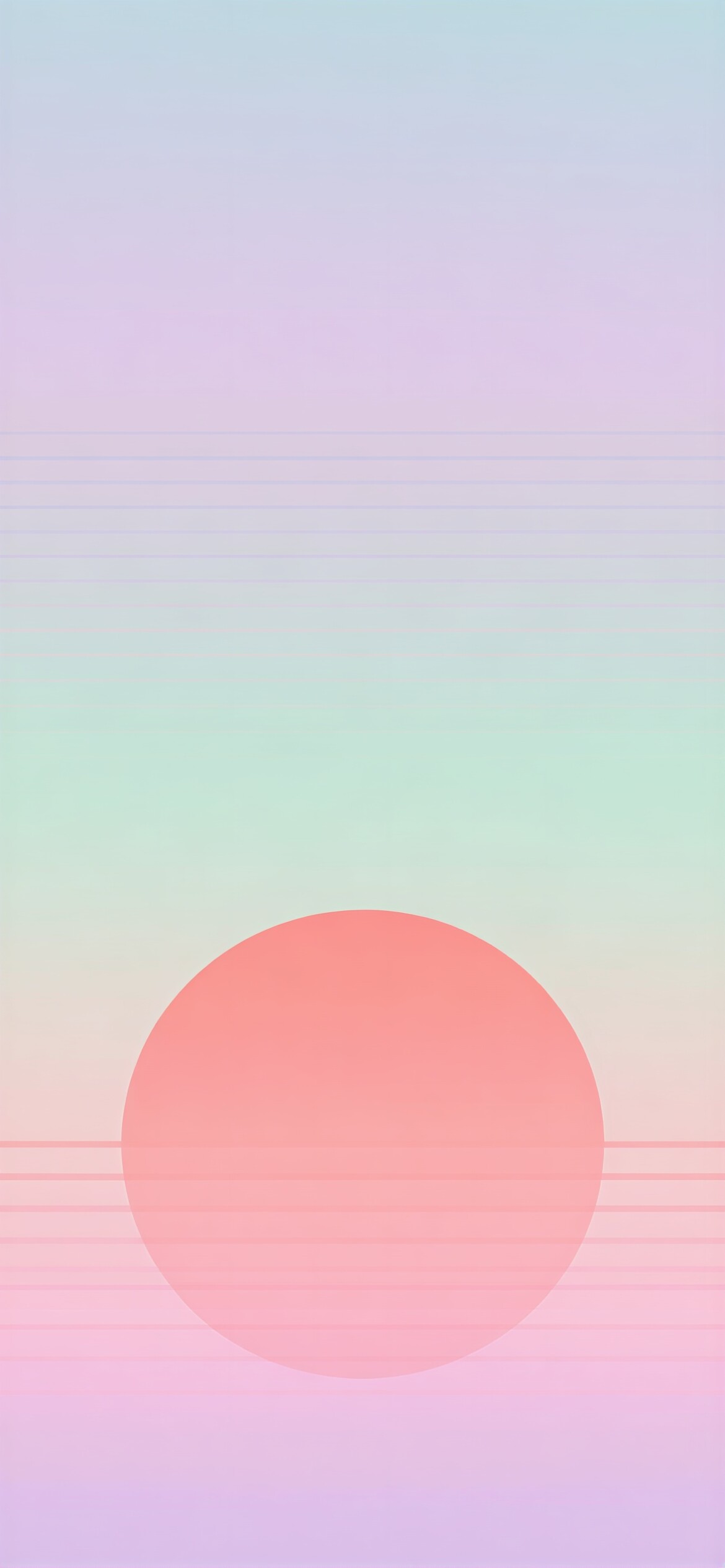
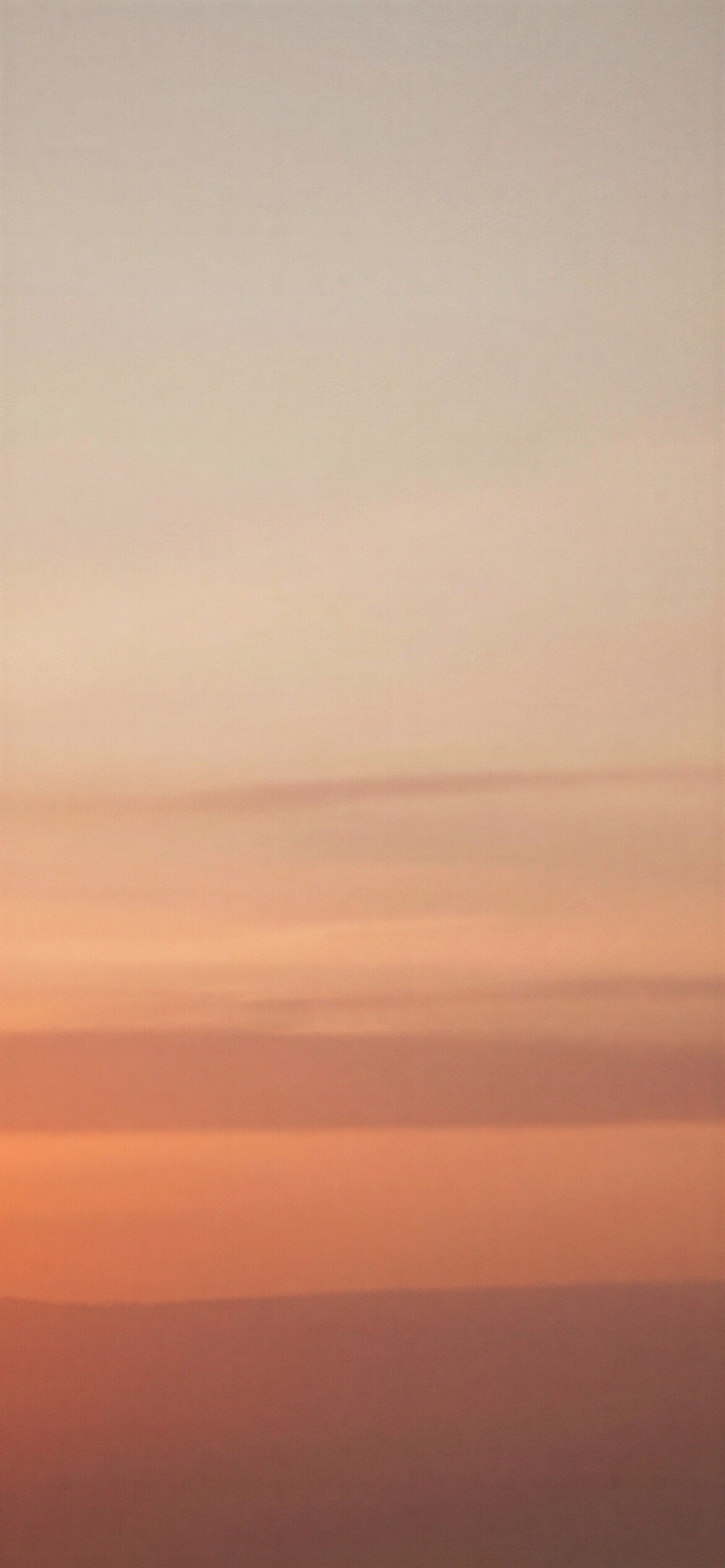
- A big coral sun over a pastel gradient sky. Soft and uncluttered, good for a lock screen.
- The grid again, this time with a mountain silhouette cutting across the perspective lines.
- Warm sunset tones in a very minimal layout, so icons have plenty of room.
- Neon geometric shapes under a dark sky, leaning more toward vaporwave.
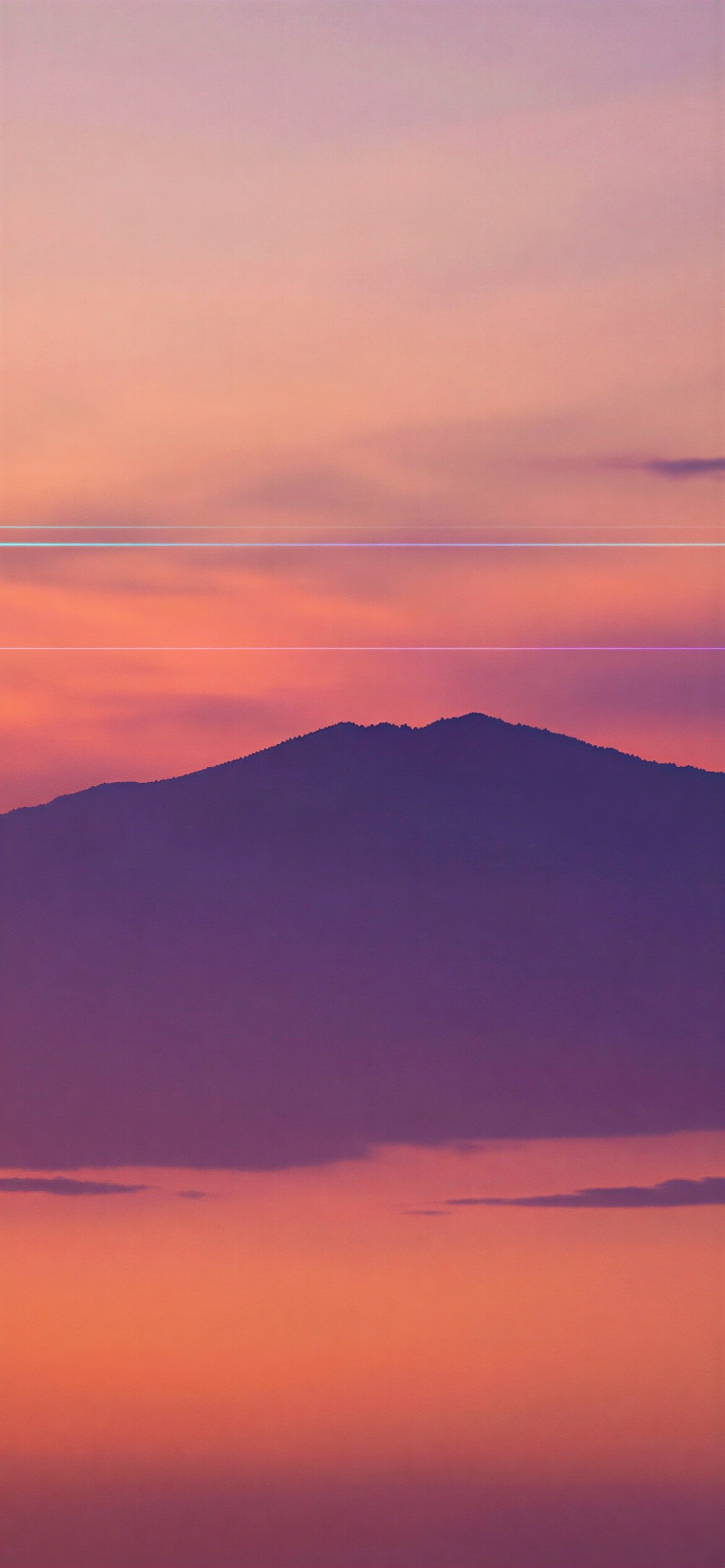
- Dusty orange sunset light crossed by neon grid lines, the warmest of the grid scenes.
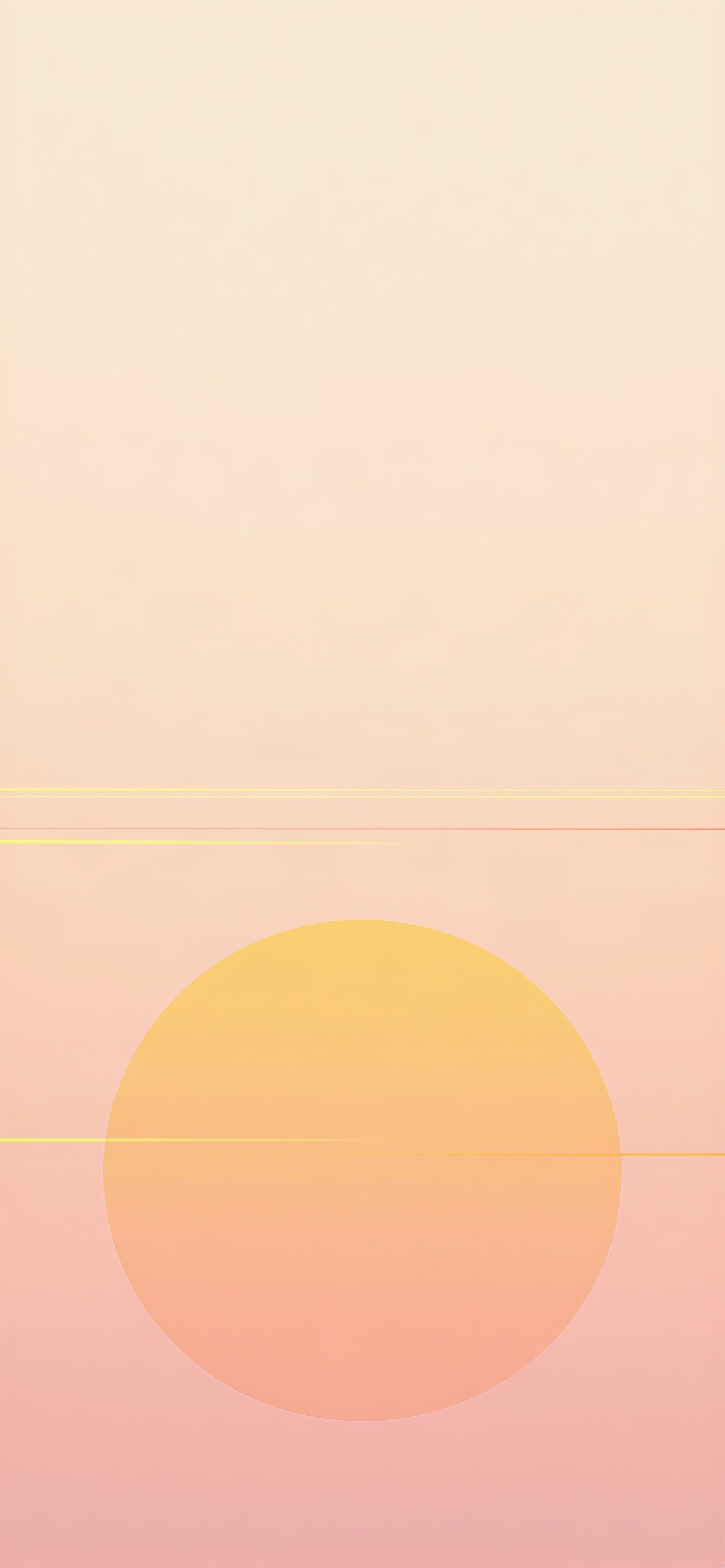
- A geometric sun shape set into a pastel gradient.
- Glowing neon lines on pure black, the darkest design here.
- A peachy sunset with a simple silhouette, quiet enough for a crowded home screen.
Miami pastels, Memphis shapes and a music channel
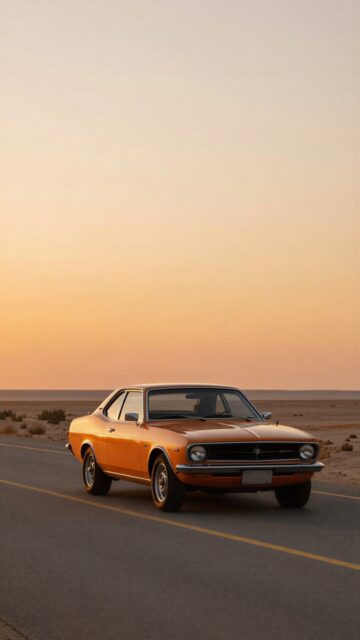
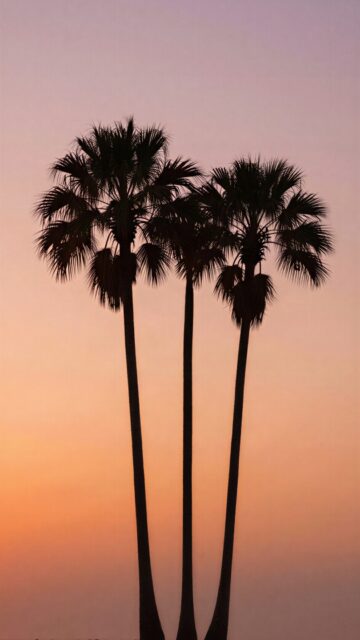
Much of what people now call the 80s look came from a few places at once. MTV went on air in August 1981 and opened with ‘Video Killed the Radio Star’, and suddenly songs came with pictures, many of them full of neon and bold graphics. Miami Vice, first shown in 1984, put pastel pinks, peach and aqua on screen every week against the pastel Art Deco buildings of Miami Beach. You can see that palette in the gradient skies of 3 and 8.
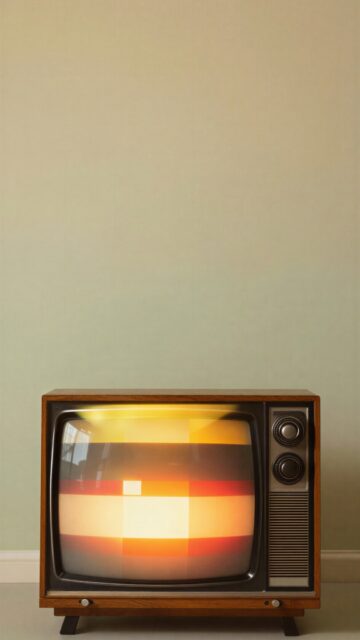
The floating shapes in 2 and 6 owe more to the Memphis Group, a design collective founded in Milan in 1981 around Ettore Sottsass. Its furniture and printed laminates mixed squiggles, triangles and loud, clashing colours on purpose, and the look spread well beyond furniture.
Which ones for a dark phone, and which for daylight?
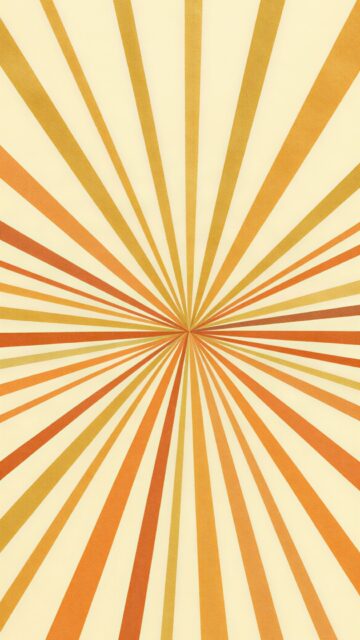
Wallpapers 2, 6 and 9 sit on black or near-black, and on an iPhone with an OLED screen those dark areas use very little power, so they make a good always-on lock screen. The grid scenes 1, 4 and 7 land in the middle, with dusk colours and bright lines. For a softer, sunnier feel, pick 3, 5, 8 or 10. If you want more of this era, the synthwave wallpapers go deeper into the glowing grid, the retro set reaches back further, and the 90s wallpapers pick up where this decade ends.
How to set it on your iPhone
- Tap Download and save the image to Photos.
- Open Settings, tap Wallpaper, then Add New Wallpaper, and choose Photos.
- Pick the wallpaper, pinch to position it, then tap Add and choose the lock screen, home screen or both.
Stuck on a step? The iPhone and iPad guide has screenshots for each one.
Questions
Will these 80s wallpapers fit my iPhone screen?
Yes. These wallpapers are sized at 1170x2532 pixels for modern iPhones; some older models may crop slightly at the edges. You can download and apply them directly to your lock screen or home screen.
Can I use these wallpapers for personal use?
Yes, these wallpapers are free for personal use on your own devices. You cannot sell them, print them for sale, repost them on other wallpaper sites or use them commercially. See our Terms page for the full usage rights and restrictions.
Which wallpapers work better for lock screen vs home screen?
The designs with simple, spacious tops and soft gradients work best on lock screen, keeping your time and notifications clear and readable. The bolder neon grid and synthwave designs suit home screen better, where they pair nicely with minimal icon layouts without competing for visual attention.
What is the 80s synthwave style?
Synthwave is a retro aesthetic inspired by 1980s design, music and culture. It features neon glowing colors like hot pink and cyan, geometric shapes, grid patterns, and moody sunsets with mountains or landscapes. The style evokes nostalgia for the digital age and often has a dreamy, atmospheric quality that feels both retro and timeless.