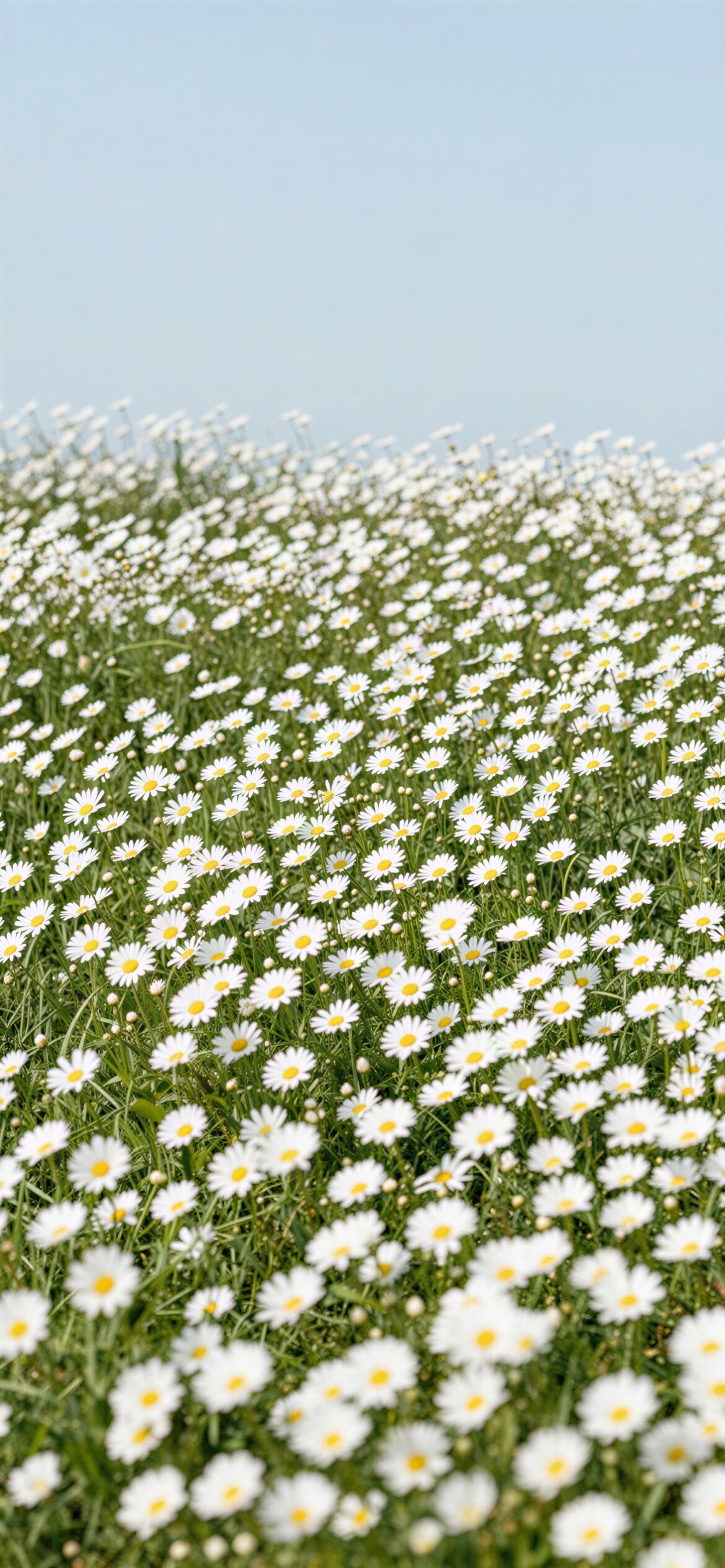
Daisy Wallpaper iPhone
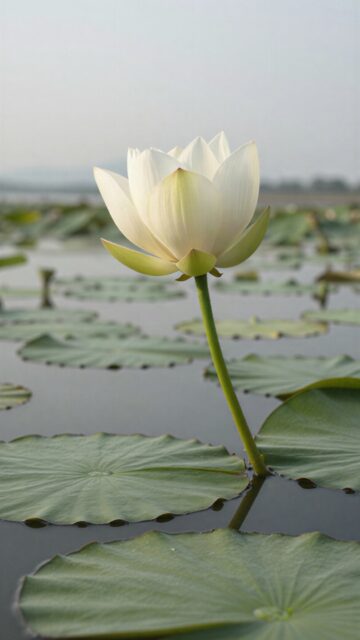
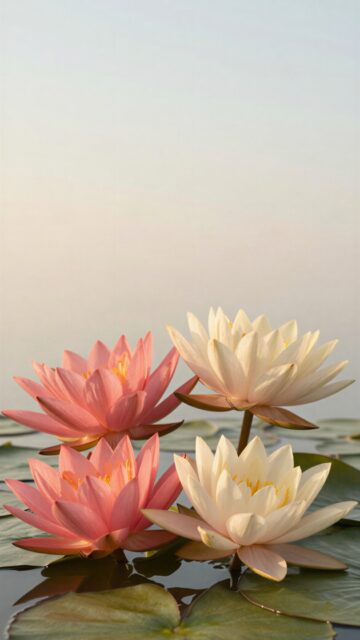
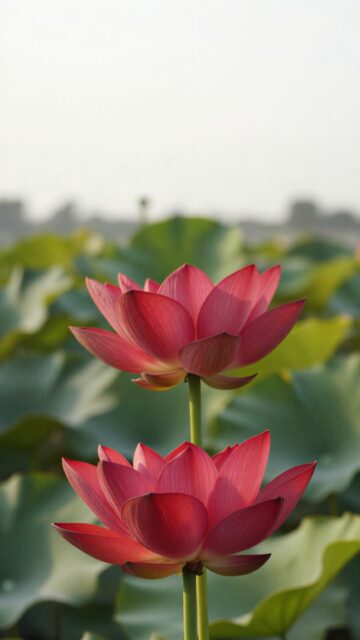
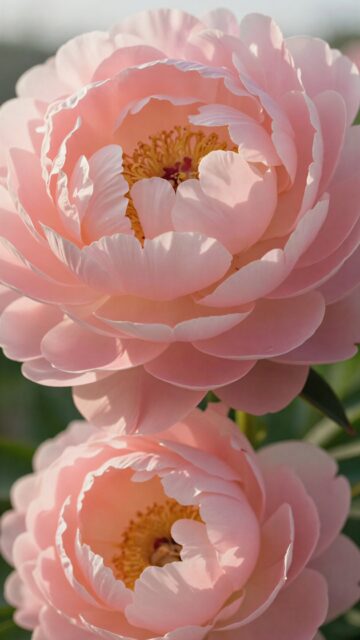
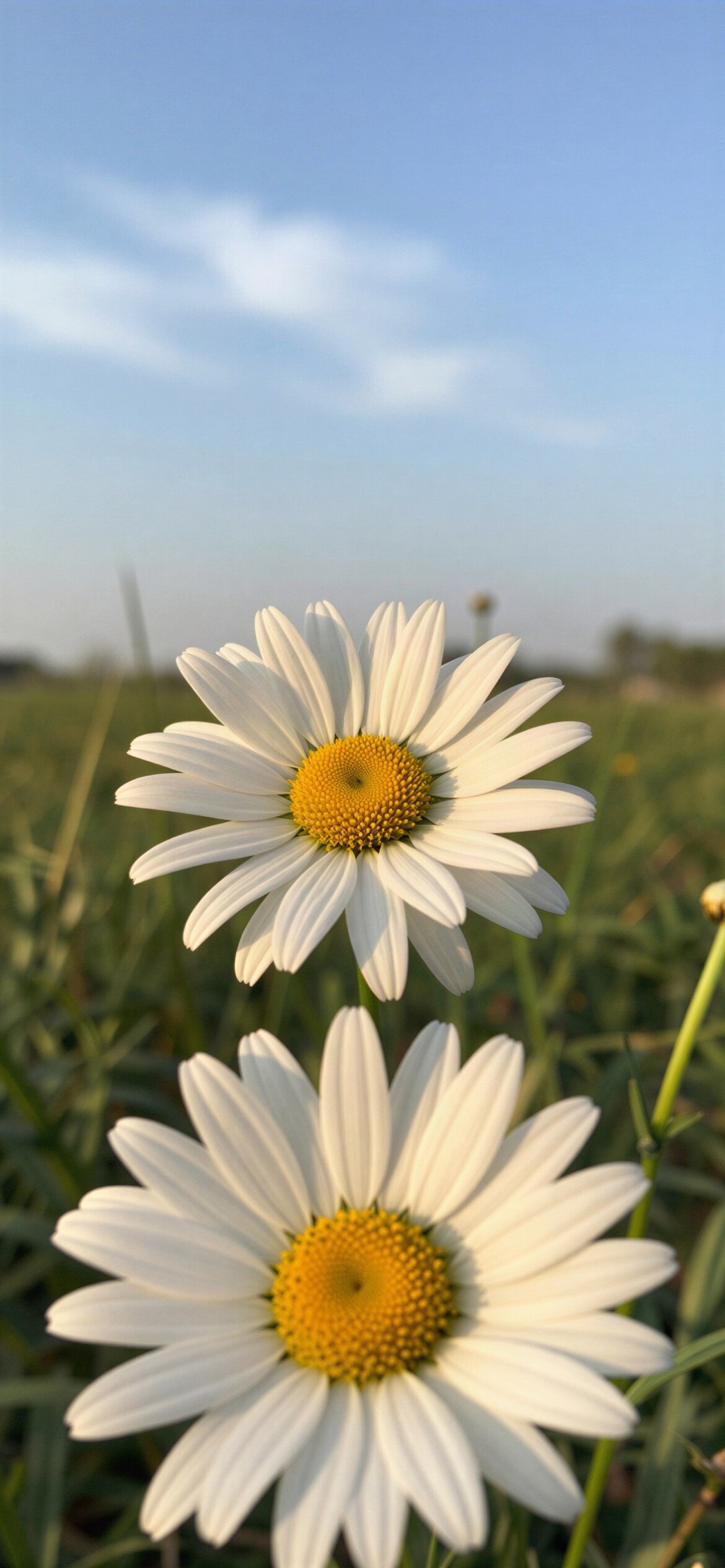
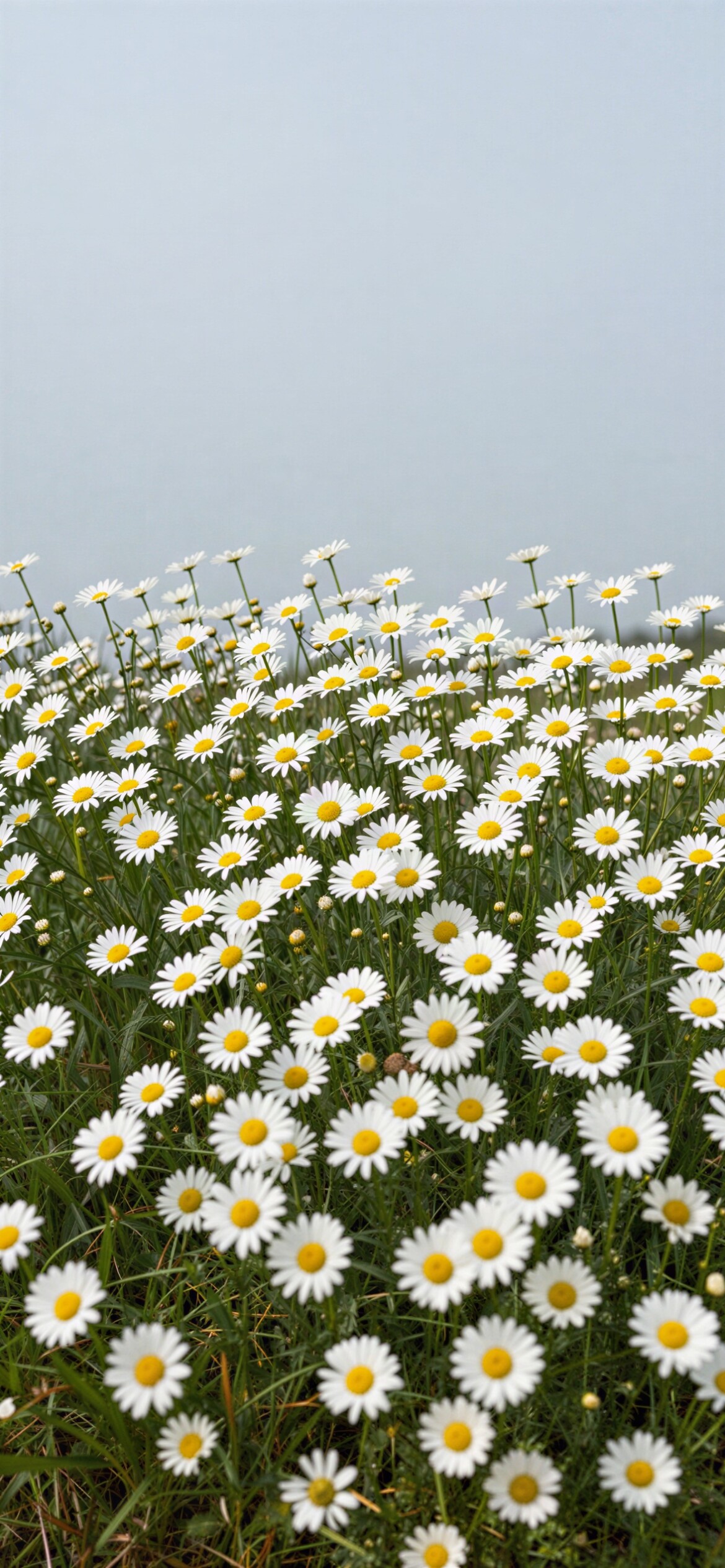
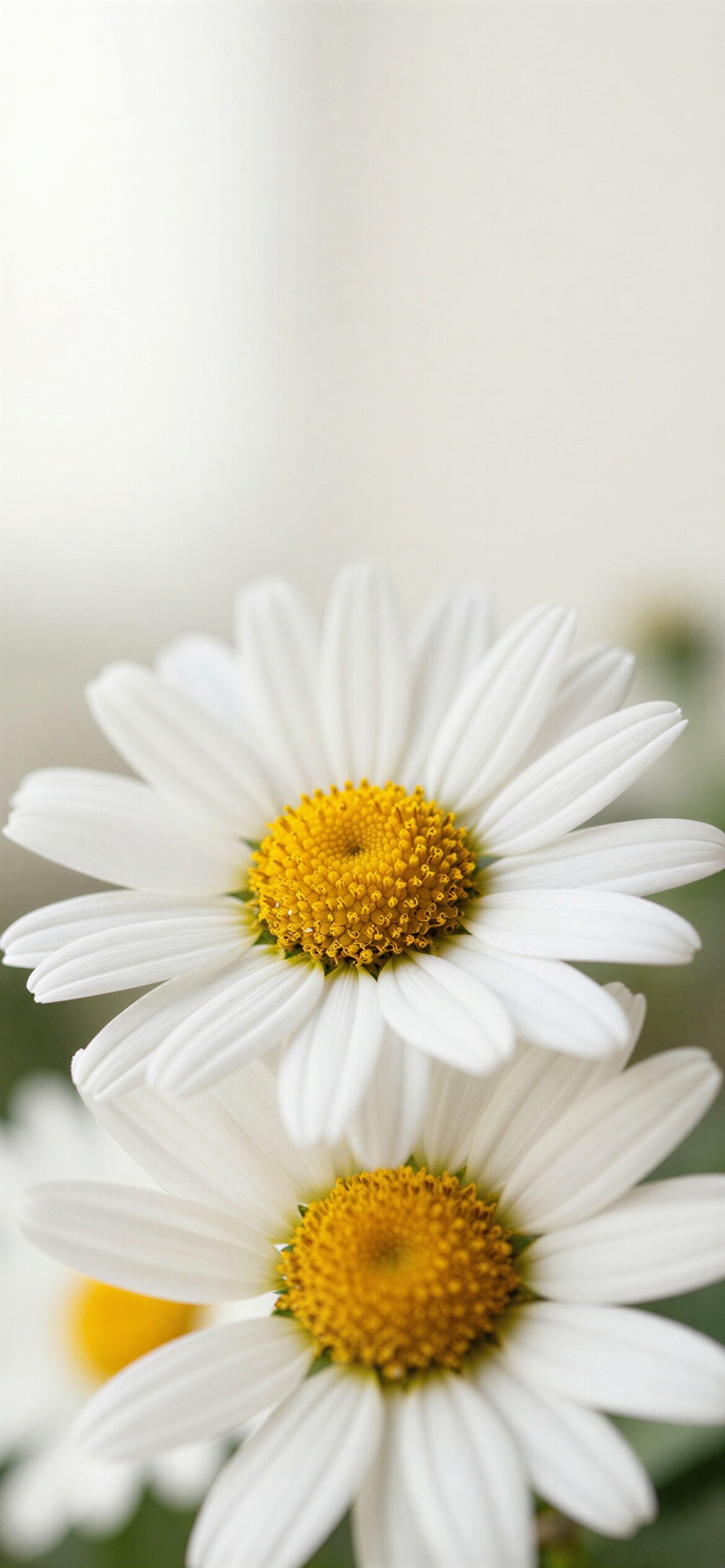
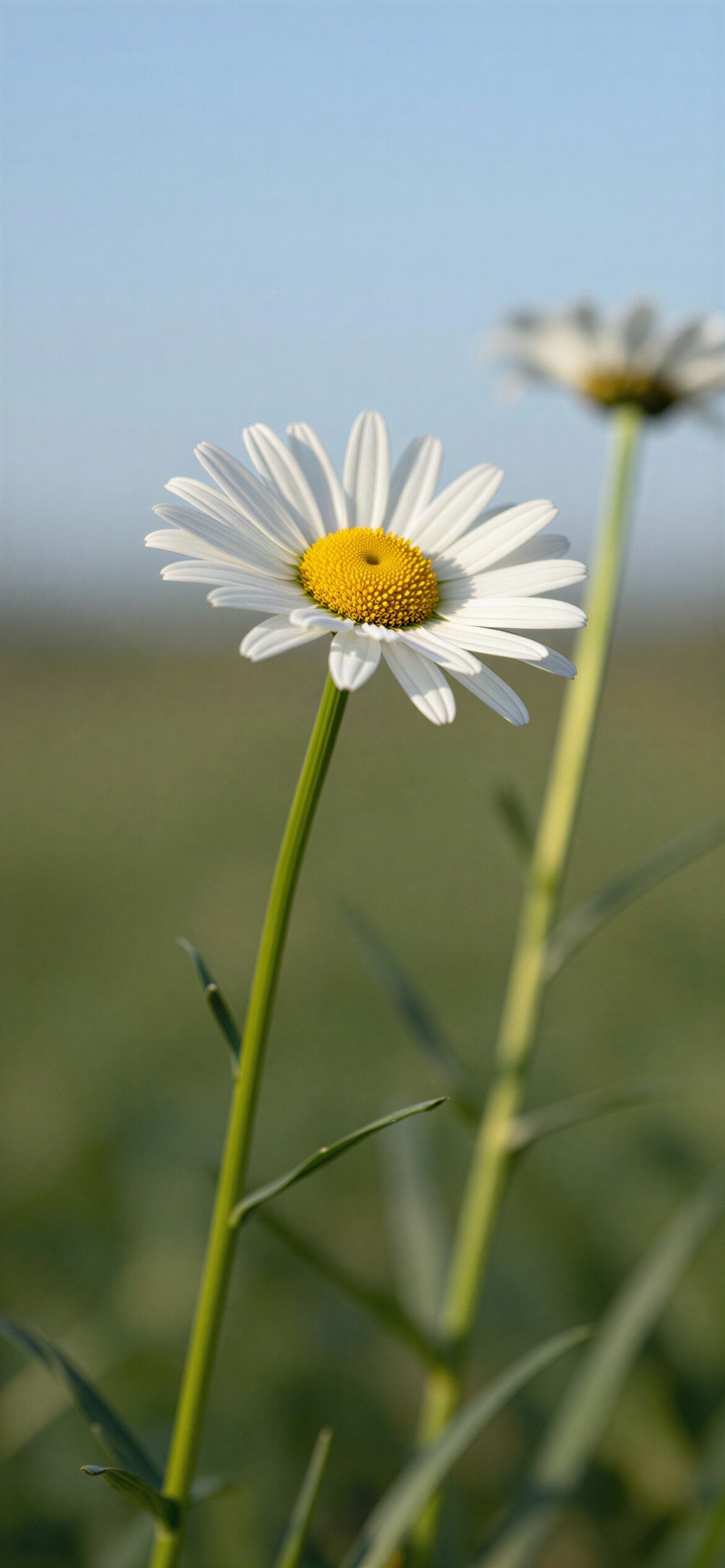
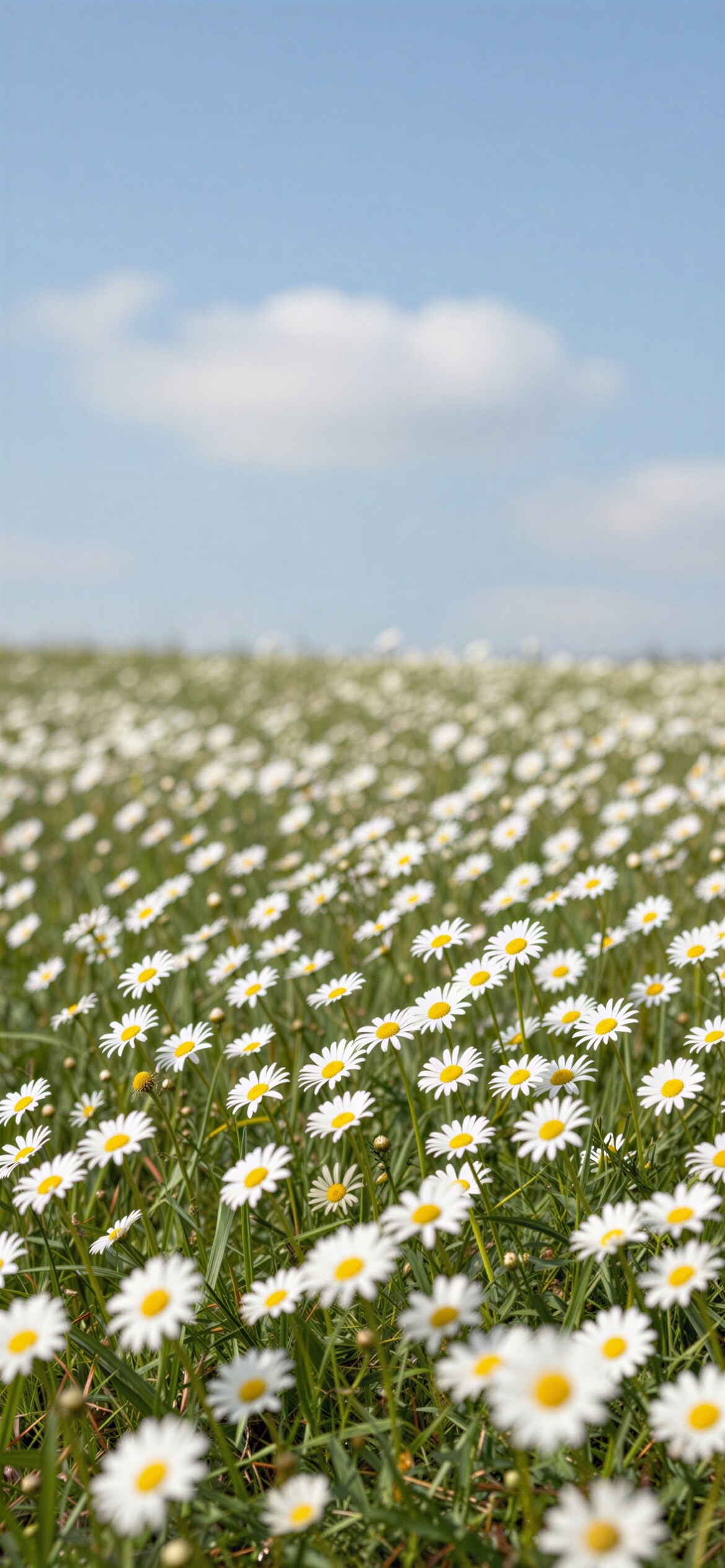
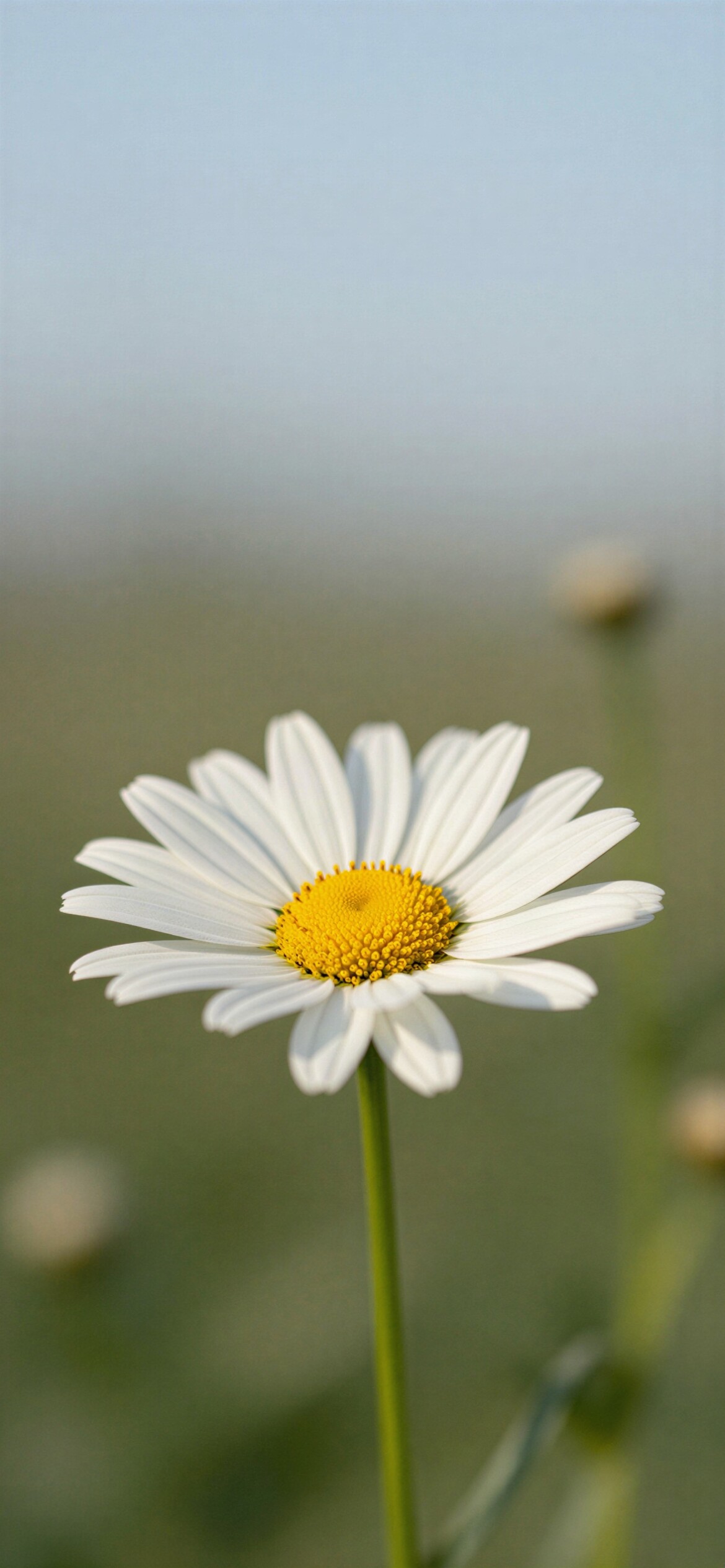
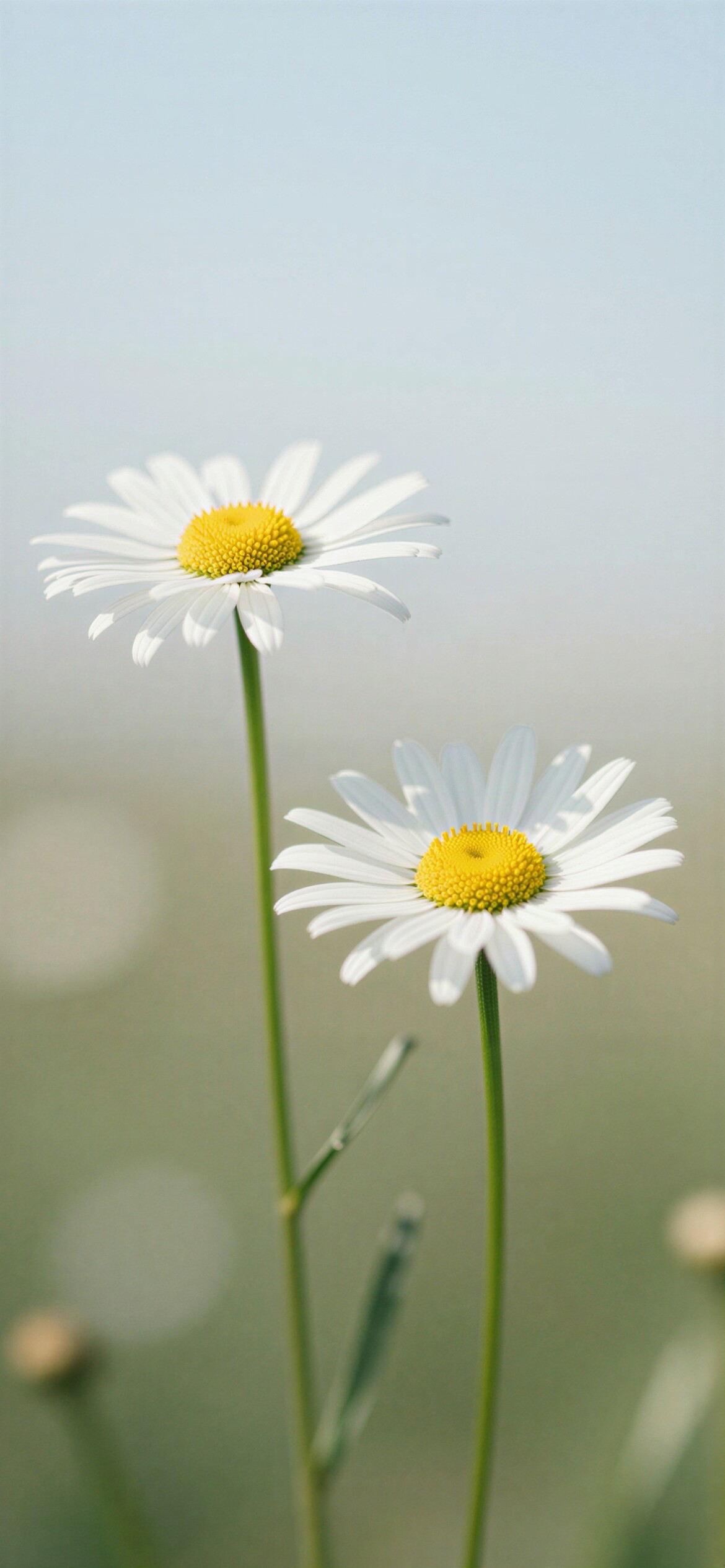
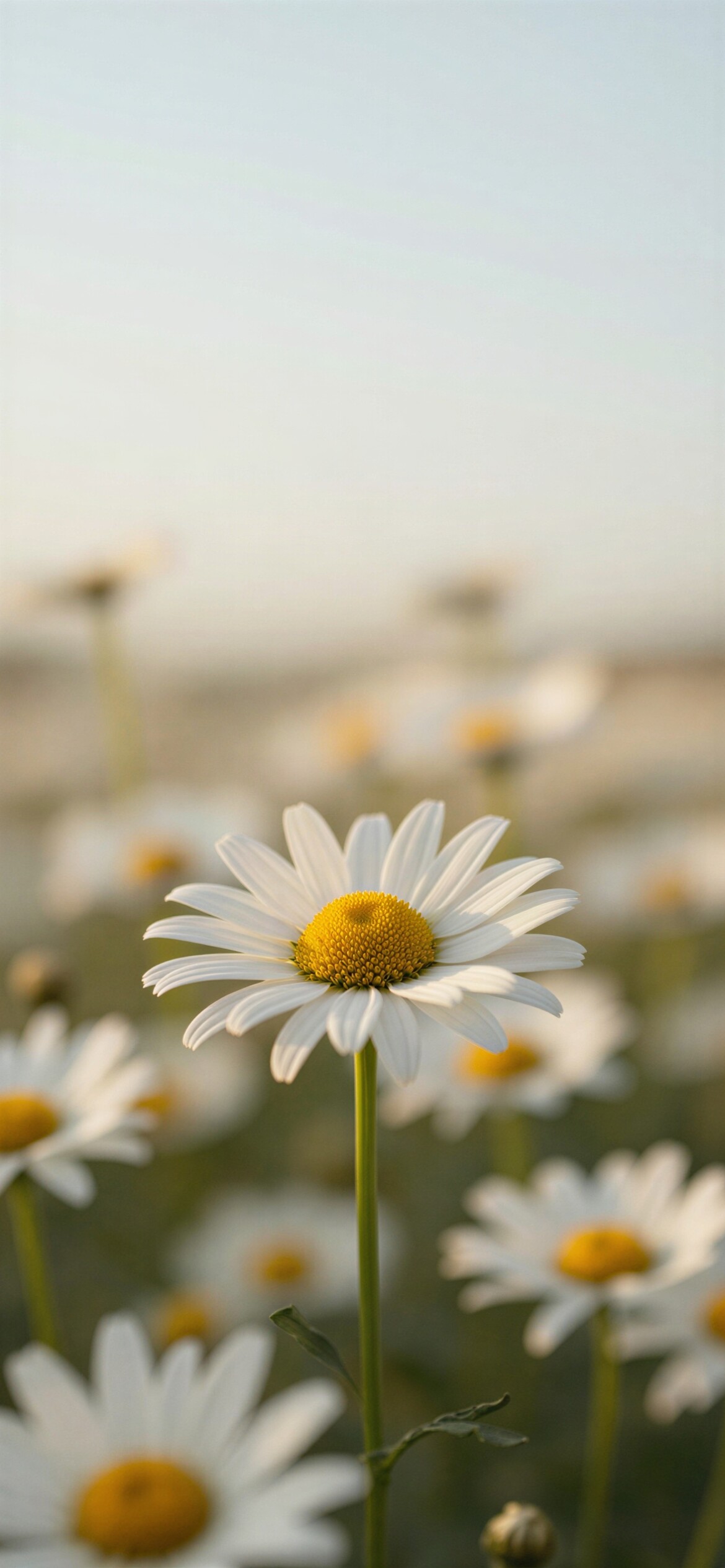
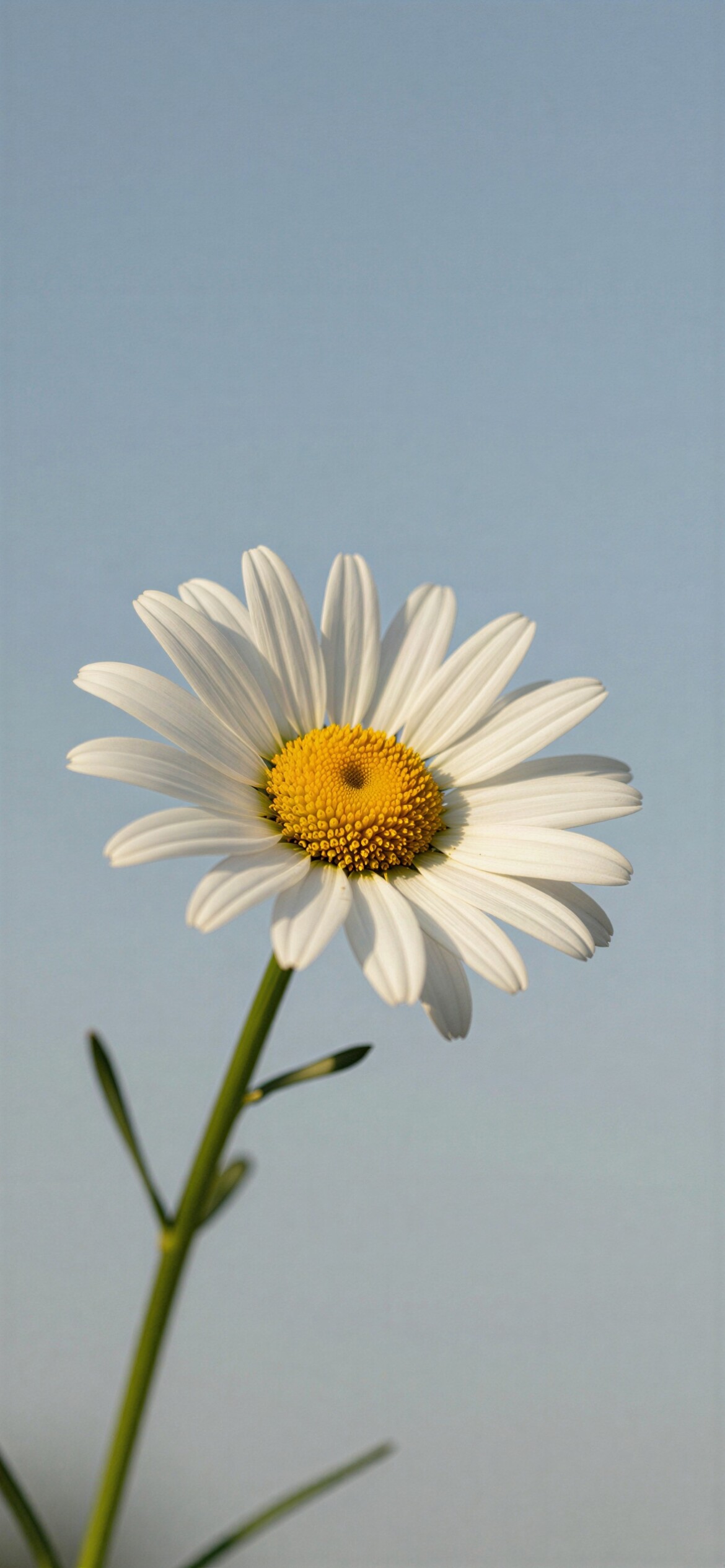
Daisy wallpaper for iPhone offers free downloads of white flowers with yellow centers in natural outdoor settings. These daisy designs bring soft, cheerful blooms to your lock and home screens. The collection shows daisies in sunlight, meadows and close-up views with clean, bright colors that work year-round. Pick from simple single-flower shots to lush field scenes, all sized perfectly for your phone.
10 wallpapers at 1170 × 2532 px for iPhone. Checked by hand on 3 Oct 2026.
About this set
These daisy wallpapers bring a fresh, natural feel to your iPhone with bright white petals and cheerful yellow centers. The designs range from single-flower close-ups to sprawling meadow scenes, all captured in natural sunlight with soft, realistic lighting. Each wallpaper uses simple, airy compositions that keep the top of your screen clear for status icons and time displays.
The lock screen designs work best with single or paired daisies, giving you a clean, focused view when your phone is at rest. The fuller meadow and field scenes suit your home screen, where they sit nicely behind your app icons without competing for attention. Pair these with light-colored app icons or a minimalist home screen layout for the most serene look.
Ten daisies, from one bloom to a whole patch
- A single daisy against pale blue sky. The plainest design here, with lots of open space above the flower.
- A cluster of daisies in a meadow with green grass around them. Good behind a full page of apps.
- A close-up of the petals and golden centre. Best for the lock screen, where you see it without icons in the way.
- One daisy on a tilted stem, again on pale blue. The lean gives it a little movement.
- A field of daisies with yellow centres. Busy at the bottom and calmer above, so the clock stays easy to read.
- A single bloom seen straight on, like a small target in the middle of the screen.
- Two daisies at different heights under soft blue sky. A nice choice if you like a bit of balance in the frame.
- One daisy surrounded by blurred blooms, the softest and most dreamy picture in the set.
- An off-centre daisy with a green stem on simple sky. Leaves one side of the screen clear for widgets.
- A dense patch of daisies in a meadow, the fullest of the field scenes.
Why it's called the day's eye
The name comes from the Old English for "day's eye". The common daisy closes its petals in the evening and opens them again in the morning, so it seemed to wake up with the sun. What looks like one flower is really many tiny ones packed together: the white "petals" are ray florets and the yellow centre is made of small disc florets. You can see that packed centre best in the close-up, wallpaper 3.
Sky blue or meadow green
The set splits neatly by background. Wallpapers 1, 4, 7 and 9 sit on pale sky, so they feel airy and light. Numbers 2, 5 and 10 are full of grass and other flowers and feel more like a summer field. The remaining three, 3, 6 and 8, fill the screen with the flower itself, and 8 is the gentlest because of its blurred surroundings.
For more blooms, try the sunflower wallpapers, a close relative from the same plant family, the mixed floral set, or the garden wallpapers.
How to set it on your iPhone
- Tap Download and save the image to Photos.
- Open Settings, tap Wallpaper, then Add New Wallpaper, and choose Photos.
- Pick the wallpaper, pinch to position it, then tap Add and choose the lock screen, home screen or both.
Stuck on a step? The iPhone and iPad guide has screenshots for each one.
Questions
Do these daisy wallpapers fit iPhone screens at 1170x2532 pixels?
Yes, all wallpapers in this set are sized at 1170x2532 pixels, which is the native resolution for modern iPhones. They fit modern iPhones without stretching, though some older models may crop slightly at the edges. Simply download and set as your wallpaper; no resizing needed.
Can I use these daisy wallpapers for personal use?
Yes, these wallpapers are free to download and use on your own iPhone for personal enjoyment. Selling prints, reposting them on other wallpaper sites or using them commercially is not allowed. See our Terms page for complete details on personal use rights.
Which daisy wallpapers work best for lock screen versus home screen?
Single or paired daisy designs are ideal for your lock screen, where a focused, minimal look keeps the time and notifications clear. The full meadow and field scenes work better on your home screen, where they provide a soft, natural backdrop for your app icons without overwhelming the screen.
Do these daisy designs work in both light and dark mode?
These daisy wallpapers are designed with bright white flowers and pale skies, so they show beautifully in light mode and look fresh and clean. In dark mode, the flowers may appear slightly less vibrant against the darker interface. For the best contrast in dark mode, choose the close-up single-daisy designs.