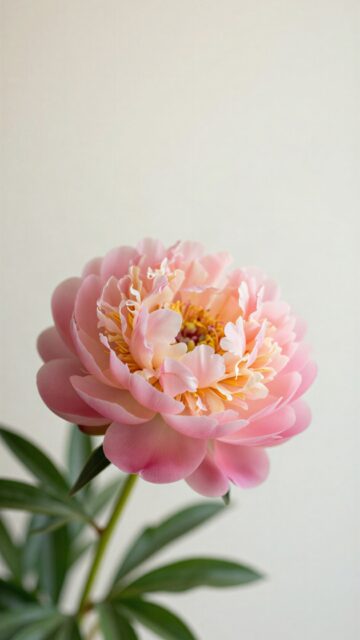
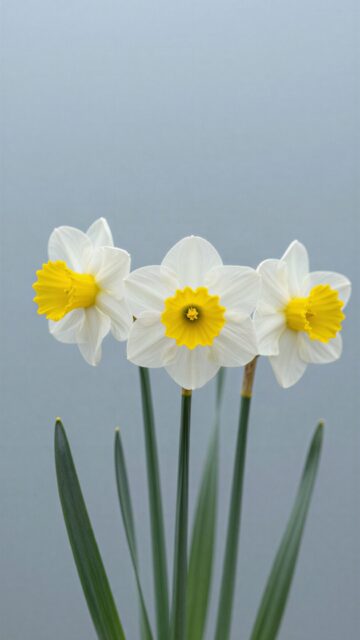
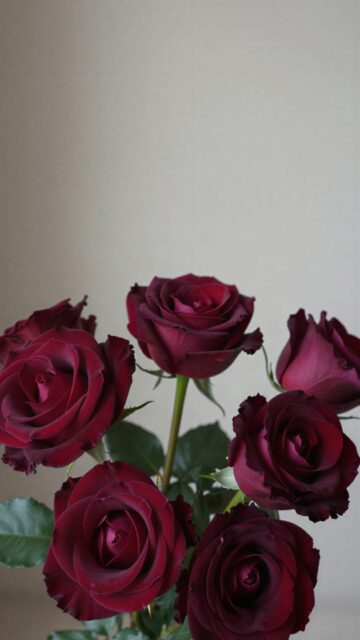
Sunflower Wallpaper iPhone
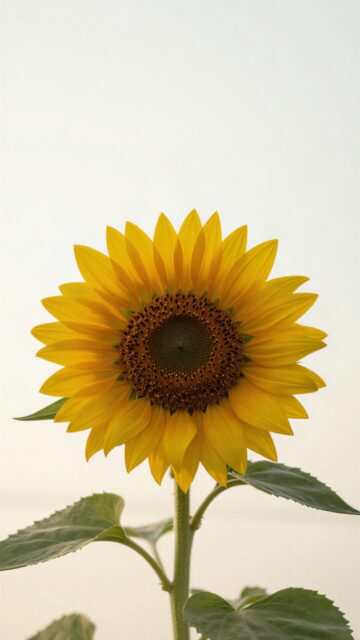
Sunflower wallpaper for iPhone brings golden blooms and warm light to your lock and home screens. These original designs feature bright yellow petals, green stems and natural sunlit settings. Each wallpaper is hand-checked before publishing. The soft, cheerful mood suits any season and pairs well with minimal icons or a clean dock.
10 wallpapers at 1170 × 2532 px for iPhone. Checked by hand on 3 Oct 2026.
About this set
These sunflower wallpapers capture the warmth and cheerfulness of golden blooms in natural light. Each design features realistic textures, soft shadows and the bright yellow petals that make sunflowers so uplifting. The vertical composition keeps the top of the screen simple, making them ideal for lock screens where clarity matters.
Use the close-up and single-bloom designs on your lock screen for a focused, calm look. The field and cluster shots work well on the home screen behind your app icons, adding warmth without overwhelming the layout. All wallpapers pair naturally with light or dark icon styles and look fresh through every season.
A flower that follows the sun, until it grows up
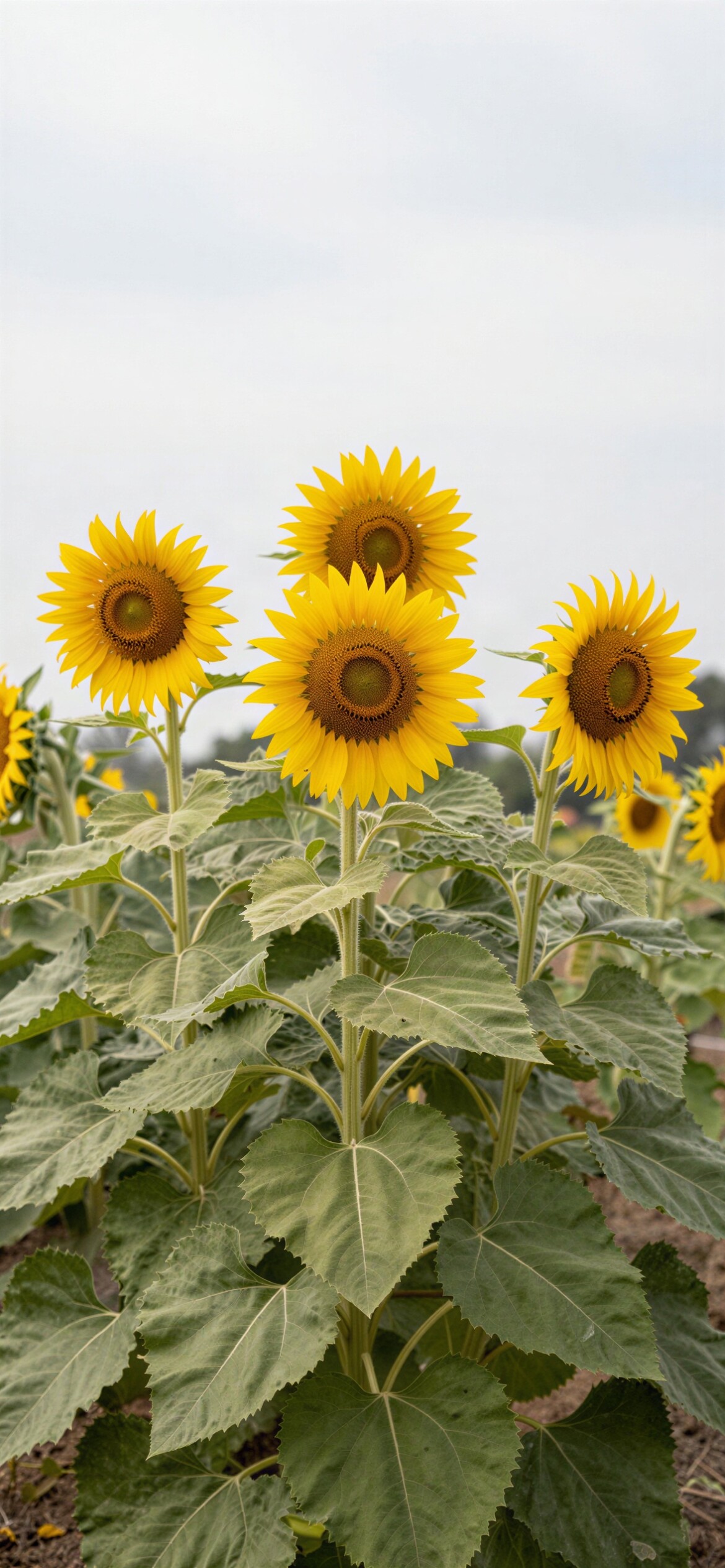
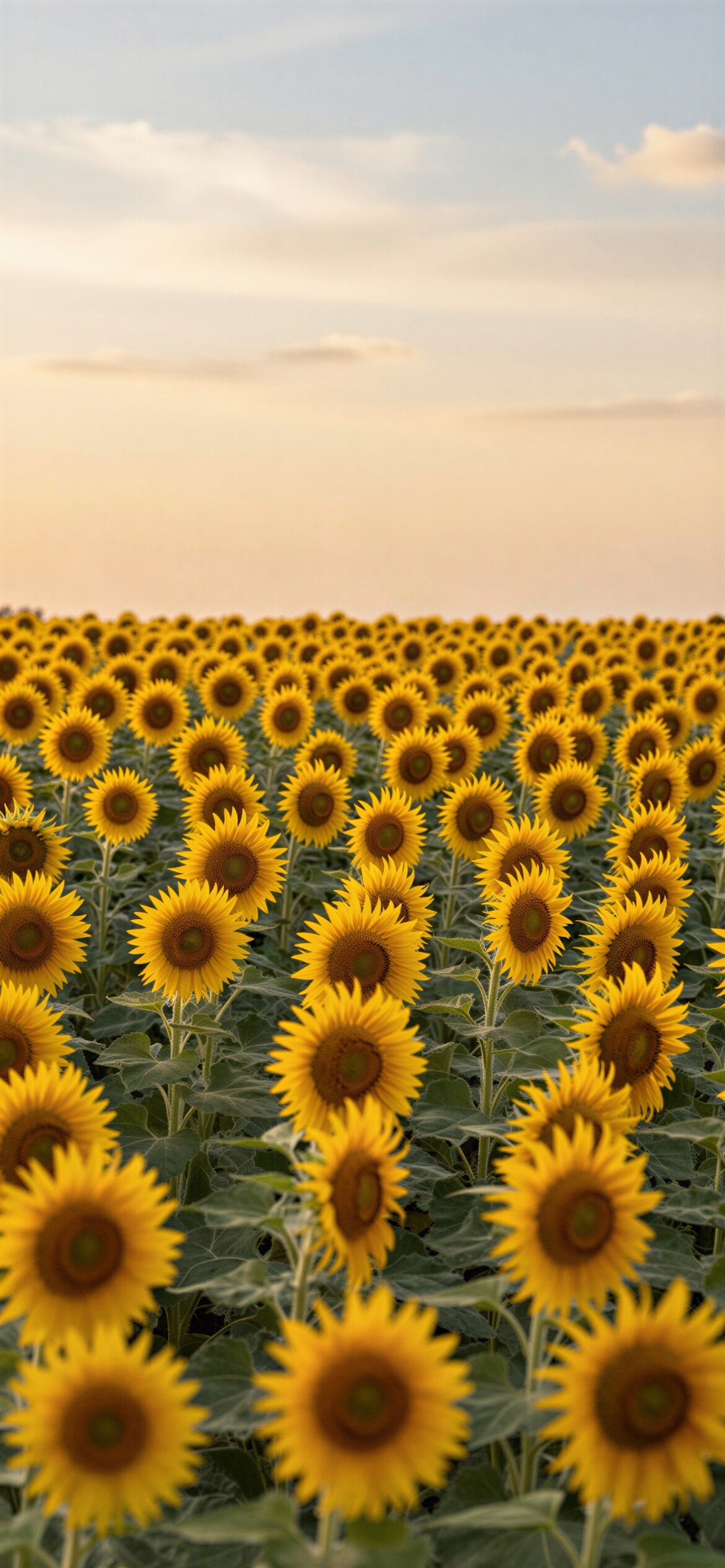
Sunflowers are native to the Americas. People in North America grew them for their seeds thousands of years before the plant reached Europe in the 1500s, and Kansas made it the state flower in 1903. The name describes a real habit: young plants turn their buds from east to west through the day and swing back overnight, a movement called heliotropism. Once the head opens, most of them stop and settle facing east, which is why the blooms in a field like #4 tend to point the same way. The bud in #8 is still at the tracking stage.
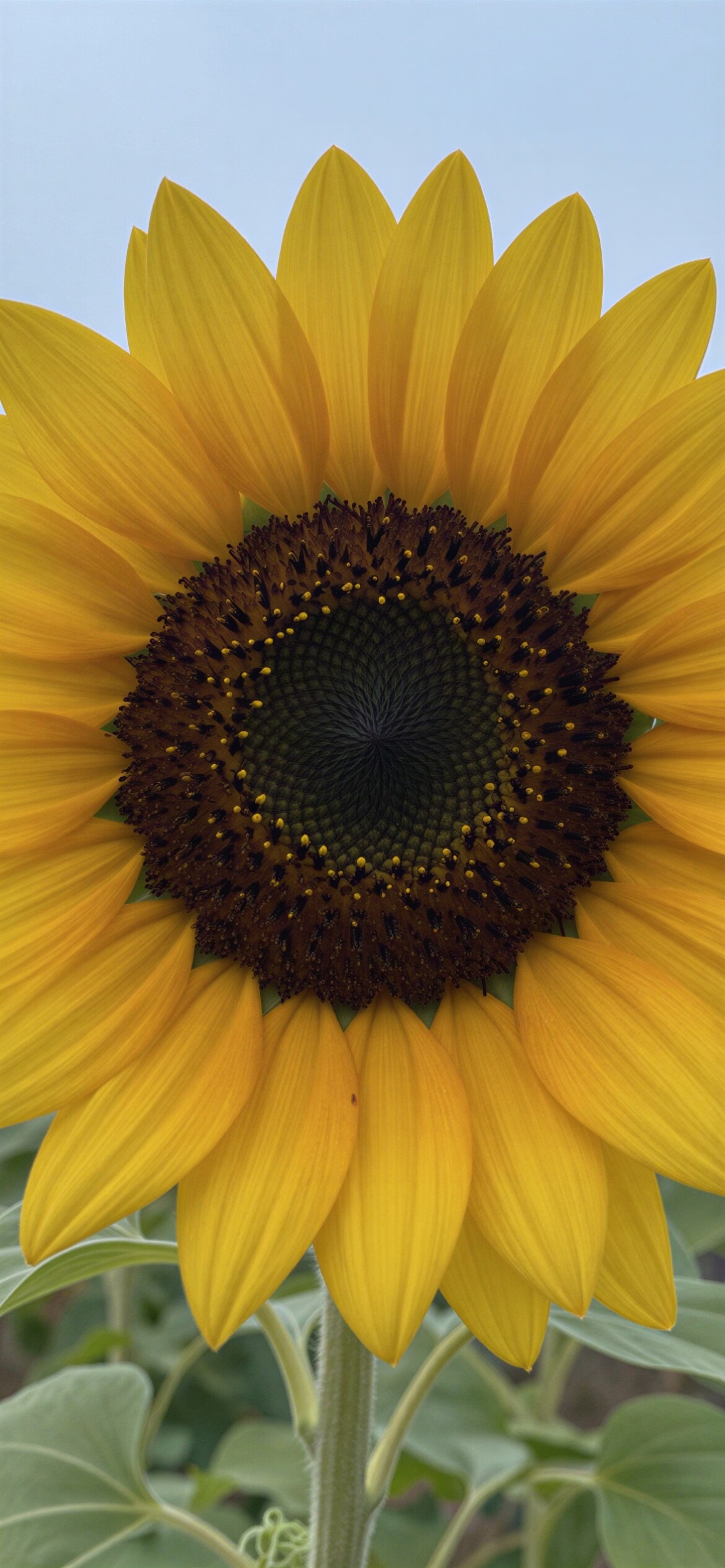
What looks like one flower is really hundreds of tiny ones packed together. The seeds that form in the brown centre, the part that fills the close-up in #3, sit in two sets of spirals running opposite ways, and the number of spirals is usually a pair of neighbouring Fibonacci numbers such as 34 and 55.
Singles, pairs and a garden row
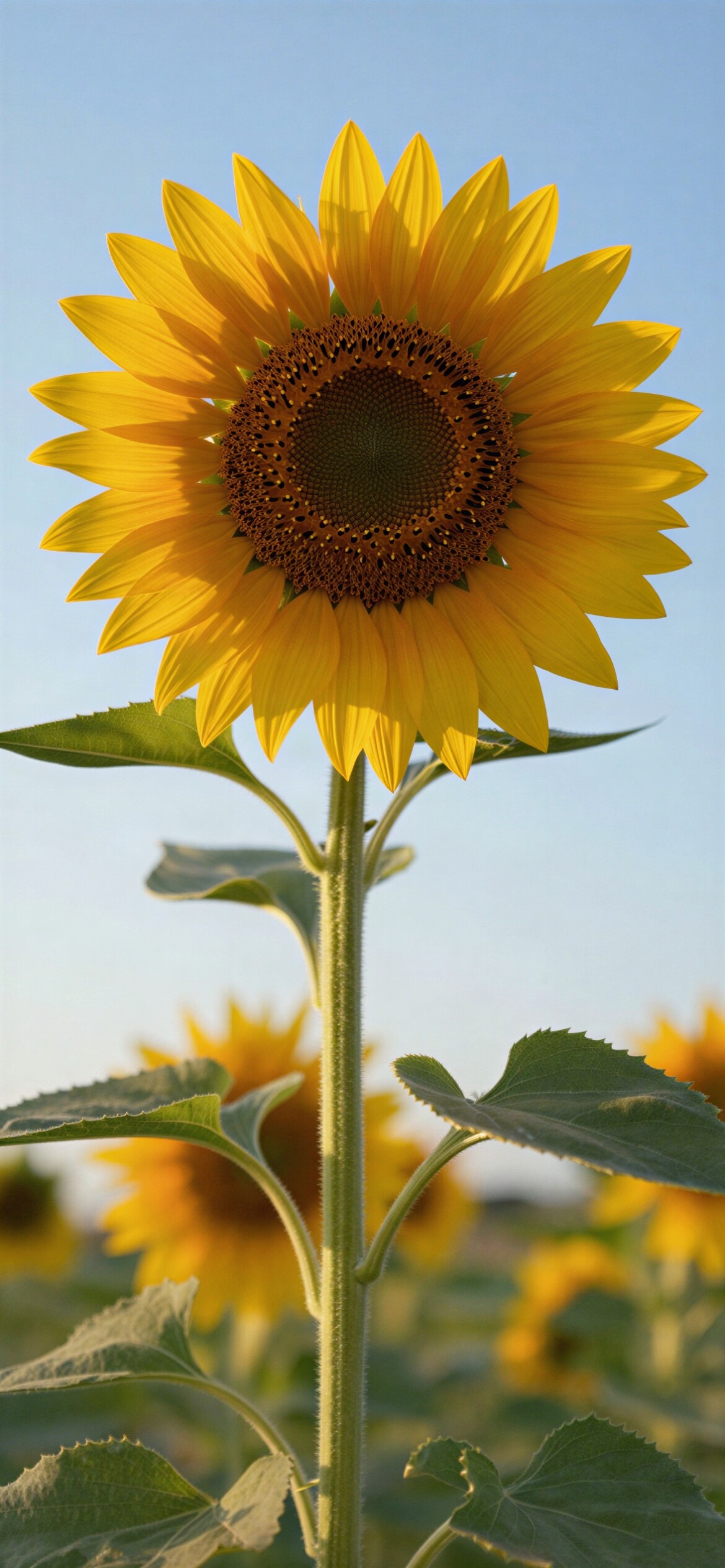
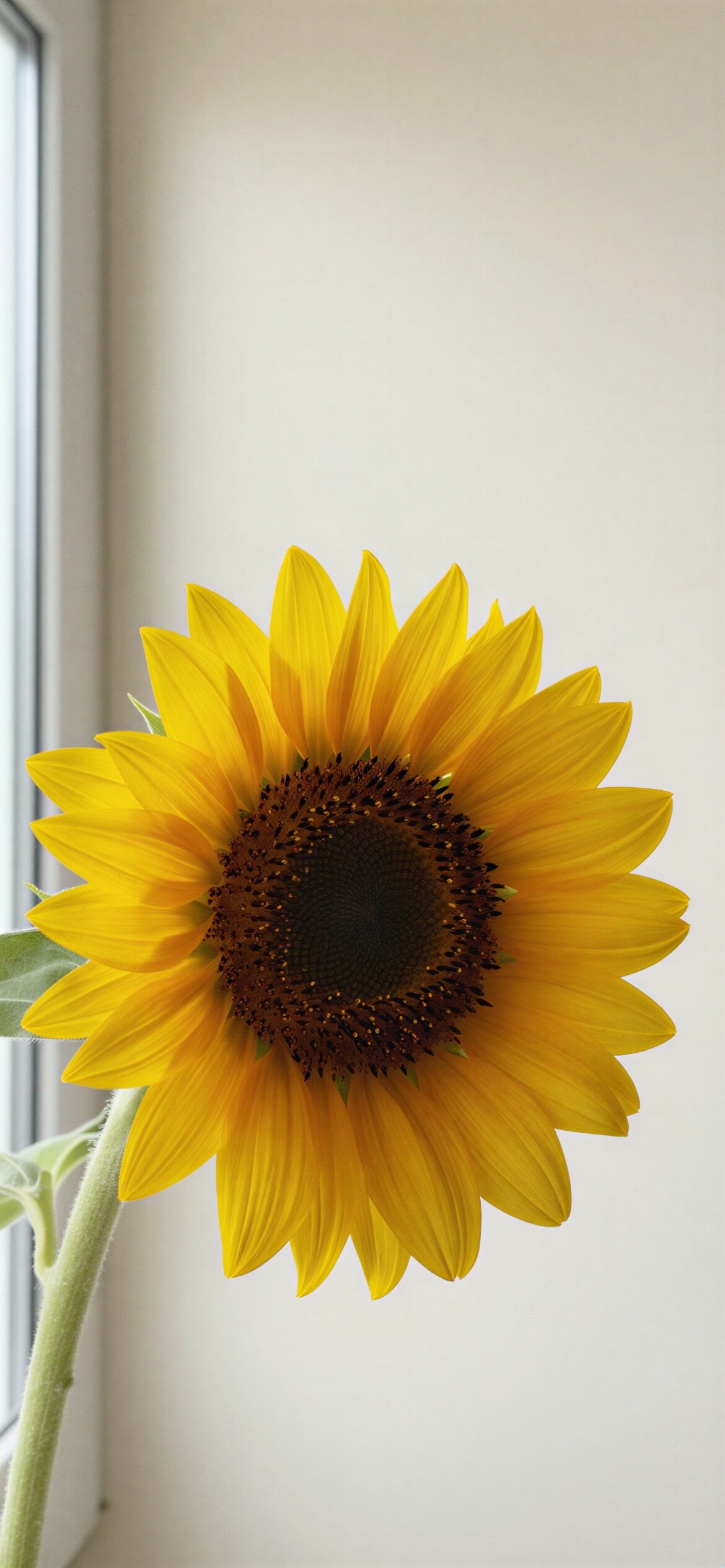
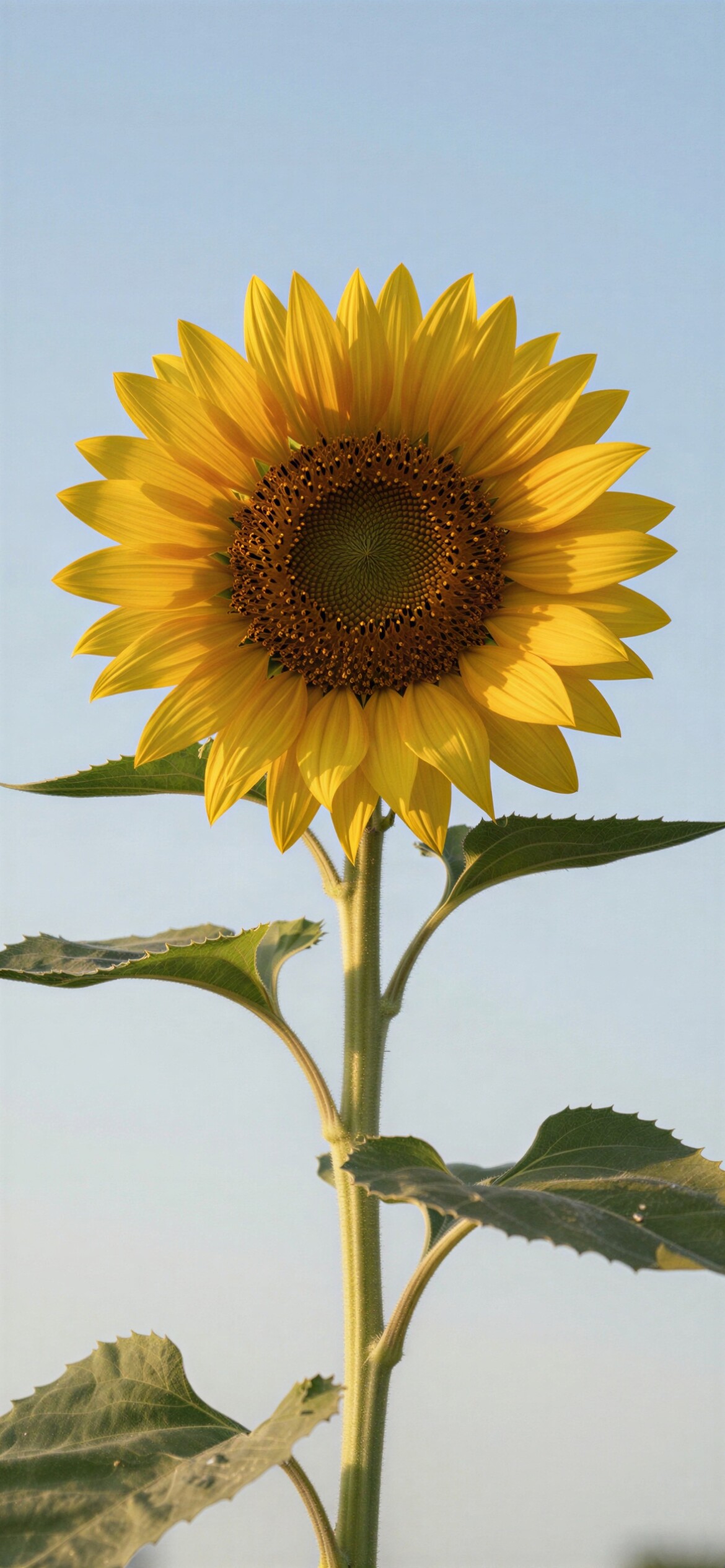
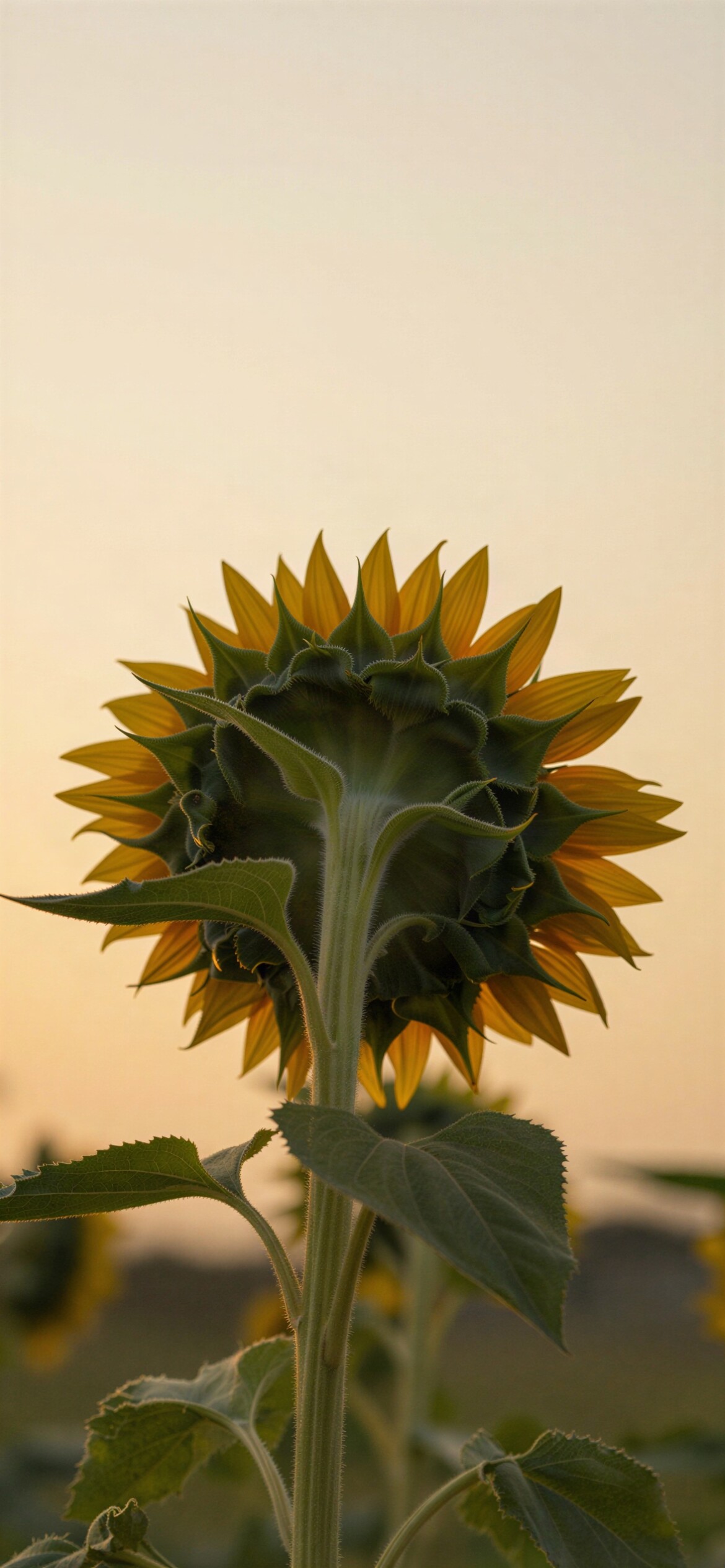
If you want one bloom with room around it, start with #1, open wide against blue sky, or #5, a side view lit by a window against a pale background. #9 turns the idea around and shows the flower from behind, so the thick stem and a hazy golden sky carry the picture.
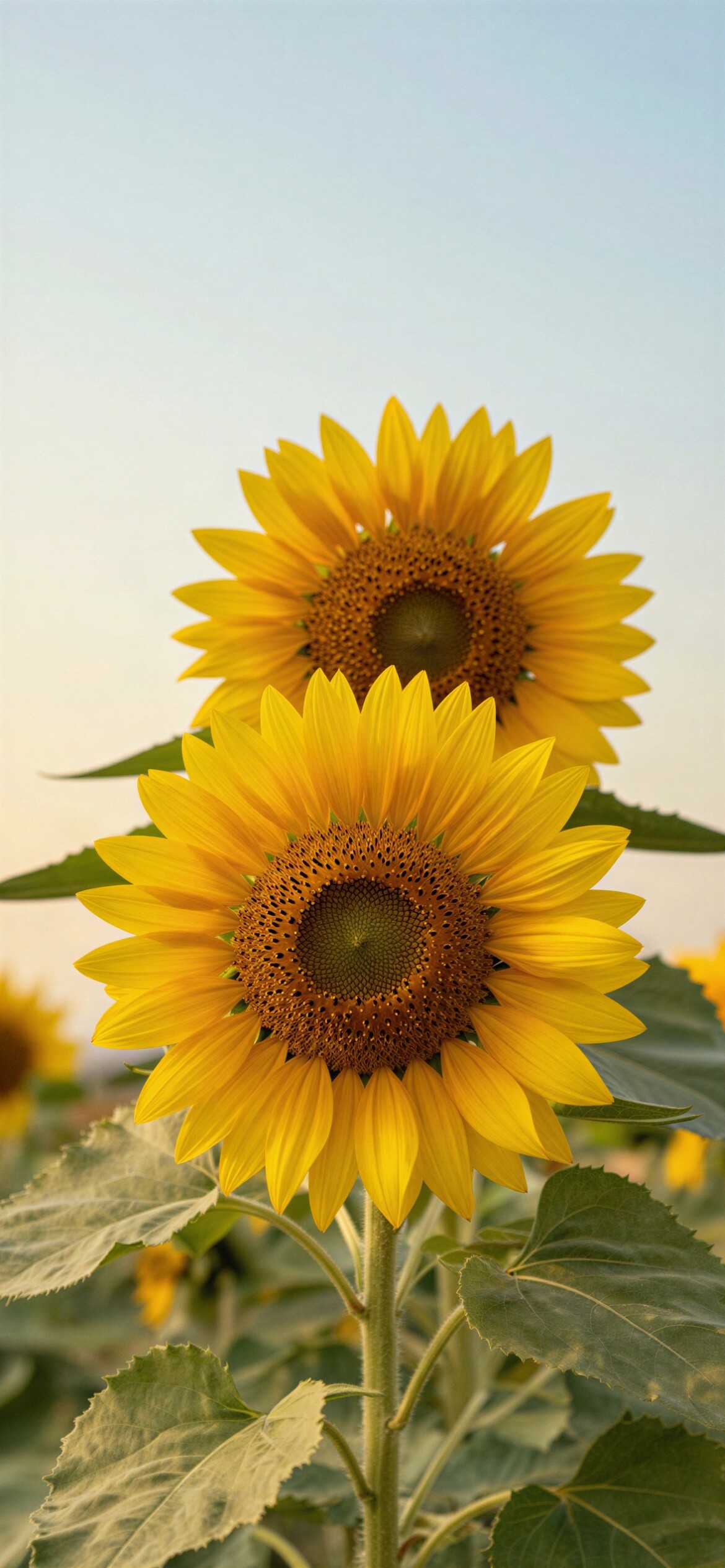
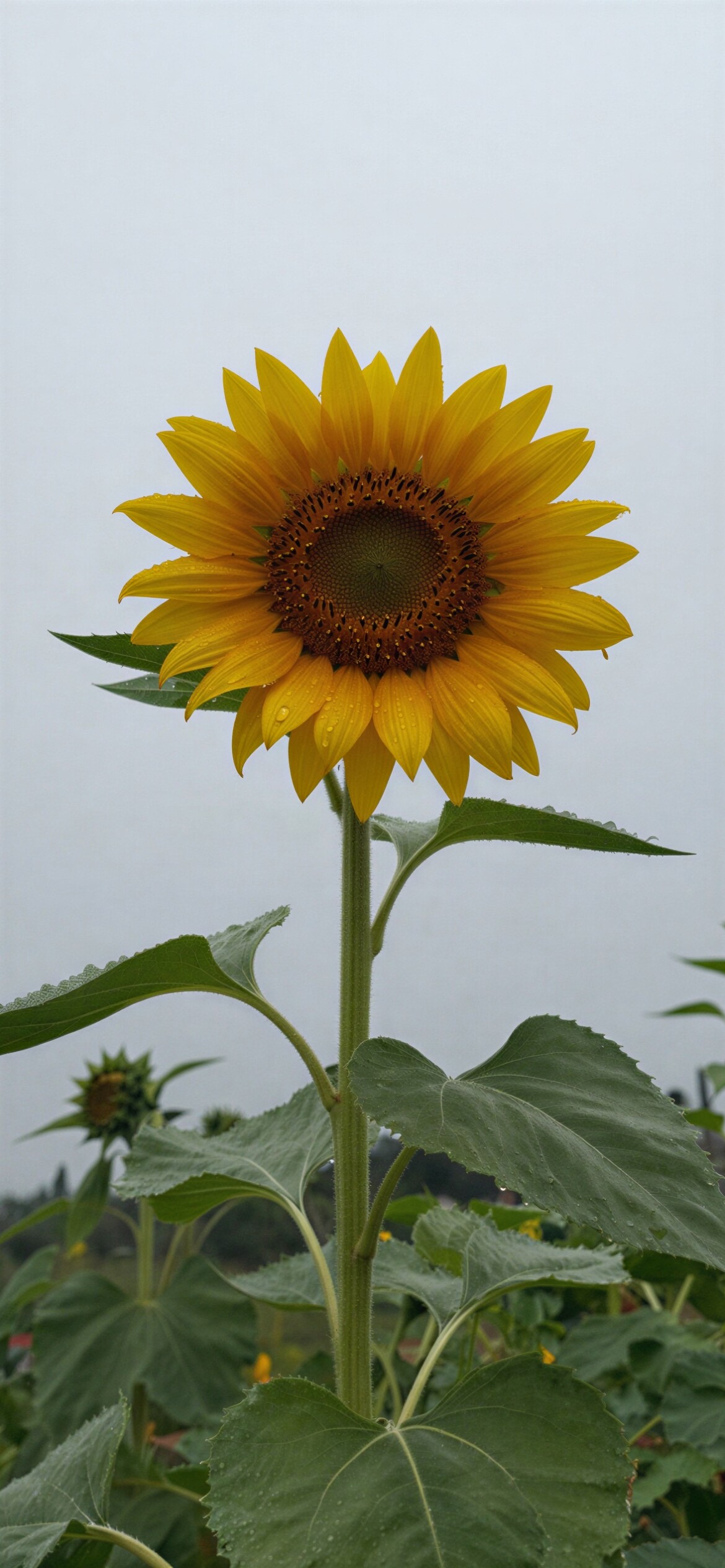
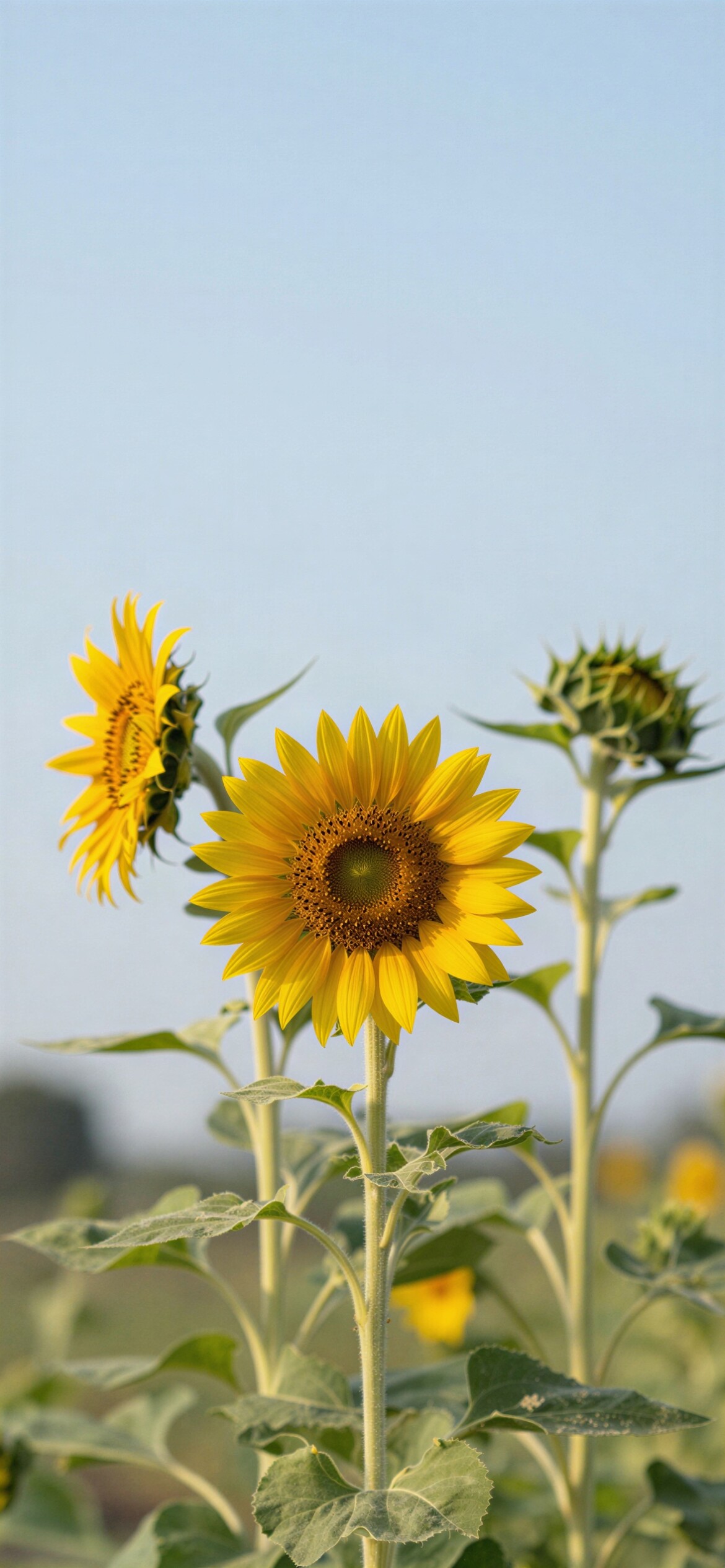
#2 and #6 are about company: three flowers at different heights in a garden row, then two of different sizes standing side by side. #10 stacks three blooms at different stages in a vertical line, which suits a tall phone screen, and #7 catches petals and leaves still wet after a shower.
Which yellow suits your mornings?
- Gold on blue: #1 and #8, where clear sky keeps the yellow crisp.
- Warm haze: #4 and #9, both bathed in low afternoon or golden light.
- Soft and quiet: #5 with its window light and #7 after the rain.
- Plenty of green: #2, #3, #6 and #10, where stems, sepals and leaves share the frame with the petals.
For more blooms in the same cheerful spirit, try the daisy set, the mixed flower collection or the yellow aesthetic wallpapers, which keep the colour without the petals.
How to set it on your iPhone
- Tap Download and save the image to Photos.
- Open Settings, tap Wallpaper, then Add New Wallpaper, and choose Photos.
- Pick the wallpaper, pinch to position it, then tap Add and choose the lock screen, home screen or both.
Stuck on a step? The iPhone and iPad guide has screenshots for each one.
Questions
Do these wallpapers fit my iPhone screen?
Yes. Each wallpaper in this set is 1170x2532 pixels, the standard size for iPhone lock and home screens. They are sized for modern iPhones, and some older models may crop slightly at the edges. Download and set directly without adjusting the size.
Can I use these wallpapers for personal use?
Yes, these wallpapers are free to download and use on your own iPhone for personal enjoyment. Selling prints, reposting them on other wallpaper sites or using them commercially is not allowed. See our Terms page for the full personal use license.
Which sunflower wallpapers work best on the lock screen?
The close-up and single-bloom designs are best for lock screens because they keep the top area simple and clear, so time, date and notifications stay readable. The field and cluster shots can work too, but place your widgets and text carefully to avoid covering the main flowers.
Are these wallpapers available year-round?
Yes. Sunflowers bring warmth and joy any time of year, so these wallpapers suit spring, summer, fall and winter. Use them whenever you want a cheerful, uplifting background. They pair well with seasonal app themes and icon packs without looking out of place.