Fire Wallpaper iPhone
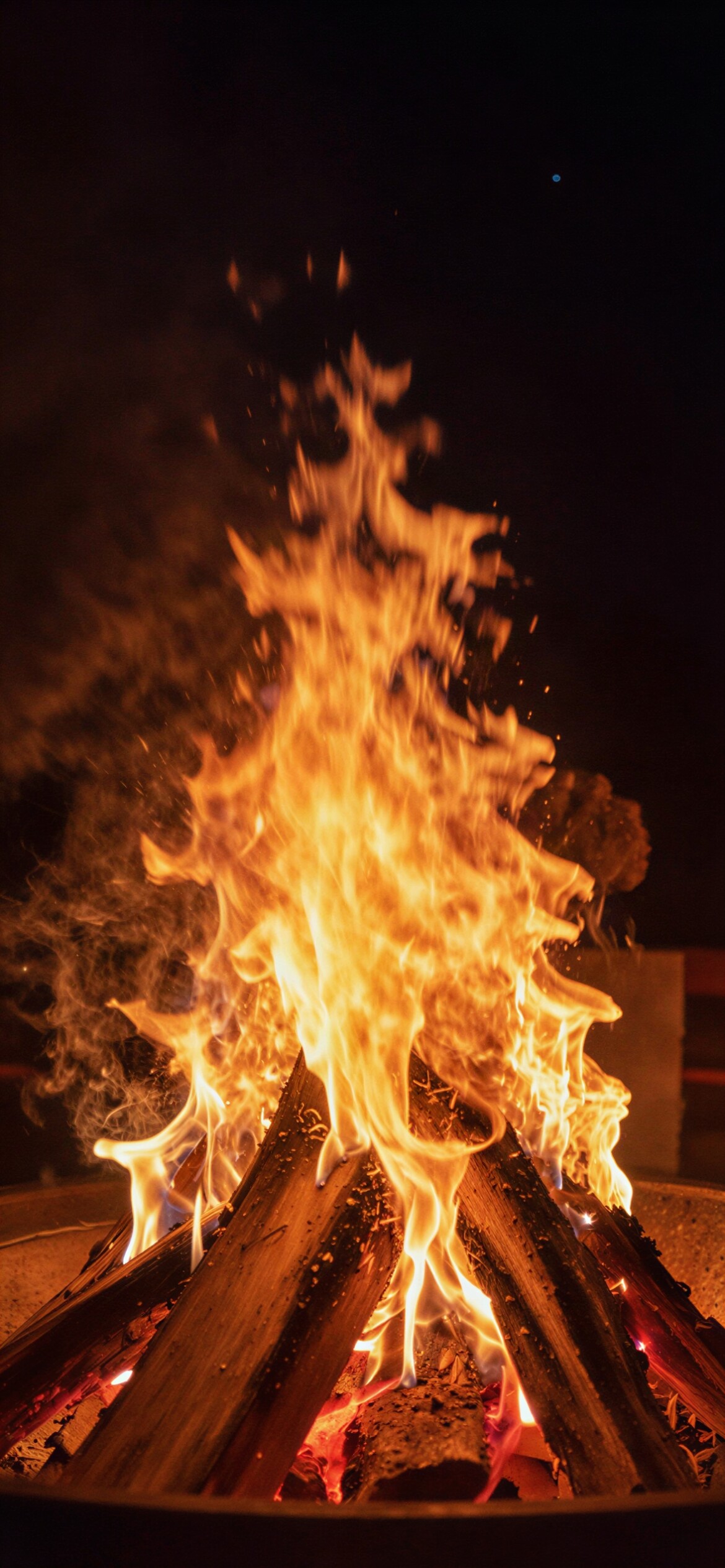
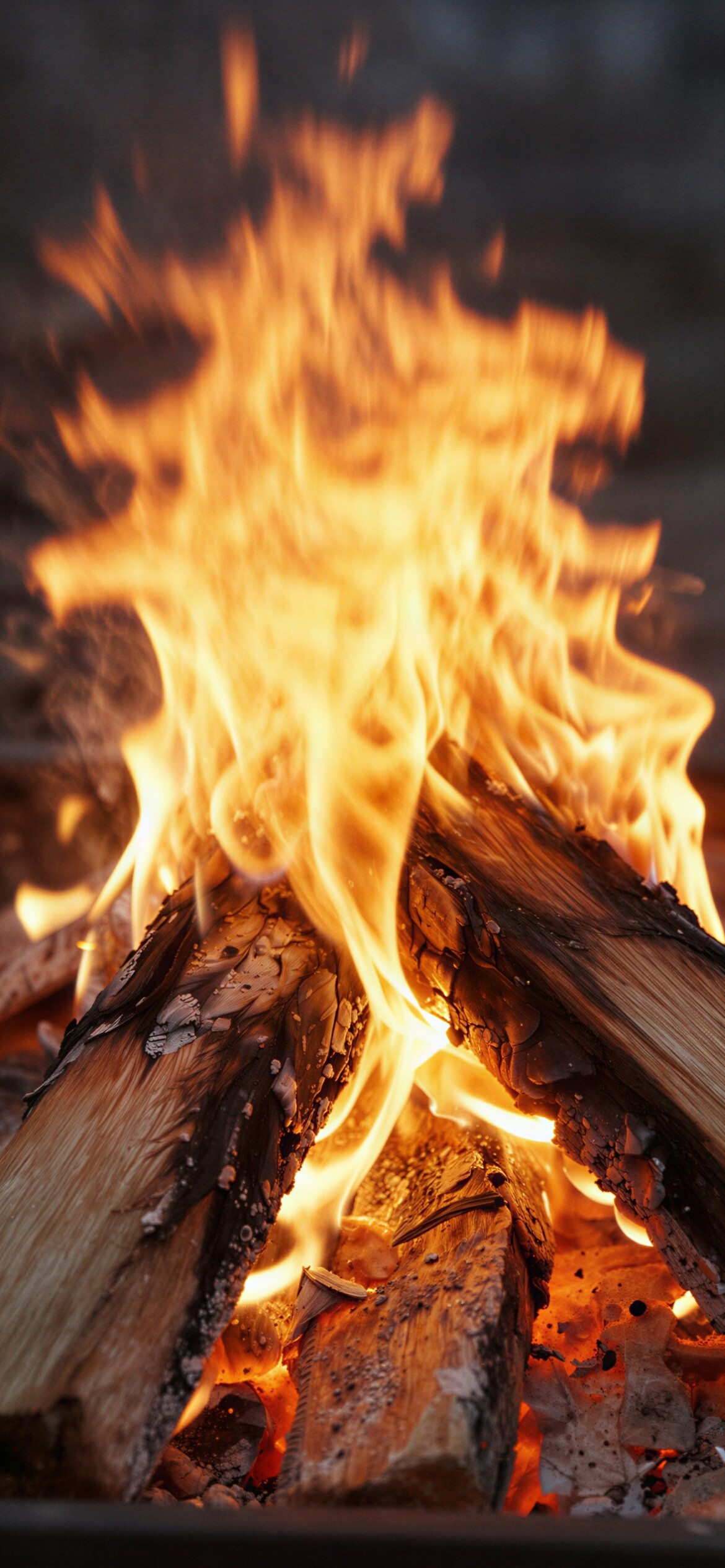
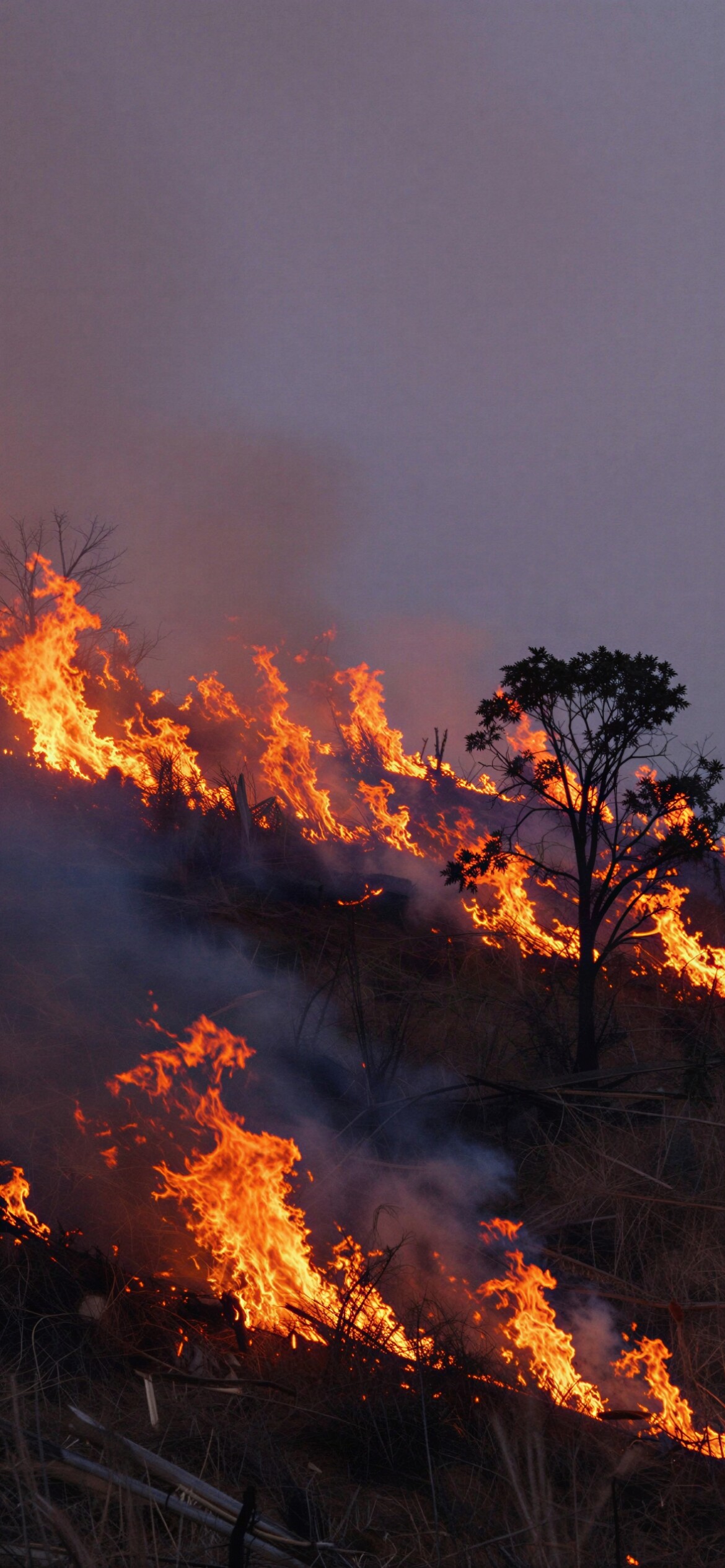
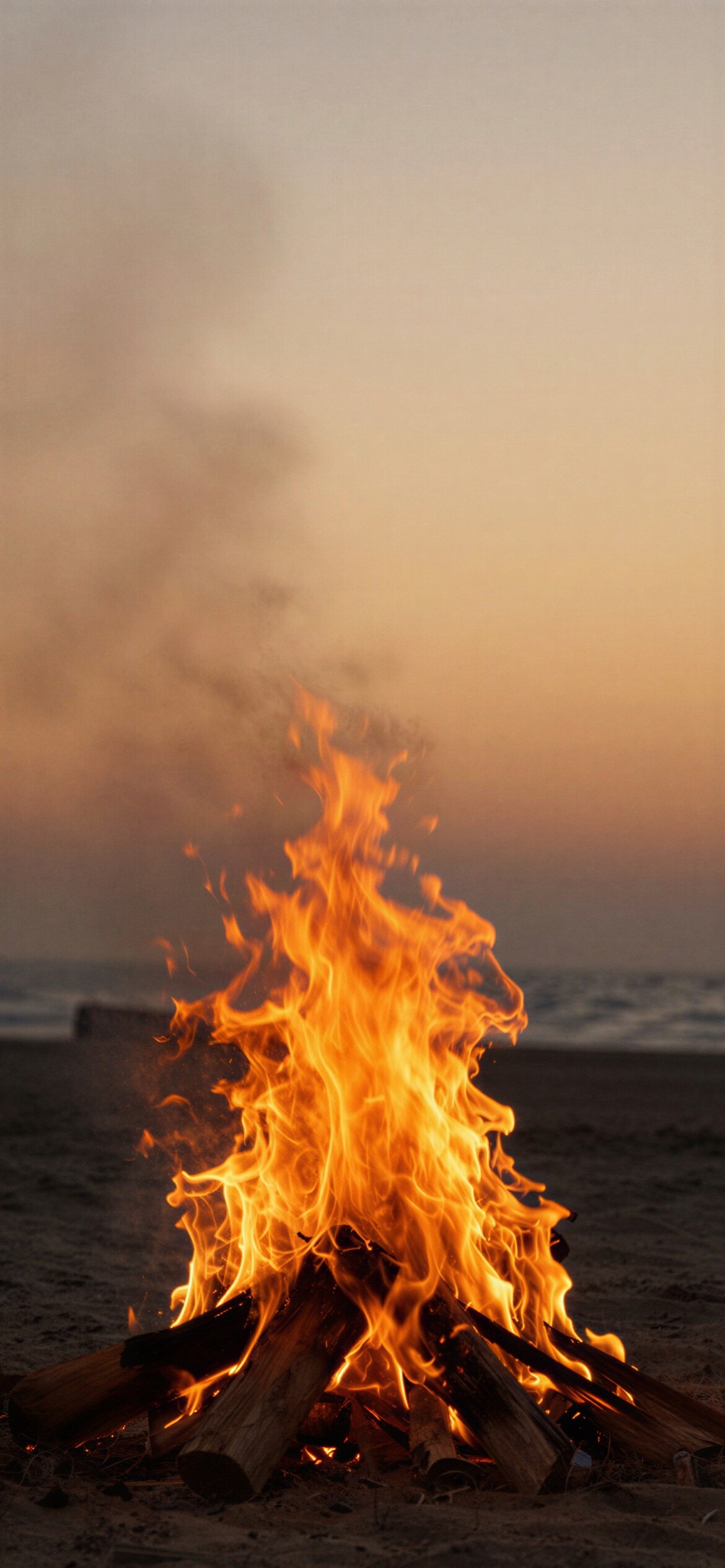
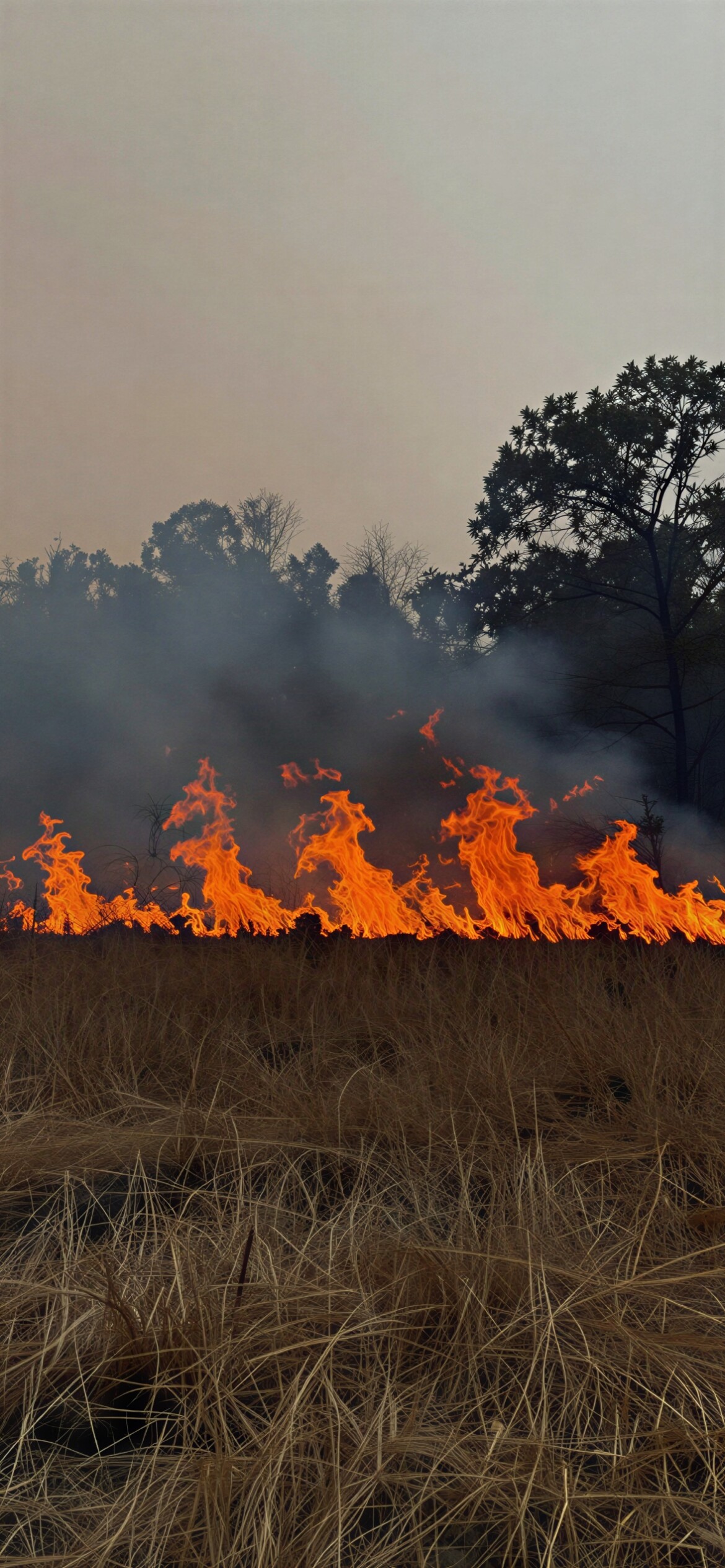
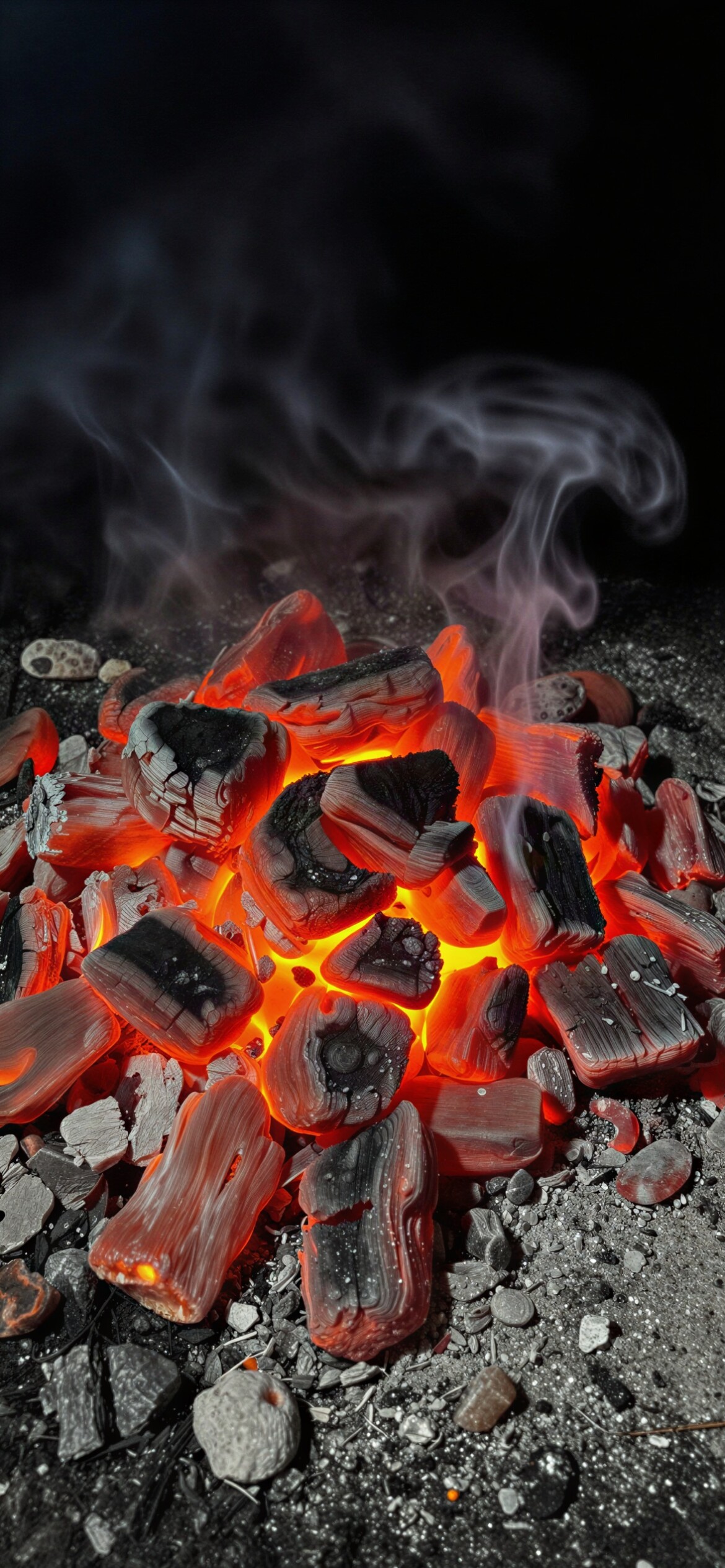
Fire wallpaper for iPhone brings intense flames and glowing heat to your lock screen and home screen. These designs capture the raw power of fire in real-world scenes: roaring campfires, dramatic wildfire landscapes, close-ups of embers and smoke, and golden flames against dark skies. Each fire iPhone wallpaper is original artwork, checked by hand and ready to download. The palette ranges from deep oranges and reds to bright yellows and smoky grays, suited to any season.
10 wallpapers at 1170 × 2532 px for iPhone. Checked by hand on 3 Oct 2026.
About this set
These fire wallpapers capture the raw intensity of flames in real-world scenes, from intimate campfires to dramatic wildfires. The color palette ranges from deep reds and oranges to bright yellows and smoky grays, bringing warmth and energy to your iPhone. The vertical composition keeps the top quarter simple, letting you see your lock screen widgets and time without distraction.
Use the closer flame and ember shots for your lock screen where they won’t be covered by icons. The wider landscape fires work well on your home screen behind app icons, especially those with darker skies that won’t make text hard to read. These designs pair well with minimal icon layouts and work in both light and dark mode.
Heat, fuel and air: why a flame looks the way it does
Every fire in this set needs the same three things: heat, fuel and oxygen. Take one away and the flame dies, which is why a camper smothers a fire with sand and why a fireplace has a damper. The yellow and orange you see is mostly tiny specks of soot glowing as they burn. Where a flame gets more air and burns cleaner, it can turn blue, but wood fires like the ones here rarely do, so the palette stays warm from top to bottom.
Embers are a different kind of glow. Once the gases have burned off, the charcoal left behind keeps burning slowly without a flame and shines deep red, which is what you see in the coals of #2 and the falling sparks of #6.
Campfires, hearths and hillsides
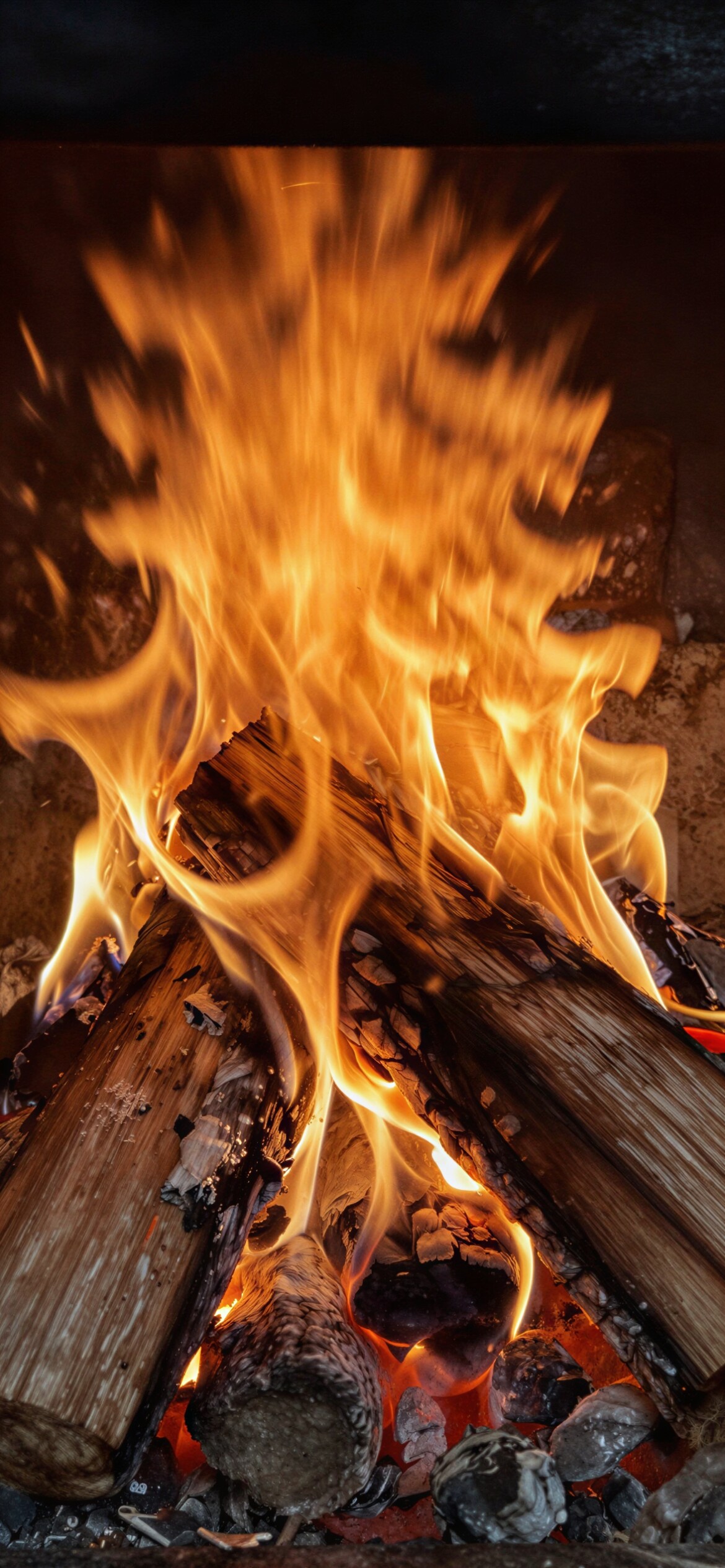
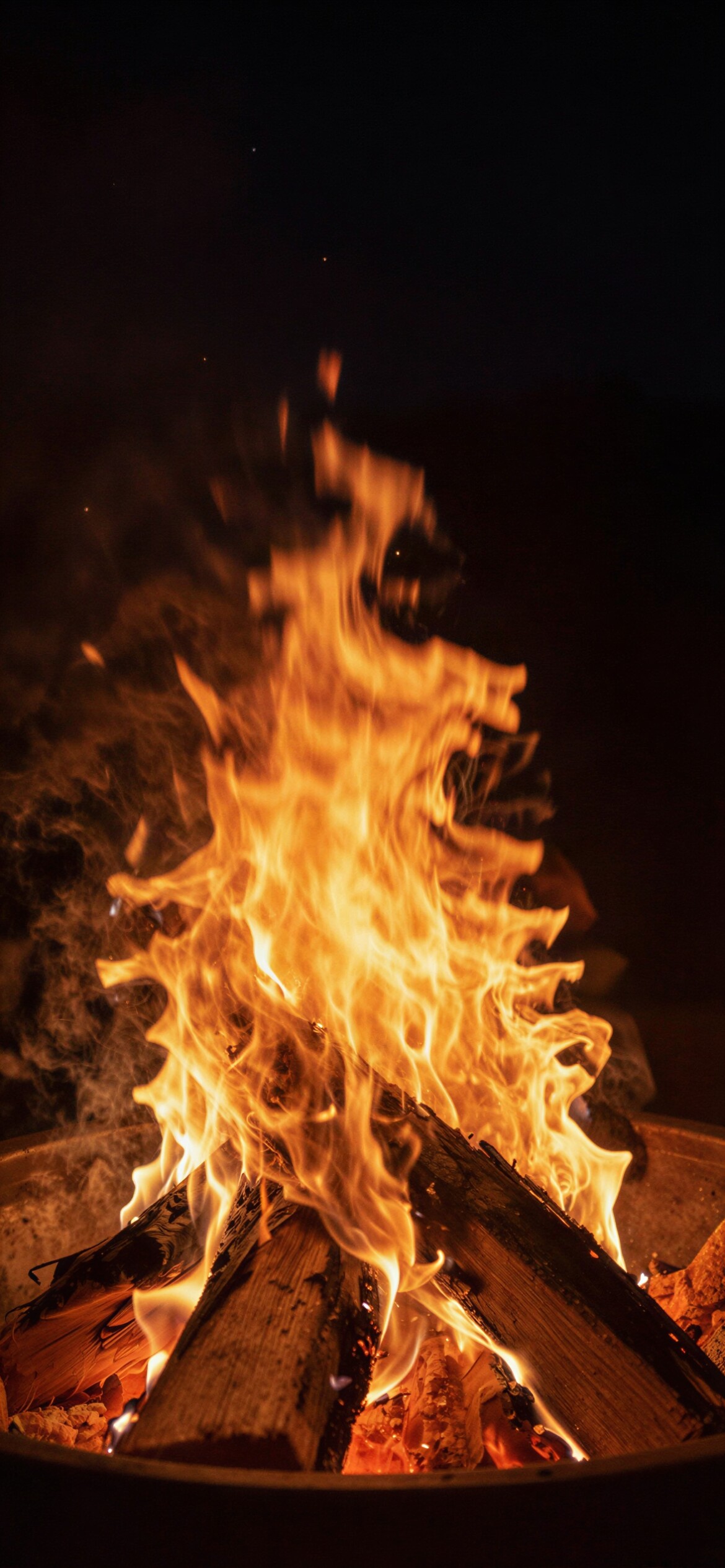
Four of the ten are small fires people built on purpose. #1 is a campfire under a starry black sky, #9 a little blaze in a metal fire pit with stars overhead, #4 a beach bonfire at golden hour, and #7 a fireplace with stacked logs burning almost white at the centre. These feel the most like sitting around a fire, and #1 and #9 keep enough dark sky at the top for the clock.
#2 and #6 move in close: one is burning wood and hot coals, the other is nothing but embers and ash drifting against pure black. On an OLED iPhone, #6 is the one to pick if you like a dark screen, since the black areas stay switched off.
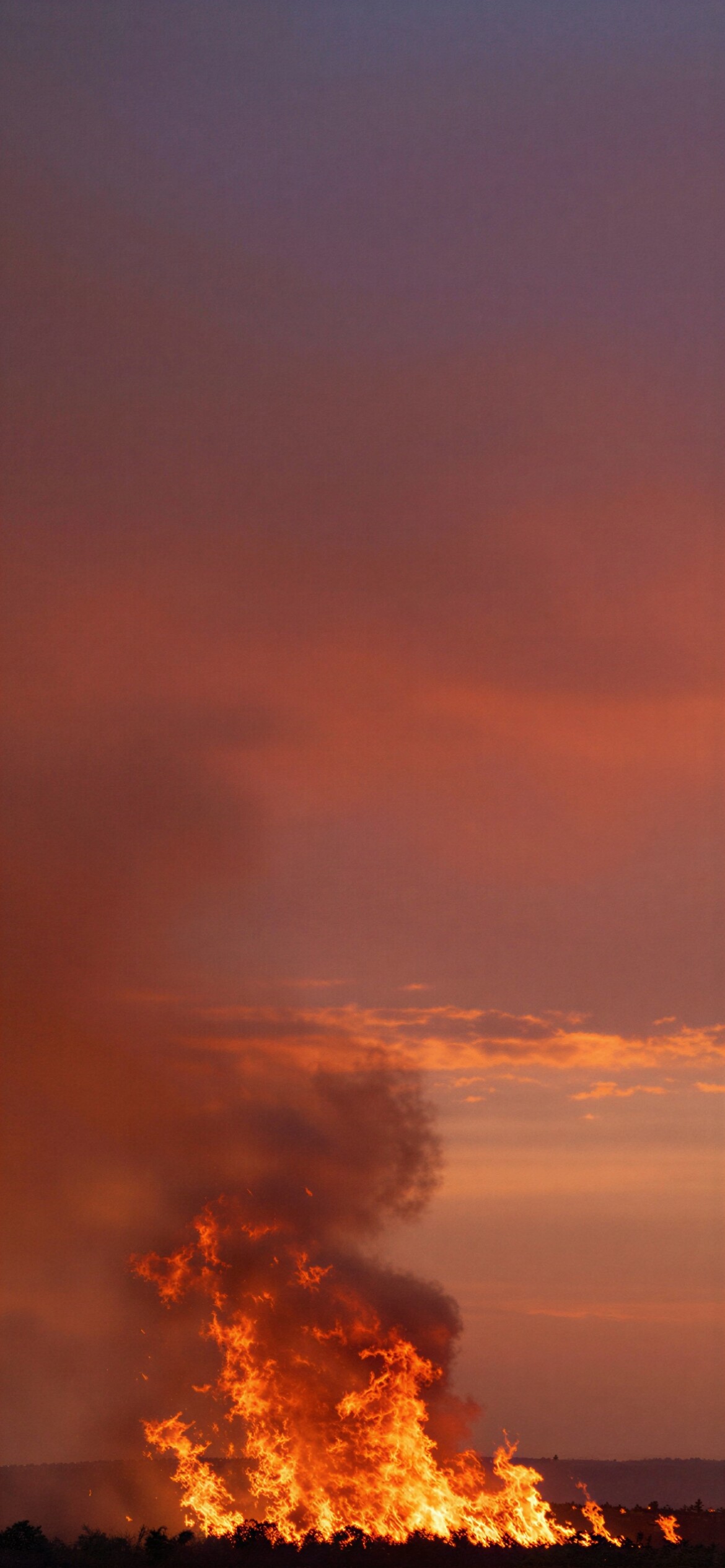
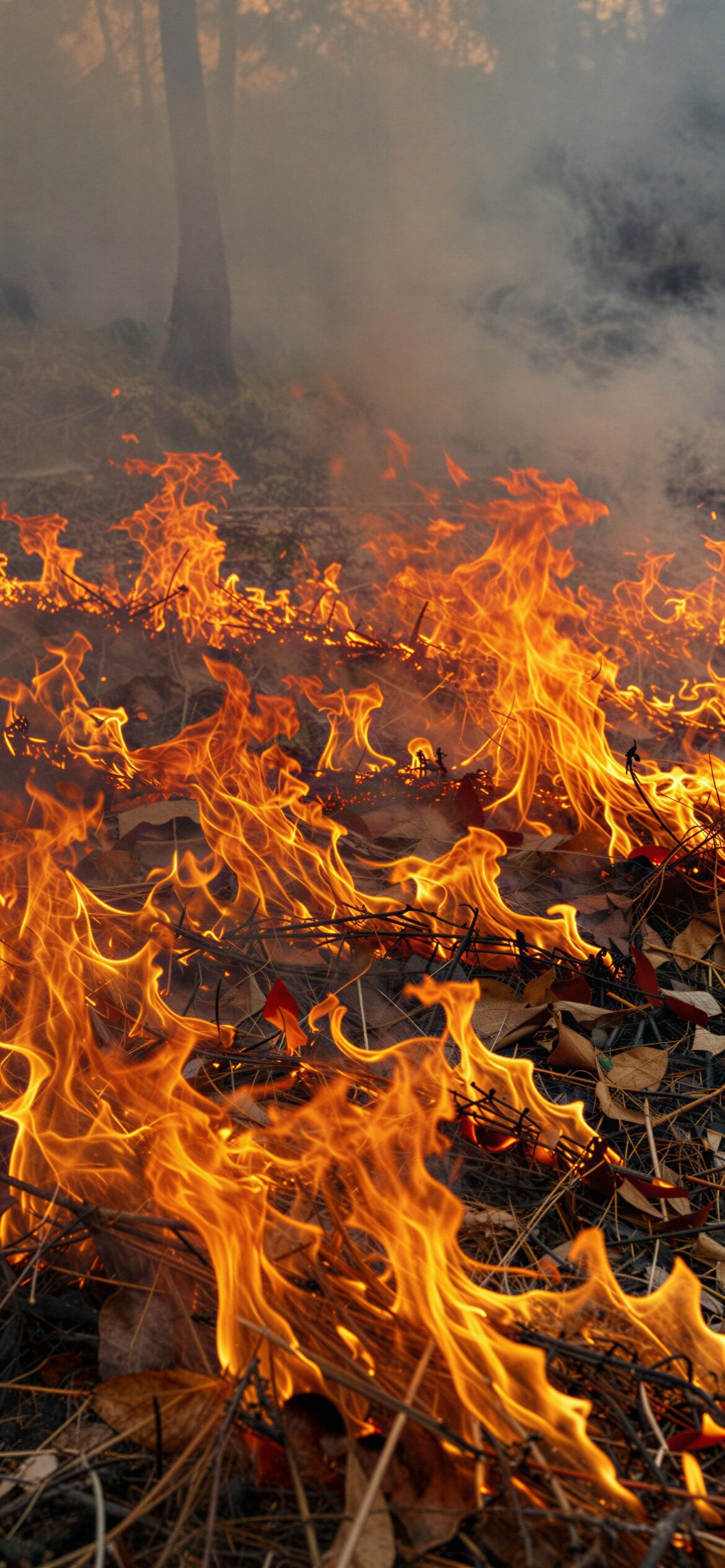
The last four are fire out in the land. #3 shows a wildfire climbing a hillside at dusk, #8 a far-off fire with smoke rising past a sunset, and #10 flames moving through dry leaves on a forest floor. #5 is a controlled burn running through grass and undergrowth, the kind land managers set on purpose to clear dry fuel before it can feed a bigger fire.
Bright, smoky or nearly black?
- Brightest: #4, #7 and #10, where flame or warm sky fills most of the frame.
- Smoky and dramatic: #3, #5 and #8, with grey smoke and wide views.
- Dark with a glow: #1, #2, #6 and #9, mostly black with fire as the only light.
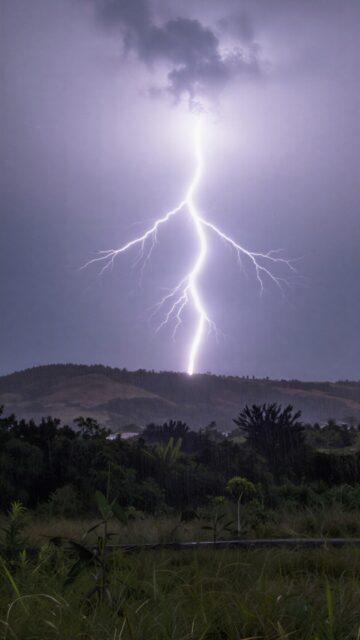
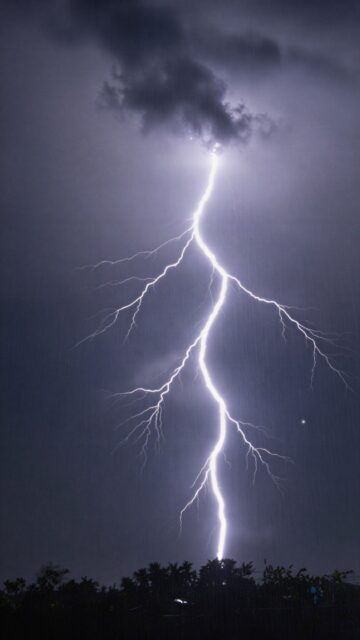
If you want more from the darker, wilder side of nature, try our lightning wallpapers, the night sky set for more starry backdrops like #1 and #9, or the deep tones in our dark red wallpapers.
How to set it on your iPhone
- Tap Download and save the image to Photos.
- Open Settings, tap Wallpaper, then Add New Wallpaper, and choose Photos.
- Pick the wallpaper, pinch to position it, then tap Add and choose the lock screen, home screen or both.
Stuck on a step? The iPhone and iPad guide has screenshots for each one.
Questions
What size are these fire wallpapers for iPhone?
All wallpapers in this set are 1170x2532 pixels, sized for modern iPhones; some older models may crop slightly at the edges. They fill the entire screen edge to edge and work with both portrait lock screens and home screens. Download and set them directly in your iPhone settings.
Can I use these fire wallpapers for personal use?
Yes, these wallpapers are free to download and use on your own iPhone and personal devices. Selling them, printing them for sale, or reposting them on other wallpaper sites is not allowed. See our Terms page for full details on personal use rights.
Which fire wallpapers work best for lock screens versus home screens?
The close-up flames and ember shots are ideal for lock screens since they won't be covered by app icons. The wider landscape fire scenes work better on home screens, especially those with darker upper skies that keep your app icons readable and visible.
Do these fire wallpapers work in dark mode?
Yes, all designs work in both light and dark mode. The darker flames and smoky skies pair especially well with dark mode, while the brighter flame centers and embers pop against any background. Choose whichever matches your iPhone theme.