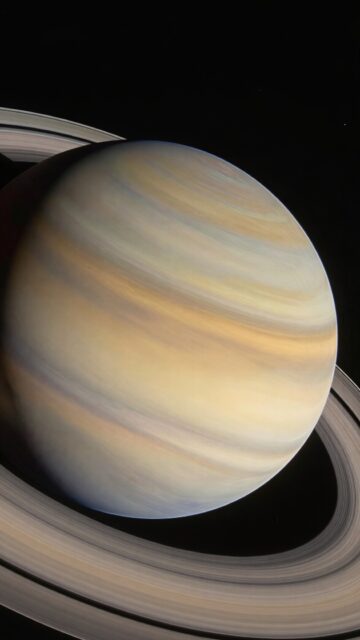
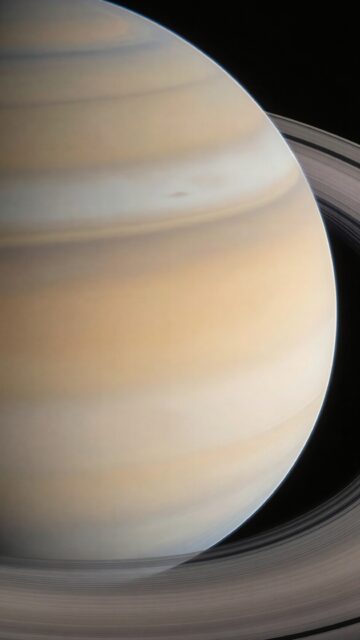
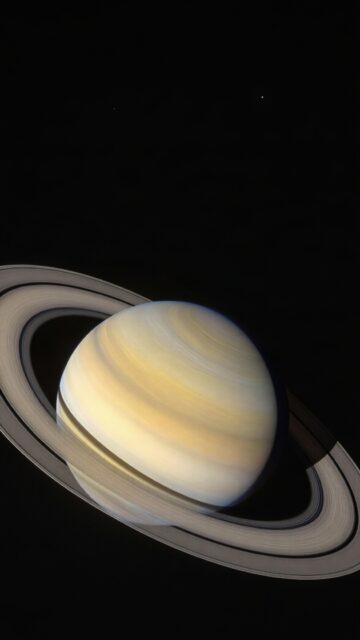
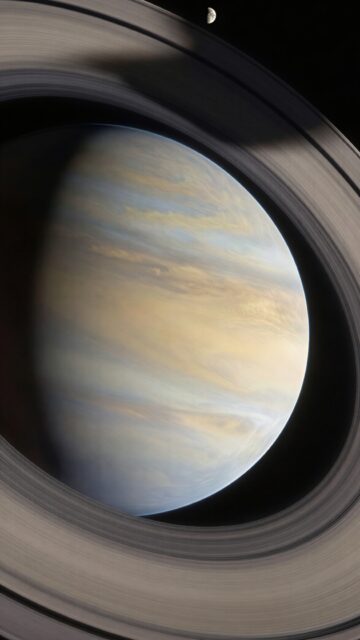
Mars Wallpaper iPhone
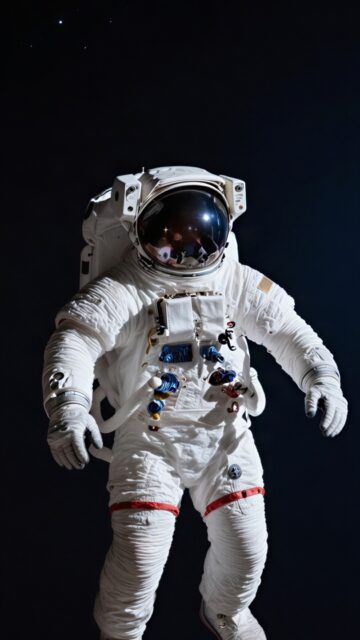
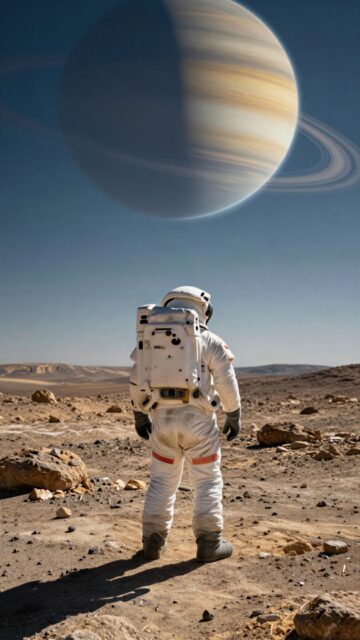
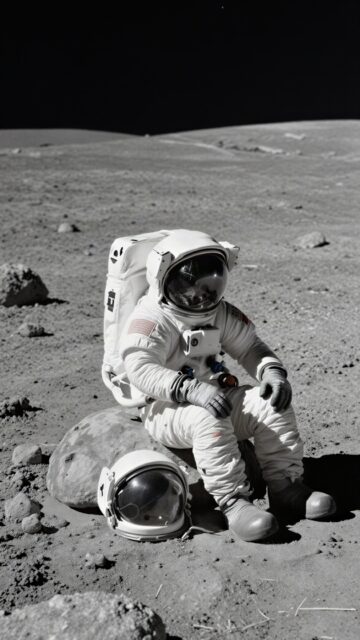
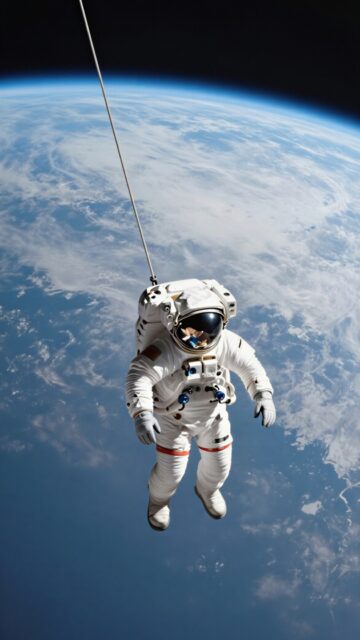
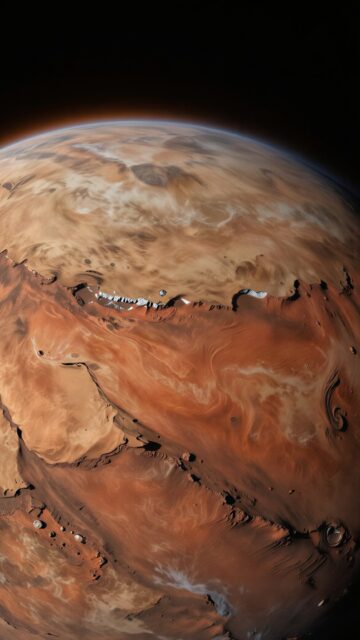
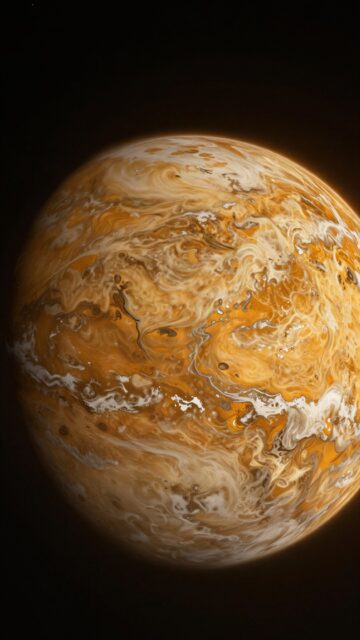
Mars wallpaper iPhone shows the red planet's rocky terrain, dusty horizons and rusty landscapes, free to download for your device. These Mars iPhone wallpapers capture the stark beauty of the planet's surface with warm rust tones, distant mountains and alien skies. Whether you prefer close-up views of the Martian ground or wide vistas of the horizon, this set brings the fourth planet to your lock screen or home screen.
10 wallpapers at 1170 × 2532 px for iPhone. Checked by hand on 3 Oct 2026.
About this set
These Mars wallpapers capture the planet's raw, alien landscape in warm rust, burnt orange and deep crimson tones. Each design shows a different view of the Martian surface, from sweeping vistas and canyon walls to close-up details of rocks and dust. The soft peachy-pink skies and natural shadows give each wallpaper a realistic sense of standing on another world.
The designs with simple skies and subjects in the lower half work best as lock screens, keeping text readable. Wider landscape views suit home screens where they sit behind your icons. The warm rust palette pairs well with neutral icon themes and complements both light and dark mode setups on your iPhone.
Canyons, dunes and one lonely boulder
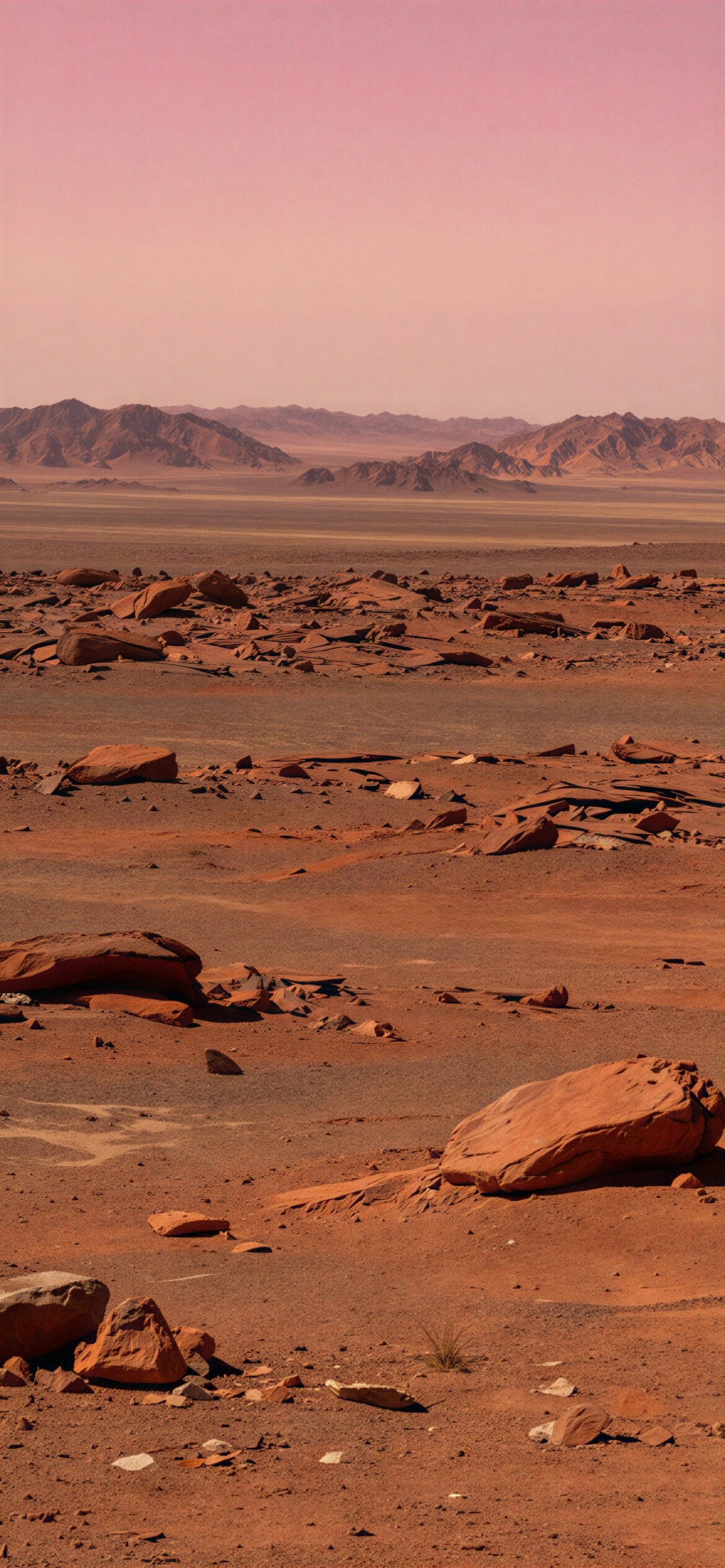
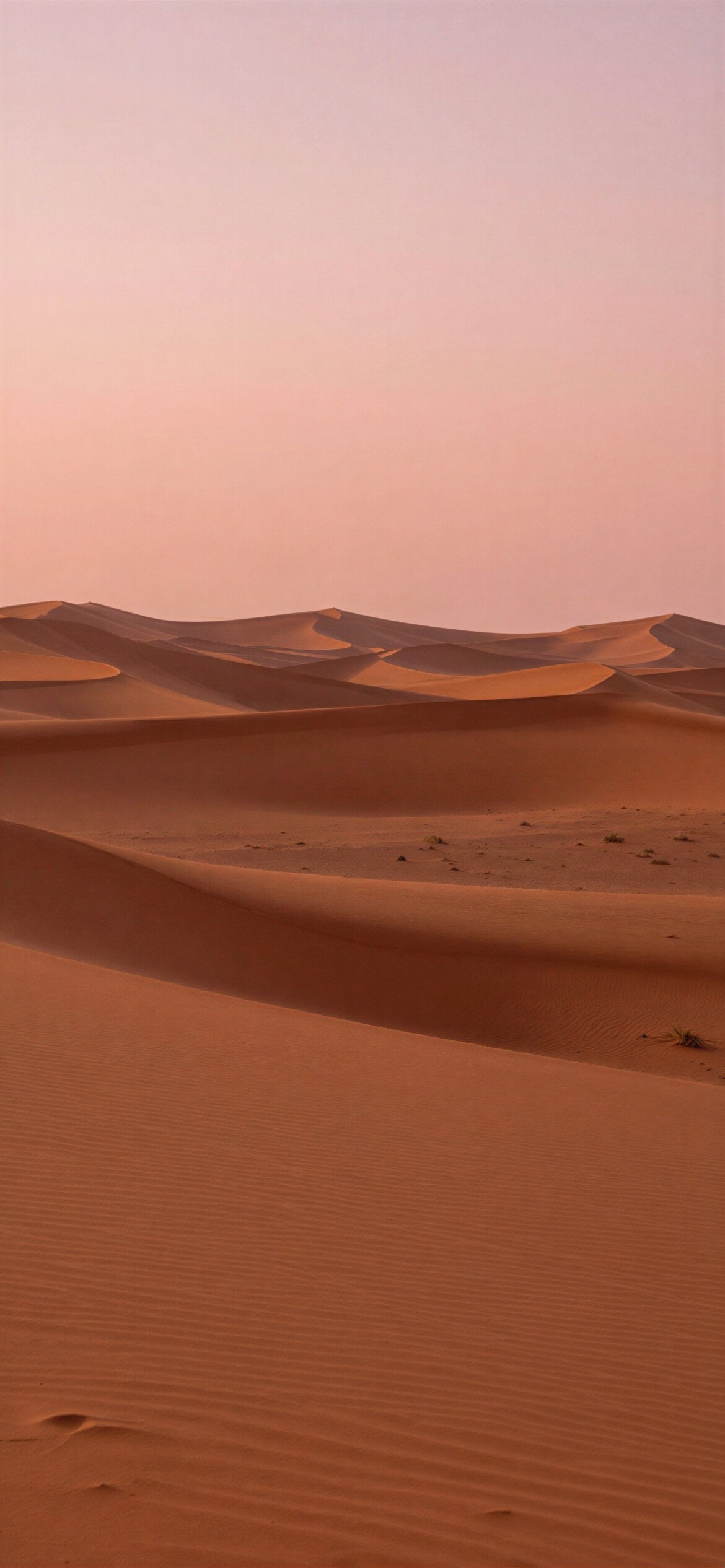
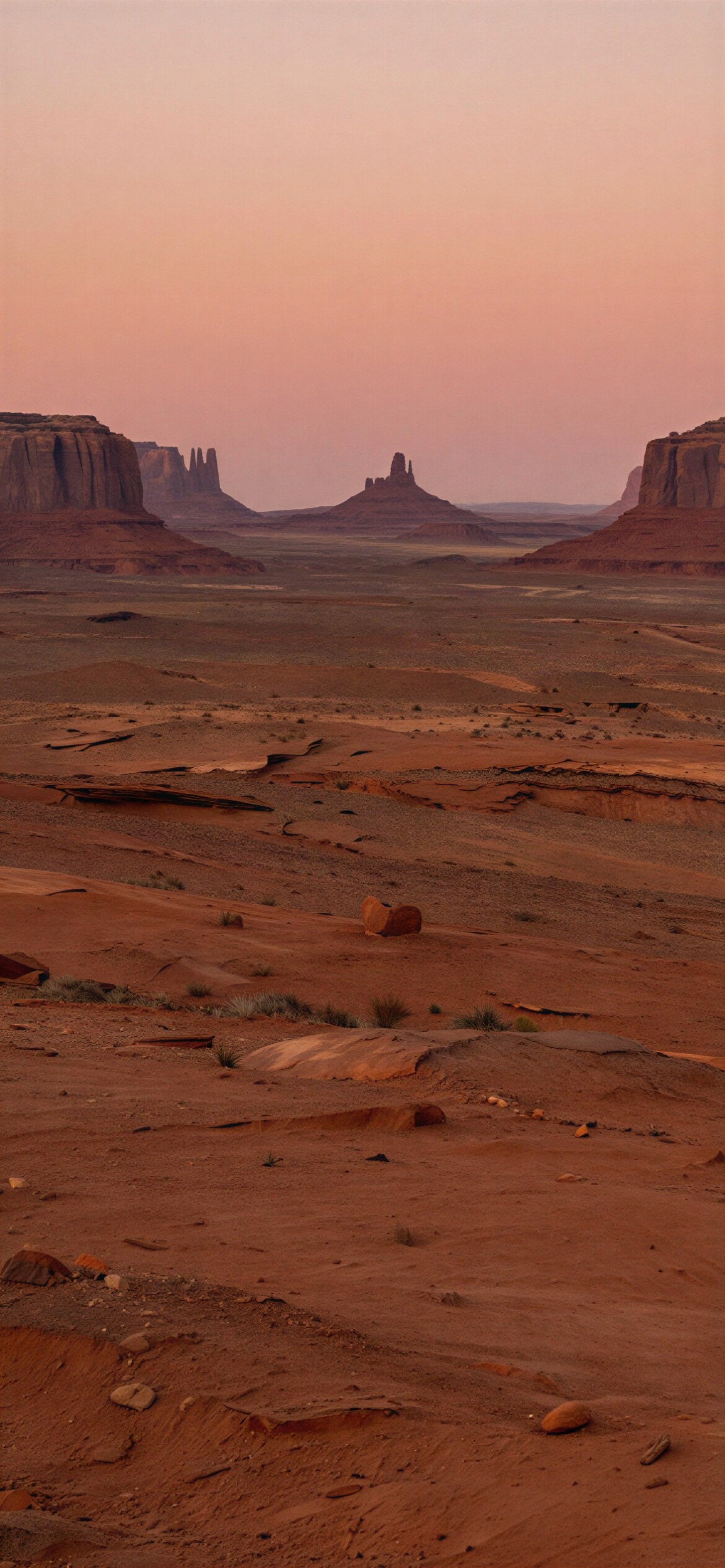
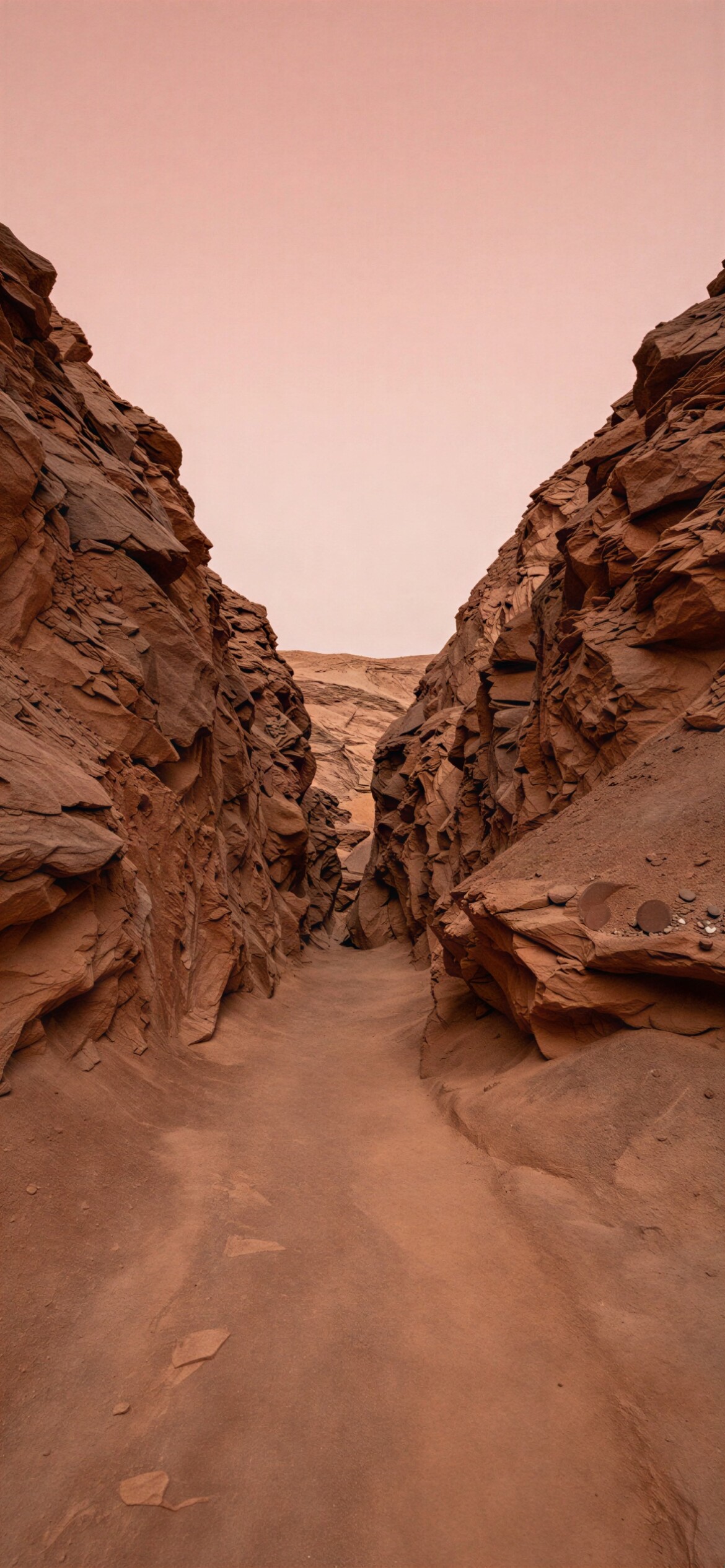
Four of the ten pull the camera right back. Wallpaper 1 is the widest, a red rocky plain under a salmon-pink sky. Number 6 adds distant buttes and layered rock, number 9 frames a valley between steep walls so your eye runs straight to the horizon, and number 4 swaps rock for rolling dunes of red dust. These open views have the most empty sky, which helps if you like a large clock.
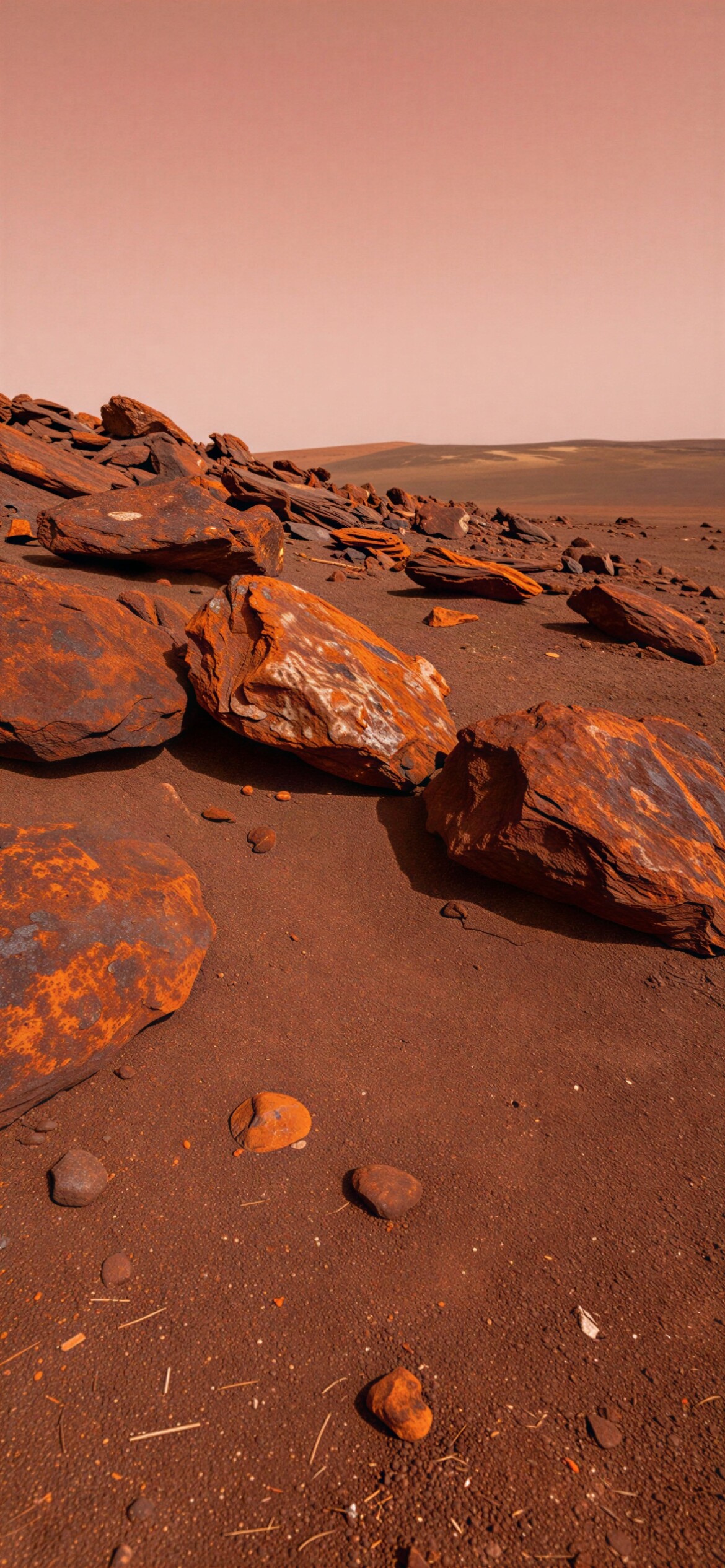
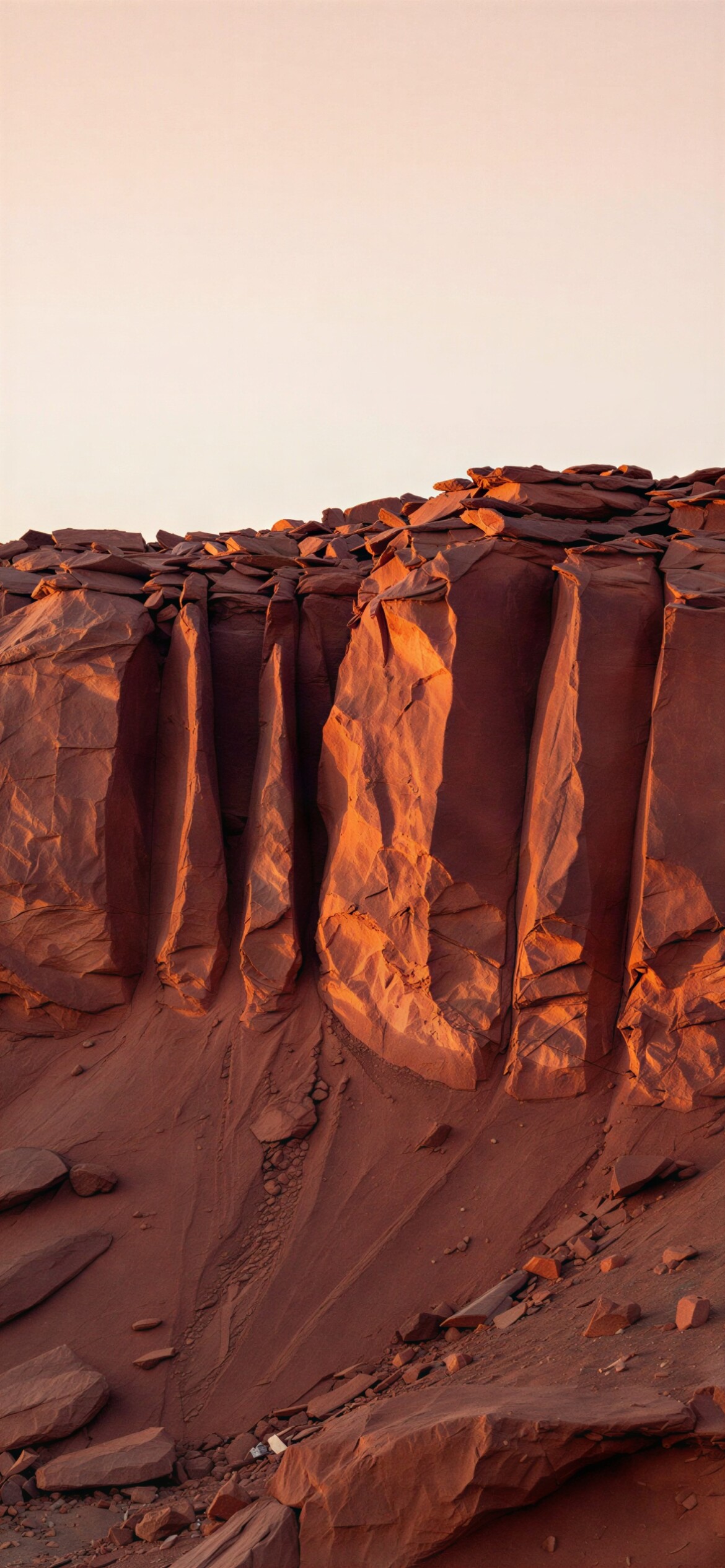
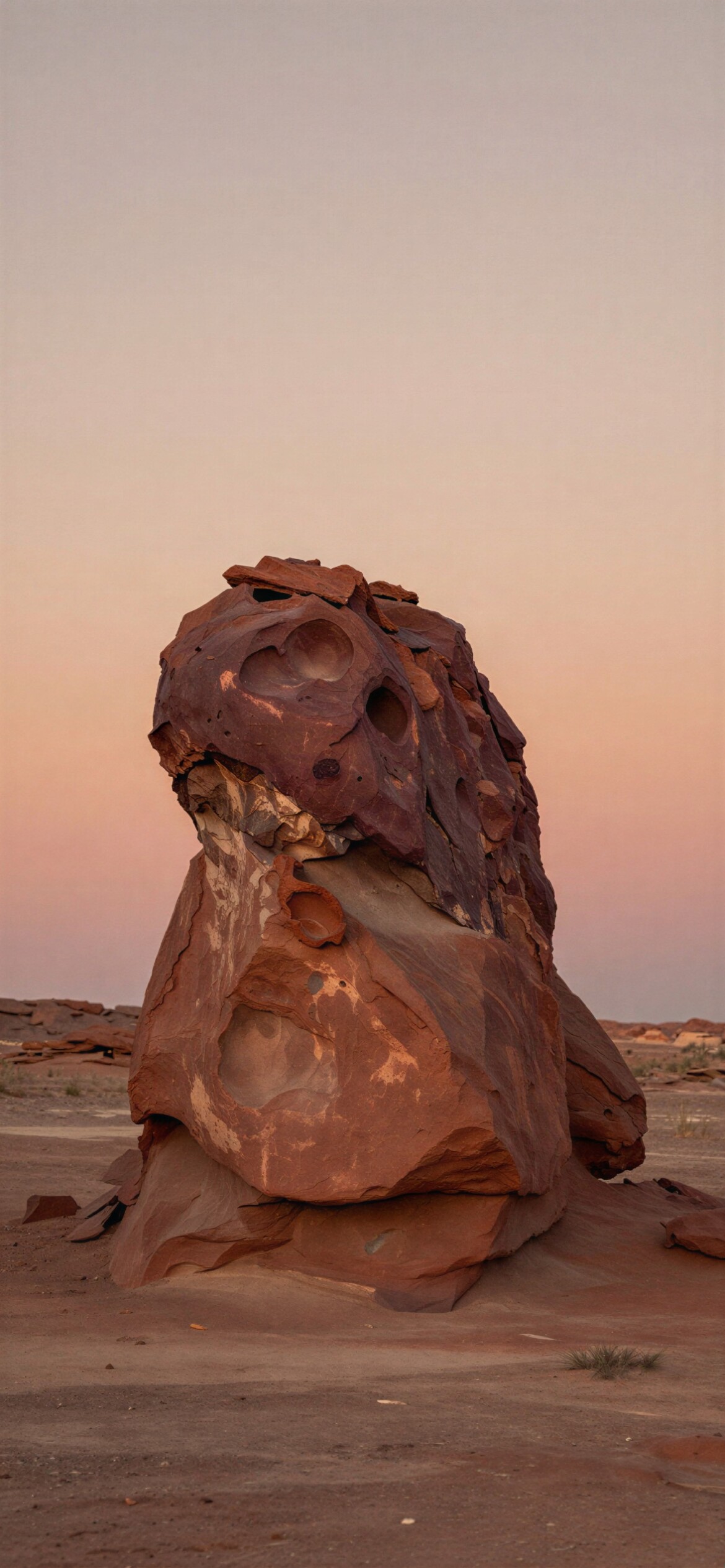
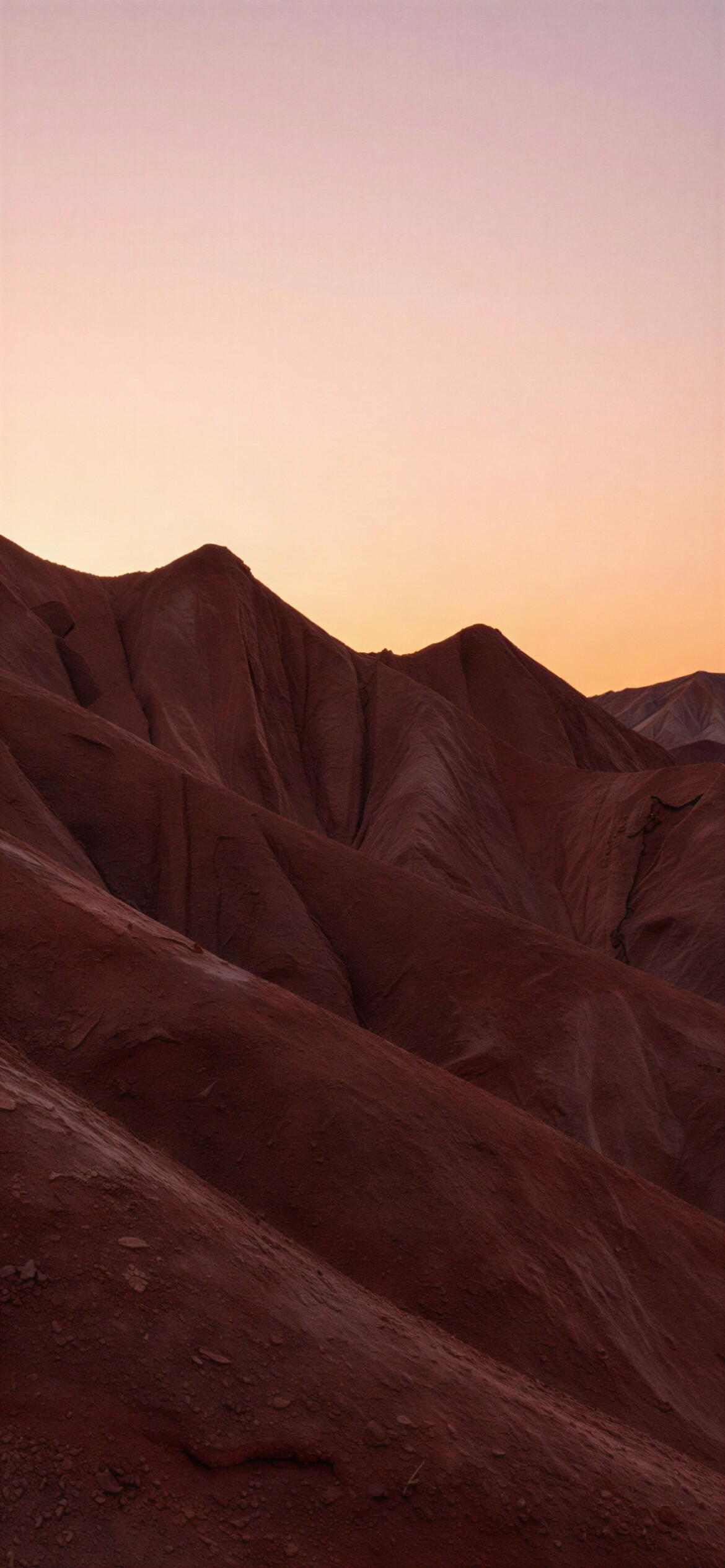
Wallpapers 2, 3, 5 and 8 come in closer. Number 2 sits among rust-red rocks with canyon walls behind, while 3 is almost all wall, a tall face carved into ridges that fills the frame top to bottom. Number 5 is a single weathered formation rising out of the dust, and 8 turns a jagged ridge into a dark silhouette against a peach sky, which gives white text strong contrast.
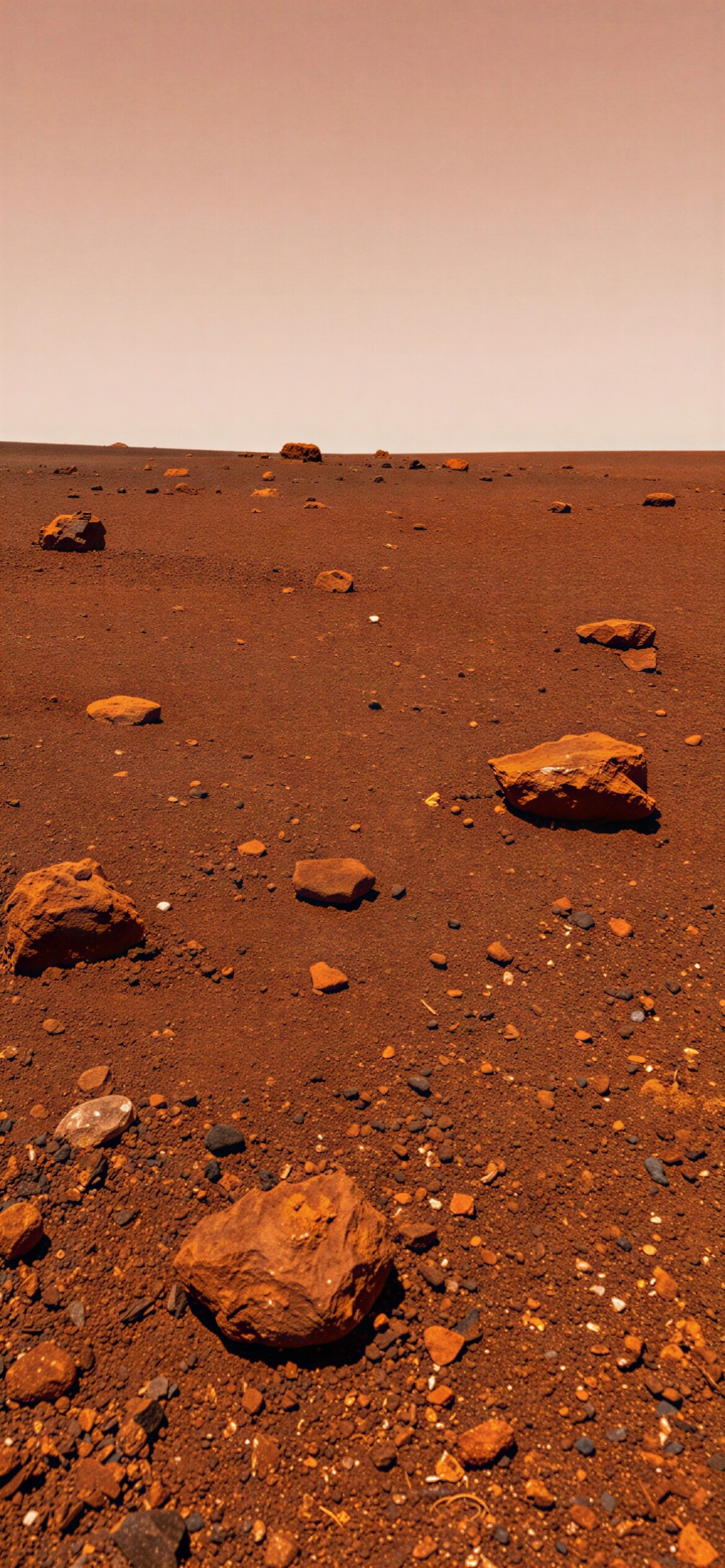
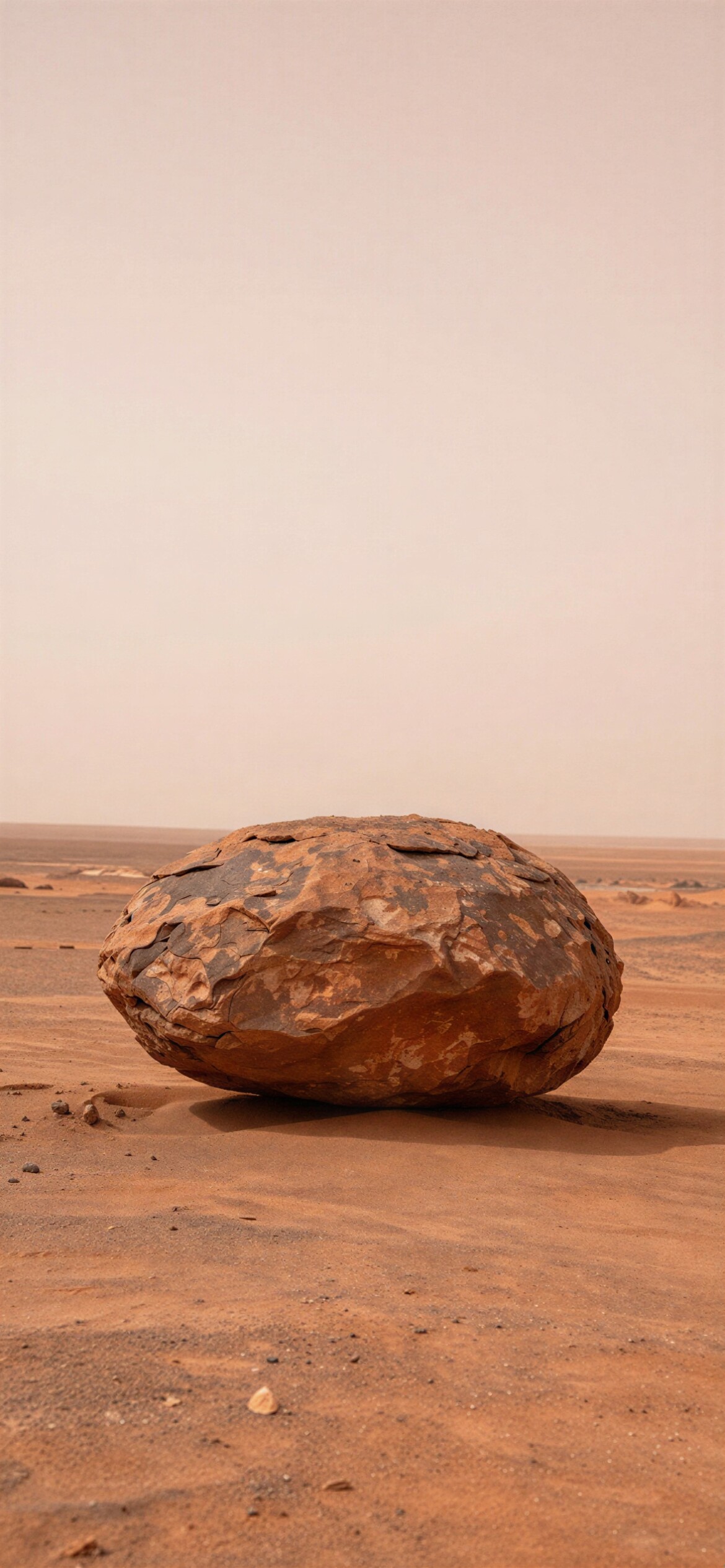
The last two are about the ground itself. Wallpaper 7 is an extreme close-up of soil, pebbles and fine dust with no single focal point, so icons can sit anywhere on it. Number 10 does the opposite: one boulder alone on rust-coloured terrain, best kept clear of widgets so it stays the centre of attention.
Why a planet looks like rust
The colour is not just an artistic choice. Mars is red because its dust and rocks are rich in iron oxide, the same compound that makes rust on Earth. That fine dust also hangs in the air, which is why the daytime sky there looks butterscotch or pinkish rather than blue, as in wallpapers 1 and 8. Oddly, Martian sunsets go the other way and look bluish near the Sun.
The canyon scenes in 3 and 9 have a real model on a far bigger scale. Valles Marineris, the planet's great canyon system, runs about 4,000 kilometres, roughly the width of the United States. Mars also has real dune fields like the one in wallpaper 4, which NASA's Curiosity rover has photographed up close. The planet takes its name from the Roman god of war, a link to its blood-red colour in the night sky.
Peach skies or bare ground?
- Open and airy: 1, 4, 6 and 9, where the horizon and a soft pink sky take up a good part of the screen.
- Dramatic and high contrast: 3 and 8, with dark rock walls and ridges against lighter tones.
- Earthy and grounded: 2, 5, 7 and 10, almost all rock and dust in deep rust and brown.
If this set makes you want to keep exploring, the Saturn wallpapers show the ringed planet from ten angles, the solar system set puts Mars in line with its neighbours, and the astronaut collection adds the people who might one day walk on it.
How to set it on your iPhone
- Tap Download and save the image to Photos.
- Open Settings, tap Wallpaper, then Add New Wallpaper, and choose Photos.
- Pick the wallpaper, pinch to position it, then tap Add and choose the lock screen, home screen or both.
Stuck on a step? The iPhone and iPad guide has screenshots for each one.
Questions
Will these Mars wallpapers fit my iPhone screen?
Yes. These wallpapers are designed at 1170x2532 pixels, which suits modern iPhones. Some older models may crop slightly at the edges, but the main rock formations stay in view on your lock screen and home screen.
Can I use these wallpapers for personal use?
Yes, you can download and use these Mars wallpapers free on your own iPhones and devices. Selling them, printing them for sale, or posting them on other wallpaper sites is not allowed. See our Terms page for full details.
Which Mars wallpapers work best for lock screens versus home screens?
The designs with simple skies and subjects in the lower half are ideal for lock screens because they keep your time and notifications readable at the top. The wider landscape vistas with multiple rock formations work better on home screens where they sit behind your app icons.
Do these Mars wallpapers work with both light and dark mode?
Yes. The warm rust and peachy tones in this set complement both light and dark mode icon themes. The natural Martian colors remain visible and striking regardless of your system appearance setting.