Bird Wallpaper iPhone
Bird wallpaper for iPhone gives you free designs with perched songbirds, flying raptors and garden scenes to download instantly. These bird iPhone wallpapers show real feathered subjects in natural light, from close-up perches to wide sky views. Each design fits tall iPhone screens and works as a lock screen or home screen background. The color palette ranges from soft earth tones to bright sky blues, so you can pick a bird wallpaper that matches your mood and device theme.
10 wallpapers at 1170 × 2532 px for iPhone. Checked by hand on 4 Oct 2026.
About this set
This set shows birds in their natural moments: perched, diving, hovering and in flight. Each design uses soft natural light and realistic detail to bring the birds to life on your screen. The color range spans warm earth tones, cool sky blues and bright feather hues, so every mood and season has a match.
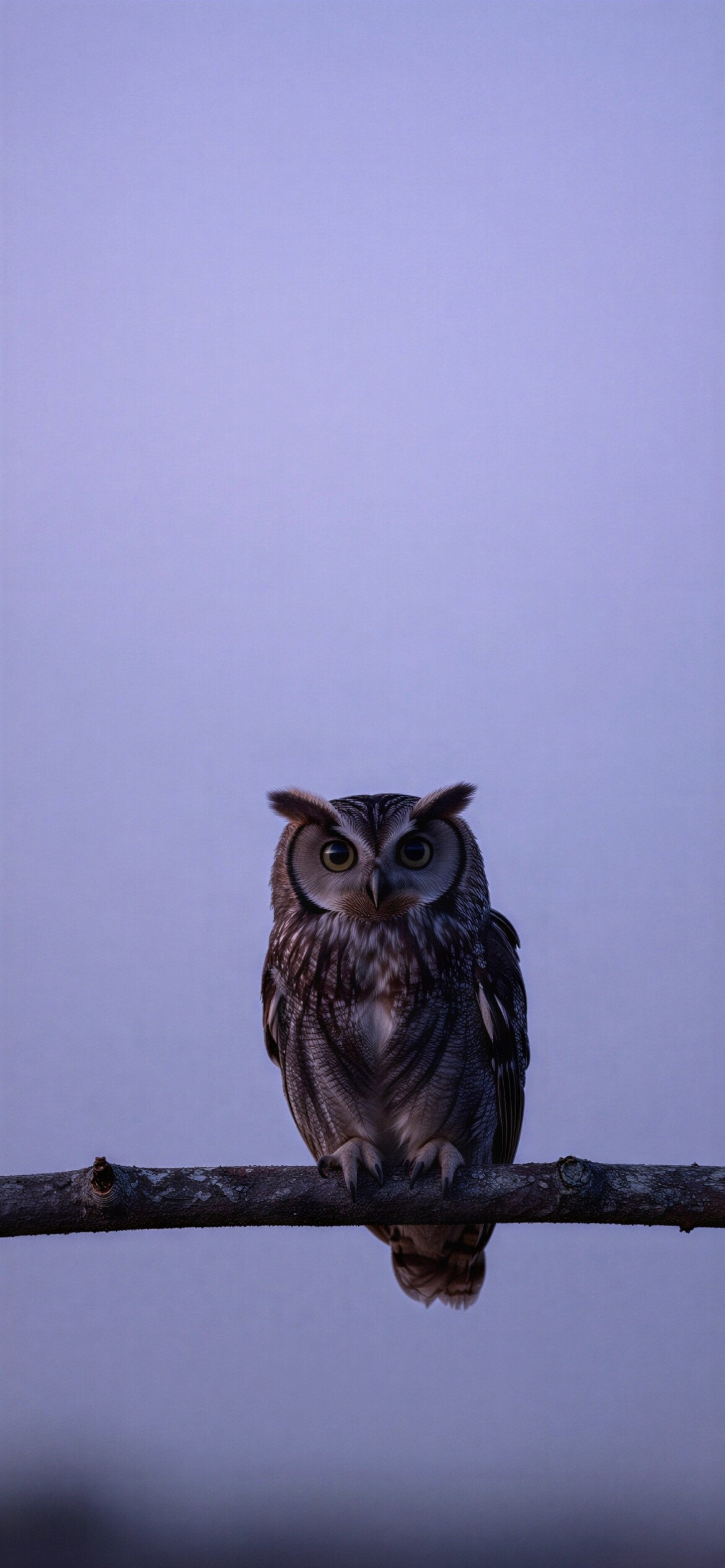
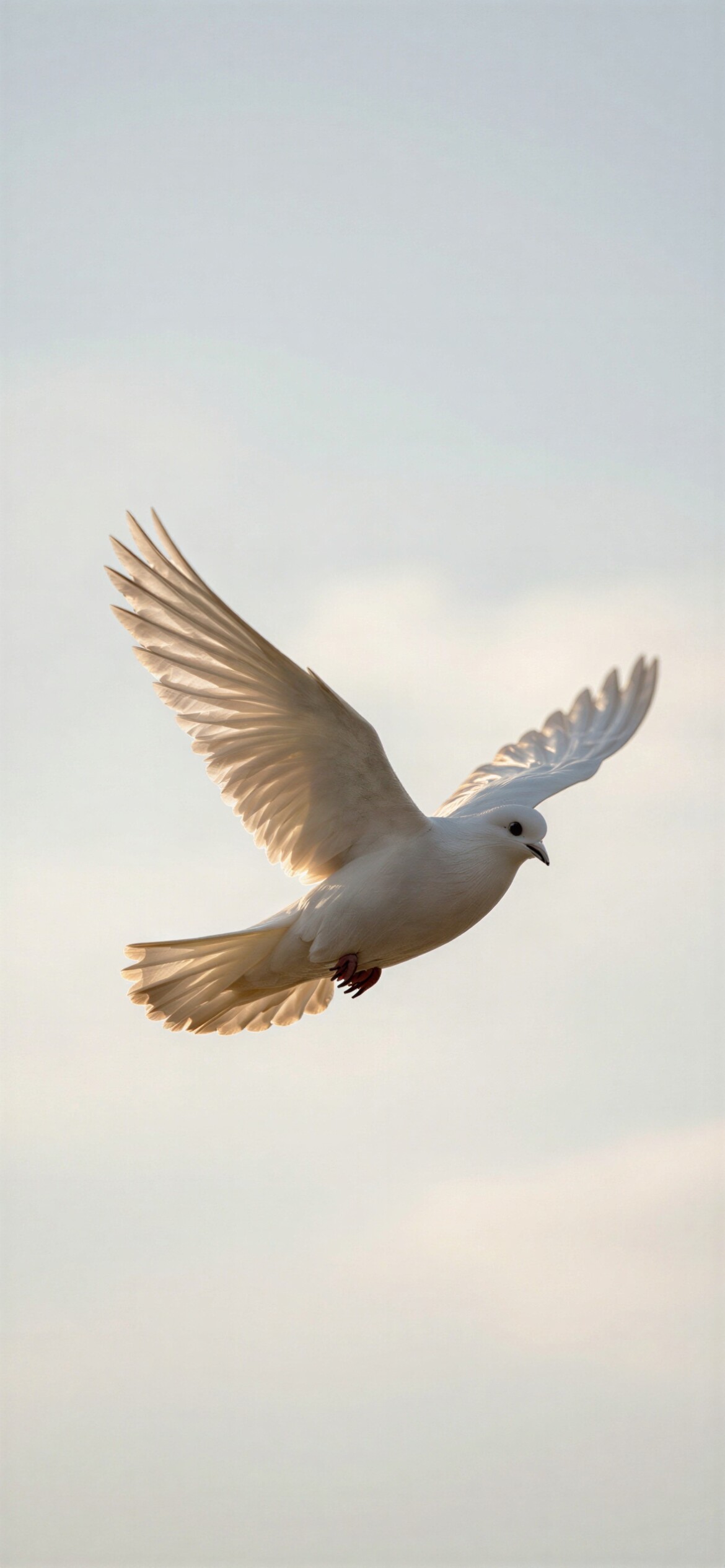
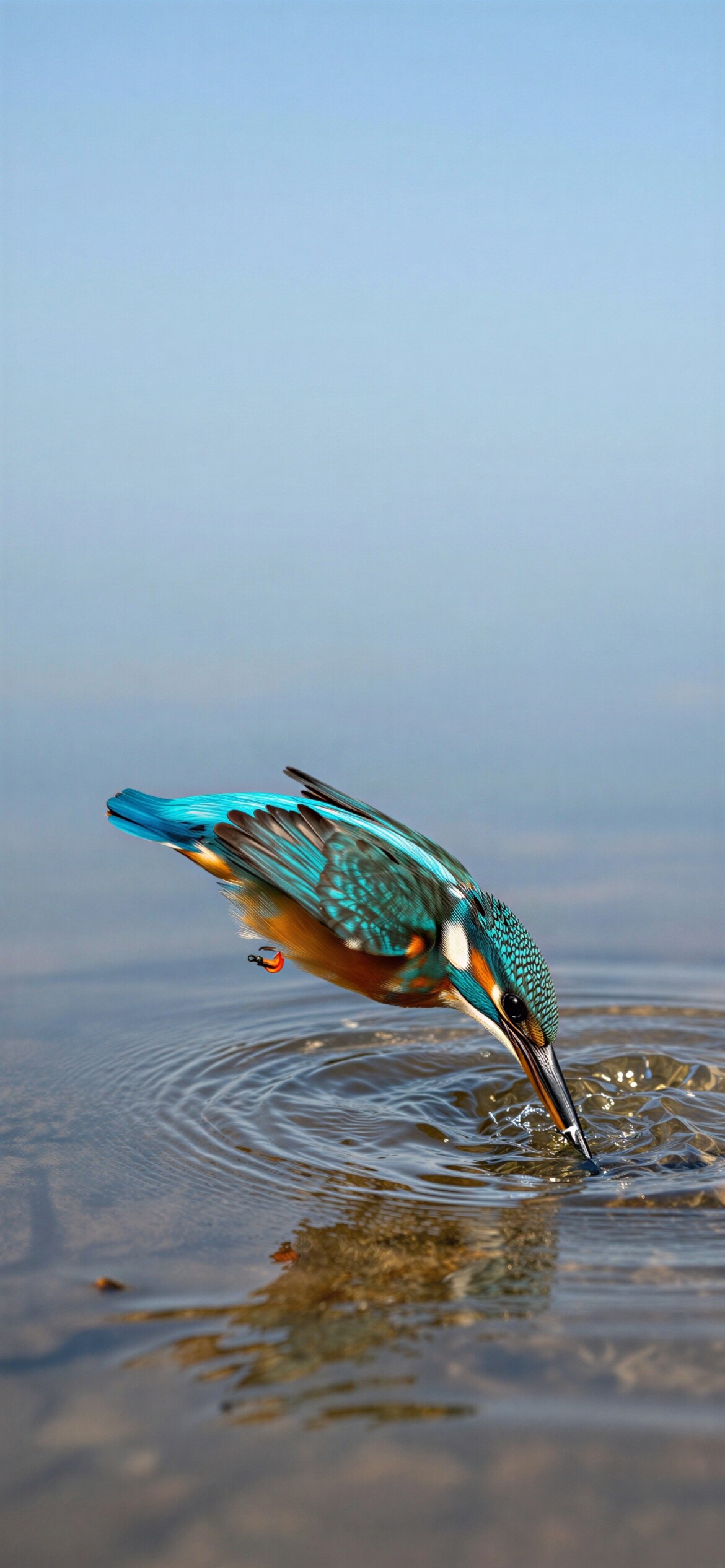
Lock screen picks: the cardinal, owl and dove work well because they sit lower and leave room for time and notifications. Home screen picks: the hummingbird, kingfisher and eagle suit a cleaner layout because the action spreads across the frame. All designs pair well with minimal app icons and work across light and dark mode depending on the sky tone you choose.
Ten birds, from the feeder to the open sky
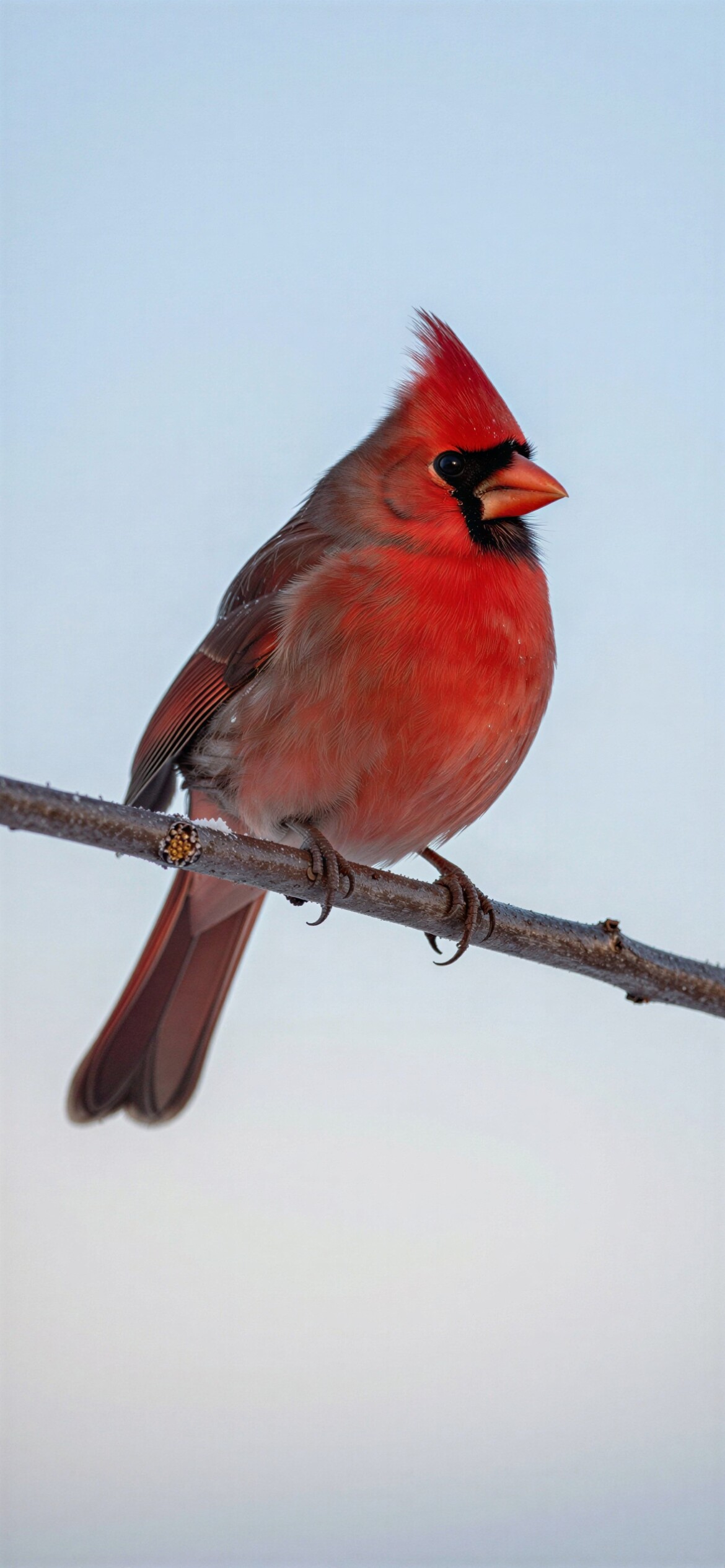
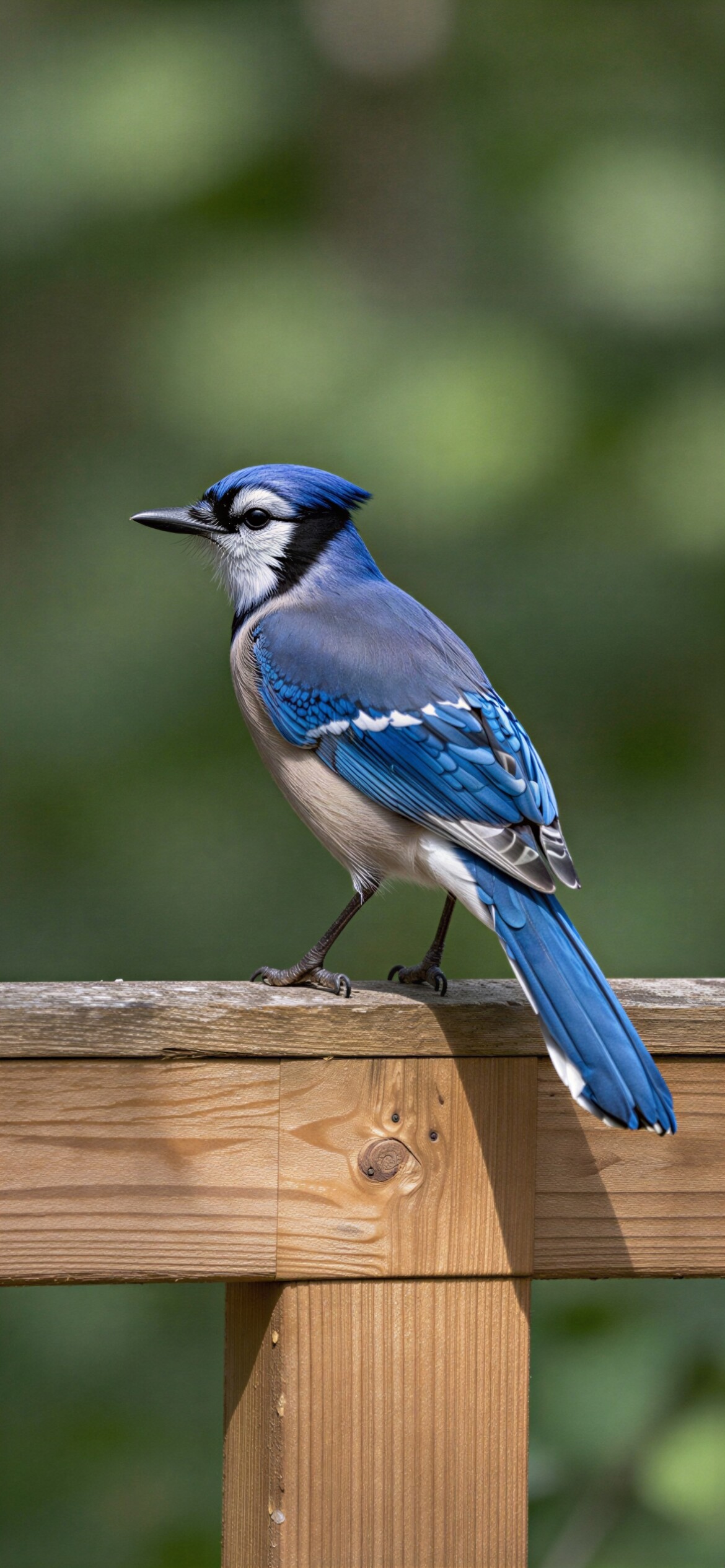
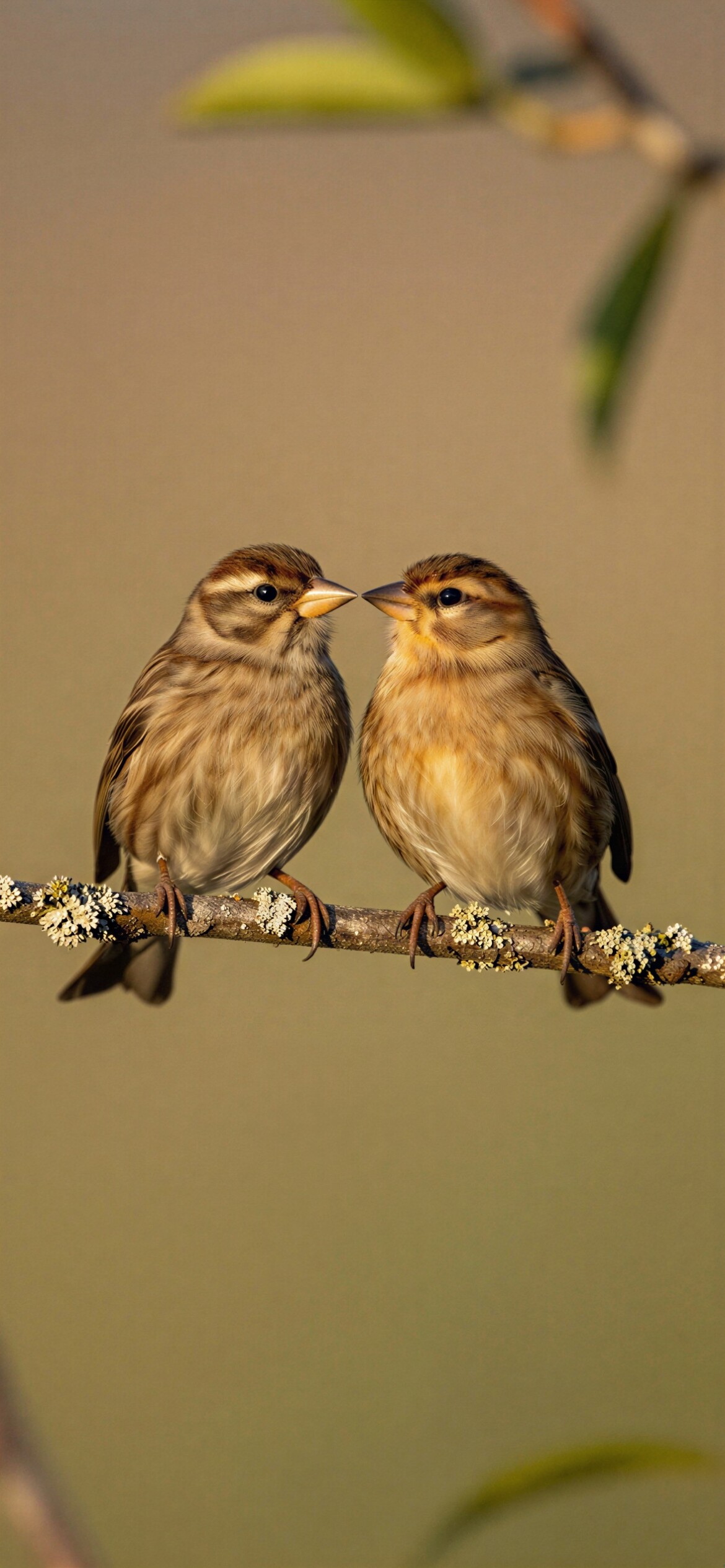
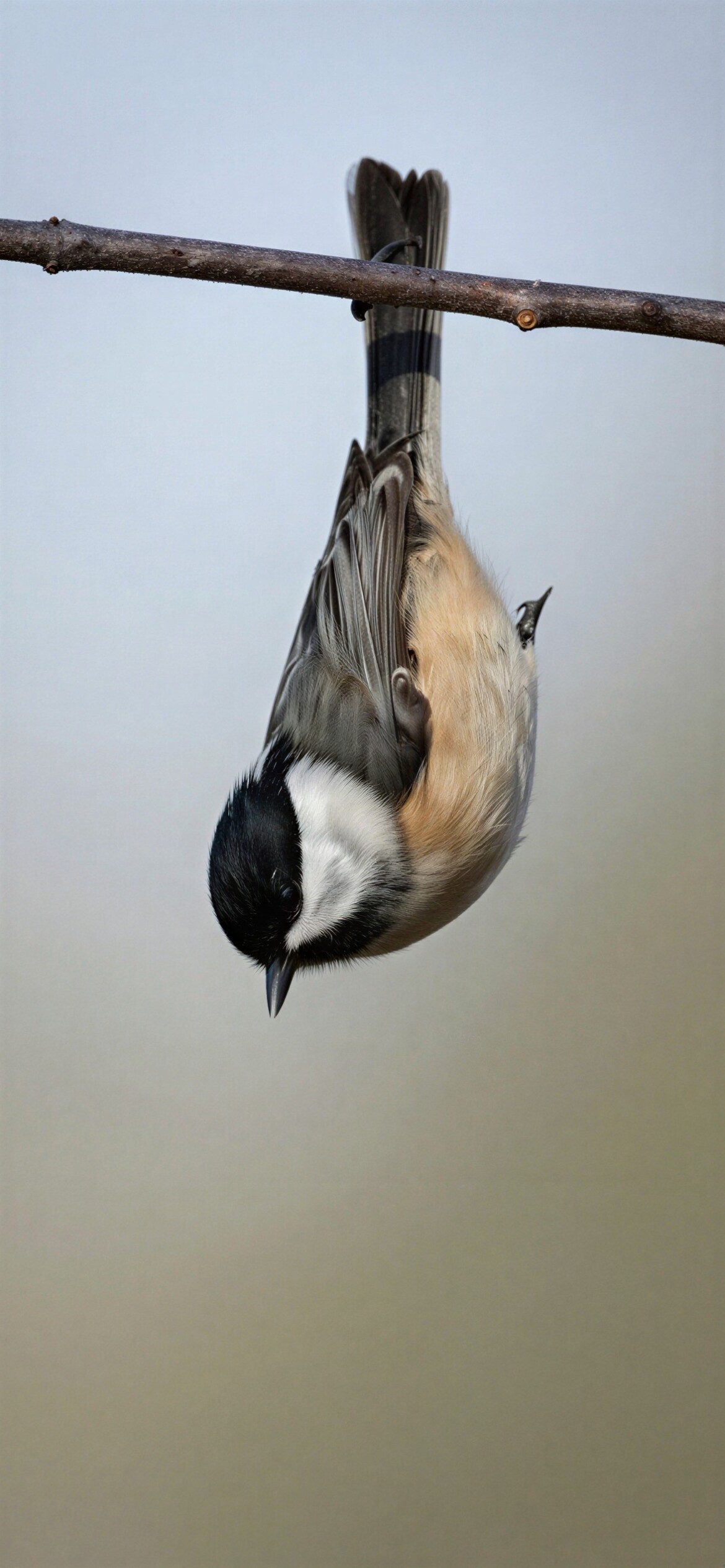
Four of these are the kind of birds people see from a kitchen window. The red cardinal in #1 sits on a frosted branch, the blue jay in #3 stands on a fence post, the two finches in #9 share a branch, and the black-capped chickadee in #10 hangs upside down, which is how chickadees often pick insects and seeds from the underside of twigs. These four are close-up and centred, so they work well behind a home screen grid.
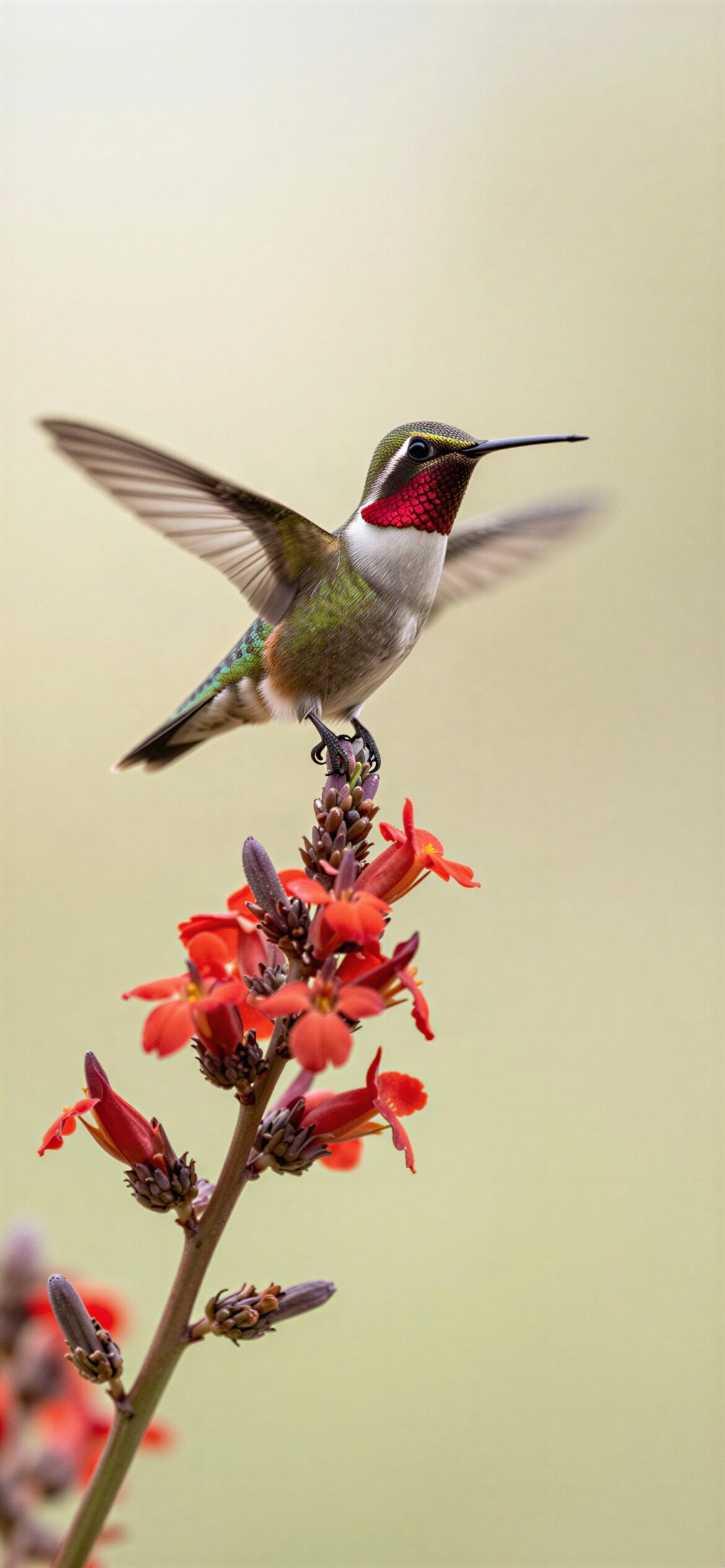
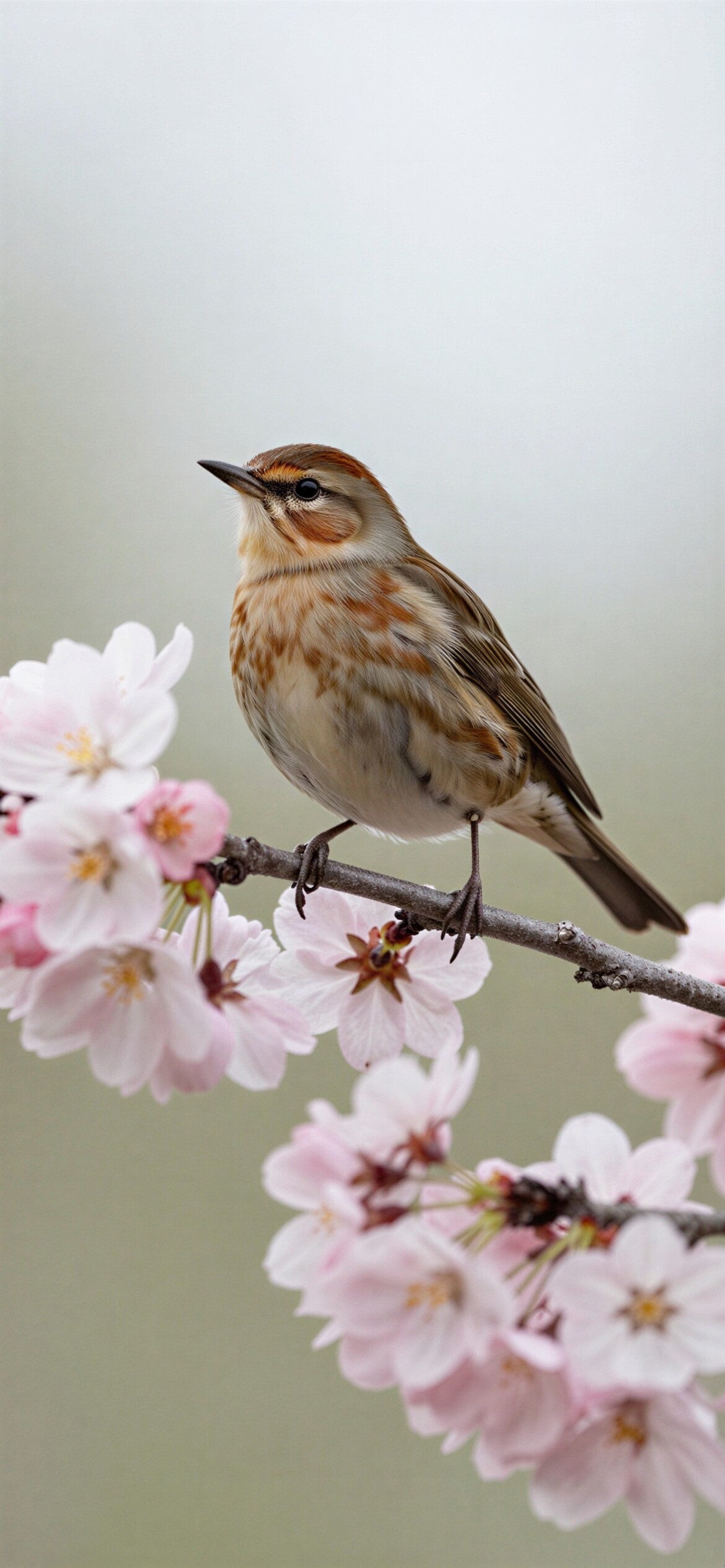
Two are garden birds caught among flowers: the hummingbird hovering near red blooms in #4, and the songbird on a twig with spring blossoms in #7. Both have soft, open backgrounds that leave room for widgets.
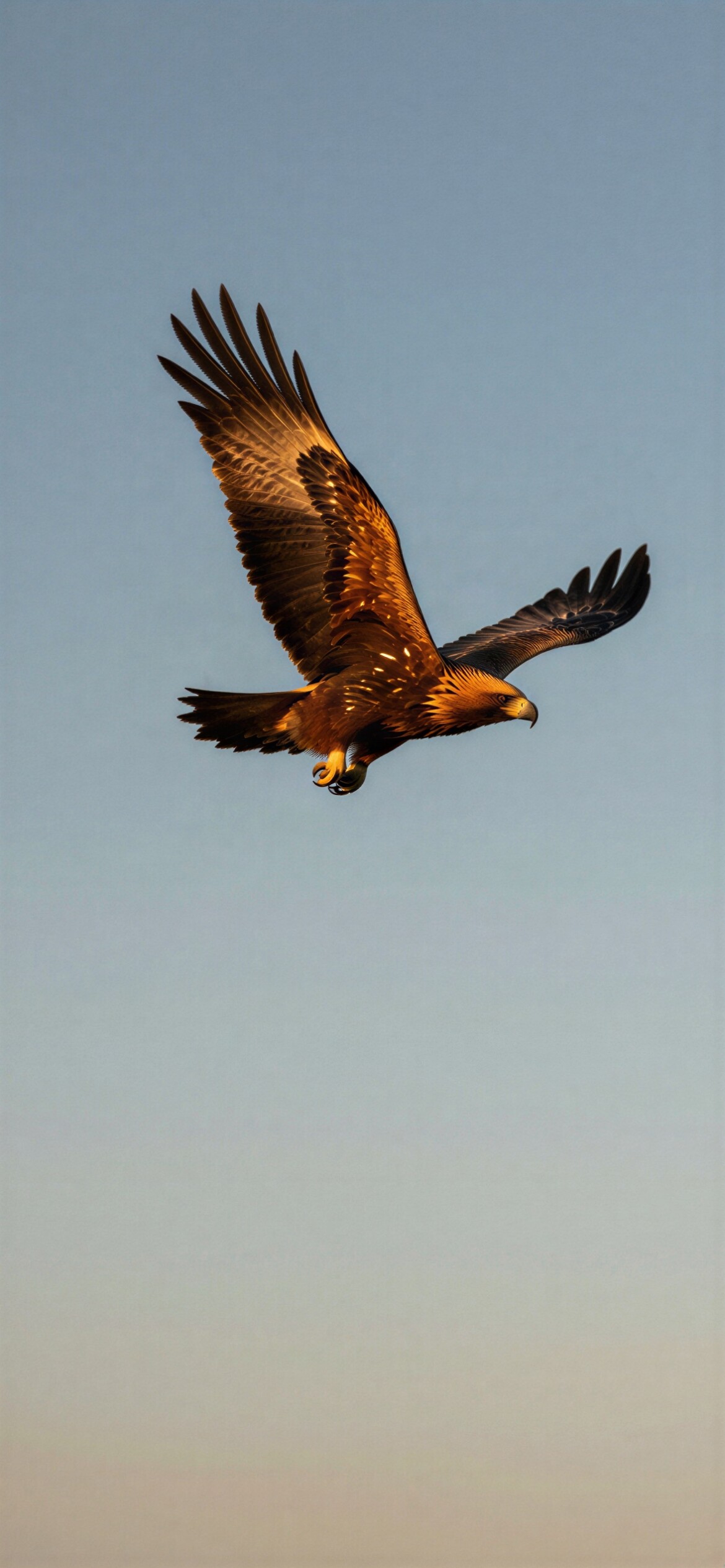
The last four are wilder. #2 is a golden eagle soaring in golden hour light, #5 an owl on a branch at dusk, #6 a white dove in flight against the sky, and #8 a turquoise kingfisher diving toward water. The eagle, dove and kingfisher are all mid-movement, which gives a home screen a sense of motion; the owl is the quietest of the set.
Red pigment, blue trick
Bird colours come from two very different sources. The cardinal's red is pigment: carotenoids from the fruits and seeds it eats are deposited in its feathers. The blue jay's blue is not a pigment at all. Tiny structures inside each feather scatter blue light, and if you hold a blue jay feather with the light behind it, it looks dull grey-brown. The kingfisher's bright turquoise is a structural colour too. A few other facts behind the pictures: hummingbirds can hover in still air and even fly backwards, owls cannot move their eyes and turn their whole heads instead, and the kingfisher's long, narrow beak inspired the nose of Japan's 500 Series Shinkansen, which made the train quieter leaving tunnels.
Frost, blossom or a warm sky
- Winter and cold light: #1 and #10.
- Soft spring colours: #4, #7 and #9.
- Golden and dusky: #2 and #5.
- Clear blues: #3, #6 and #8.
If the owl is your pick, there is a whole owl set with nine species, and the feather wallpapers take a closer look at the details that give these birds their colour.
How to set it on your iPhone
- Tap Download and save the image to Photos.
- Open Settings, tap Wallpaper, then Add New Wallpaper, and choose Photos.
- Pick the wallpaper, pinch to position it, then tap Add and choose the lock screen, home screen or both.
Stuck on a step? The iPhone and iPad guide has screenshots for each one.
Questions
Will these bird wallpapers fit my iPhone screen?
Yes. This set is sized for modern iPhones at 1170x2532 pixels. The tall vertical format fills the screen without stretching the image, though some older models may crop slightly at the edges. Download and set directly as your lock screen or home screen background.
Can I use these wallpapers for personal use?
Yes, these bird wallpapers are free to download and use on your own iPhone. Personal use includes setting them as your lock screen or home screen background. Selling prints, reposting them on other sites or using them for commercial purposes is not allowed. See our Terms page for full details.
Which bird wallpapers work best for lock screens?
The cardinal, owl and dove are ideal lock screen picks because the birds sit in the lower half, leaving the top quarter open for your time and date display. This keeps notifications and the clock easy to read. The hummingbird and kingfisher also work well if you prefer action-based designs.
Can I use the same bird wallpaper on lock and home screens?
Absolutely. Many people pick one bird wallpaper for both screens for a cohesive look. If you want variety, try a calm perched bird like the blue jay on your lock screen and an action shot like the eagle in flight on your home screen. Mix and match to suit your daily routine.