Emoji Wallpaper iPhone
Emoji wallpaper for iPhone brings cheerful smiling faces and colorful expressions to your lock and home screens. This set features playful emoji designs in bright, friendly colors that work year-round. Each emoji wallpaper is original artwork, hand-curated and checked before publishing. The simple, uplifting mood suits any iPhone model and pairs well with your everyday apps and icons.
10 wallpapers at 1170 × 2532 px for iPhone. Checked by hand on 3 Oct 2026.
About this set
These emoji wallpapers bring instant cheerfulness to your iPhone with bold yellow faces and simple black features. The designs use clean, bright colors and plenty of open space, making them work well on both lock screens and home screens. The minimal style keeps text and app icons fully readable.
Pair these emoji wallpapers with colorful app icons or keep your home screen simple for a cohesive look. The playful mood suits any time of year and works with any iPhone model. Lock screen versions feature single focal points, while home screen picks have balanced compositions that frame your apps.
Singles, small crowds and a pair of winks
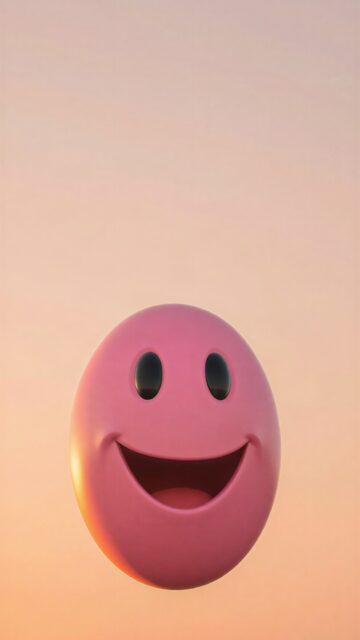
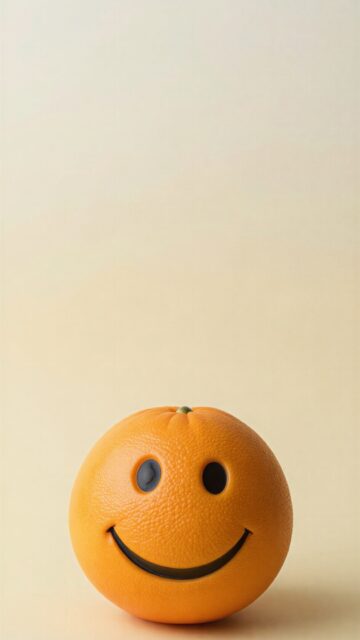
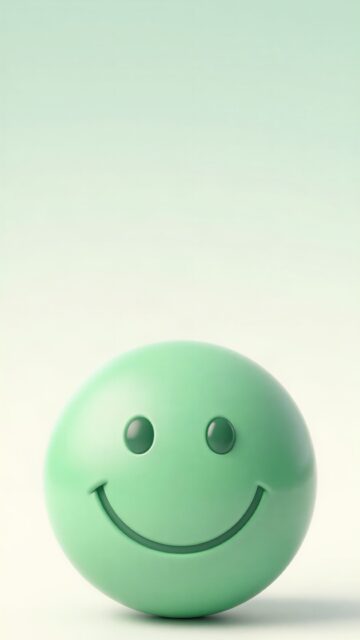
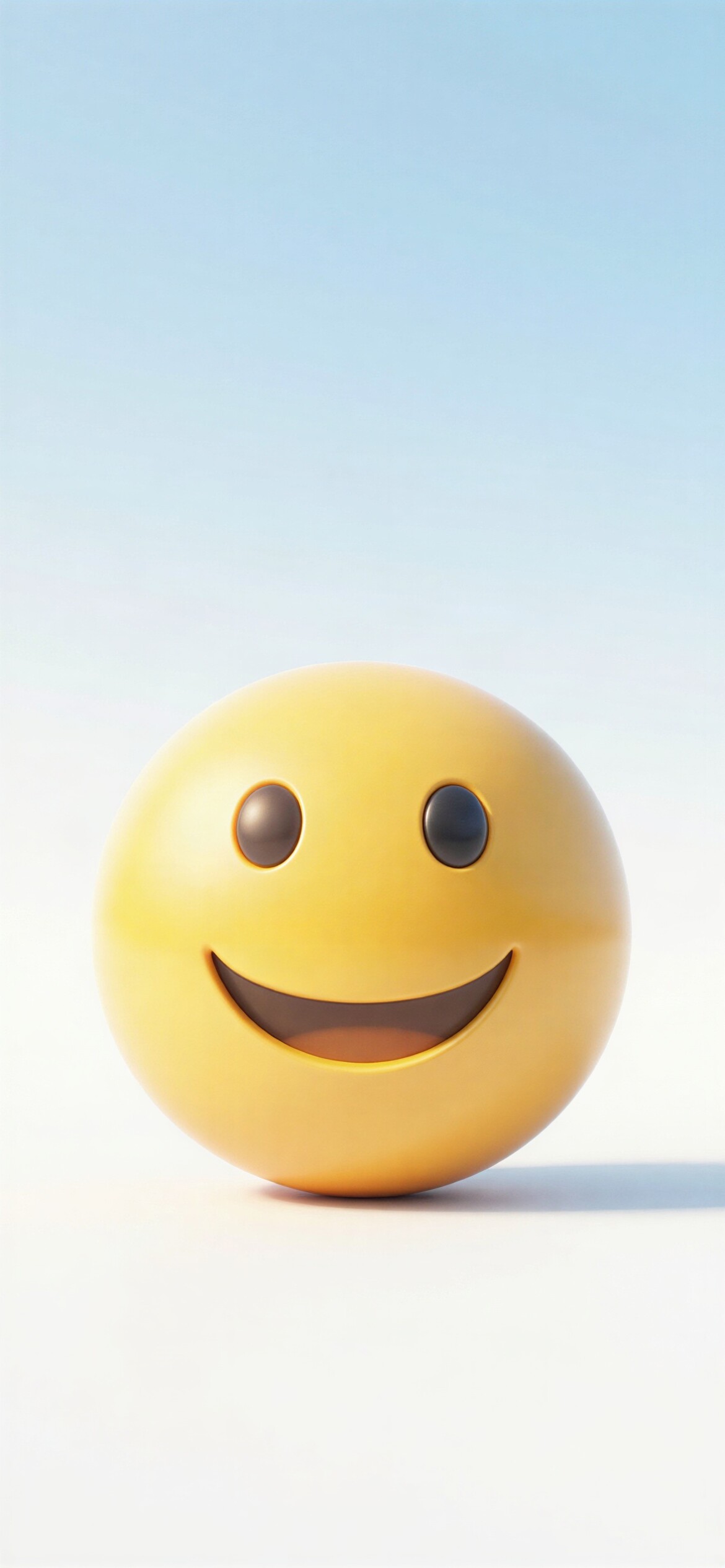
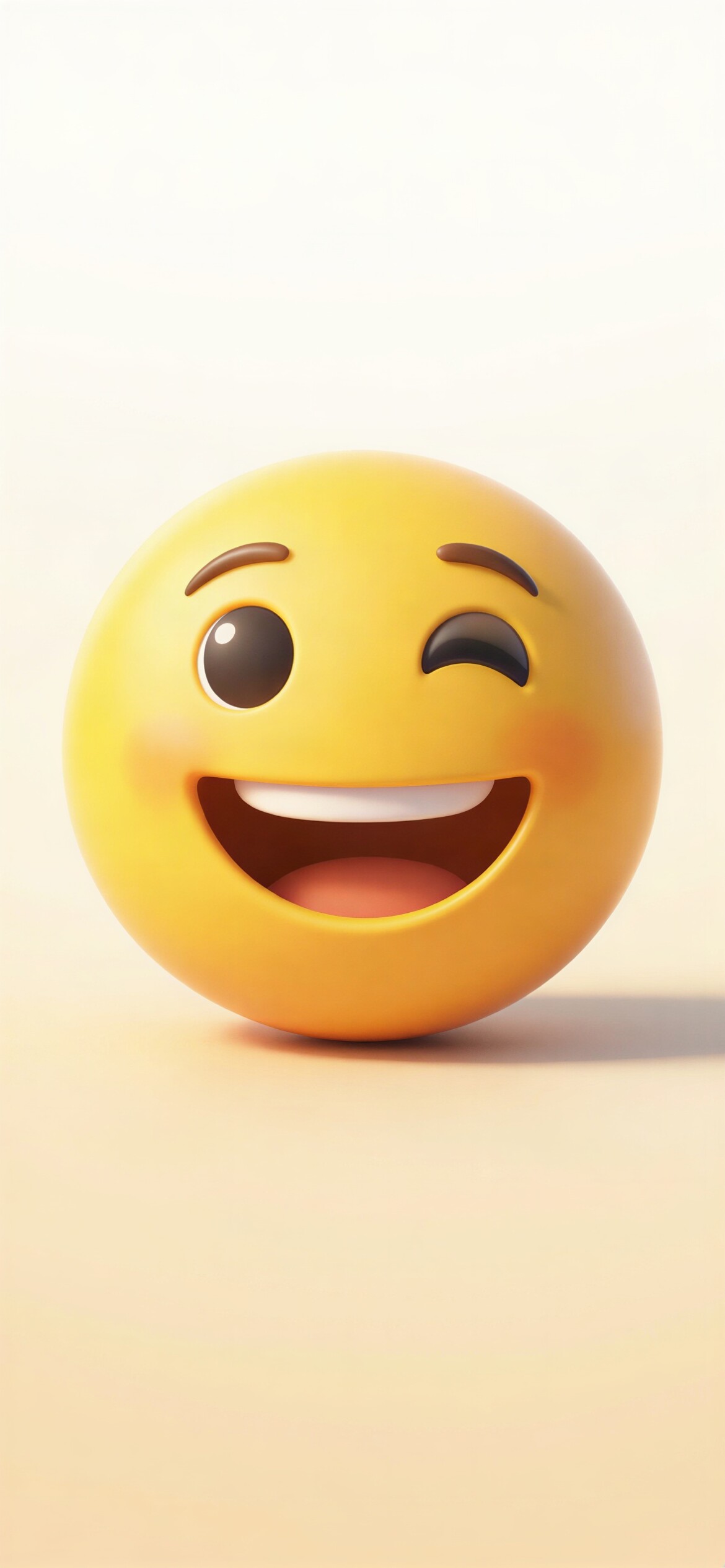
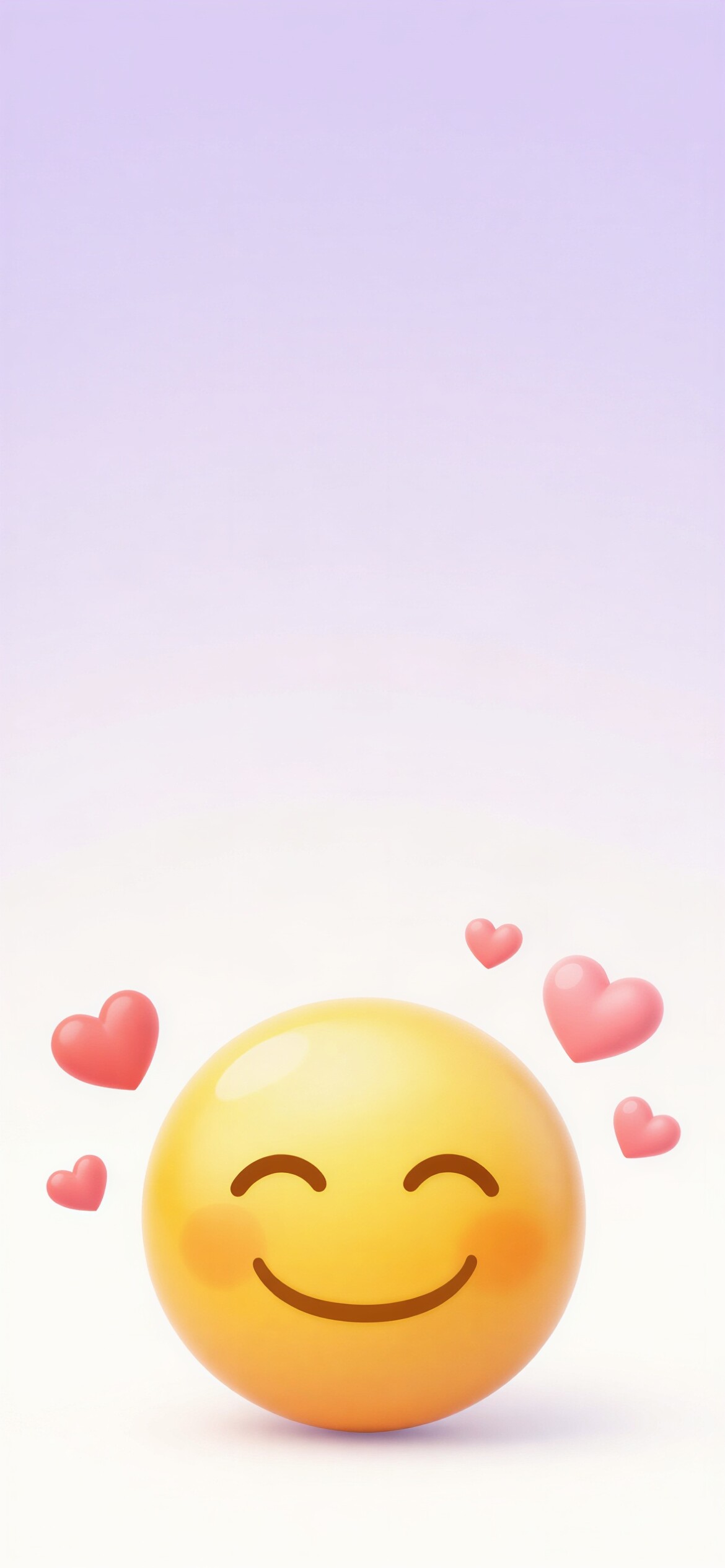
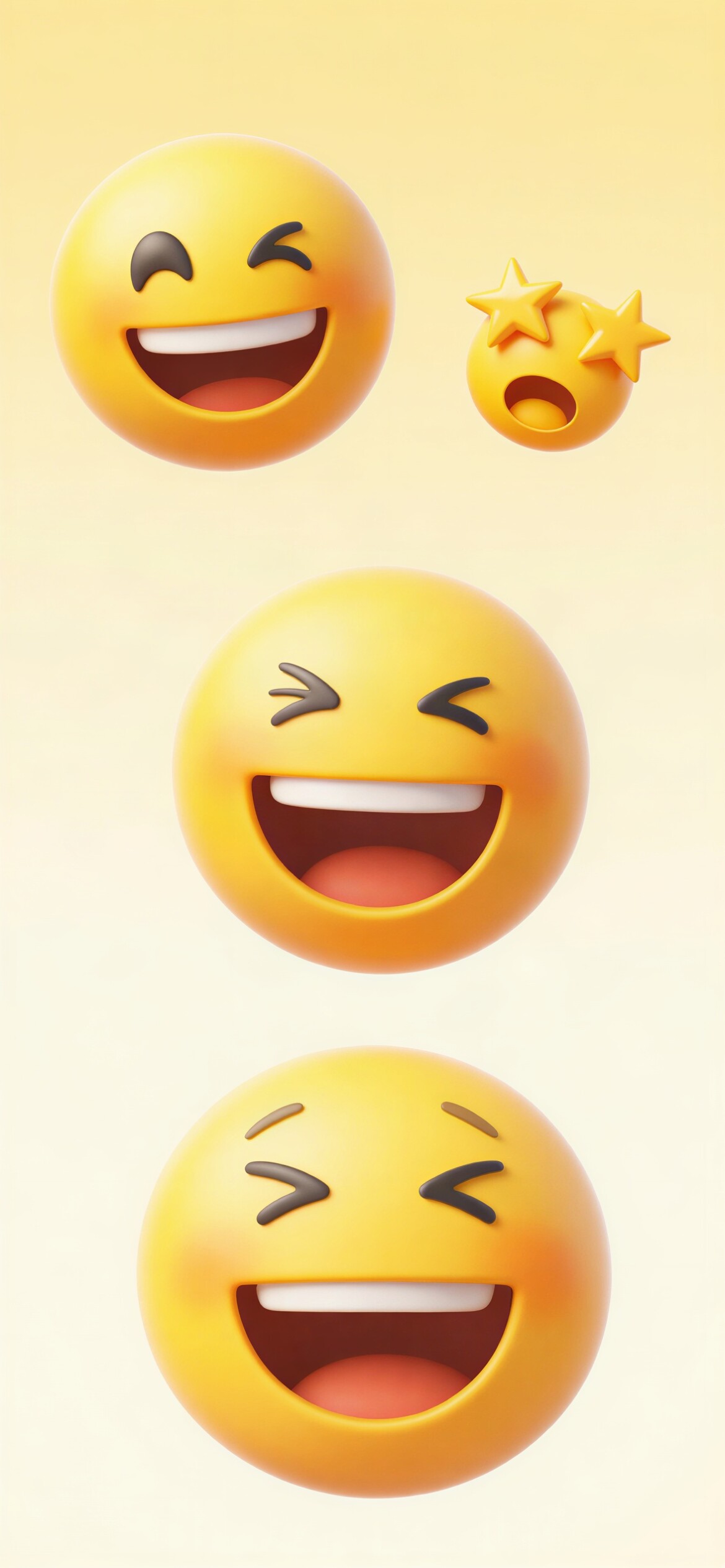
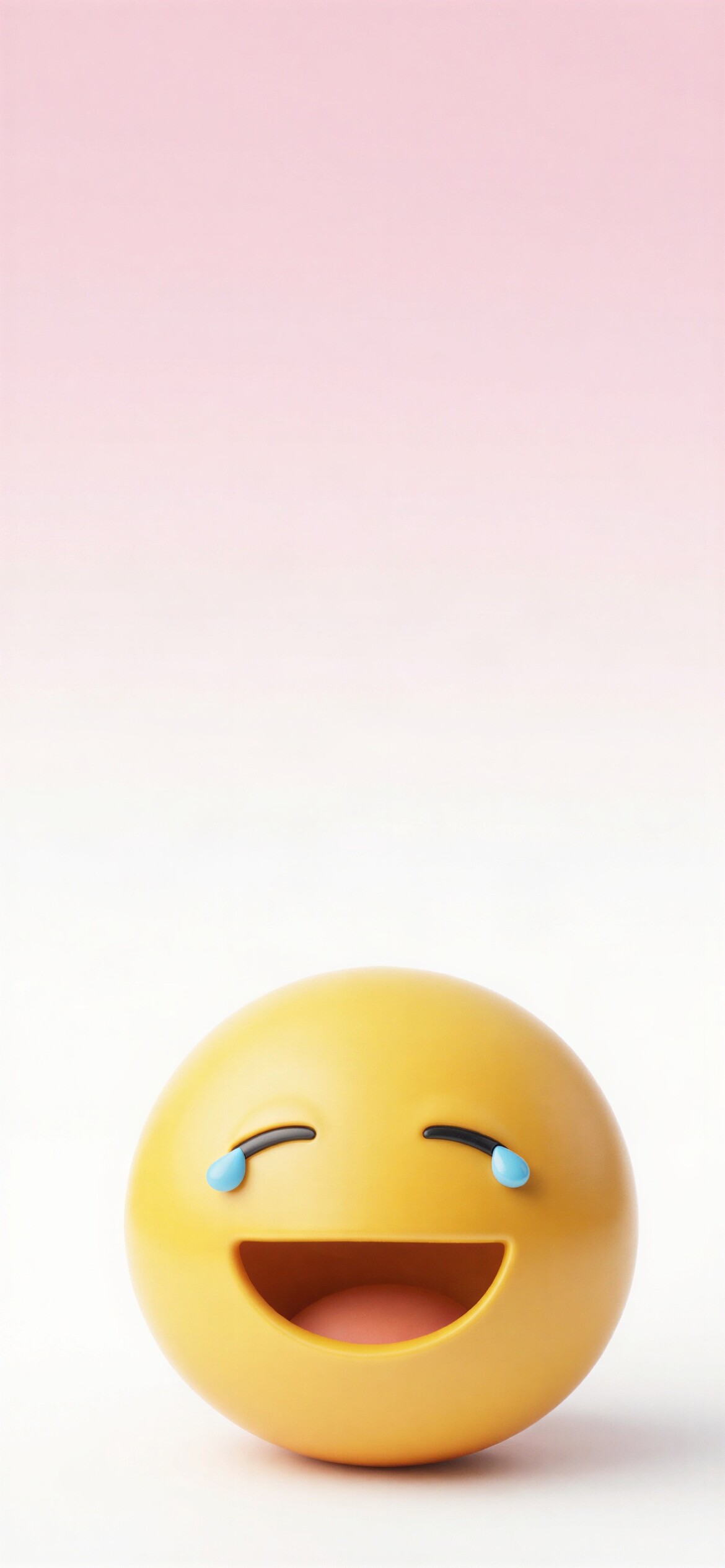
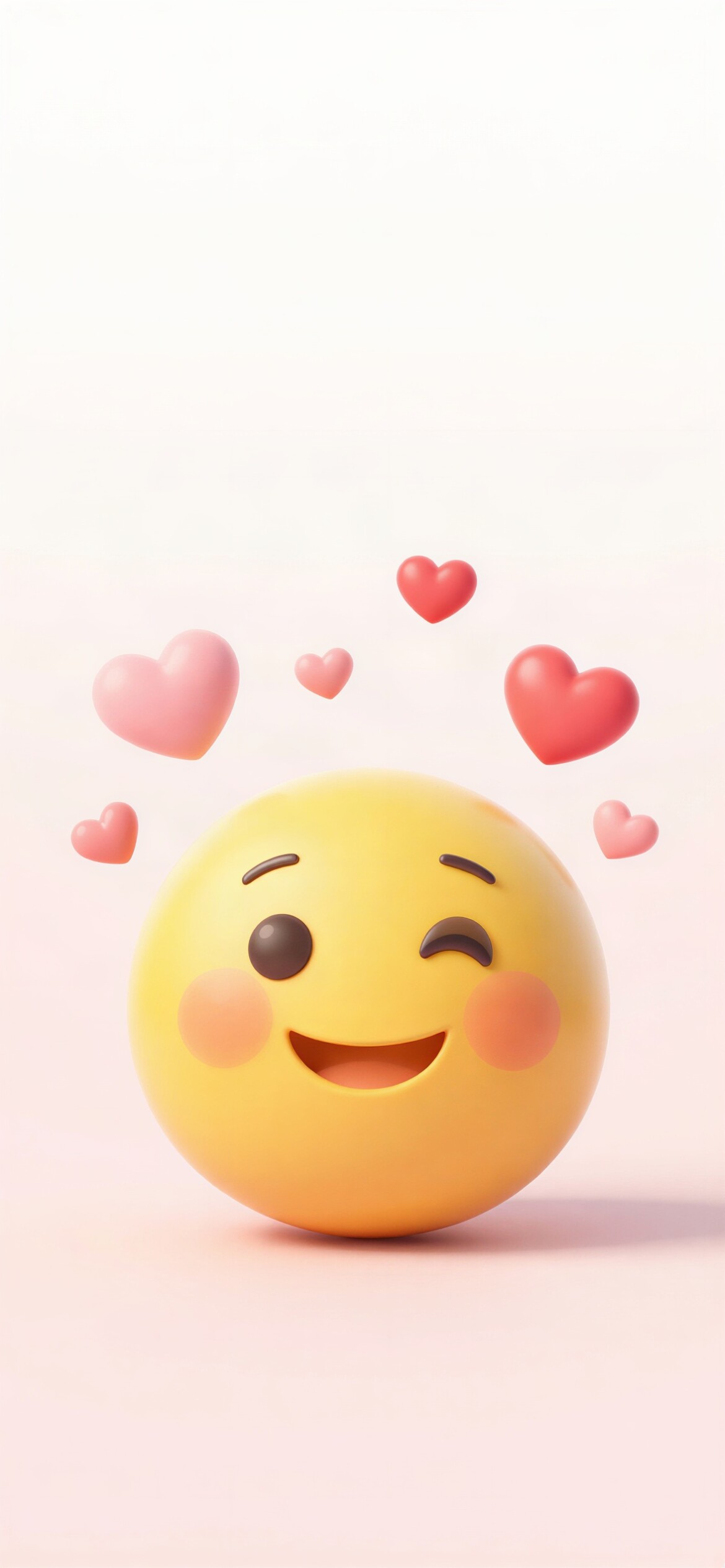
Half of this set is about one face doing one thing. Wallpaper 1 is a single big smile on a light gradient, about as simple as it gets. Number 3 is similar but softer, with gentle shadows that give the face a little depth on the lock screen. Then the expressions start to move: 5 has hearts floating around it on lavender, 7 is laughing outright on soft pink, and 9 is blushing with hearts of its own on a rose background.
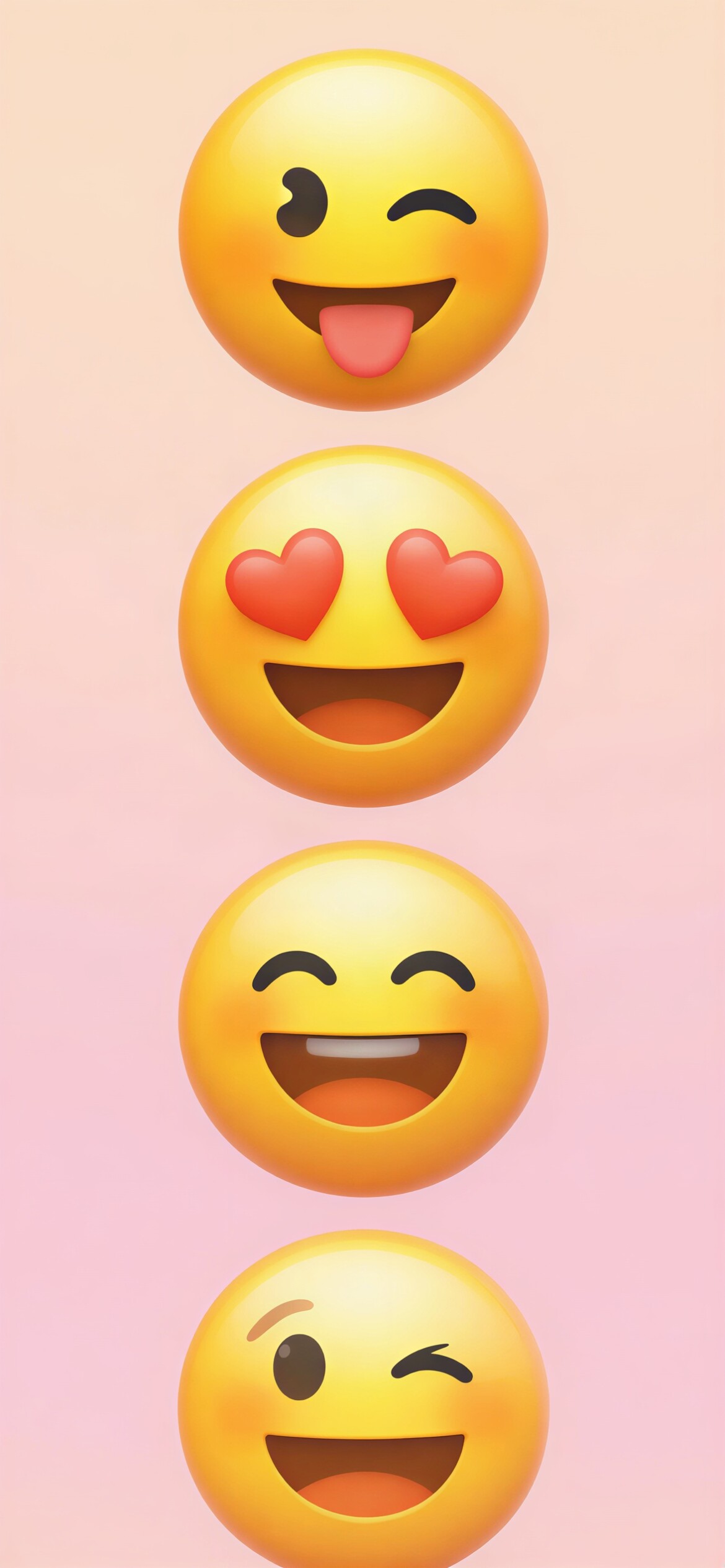
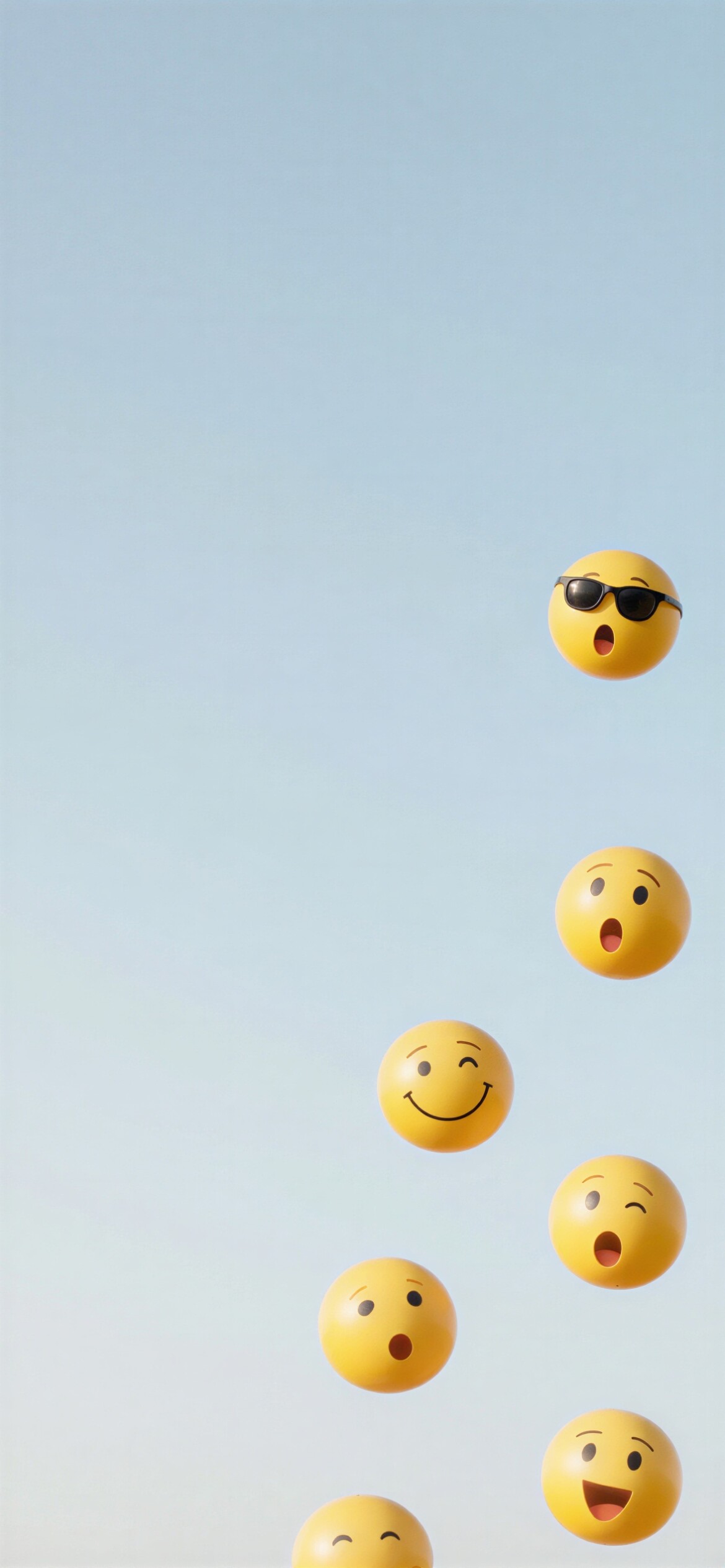
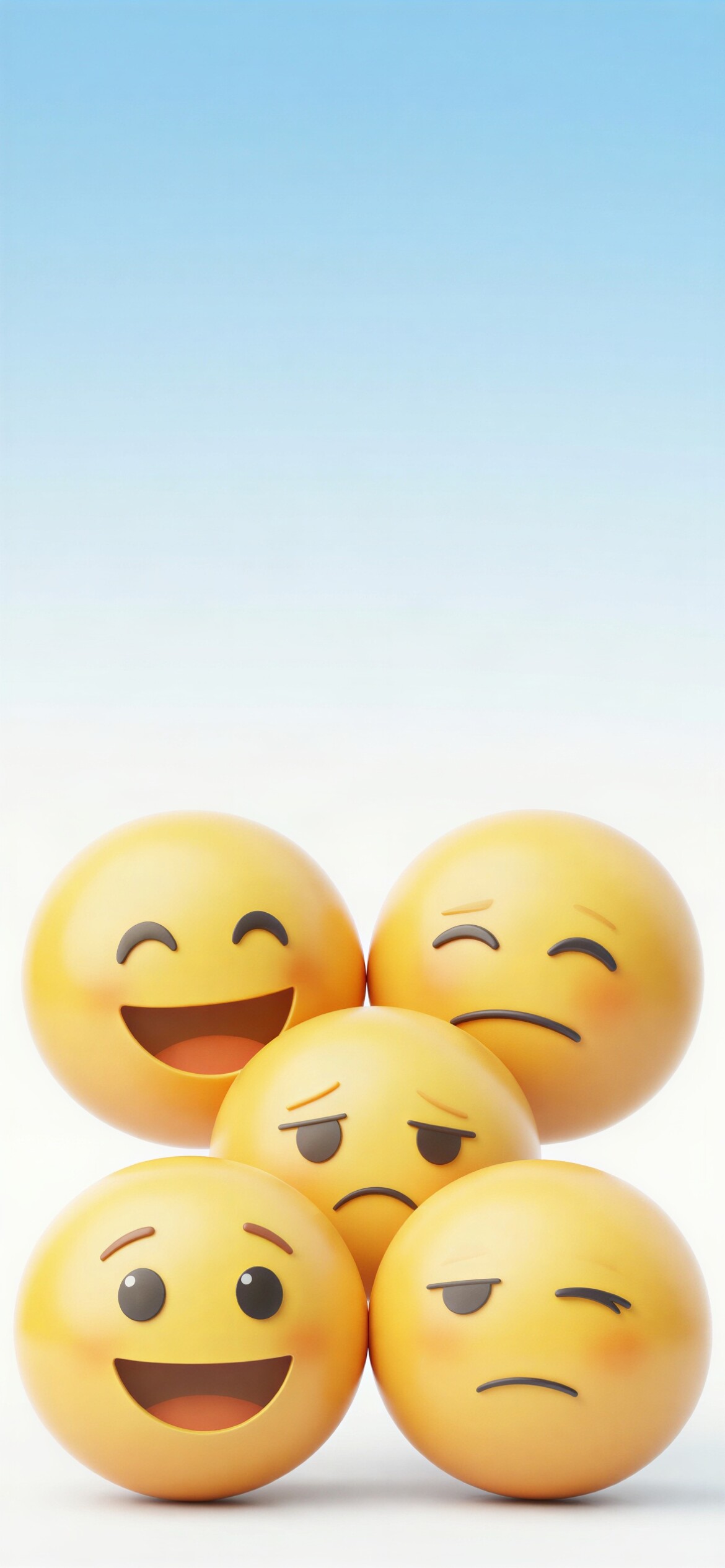
The other half puts faces together. Number 2 stacks three colourful ones on a pastel gradient, 6 sets three in a triangle on cream, and 8 lines up four different emotions on a pale gradient. Wallpaper 4 scatters five expressions across pale blue, which leaves the gaps your app icons need. Number 10 is the cheekiest of the lot: two winking faces side by side on light blue.
A picture-character from late-1990s Japan
The word emoji comes from Japanese: e means picture and moji means character. It only looks like it has something to do with "emotion", and that is a coincidence. One of the best-known early sets was drawn by Shigetaka Kurita in 1999 for NTT Docomo's i-mode mobile internet service: 176 tiny symbols, each just 12 by 12 pixels. The Museum of Modern Art in New York added that original set to its collection in 2016.
Emoji went worldwide once they were added to Unicode in 2010, which meant a smile sent from one phone would arrive as a smile on another. Apple put an emoji keyboard on the iPhone for everyone with iOS 5 in 2011, and by 2015 Oxford Dictionaries picked the "face with tears of joy" as its Word of the Year. The laughing face in wallpaper 7 is a close cousin. There is even a World Emoji Day on 17 July, the date shown on Apple's calendar emoji.
Blue, pink or buttercream?
- Cool and clear: 4 and 10, on pale and light blue. These sit calmly next to blue or white app icons.
- Warm and a bit soppy: 5, 7 and 9, on lavender, soft pink and rose, the three with the most feeling in them. Good picks for a lock screen you want to smile at.
- Neutral and sunny: 1, 2, 3, 6 and 8, on light gradients, pastels and cream, where the yellow of the faces does all the work.
If you like this set, the smiley face wallpapers keep the same cheerful idea in a simpler form, the kawaii set brings more small cute characters, and the yellow aesthetic wallpapers are there if it is mostly the colour you are after.
How to set it on your iPhone
- Tap Download and save the image to Photos.
- Open Settings, tap Wallpaper, then Add New Wallpaper, and choose Photos.
- Pick the wallpaper, pinch to position it, then tap Add and choose the lock screen, home screen or both.
Stuck on a step? The iPhone and iPad guide has screenshots for each one.
Questions
Do these emoji wallpapers fit all iPhone models?
Yes. This set is designed for iPhone at 1170x2532 pixels and is sized for modern iPhones; some older models may crop slightly at the edges. The tall vertical format keeps a simple top with the main subject below, so the design holds up from smaller to larger iPhones.
Can I use these wallpapers commercially or repost them?
These emoji wallpapers are free for personal use on your own iPhone only. You cannot sell them, print them for sale, or repost them on other websites or apps. For details on permitted use, see our Terms page.
Which emoji wallpapers work best on lock screens versus home screens?
Single emoji designs are ideal for lock screens because they have one clear focal point and won't interfere with time and notifications. Multi-emoji versions with scattered or arranged faces work better on home screens, as they have balanced spacing for app icons to sit without covering the faces.
Do emoji wallpapers work well with icon customization?
Yes. The bright, simple backgrounds make colorful app icons pop without visual clutter. The open space means custom icons won't overlap the main emoji faces. Try matching icon colors to the emoji yellow or the gradient tones for a coordinated look.