Cow Wallpaper iPhone
Cow wallpaper for iPhone brings pastoral scenes and grazing cattle to your lock and home screens. These original designs feature cows in meadows, barns and countryside settings with natural lighting and soft colors. Each cow wallpaper suits both lock screen and home screen displays, and works well with light or dark mode. The set includes close-up portraits and wide landscape views that capture the calm mood of farm life.
10 wallpapers at 1170 × 2532 px for iPhone. Checked by hand on 3 Oct 2026.
About this set
This set captures cows in their natural habitat with soft, realistic lighting and pastoral colors. Each wallpaper focuses on the calm presence of cattle in meadows, pastures and farm settings. The designs work well on lock screens where a simple landscape or close-up portrait won't compete with time displays, and on home screens where they sit beneath app icons without visual clutter.
These cow wallpapers pair well with light mode, though several designs with cooler tones suit dark mode too. The warm golden hour scenes and cool misty morning views offer variety for different moods. Close-up cow faces work best on lock screens, while wide pasture views complement home screens with open icon arrangements.
From wild aurochs to the dairy barn
Every cow in this set descends from the aurochs, a large wild ox that once roamed Europe, Asia and North Africa. People in the Near East began domesticating it roughly ten thousand years ago, and the last known wild aurochs died in Poland in 1627. Over the centuries farmers bred cattle for milk, meat and pulling ploughs, which is why coats and builds vary so much across the ten pictures here.
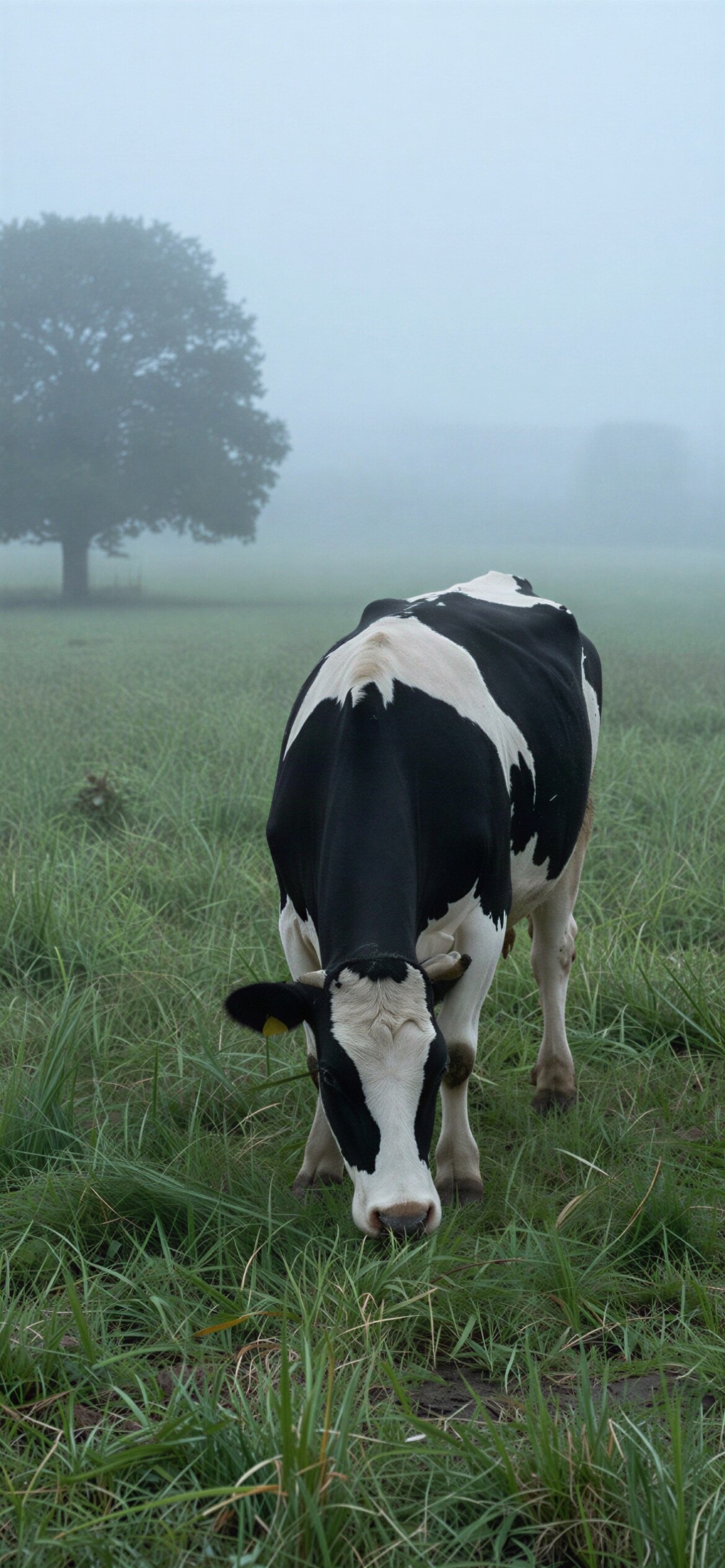
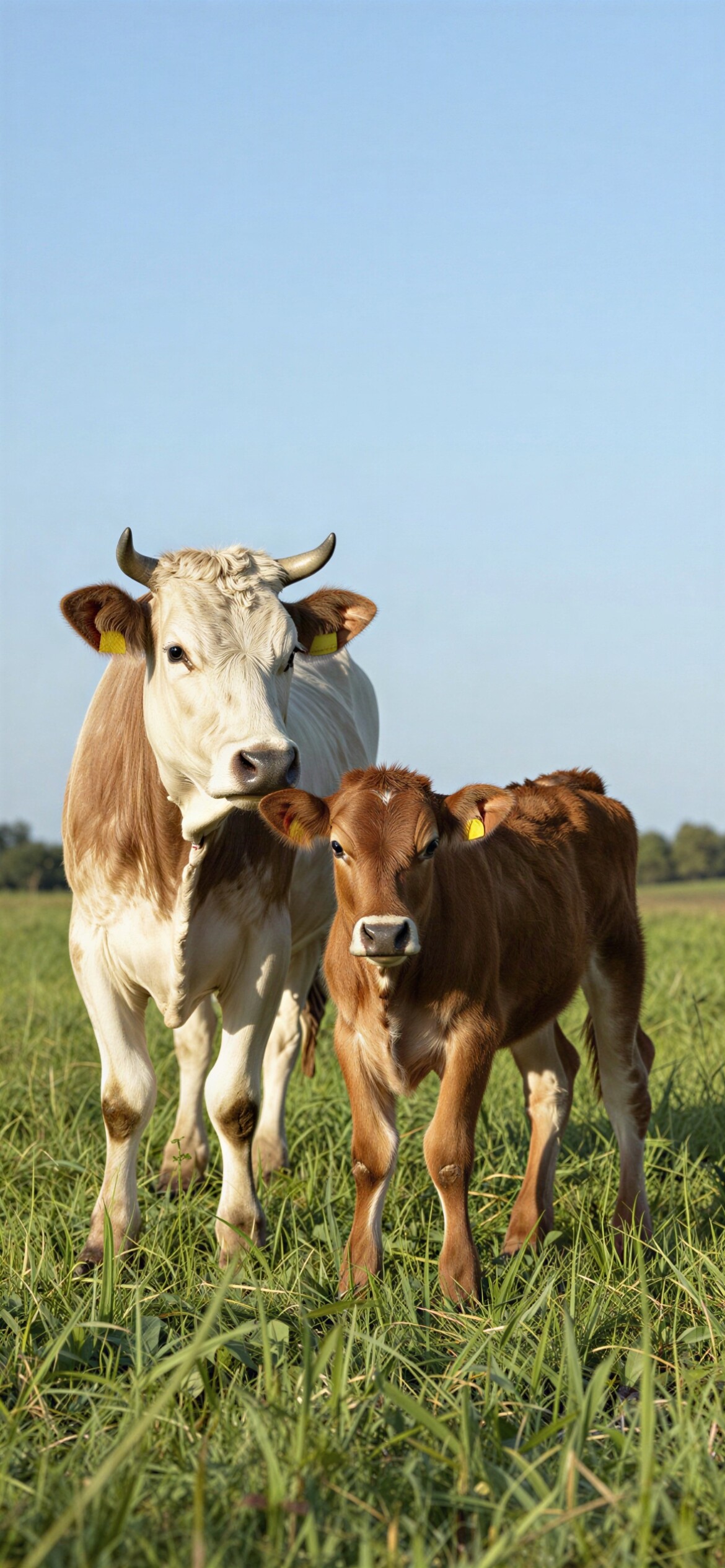
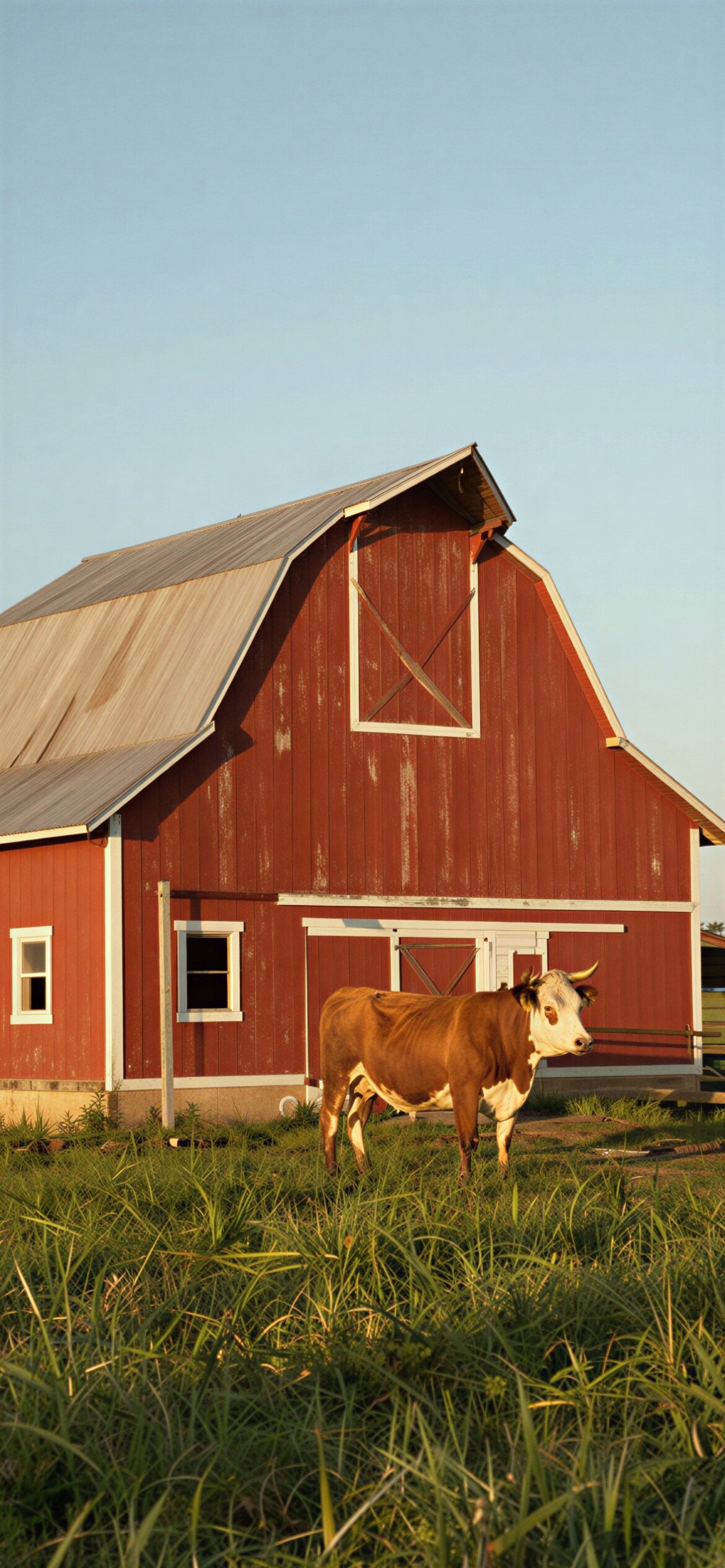
The black and white cow in #2 is a Holstein, a breed that traces back to the Netherlands and is now the most common dairy cow in many countries. Its patches are unique to each animal, a bit like a fingerprint. The red barn behind #8 has its own story: red paint mixed from iron oxide was cheap and durable, so it became the traditional barn colour across much of rural North America. And the calf in #7 sticks close to its mother for good reason, since young calves rely on her milk for the first months of life.
Who is standing where
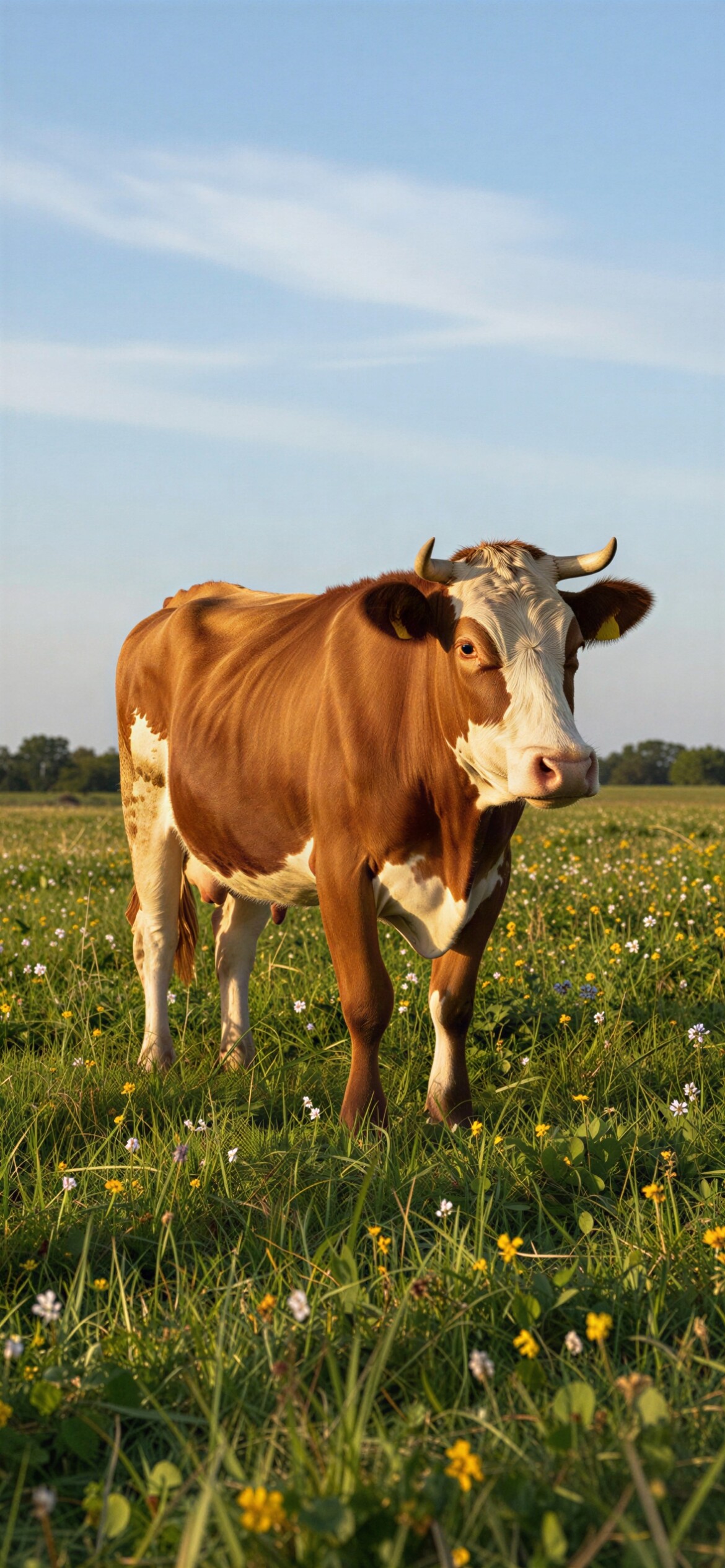
- #1 A brown and white cow in a sunlit meadow scattered with wildflowers.
- #2 A Holstein grazing in a misty morning pasture.
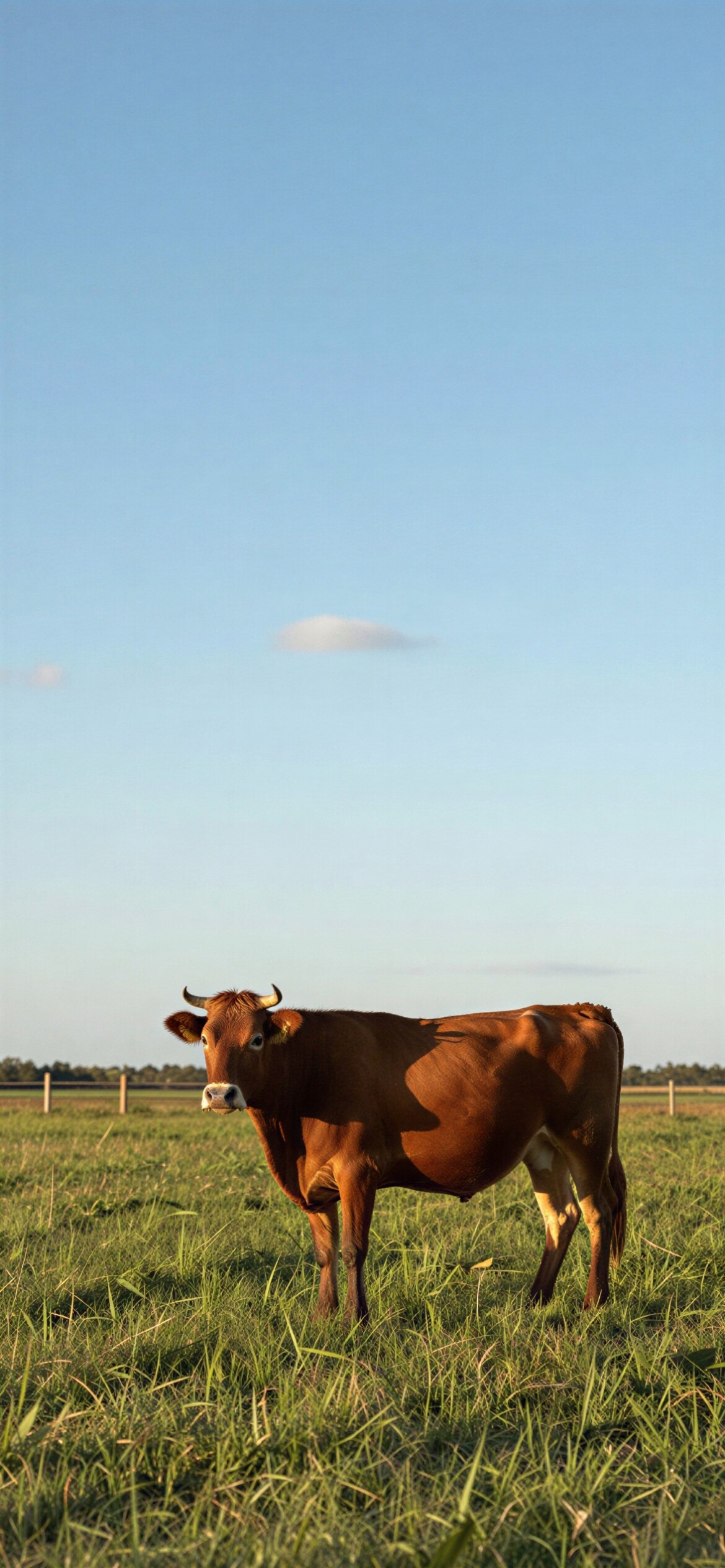
- #3 A reddish-brown cow alone in an open field under a clear blue sky, with plenty of empty sky for the clock.
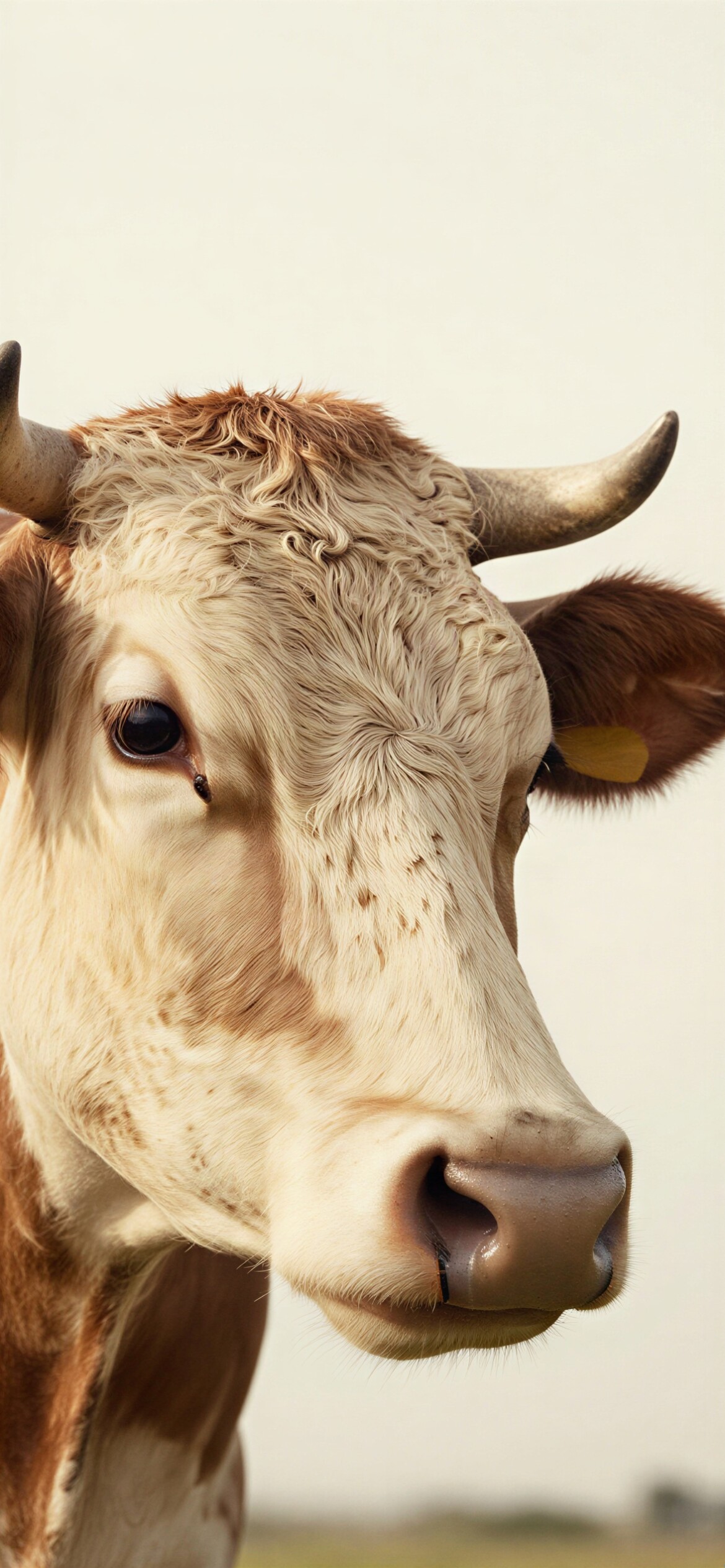
- #4 A close-up of a cow's face with gentle eyes on a plain cream background.
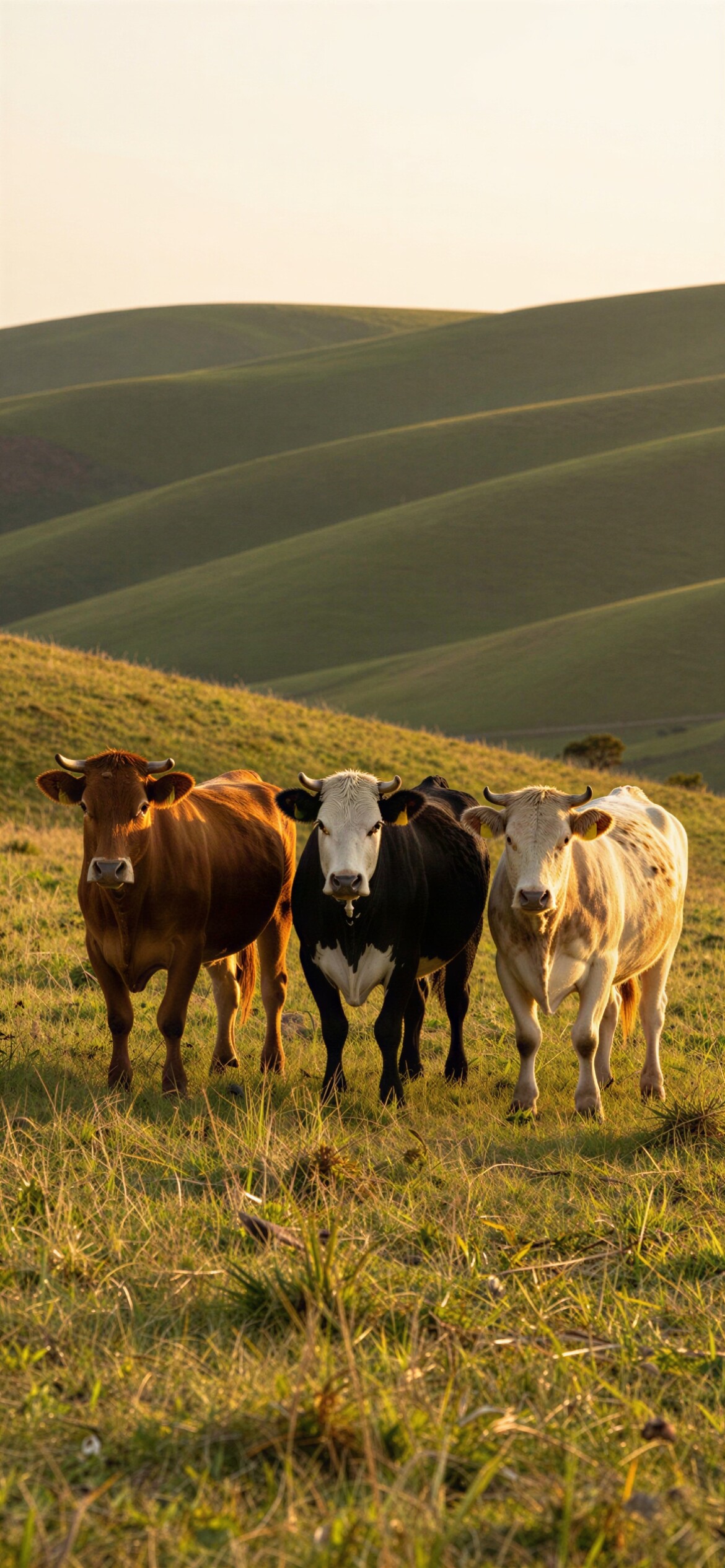
- #5 Three cows together on a grassy hillside at golden hour.
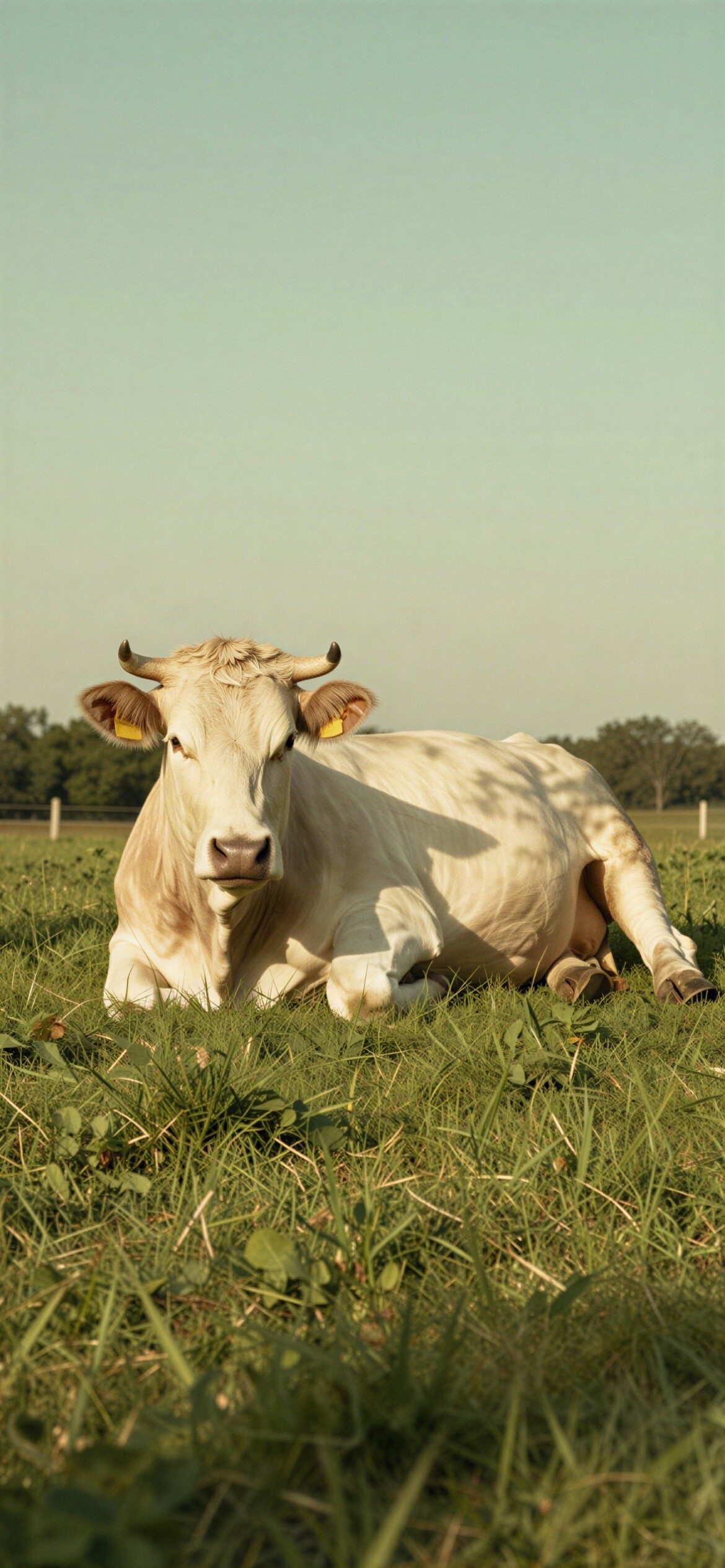
- #6 A cream-coloured cow lying in dappled sunlight on green grass.
- #7 A young calf beside its mother in a sunny pasture.
- #8 A cow in front of a red barn with white trim.
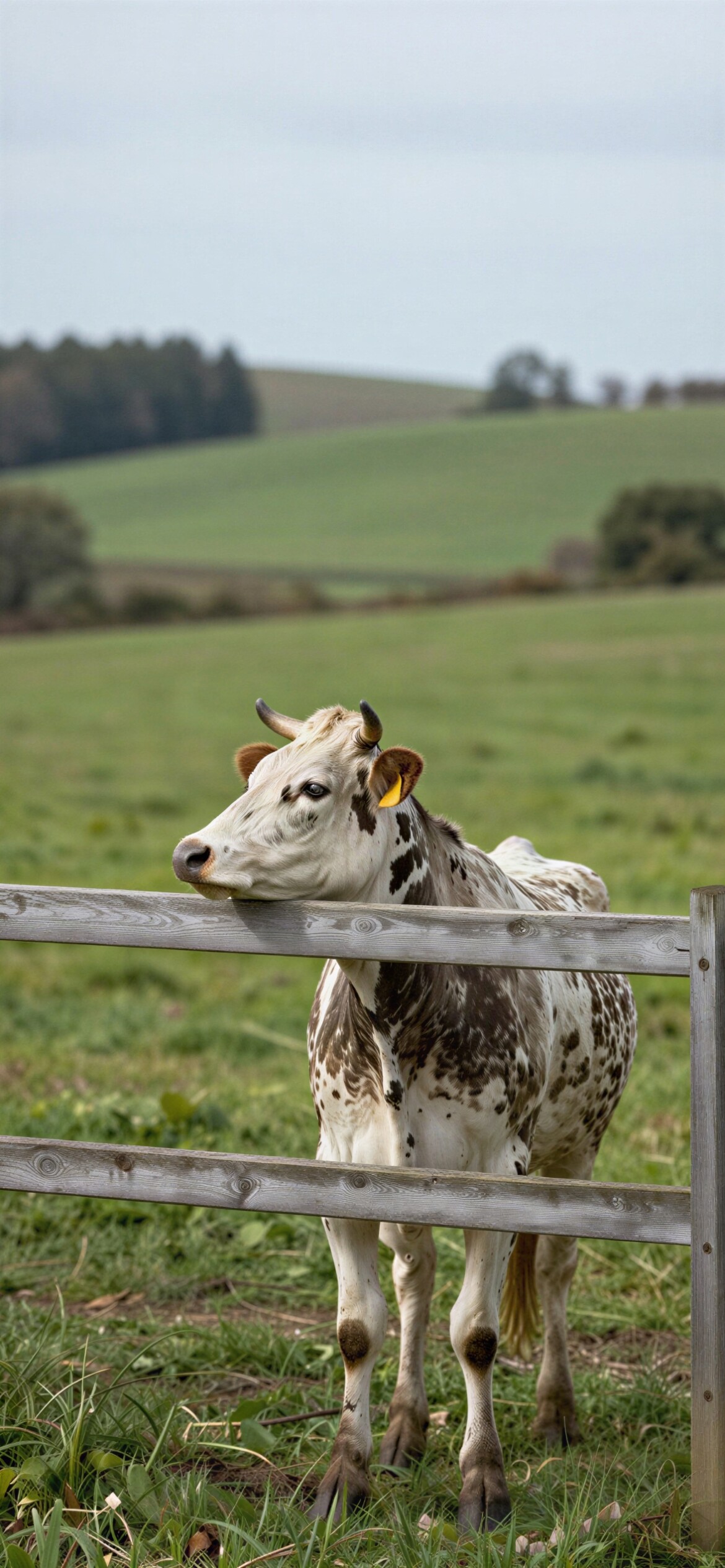
- #9 A spotted cow leaning over a wooden fence toward rolling green fields.
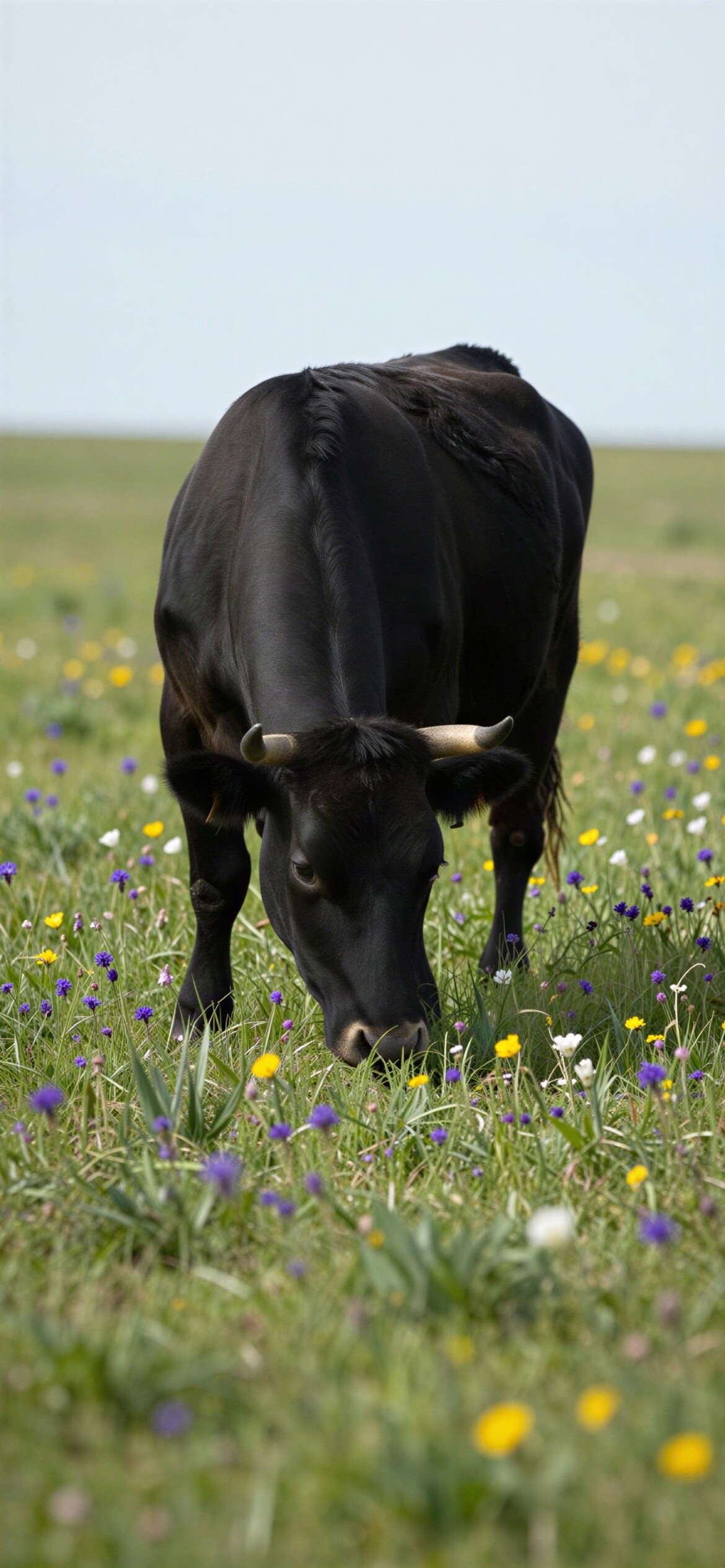
- #10 A black cow grazing in a wildflower meadow under soft overcast light.
Gold evenings, crisp days or grey mornings
If you want warmth, go for #1, #5, #6 and #7, where low or filtered sun gives the grass and coats a honey tone. For something brighter and cleaner, #3, #8 and #9 have sharper colour: blue sky, red paint and green hills. The quietest picks are #2, #4 and #10, with mist, a cream backdrop and an overcast sky keeping everything muted, which also makes them easy on the eyes late at night.
For more open country, the horse wallpapers share the same pasture feel, and the landscape and scenery sets have wider views with no animals at all.
How to set it on your iPhone
- Tap Download and save the image to Photos.
- Open Settings, tap Wallpaper, then Add New Wallpaper, and choose Photos.
- Pick the wallpaper, pinch to position it, then tap Add and choose the lock screen, home screen or both.
Stuck on a step? The iPhone and iPad guide has screenshots for each one.
Questions
Will these wallpapers fit my iPhone screen properly?
Yes. These wallpapers are sized at 1170x2532 pixels, the standard for current iPhones. They fill the full screen edge to edge in portrait orientation on modern iPhones, though some older models may crop slightly at the edges. When you set one as your lock screen or home screen, iOS will fit it automatically.
Can I use these wallpapers for personal use?
Yes, you can download and use these wallpapers for free on your own iPhone and devices. You cannot sell them, print them for sale, repost them on other wallpaper sites or use them commercially. See our Terms page for full details on permitted use.
Which cow wallpapers work best for lock screen versus home screen?
Close-up cow face designs work best on lock screens because they won't compete with time and notification text. Wide pasture and landscape views suit home screens where app icons sit across the entire display. The simple sky at the top of each design keeps lock screen text readable.
Do these cow wallpapers work with both light and dark mode?
Most designs work well in light mode. The warm golden hour scenes and cream backgrounds suit light mode best. A few cooler-toned wallpapers with misty mornings and grey skies also work in dark mode. Test a few on your home screen and lock screen to see which match your current theme.