Pineapple Wallpaper iPhone
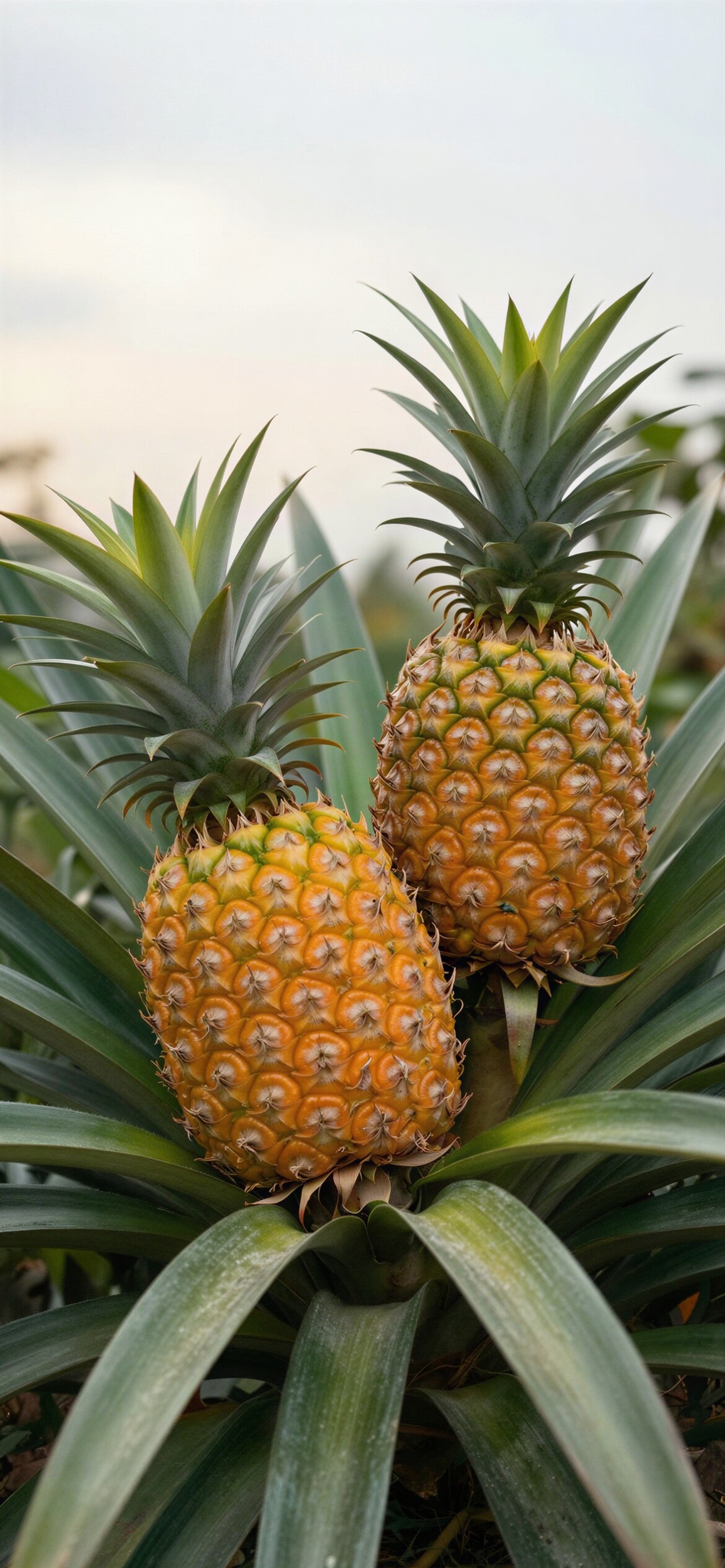
Pineapple iPhone wallpaper offers free designs with tropical fruits, lush leaves and bright sunshine for your lock screen or home screen. These wallpapers bring the warmth and energy of a tropical paradise to your phone. Each design features pineapples in fresh, vibrant settings that work year-round. The pineapple wallpaper collection ranges from close-up fruit details to full tropical scenes, so you can pick the style that fits your mood.
10 wallpapers at 1170 × 2532 px for iPhone. Checked by hand on 3 Oct 2026.
About this set
These pineapple wallpapers bring tropical warmth and vibrant energy to your iPhone. The designs feature realistic photography of ripe pineapples, lush green foliage and natural sunlight. The clean composition with the main subject in the lower half and simple sky above works well for both lock screen and home screen use, keeping your icons and notifications visible.
The bright yellows, oranges and greens pair naturally with most app icons and work equally well in light or dark mode. Lock screen designs stay uncluttered so you can see the time and date clearly. Home screen picks can be busier with more foliage and surrounding fruits. Rotate through the set to keep your phone feeling fresh throughout the year.
Singles, pairs and a few crowds
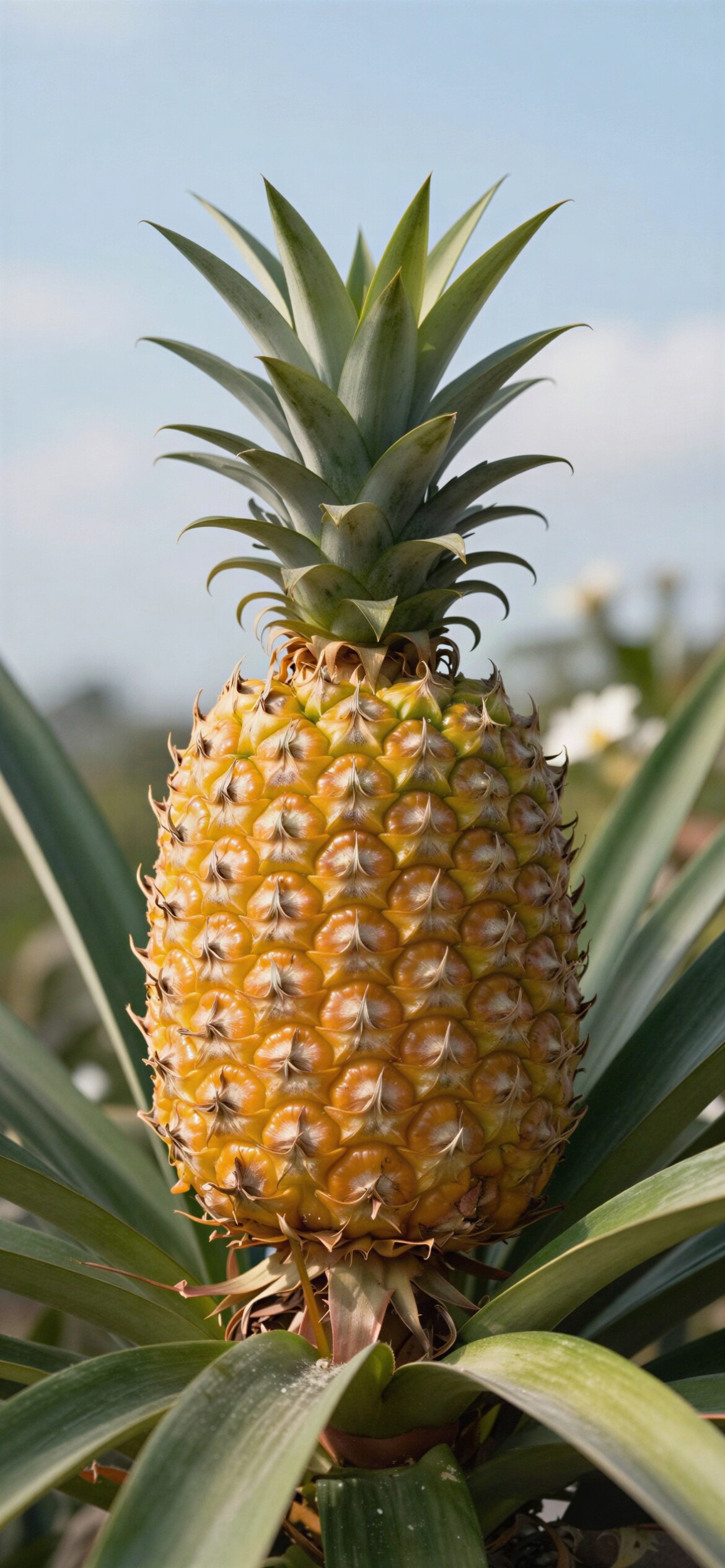
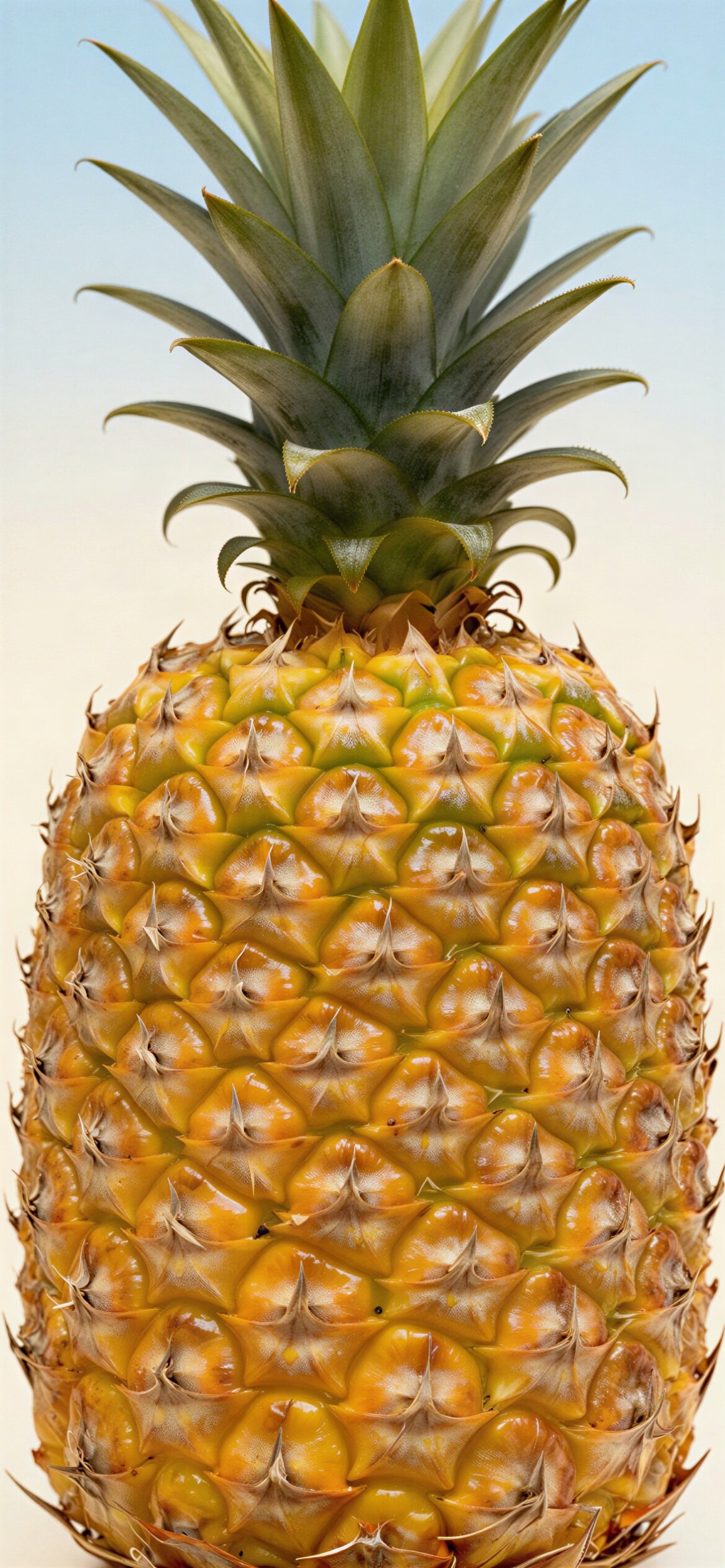
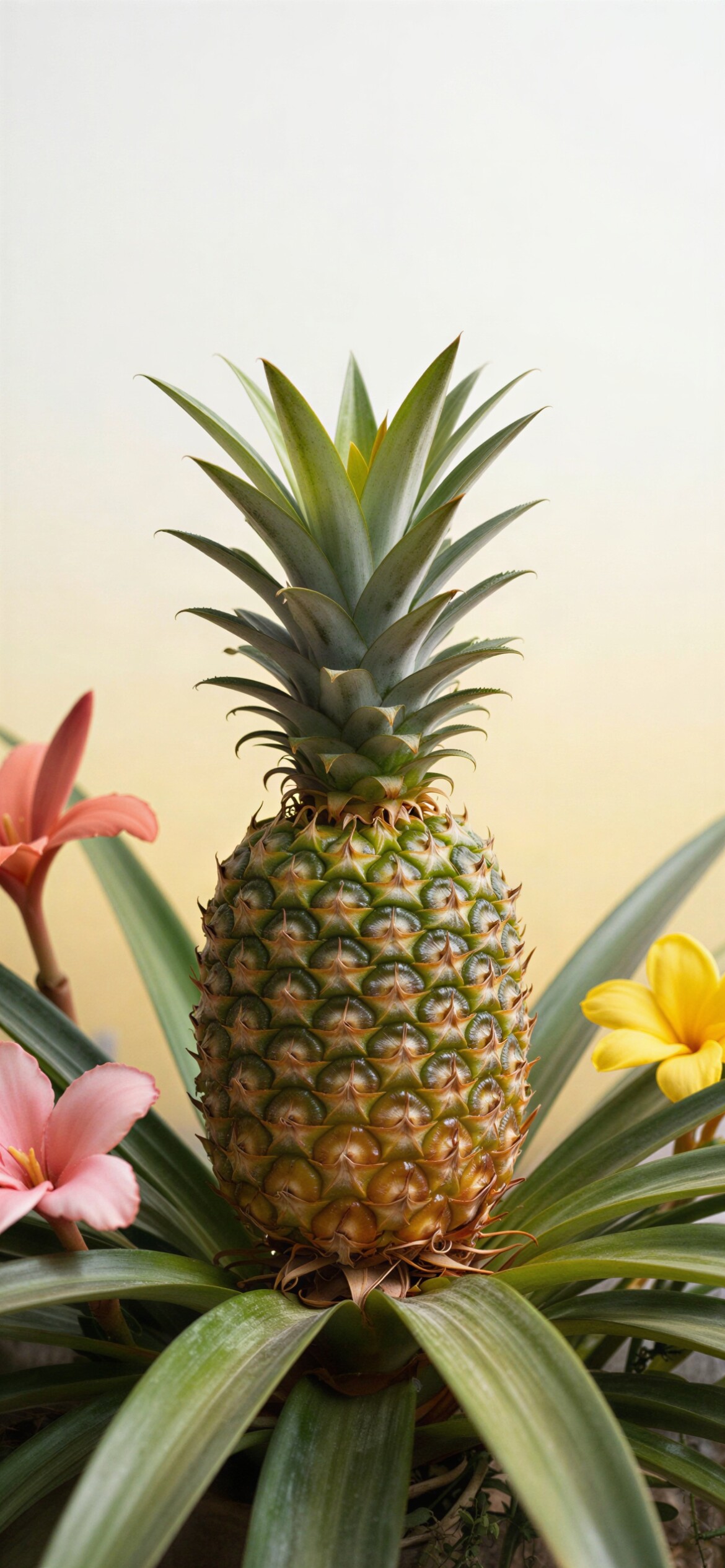
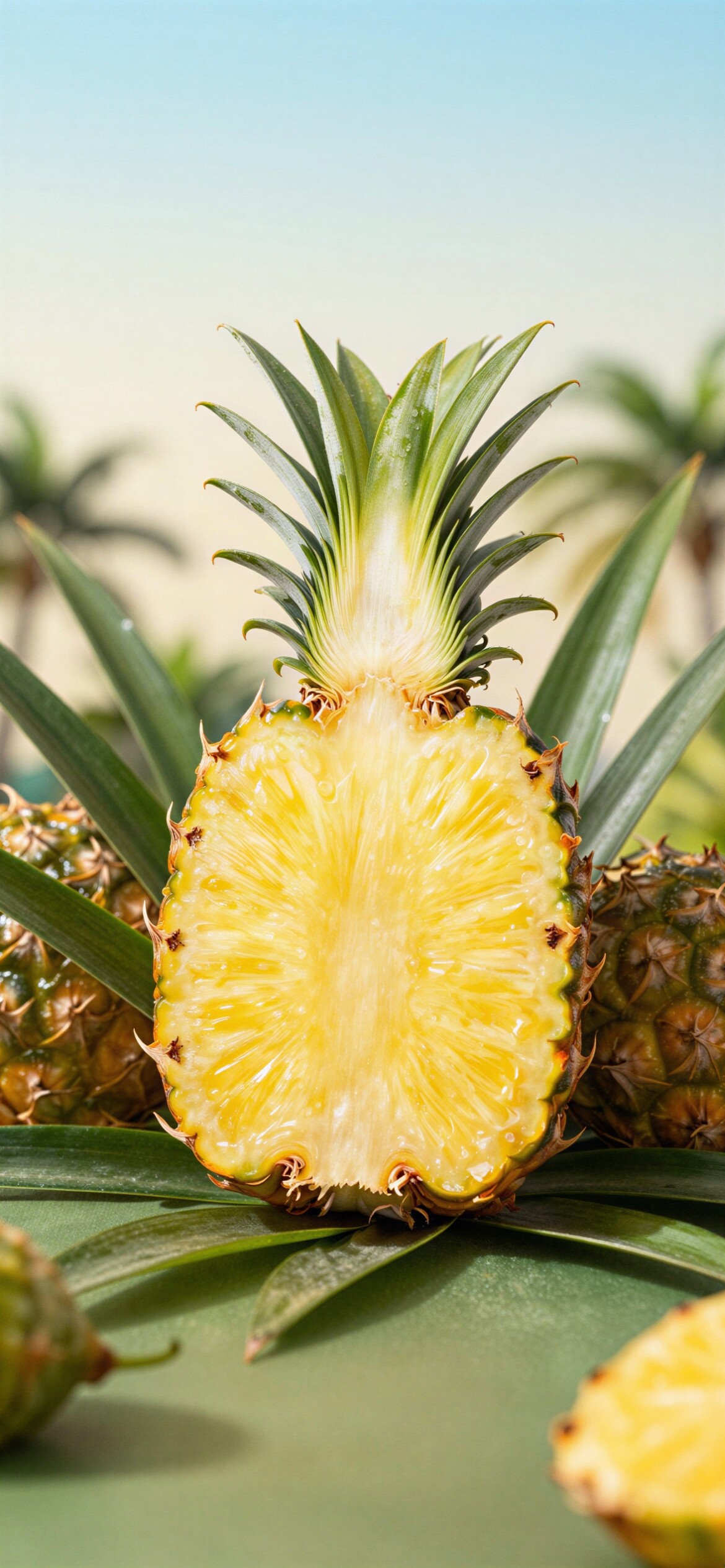
Wallpapers 1, 4, 6 and 7 each keep the focus on one pineapple. Number 1 is the classic: a ripe golden fruit with its green crown under soft blue sky. Number 4 moves in close on the crown and skin, so the diamond pattern almost becomes the design. Number 6 stands its pineapple upright beside coral flowers against a pale sky, and number 7 cuts one in half to show the yellow flesh and core.
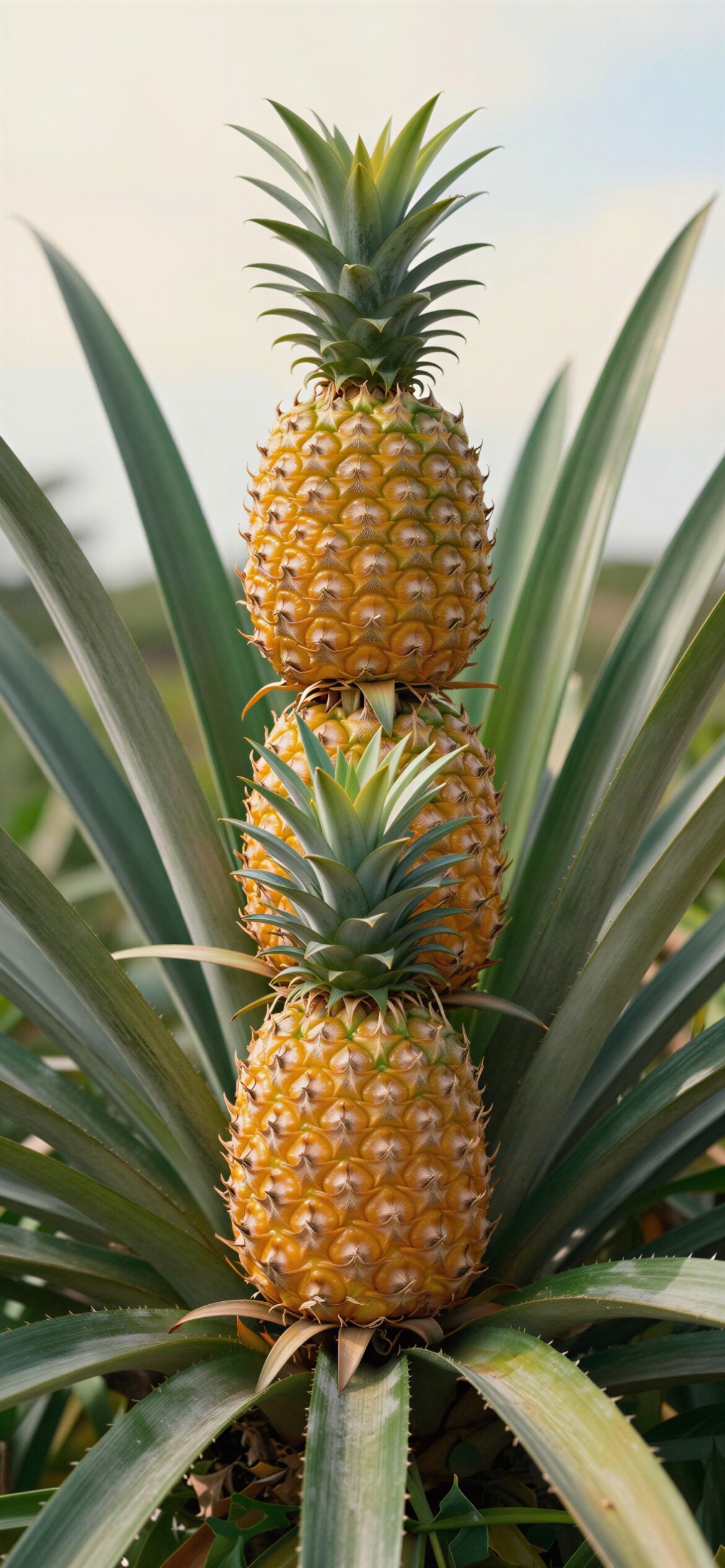
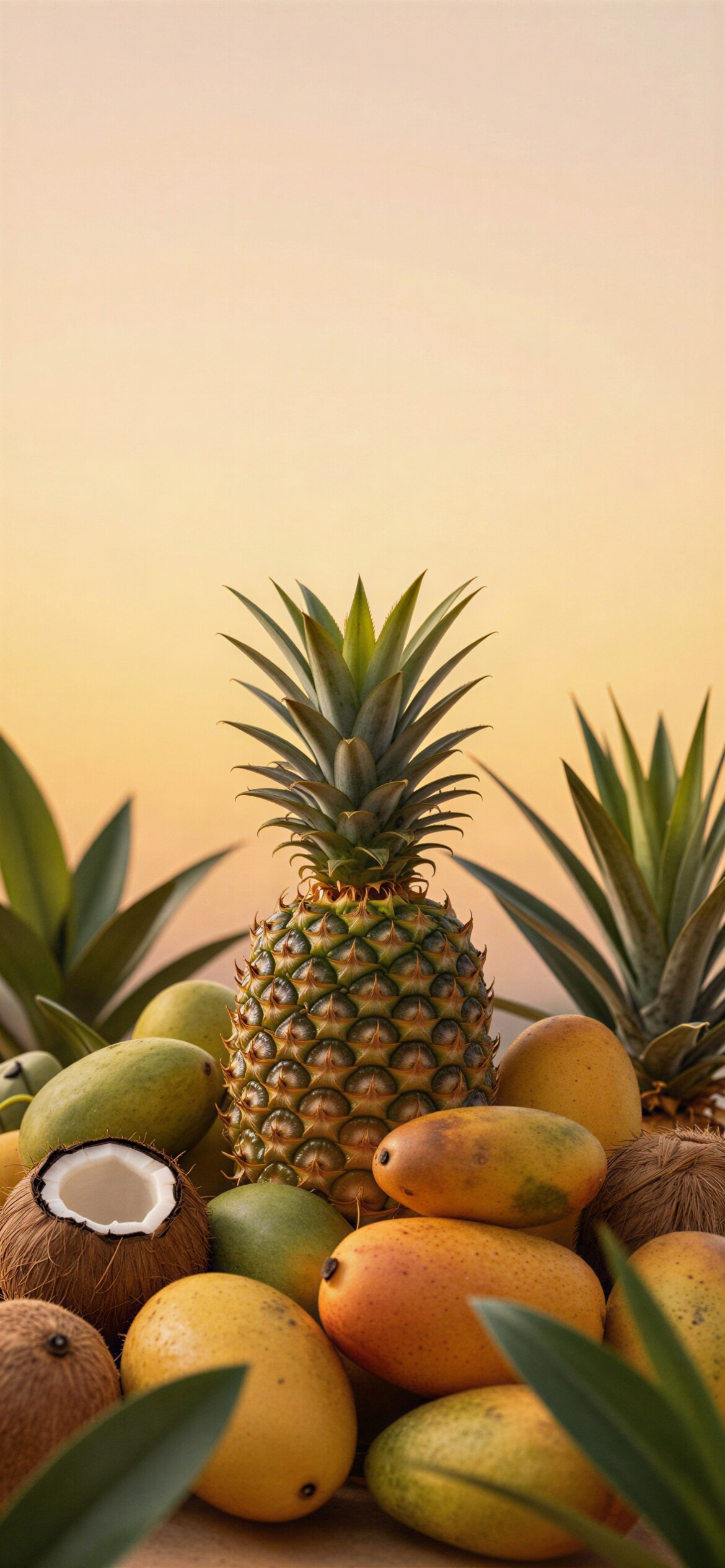
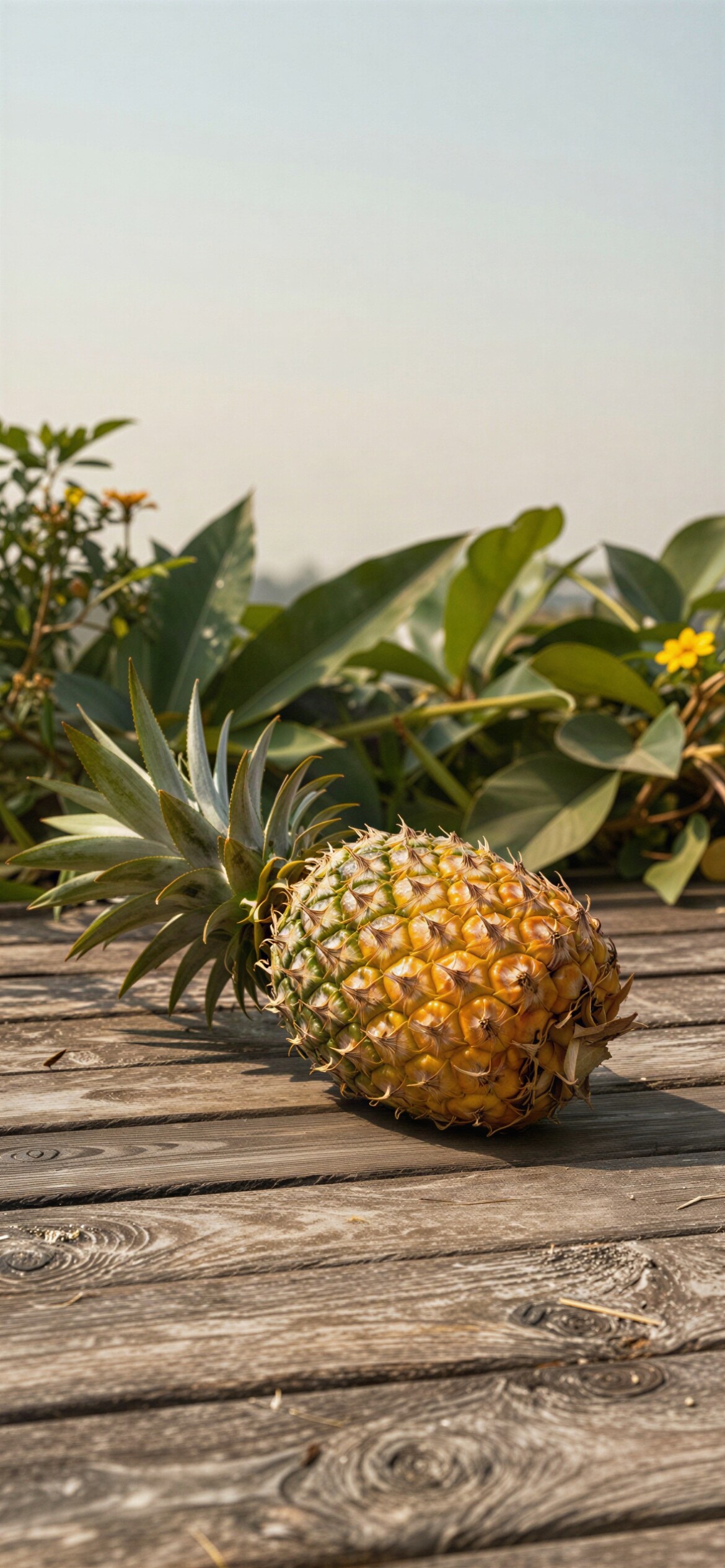
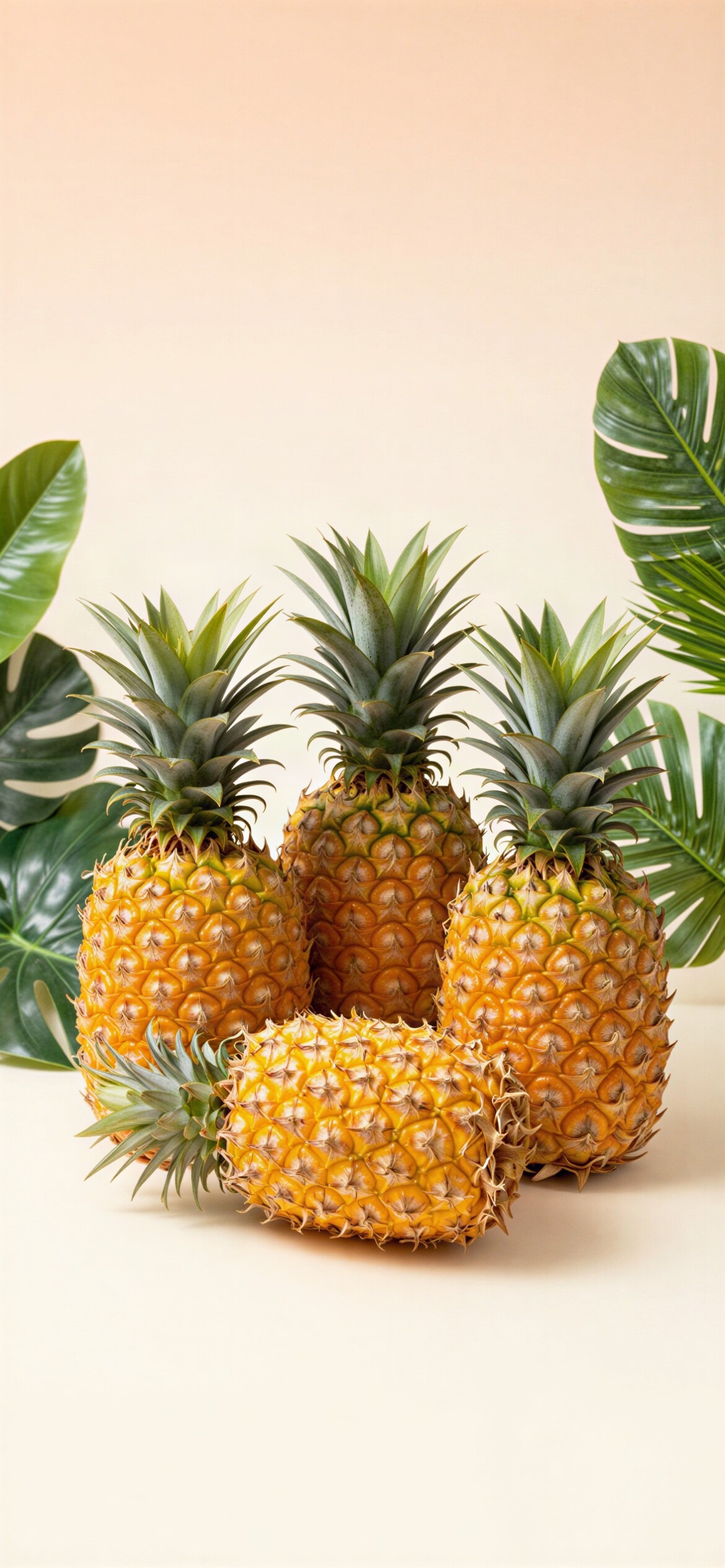
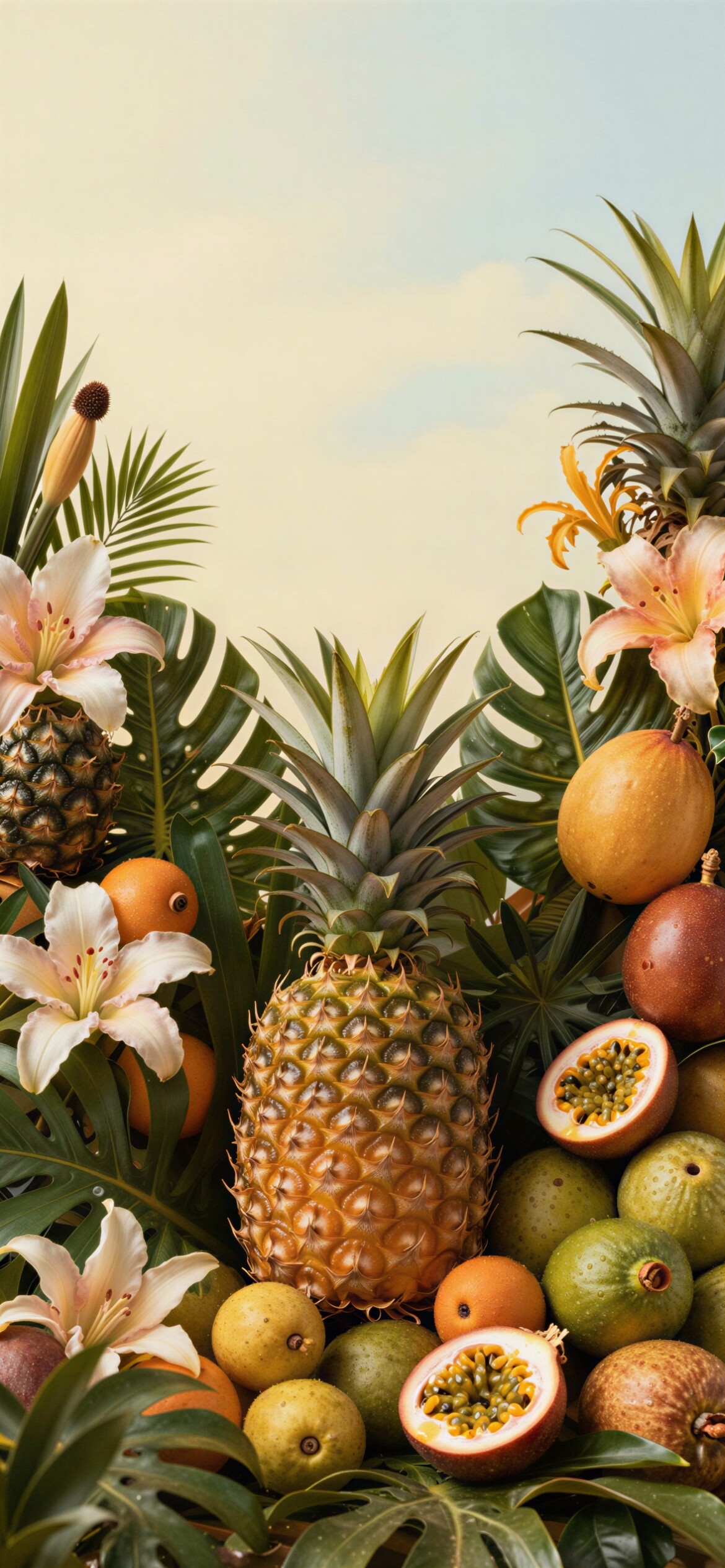
The rest bring company. Wallpaper 2 lines up three pineapples at different stages of ripeness, a nice detail if you look closely, and wallpaper 9 sets three golden ones against a soft gradient. Number 5 tucks a pair among emerald foliage. Numbers 3, 8 and 10 are more like small still lifes: coconuts and other fruit in golden light, a wooden surface in warm sun, and a mix of exotic fruit under gentle daylight.
One fruit made of many flowers
A pineapple is not a single fruit in the usual sense. Each one grows from a cluster of flowers that fuse together as they ripen, and every "eye" on the skin is what is left of one flower. The eyes run in spirals that usually come in Fibonacci numbers such as 8 and 13, the same kind of pattern found in pine cones and sunflower heads. That is the geometry you see up close in wallpaper 4.
The plant comes from South America, and Europeans first met it when Columbus's crew found it in the Caribbean in 1493. Growing one in a European hothouse was so slow and costly that the fruit became a status symbol, and later a sign of welcome carved on gateposts and furniture. The leafy crown on top of every fruit in this set can even be planted to grow a new one.
Which background suits your icons
- Pale and airy: 1, 4, 6 and 9, with blue sky or a soft gradient that leaves the top of the screen clear.
- Leafy green: 2, 5, 7 and 10, where foliage fills most of the frame.
- Warm and golden: 3 and 8, lit by low sun with wood and coconut tones.
To build a whole holiday look, the tropical wallpapers and palm tree designs sit well next to these, and the fruit set has plenty more to rotate through.
How to set it on your iPhone
- Tap Download and save the image to Photos.
- Open Settings, tap Wallpaper, then Add New Wallpaper, and choose Photos.
- Pick the wallpaper, pinch to position it, then tap Add and choose the lock screen, home screen or both.
Stuck on a step? The iPhone and iPad guide has screenshots for each one.
Questions
Will these pineapple wallpapers fit my iPhone screen?
Yes. These designs are sized at 1170x2532 pixels for modern iPhones, and some older models may crop slightly at the edges. The composition is built specifically for iPhone's tall aspect ratio, with the pineapple and foliage in the lower half so your lock screen time and notifications stay visible and readable against the simple sky above.
Can I use these wallpapers for personal use?
Yes, you can download and use these wallpapers free on your own iPhone for personal enjoyment. Selling them, printing them for sale, or reposting them on other wallpaper sites is not allowed. See our Terms page for the full details on what's permitted.
Which pineapple wallpapers work best for lock screen versus home screen?
Lock screen designs should have a clean, simple top so time and notifications stay readable. Most of these work for lock screen. For home screen, choose designs with more tropical foliage and surrounding fruits, since your app icons will sit on top. The busier compositions hide icons better and create a full tropical scene.
Are these pineapple designs seasonal or year-round?
These wallpapers are evergreen and work any time of year. Pineapples and tropical themes don't follow a specific season, so you can use them in summer for that vacation vibe or in winter to bring tropical warmth to your phone. Rotate through different designs whenever you want a fresh look.