90s Wallpaper iPhone
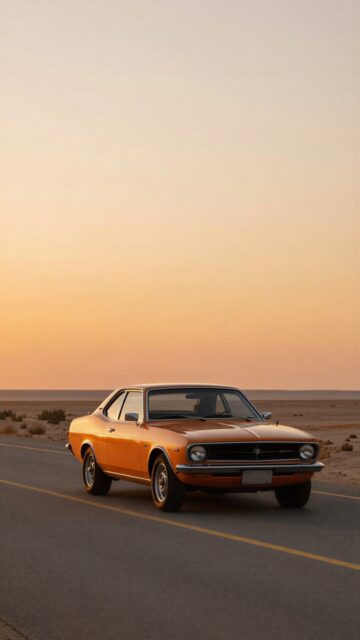
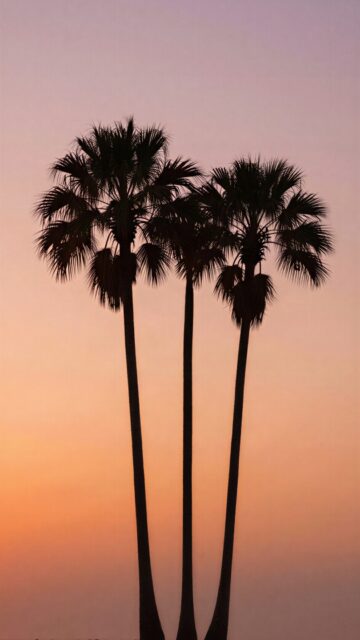
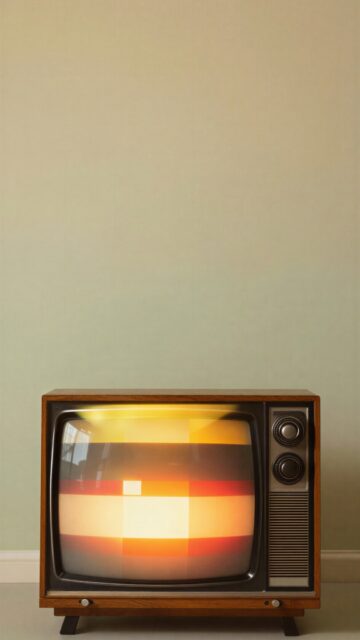
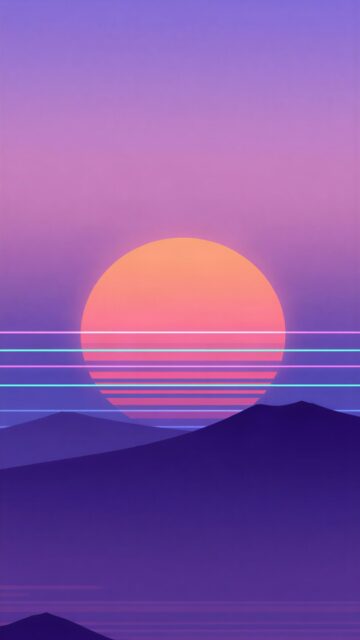
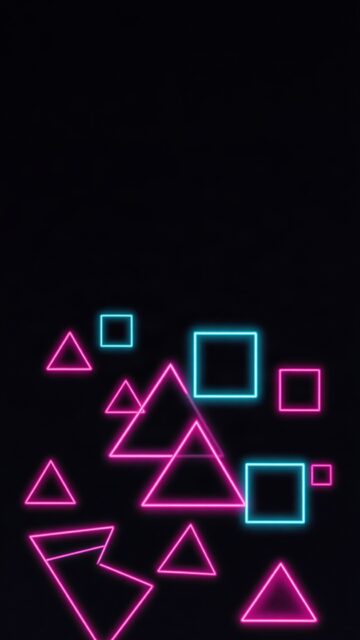
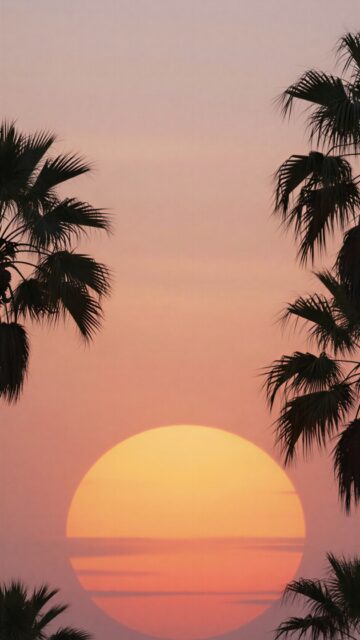
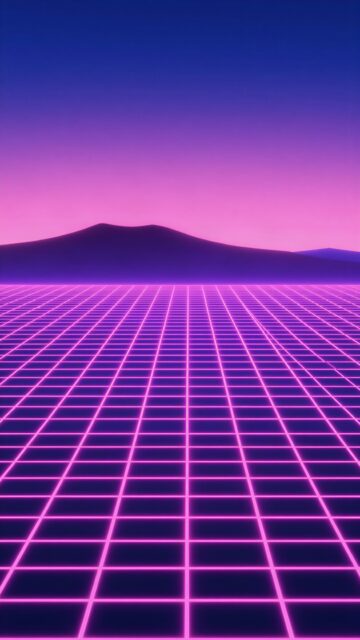
90s wallpaper iPhone brings retro aesthetics and nostalgic vibes to your phone screen. These designs capture the essence of 90s style with pastel gradients, bold typography and vintage imagery that defined the decade. Each wallpaper for iPhone is curated by hand and ready to download. Whether you want soft peachy tones or cool neon accents, this set of 90s designs works perfectly as a lock screen or home screen backdrop.
10 wallpapers at 1170 × 2532 px for iPhone. Checked by hand on 3 Oct 2026.
About this set
This set captures authentic 90s retro style with soft pastel gradients, muted color palettes and vintage objects that defined the decade. Think warm peachy tones, cool lavender hues and nostalgic technology. The designs work beautifully as lock screen wallpapers where the simple top half leaves space for the time display, while the detailed lower half keeps your eyes engaged.
Use these on your home screen behind app icons to layer the retro aesthetic throughout your phone. The muted 90s palette pairs well with light or dark mode and won’t compete with colorful app icons. Mix and match different wallpapers to match your mood or the season, or stick with one to build a cohesive vintage theme.
Mixtapes, landlines and a beige monitor
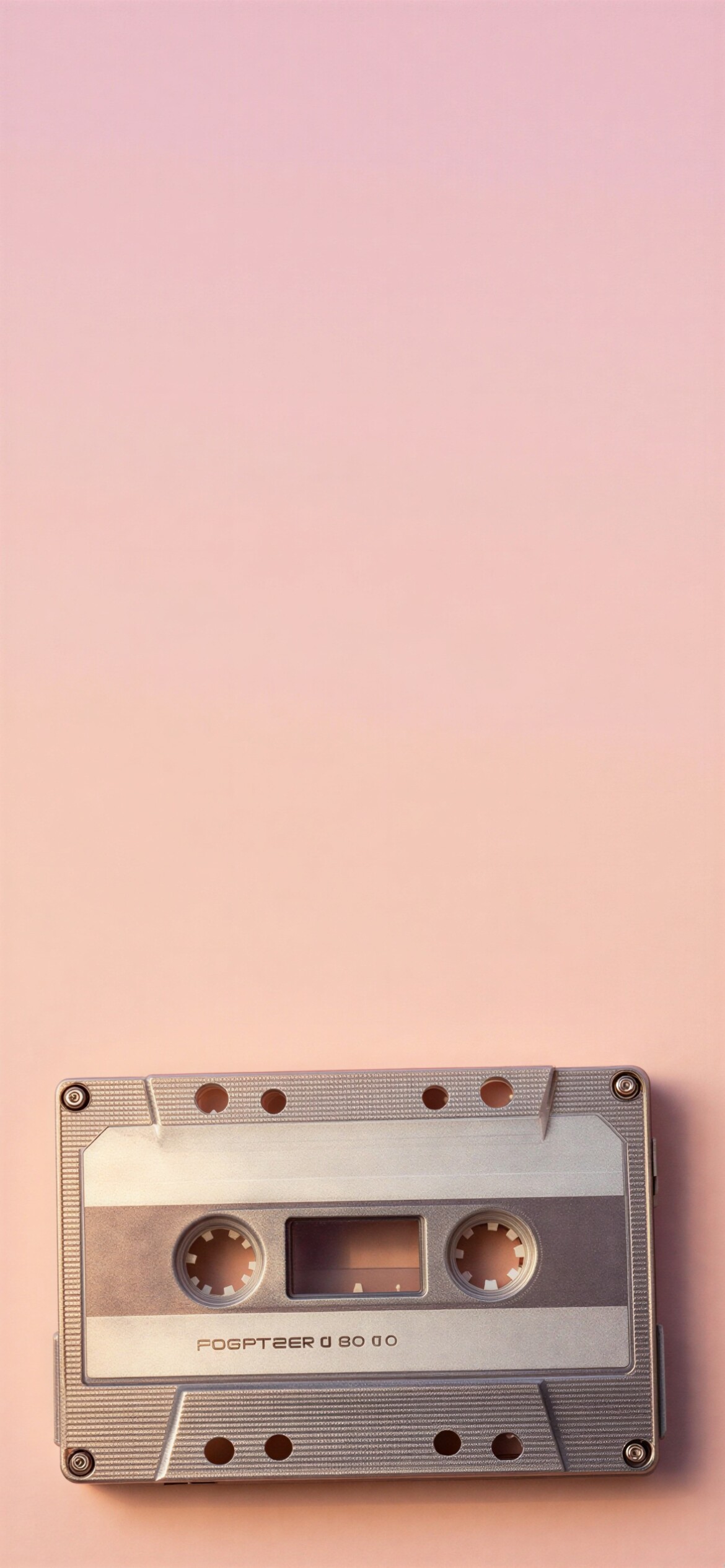
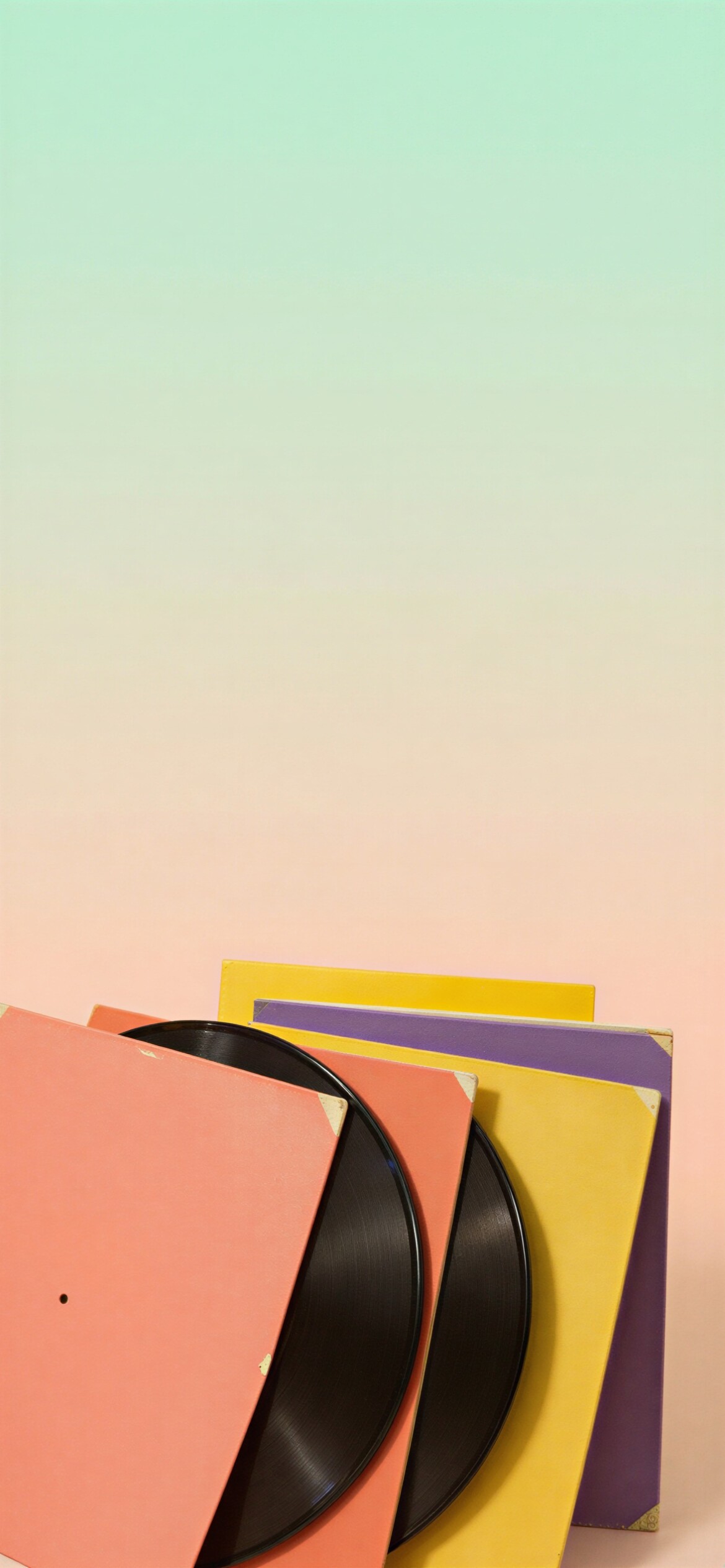
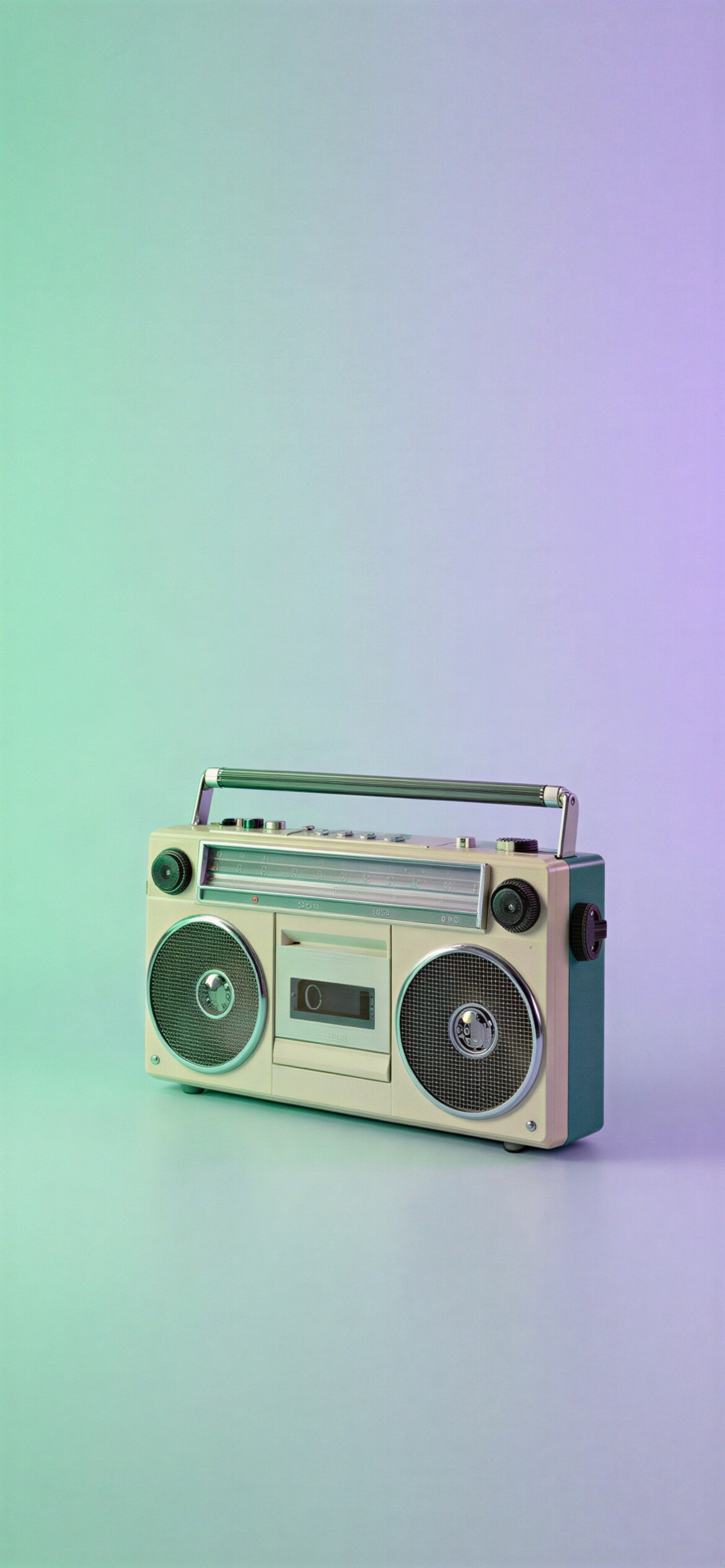
Three of these wallpapers are about music. The cassette in #1 is the format people used for mixtapes, recorded track by track off the radio or a friend's CD. The stack of vinyl in #3 is a reminder that records were falling out of everyday use as CDs took over in the 90s, long before the later vinyl comeback. The cream boombox in #9 was how a tape or the radio got carried to the park or the beach.
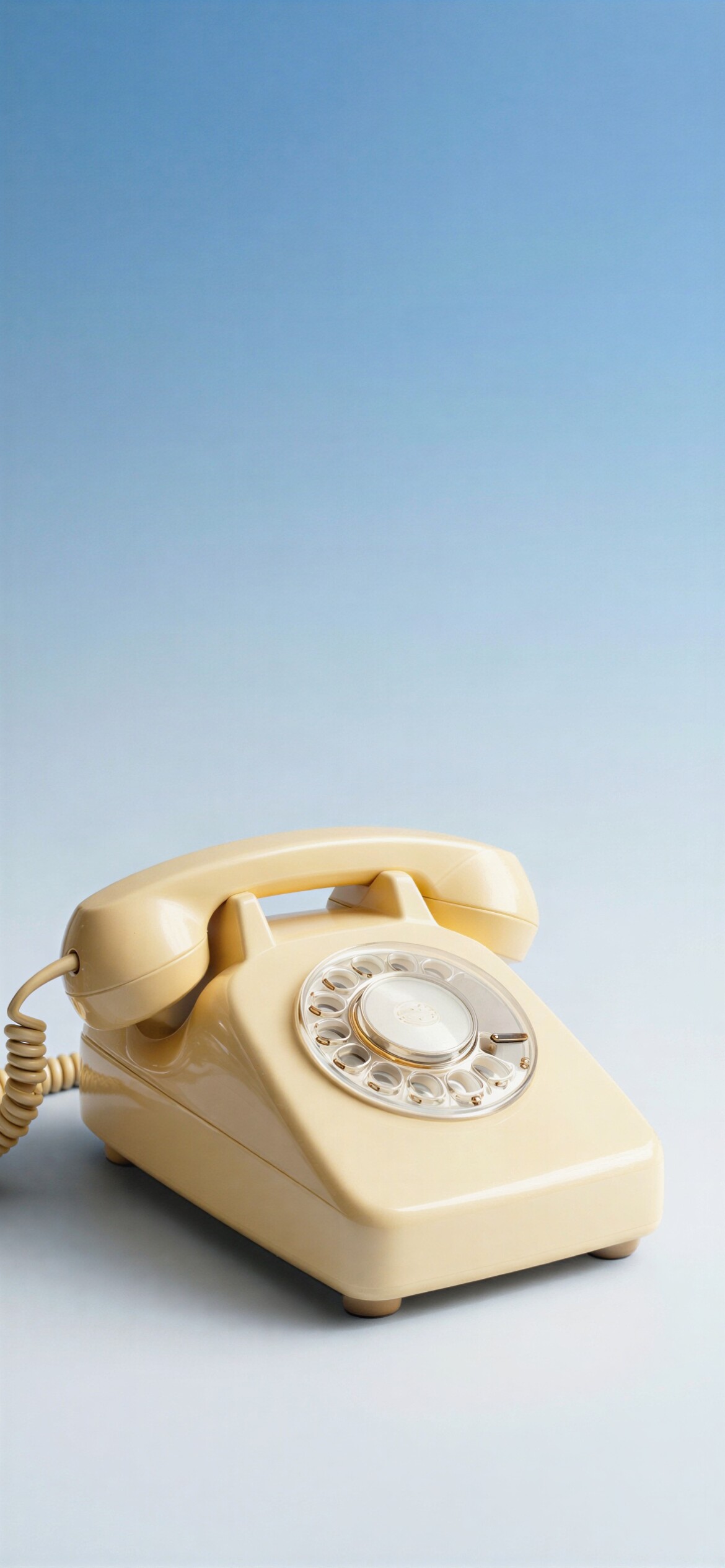
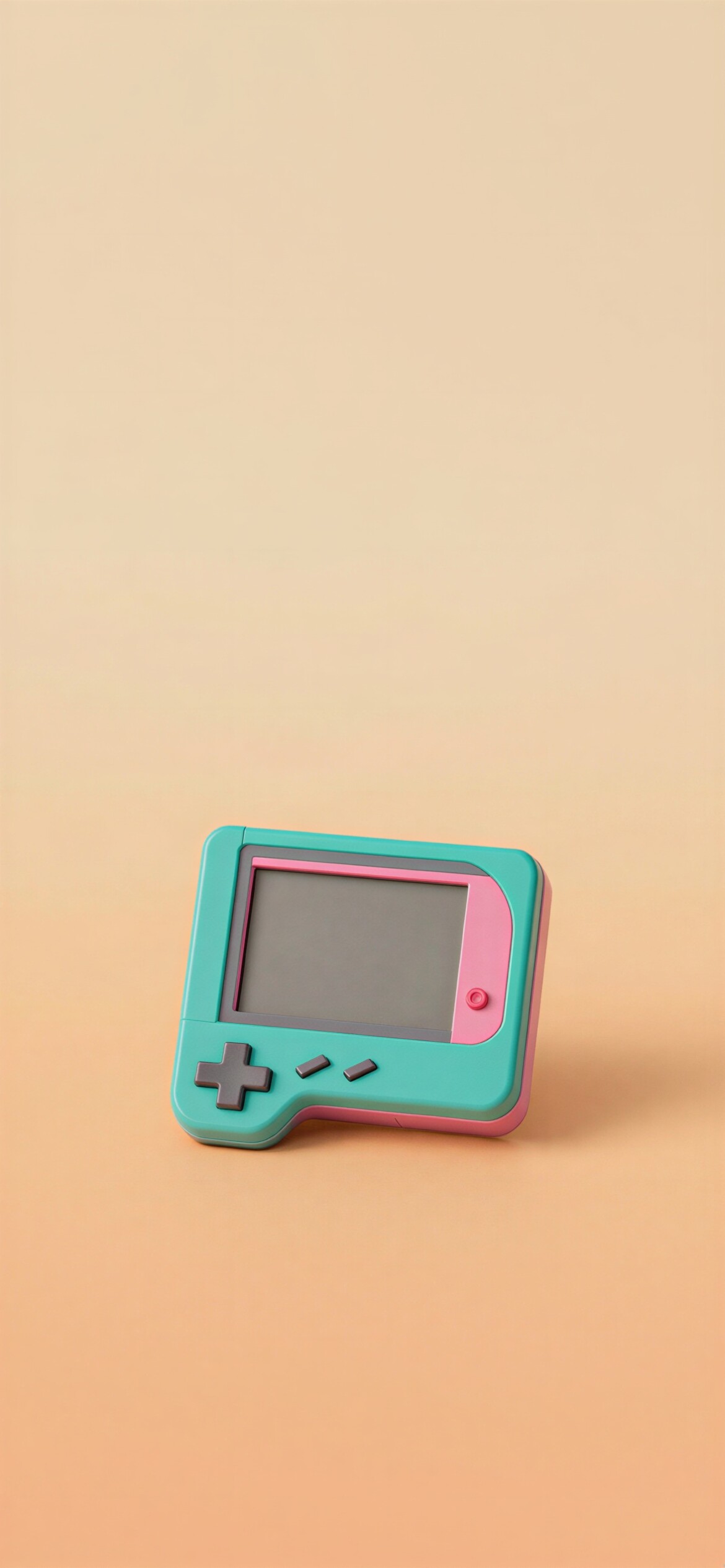
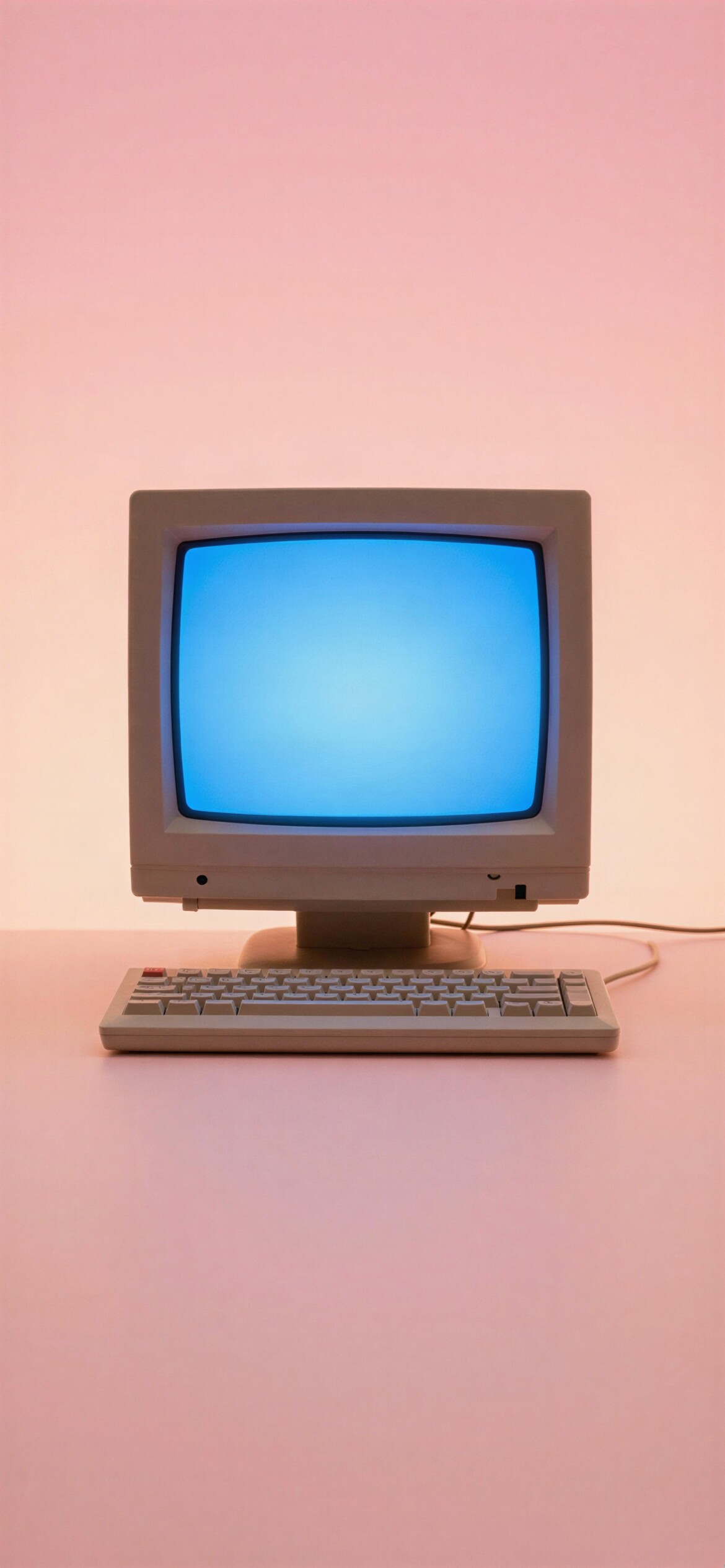
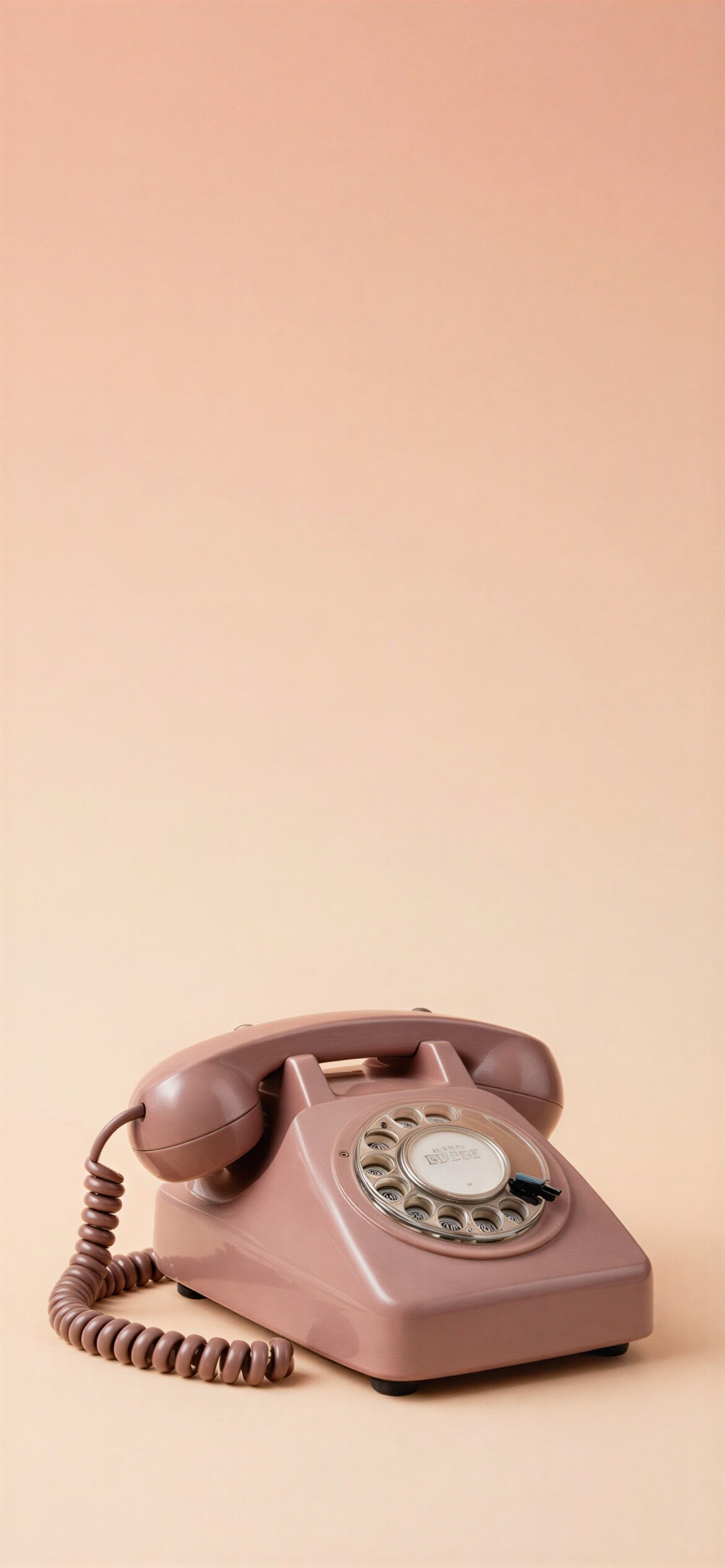
Two more are about calling someone before mobile phones were common. The rotary phone in #8 was already old-fashioned by then, sitting in grandparents' hallways, while the cream receiver in #4 stands for the one home phone the whole family shared. The bulky desktop monitor in #6 points to the dial-up era of the home computer, and the handheld game in #5 recalls the portable consoles that went everywhere in a backpack.
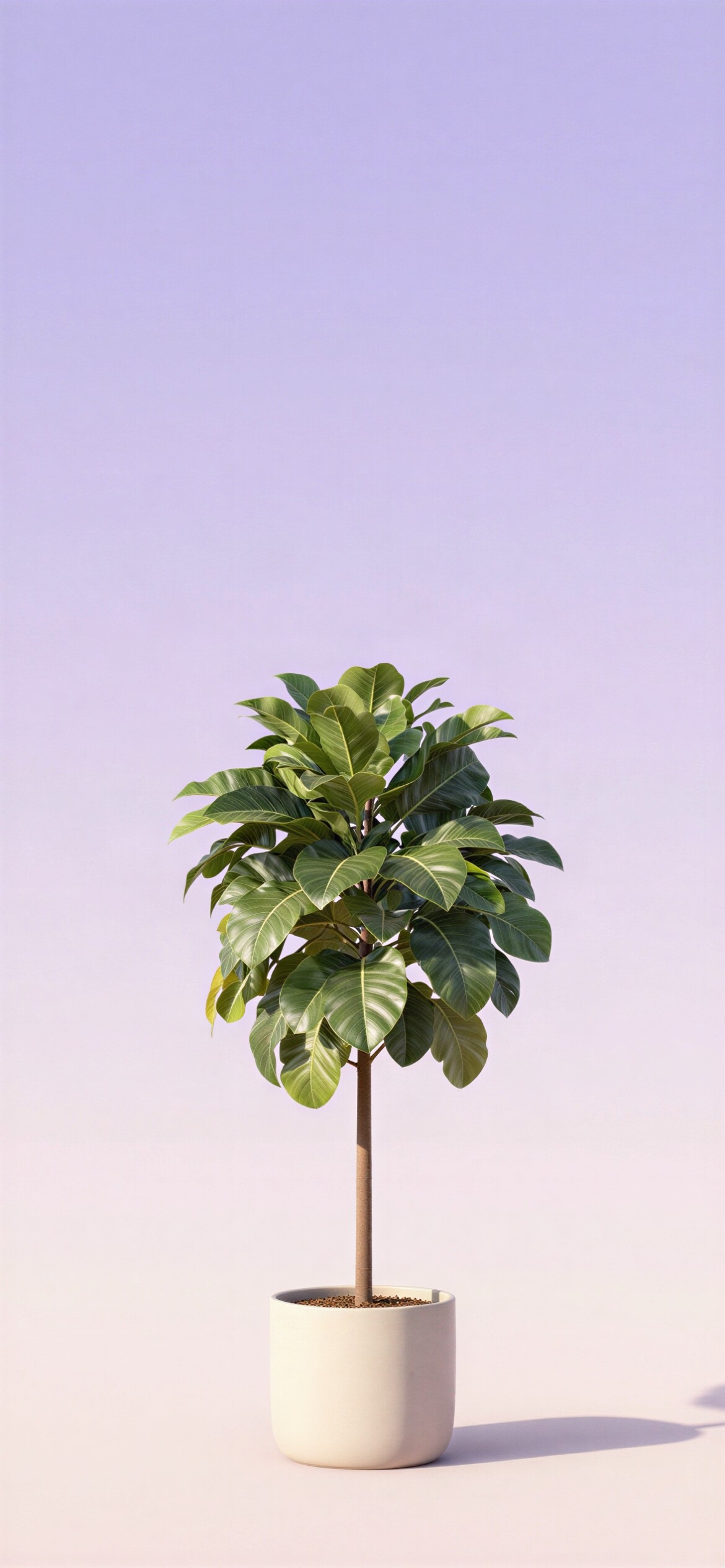
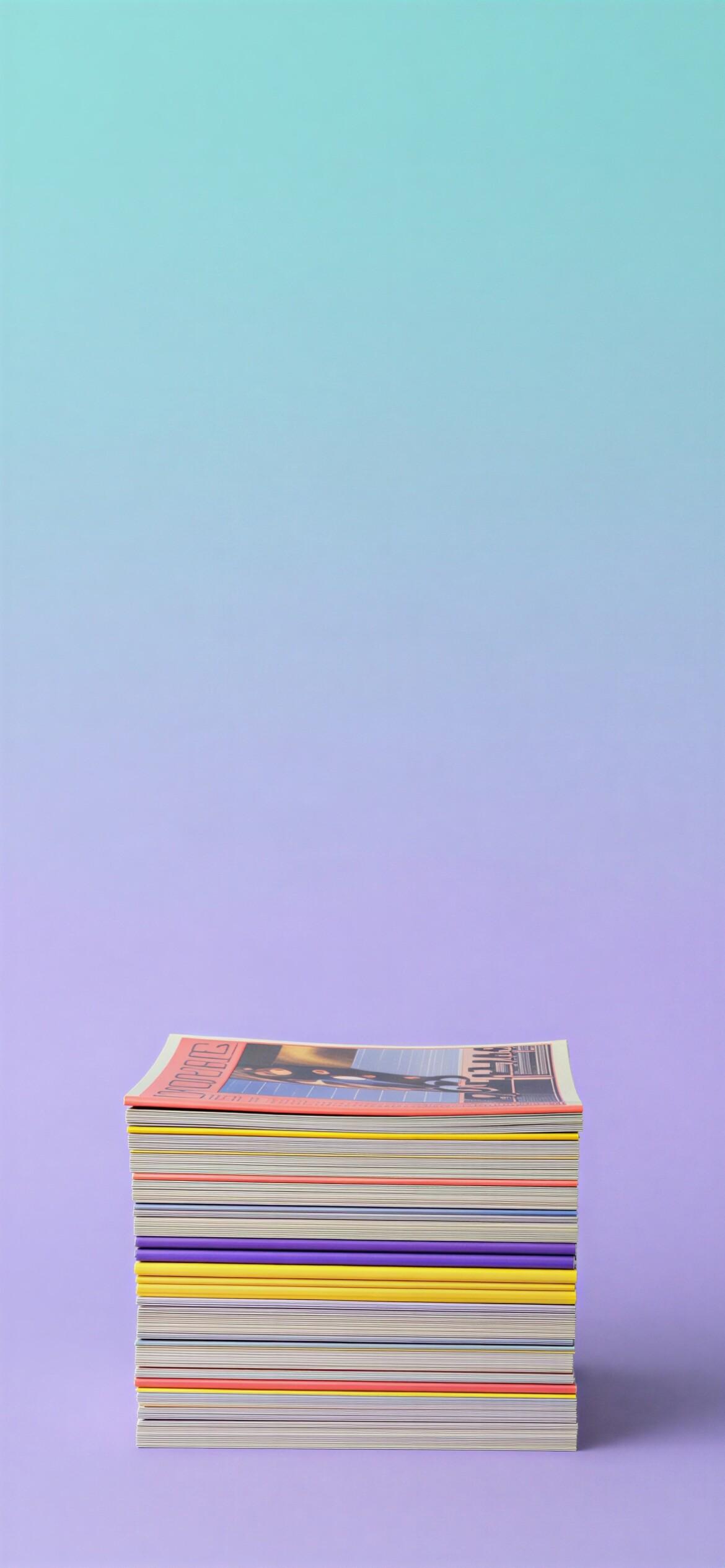
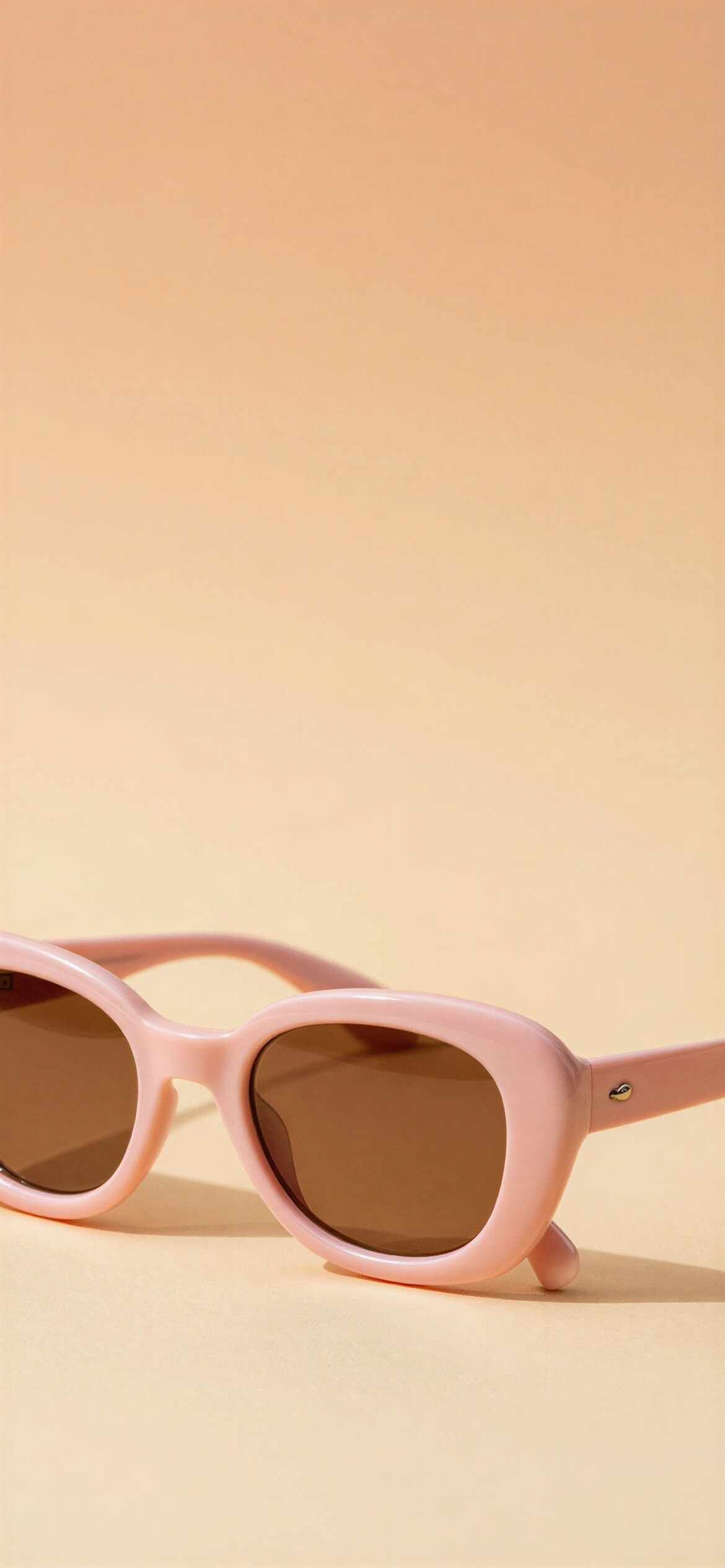
The last three are smaller details: a potted plant on lavender in #2, a pile of magazines on turquoise in #7 and oversized sunglasses on a golden background in #10. The magazines are a small nod to how people found new music and fashion before most homes were online: pages read cover to cover, then torn out and taped to a bedroom wall.
Why old tech looks good in pastel
The soft gradients behind these objects recall vaporwave, an online art and music style from the early 2010s that set old consumer technology against pink, lilac and mint skies. Placing a phone or a tape deck on a plain colour wash turns an everyday object into something closer to a still life, which is why these designs stay uncluttered even with a clear subject in each one.
Peach, lavender or mint?
- Warm peach and gold: #1, #5, #6, #8 and #10.
- Cool lavender and periwinkle: #2 and #4.
- Mint and turquoise blends: #3, #7 and #9.
For more decades on your screen, browse the 80s wallpapers, the Y2K set that picks up right where this one ends, or the broader retro collection.
How to set it on your iPhone
- Tap Download and save the image to Photos.
- Open Settings, tap Wallpaper, then Add New Wallpaper, and choose Photos.
- Pick the wallpaper, pinch to position it, then tap Add and choose the lock screen, home screen or both.
Stuck on a step? The iPhone and iPad guide has screenshots for each one.
Questions
Will these wallpapers fit my iPhone screen?
Yes. These wallpapers are optimized for iPhone at 1170x2532 pixels, the standard resolution for modern iPhones. They fill the entire screen edge to edge. When you download and set a wallpaper, your iPhone may crop it slightly depending on your device model and display, but the design is centered and will look great on any recent iPhone.
Can I use these wallpapers for commercial purposes?
These wallpapers are free for personal use on your own devices only. You cannot sell them, print them for sale, or repost them on other wallpaper sites or social media without permission. For details on what you can and cannot do, visit our Terms page.
Which wallpapers work best as lock screen backgrounds?
All designs in this set work as lock screens since the top quarter is kept simple and plain. The time and status icons will stay readable. For the best look, choose wallpapers where the main subject is in the lower half, so it does not get covered by notifications or widgets on your lock screen.
How do I match these 90s wallpapers with my apps and icons?
These retro designs pair well with vintage-style app icon packs or pastel-colored icons that echo the 90s aesthetic. The muted color palettes work in both light and dark mode. Pick one wallpaper as your lock screen and another for your home screen to layer the theme, or keep both the same for a unified retro look throughout your phone.