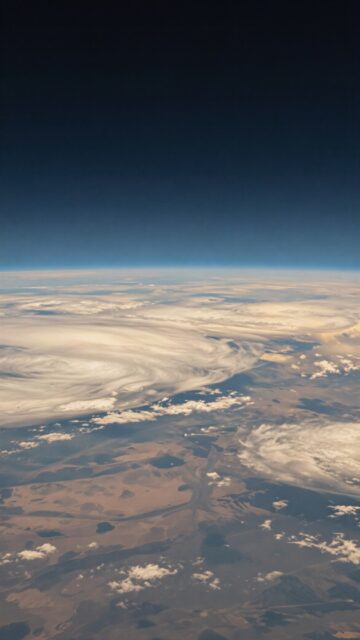
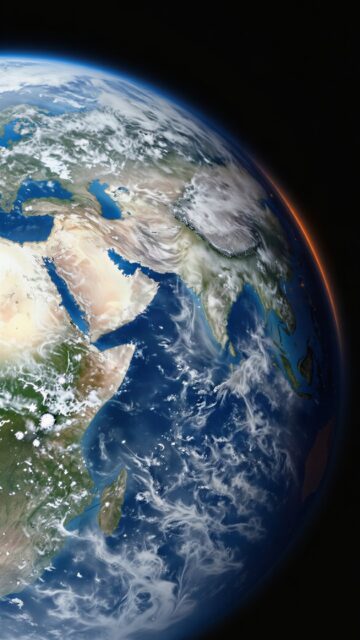
10 wallpapers in 1 collections · last added 5 Oct 2026 · sizes for iPhone, Android, desktop and tablet
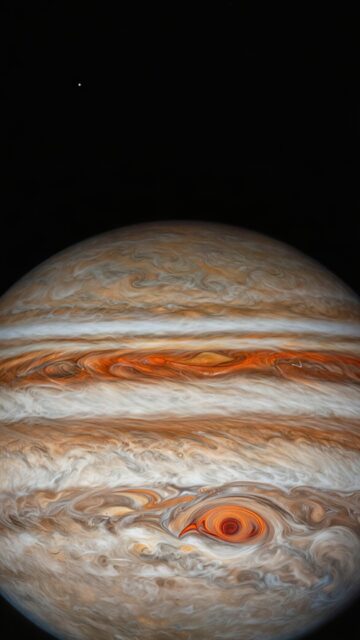
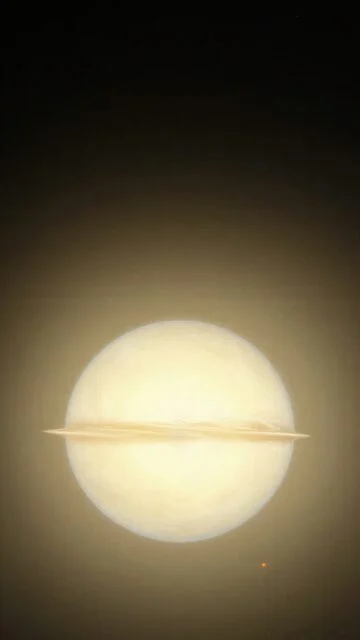
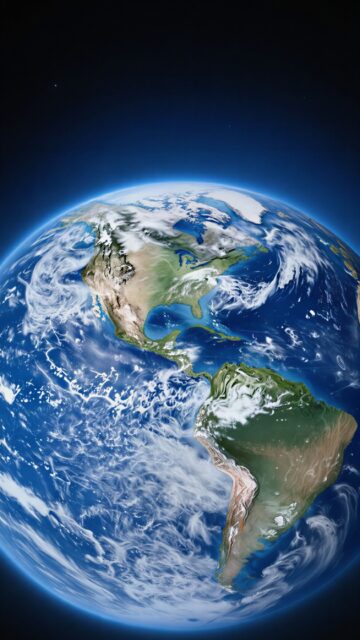
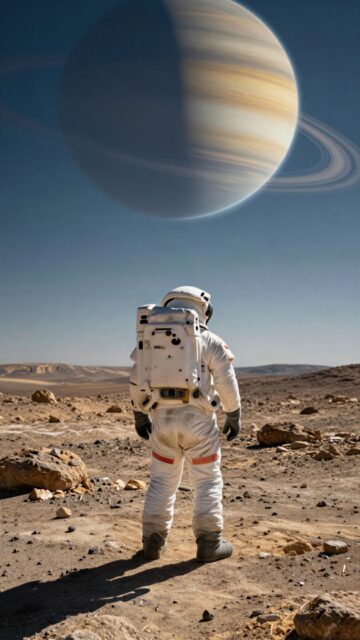
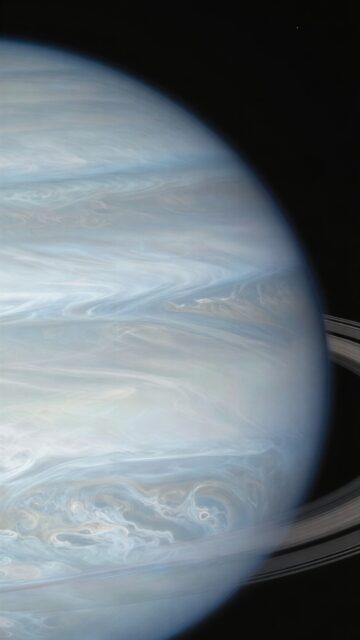
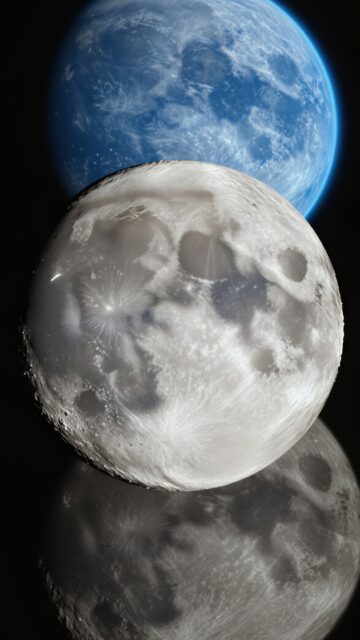
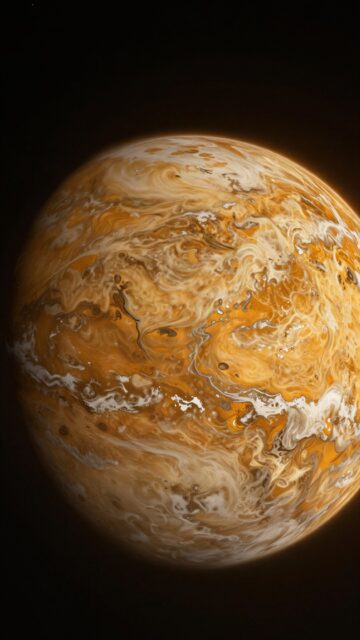
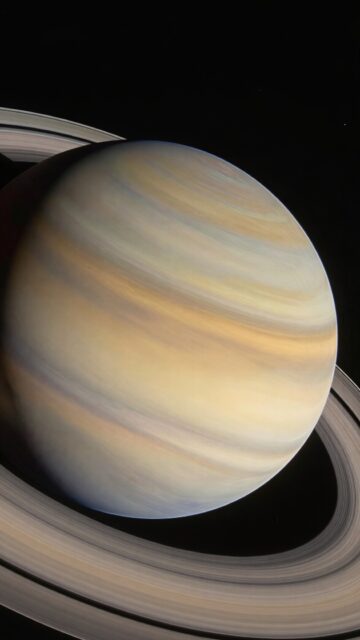
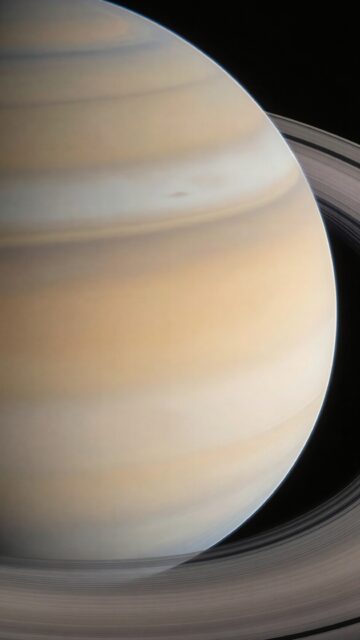
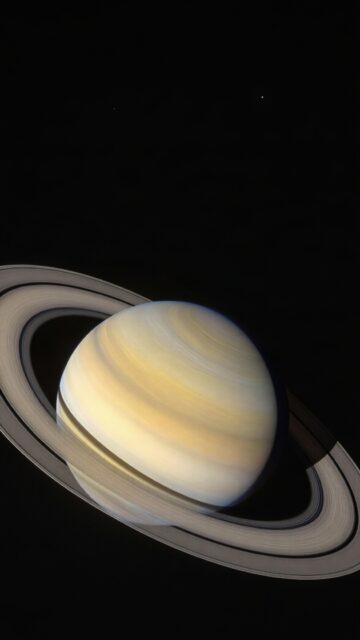
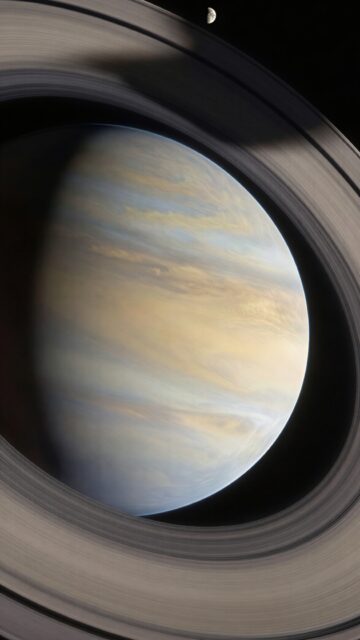
A solar system wallpaper lines up the Sun and its family of planets on your screen, from tiny Mercury to distant Neptune. These solar system backgrounds include classic planet line-ups, orbit diagrams with thin rings tracing each path, illustrated scenes with bold colors, realistic views of the planets in order, and playful designs that make a great fit for curious kids. Some feel educational and tidy, others are dreamy and artistic.
Each collection has 10 wallpapers in one theme and one size. Because the planets usually run in a long row, these designs shine on wide screens, so the 1920x1080 laptop size, 3840x2160 4K desktop size and 5120x1440 dual monitor size are all popular. Phones and tablets are covered too, with 1170x2532 for iPhone, 1080x2400 for Android and 2048x2732 for iPad, where the planets are often stacked vertically. Every design is original and checked by hand, and weak images are removed. Visit the full space wallpapers collection for more.
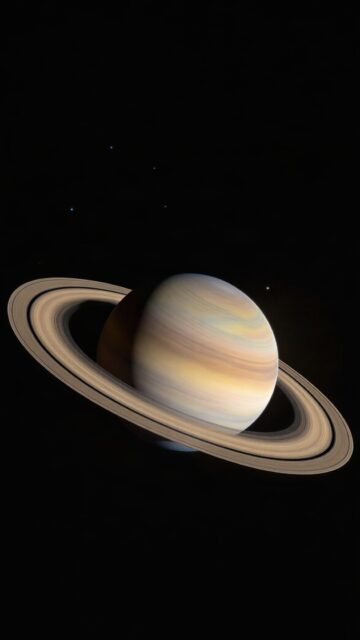
A planetary line-up works a little differently from a single-subject image. On a phone, vertical designs that stack the worlds from top to bottom fit the tall frame best. Look for one where the Sun or the first planets sit at the bottom if you want a clear area for the lock screen clock. On a desktop, a horizontal row reads naturally from left to right and stays visible around your icons. A few style directions:
Zoom in on individual worlds with the planet, Earth and Saturn pages, or explore the science wallpapers for more learning-themed designs.
On a phone, pick a vertical planet line-up and turn off Perspective Zoom on iPhone or scrolling wallpaper on Android, so the outermost planets at the edges are not cropped away.
Use the 1170x2532 file for iPhone and the 1080x2400 file for Android. For phones, vertical designs that stack the planets work best because they use the tall screen fully. The iPhone wallpaper guide walks through setting it and turning off zoom so no planet gets cut off.
On the lock screen, the clock sits near the top, so choose a design where the top of the image is open space or a distant outer planet. Busier sections like the Sun can sit at the bottom. On the home screen, a simpler orbit diagram keeps icons readable while still showing the theme.
They are free for personal use on your own phone, tablet, computer or watch, with no sign up and no watermark. Using them in commercial materials, selling them or redistributing them is not allowed. For any question about specific uses, see the Terms of Use.
New collections are published on the site every day, each with 10 wallpapers in one theme and size. Solar system sets show up here when they are released. The latest wallpapers page lists every new collection across the whole site.
Yes. The 5120x1440 dual monitor version suits a long planet line-up perfectly, with the Sun on one screen and the outer planets on the other. Set it to span both displays. The dual monitor guide explains how on Windows and Mac.
A popular memory trick is the sentence My Very Educated Mother Just Served Us Noodles. The first letters stand for Mercury, Venus, Earth, Mars, Jupiter, Saturn, Uranus and Neptune. A solar system wallpaper on a child's tablet is a fun daily reminder of that order.
Usually not. The real distances between planets are so huge that a true-scale picture would show tiny dots far apart. Wallpapers bring the planets closer together and often adjust their sizes so every world is visible. That makes them more useful as a picture, though not as a precise map.
The Sun is enormous: it holds more than 99 percent of all the mass in the solar system, and it is roughly 109 times wider than Earth. That is why many wallpapers show only a slice of the Sun at one edge, with the planets lined up beside it.
Every wallpaper is reviewed by a person before it goes live: we remove images with odd details or blur and check the crop for each device. How we check wallpapers
Something wrong with an image? Report an image · Free for personal use, see the Terms.