Saturn Wallpaper iPhone
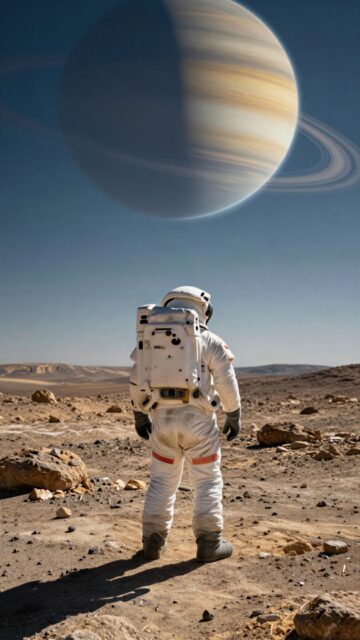
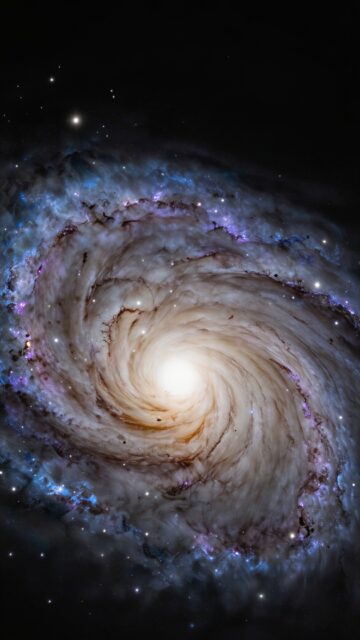
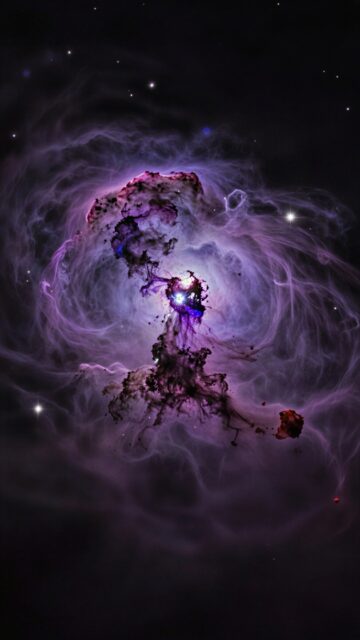
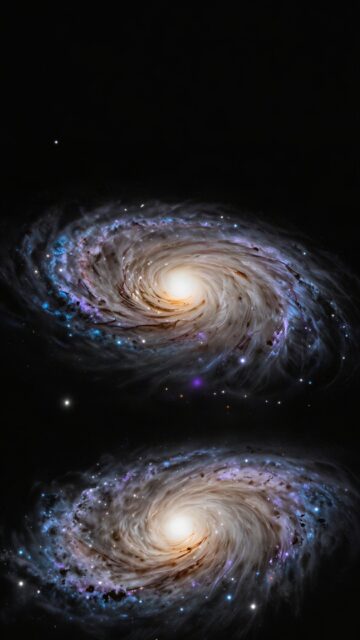
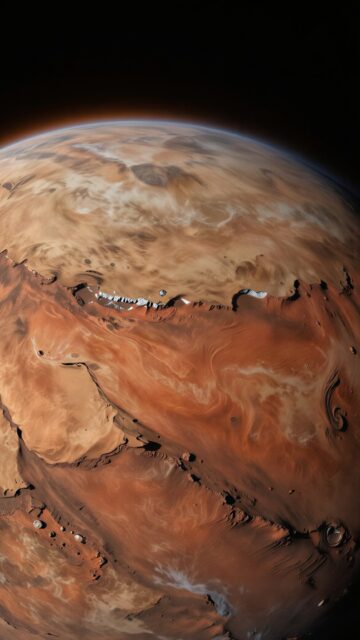
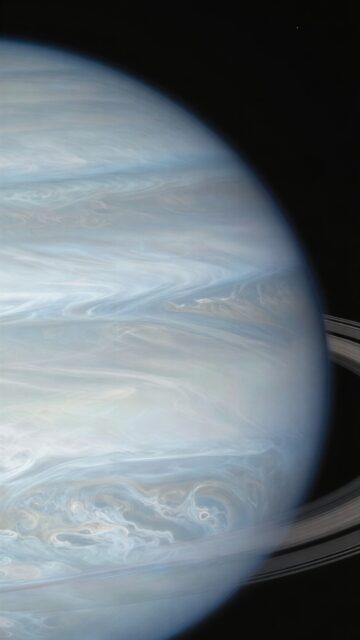
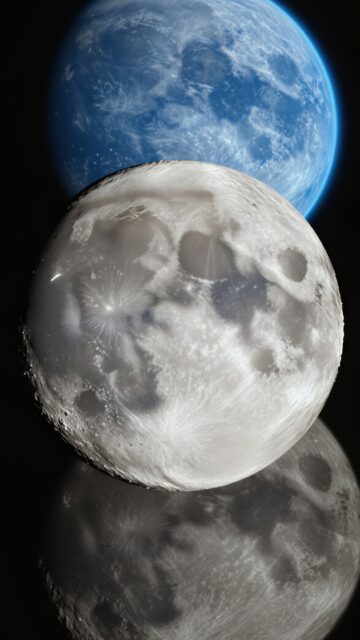
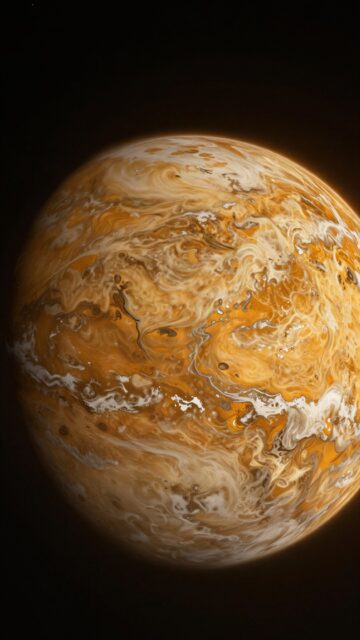
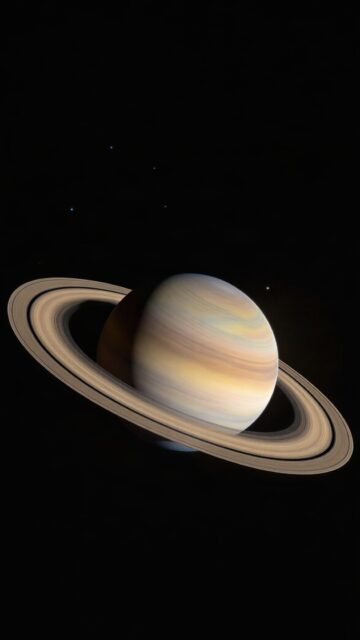
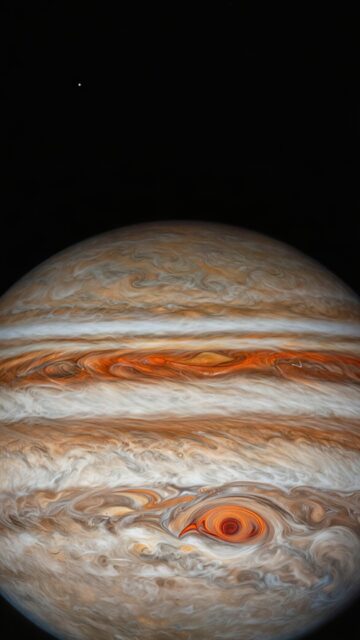
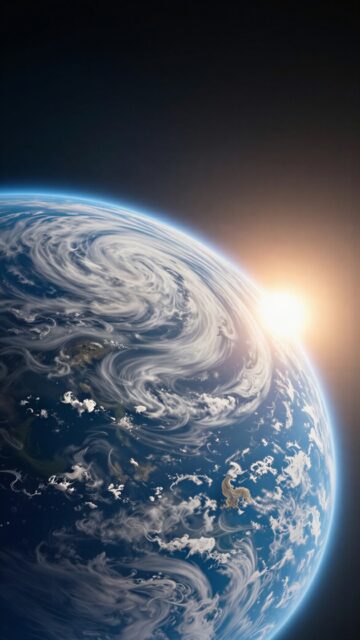
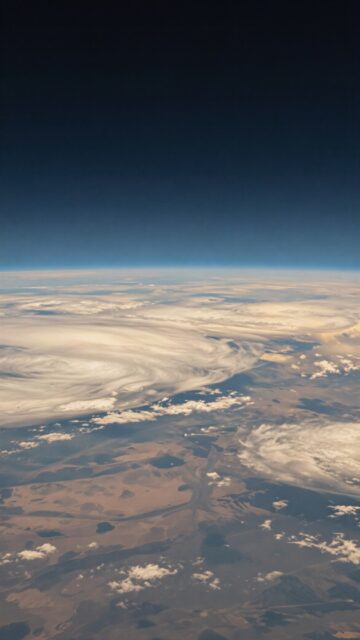
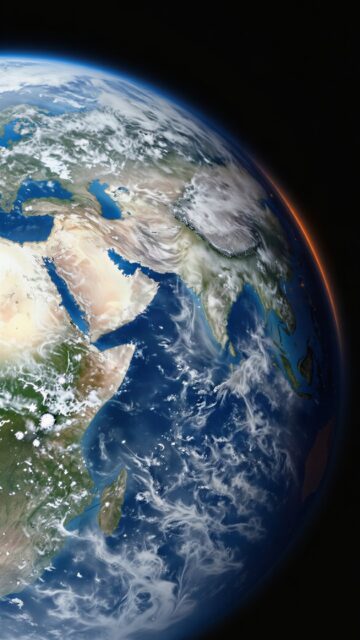
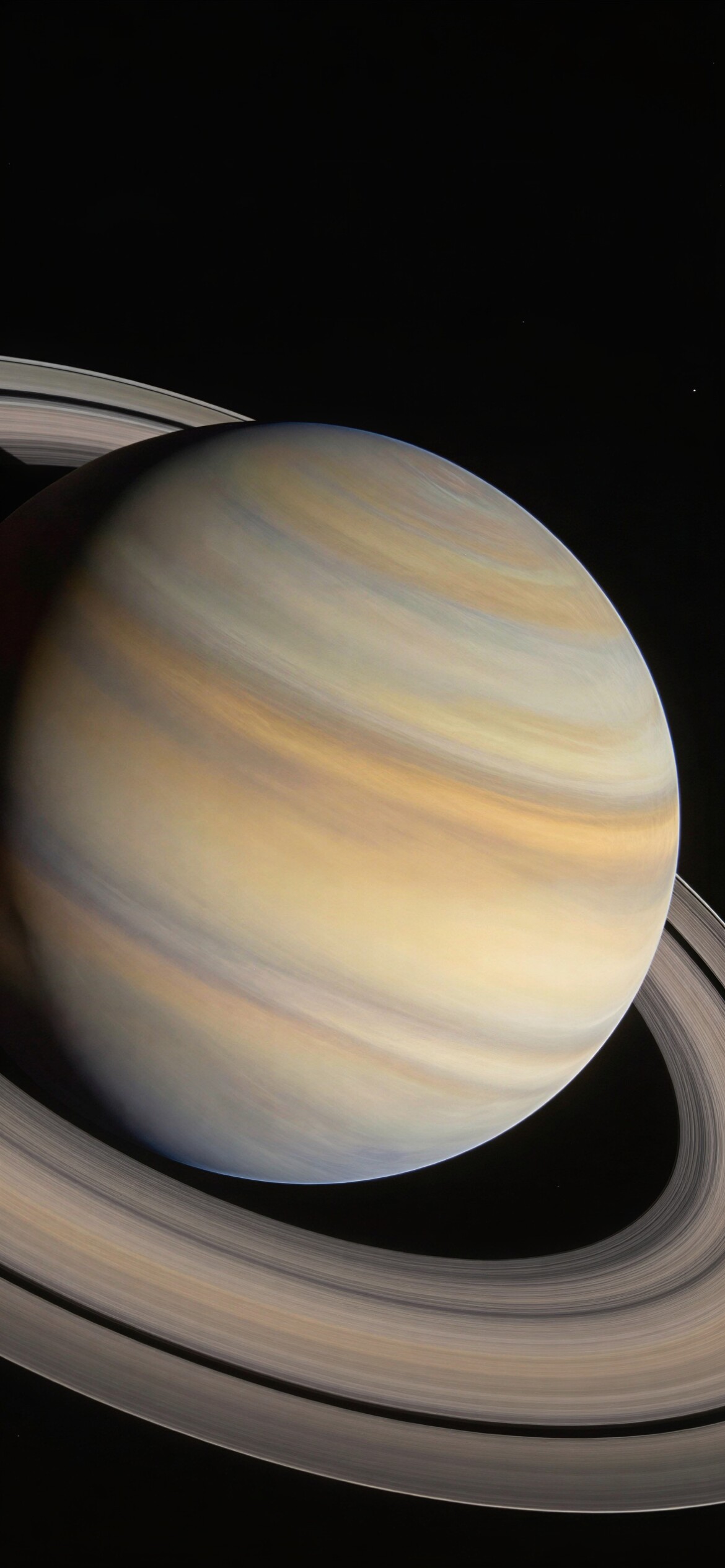
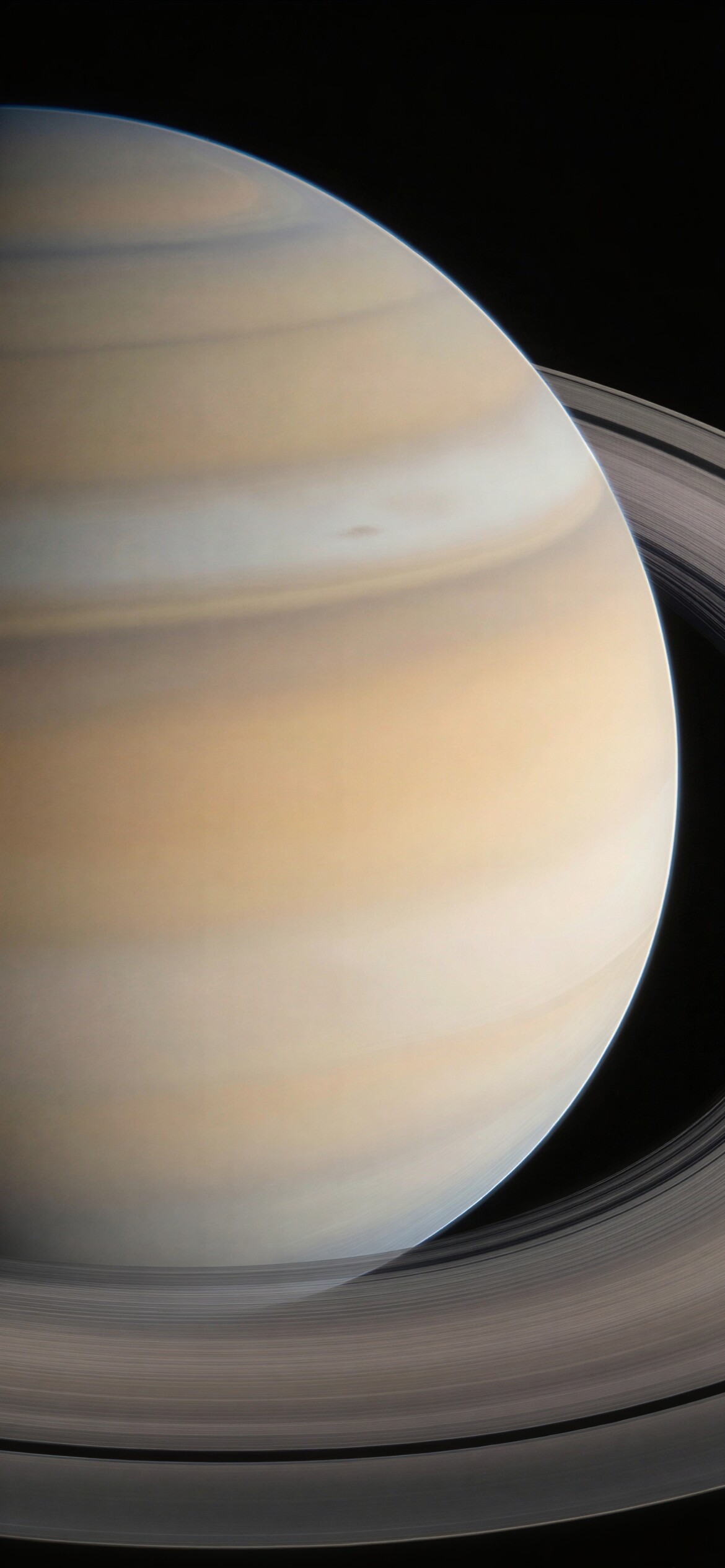
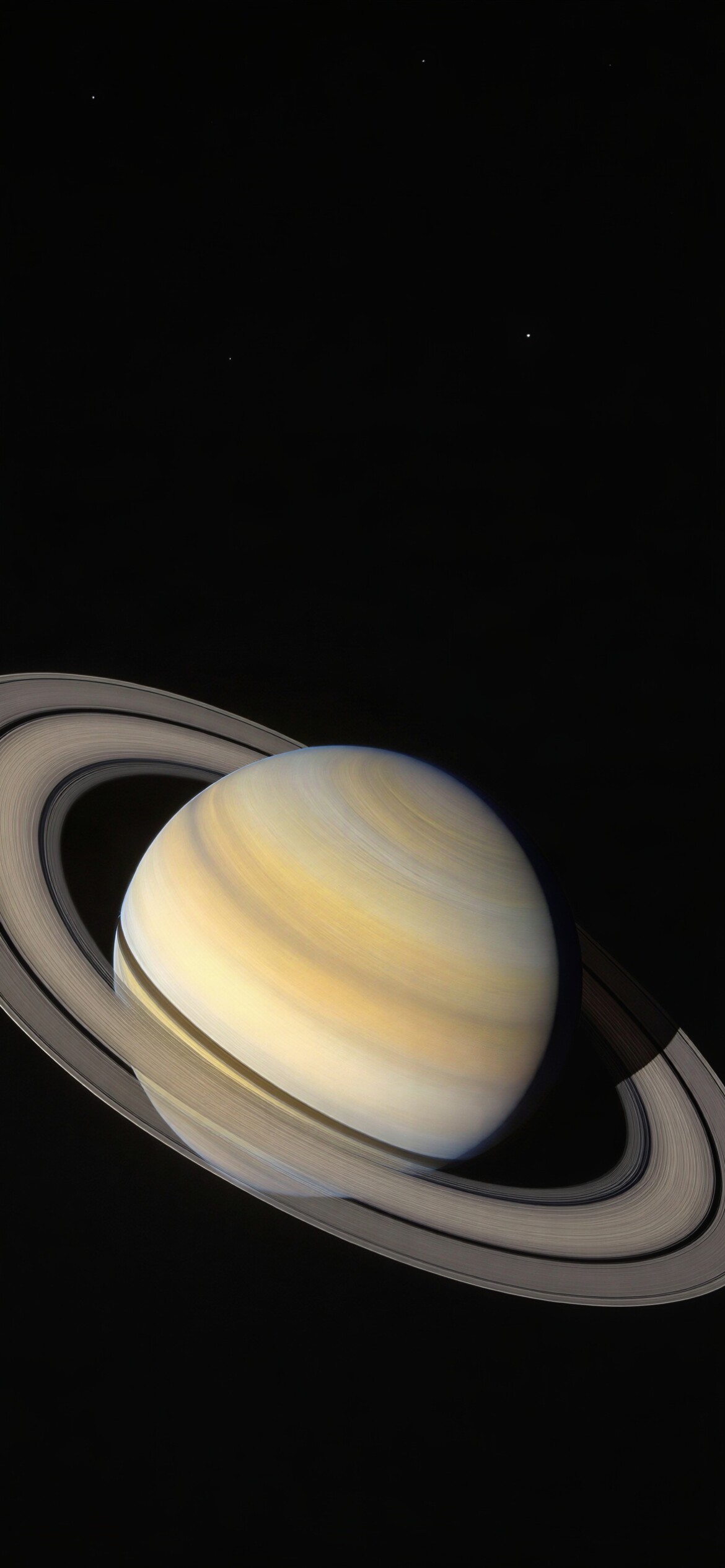
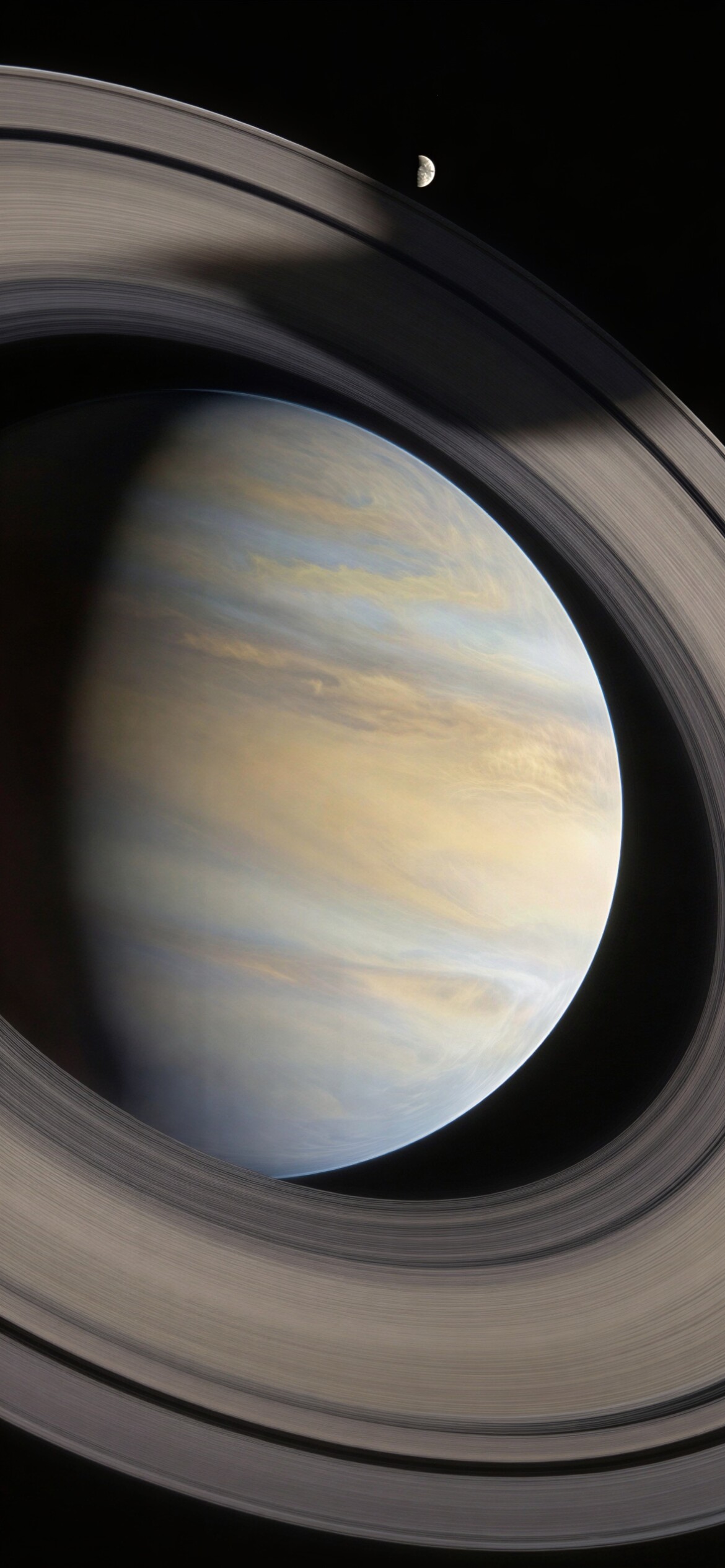
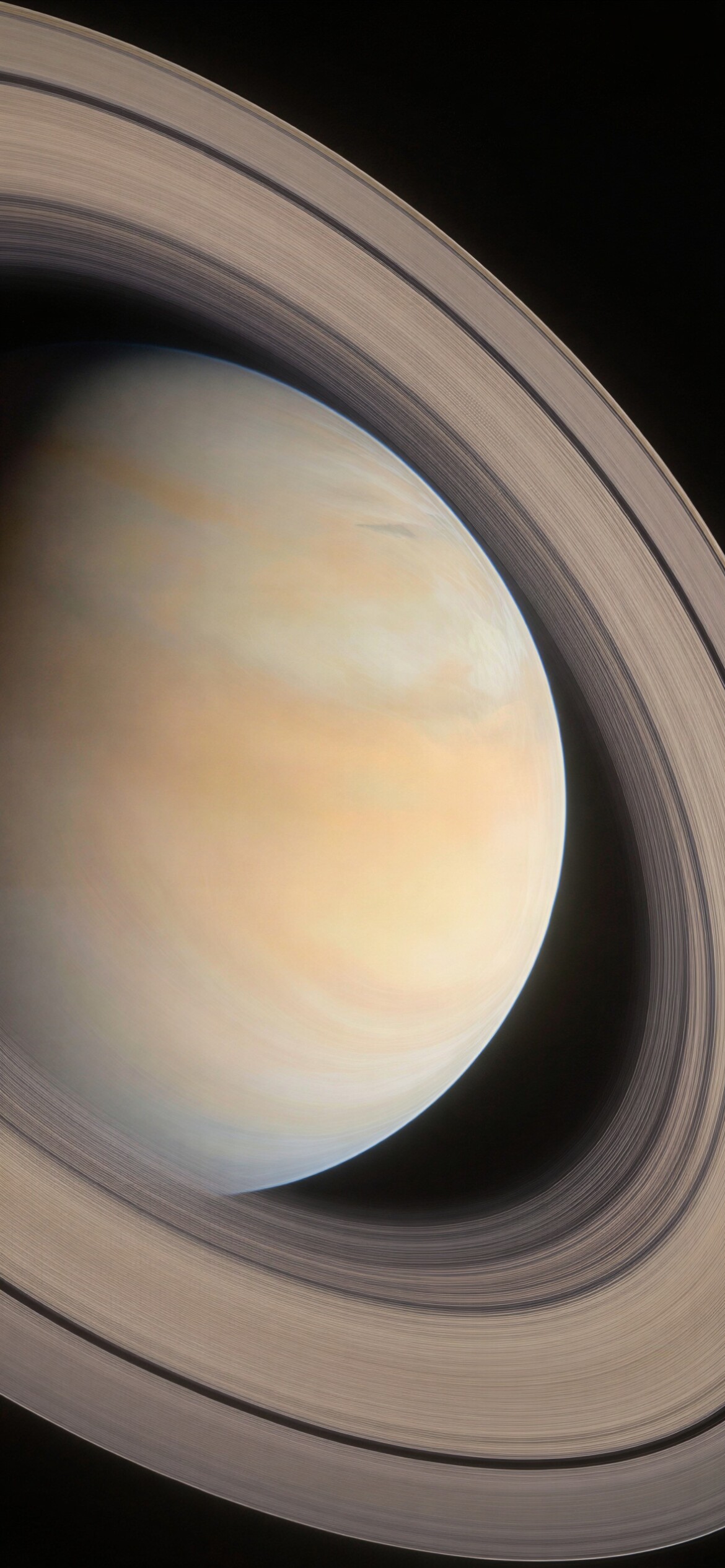
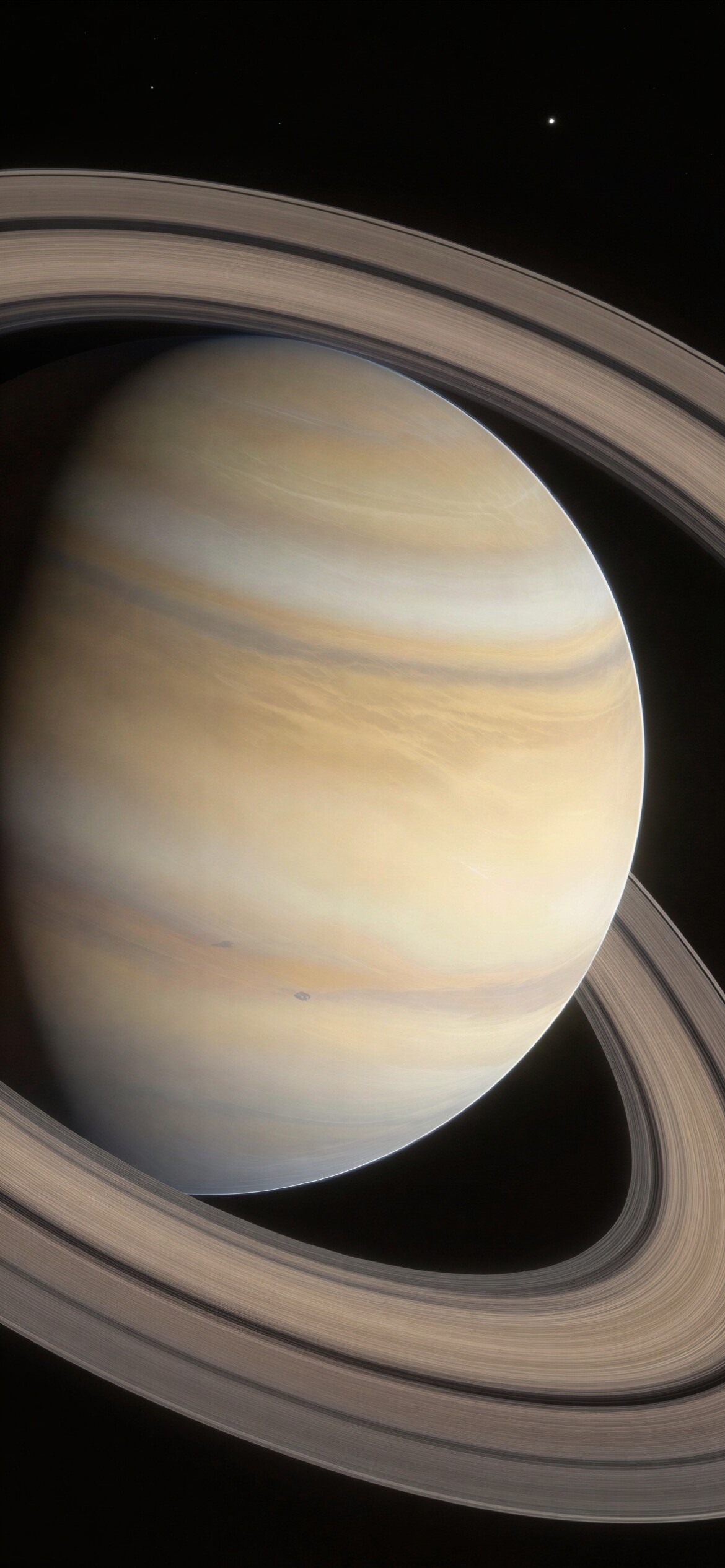
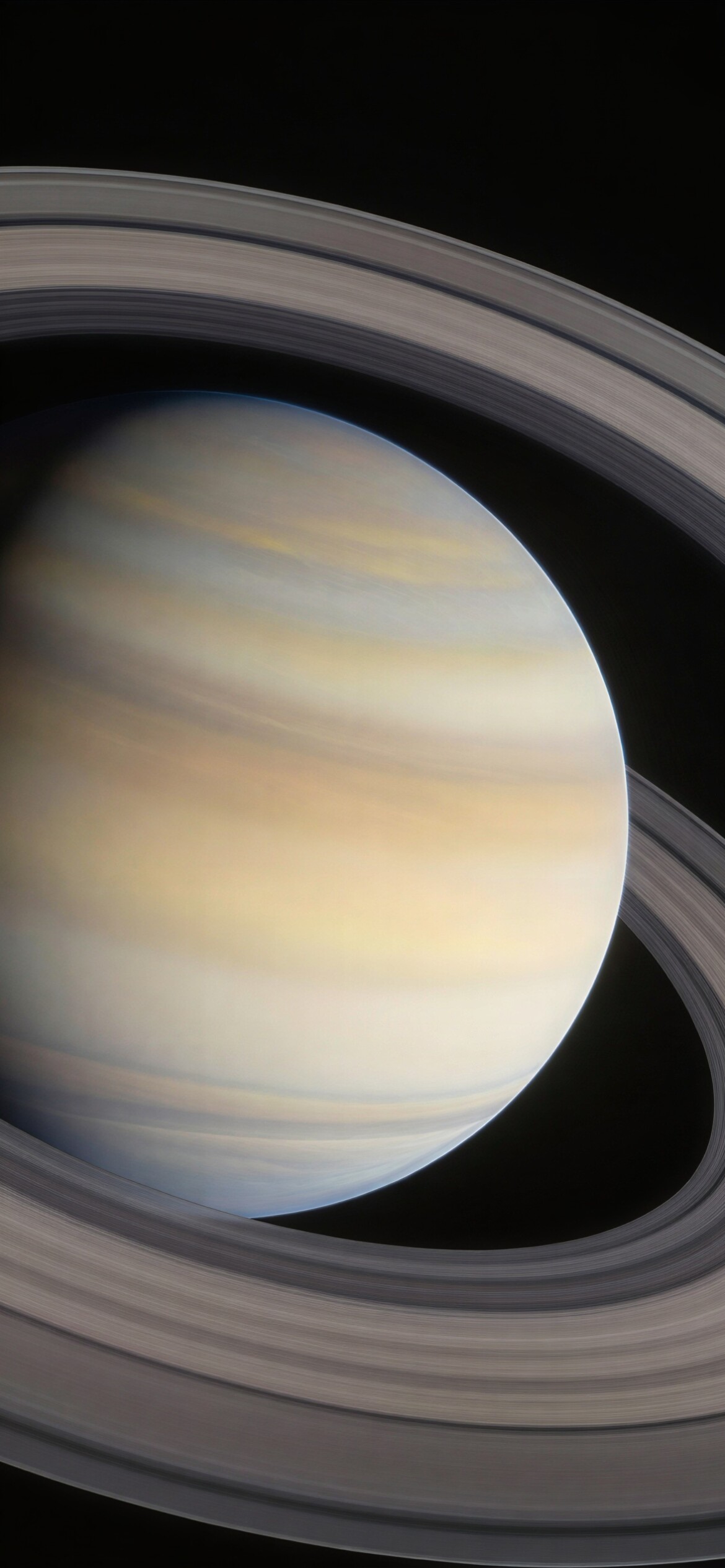
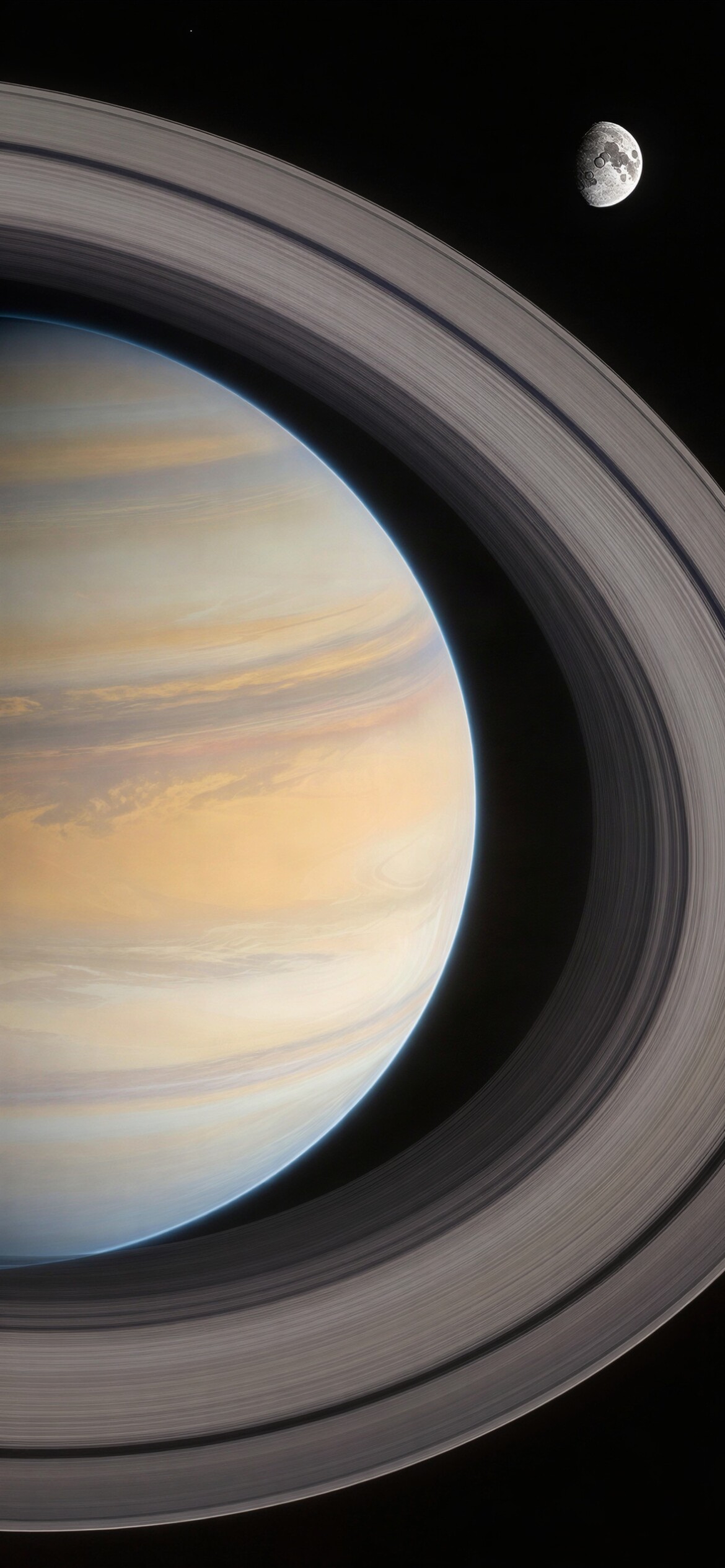
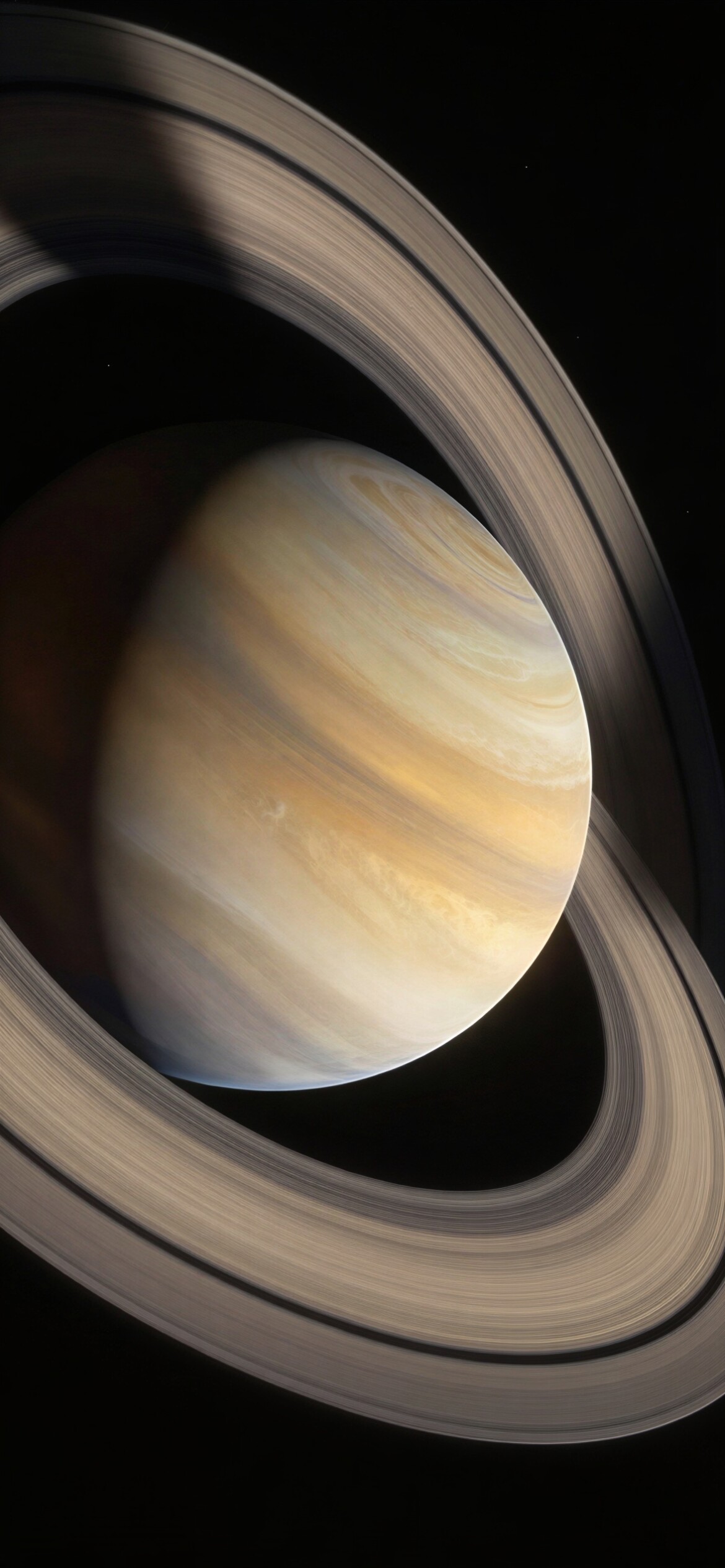
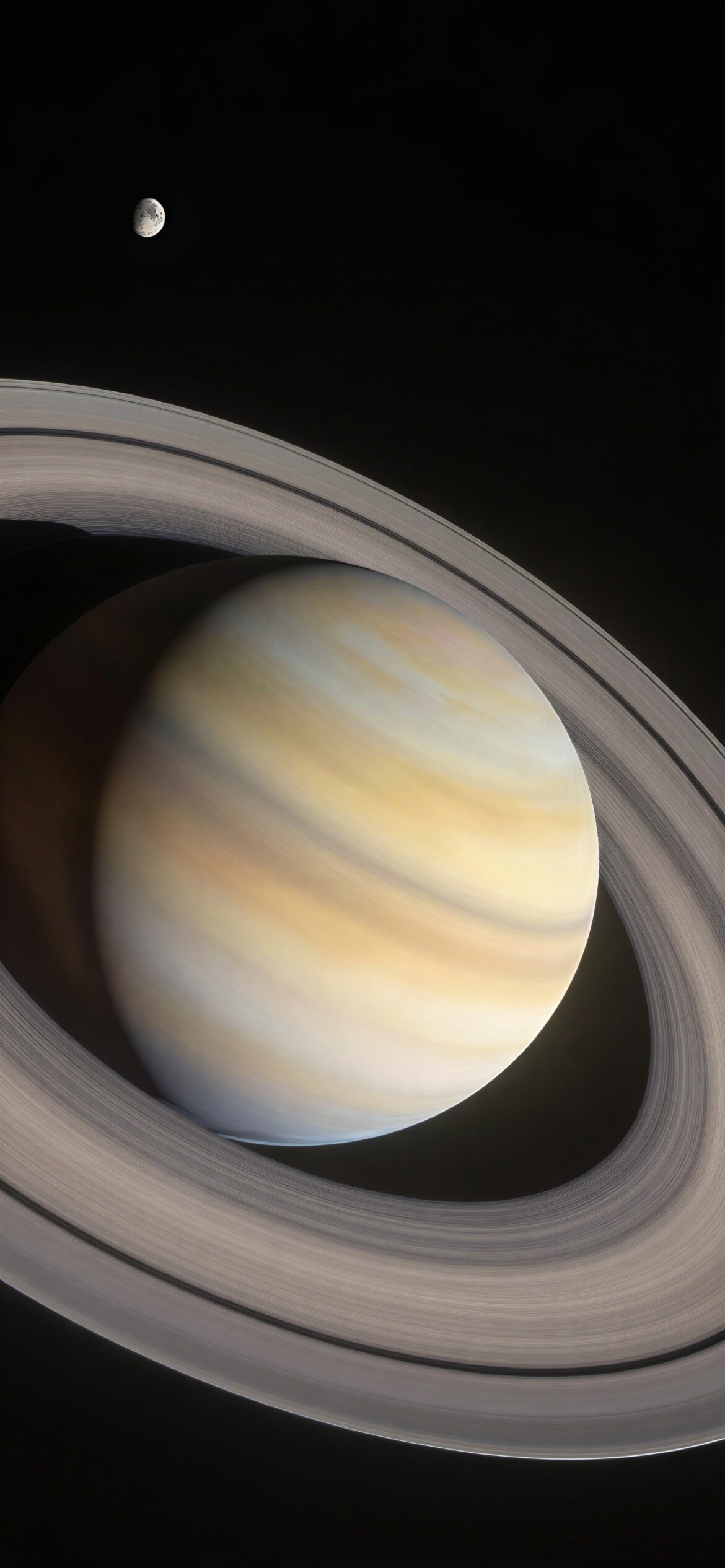
Saturn wallpaper for iPhone brings close-up views of the planet's iconic rings, swirling storms and distant moons to your lock screen. This set of original designs shows Saturn in natural light across deep space, with soft gradients and realistic planetary details. Each saturn iPhone wallpaper is curated by hand and sized perfectly for all iPhone models. The collection suits anyone who loves astronomy, space exploration and cosmic imagery on their phone.
10 wallpapers at 1170 × 2532 px for iPhone. Checked by hand on 5 Oct 2026.
About this set
This set captures Saturn in natural space lighting, from close-up ring details to full-planet views. The pale golds, creams and subtle oranges create a calm, cosmic mood that works well on both lock and home screens. Each design uses the full vertical space with the planet positioned in the lower half, leaving the top clear for time displays and notifications on your lock screen.
These wallpapers pair well with minimal iPhone themes and light-colored app icons. For home screens, they work best with icon layouts that keep the upper area open. The soft, realistic planetary details suit anyone interested in astronomy, space exploration or simply wanting a serene cosmic background that never feels dated.
Rings that fooled Galileo
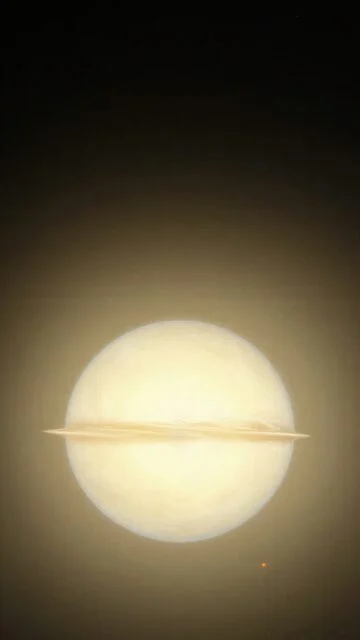
When Galileo pointed his small telescope at Saturn in 1610, he could not make out the rings and thought the planet had two companions on either side. It took Christiaan Huygens, in 1655, to describe them as a flat ring circling the planet, and he found its largest moon, Titan, the same year. We now know the rings are made mostly of ice with some rock and dust. They stretch for hundreds of thousands of kilometres but are very thin, which is why they almost vanish when seen edge-on, as in wallpaper 3. Earth passes through that edge-on angle roughly every 15 years, most recently in 2025.
Ten ways to see the sixth planet
- 1: tilted rings in the lower part of the screen with plain black space above, an easy pick for a clean lock screen.
- 2: a close crop of cloud bands and rings, for anyone who likes surface texture over the whole planet.
- 3: the rings reduced to a thin line across the middle, a quiet and unusual view.
- 4: a look from below at the south pole, with steeply angled rings that give the most drama in the set.
- 5: the rings fill the frame and the planet sits behind them, good on a home screen where icons cover the edges.
- 6: a side-tilted planet showing storm details.
- 7: Saturn centred with oval rings low on the screen, built for home screen use.
- 8: steep rings plus the silhouette of a moon.
- 9: a centred planet where the shadows across the rings are the main detail.
- 10: halo-like rings and a distant moon, suited to the lock screen.
Bold angles or calm ones
If you want something still, 1, 3, 7 and 9 keep the planet level and balanced. For more movement, 4, 5 and 8 lean hard on the ring angle. Wallpapers 2, 6 and 10 sit in between, giving you weather, moons and soft light without much tilt.
Since most of each image is true black, these work well on iPhones with OLED screens, where black pixels are switched off and the planet seems to float. For more of the night sky, see our solar system wallpapers, the night sky set and these star backgrounds.
How to set it on your iPhone
- Tap Download and save the image to Photos.
- Open Settings, tap Wallpaper, then Add New Wallpaper, and choose Photos.
- Pick the wallpaper, pinch to position it, then tap Add and choose the lock screen, home screen or both.
Stuck on a step? The iPhone and iPad guide has screenshots for each one.
Questions
What size are these Saturn wallpapers for iPhone?
All wallpapers in this set are 1170 by 2532 pixels, sized for modern iPhones including the latest releases; some older models may crop slightly at the edges. They scale automatically to fit your phone's screen when you set them as your lock screen or home screen background.
Can I use these Saturn wallpapers commercially or share them elsewhere?
These wallpapers are free for personal use on your own devices only. You cannot sell them, print them for sale, or repost them on other wallpaper sites or social media. For details on permitted use, see our Terms page.
Which Saturn wallpapers work best for lock screens versus home screens?
All designs in this set work on both screens. For lock screens, the simple black space in the top quarter keeps your time and notifications readable. For home screens, choose designs where Saturn sits in the lower half or sides so app icons don't cover the planet's details.
Do these Saturn wallpapers match a specific iPhone theme or color scheme?
Yes, the soft golds, creams and blacks pair naturally with light and dark modes. They complement minimalist icon packs and work well with warm-toned app themes. The realistic planetary style suits astronomy apps, space exploration games and productivity tools without clashing.