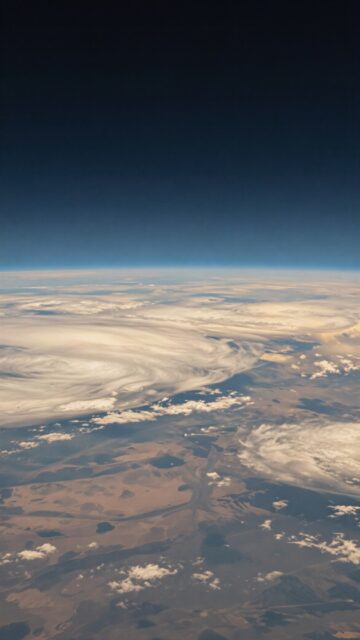
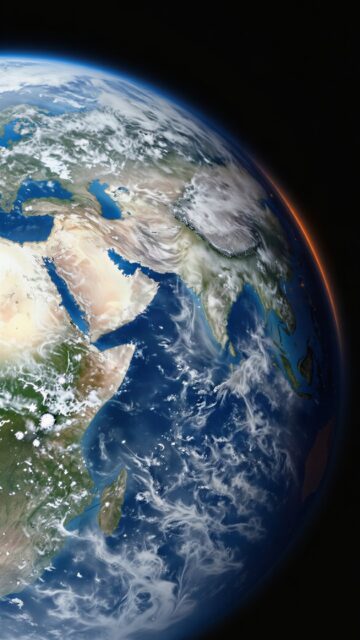
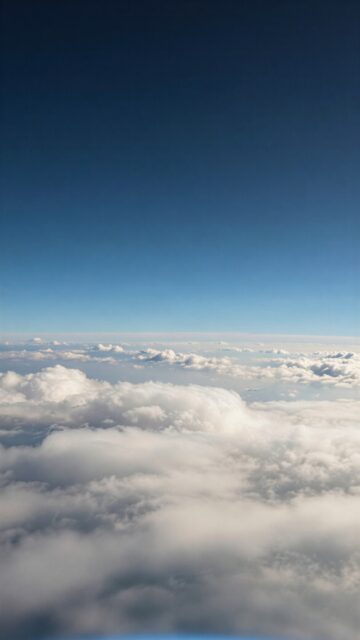
10 wallpapers in 1 collections · last added 12 Oct 2026 · sizes for iPhone, Android, desktop and tablet
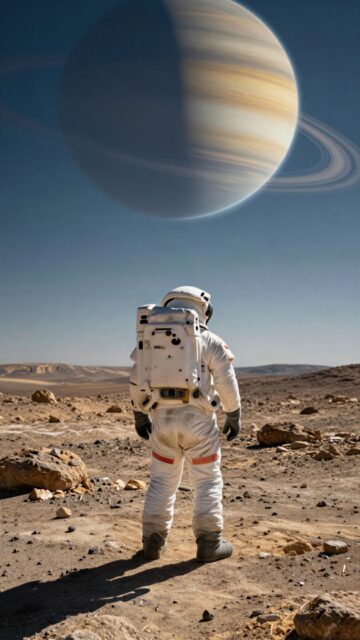
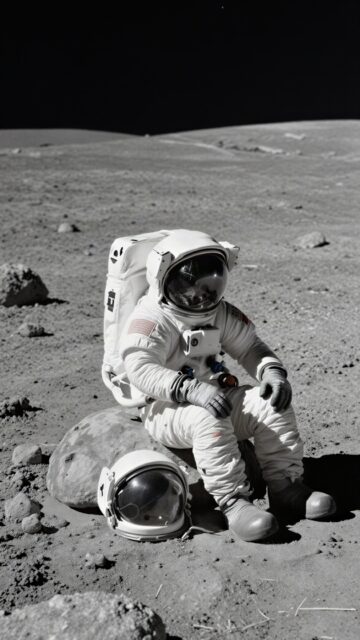
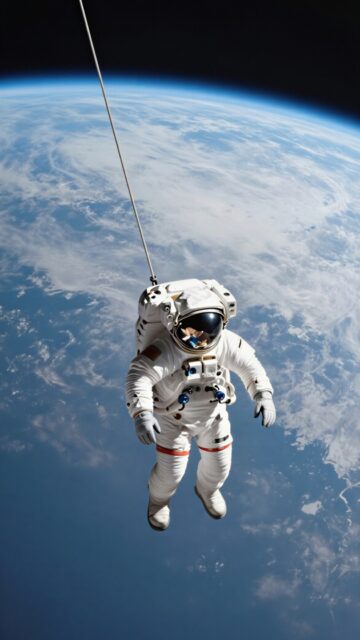
An astronaut wallpaper captures the quiet wonder of floating far above Earth, with a lone explorer drifting against the stars. These astronaut backgrounds include spacewalks with the planet glowing below, helmet visors reflecting distant galaxies, figures standing on dusty moonscapes, cartoon spacemen floating among planets and calm, lofi-style scenes with soft colors. Some designs feel epic and cinematic, while others are playful, lonely or a little dreamy.
Each collection contains 10 wallpapers in one theme and one size. You can download 1170x2532 for iPhone, 1080x2400 for Android and 2048x2732 for iPad, plus 1920x1080 and 3840x2160 versions for a laptop or 4K desktop. The white suit stands out sharply against a black sky, so these designs read clearly even at small sizes. Every image is an original design checked by hand before it goes live, and weak images are removed. You will find related themes across the full space wallpapers section.
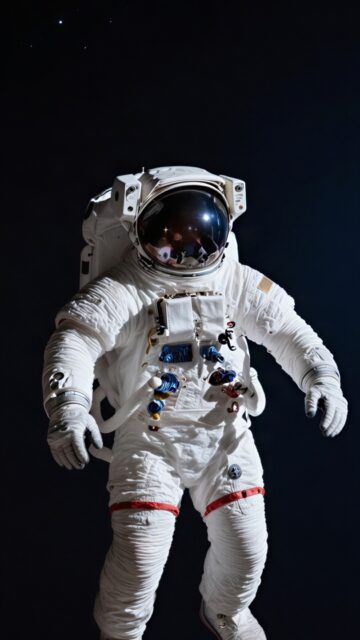
The mood of a spaceman scene changes a lot with composition. A small figure surrounded by empty black space feels peaceful and a little lonely, which suits a minimalist lock screen with plenty of room for the clock. A close-up helmet with a reflected planet is bolder and works well as a home screen centerpiece if the visor sits in the lower half. Some combinations to try:
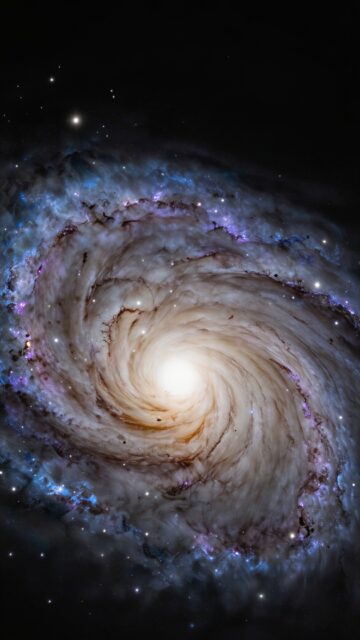
For more cosmic scenes, the Earth and night sky pages share this calm feel, and the lofi wallpapers carry the relaxed, cozy side of it.
On iPhone's depth effect, a spaceman with a clean helmet outline against a dark sky separates more reliably than one surrounded by stars, so pick a simple background if you want the helmet to overlap the clock.
Use 1170x2532 on iPhone and 1080x2400 on Android. These tall portrait sizes fill the screen without stretching. Astronaut figures are often placed with lots of space around them, so a small crop on a different screen shape rarely cuts off the helmet. The iPhone guide explains how to set and position it.
Choose a design where the astronaut floats in the lower or middle part of the image so the clock sits over empty space. On iPhone, a clearly outlined figure against a plain sky can also work with the depth effect, letting the helmet overlap the time. Save busier scenes for the home screen behind your icons.
Yes, for personal use on devices you own, with no account and no watermark. You cannot sell them, use them in commercial projects, print them on products or share them as a download collection. The Terms of Use page covers every detail.
New collections are published on the site daily, and each includes 10 wallpapers in one theme and size. Astronaut sets appear here as they go live. If you want a fresh surprise each morning, check today's pick, which changes every day.
Yes. The 5120x1440 dual monitor size is wide enough to span two side-by-side screens, which works well for a figure floating over a long planet horizon. The dual monitor guide shows how to turn on the span setting on Windows and Mac.
Real spacesuit helmets have an outer visor coated with a thin layer of gold, which reflects harsh sunlight and heat to protect the astronaut's eyes and face. That is why visors often look golden or mirror-like in photos. Artists borrow the effect to show planets, stars or sunrises reflected in the glass.
Soviet cosmonaut Yuri Gagarin became the first human in space in April 1961, orbiting Earth once. A few years later, in July 1969, Neil Armstrong and Buzz Aldrin walked on the Moon during Apollo 11. Those moments shaped the classic spacesuit and moon-walk images that inspire astronaut art today.
For many people an astronaut stands for curiosity, courage and big dreams, the idea of going somewhere no one has been. A lone floating figure can also suggest calm, solitude or feeling a little far from everything. That mix of ambition and quiet reflection is why the theme is so popular on phones.
Every wallpaper is reviewed by a person before it goes live: we remove images with odd details or blur and check the crop for each device. How we check wallpapers
Something wrong with an image? Report an image · Free for personal use, see the Terms.