Planet Wallpapers

10 wallpapers in 1 collections · last added 8 Oct 2026 · sizes for iPhone, Android, desktop and tablet

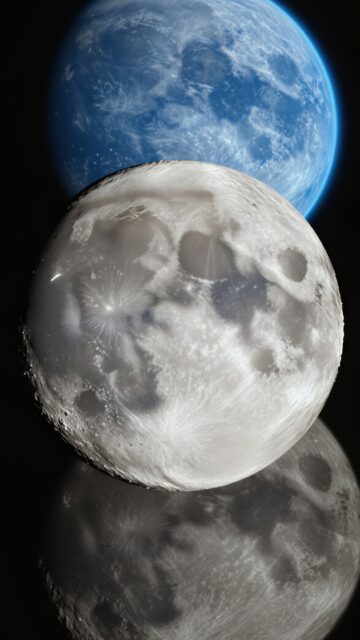
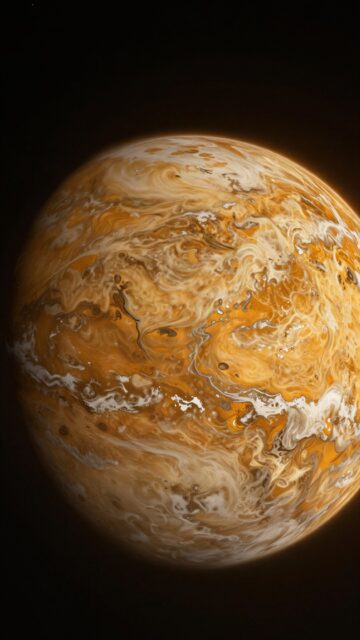
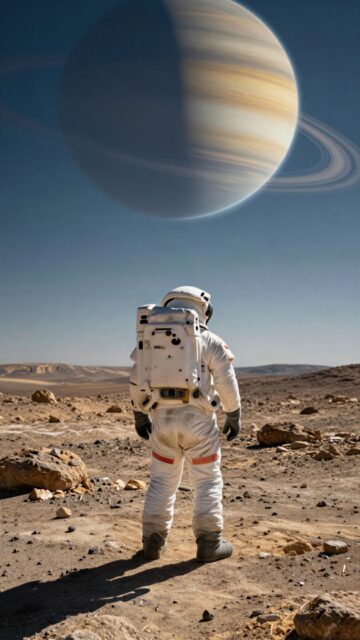
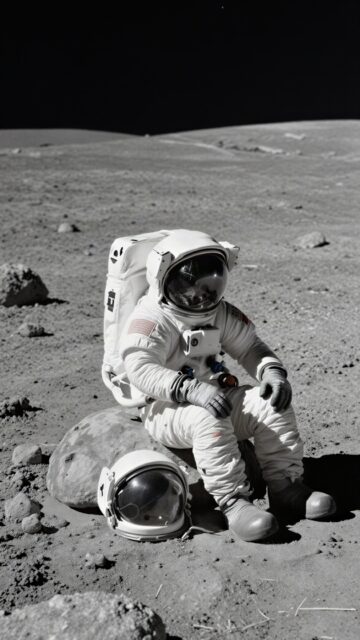
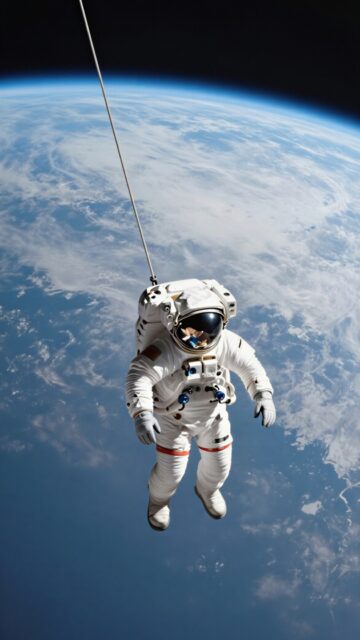
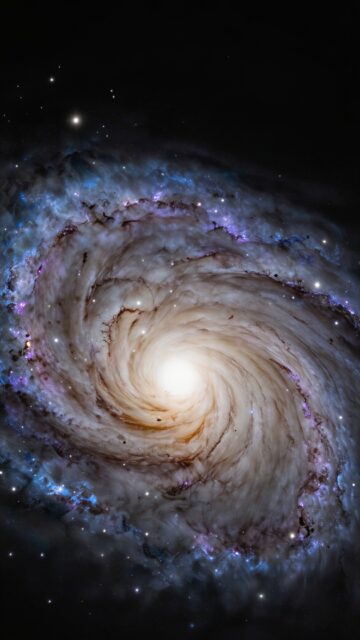
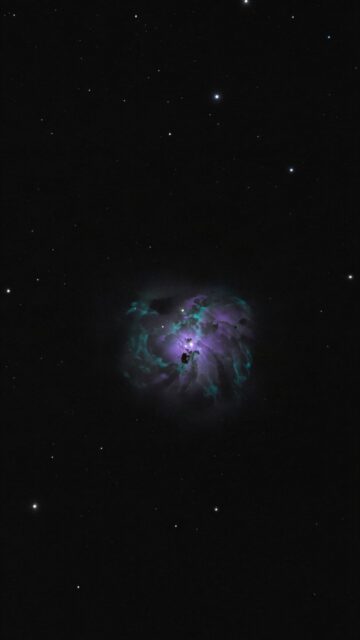
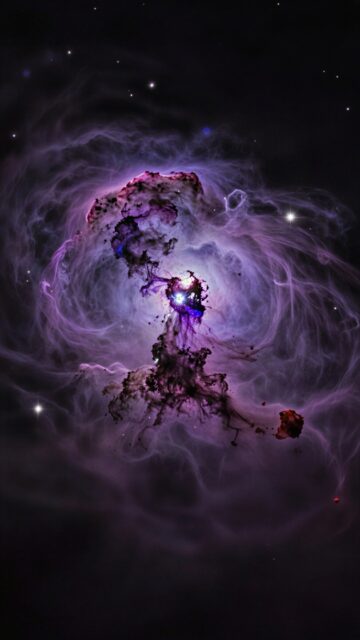
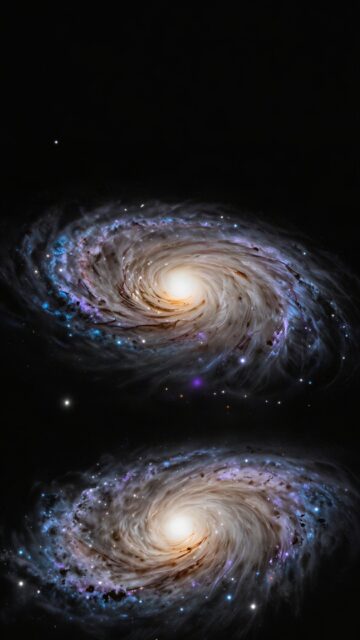
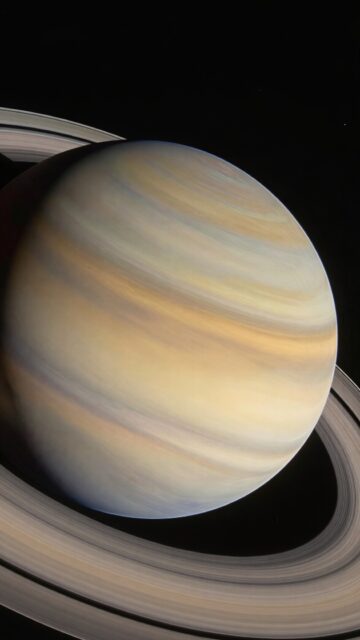
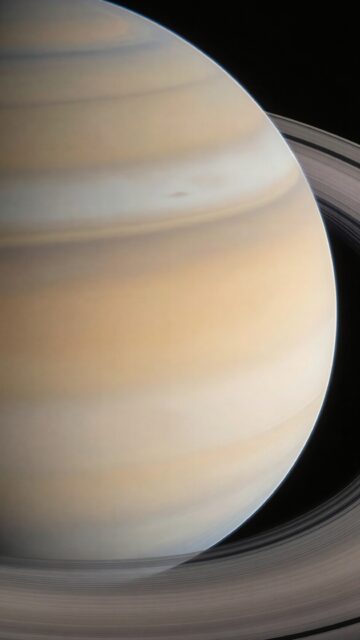
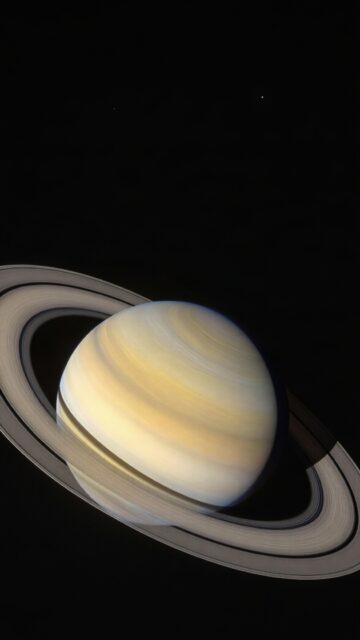
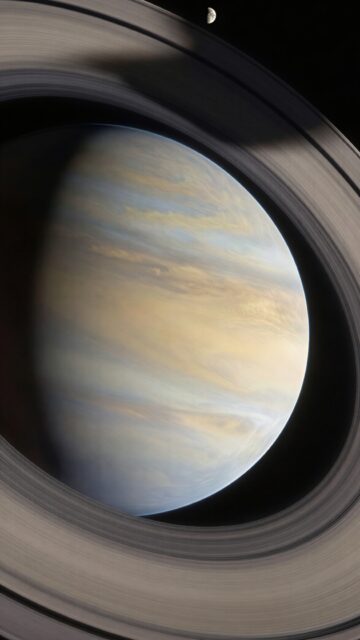
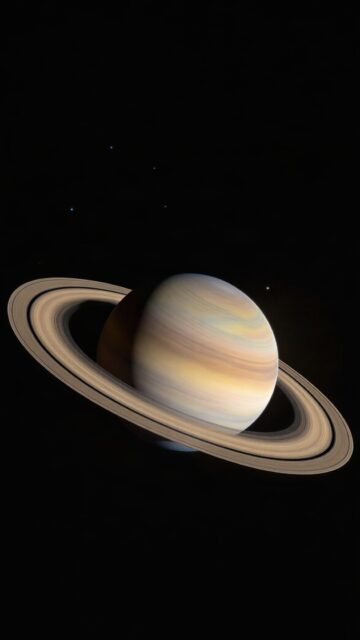
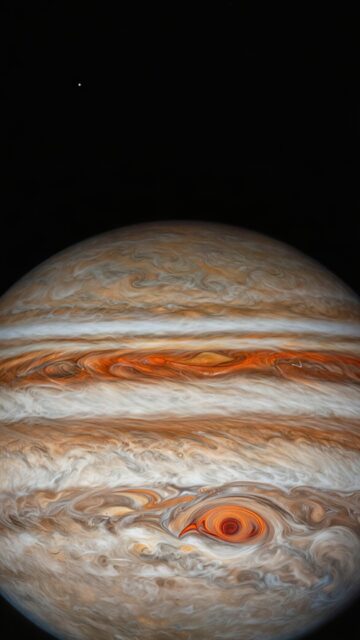
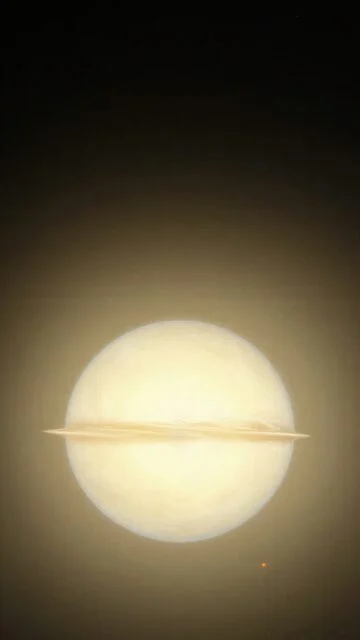
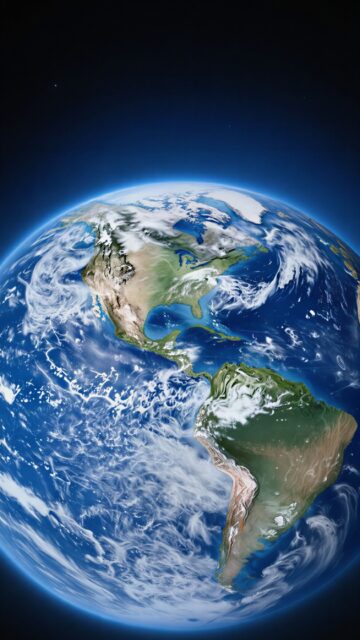
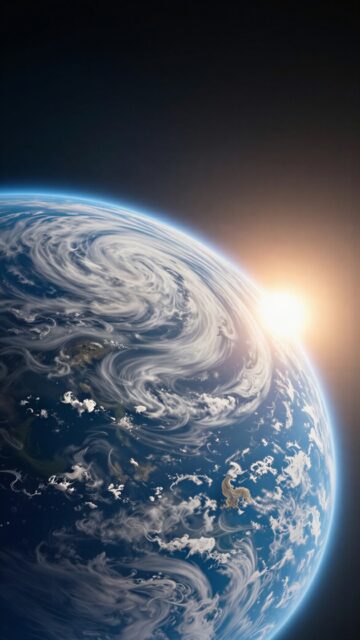
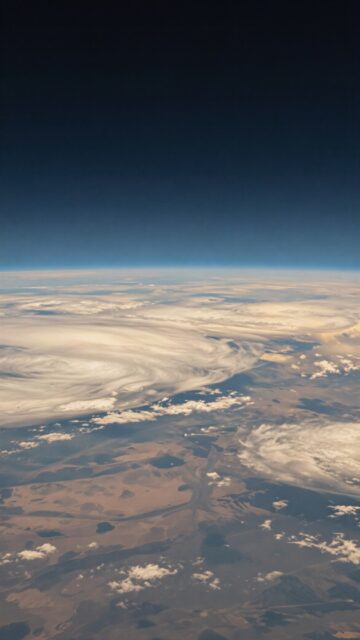
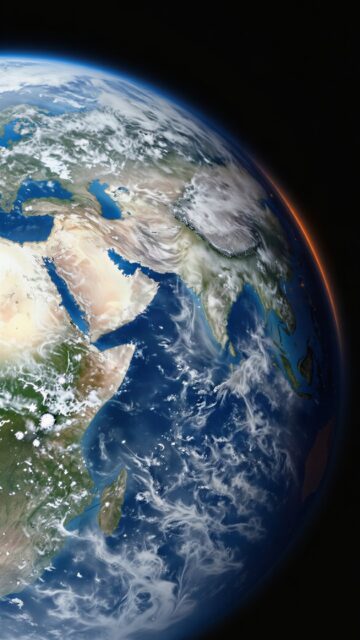
A planet wallpaper gives your screen a sense of scale, with whole worlds hanging in the dark or rising over an alien horizon. These planet backgrounds cover swirling gas giants, rocky worlds with cratered surfaces, ringed planets glowing at the edge of sunlight, icy blue spheres, imaginary planets in bold colors and close-up views where a curved surface fills most of the frame. Some designs look almost photographic, while others feel soft, pastel and illustrated.

Every collection includes 10 wallpapers in one theme and one size. On phones you can use the 1170x2532 iPhone or 1080x2400 Android version, and a single planet on black makes a clean, striking lock screen. For bigger screens there are iPad, laptop and 3840x2160 desktop sizes, plus a 5120x1440 file for a dual monitor setup. All designs are original and checked by hand before they go live, and weak images are removed. More cosmic themes are waiting in the main space wallpapers section.
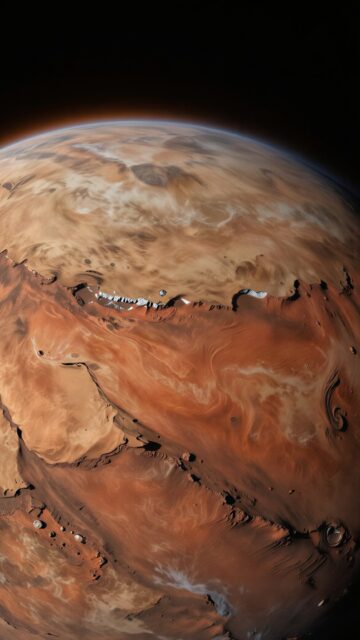
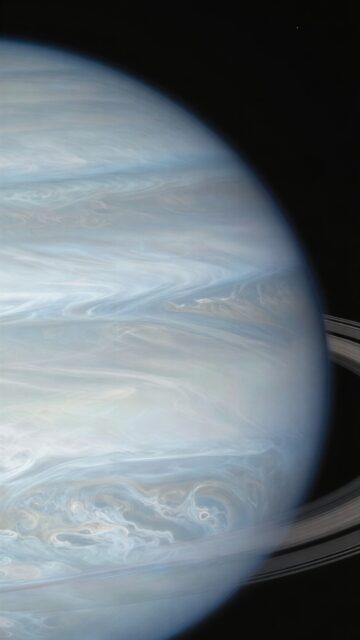
The best planet art depends on how much of the screen you want the world to fill. A small sphere surrounded by empty darkness feels calm and minimal, perfect for a home screen where icons need breathing room. A huge curved surface rising from the bottom of the frame feels dramatic and leaves a band of open sky at the top for the clock, which suits a lock screen. Popular color moods:

  • Banded creams, tans and rusty oranges inspired by gas giants.
  • Icy cyan and deep blue for cold, distant worlds.
  • Candy pinks and purples for imaginary, dreamy planets.

For individual favorites, head to the Saturn and Mars pages, or see every world lined up on the solar system page.

Expert tip

When a planet sits right in the center of the image, use the 1170x2532 file even on slightly different iPhone models, since the phone only crops black space at the edges and the planet stays perfectly framed.

Color palette

#06070C#1B2440#5A4A7A#C98B4F#EAD9BF

Planet wallpaper FAQ

Which planet wallpaper size should I choose for iPhone or Android?

Choose 1170x2532 for iPhone and 1080x2400 for Android. Both are tall portrait files sized for current phones, so they fill the screen without stretching. A planet centered in black space handles small crops easily, since only empty sky is trimmed. The iPhone wallpaper guide shows how to set it.

How do I choose a planet design for my lock screen versus home screen?

For the lock screen, pick a planet that sits low or rises from the bottom edge, so the clock has dark sky above it. For the home screen, a smaller planet in the lower third or a soft background view keeps your icons easy to spot. Using two designs from one set gives a matching look.

Are planet backgrounds free to use?

Yes, for personal use on your own phone, tablet, computer or watch. There is no sign up and no watermark. They are not for commercial use, resale or redistribution, so please do not repost or print them for sale. The Terms of Use explain everything in detail.

How often are new planet wallpapers added?

New collections are published on the site every day, each with 10 wallpapers in one theme and size. Planet sets appear here as they are released. To see the newest designs from every category at once, check the latest wallpapers page regularly.

How do I set a 4K planet wallpaper on my computer?

Download the 3840x2160 version, which is 4K and also looks sharp on 1080p and 1440p screens. Open your system wallpaper settings and select the file, choosing fill so it covers the whole screen. The desktop wallpaper guide has step-by-step help for Windows and Mac.

How many planets are in our solar system?

There are eight: Mercury, Venus, Earth, Mars, Jupiter, Saturn, Uranus and Neptune. Pluto was counted as the ninth until 2006, when astronomers reclassified it as a dwarf planet. Many planet wallpapers mix these real worlds with imagined ones, which is part of the fun of the theme.

What is the difference between gas giants and rocky planets?

Rocky planets like Mercury, Venus, Earth and Mars have solid surfaces of rock and metal. Gas giants like Jupiter and Saturn are mostly hydrogen and helium with no solid ground to stand on. In wallpapers, rocky worlds show craters and terrain, while gas giants show smooth swirling bands of color.

Is a planet wallpaper good for an OLED phone?

Yes. A planet floating in pure black space is ideal for OLED screens, because black pixels are turned off and only the lit sphere uses power. The result looks sharp and saves a small amount of battery, especially with an always-on display showing your lock screen.

Curated and checked by the FreeWallpaperDaily experts

Every wallpaper is reviewed by a person before it goes live: we remove images with odd details or blur and check the crop for each device. How we check wallpapers

Something wrong with an image? Report an image · Free for personal use, see the Terms.