Night Sky Wallpaper iPhone
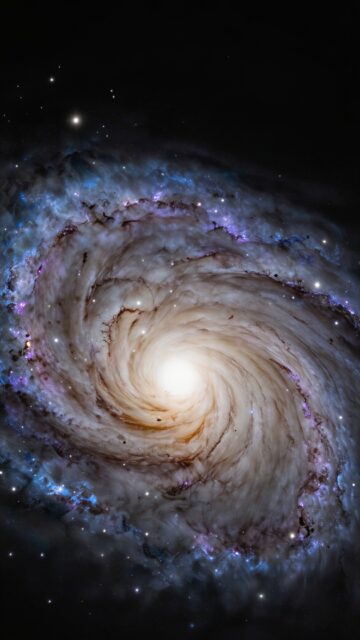
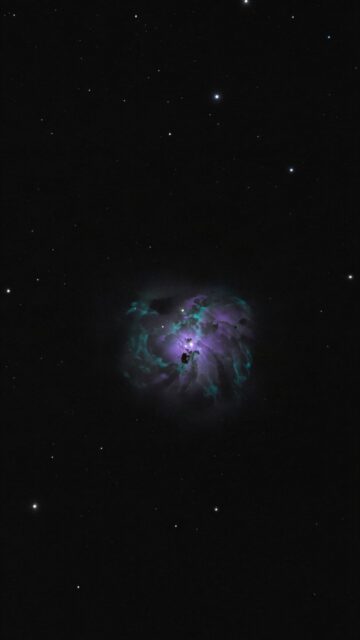
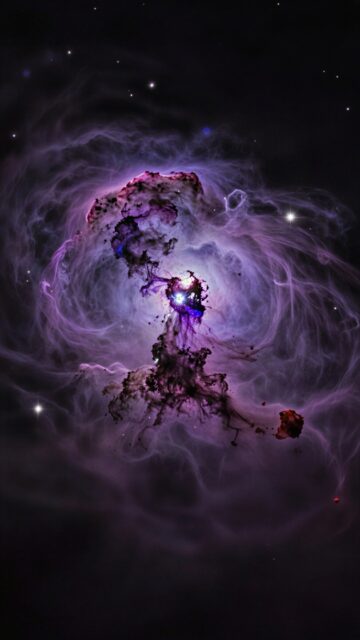
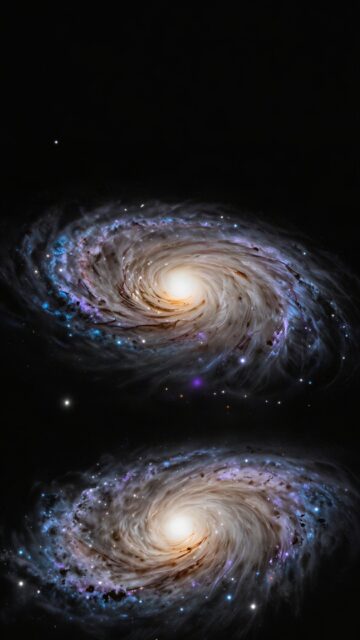
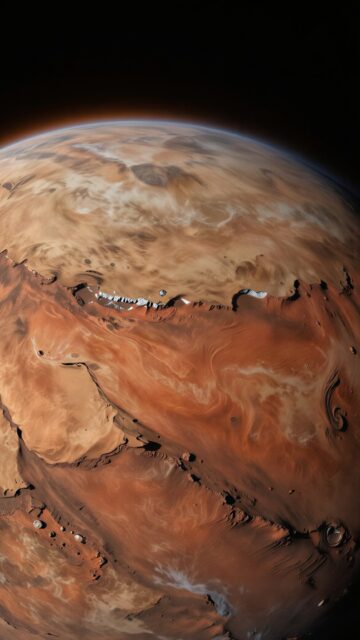
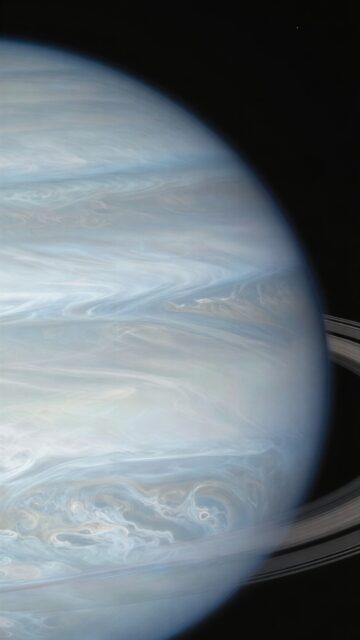
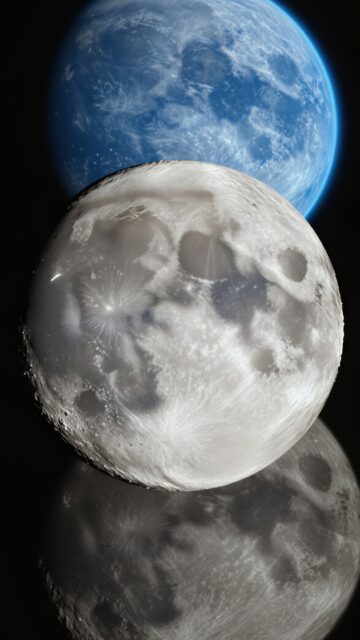
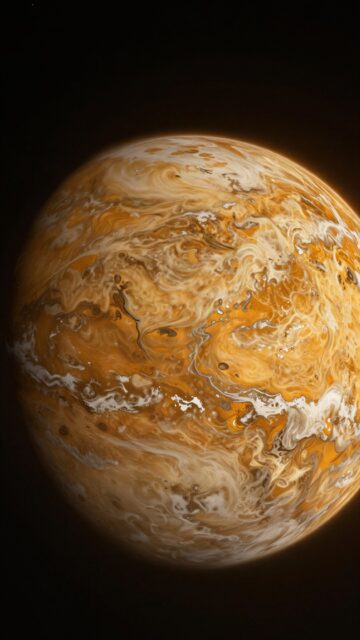
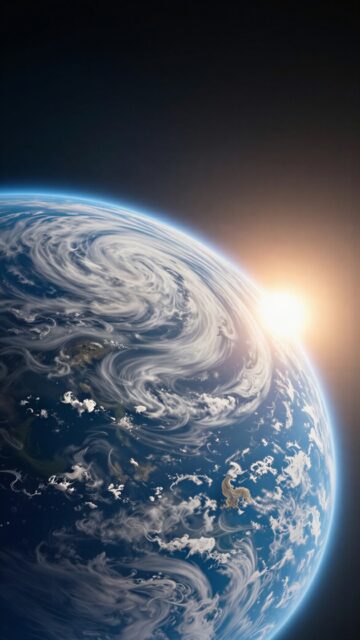
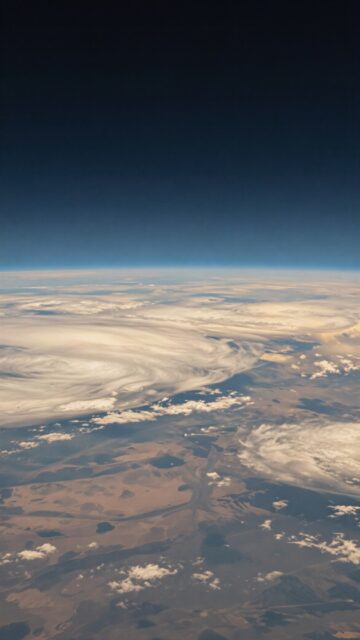
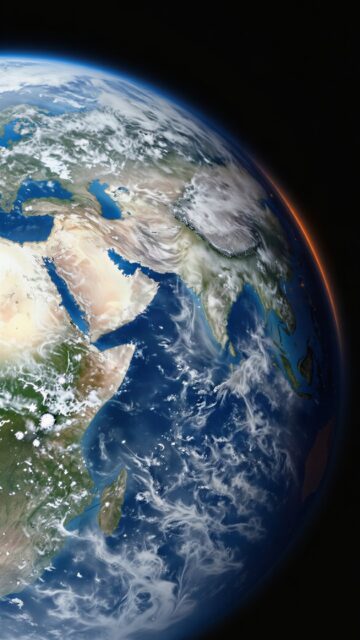
Night sky wallpaper for iPhone brings starry scenes and celestial views to your lock screen and home screen. These wallpapers show clear night skies with stars, planets, moons and soft light. Each design works year-round and suits any iPhone model. The set ranges from deep space views to earthbound starfields, with cool blues, purples and blacks that pair well with most apps and widgets.
10 wallpapers at 1170 × 2532 px for iPhone. Checked by hand on 5 Oct 2026.
About this set
These night sky wallpapers bring calm and wonder to your iPhone with stellar views, moonlight and cosmic depth. The designs use deep blues, purples and blacks that work beautifully as lock screen backgrounds, especially with subtle widgets or time displays that contrast against the dark sky. The starry scenes also pair well with home screen icons, since the simple upper quarter leaves room for app arrangement without clutter.
The cool color palette complements most app icons and works equally well in light or dark mode. For the best effect, choose designs with a simple top section for your lock screen and busier starfields for your home screen where you have more visual space to work with.
Why you need a truly dark place for a sky like this
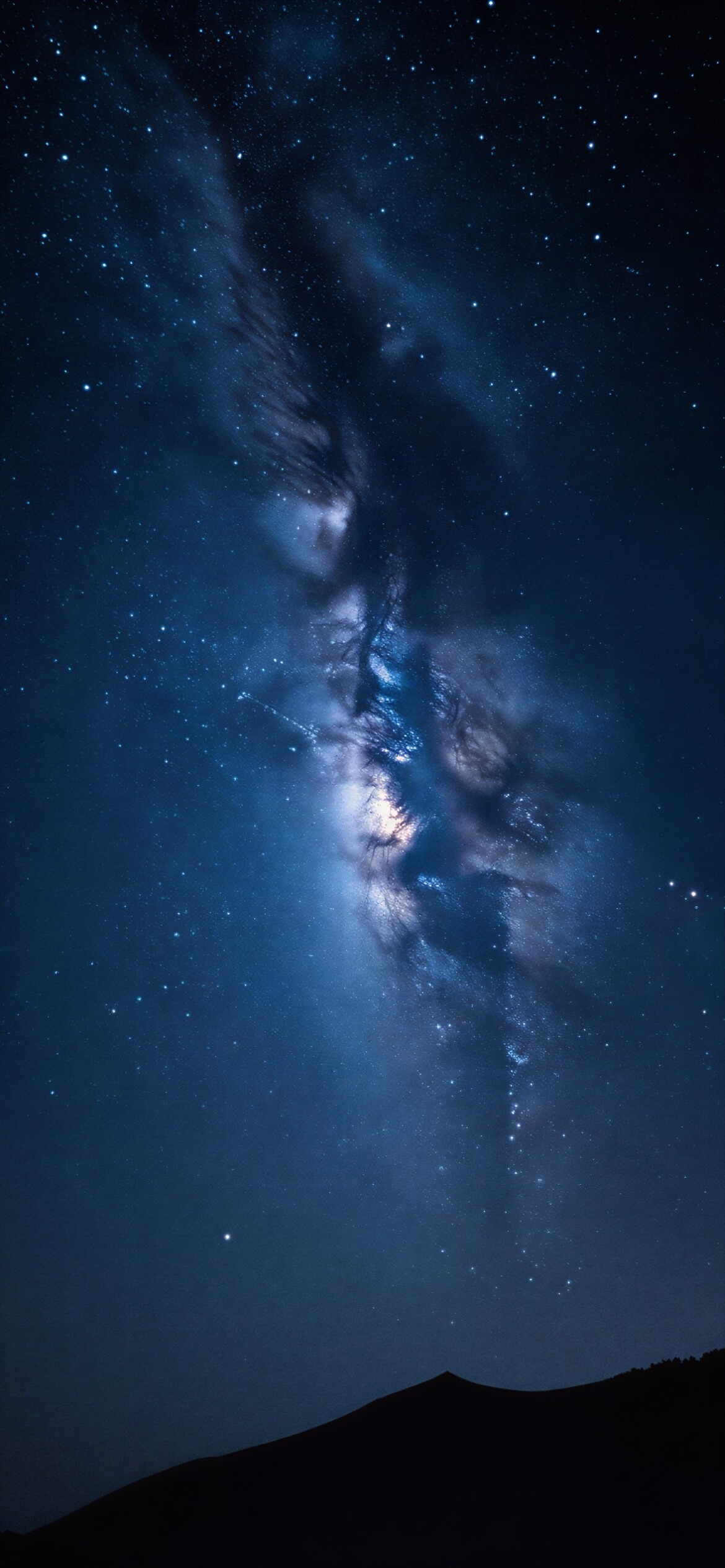
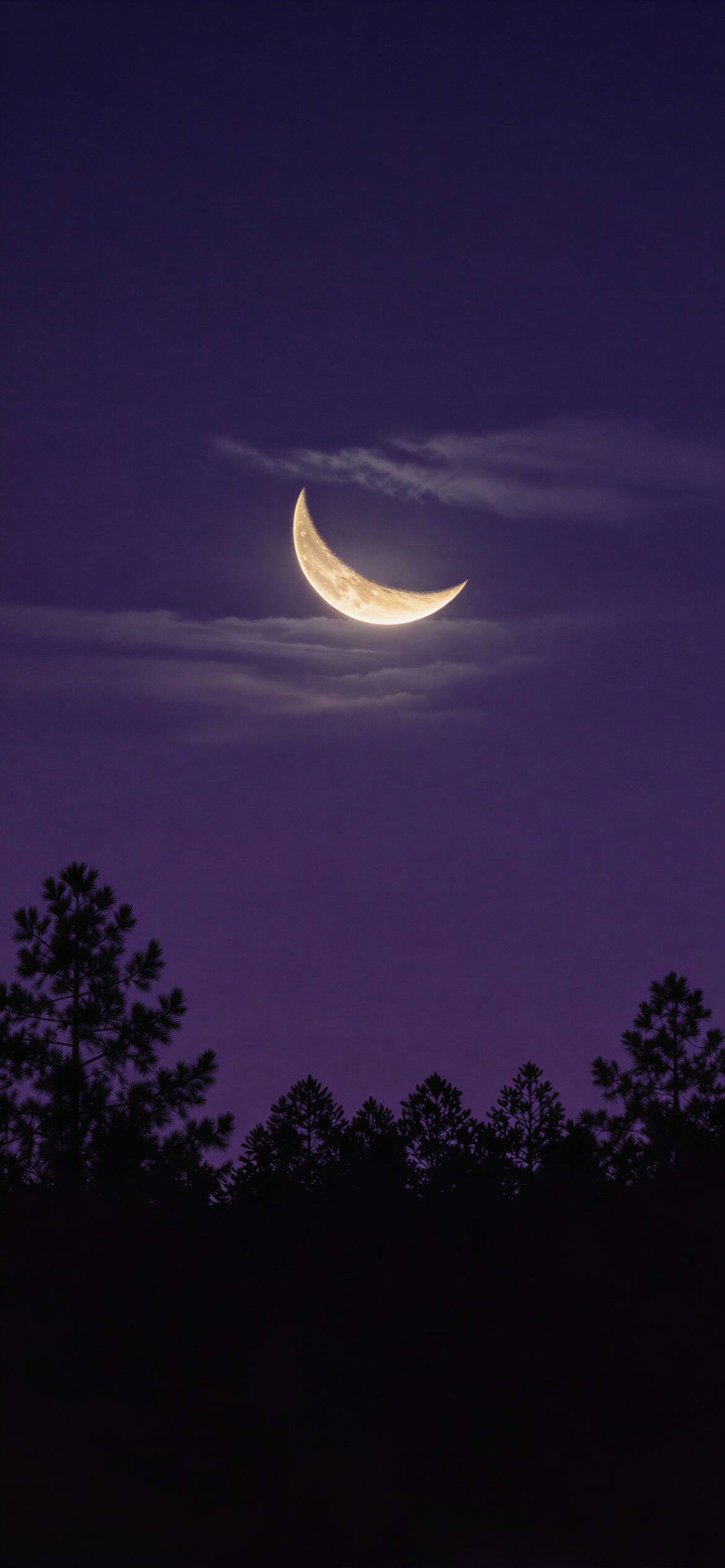
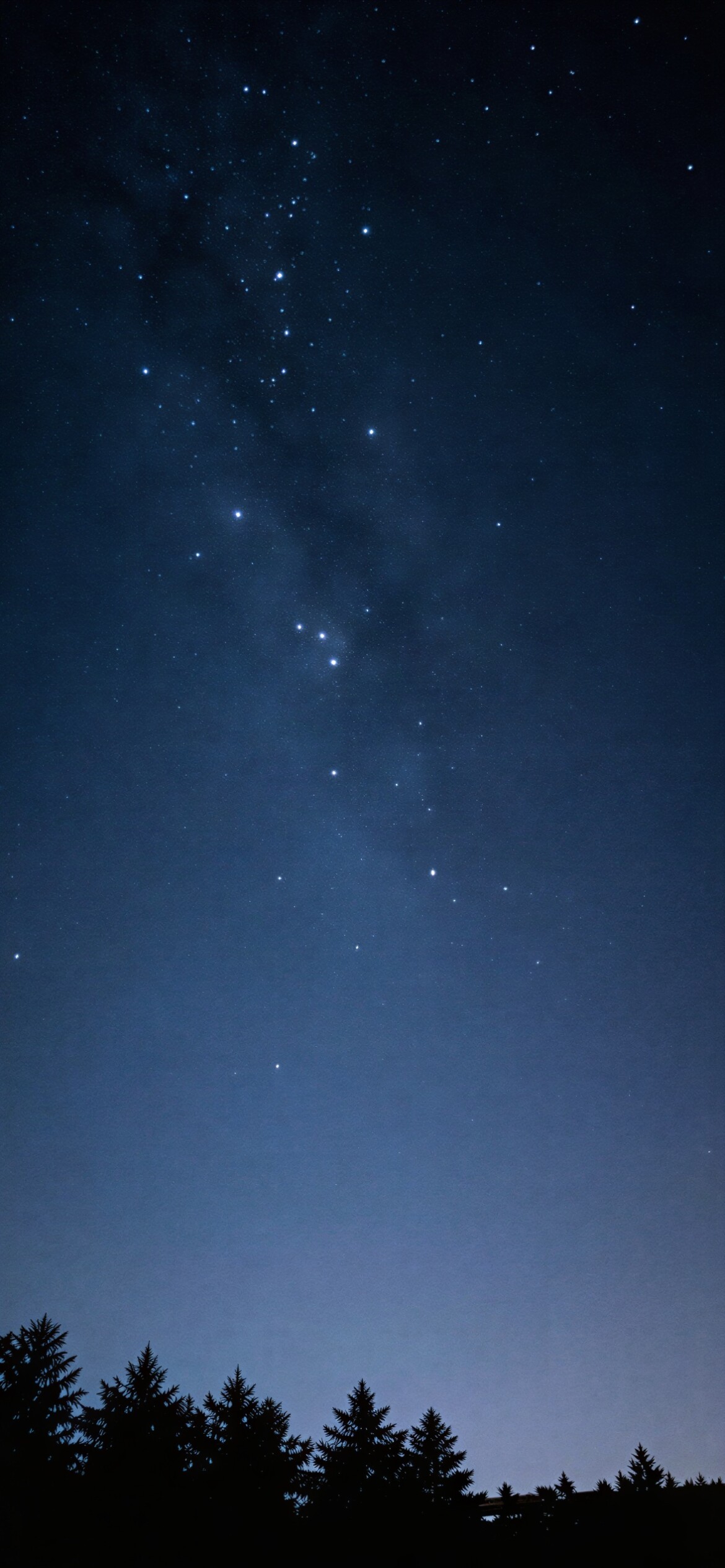
The band of the Milky Way in #1 is something most people never see from home. Streetlights and lit buildings scatter light into the air, and that glow washes out everything but the brightest stars. Astronomers rate sky darkness on the Bortle scale, which runs from 1 for the darkest rural sites to 9 for an inner-city sky, and the Milky Way only shows clearly toward the dark end. That is why so many night photos are taken over mountains and forests, as in #1, #3 and #9. Your eyes also need time: it takes roughly 20 to 30 minutes in the dark before they adjust fully, and a single glance at a bright phone screen resets much of that.
Moons, patterns and one sky that glows green
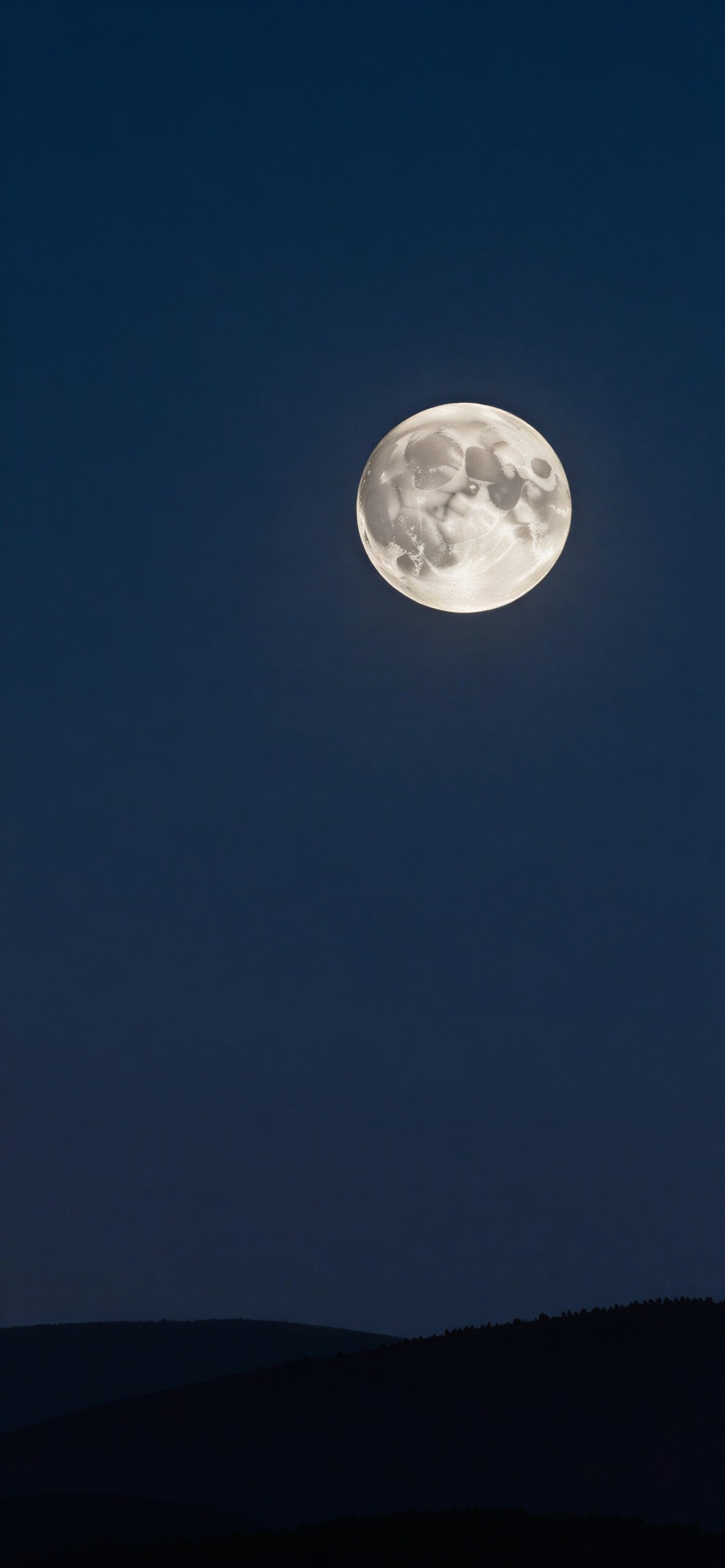
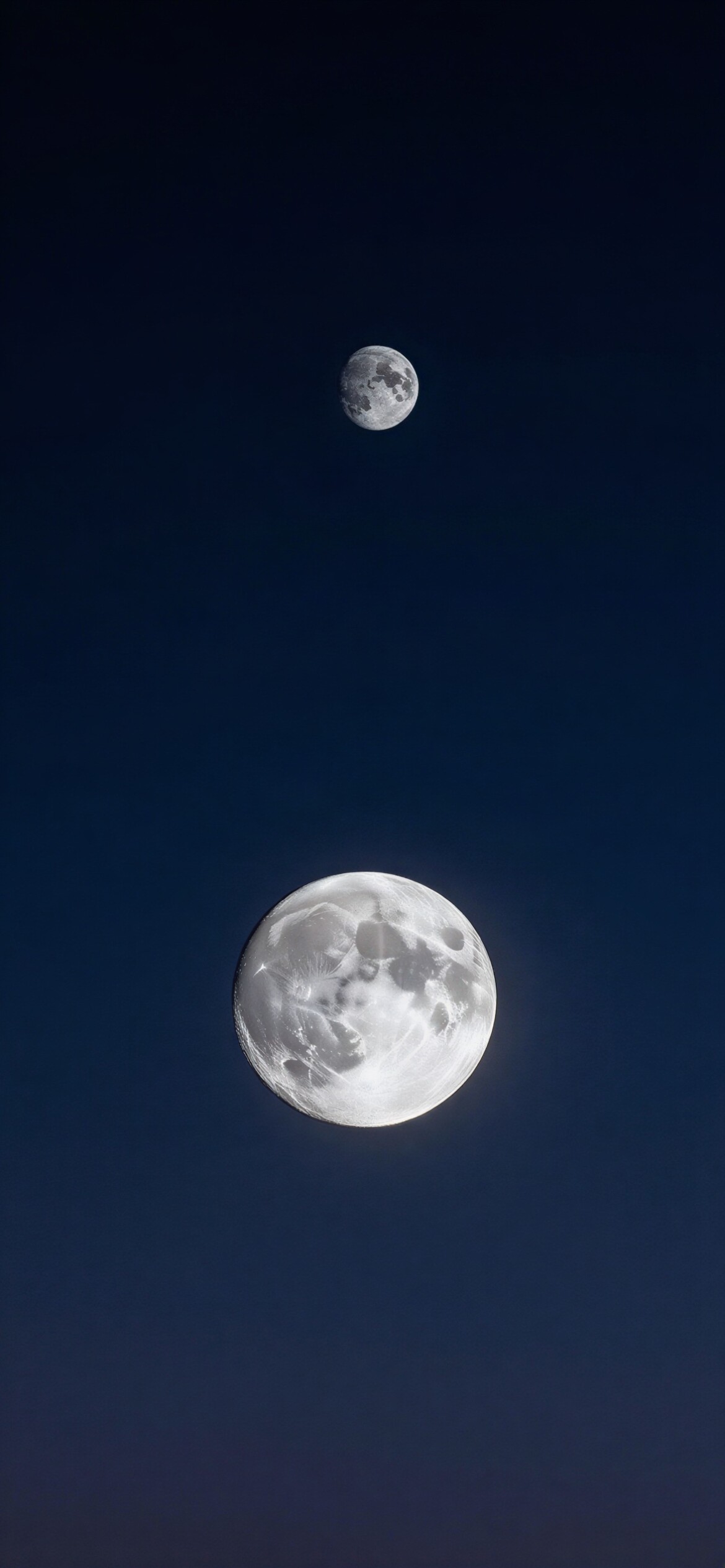
Three of the designs are built around a moon. #2 shows a full silver moon on indigo, #3 a thin crescent above a line of trees, and #6 goes into fiction with two moons of different sizes hanging in the same sky.
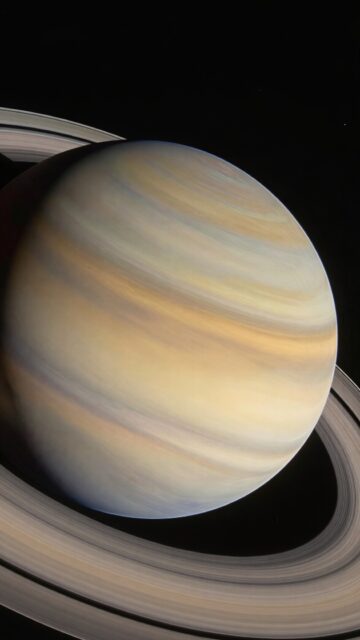
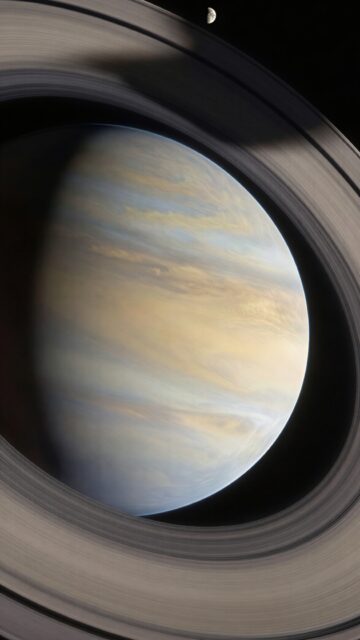
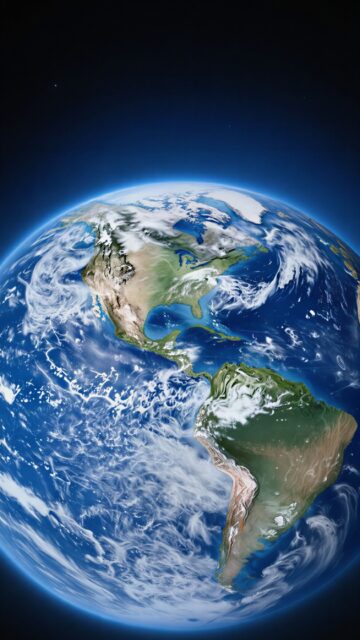
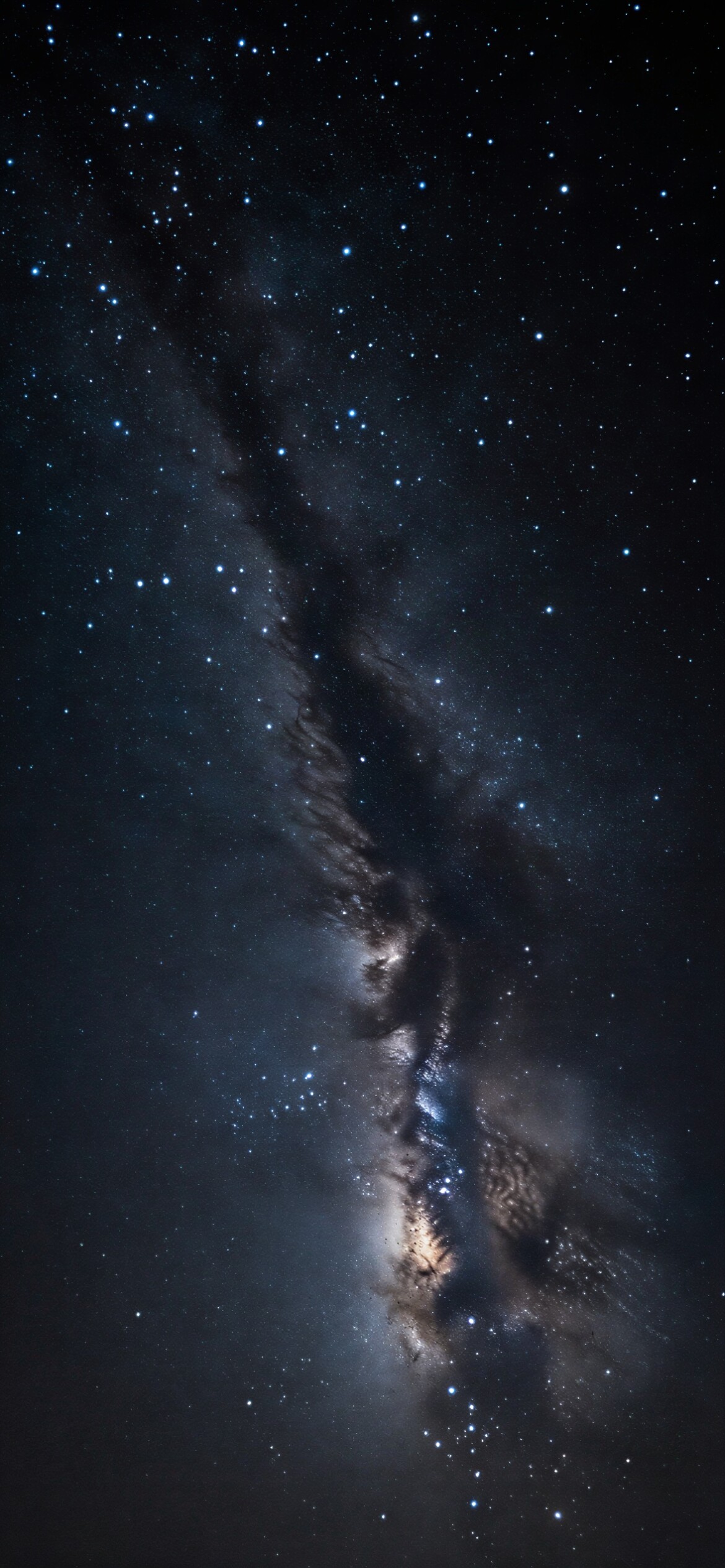
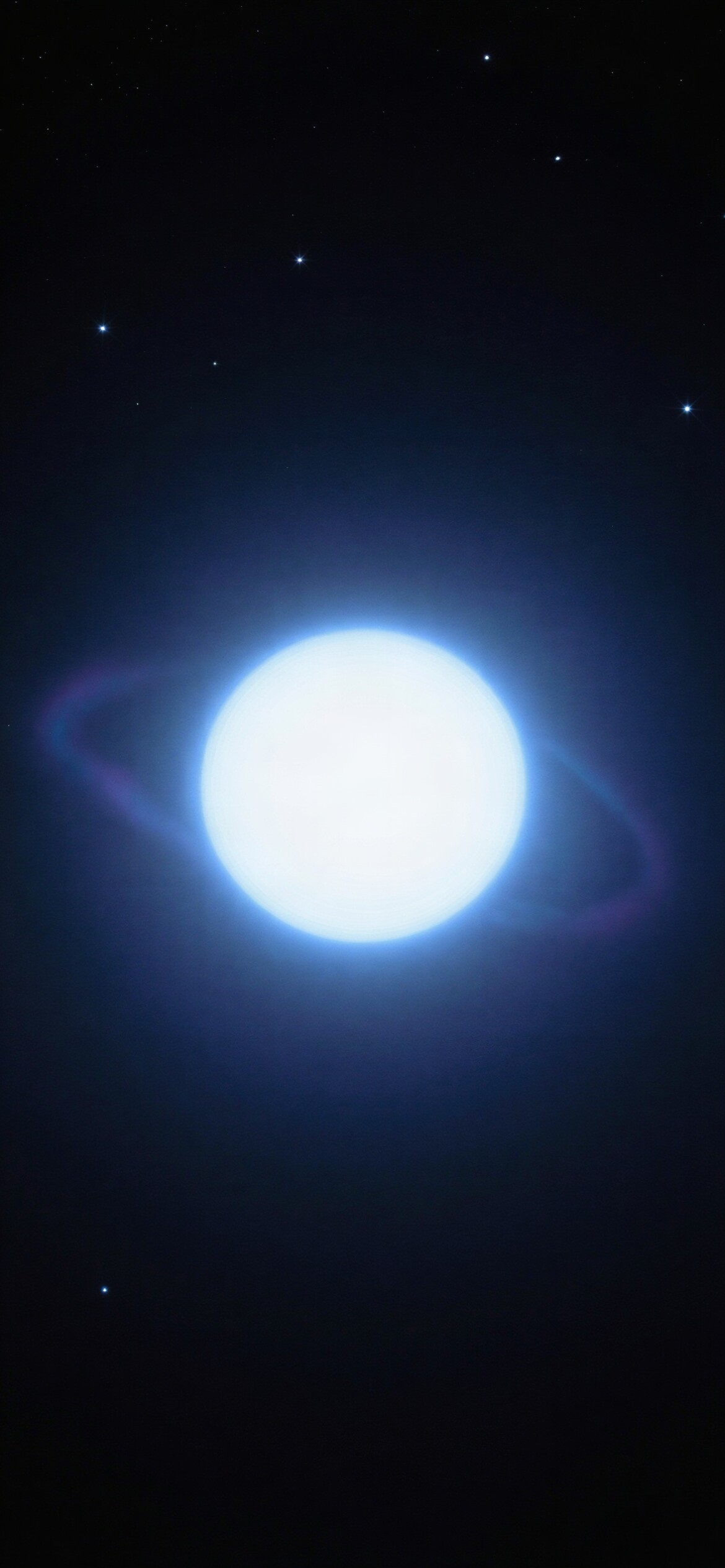
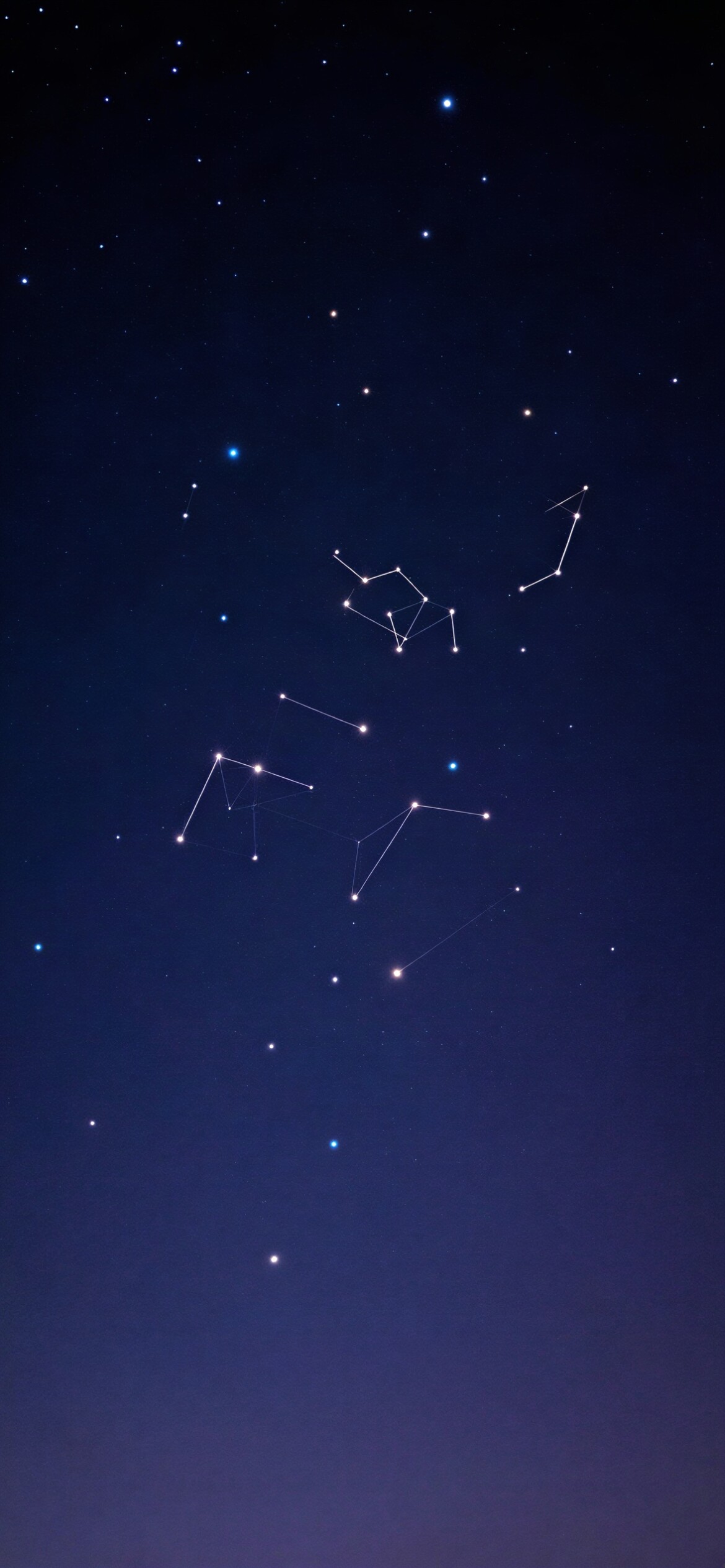
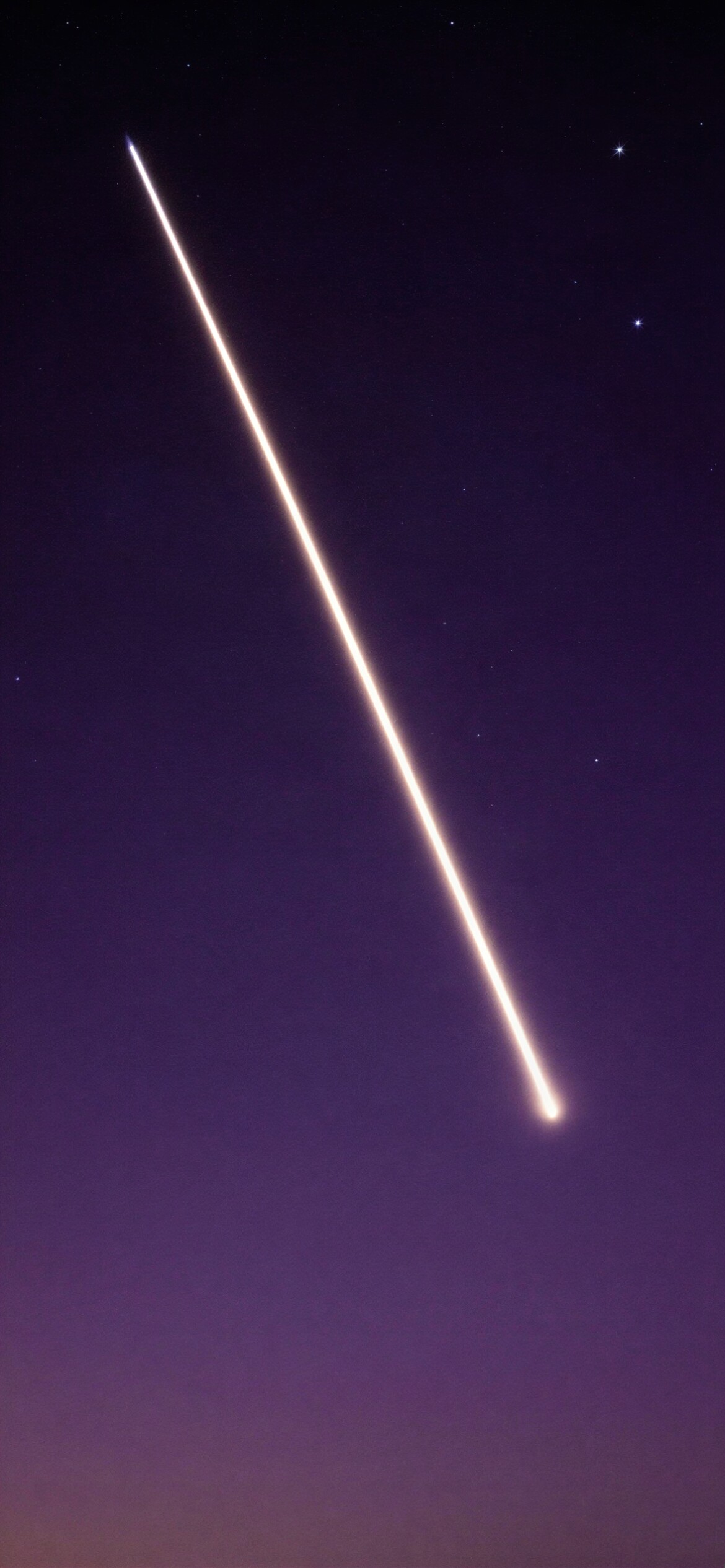
#4 and #5 leave the ground behind. One is a dense field of stars at different brightness levels, the other a glowing blue planet with a halo and a wash of nebula behind it. #7 links bright stars into constellation lines. The International Astronomical Union recognises 88 constellations, and many of the names still in use go back to the 48 listed by Ptolemy in the second century. #8 catches a shooting star mid-streak.
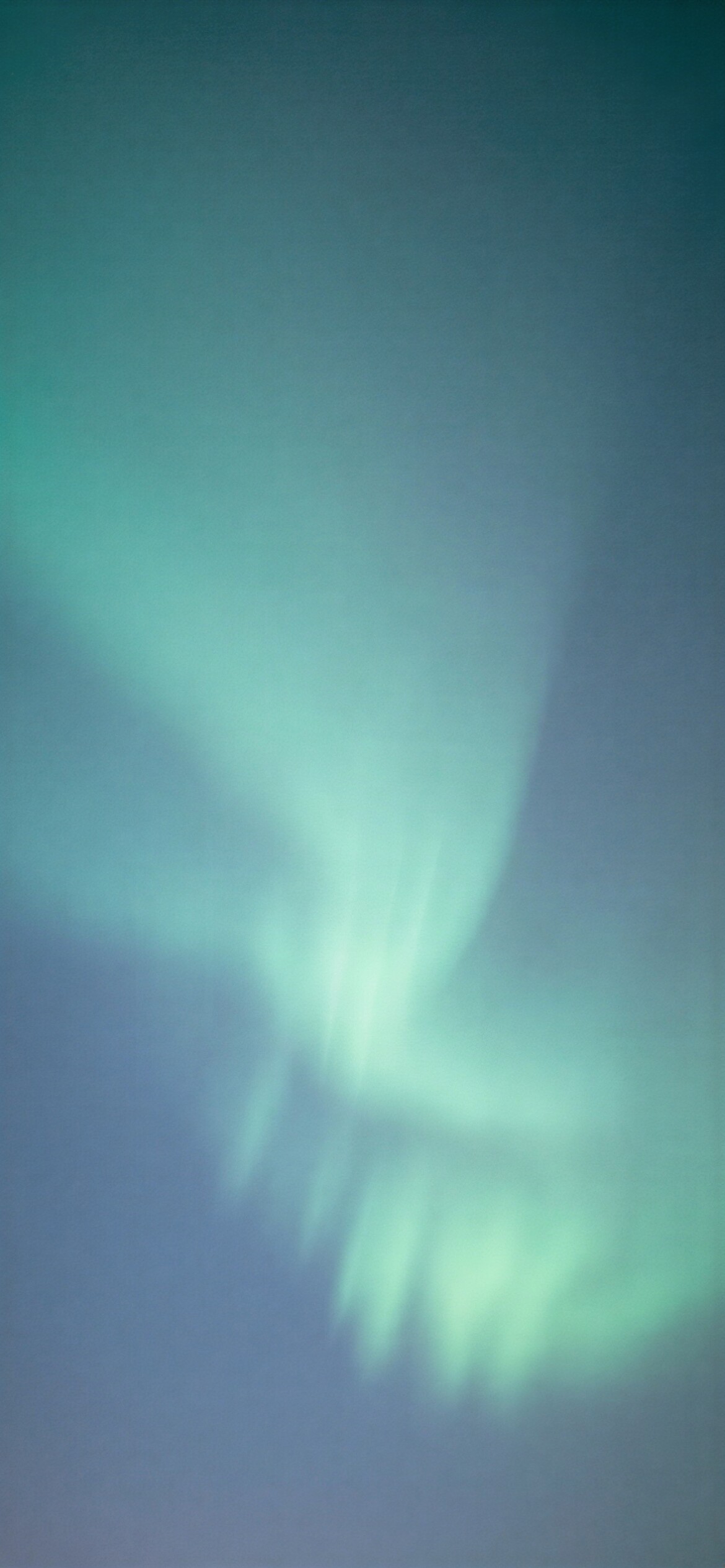
#10 is the only aurora in the set. Those lights appear when charged particles from the Sun reach the upper atmosphere near the poles, and the common pale green comes from oxygen high above the ground, which matches the green and blue tones in this one.
Black, indigo or a touch of colour
- Nearly black: #3, #4, #8 and #9, for a lock screen where the clock and widgets do most of the talking.
- Deep blue: #2, #6 and #7, a little softer, with the moon or star lines giving the eye somewhere to rest.
- Some glow: #1, #5 and #10, where the Milky Way, the planet halo or the aurora adds light and colour to the dark.
For a closer look at single elements of the sky, try our moon wallpapers, the stars collection or the deeper colours of our galaxy wallpapers.
How to set it on your iPhone
- Tap Download and save the image to Photos.
- Open Settings, tap Wallpaper, then Add New Wallpaper, and choose Photos.
- Pick the wallpaper, pinch to position it, then tap Add and choose the lock screen, home screen or both.
Stuck on a step? The iPhone and iPad guide has screenshots for each one.
Questions
Will these night sky wallpapers fit my iPhone screen?
Yes. These wallpapers are sized at 1170x2532 pixels, the size used by modern iPhones. They fill the screen as a lock screen or home screen background, though some older models may crop slightly at the edges.
Can I use these wallpapers commercially or share them elsewhere?
These wallpapers are free for personal use on your own iPhone. Selling them, printing them for sale, or reposting them on other wallpaper sites or social media is not allowed. Please see our Terms page for the full usage policy and restrictions.
Which night sky wallpapers work best for lock screens versus home screens?
Designs with a simple, empty top quarter and a single focal point like the moon or a planet work beautifully as lock screens, since they leave space for your time and notification badges. The busier starfield designs with dense constellations are better for home screens where you have more room and your icons won't overlap important details.
Will these dark night sky wallpapers work with my home screen icons?
Yes. The deep blue and black backgrounds provide excellent contrast for most app icons and won't cause readability issues. Light-colored icons stand out clearly against the dark sky. If you use dark-themed icons, try pairing them with the designs that have the brightest stars or moon glow for better visibility.