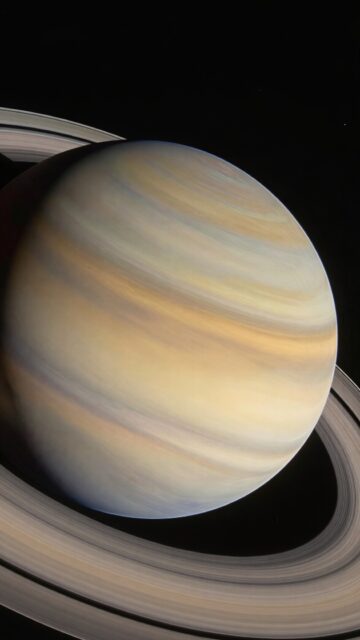
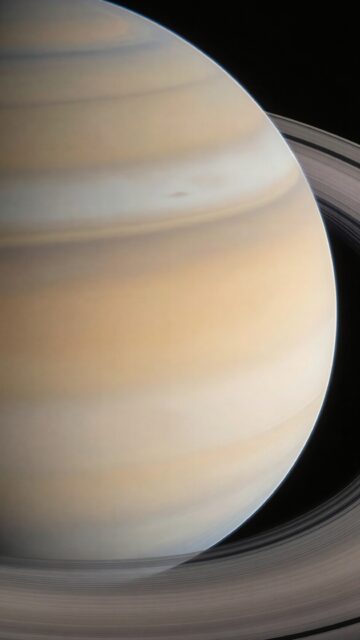
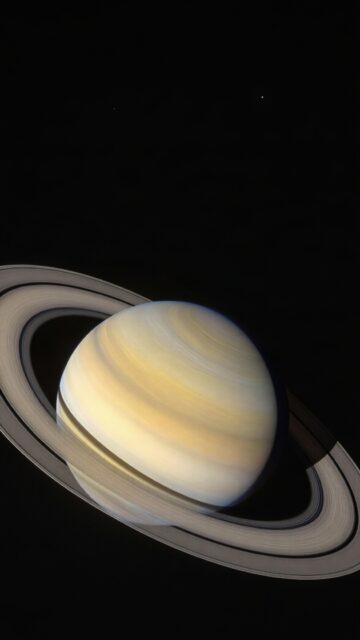
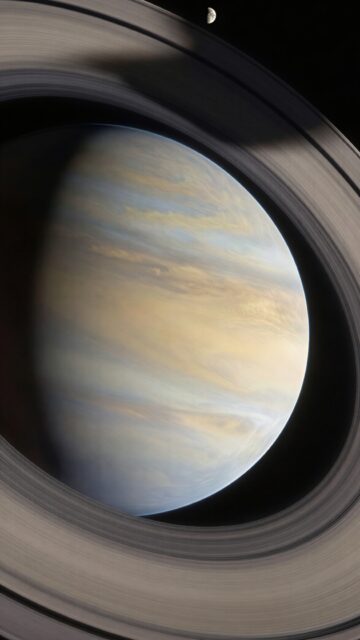
Universe Wallpaper iPhone
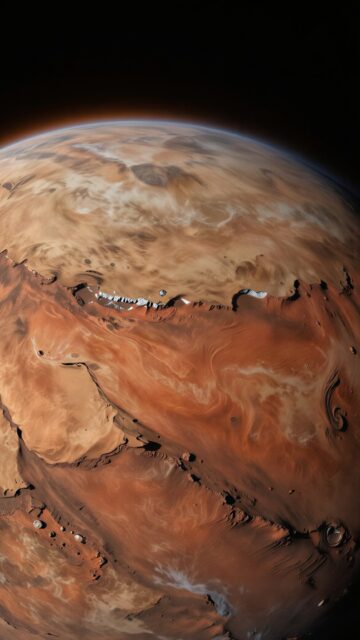
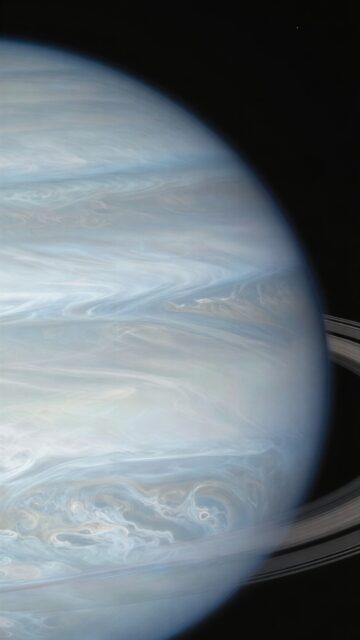
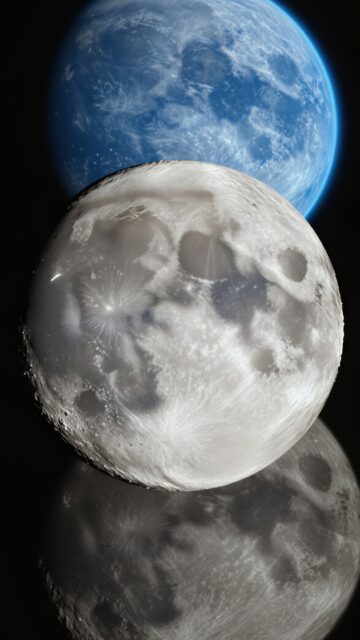
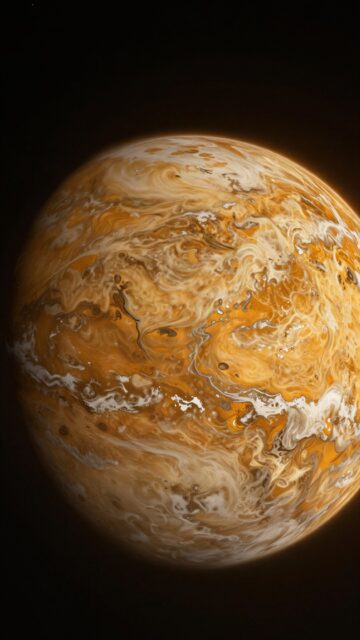
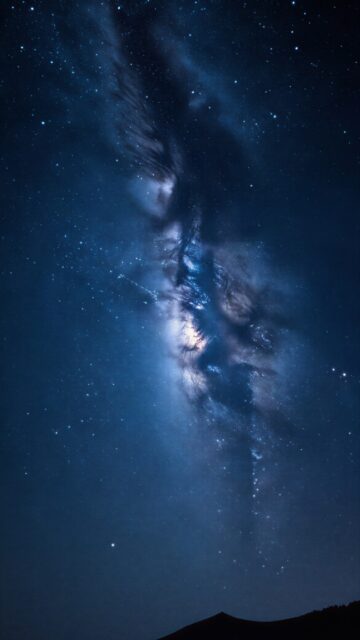
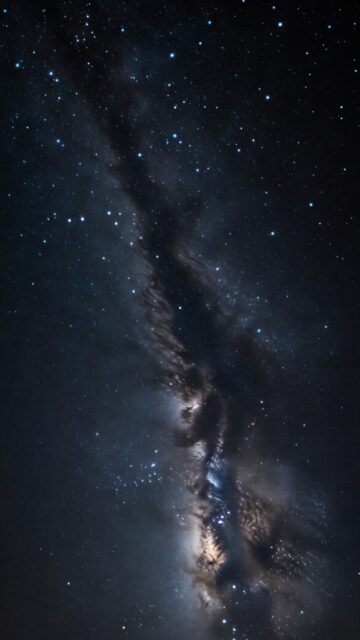
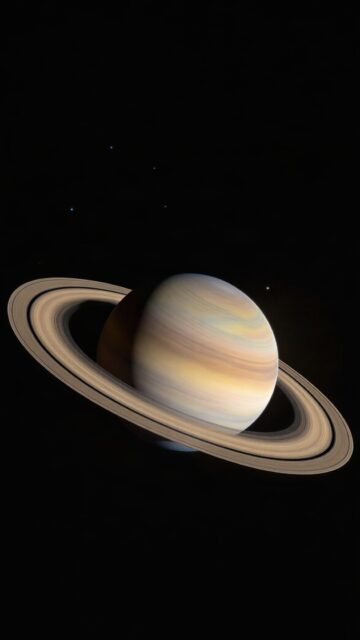
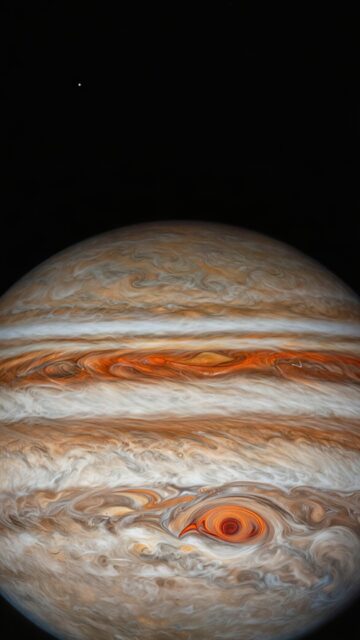
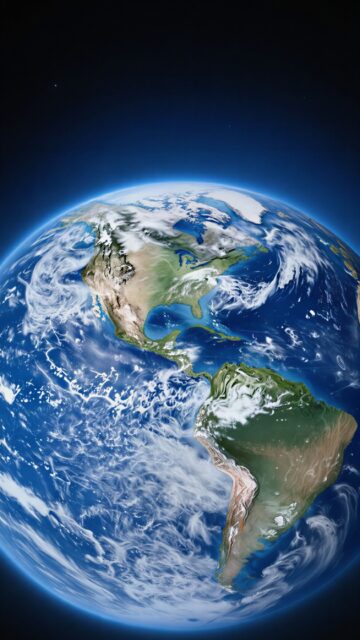
Universe wallpaper for iPhone brings deep space directly to your lock and home screens with original cosmic artwork. These designs feature distant galaxies, swirling nebulas, star fields and the vastness of space in rich color and detail. Each wallpaper is hand-curated and ready to download for free. The universe collection works year-round on any iPhone model, offering quiet, immersive backdrops that suit both day and night.
10 wallpapers at 1170 × 2532 px for iPhone. Checked by hand on 10 Oct 2026.
About this set
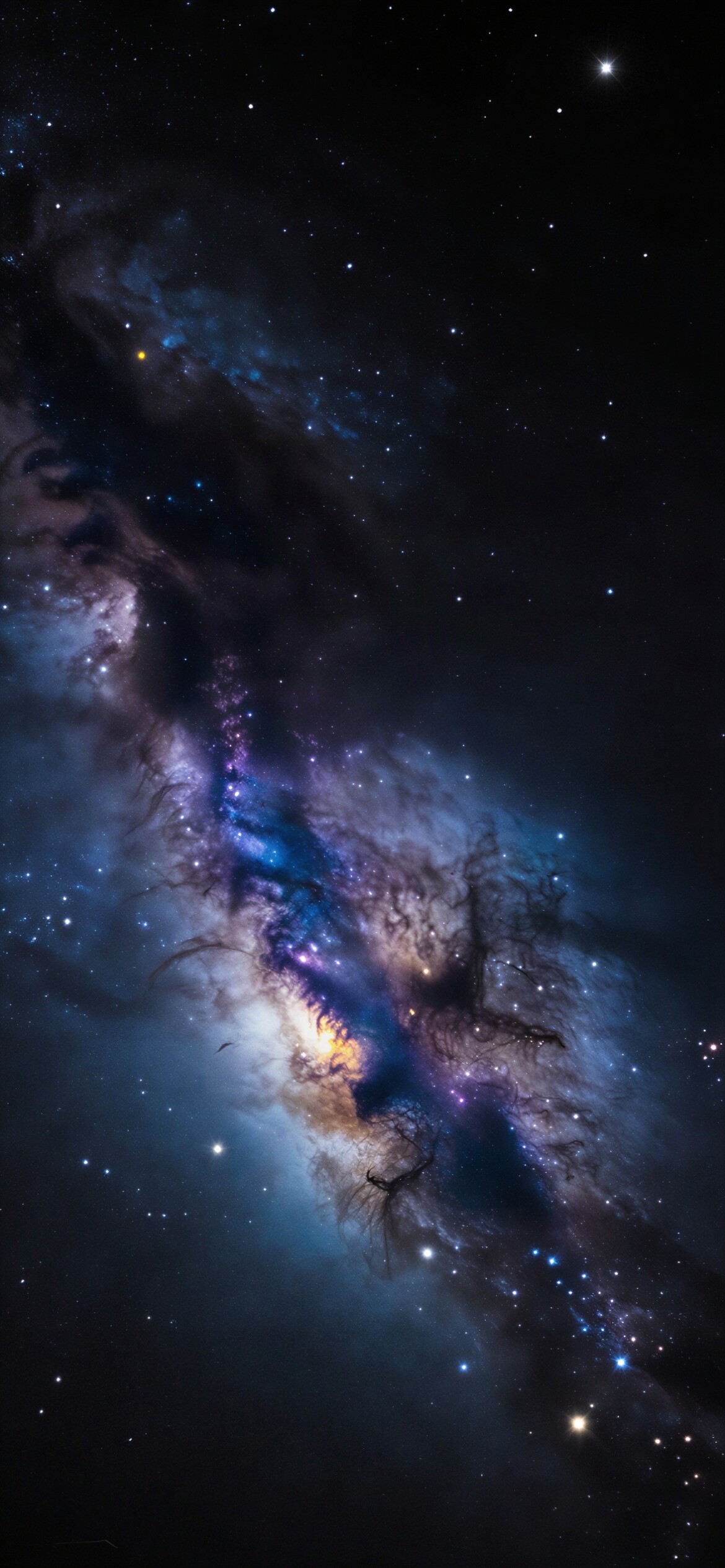
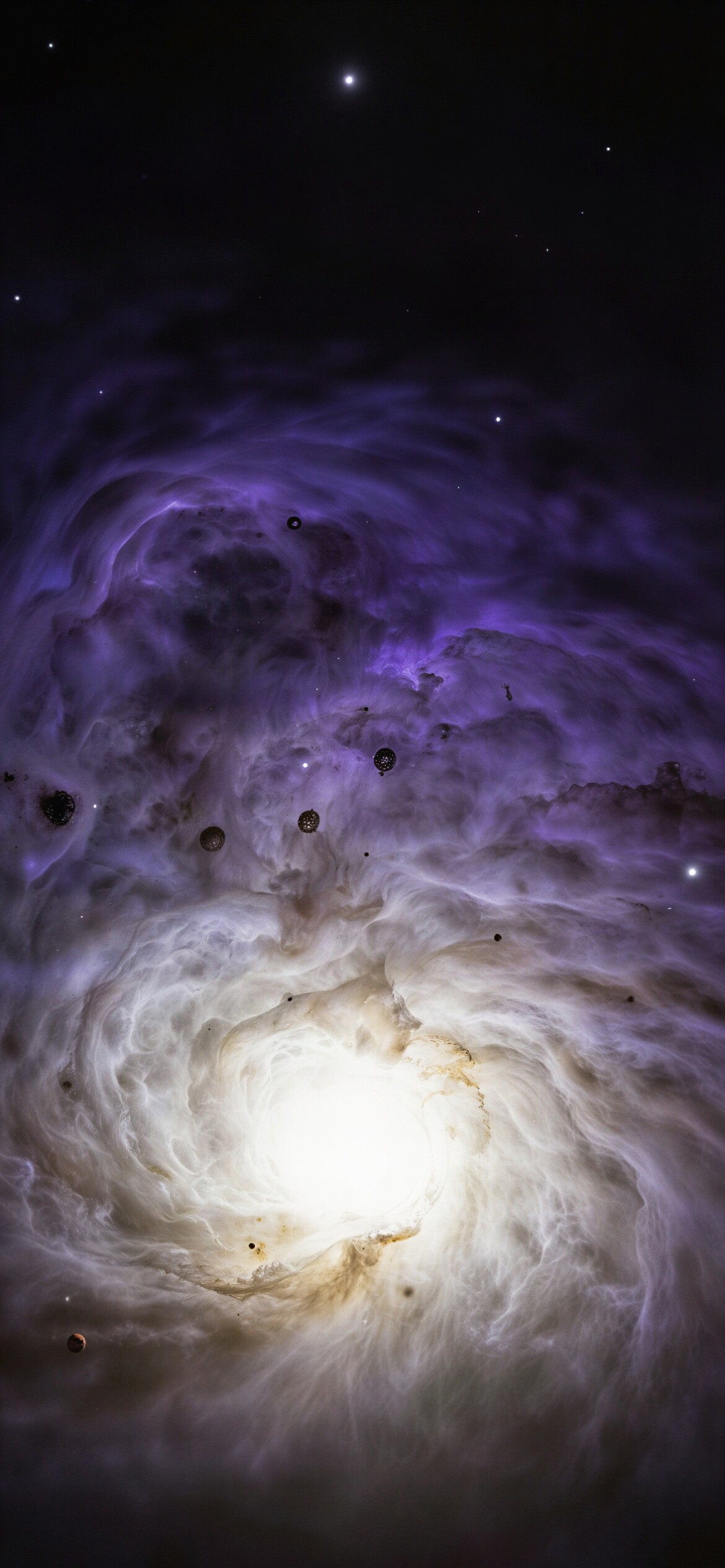
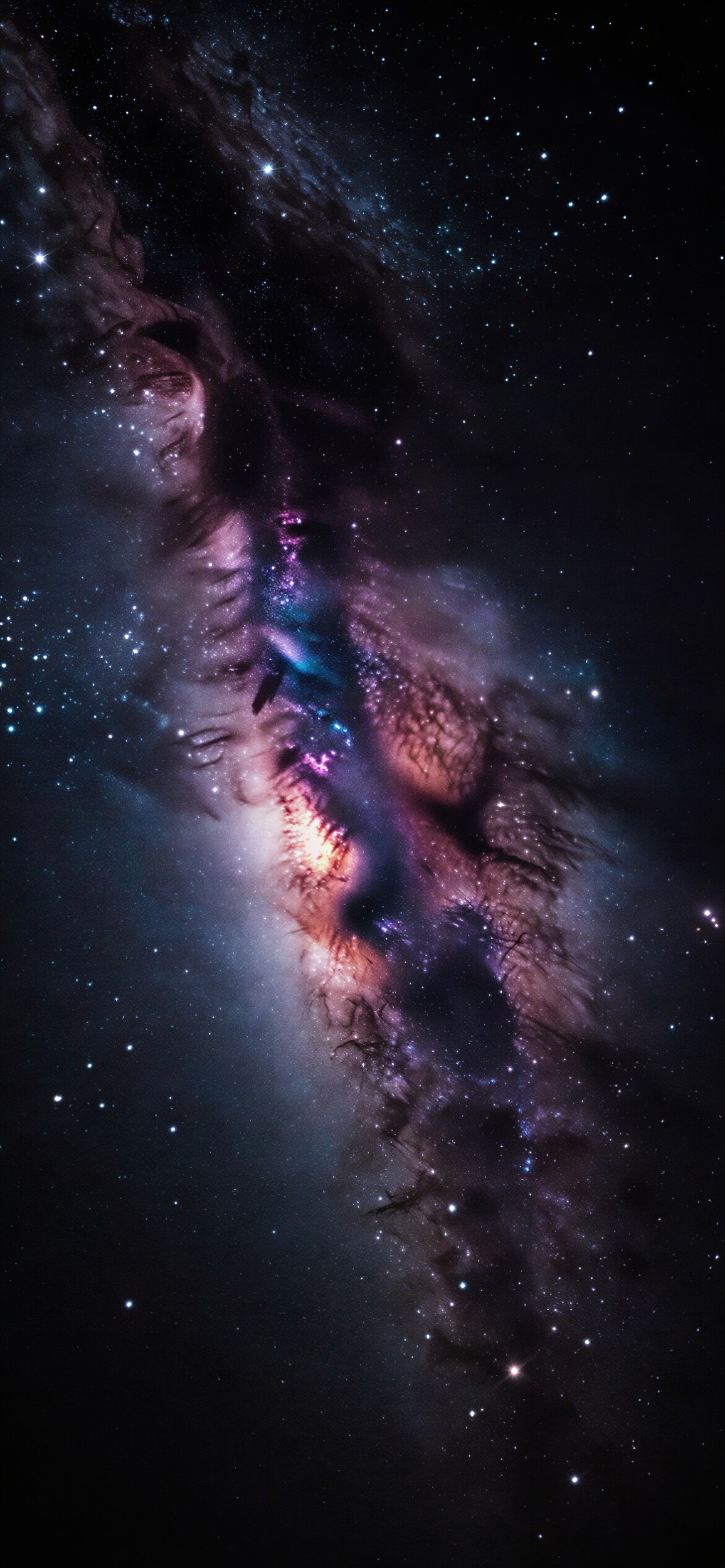
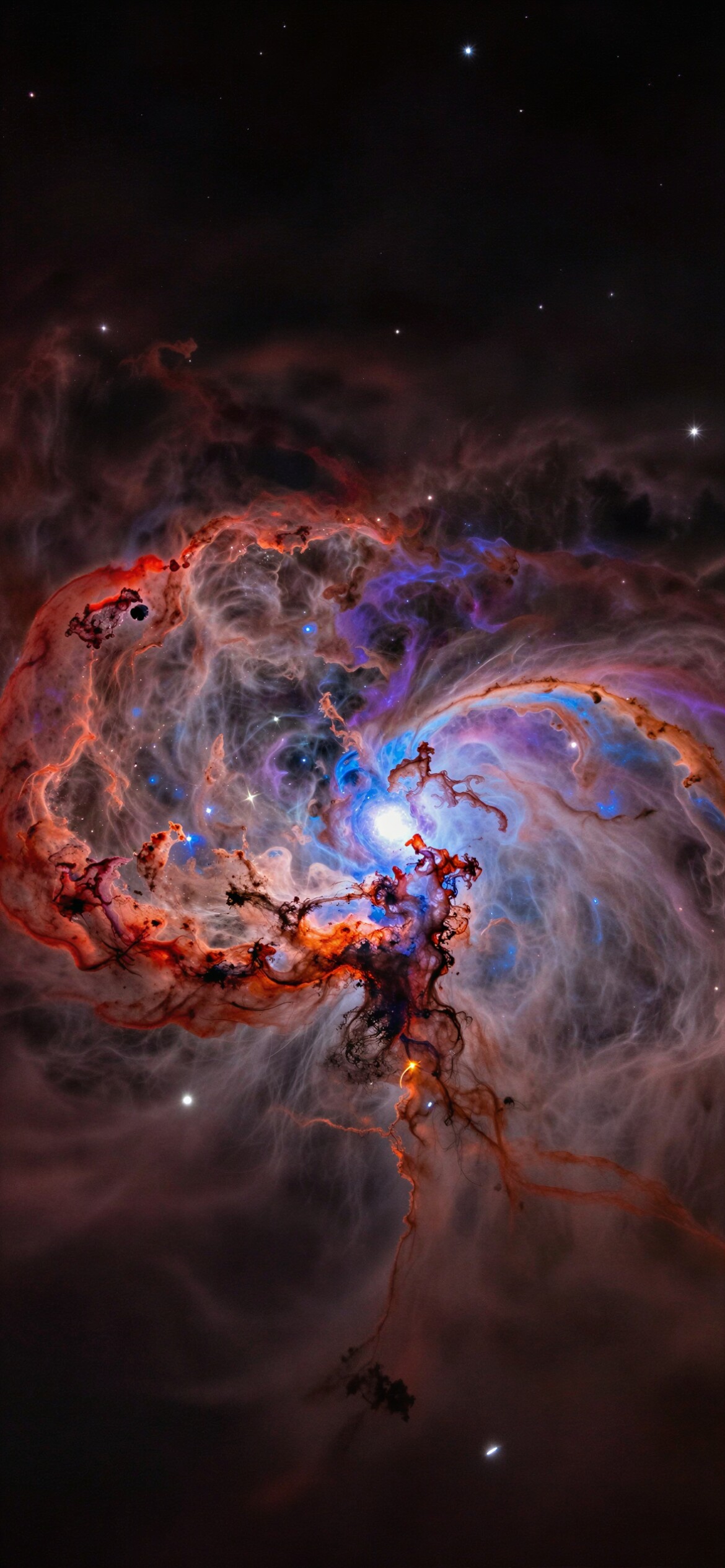
This collection captures the infinite beauty of deep space with original cosmic scenes rendered in rich purples, blues, magentas and golds against pure black backgrounds. Each wallpaper emphasizes the scale and mystery of the universe, from spiral galaxies and nebula clouds to vast star fields and cosmic dust formations.
The lock screen wallpapers work best with simple compositions that remain visible behind time and notifications, so choose scenes with the subject positioned in the lower half. For home screens, any design in the set provides an immersive backdrop that works equally well with dark mode. These wallpapers pair naturally with minimal icon themes and look striking on any iPhone model.
Galaxies, clouds and one exploding star
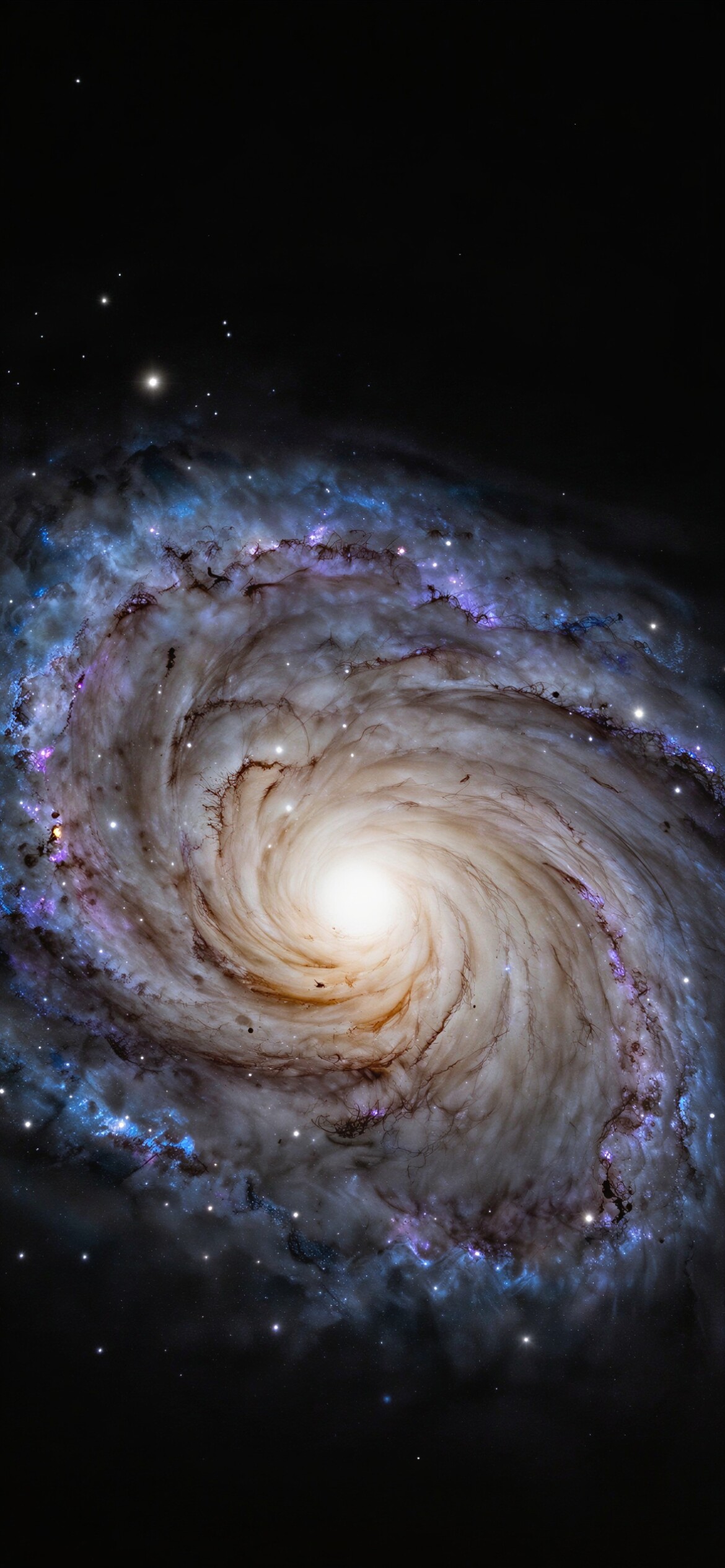
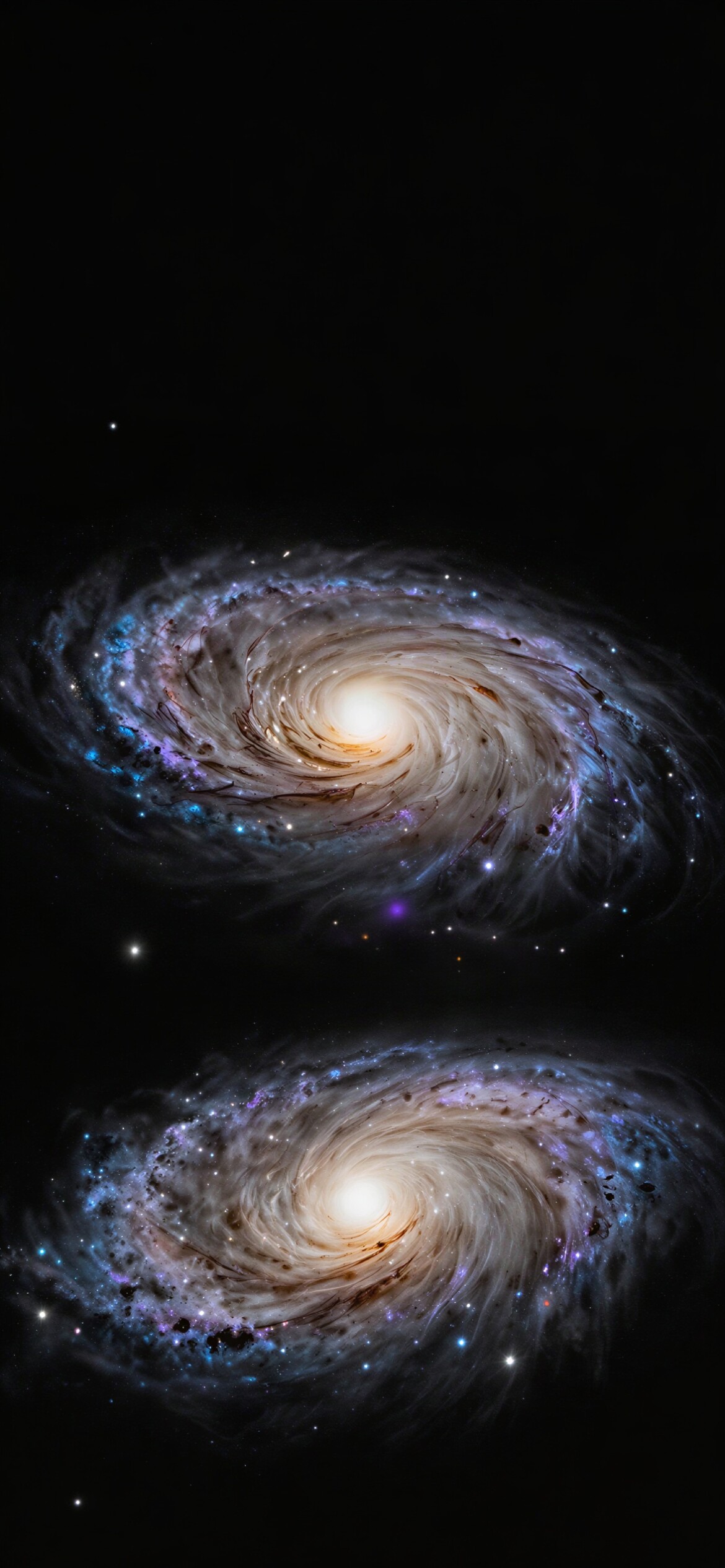
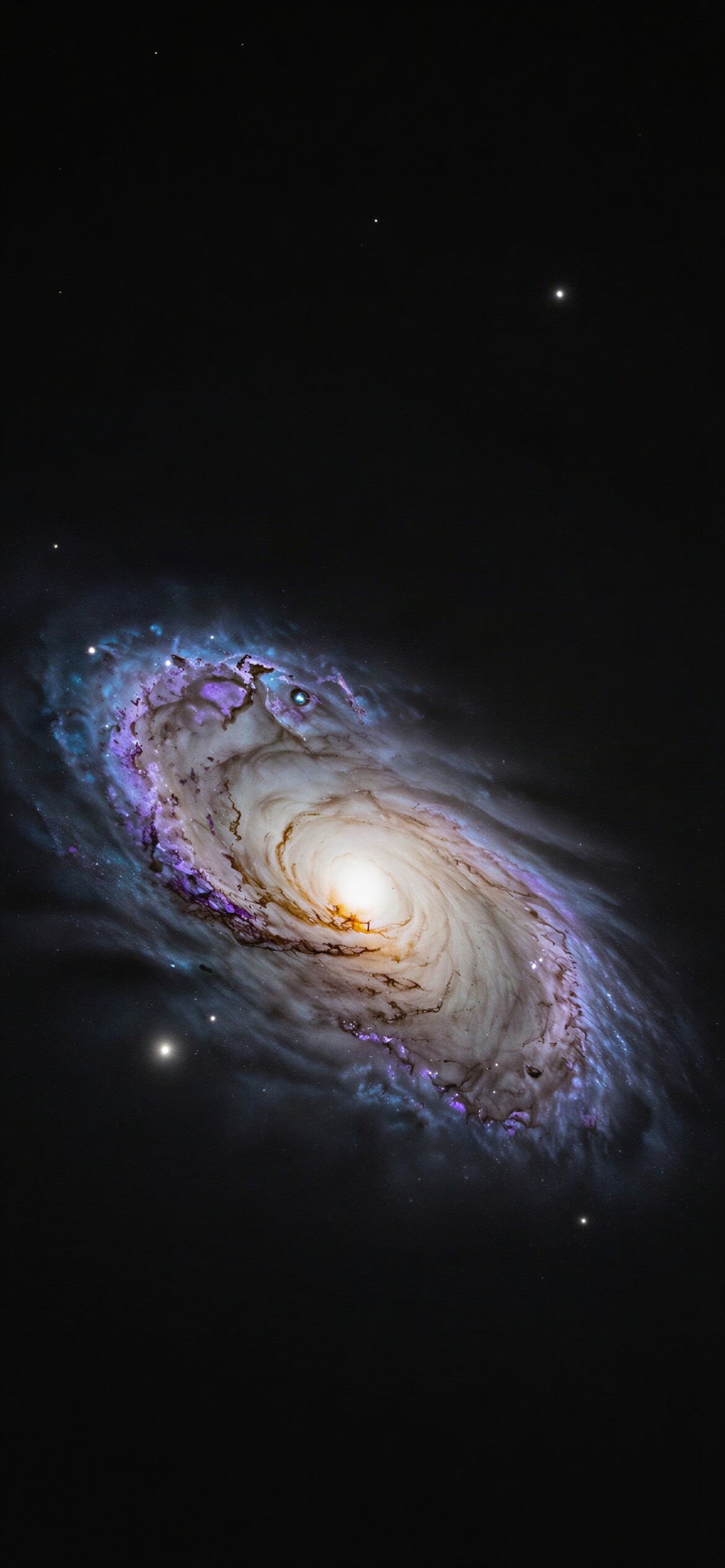
Three of the ten are whole galaxies. #1 is a spiral with gold and cream arms on plain black, #9 is a paler spiral wrapped in a blue halo, and #4 shows two galaxies drifting close to each other. Those three have the most empty space around the subject, so they are the easiest to read a clock over.
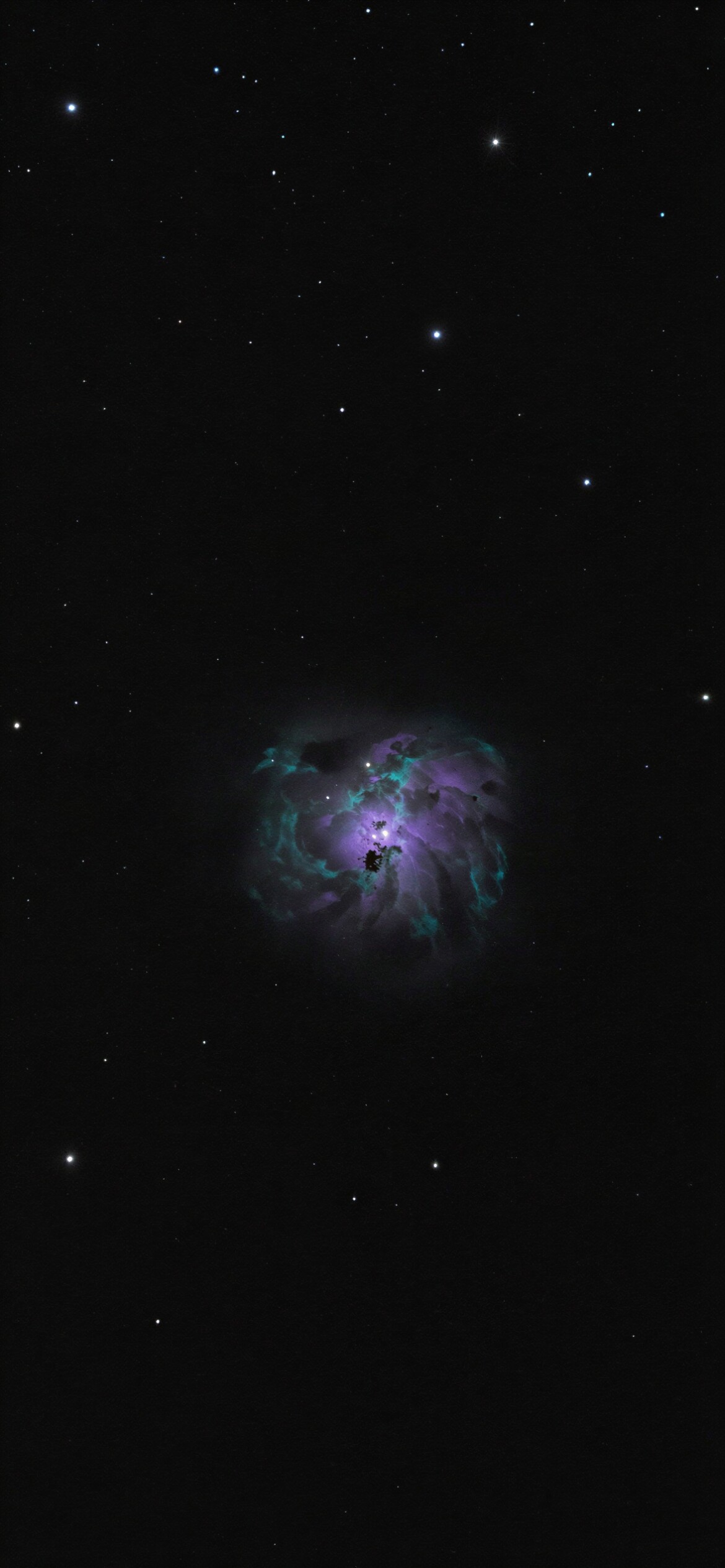
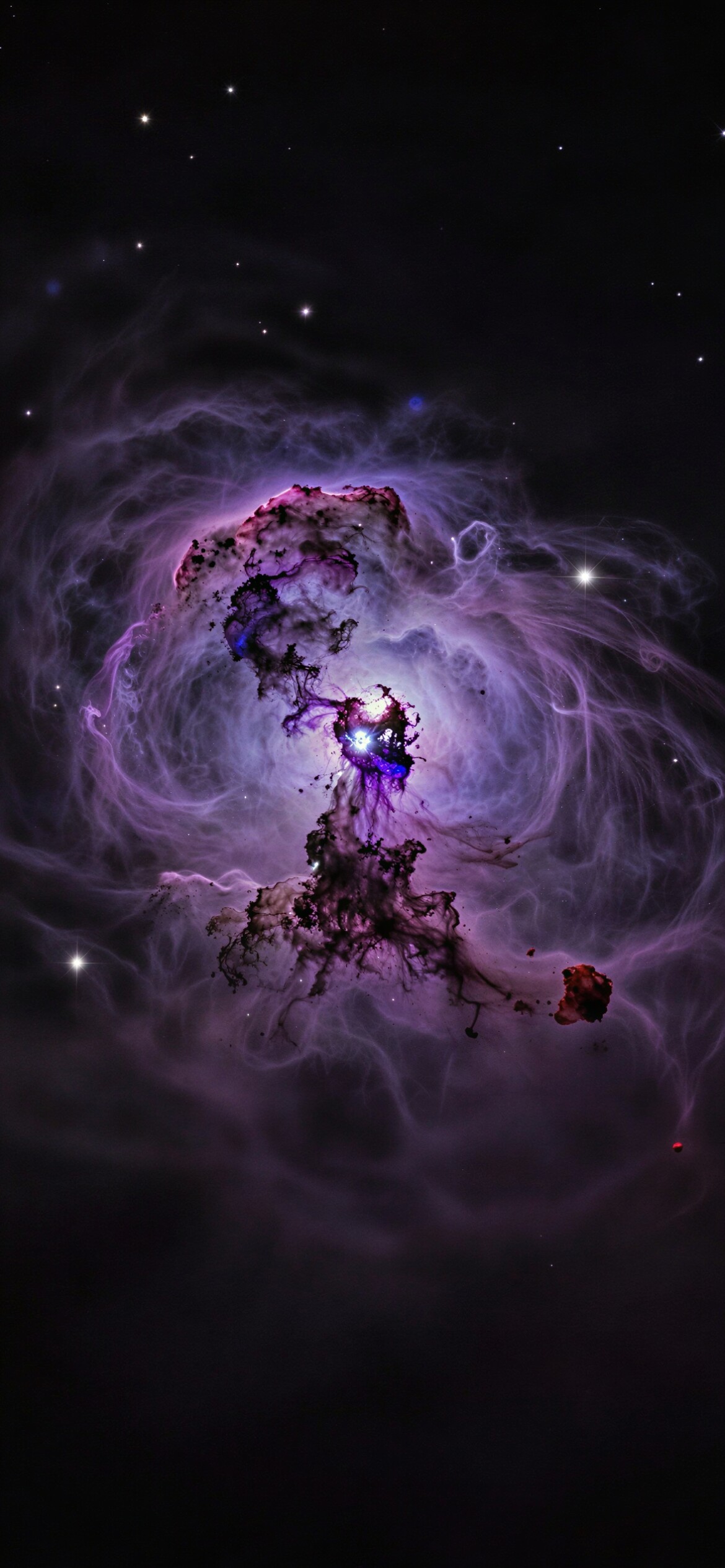
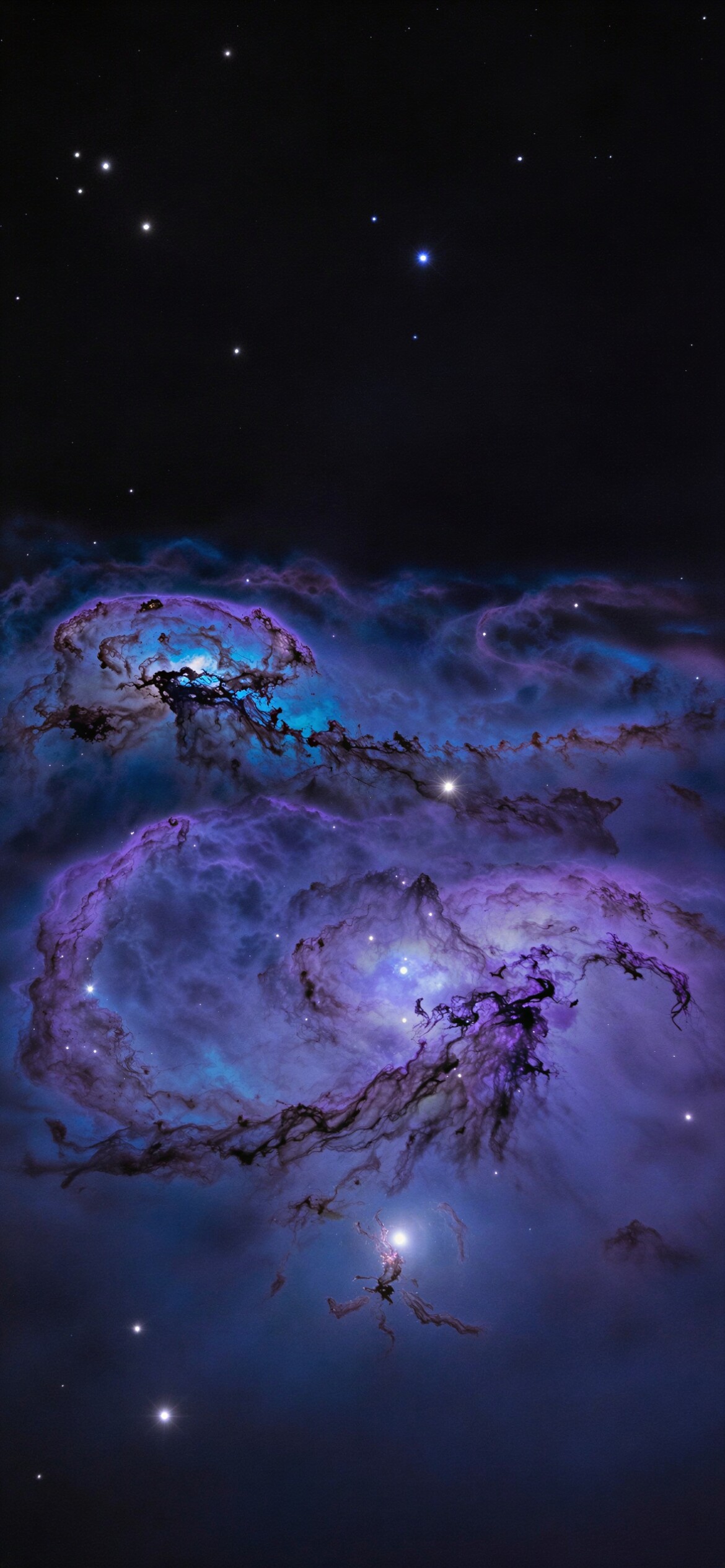
The rest are nebulae, the gas and dust between stars. #2 keeps things light, with one lavender cloud in a starfield. #3 is a tall purple and magenta pillar, and #5 and #10 pack layered blue, indigo and cyan clouds edge to edge. #7 has a dark lane of dust slicing across magenta and teal, #8 mixes red, orange, purple and blue in one swirl, and #6 shows a supernova throwing pale light into purple cloud around it.
From a single blur to billions of galaxies
For a long time astronomers argued about whether the faint spirals in their telescopes were clouds inside our own galaxy or separate systems far away. In 1925 Edwin Hubble's measurements of Cepheid stars in the Andromeda spiral settled it: Andromeda lies far outside the Milky Way. Pictures like #1 and #9 owe a lot to that result.
- Pillars: #3 recalls the Pillars of Creation, the Hubble Space Telescope photo of the Eagle Nebula released in 1995.
- Close encounters: when galaxies meet, as in #4, their stars almost never hit each other, because the gaps between stars are enormous.
- Supernovae: Chinese astronomers recorded a new star in 1054 that stayed visible in daylight for weeks. Its leftovers are the Crab Nebula, the kind of scene #6 imagines.
- Dust lanes: dust like the band in #7 blocks visible light, which is why the James Webb Space Telescope, launched in December 2021, works in infrared to see behind it.
Quiet black or full colour?
If you like a lot of black on screen, start with #1, #2, #4 and #9. For cool blues and violets, try #5 and #10. #3, #6 and #7 sit in the warmer purple and magenta range, and #8 is the loudest of the set, with red and orange running through it. For more of the night sky, the Galaxy and Stars sets keep the dark backgrounds, and the Planet set moves a little closer to home.
How to set it on your iPhone
- Tap Download and save the image to Photos.
- Open Settings, tap Wallpaper, then Add New Wallpaper, and choose Photos.
- Pick the wallpaper, pinch to position it, then tap Add and choose the lock screen, home screen or both.
Stuck on a step? The iPhone and iPad guide has screenshots for each one.
Questions
What size are these wallpapers, and will they fit my iPhone?
All wallpapers in this set are 1170x2532 pixels, optimized for iPhone screens. This size is made for modern iPhones; some older models may crop slightly at the edges. When you download and set the wallpaper, your iPhone will automatically position it correctly on your lock and home screens.
Can I use these wallpapers for personal use?
Yes, these wallpapers are free to download and use on your own personal devices. Selling them, printing them for sale, or reposting them on other wallpaper sites is not permitted. Please review our Terms page for the full details on usage rights and restrictions.
Which wallpapers work best for lock screens versus home screens?
Lock screen wallpapers should have the main subject in the lower half so it stays visible behind the time and notifications. All designs in this set follow this rule, so any work as a lock screen. For home screens, choose whichever cosmic scene matches your icon theme best, since they will show fully behind your app icons.
Do these cosmic wallpapers work well with dark mode and light mode?
These universe wallpapers are designed for dark mode and will look stunning behind your apps and widgets in dark environments. Since they feature pure black backgrounds and glowing nebula colors, they may not pair as well with light mode. Stick with dark mode for the best visual impact and to preserve your iPhone battery.