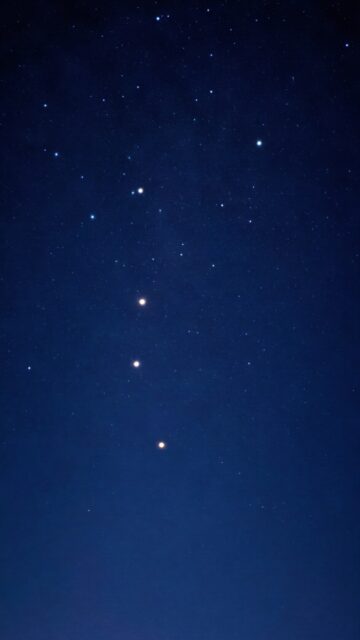
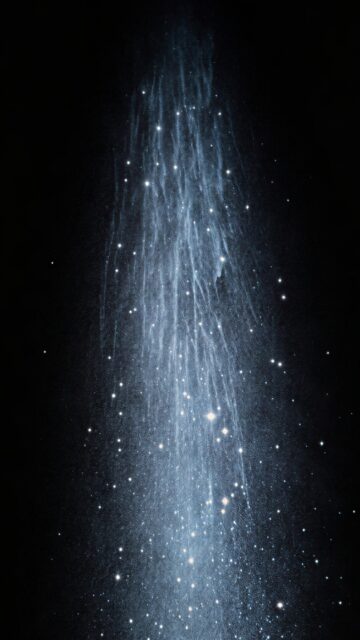
10 wallpapers in 1 collections · last added 5 Oct 2026 · sizes for iPhone, Android, desktop and tablet
A star wallpaper adds a little sparkle to your screen, whether you love real starry skies or playful star shapes and patterns. This collection of star backgrounds covers glittering starfields, shooting stars streaking across the dark, constellations drawn in thin lines, cute pastel stars, bold Y2K-style star prints, gold stars on black and dreamy scenes where stars fall like confetti. Some designs are calm and celestial, others are fun, girly and full of shine.
Every collection includes 10 wallpapers in one theme and one size. Phones get 1170x2532 for iPhone and 1080x2400 for Android, and starry designs look especially good on a lock screen, where the clock floats among them. There are also iPad, laptop, 3840x2160 desktop and dual monitor files, plus a 410x502 version for a smartwatch face. Each design is original and checked by hand before it goes live, and weak images are removed. For full nighttime landscapes, see the night sky wallpapers.
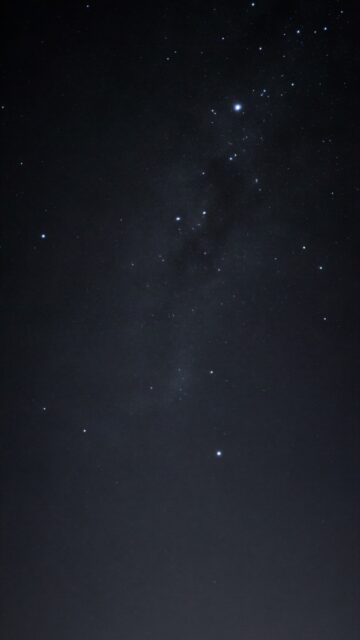
Stars work across many styles, from scientific to whimsical, and the choice says a lot about your taste. Realistic starfields feel calm and spacious, while graphic star shapes are cheerful and modern. A scattered pattern of small stars is one of the easiest home screen backgrounds there is, because the even spacing never fights with icons. For a lock screen, a single shooting star or a cluster in one corner gives the clock room to breathe. Color ideas:
For more celestial designs, the moon and galaxy wallpapers share this dreamy, after-dark feel.
Tiny white star points can disappear on a watch or a phone at low brightness, so for a smartwatch face pick a design with fewer, larger stars that stay visible at a glance.
Use the 1170x2532 version on iPhone and the 1080x2400 version on Android. Both are tall portrait files that fill current phone screens. Star patterns usually spread evenly across the image, so they still look balanced if your phone trims the edges. The iPhone wallpaper guide covers setting it up.
Small, evenly scattered stars are ideal for the home screen, because icons sit on them without hiding anything important. A shooting star, a constellation or one big glowing star works better on the lock screen, where it has space to shine below the clock. Many people use one of each.
Yes. You can download them free for your own phone, tablet, computer or watch, with no sign up and no watermark. They are not for commercial use, resale or redistribution, so please do not print them on products or repost them as downloads. See the Terms of Use for more.
The site publishes new collections every day, each with 10 wallpapers in one theme and size. Star designs are added here as they are released. For a new favorite every morning, check today's pick, or browse the latest wallpapers to see everything new.
Yes. The 5120x1440 dual monitor version spans two screens side by side, and starfields work especially well since they have no awkward break in the middle. Choose the span option in your display settings. The dual monitor guide explains how on Windows and Mac.
No. A shooting star is a meteor, a small piece of space rock or dust burning up as it enters Earth's atmosphere. The bright streak lasts only a moment. People traditionally make a wish when they see one, which is why shooting star wallpapers are a popular symbol of hope and dreams.
A star's color shows its surface temperature. Blue and white stars are the hottest, yellow stars like our Sun are in the middle, and orange and red stars are cooler. Artists often borrow these colors to make starry wallpapers feel more realistic and give the sky a gentle mix of tones.
Stars often stand for hope, guidance and dreams, the idea of wishing on a star or following your own north star. Gold stars also suggest achievement and doing well. Cute star shapes simply feel happy and magical, which is why they are popular in kids' rooms and aesthetic phone setups.
Every wallpaper is reviewed by a person before it goes live: we remove images with odd details or blur and check the crop for each device. How we check wallpapers
Something wrong with an image? Report an image · Free for personal use, see the Terms.