10 wallpapers in 1 collections · last added 5 Oct 2026 · sizes for iPhone, Android, desktop and tablet
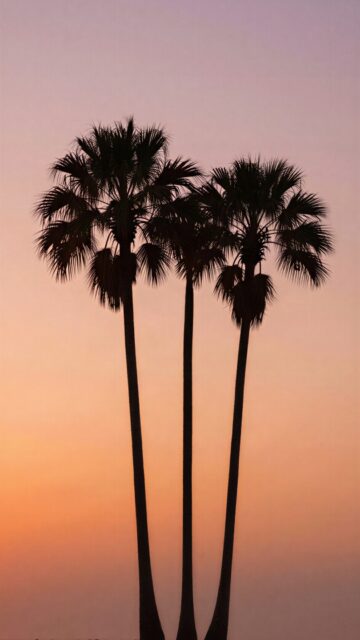
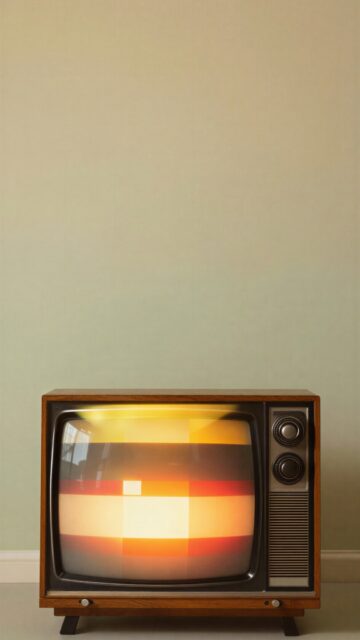
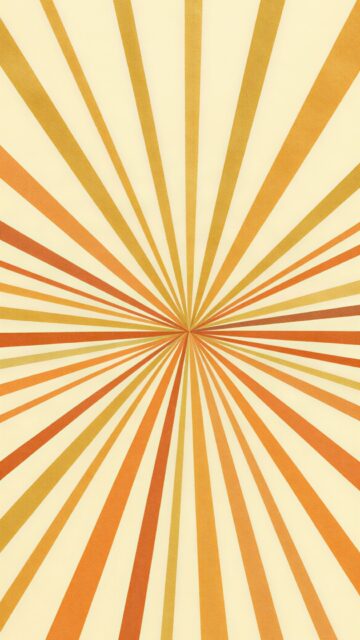
A good retro wallpaper borrows the look of decades past: sunburst stripes in mustard and burnt orange, chunky rounded type, grainy film tones, checkerboard floors and the warm, slightly faded colors of old print ads. These retro backgrounds sit inside our wider vintage wallpaper section, but they lean toward bold graphics rather than antique paper and sepia photos. Expect diner signs, cassette and record shapes, boxy cars, palm-lined motels, wavy 70s lettering and simple geometric patterns that feel like a thrift-store find.
Each collection comes in one size and holds 10 wallpapers on a single theme, so you can grab a matching set for your phone or your computer. Sizes include iPhone (1170x2532), Android (1080x2400), iPad (2048x2732), laptop (1920x1080) and 4K desktop (3840x2160). Phone users who want a throwback lock screen can start on the iPhone wallpaper page, while the 4K desktop page suits wide, poster-style designs. Every design is original and checked by hand before it goes live, and images that don't hold up are removed.
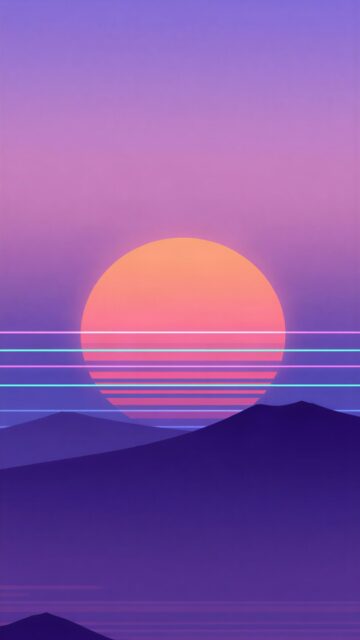
Old-school styles vary a lot, so it helps to pick an era before you pick an image. Seventies designs use rainbow stripes, groovy curves and earthy browns; the 80s collection brings neon grids and chrome lettering; the 90s collection leans on bright shapes, pixel graphics and squiggle patterns. For a lock screen, choose a layout with a calm band of color near the top so the clock stays readable over stripes. Busy repeating patterns tend to work better on a home screen, where app icons break up the motif anyway. If you want the same faded warmth with a softer feel, our pastel styles pair nicely with retro tones.
If a striped retro design looks jagged on your screen, make sure you downloaded the size made for your device; resizing a phone image up to desktop width blurs thin lines first.
Our retro iPhone wallpapers are made at 1170x2532, a tall portrait size that fills current iPhone screens and scales cleanly on older models. Striped and sunburst designs keep their lines sharp at this resolution. If you want help applying one, the iPhone wallpaper guide walks through the Settings steps.
Android versions are 1080x2400, which matches the 20:9 shape used by most modern Android phones. Because launchers can crop or shift the image slightly, retro designs with the main graphic in the center tend to survive best. The Android wallpaper guide covers how to set it on the home and lock screen.
A simpler layout usually wins on the lock screen, because the large clock and notifications sit on top of the image. Pick a retro sunset, a single bold shape or a design with a plain area near the top. Save dense checkerboards and repeating patterns for the home screen, where icons already break up the background.
People often use the words loosely, but vintage usually means something genuinely old or made to look aged, like worn paper, sepia photos and antique botanical prints. Retro means a newer design that copies the style of an earlier era, especially the 1960s through the 1990s, with bold color, graphic shapes and period typography.
Warm, slightly muted colors do most of the work: burnt orange, mustard yellow, avocado green, rust and cream for a 70s feel. Add a little grain or a faded edge and even a simple stripe pattern starts to look decades old. For an 80s mood, swap to magenta, cyan and deep purple on black.
Yes. You can download them free for personal use on your own phone, tablet, computer or watch, with no sign up and no watermark. They are not licensed for commercial projects, printing for sale, resale or reposting as your own collection. The full details are in our terms of use.
New collections go up on the site every day across all themes, and retro sets are added as part of that schedule. The quickest way to spot fresh designs is the latest wallpapers page, which lists every new collection in order, or the daily pick that changes each morning.
Download the laptop (1920x1080) or 4K (3840x2160) version, then use your system settings to choose it as the desktop background. Wide retro designs like sunsets over a grid look best set to fill the screen. Our desktop wallpaper guide shows the exact steps for both Windows and macOS.
Every wallpaper is reviewed by a person before it goes live: we remove images with odd details or blur and check the crop for each device. How we check wallpapers
Something wrong with an image? Report an image · Free for personal use, see the Terms.