Snowy Winter Wallpaper
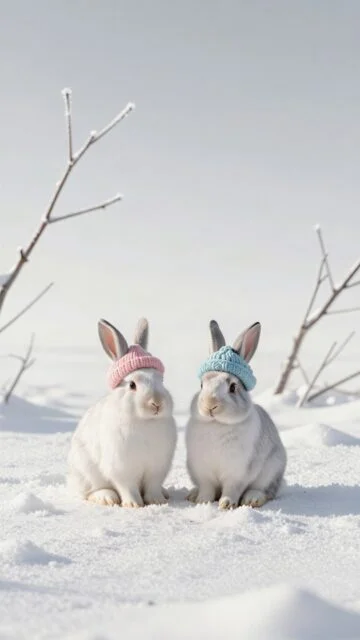
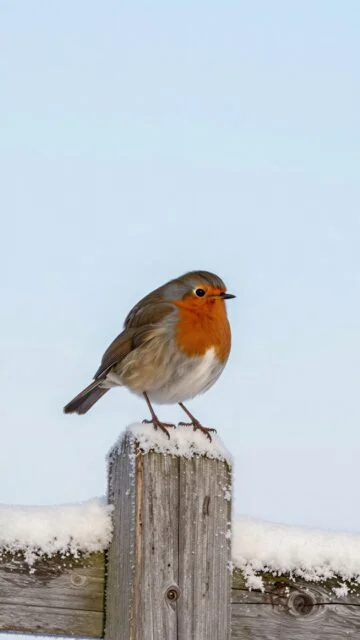
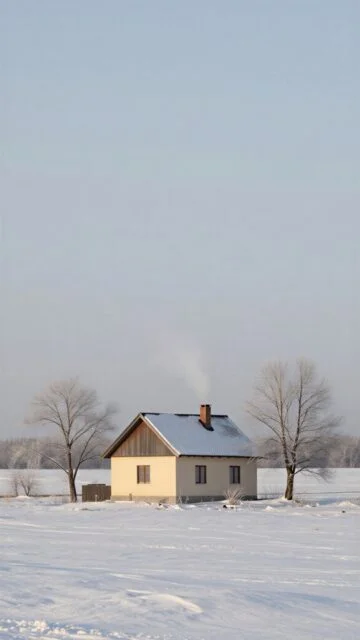
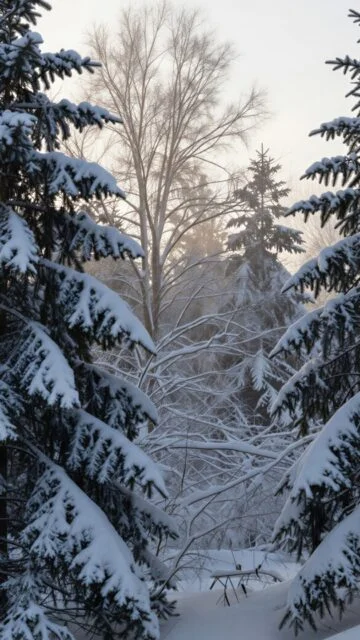
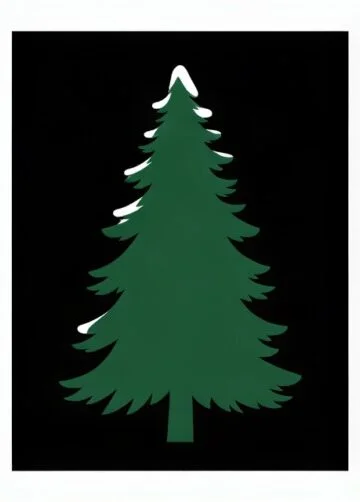
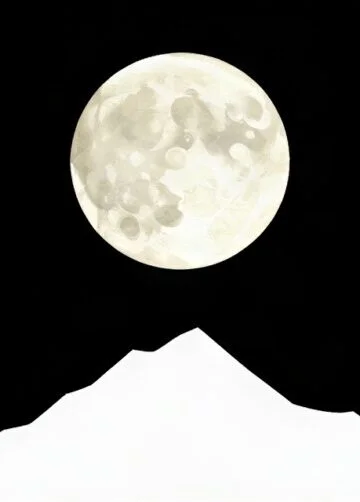
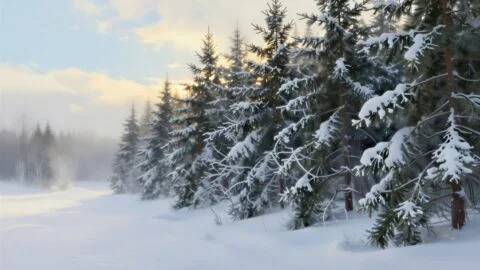
Snowy winter wallpaper with snow-covered forests, frozen lakes and quiet winter cabins, sized for phones and 4K desktops and free to download. This set features snow-covered forests, frozen lakes, winter cabins, and ice-laden branches in cool whites, silvers, and deep blues. Each snowy winter background captures the peaceful mood of winter through original artwork in digital painting and photographic styles. These wallpapers work well on phones, tablets and computers, whether you want a serene lock screen or a calm home screen backdrop.
10 wallpapers: 5 for phones at 1170 × 2532 and 5 for desktop at 3840 × 2160. Checked by hand on 8 Oct 2026.
For phones
For desktop and laptop
About this set
This snowy winter wallpaper set captures the serene, quiet mood of cold landscapes through original artwork in digital painting and photographic styles. The designs use a cool palette of whites, silvers, deep blues, and forest greens to evoke the calm beauty of winter. Each wallpaper is hand-curated to bring peaceful winter scenery to your screen without distraction.
The vertical compositions work best as lock screens, with simple top sections that leave room for time and notifications. The landscape designs suit home screens and desktop backgrounds, where open snow-covered terrain complements icons and widgets. These snowy winter backgrounds pair well with minimal icon sets and work equally well in light or dark mode.
Ten winter scenes, from a cabin window to the far peaks
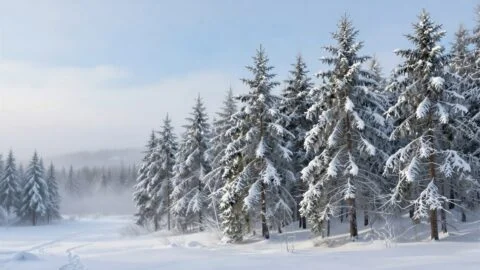
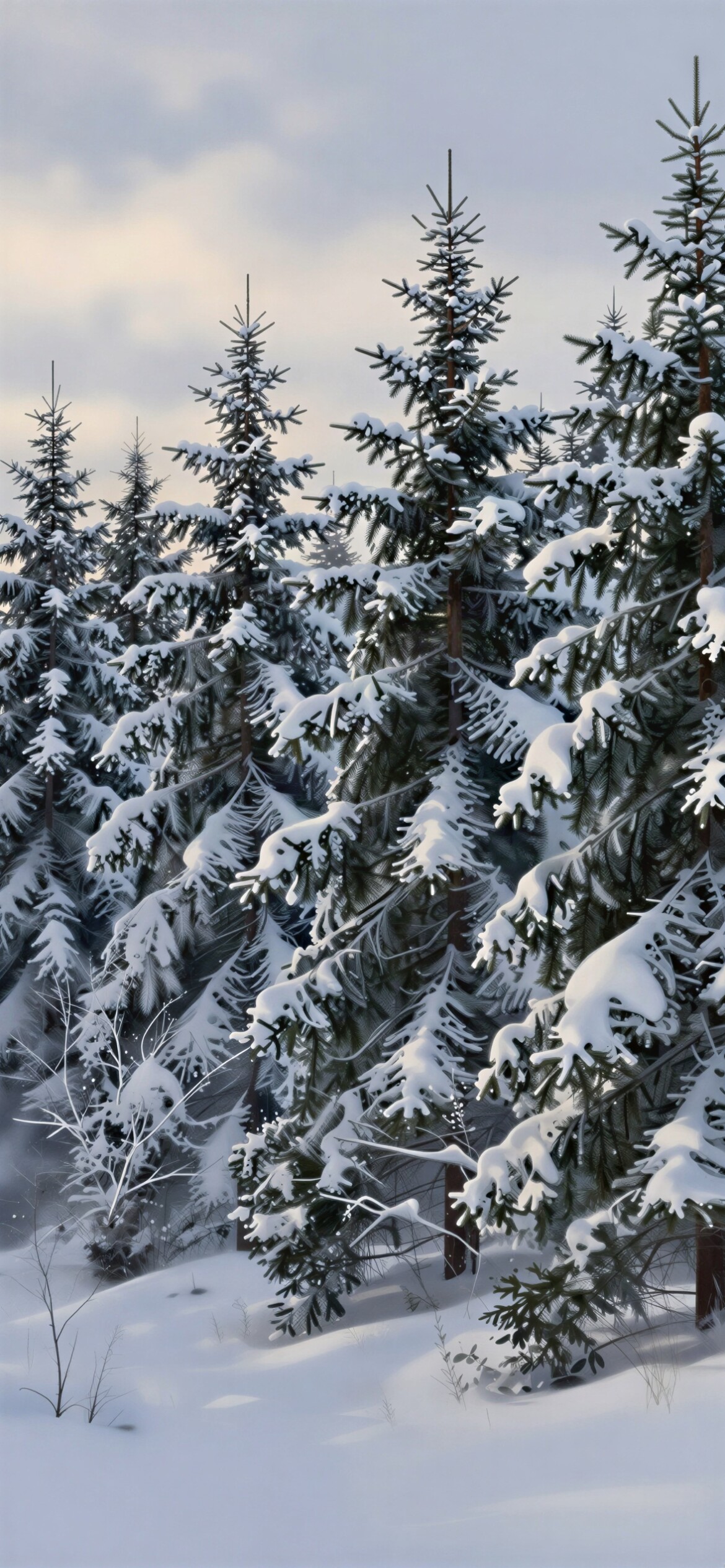
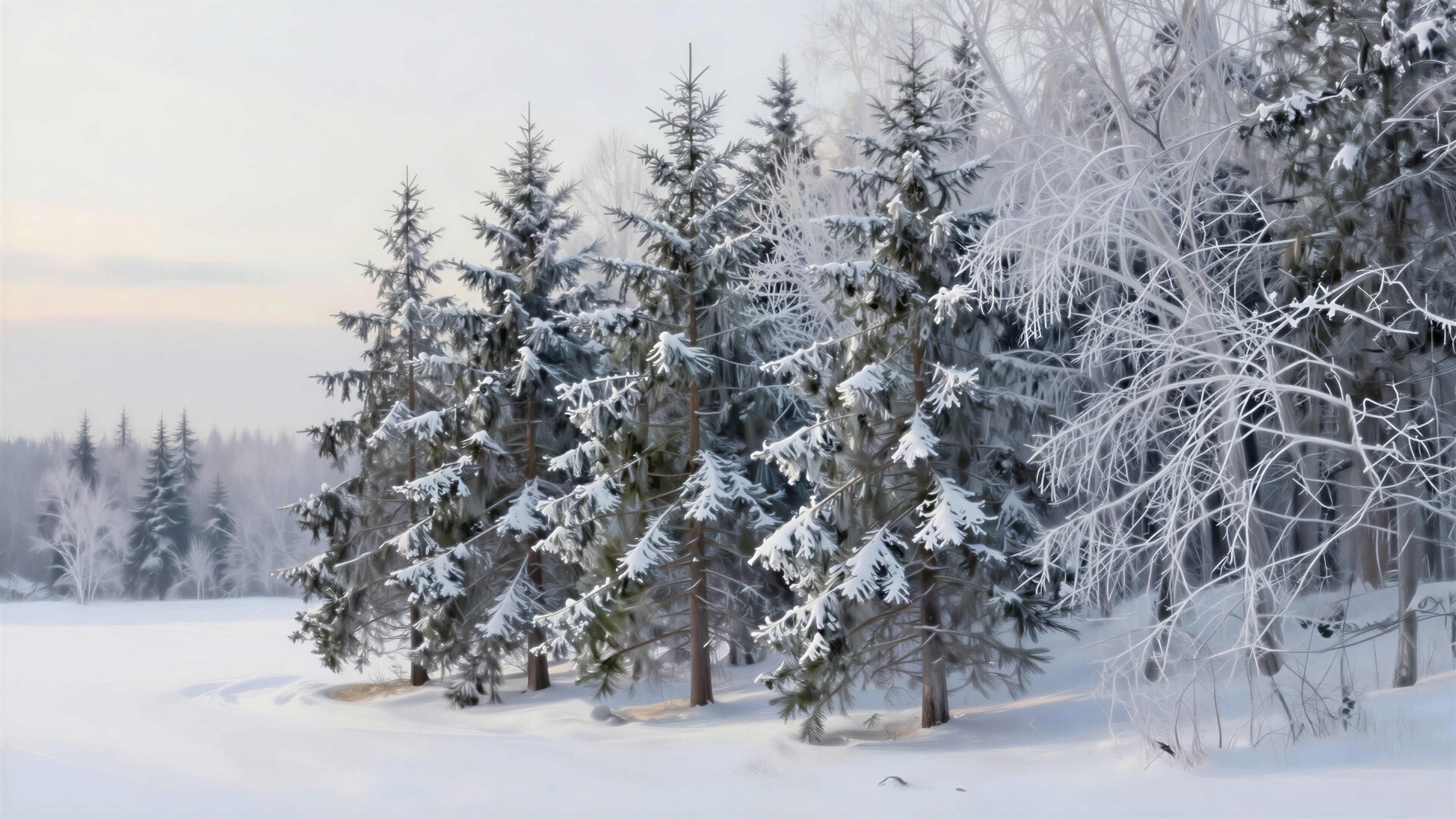
- 1. Pine forest at dawn: snow on the branches and the first light of the day. A calm opener for a morning lock screen.
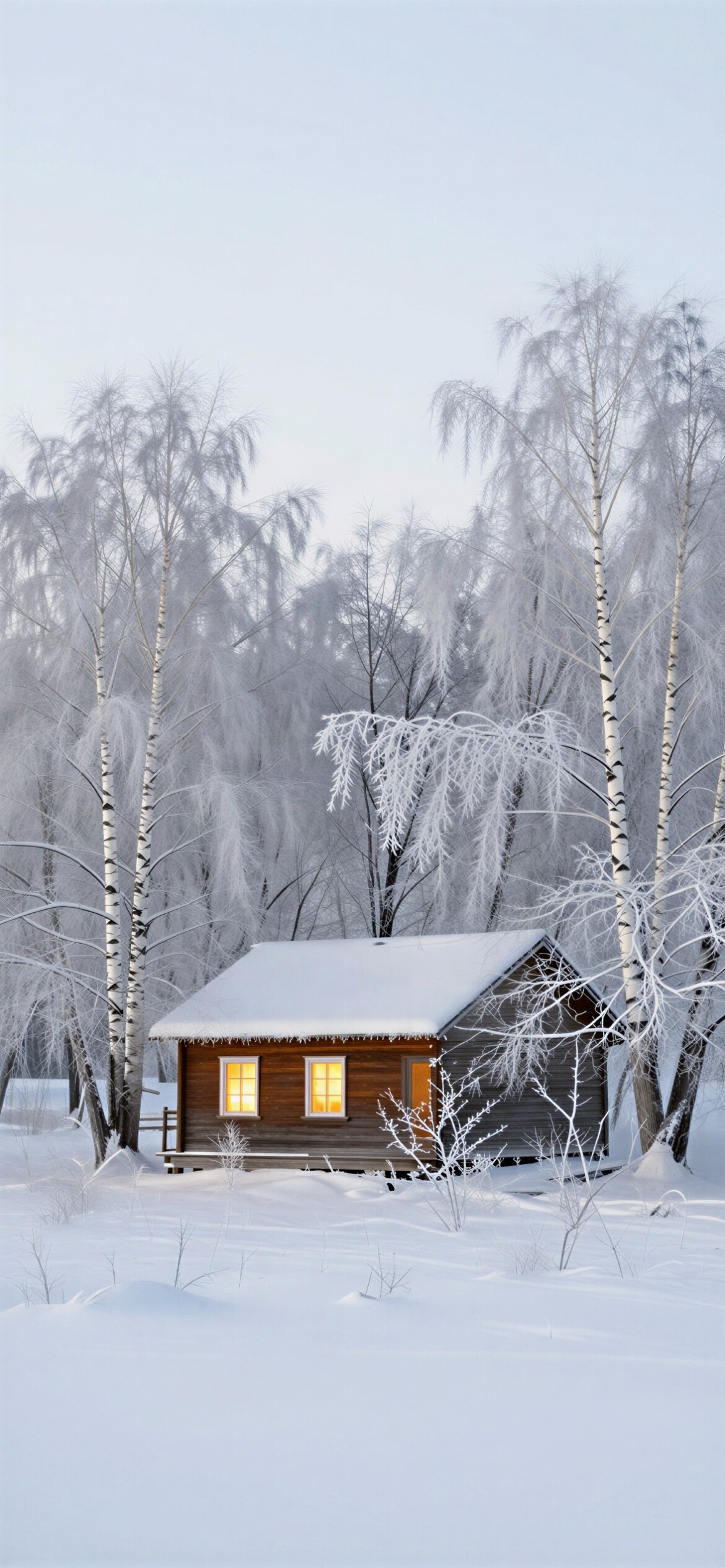
- 2. Cabin lights: warm windows glowing between frost-covered trees. The one to pick if you want winter to feel cosy rather than cold.
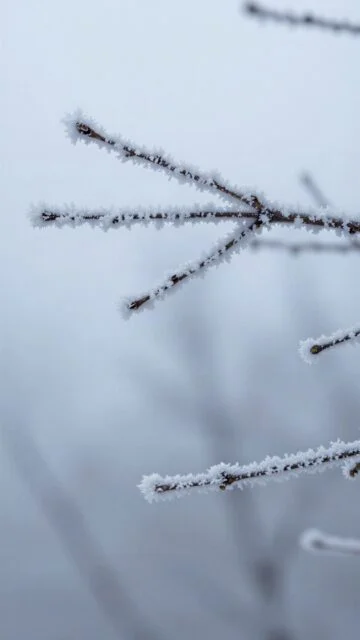
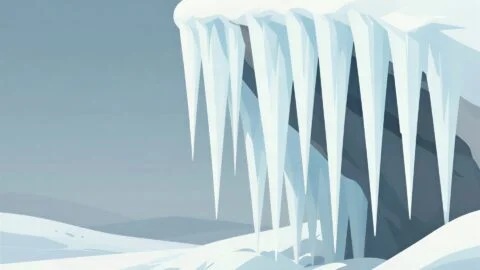
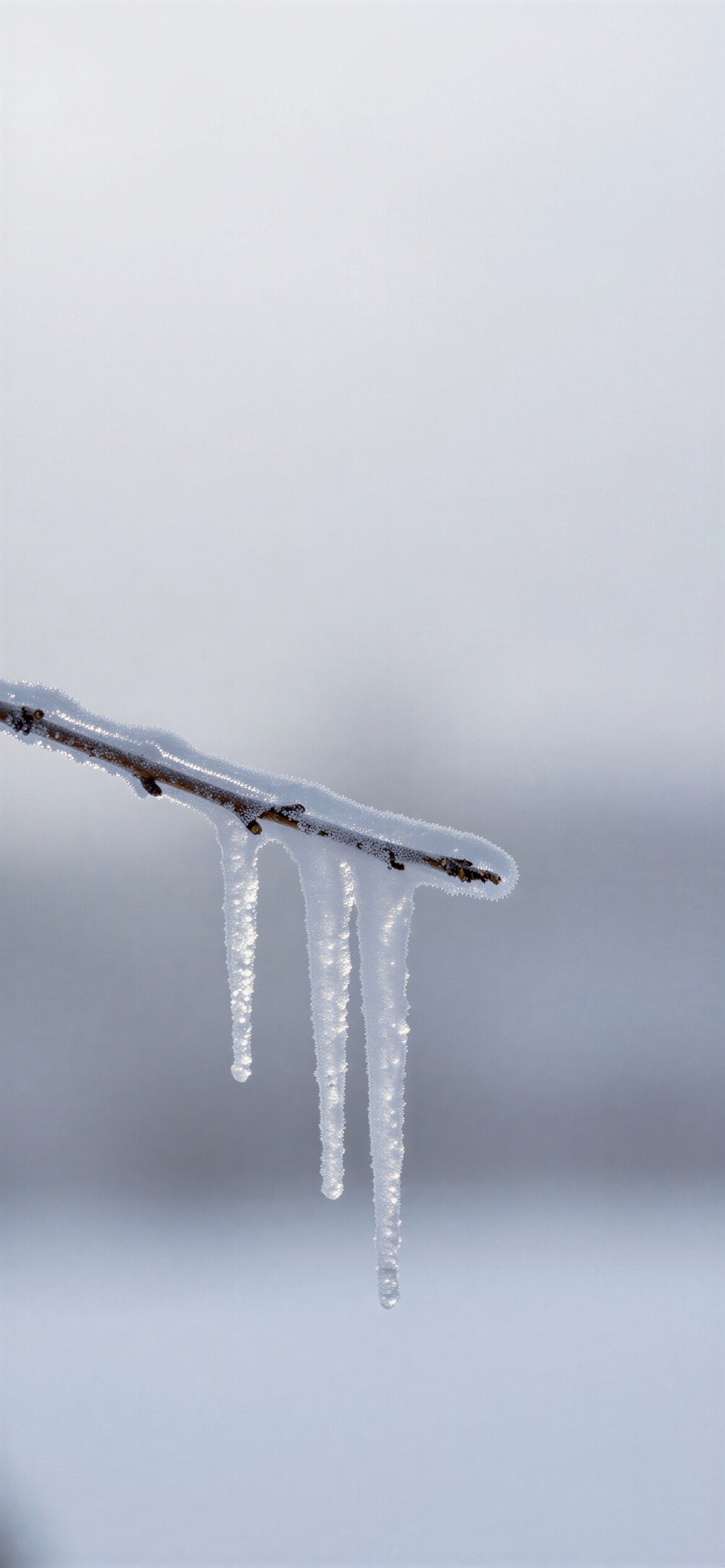
- 3. Icicles on a branch: a close-up with very little else in the frame, so it stays tidy behind a clock.
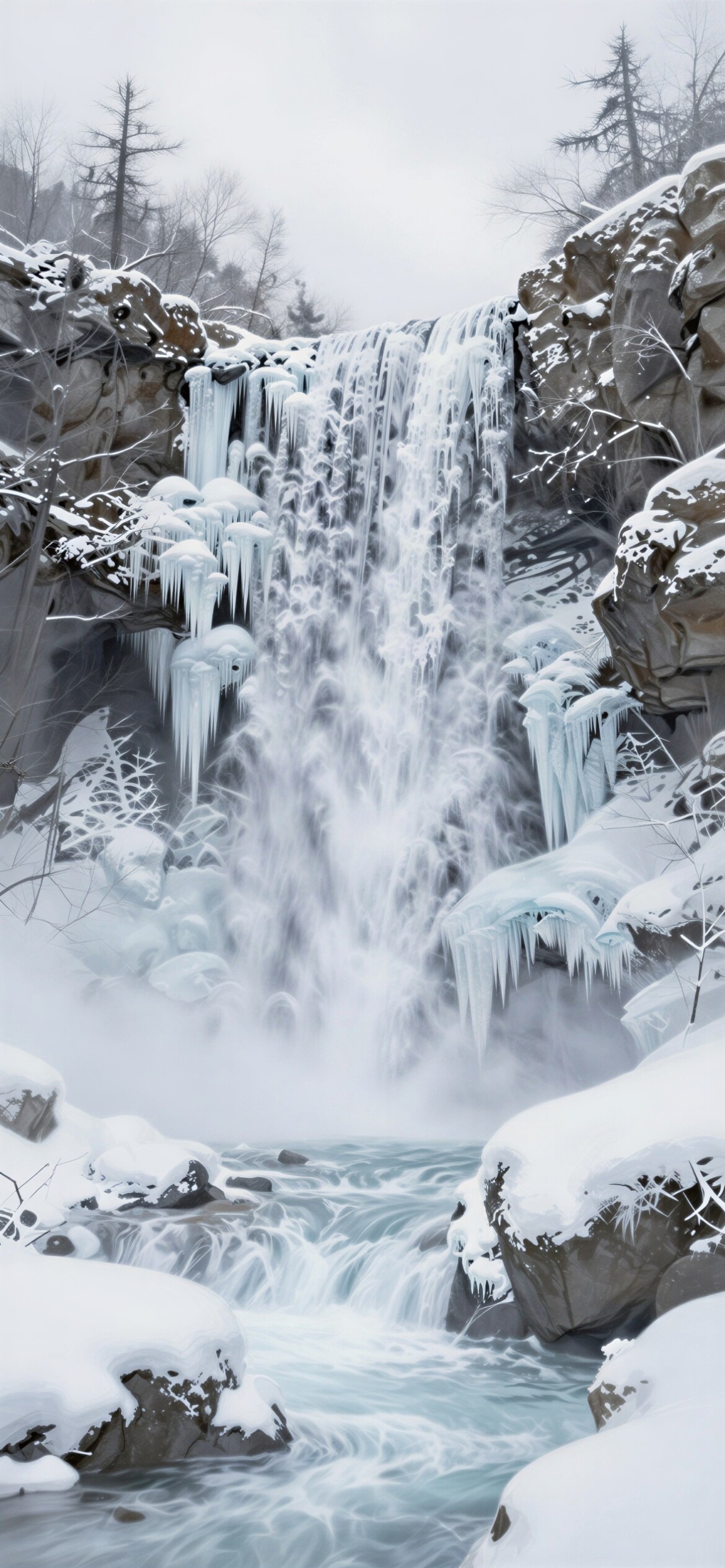
- 4. Frozen waterfall: ice formations where the water comes over the edge, the most dramatic shape in the set.
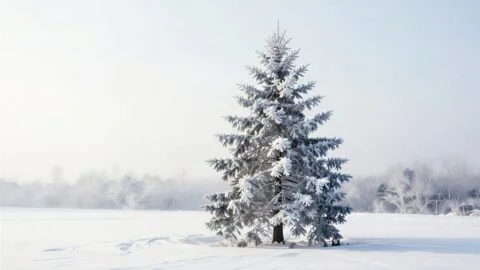
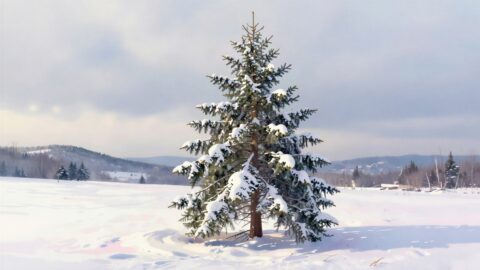
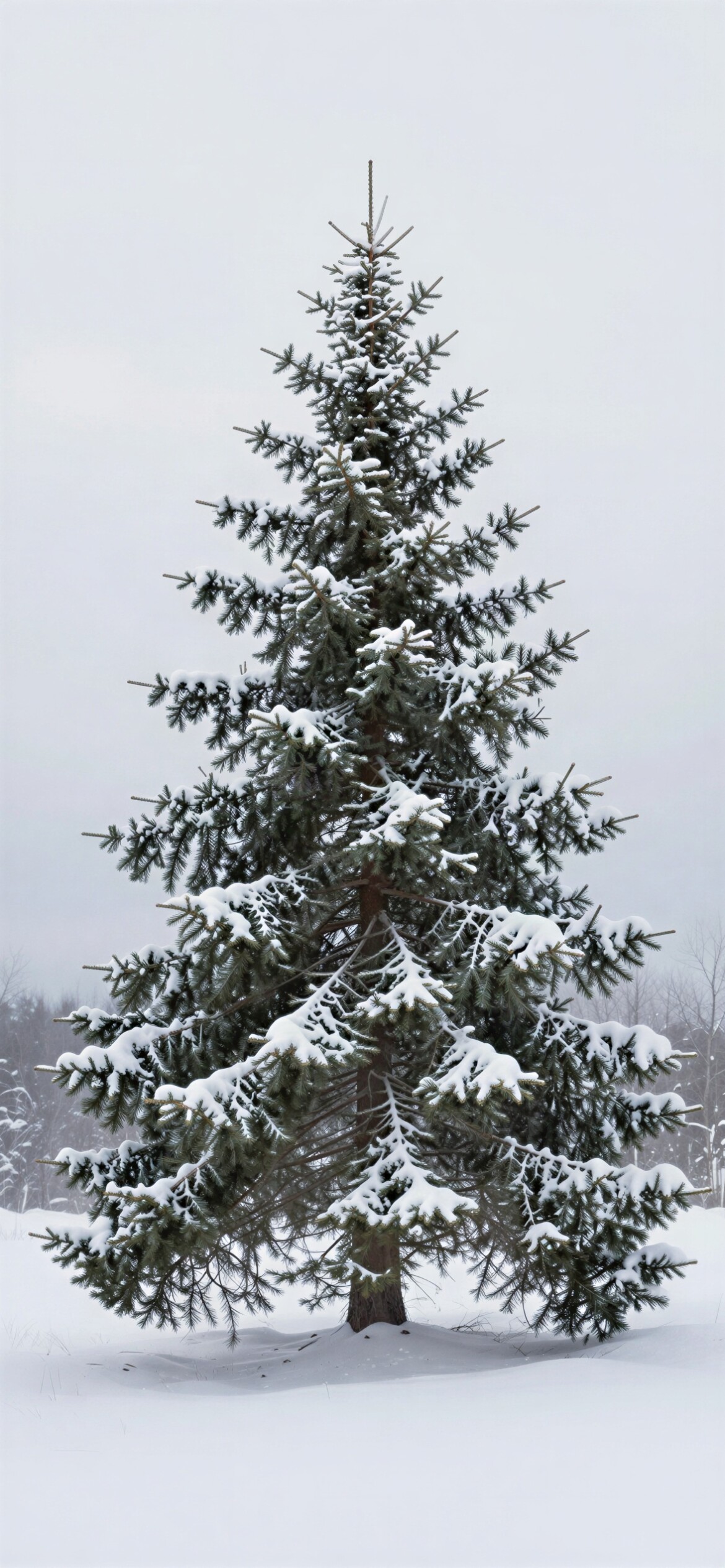
- 5. One tree in a meadow: a single snow-laden tree and a lot of empty white. Good if you like plenty of space around your icons.
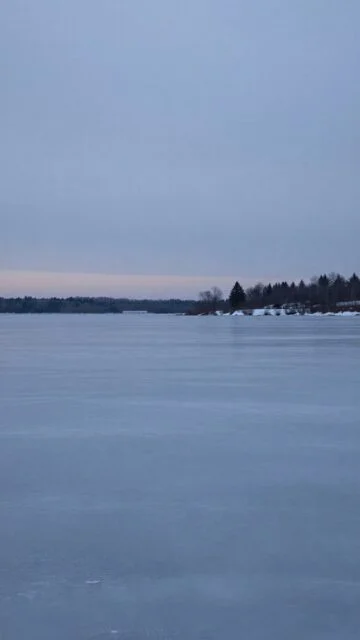
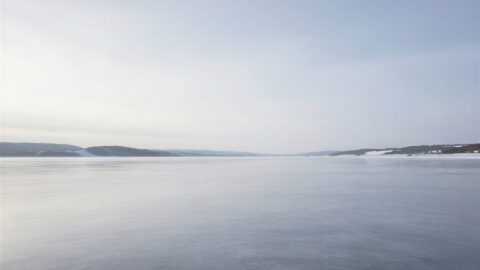
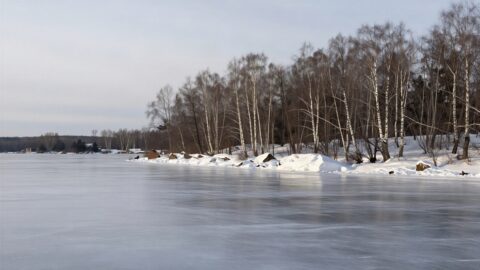
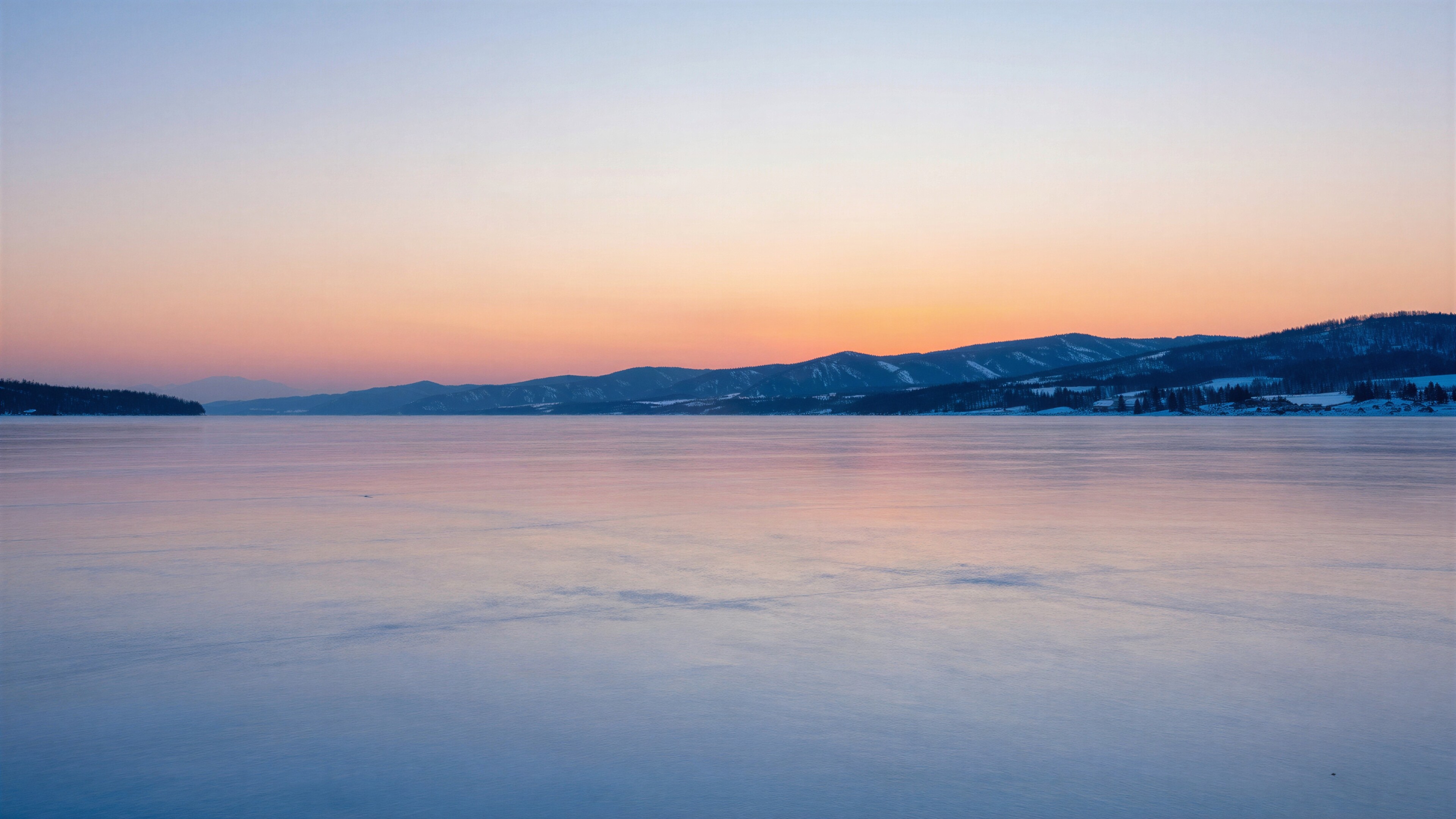
- 6. Frozen lake at sunset: ice in front, mountains far behind, warm colour in the sky.
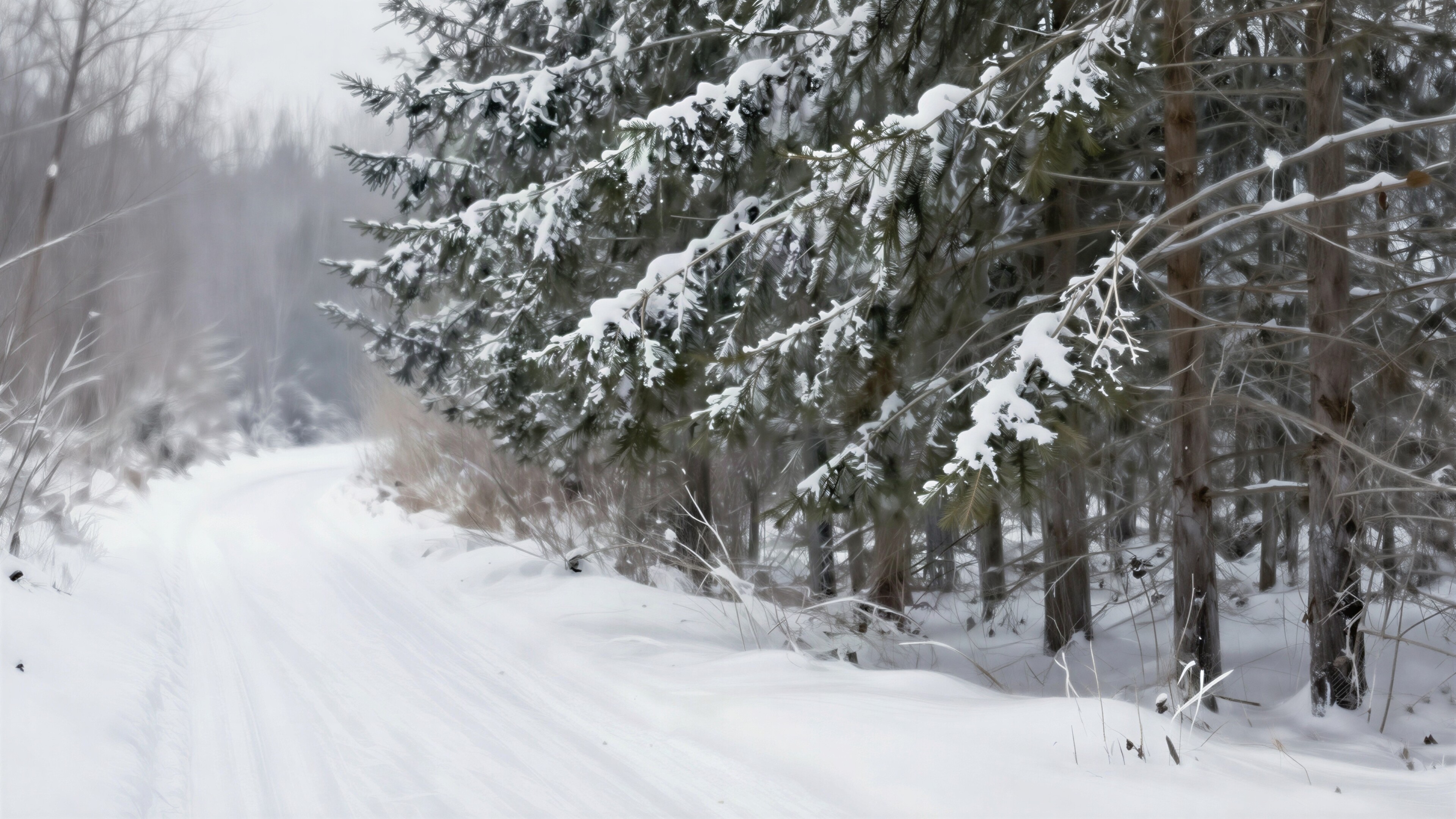
- 7. Path through the evergreens: a snowy trail between dark trees that draws the eye up the screen.
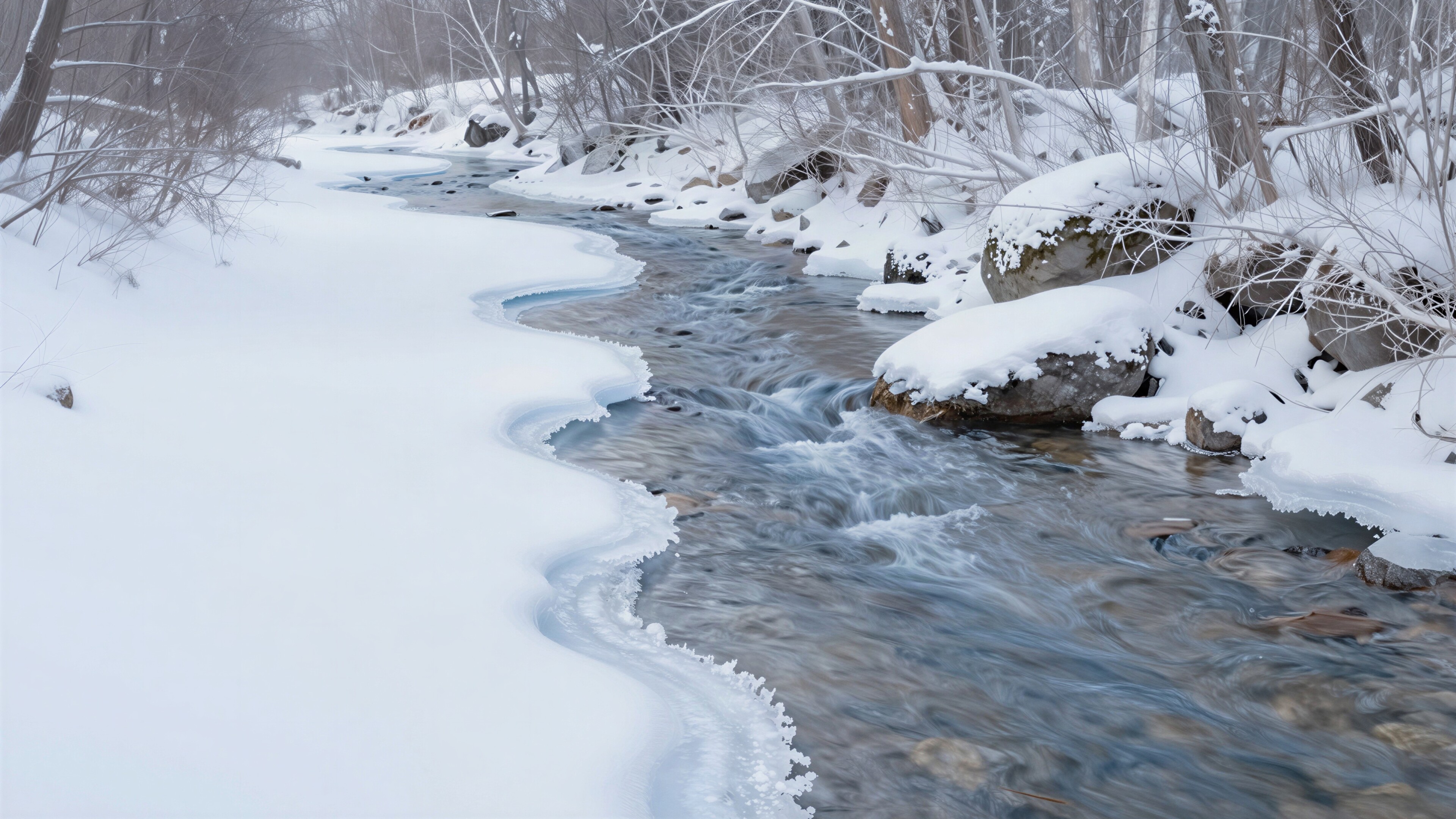
- 8. Half-frozen stream: ice formations along open, moving water. A nice in-between scene, part winter and part thaw.
- 9. Frosted valley: frost-covered trees spread across a wide valley, made for a desktop.
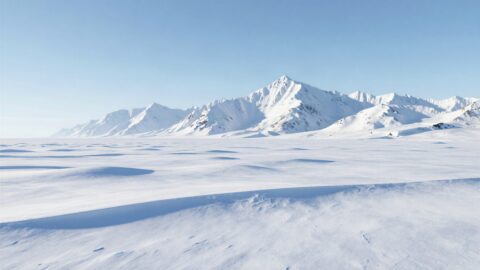
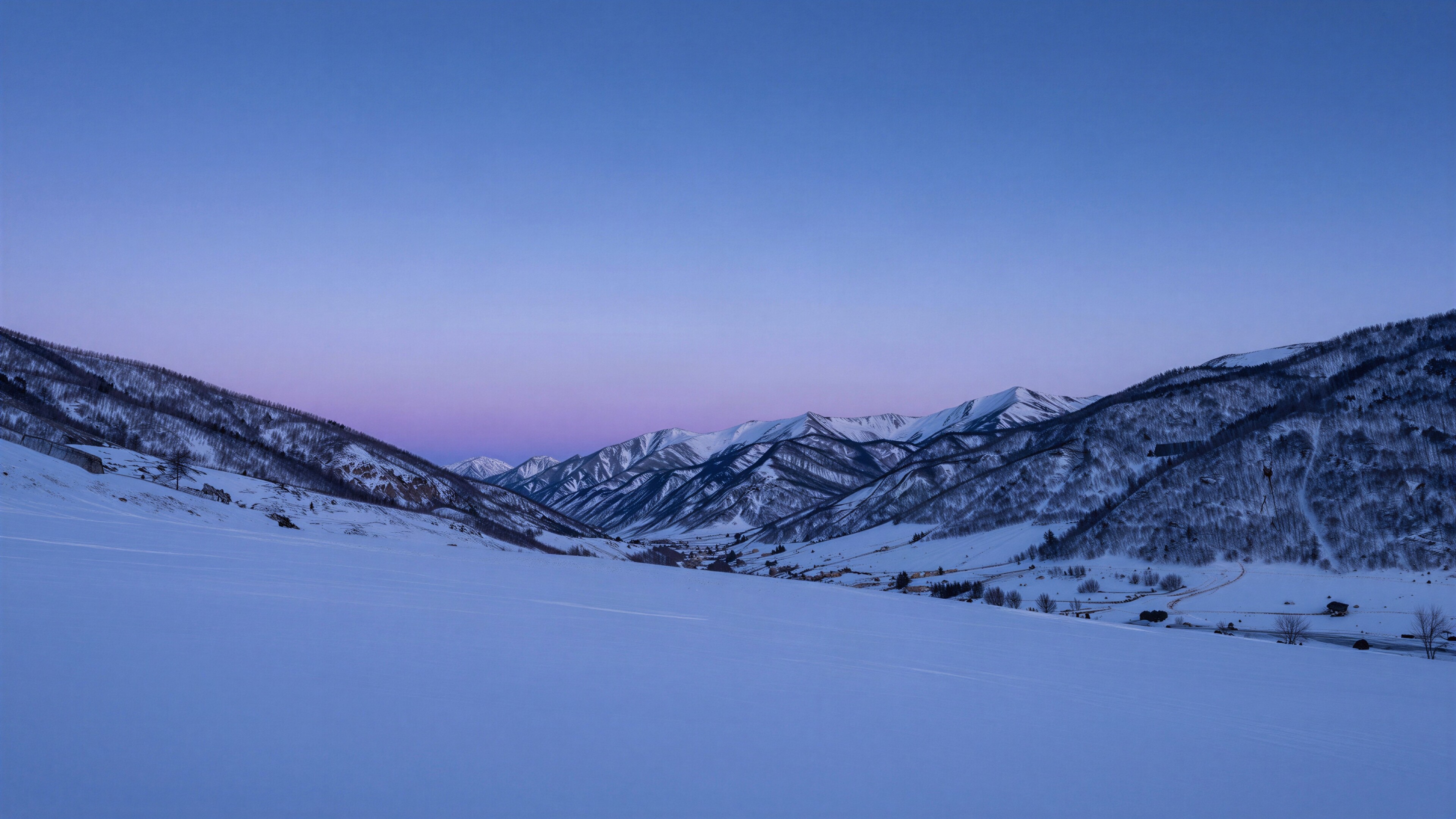
- 10. Valley at dusk: snow in the foreground and distant peaks as the light goes.
Why the lake freezes over but the stream stays open
Fresh water is at its heaviest at about 4°C. As a lake cools in autumn, water colder than that is lighter and stays near the surface, so ice forms on top and the water underneath stays liquid all winter. That is the frozen surface in #6. A stream like the one in #8 is harder to freeze because moving water keeps mixing, so ice starts along the banks and in slow pools while the middle keeps running. Frozen waterfalls such as #4 often still have water running behind or beneath the ice. The icicles in #3 usually come from snow melting in the sun and dripping into colder air, freezing a little more with every drop.
Warm glow or cold silver?
Four of the scenes carry some warmth: the dawn light in #1, the cabin windows in #2, the sunset over the lake in #6 and the last glow on the peaks in #10. The ice studies, #3, #4 and #8, are the coolest and most silvery of the set. If you want the plainest, quietest look, go for the white and dark green of #5, #7 and #9. For more cold-weather scenery, see the ice wallpapers, the mountain set and the newer winter aesthetic collection.
How to set it on your screen
- Tap Download under the size that fits your screen.
- On a phone, open Settings, then Wallpaper, and choose the saved image from your photos.
- On a computer, right-click the saved image and choose Set as desktop background.
Step-by-step help: iPhone, Android, Windows and Mac.
Questions
What sizes are these snowy winter wallpapers available in?
This snowy winter wallpaper set includes designs in two sizes: 1170x2532 pixels for phones and tablets, and 3840x2160 pixels for desktop computers and larger monitors. Both sizes contain the same original artwork and are optimized for their respective devices.
Can I use these snowy winter wallpapers on multiple devices?
Yes, these snowy winter wallpapers are free for personal use on your own devices. You can use them on your phone, tablet, and computer at the same time. Selling them, printing them for sale, or reposting them on other sites is not allowed. See our Terms page for full details.
Which snowy winter wallpapers work best as lock screens versus home screens?
The five vertical compositions are designed specifically for lock screens, with simple skies at the top that accommodate time and notifications. The five landscape designs work better as home screens or desktop backgrounds, where their open left sections sit behind app icons and widgets without obscuring the snowy scenery.
Are these snowy winter wallpapers suitable for seasonal use year-round?
While these snowy winter wallpapers are perfect during winter months, their serene, cool aesthetic works well any time of year if you prefer calm, peaceful backgrounds. The designs evoke tranquility rather than festive winter themes, making them suitable for extended personal use beyond the season.