Winter Laptop Wallpaper
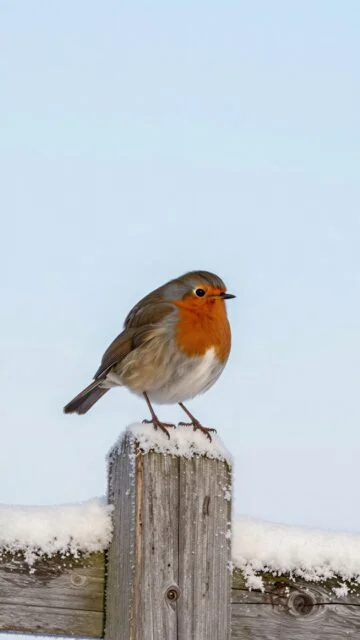
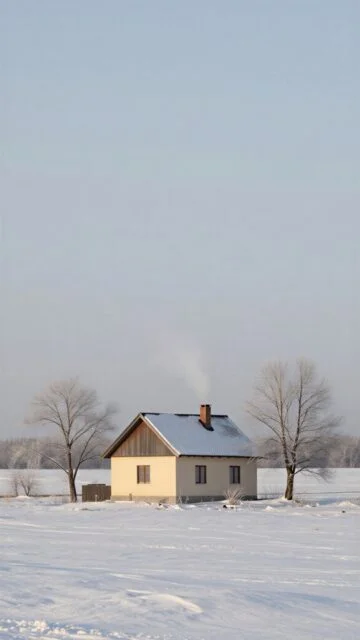
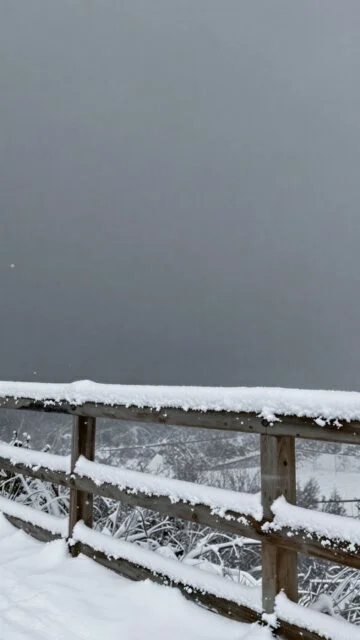
Winter laptop wallpaper in 1920x1080 with snowy landscapes, frosted forests and icy blue scenes, free to download for any Windows laptop or MacBook. This set features serene snowy landscapes, frosted forests, and icy scenes rendered in cool blues, silvers and whites. Each design uses wide 16:9 composition to frame peaceful winter moments with open space and bold shapes. These wallpapers work well on both laptop and Chromebook screens, providing a fresh backdrop that won't distract from your work.
10 wallpapers at 1920 × 1080 px for Laptop. Checked by hand on 8 Oct 2026.
About this set
This set captures the quiet mood of winter through serene landscapes and close-up nature details. The designs use cool whites, silvers and blues to create a calm, focused atmosphere that complements work and productivity. Each wallpaper features bold compositional elements positioned right of center or low in the frame, leaving open breathing space on the left that won’t compete with your desktop icons.
Lock screen wallpapers from this set work best when they include strong focal points like a single tree or mountain peak that draws the eye. Home screen designs that emphasize open sky and minimal detail work well behind app icons in both light and dark modes. These winter scenes pair naturally with neutral icon themes and work year-round for those who prefer cool color tones.
Forest, ice and open hills: the ten views
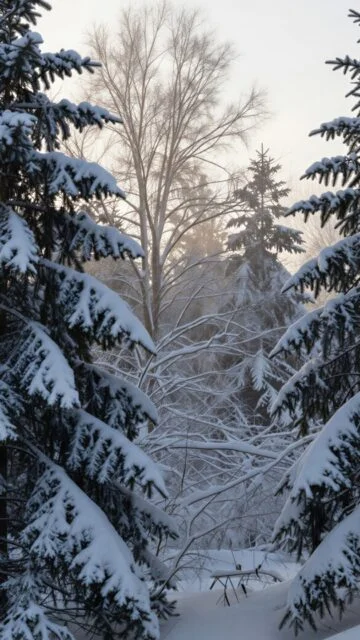
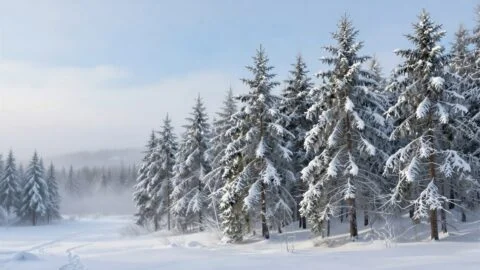
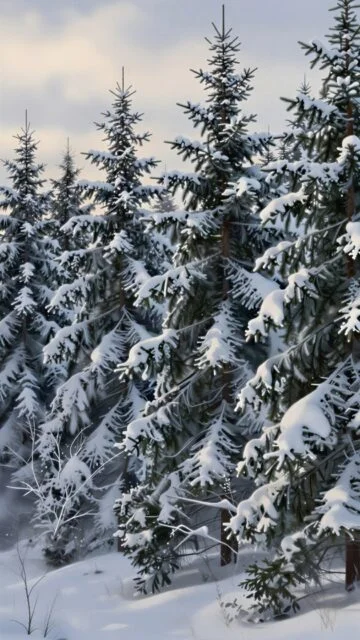
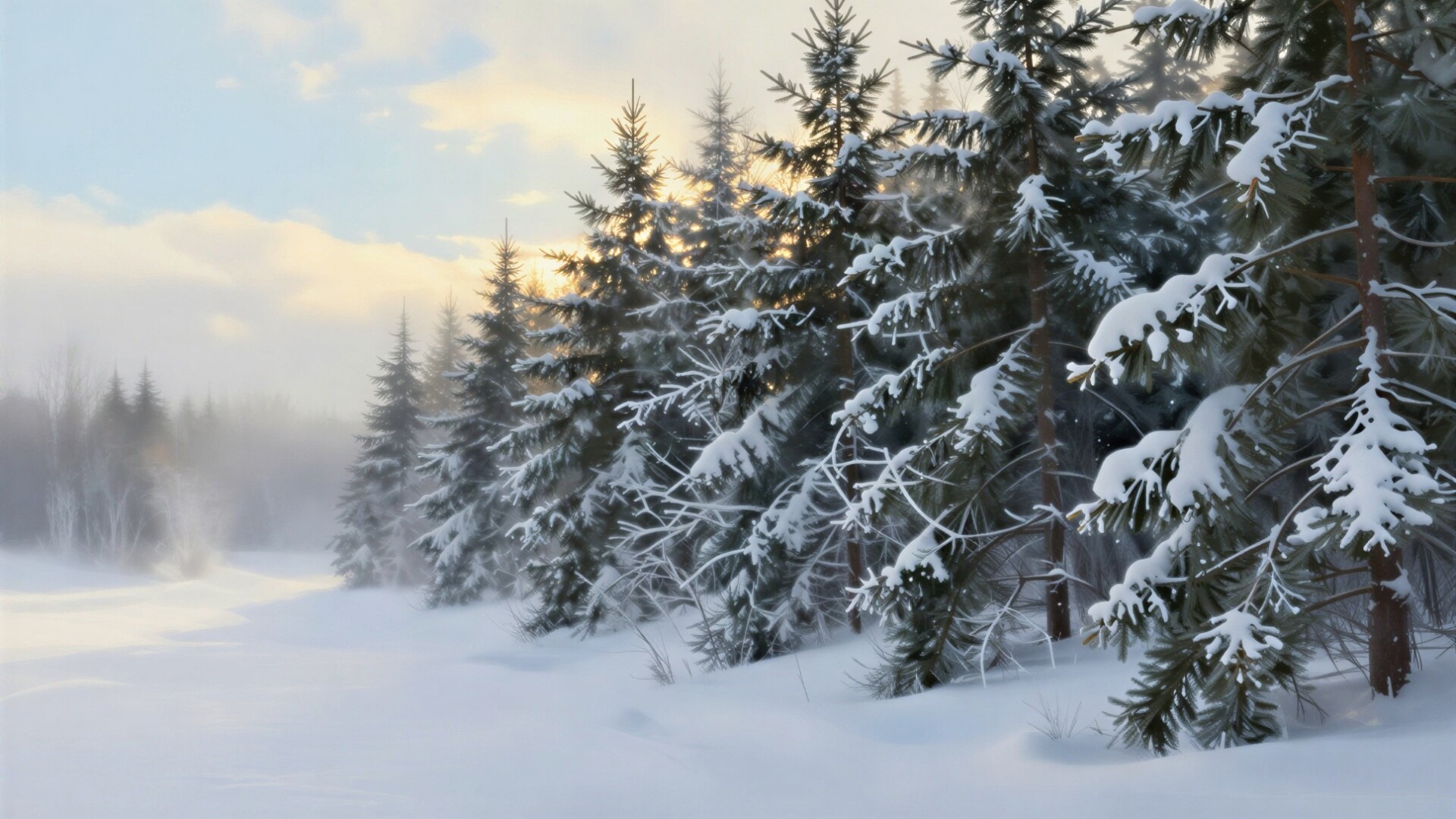
- Snowy pine forest. Frosted trees fill the right side and mist drifts across the left, so a column of desktop icons sits on the soft part.
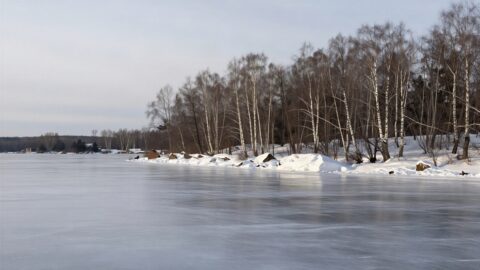
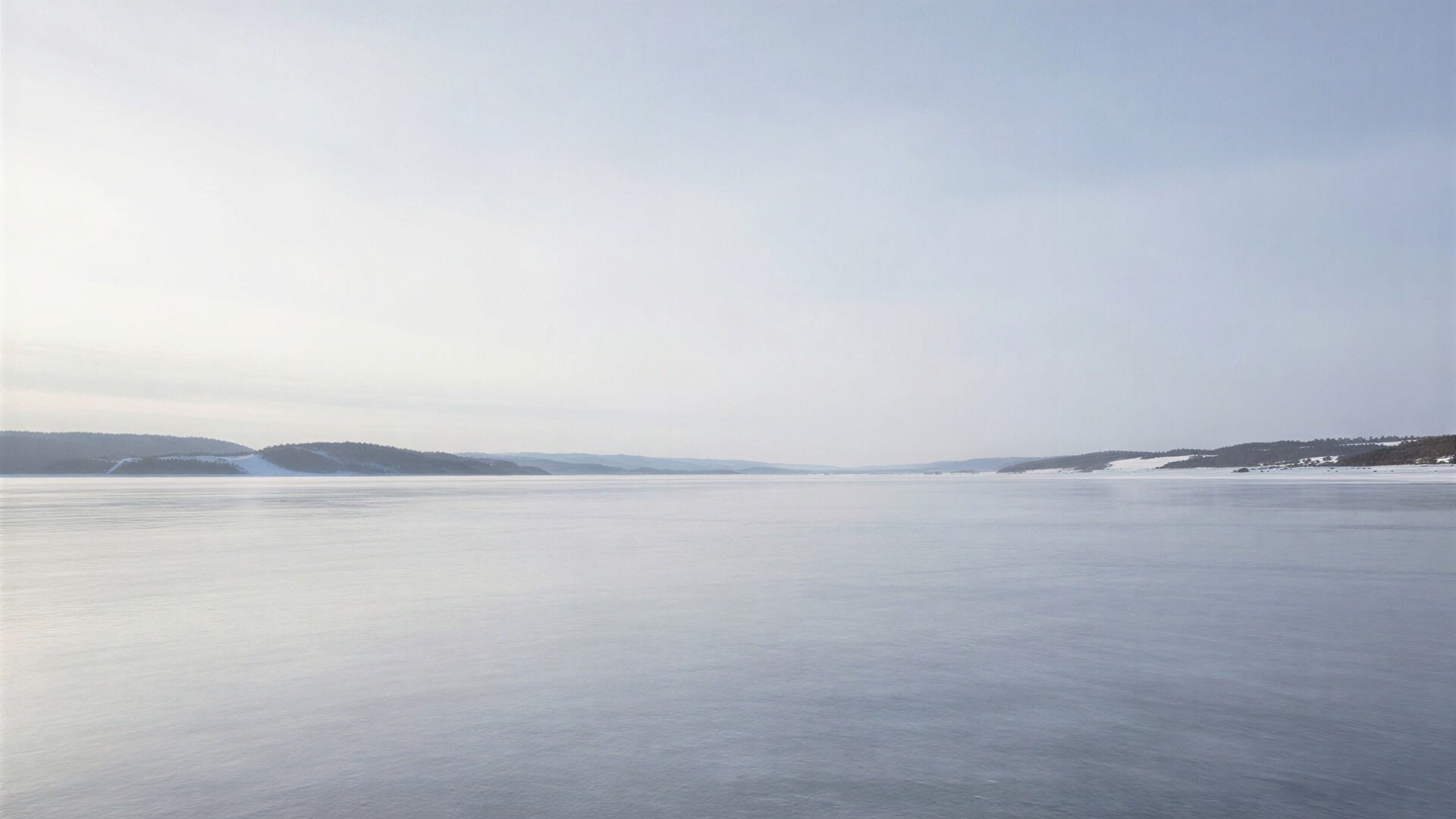
- Frozen lake. Fine cracks run across the ice under a pale sky, with snowy hills far off. A quiet pick for long work sessions.
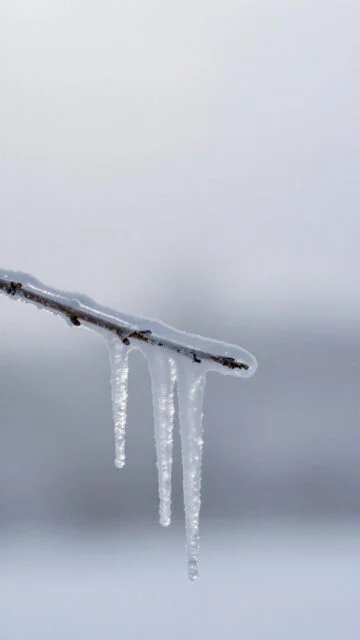
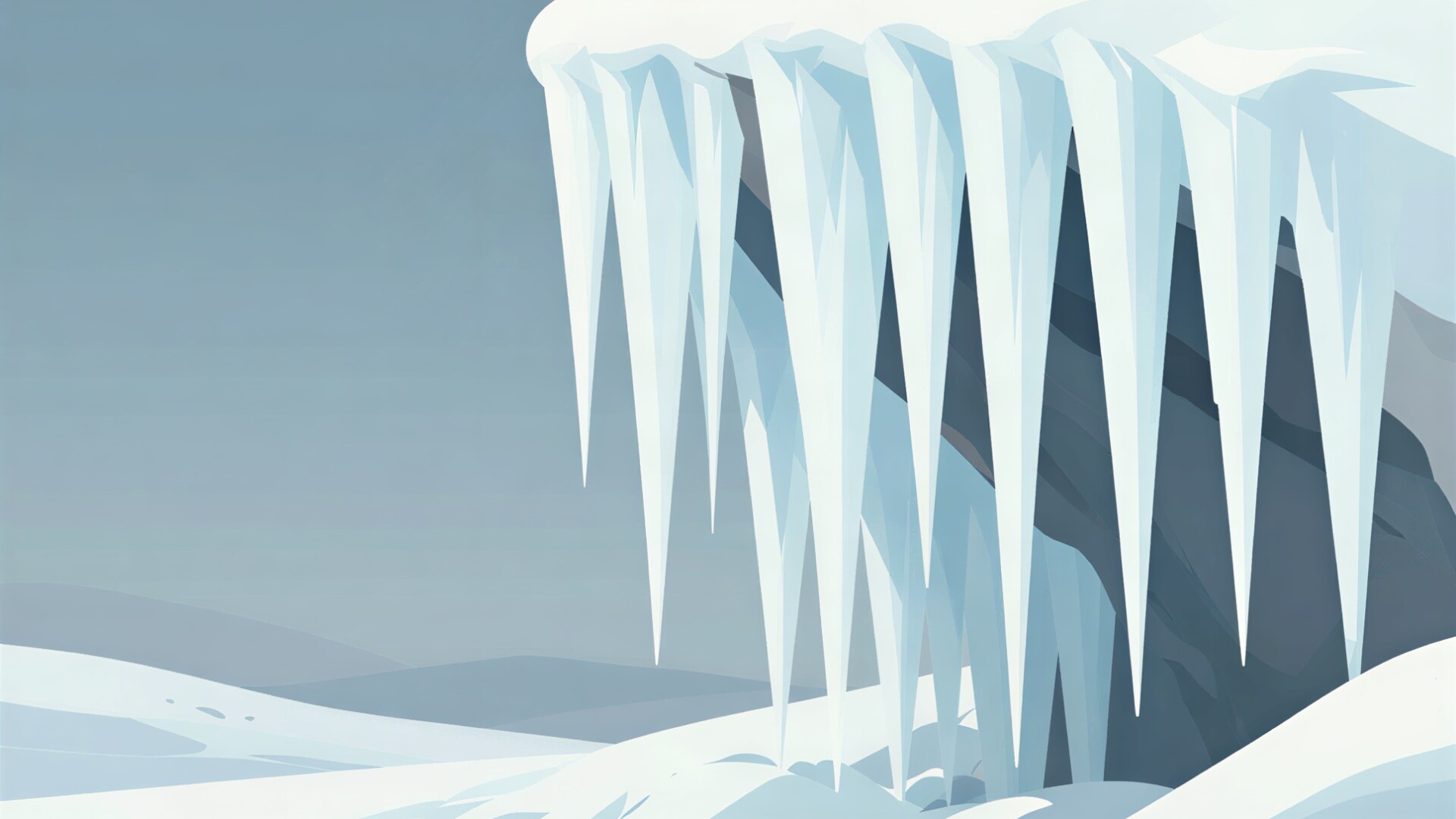
- Icicles. A row of clear icicles hangs down the right edge against a blue-grey sky.
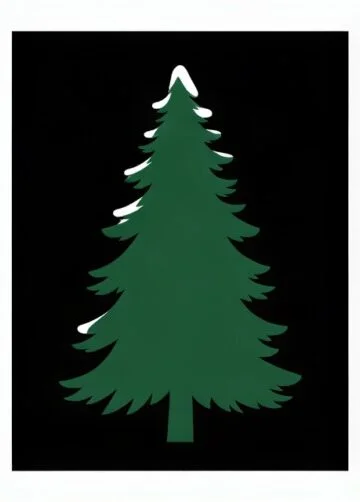
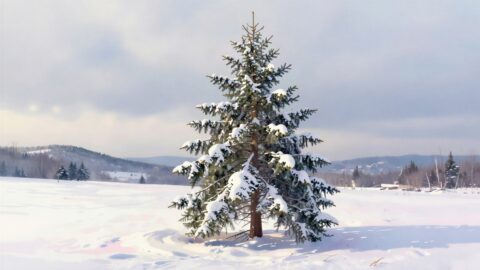
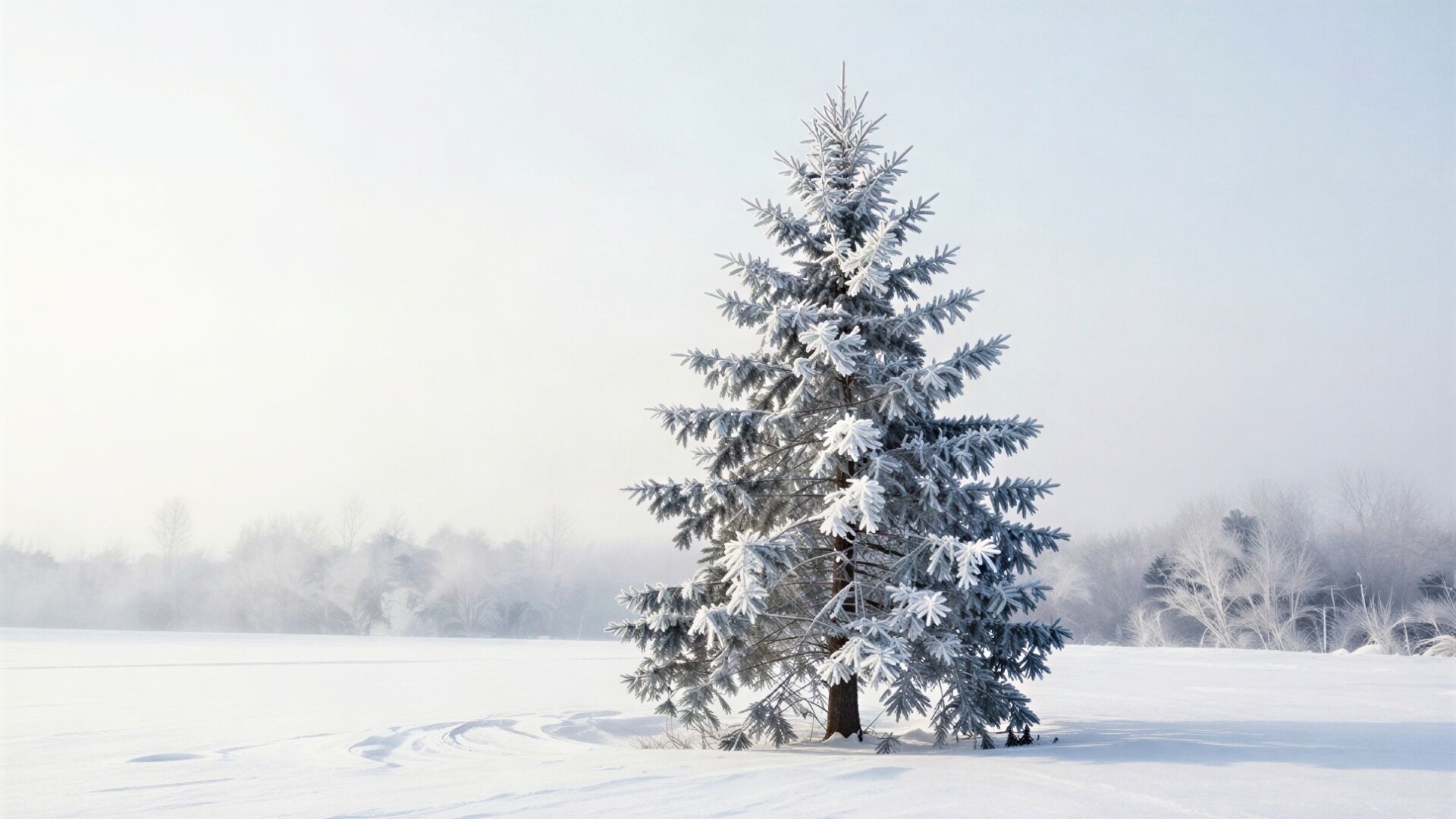
- Lone evergreen. One frost-covered tree stands in the snow, with hazy sky taking up the left.
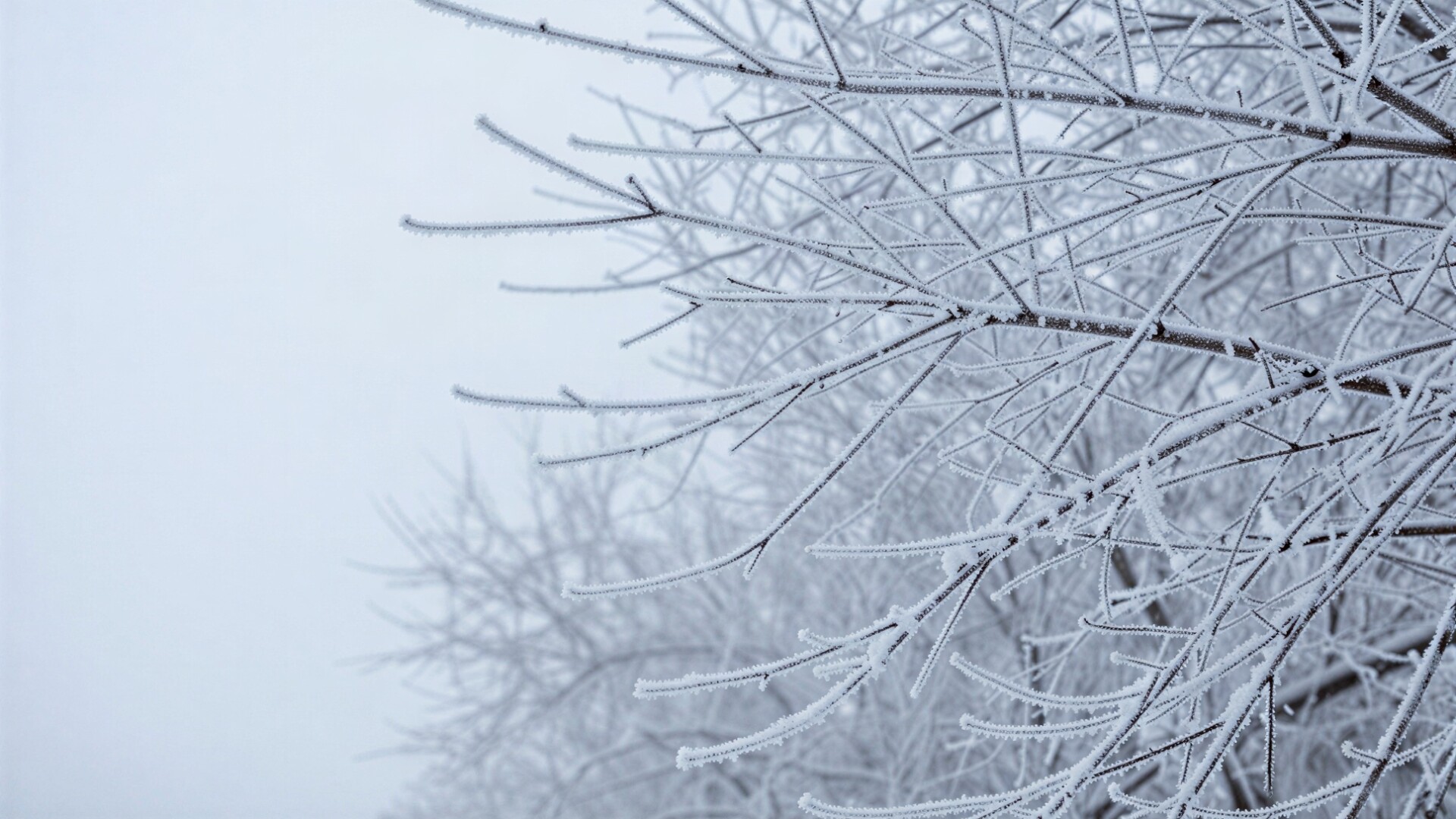
- Snow on branches. A close-up of laden twigs and fine frost in soft daylight. It is busier than the others, so it looks best with only a few icons.
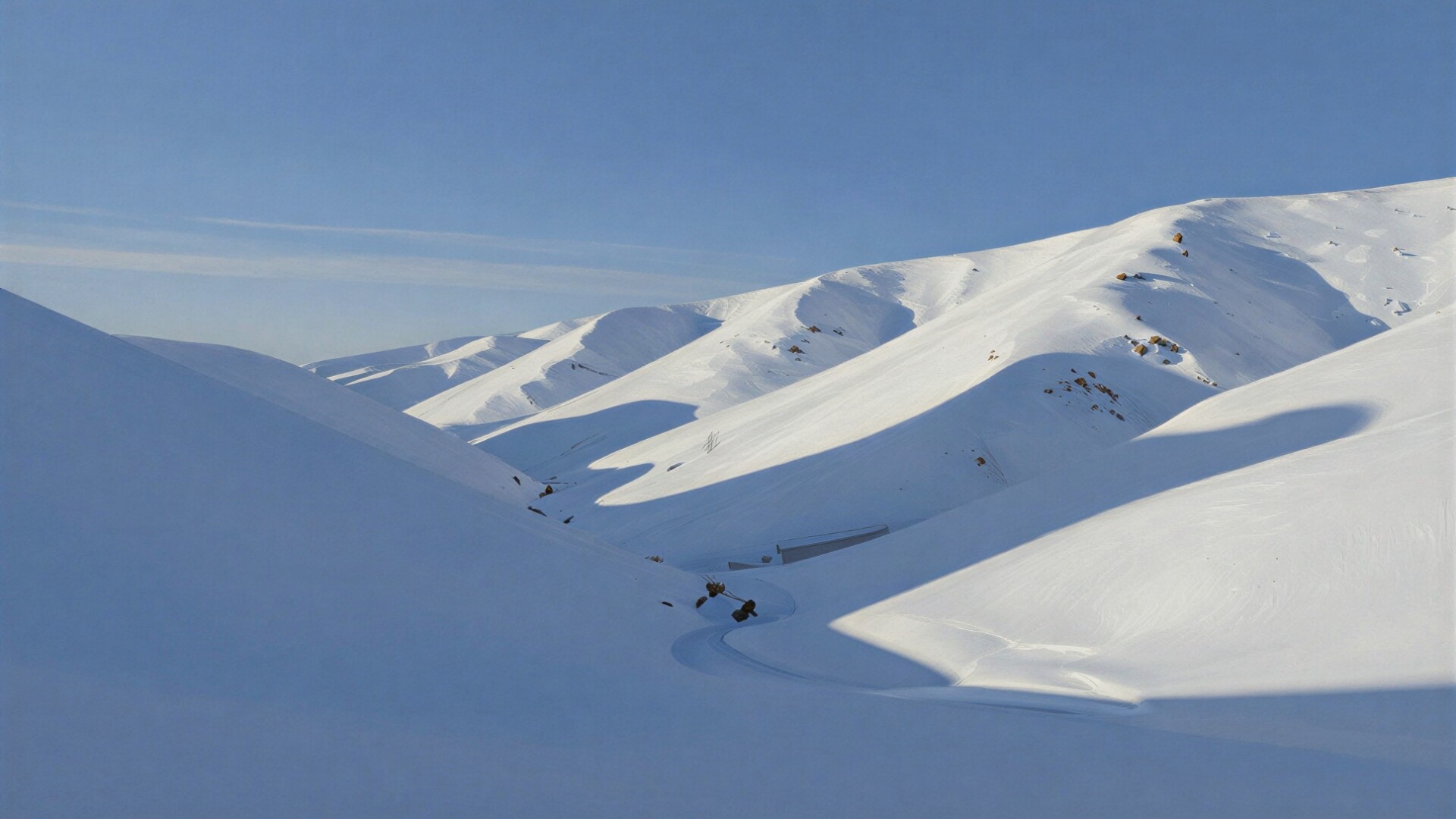
- Rolling hills. Smooth snowy slopes, sharp shadows and plenty of cool sky.
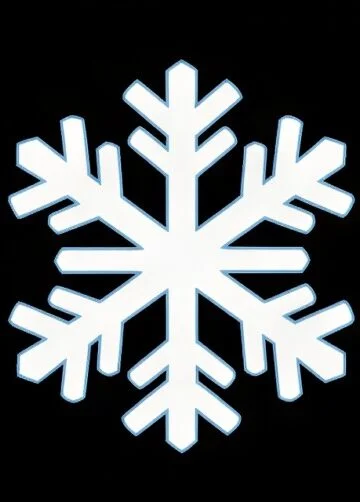
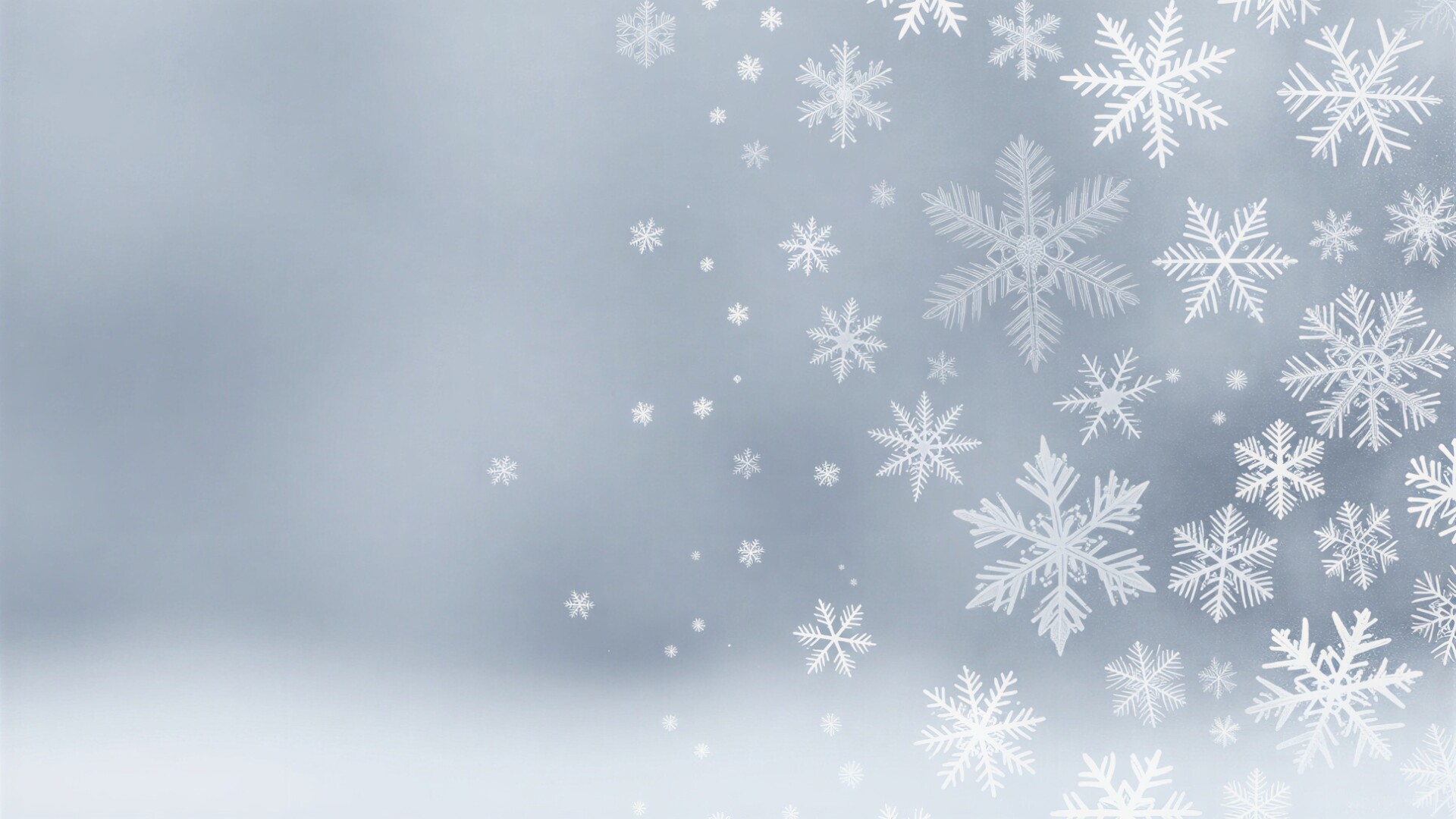
- Snowflakes and frost patterns. Flakes and geometric frost shapes float through a blue-grey haze. The most abstract design here.
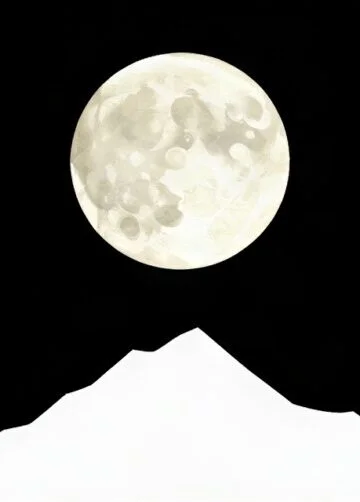
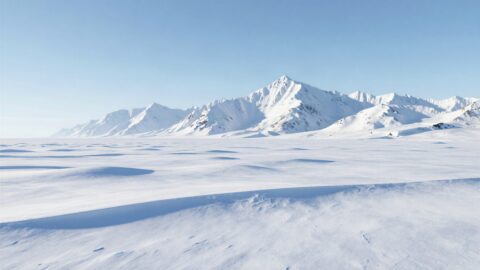
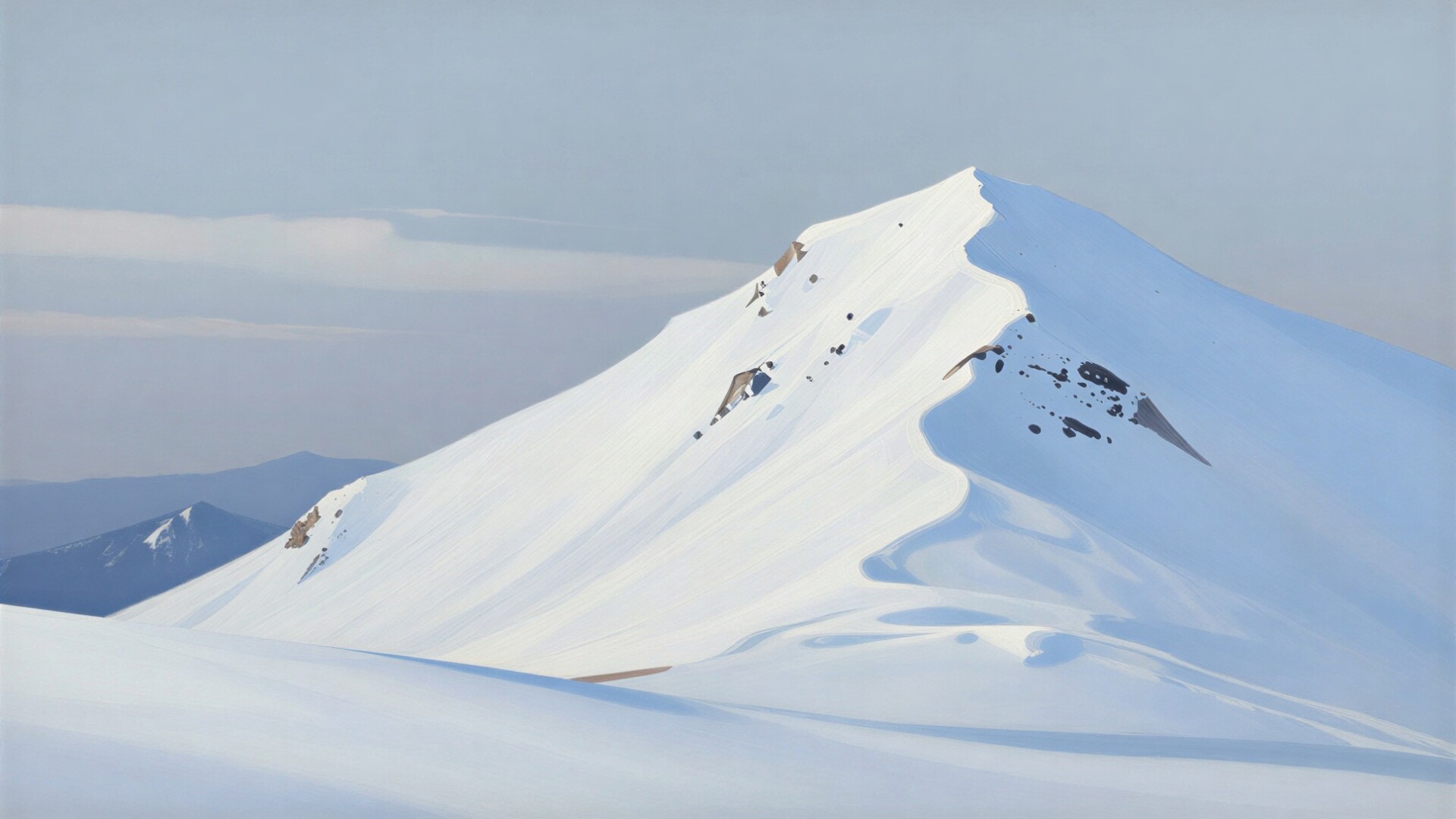
- Mountain peak. A snow-dusted summit rises on the right above a wide winter landscape.
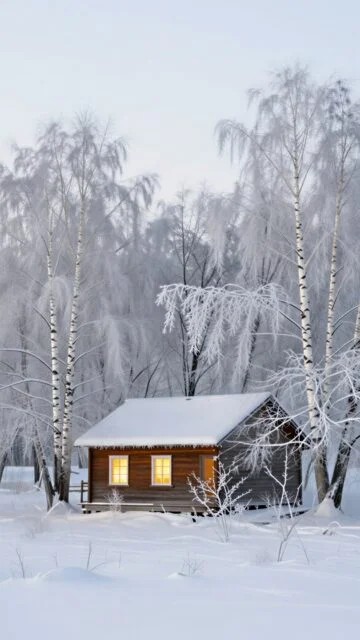
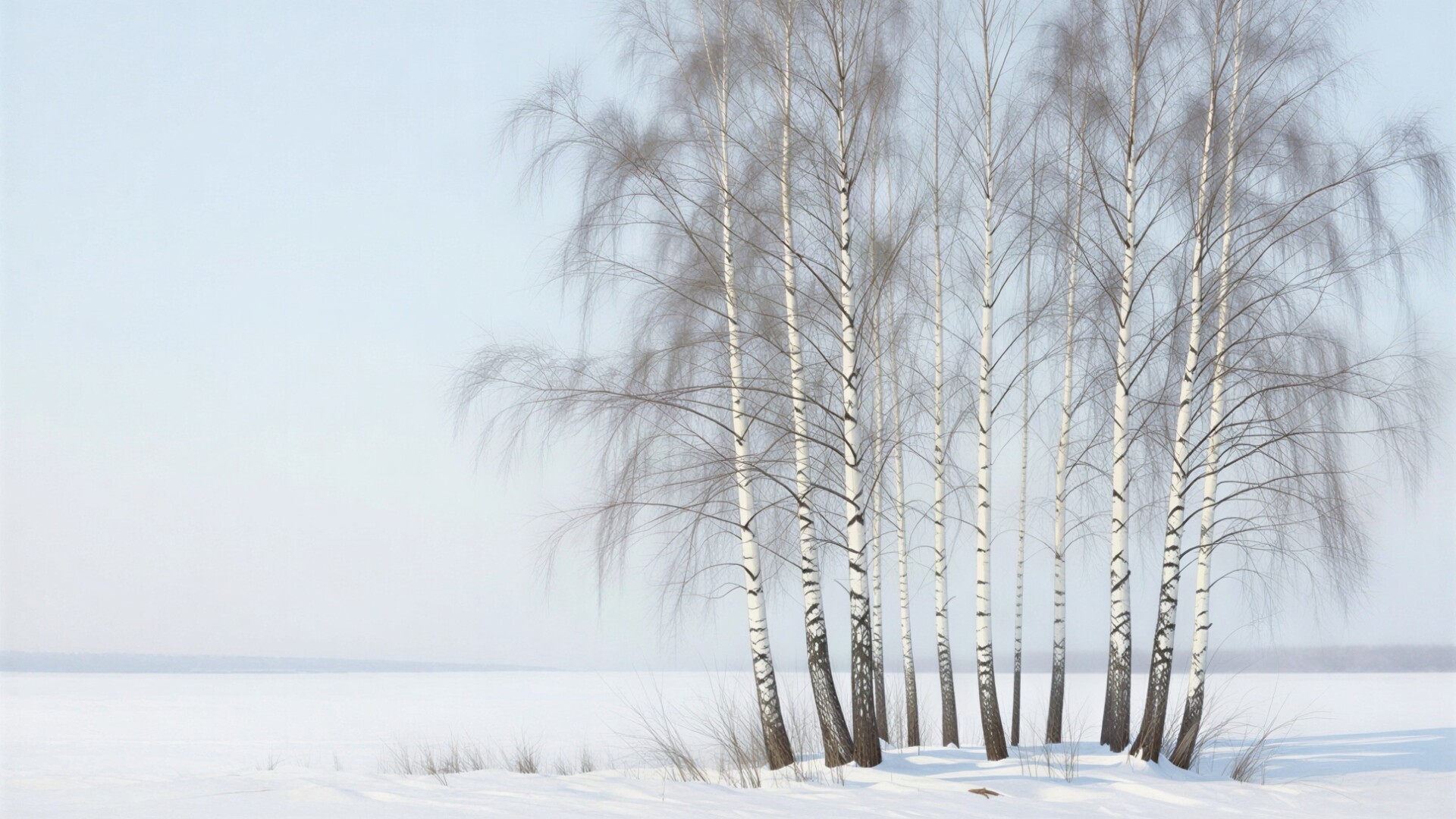
- White-barked trees. Bare trunks stand against pale snow and open sky, almost like a pencil drawing.
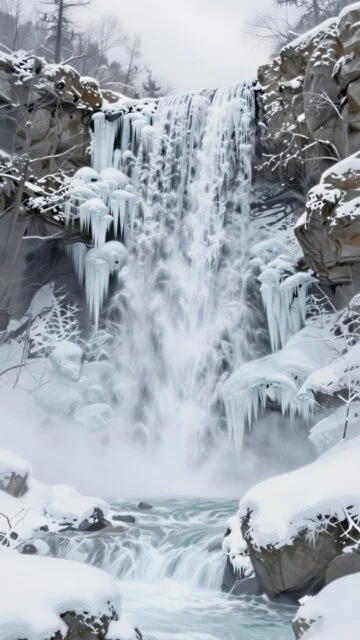
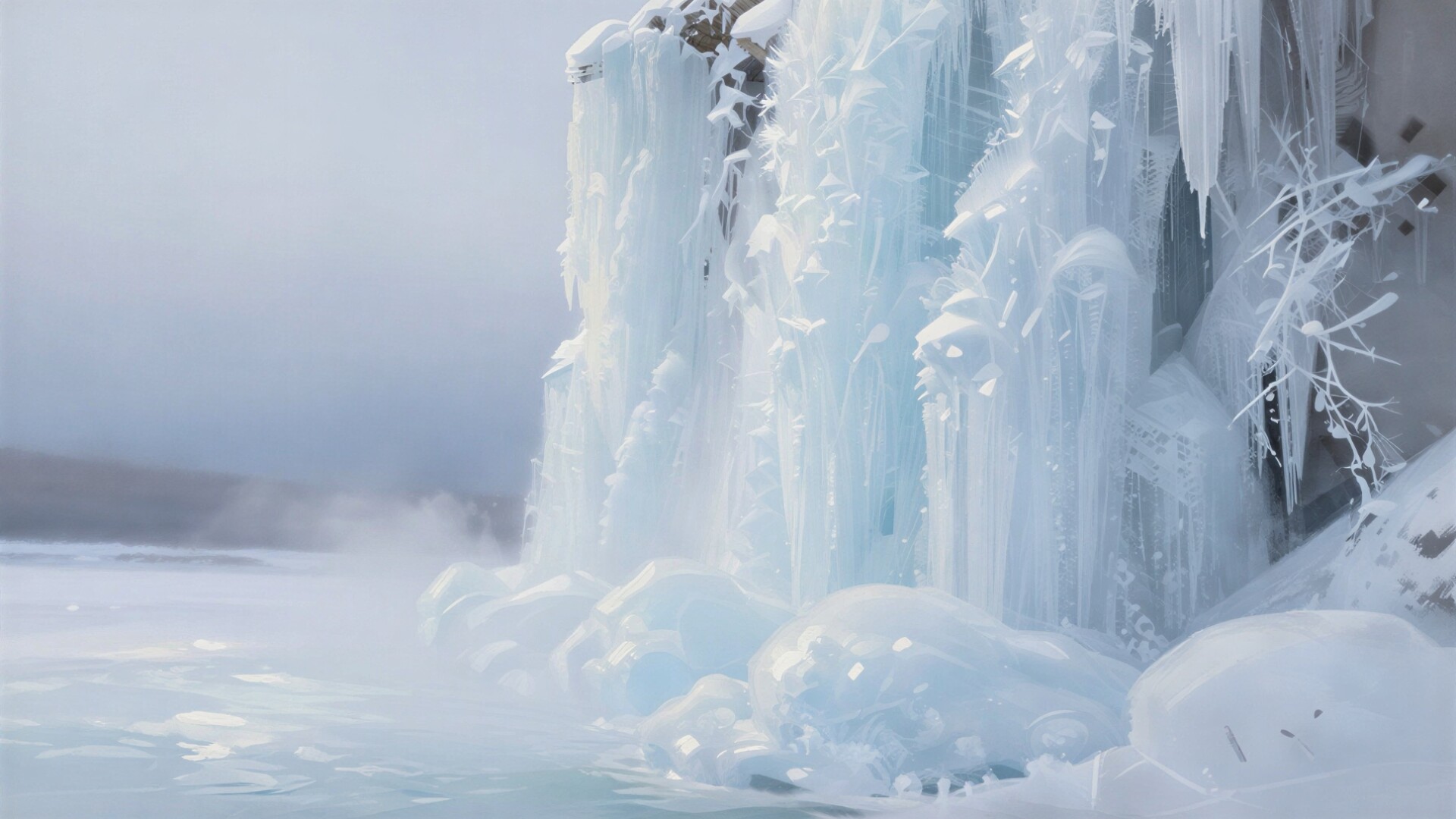
- Frozen waterfall. Ice cascades down the right side, its crystal texture easy to see on a Full HD screen.
Why snow looks so bright, and why the peak keeps its cap
Fresh snow reflects most of the sunlight that reaches it, often around 80 to 90 percent, while open water or a dark forest soaks most of it up. That is why the slopes in #6 seem to glow next to their shadows, and why skiers wear dark goggles: on a sunny day so much light bounces back that it can burn the eyes, a condition known as snow blindness.
The summit in #8 stays white for a simpler reason. Air gets colder as you climb, by roughly 6.5°C for every 1,000 metres on average, so high ground holds snow long after the valleys have thawed. On a frozen lake like #2, the ice also shrinks and swells as the temperature changes, and new cracks can give off deep booms and pinging sounds that carry a long way across the surface.
Sharp and bright, or soft and misty?
If you like crisp edges and clear sky, try #3, #6, #8 or #10. The softer, hazier ones are #1, #4, #5 and #7, where mist or frost blurs the detail. #2 and #9 sit in between: pale, still and very light on colour, which makes them the easiest to leave on screen all day.
One practical note: these are 16:9 images, and most MacBooks have a slightly taller screen than that. macOS fills the display by trimming a thin strip from the left and right edges, so the subjects on the right of #1, #3, #8 and #10 may sit a little closer to the edge than they do here. A 1920x1080 Windows laptop or a 1366x768 Chromebook shows the whole frame.
For more cold-weather scenes, the Winter Desktop Wallpaper 4K set covers bigger monitors, Snowy Winter mixes phone and desktop sizes, and Ice moves in close on frozen textures.
How to set it on your computer
- Click Download to save the full-size image.
- On Windows, right-click the image and choose Set as desktop background.
- On a Mac, right-click the image and choose Set Desktop Picture, or use System Settings, then Wallpaper.
Stuck on a step? The desktop guide has screenshots for each one.
Questions
What screen sizes do these winter laptop wallpapers fit?
This set is designed for 1920x1080 resolution on standard laptops and 1366x768 on Chromebook devices. Both sizes use the same 16:9 landscape aspect ratio. The wallpapers will scale to fit your screen, though very large or small displays may crop the edges slightly depending on your device settings.
Can I use these wallpapers commercially or share them elsewhere?
These wallpapers are free for personal use on your own devices only. You cannot sell them, print them for sale, or repost them on other wallpaper sites or social media. For the complete terms of use, please visit our Terms page.
Which wallpapers from this set work best for lock screens versus home screens?
Designs with a strong single focal point, like the frost-covered tree or mountain peak, work well for lock screens where a clear visual anchor helps. Home screen wallpapers benefit from designs with more open sky and minimal detail, so your desktop icons remain readable and uncluttered.
Do these winter wallpapers work well with dark mode?
Yes, these designs are especially effective in dark mode. The cool blues and silvers create contrast against dark backgrounds, making the winter scenes pop while reducing overall screen brightness. Pair them with dark-themed icon packs for a cohesive, comfortable viewing experience.