Winter Aesthetic Wallpaper iPhone
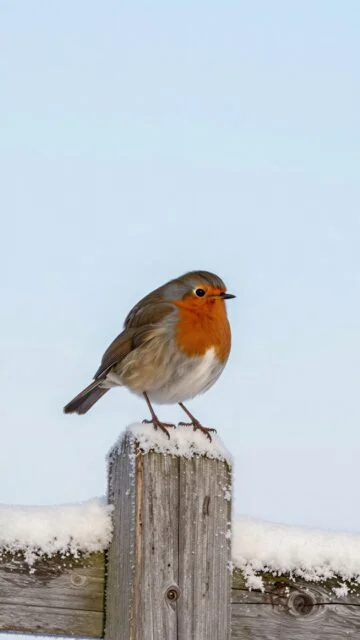
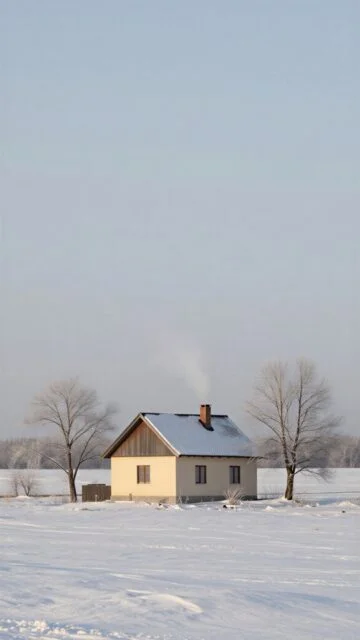
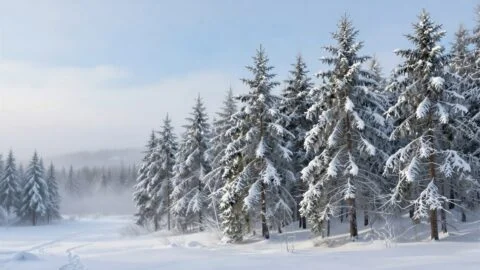
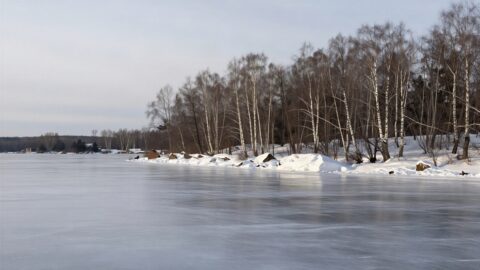
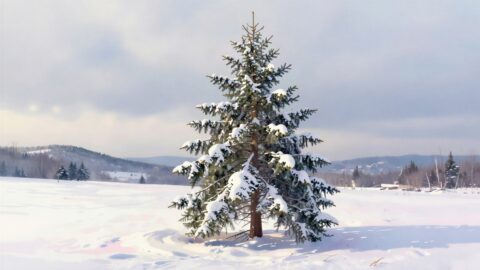
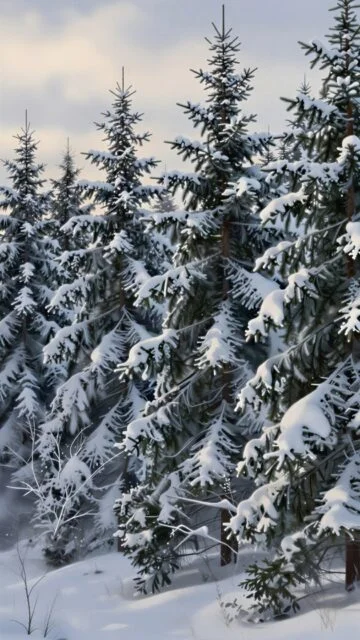
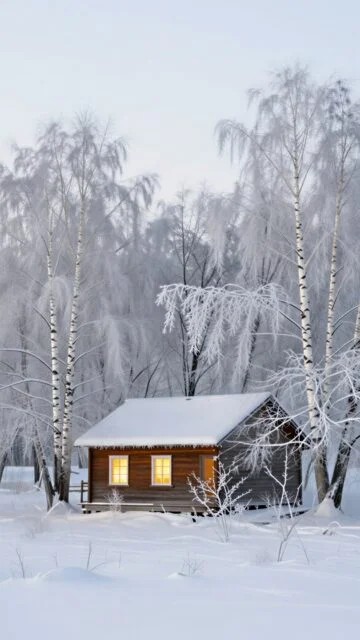
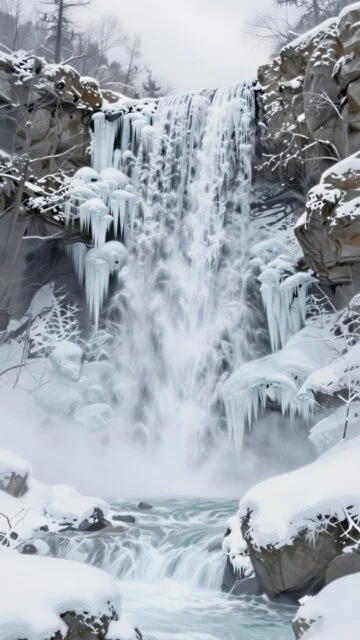
Winter aesthetic wallpaper for iPhone brings cold-weather scenes and moody atmospheres directly to your lock and home screens. These designs feature frost-laden trees, snow-blanketed landscapes, icy textures and soft winter light in shades of white, grey and muted blue. The aesthetic winter wallpaper collection balances minimalism with natural detail, offering quiet, contemplative imagery that suits both dark and light mode phones. Each wallpaper captures the stillness of winter through photorealistic compositions with careful attention to light, shadow and seasonal texture. Whether you want a serene forest scene or an intimate close-up of ice crystals, this winter aesthetic iPhone wallpaper set provides moody, cohesive designs that feel calming and intentional on your device.
10 wallpapers at 1170 × 2532 px for iPhone. Checked by hand on 7 Nov 2026.
About this set
This winter aesthetic wallpaper collection captures the quiet, introspective mood of cold months through photorealistic compositions. The designs emphasize natural textures: frost crystals catching soft light, snow clinging to evergreen needles, ice formations with translucent detail, and weathered bark on bare trees. The color palette stays muted and cool, featuring whites, pale greys, soft blues and occasional warm golden tones from low winter sun. Lighting is predominantly overcast or twilight, creating gentle shadows and a contemplative atmosphere. Each wallpaper uses vertical composition with the main subject positioned in the middle or lower half of the frame, leaving the top quarter simple and open. This layout works perfectly on iPhone screens, where the top area often contains status bars and does not need visual detail.
Wallpapers 1, 3, 6 and 8 work best as home screen backgrounds because their minimalist compositions and soft tones provide clear space for app icons and text without visual clutter. Wallpapers 2, 4, 5, 7, 9 and 10 suit lock screens well, featuring more defined subjects and textures that draw attention when the phone is locked. The close-up and detailed designs of wallpapers 2, 5, 7 and 9 create visual interest even at a glance, while the broader landscapes of wallpapers 1, 3, 6 and 8 maintain calm and focus.
What each design shows
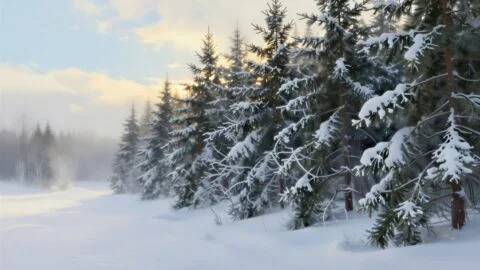
- Forest at dawn: Golden light through a snow-covered forest creates a warm counterpoint to the cool palette, ideal for home screens where it provides a serene backdrop.
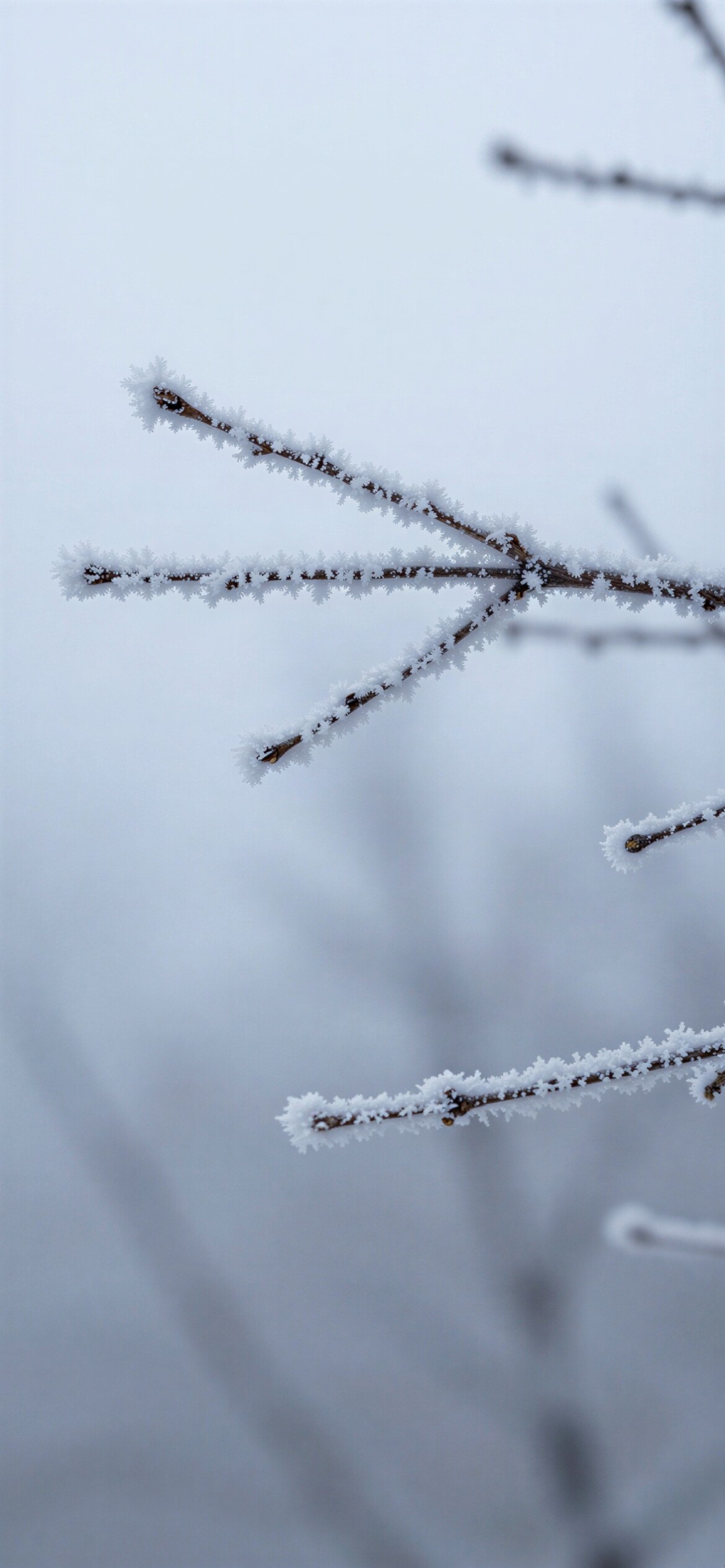
- Frost on branches: Intimate macro perspective of crystalline ice, strong for lock screens where the detailed texture catches attention.
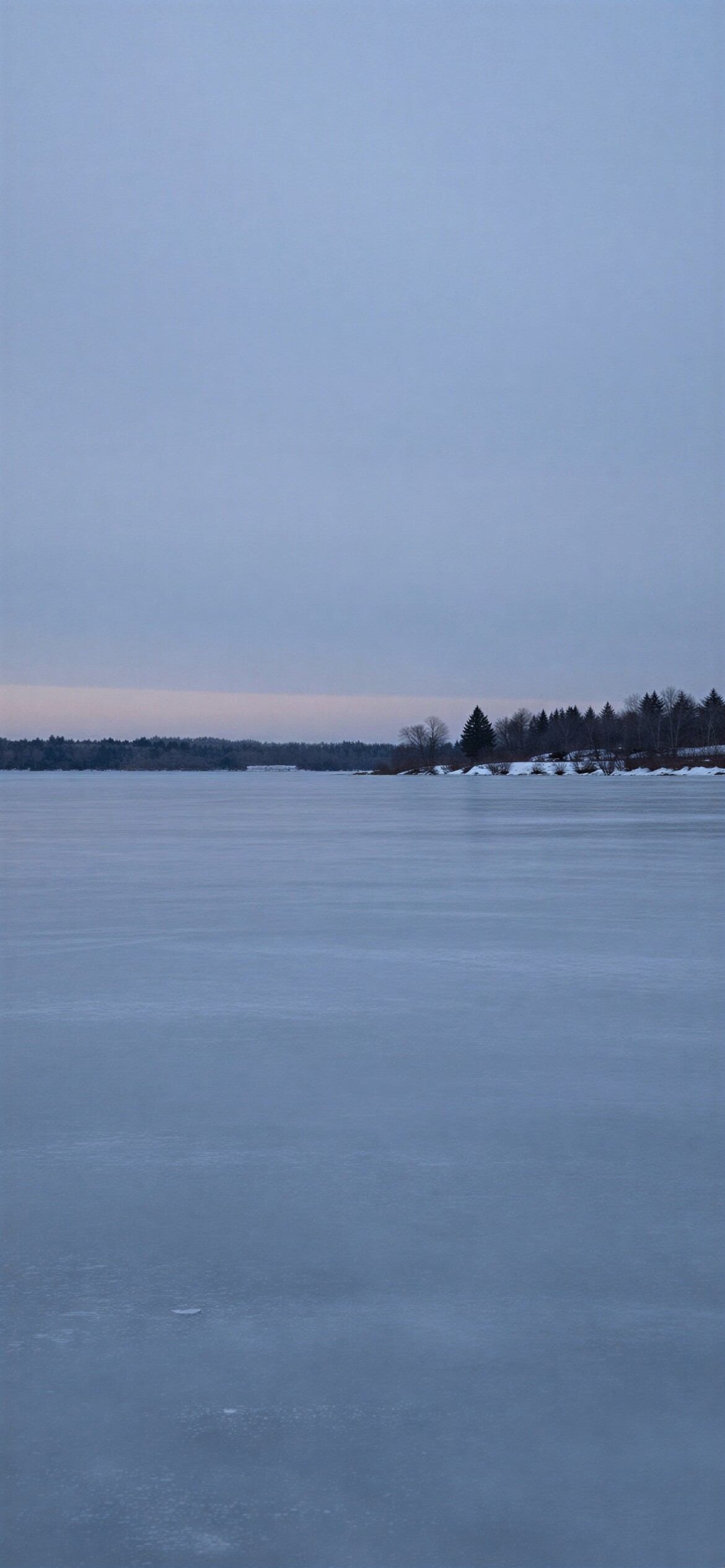
- Frozen lake at dusk: Expansive horizontal landscape with minimal elements, excellent home screen choice that does not compete with icons.
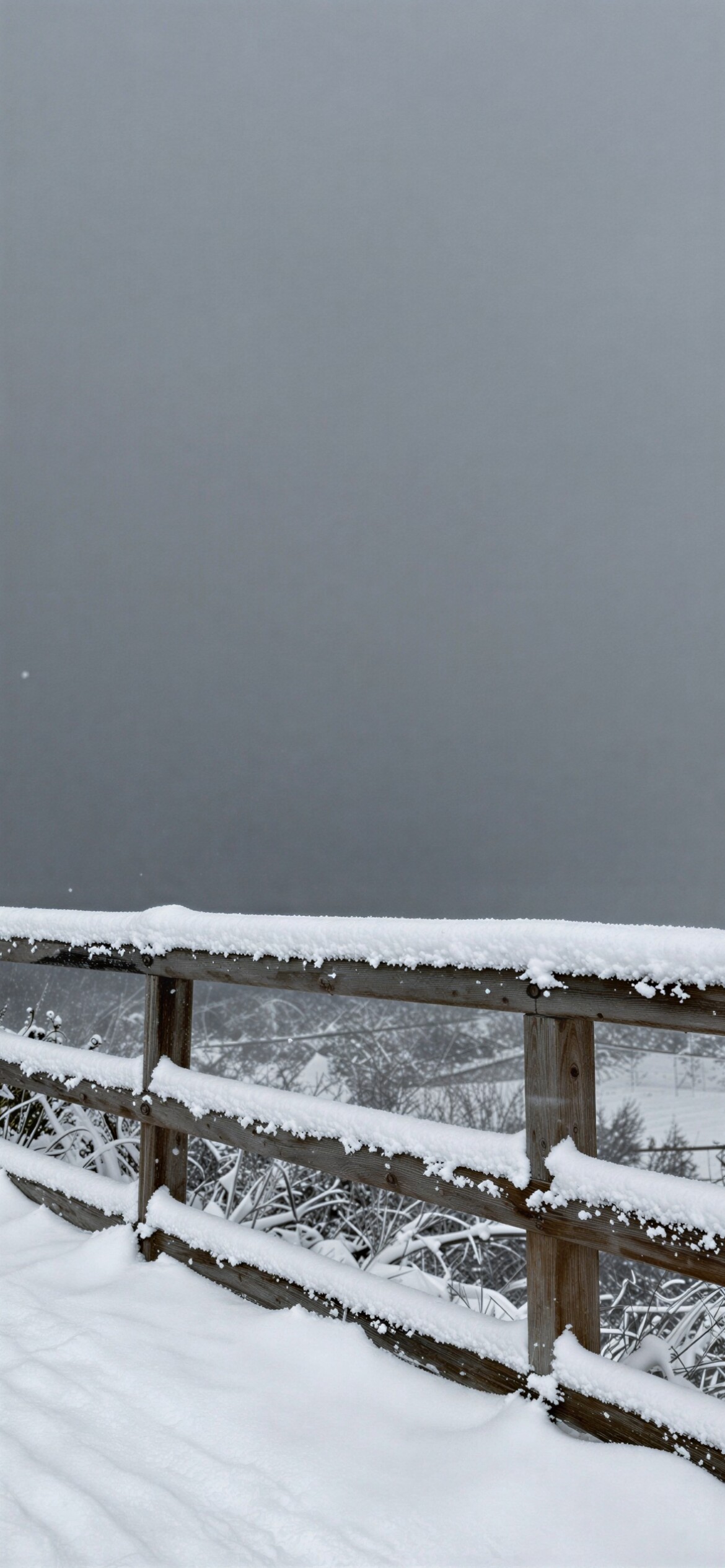
- Falling snow and fence: Vertical emphasis on snowfall with a grounding element, versatile for either screen but particularly effective on lock screens.
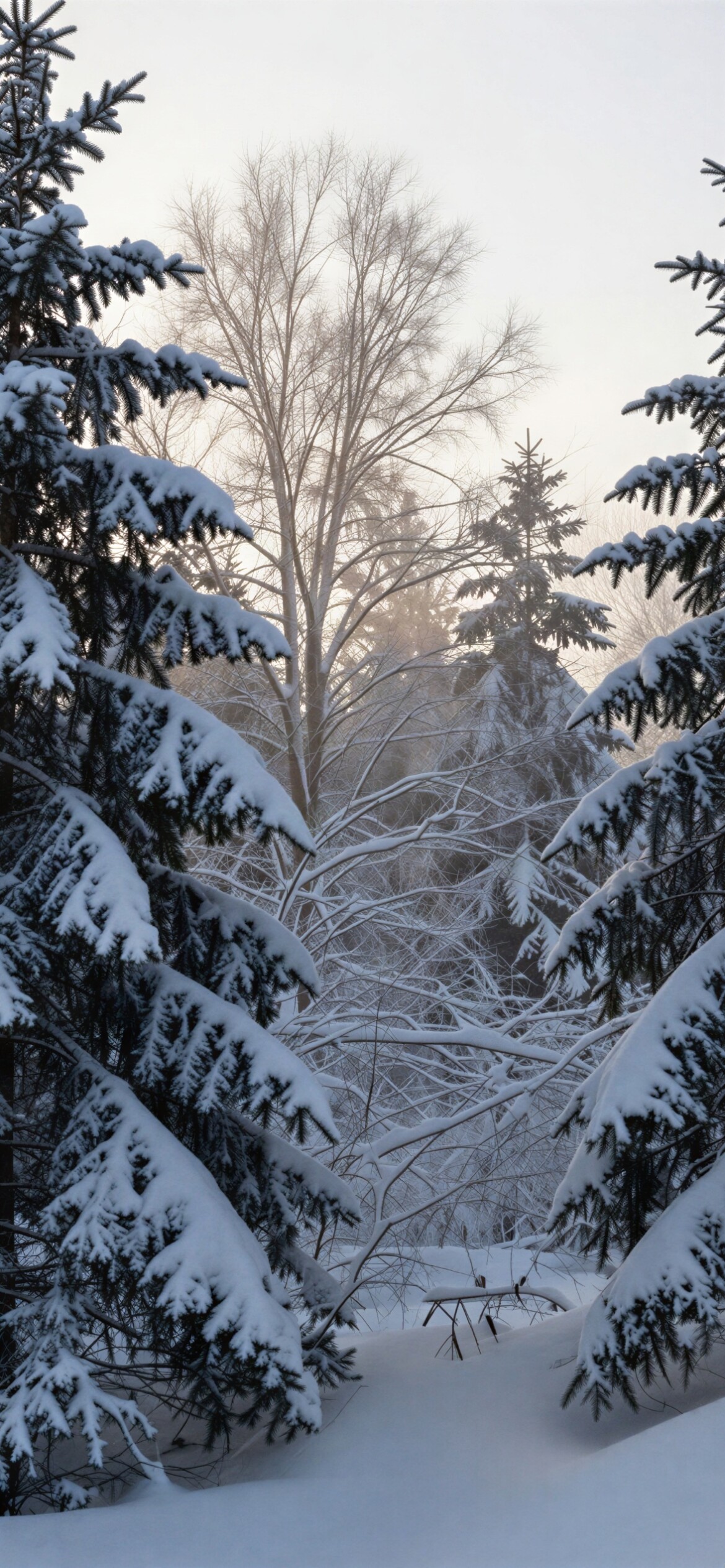
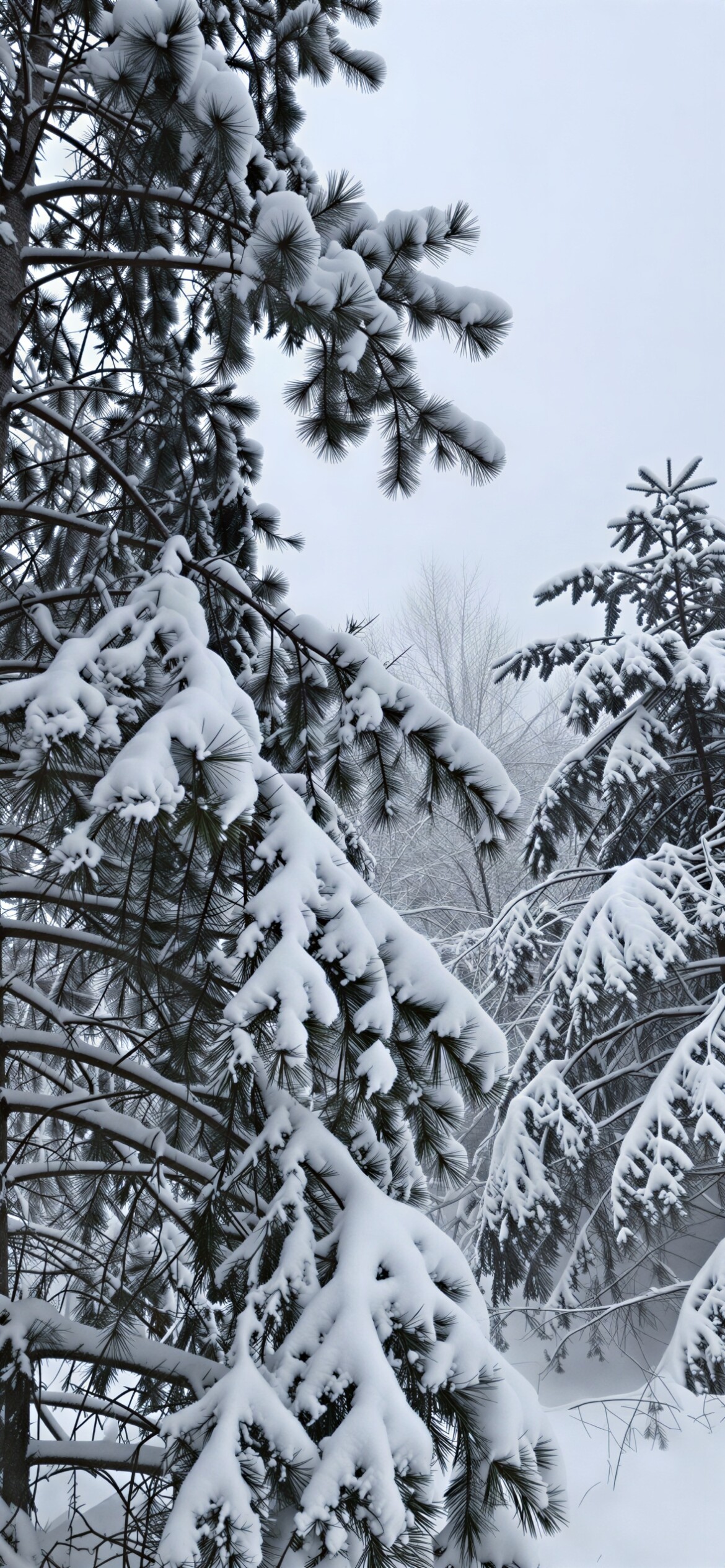
- Snow-laden evergreens: Close study of winter tree textures, a lock screen favorite that fills the frame with natural detail.
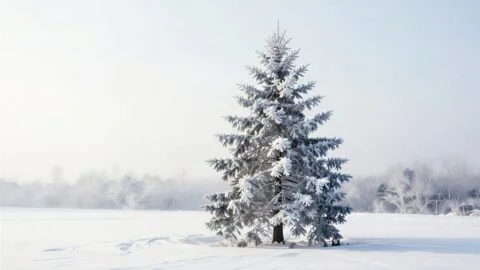
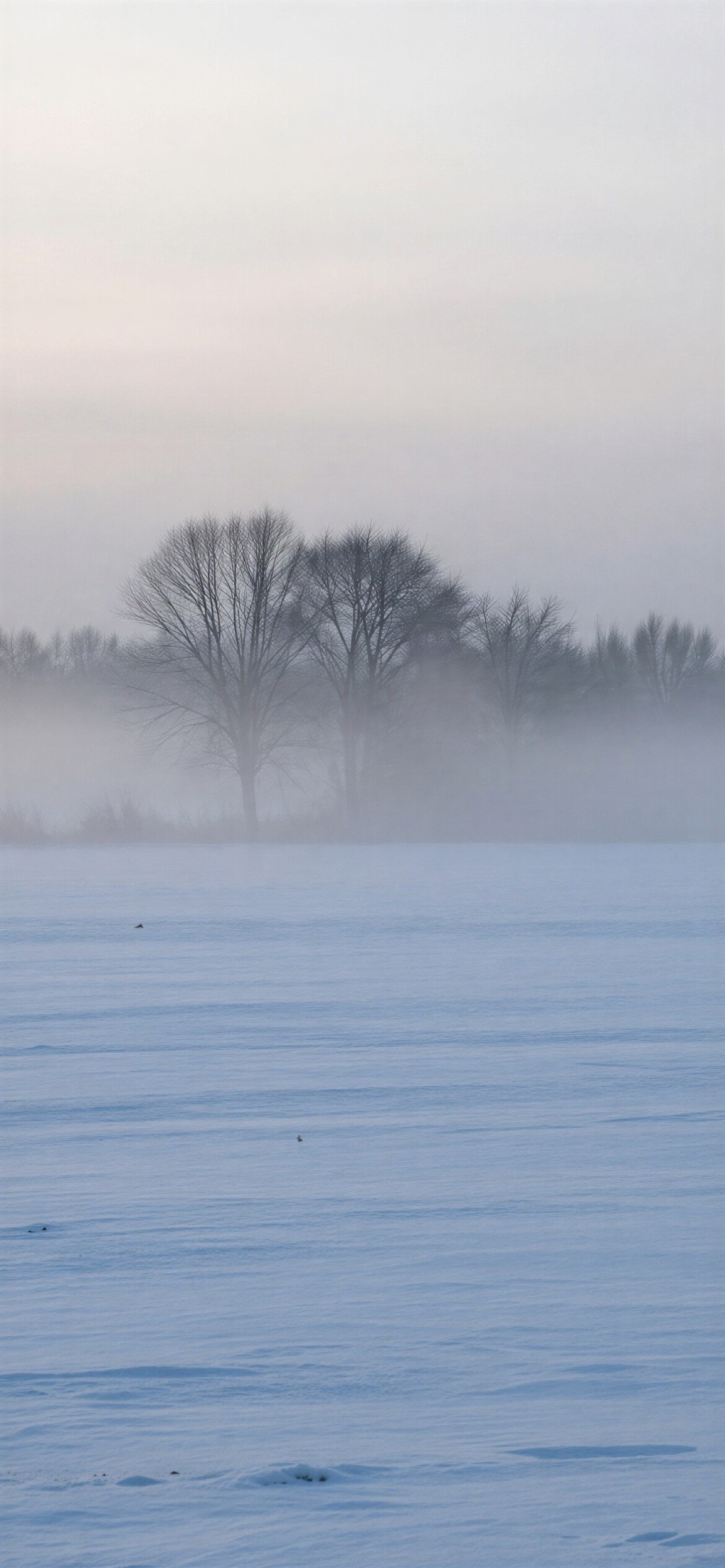
- Misty field at morning: Atmospheric and sparse, this design floats content well on home screens and creates a contemplative mood.
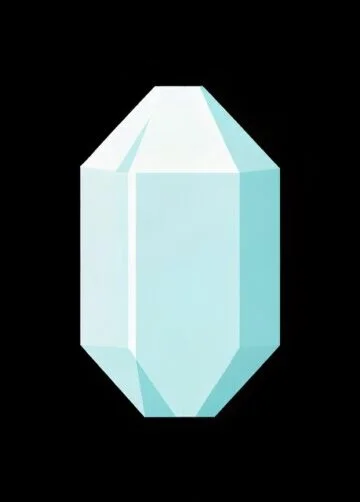
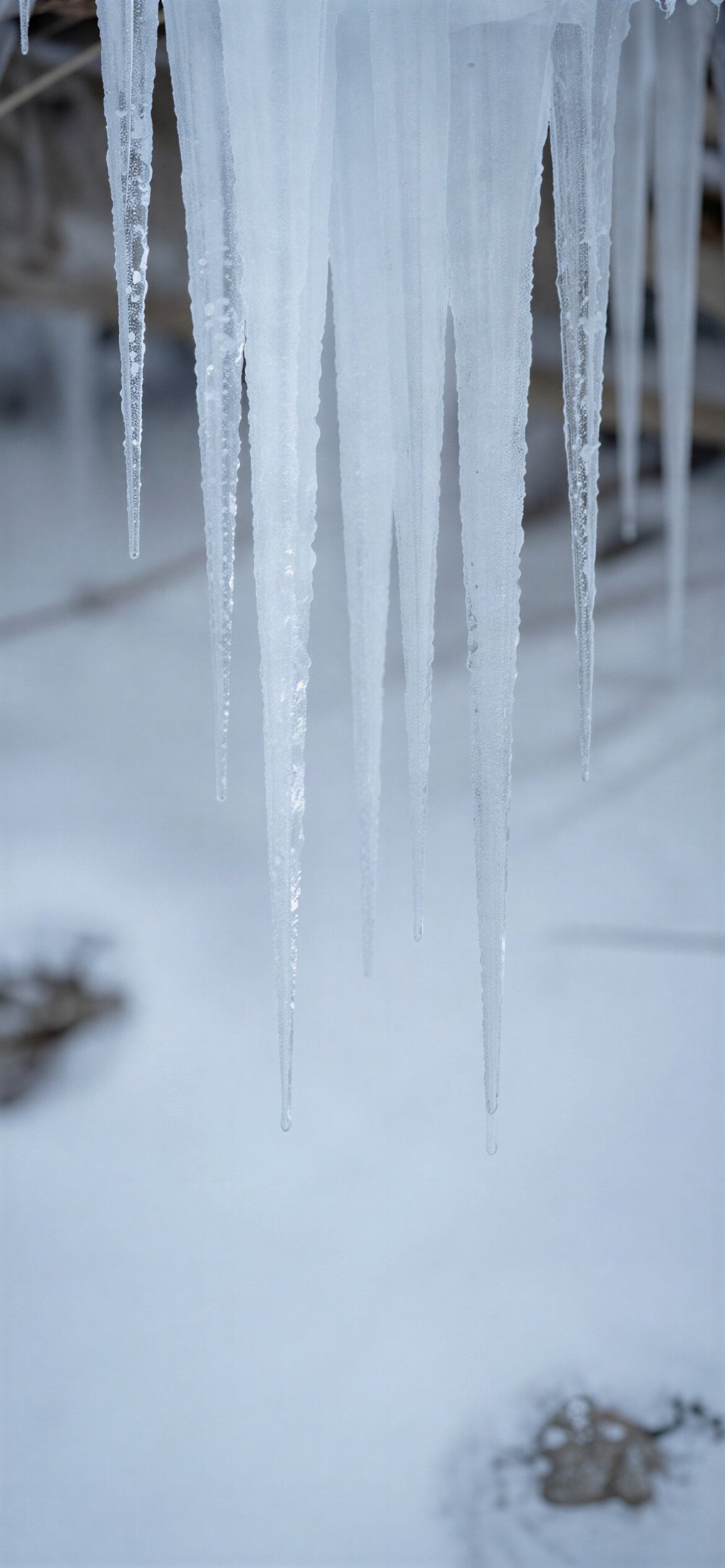
- Icicles in daylight: Translucent ice formations demand close inspection, making this a striking lock screen choice.
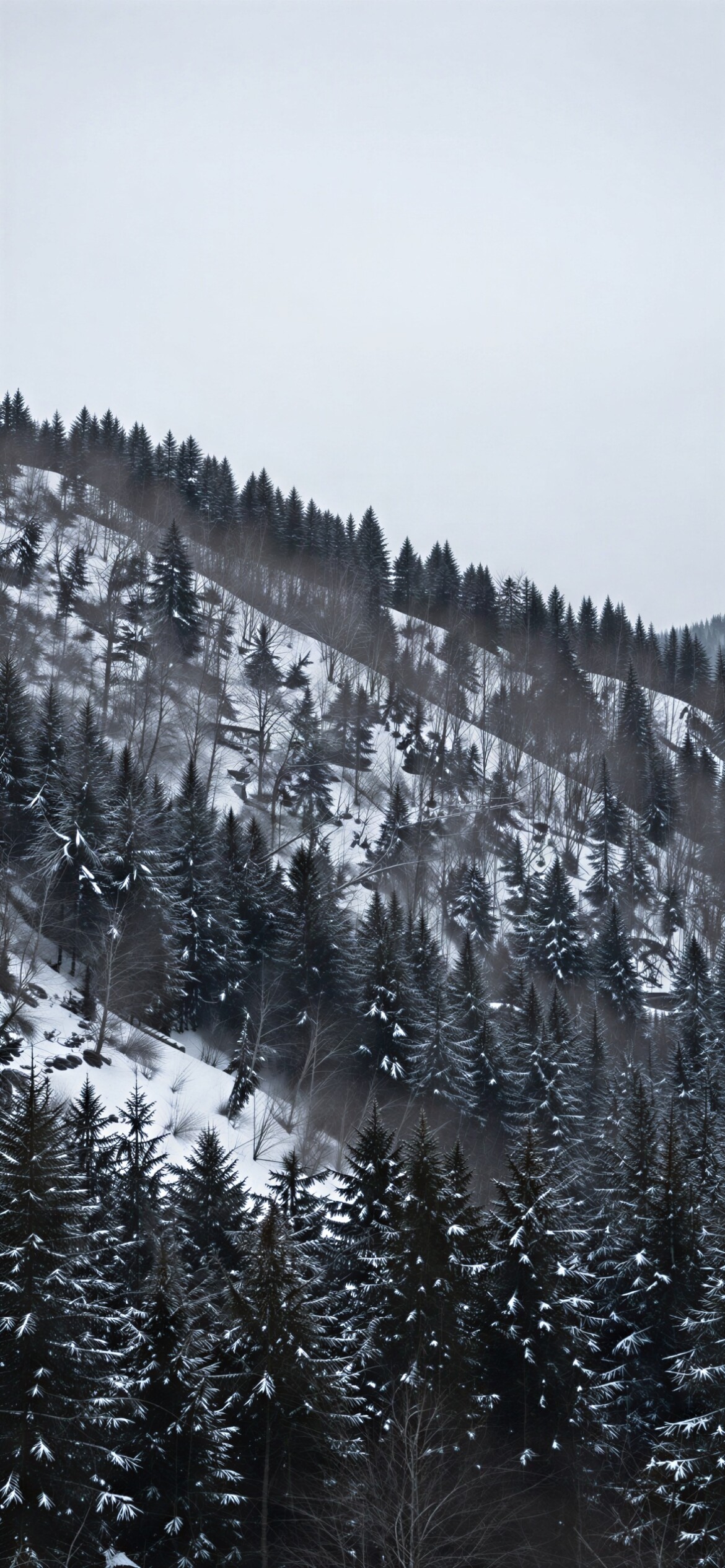
- Snowy hillside and forest: Layered landscape with clear depth, works well as a home screen where the composition does not obscure app placement.
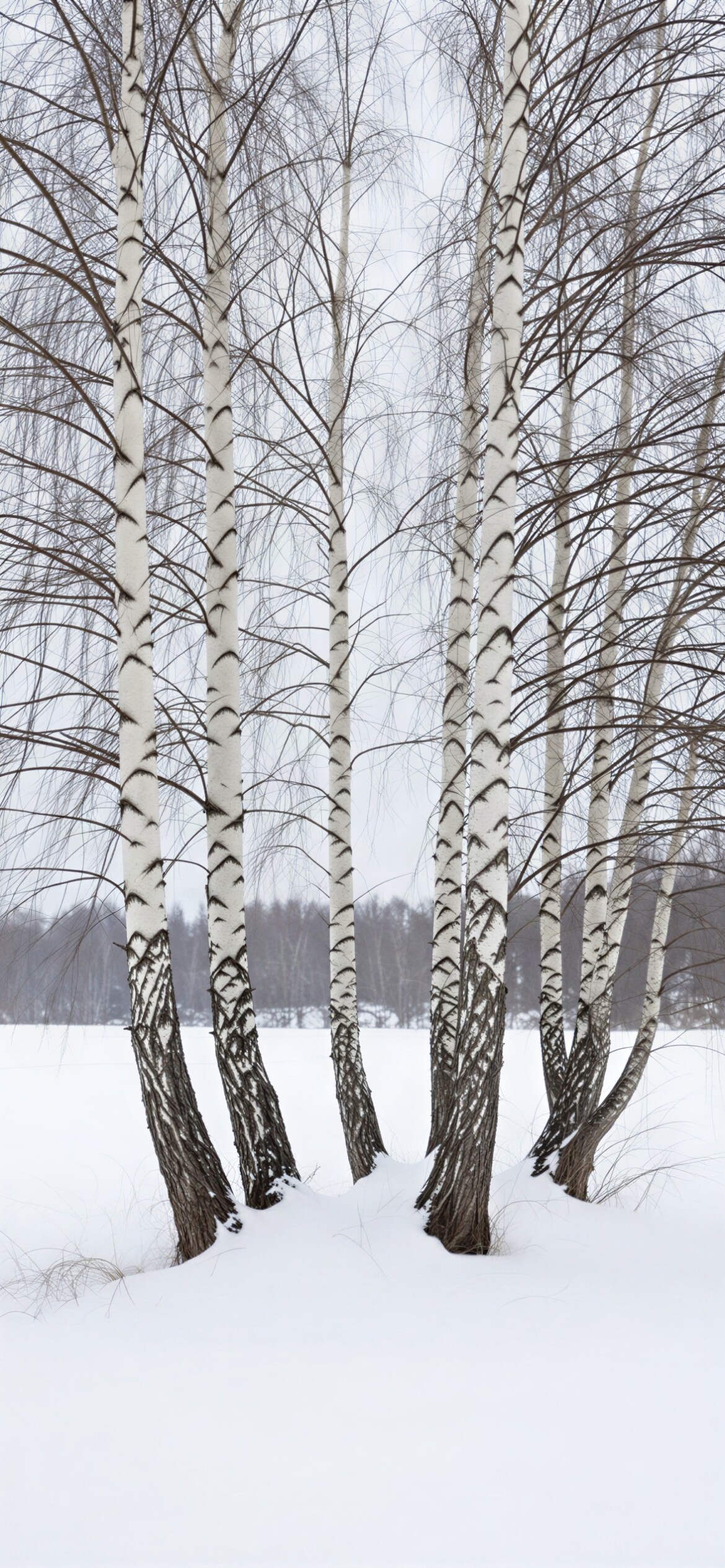
- Birch trees in snow: Vertical alignment of pale trunks against simple sky, excellent for lock screens where the minimalist structure feels intentional.
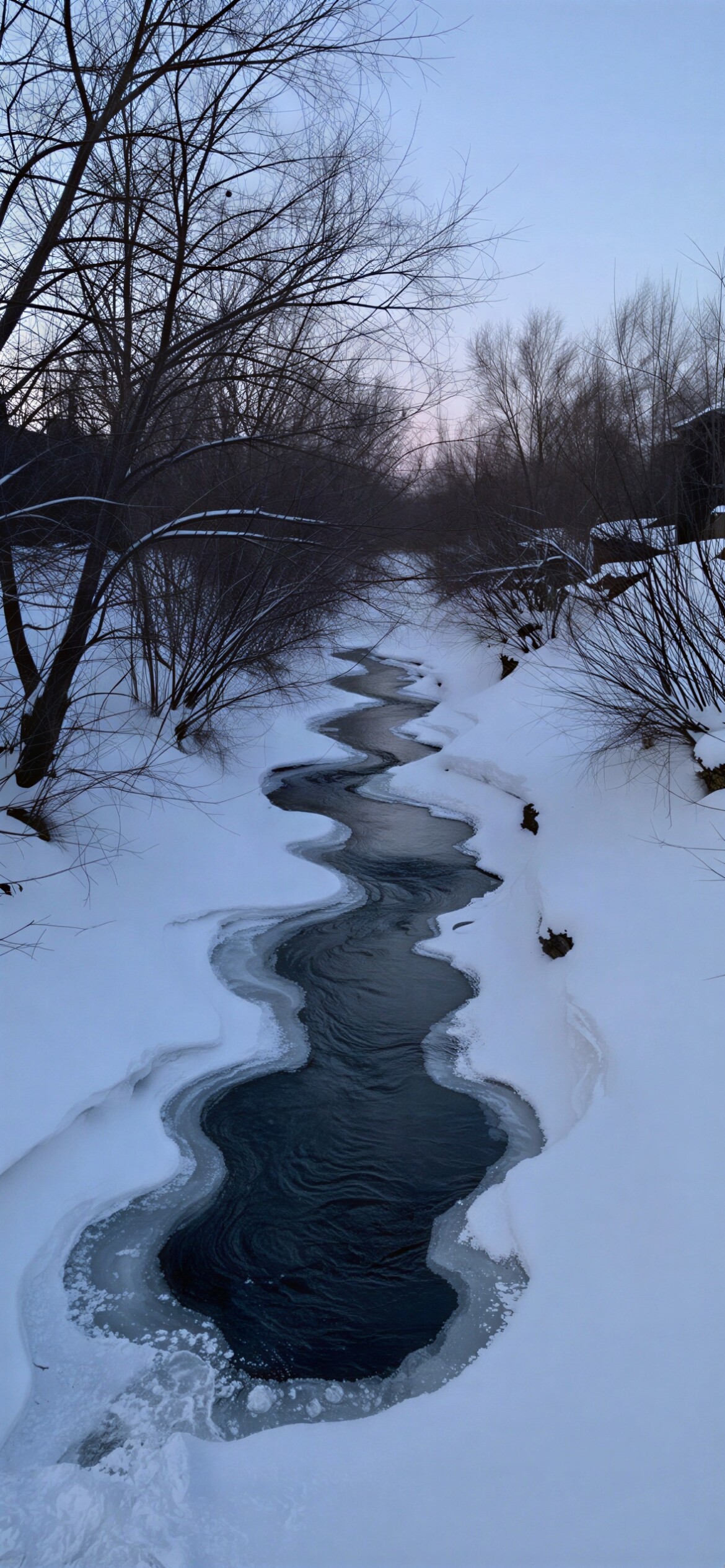
- Frozen stream at twilight: Diagonal line of flowing water through snow creates visual movement, effective on lock screens and atmospheric on home screens.
Winter aesthetic in design history
The winter aesthetic as a visual theme grew from Scandinavian and Japanese design traditions that emphasize simplicity, natural materials and the beauty of cold, quiet seasons. Scandinavian minimalism values empty space, muted colors and authentic textures, while Japanese aesthetics like wabi-sabi find meaning in impermanence and the subtle details of nature. These influences merged in contemporary design to create the 'hygge' and 'lagom' movements, which celebrate coziness through natural light, minimal palettes and peaceful environments. Wallpapers 1, 3 and 6 directly reflect this philosophy with their spacious compositions and soft lighting. The close-up photography style seen in wallpapers 2, 5 and 7 comes from macro nature photography, a genre that gained popularity through social media as people sought intimate views of overlooked natural details. Winter aesthetic wallpapers appeal to users who value calm, introspection and the visual honesty of seasonal change.
Moods and atmospheres
Wallpapers 1, 3, 6 and 8 create a sense of expansive calm and solitude, suitable for users who want their lock and home screens to feel meditative and restorative. Wallpapers 2, 5, 7 and 9 offer quiet fascination with detail and texture, appealing to those who appreciate close observation and precision in their visual surroundings. Wallpapers 4 and 10 bring subtle movement through falling snow and flowing water, adding gentle energy while maintaining the peaceful winter mood. All ten designs share a cool, introspective character that feels especially appropriate during winter months but remains timeless enough to use year-round for anyone drawn to calm, understated aesthetics.
How to set it on your iPhone
- Tap Download and save the image to Photos.
- Open Settings, tap Wallpaper, then Add New Wallpaper, and choose Photos.
- Pick the wallpaper, pinch to position it, then tap Add and choose the lock screen, home screen or both.
Stuck on a step? The iPhone and iPad guide has screenshots for each one.
Questions
Do these wallpapers fit my iPhone screen?
Yes, these wallpapers are sized at 1170x2532 pixels for modern iPhones. Most current models display them without cropping. If you use an older iPhone model, the image may crop slightly at the top or bottom edges, but the composition is designed so that the main subject remains visible and the top quarter stays simple and flexible.
Can I use these wallpapers commercially or share them elsewhere?
These wallpapers are free for personal use on your own devices only. You may not sell them, print them for sale, or repost them on other websites or wallpaper apps. Doing so violates our Terms. For details on what is allowed, visit the Terms page on Free Wallpaper Daily.
Which wallpapers work best for lock screens versus home screens?
Wallpapers 1, 3, 6 and 8 suit home screens because their minimalist landscapes leave clear space for app icons. Wallpapers 2, 4, 5, 7, 9 and 10 work better on lock screens, where their detailed textures and defined subjects create visual interest without needing to accommodate many apps or text overlays.
Will these wallpapers look right with dark mode on my iPhone?
Yes. The cool, muted palette of whites, greys and soft blues complements dark mode perfectly. The soft lighting and gentle contrasts in these designs remain visible and beautiful whether your phone uses light or dark mode, and they pair well with both dark and light app themes.