10 wallpapers in 1 collections · last added 7 Oct 2026 · sizes for iPhone, Android, desktop and tablet
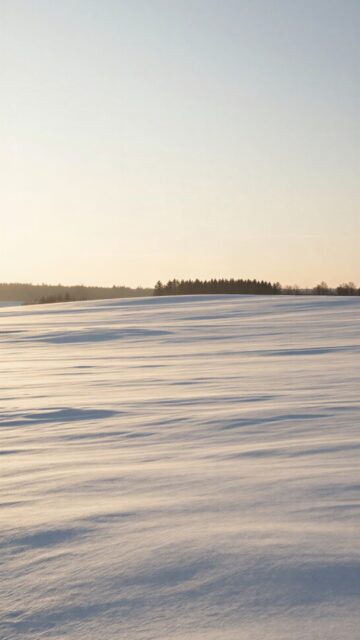
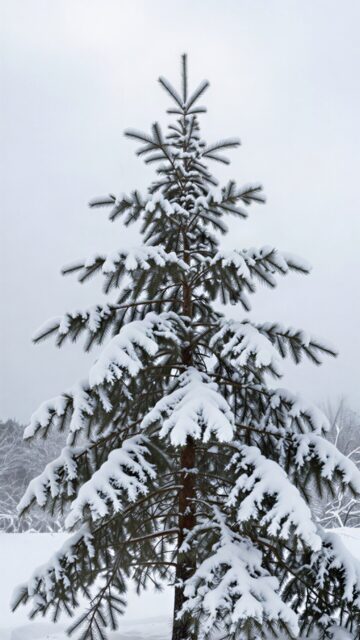
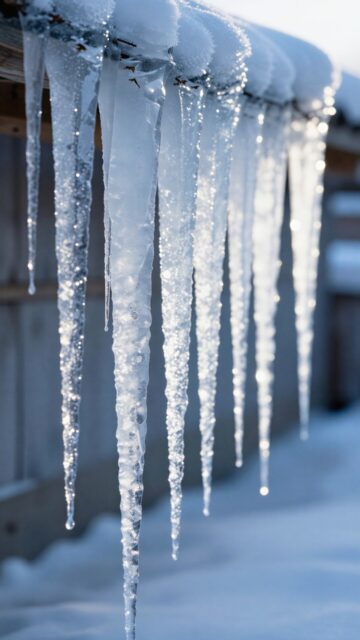
A snow wallpaper captures the hush of a fresh snowfall, when everything looks clean, quiet and soft. This collection of snow backgrounds covers frosted pine forests, snowy mountain cabins, falling flakes against dark skies, quiet village streets, snow-covered fields at sunrise and macro close-ups of single snowflakes resting on dark wool or glass. Most designs use cool whites, icy blues and silver, sometimes warmed by glowing windows. It's one of our nature wallpapers, beside ice, night and woodland themes.
Each collection has 10 wallpapers in one size. Pick iPhone (1170x2532), Android (1080x2400), iPad, laptop, 4K desktop (3840x2160), dual monitor or smartwatch versions. Snowy forests fill tall screens nicely, so the iPhone snow wallpapers are a favorite, and the iPad sets at 2048x2732 give flakes and frost lots of detail. Every design is original and checked by hand before publishing, with weak images removed and the crop checked for each screen.
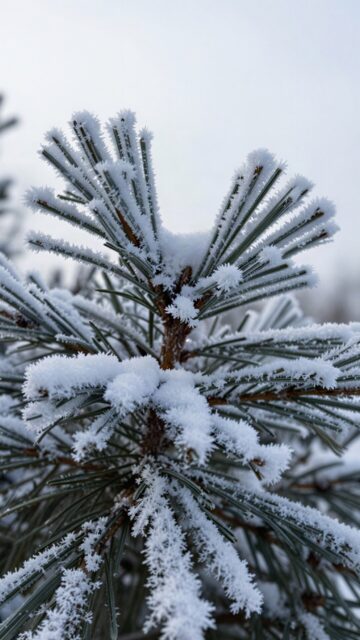
People start searching for winter backgrounds in late fall, usually weeks before the first real snowfall, and keep them through February. Snowy scenes come in a few moods: bright, sparkling daylight that feels crisp and cheerful; blue-hour scenes that feel calm and quiet; and cozy cabins with warm lights that feel inviting. Because snow is so bright, a light design can wash out white clock digits, so pick one with a darker sky or tree line at the top for the lock screen. Icy blue, silver and white pair well with a single warm accent like red or gold. For more cold-weather looks, see:
Bright snowfields can glare in a dark room, so pair a daytime snow scene for your home screen with a darker blue-hour or night snowfall design for the lock screen you check at bedtime.
Use the 1170x2532 iPhone version. It fits the tall portrait screen and keeps tiny details like falling flakes and frost crisp. Android users should choose 1080x2400. Because snow scenes have lots of fine white specks, the right size matters, since scaling a smaller image up can make flakes look blurry.
Many people switch in November, as the days get colder, and keep a snowy design through January or February. New snow and winter collections usually go up weeks ahead of the season, so you'll find fresh sets before the holidays. A snow wallpaper also works anytime if you simply like calm, cool tones.
It's widely accepted that two complex snowflakes are extremely unlikely to be identical, because each crystal follows its own path through changing temperature and humidity as it grows. Snowflakes do share a six-sided structure, though, which is why designs with hexagonal flakes look natural.
White text on a white snowfield is hard to read, so choose a design with a darker area near the top, like a gray sky, evergreen trees or a night scene. You can also change the clock color on most phones. Snow falling against a dark background is especially easy to read.
Yes, every snow wallpaper is free for personal use on your own devices, with no sign up and no watermark. Commercial use, resale and redistribution aren't allowed, so they can't be used for printed products or shared on other websites. Our terms explain the details.
The site adds new collections every day, and snow designs ramp up as winter gets closer. Check the latest page during fall and winter to catch new snowy sets as they appear. You can also send a request through the contact page if there's a scene you're hoping for.
Download the 4K desktop version (3840x2160), which also looks sharp on 1080p and 1440p screens, then set it as your background using the Fill option. Our desktop wallpaper guide shows the steps on Windows and Mac. For two screens, use the 5120x1440 dual monitor version instead.
Snow looks best with cool partners: icy blue, silver, slate gray and soft lavender. A single warm accent, such as cranberry red or candlelight gold, adds a cozy feel without breaking the wintry mood. If you match widgets, a translucent white or pale blue keeps everything feeling light and frosty.
Every wallpaper is reviewed by a person before it goes live: we remove images with odd details or blur and check the crop for each device. How we check wallpapers
Something wrong with an image? Report an image · Free for personal use, see the Terms.