Ice Wallpaper iPhone
Ice wallpaper for iPhone shows frozen landscapes, icy crystals and glacial scenes in crisp detail, free to download for all iPhone models. These designs capture the quiet beauty of winter frost, from close-up ice formations to vast frozen expanses. Each ice iPhone wallpaper works well on your lock screen or home screen and brings a cool, serene mood to your device.
10 wallpapers at 1170 × 2532 px for iPhone. Checked by hand on 5 Oct 2026.
About this set
These ice wallpapers capture the quiet, crystalline beauty of frozen environments with a cool and serene aesthetic. The designs range from intimate close-ups of frost and ice formations to expansive frozen landscapes, each rendered in soft, natural light with crisp detail and cool color palettes dominated by whites, pale blues and silvers.
The lock screen picks work best with minimal subjects and simple skies, allowing your time and notifications to remain readable. Home screen wallpapers pair well with light-colored icons and work across both light and dark mode. Use these designs when you want a calm, minimalist look that feels refreshing and clean on your device.
Frost, cracks and blue light: a little ice science
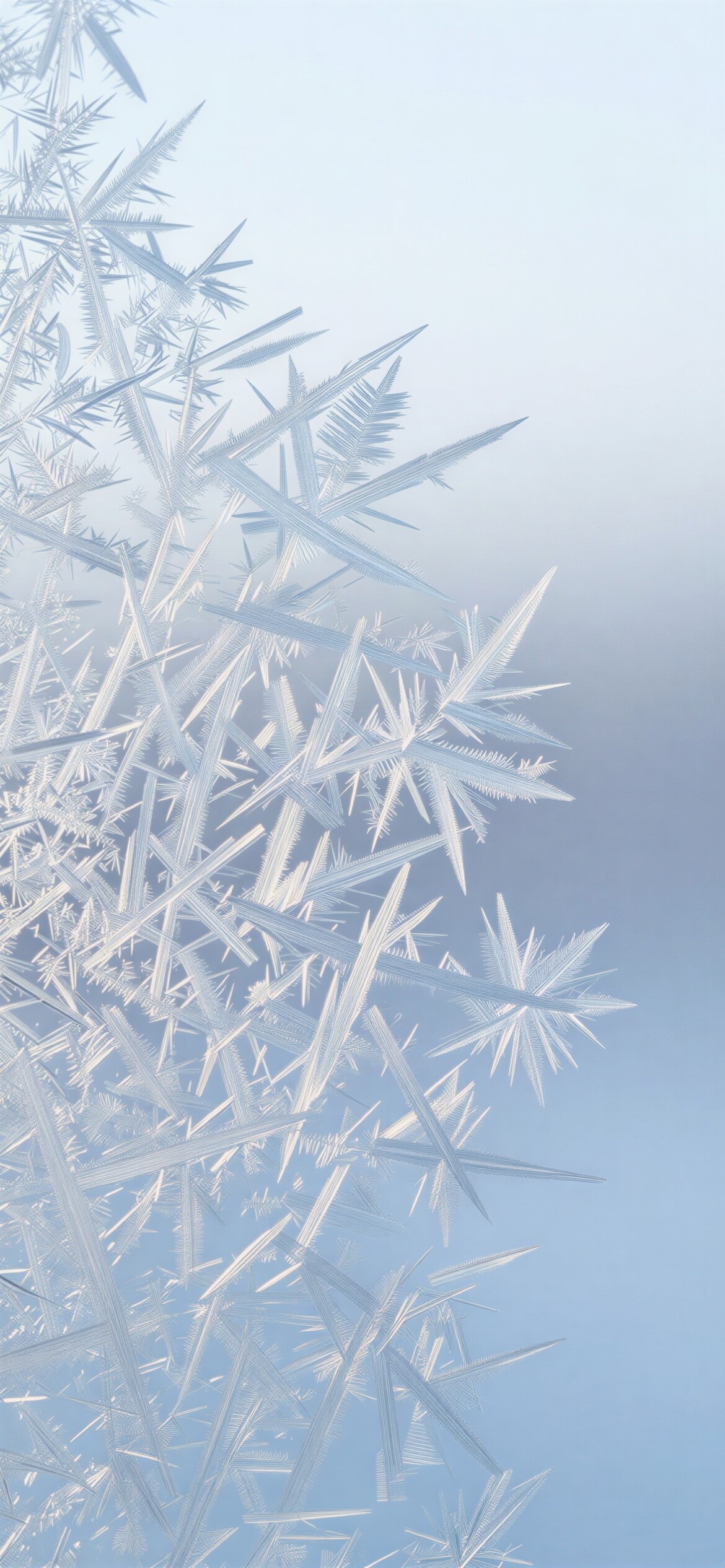
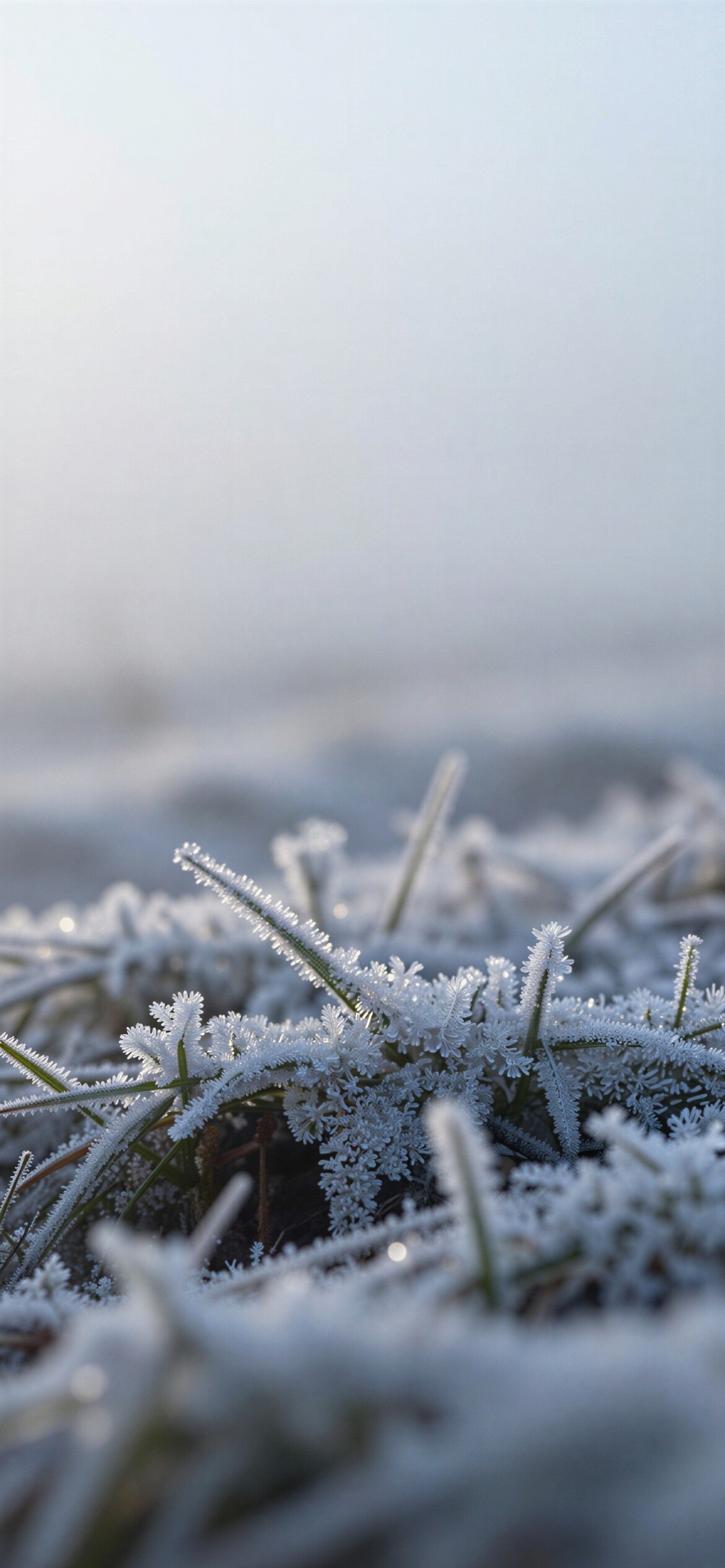
Frost like the crystals on the window in #1 and on the grass in #6 usually skips the liquid stage. On a cold, clear night, water vapour in the air turns straight into ice on any surface that is below freezing, which is why the crystals grow in fine, feathery branches instead of round drops.
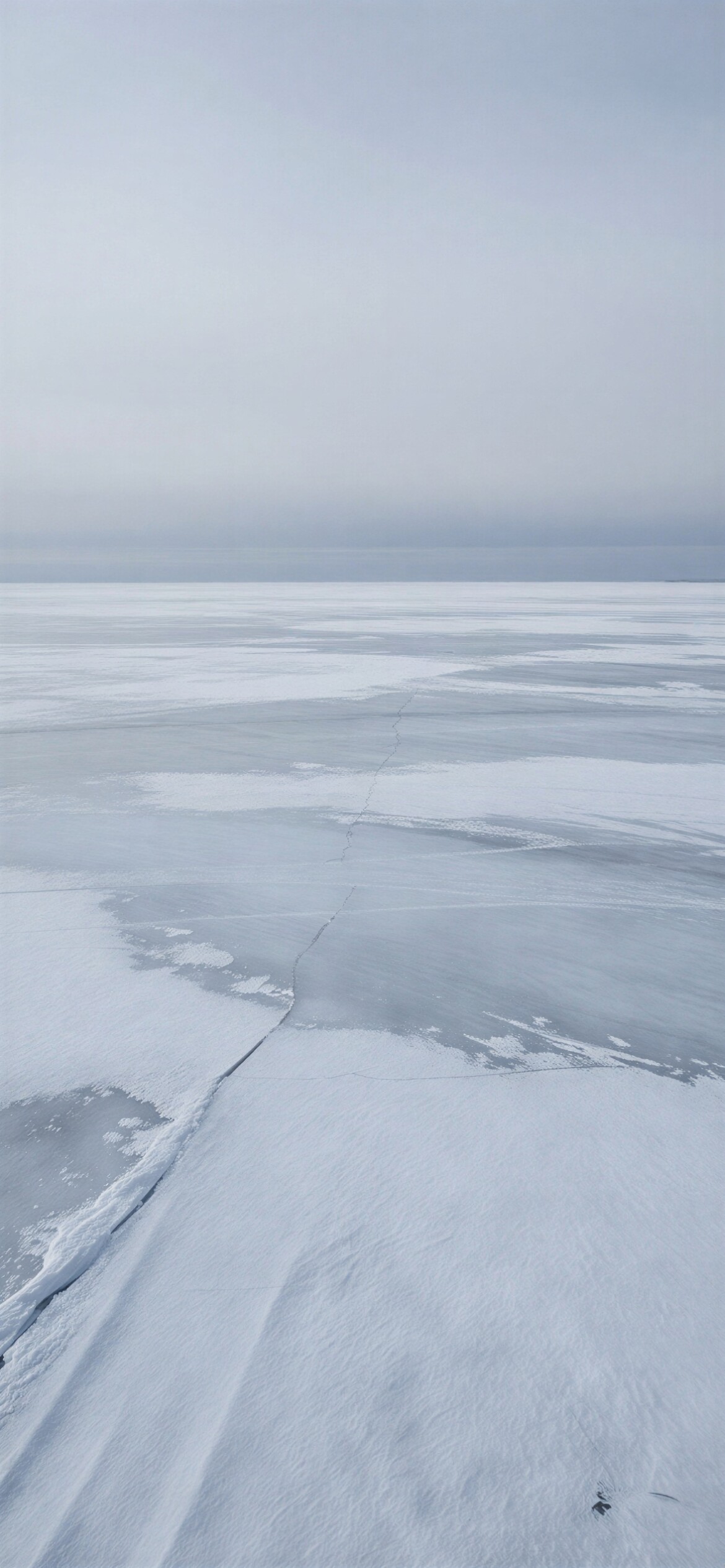
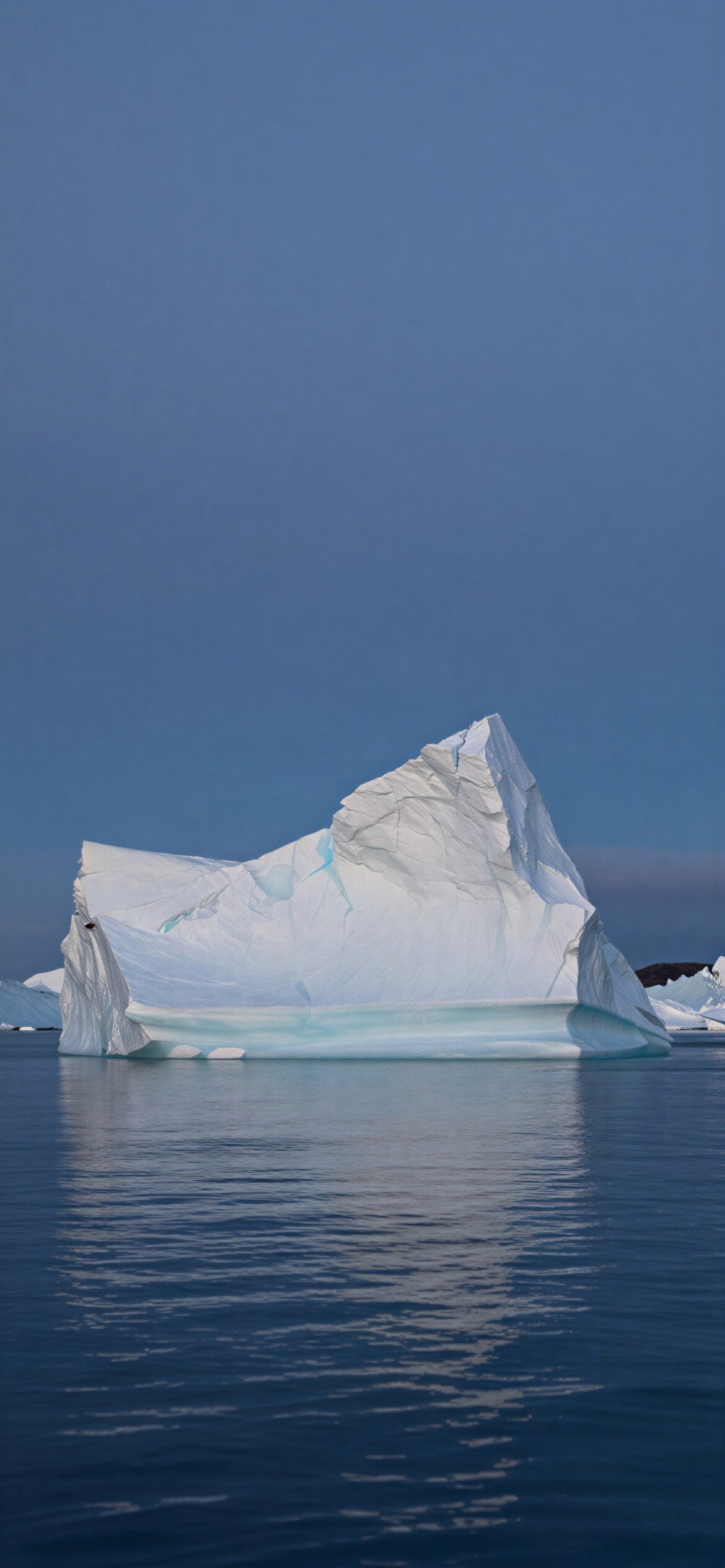
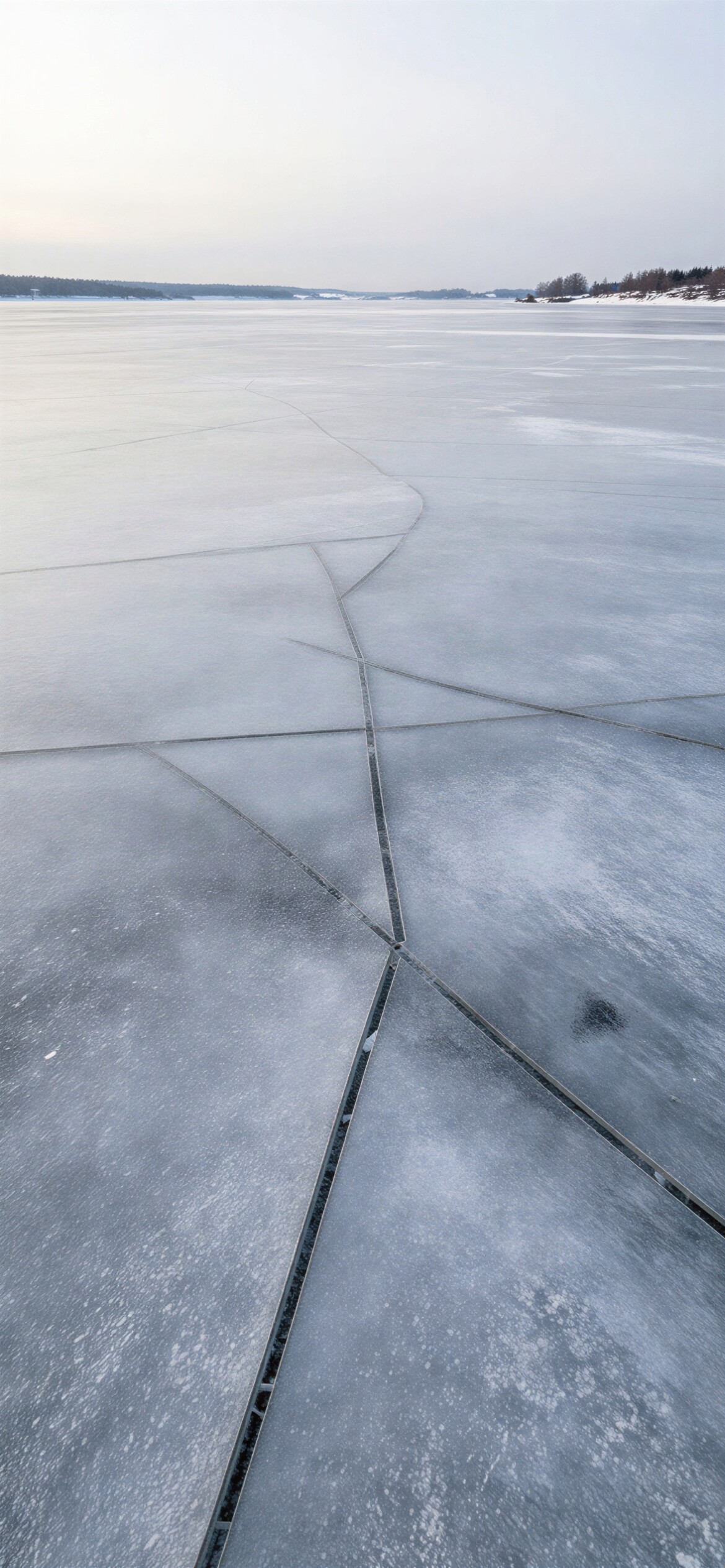
The bigger scenes have their own physics. Water expands as it freezes, so ice is lighter than the water around it and floats, with most of an iceberg like the one in #4 hidden below the surface. Thick, dense ice also absorbs red light and lets blue pass through, which is where the blue tint of glacier ice comes from. The long crack lines across the lakes in #2 and #10 form as the ice sheet shrinks and expands with the change in temperature between day and night.
From a windowpane to the open Arctic
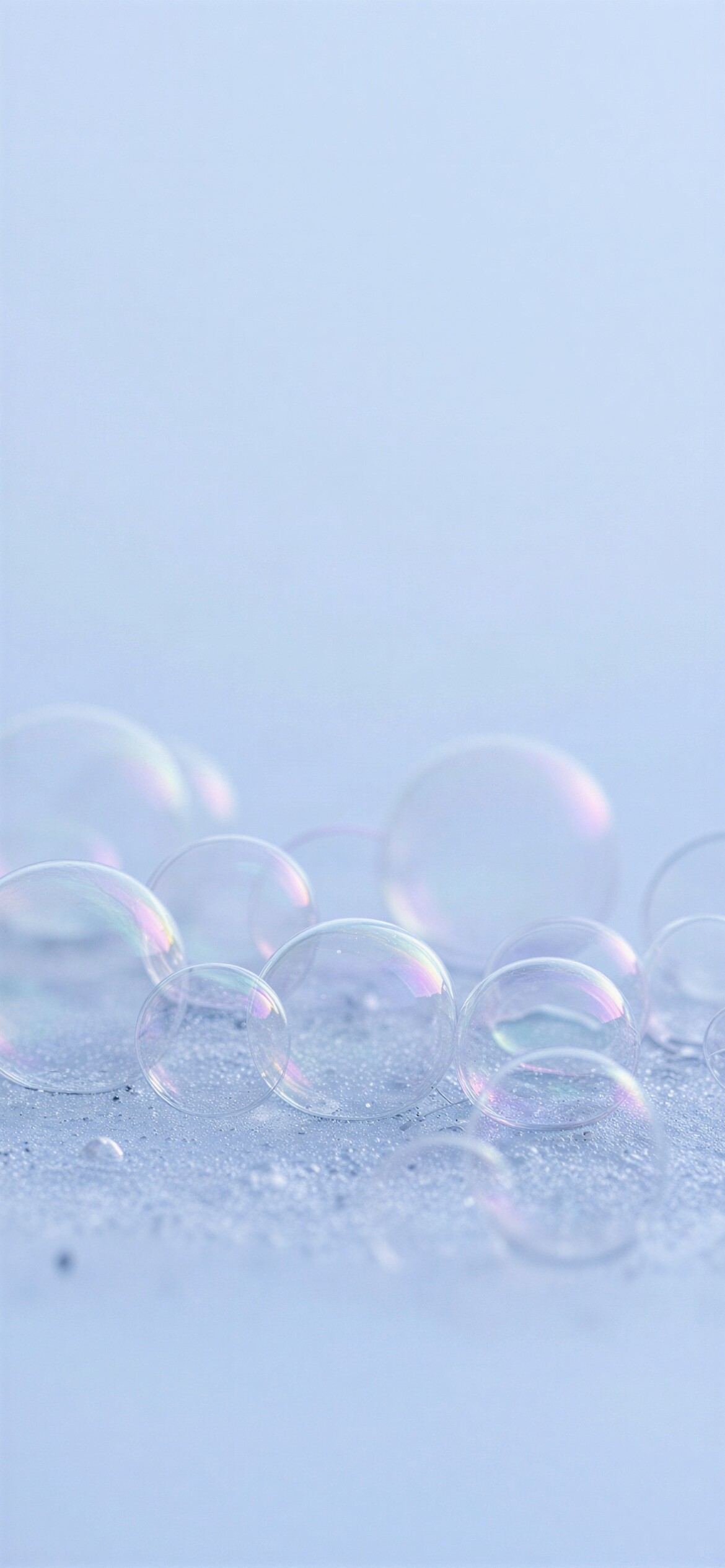
Three of the ten stay very close to their subject. #1 is frost on a frozen window, #6 is frost on blades of grass lit gold by the morning sun, and #8 shows frozen bubbles catching light against a pale gradient.
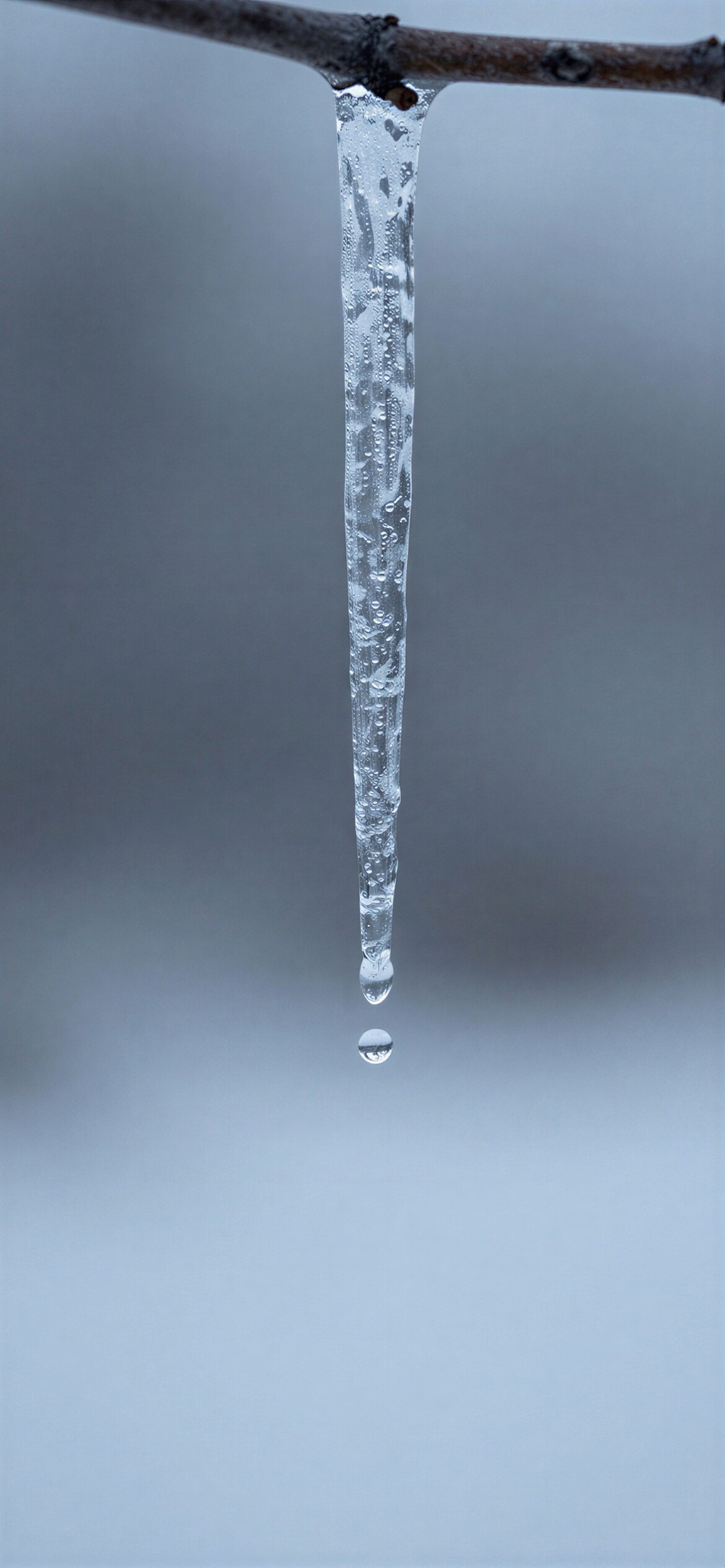
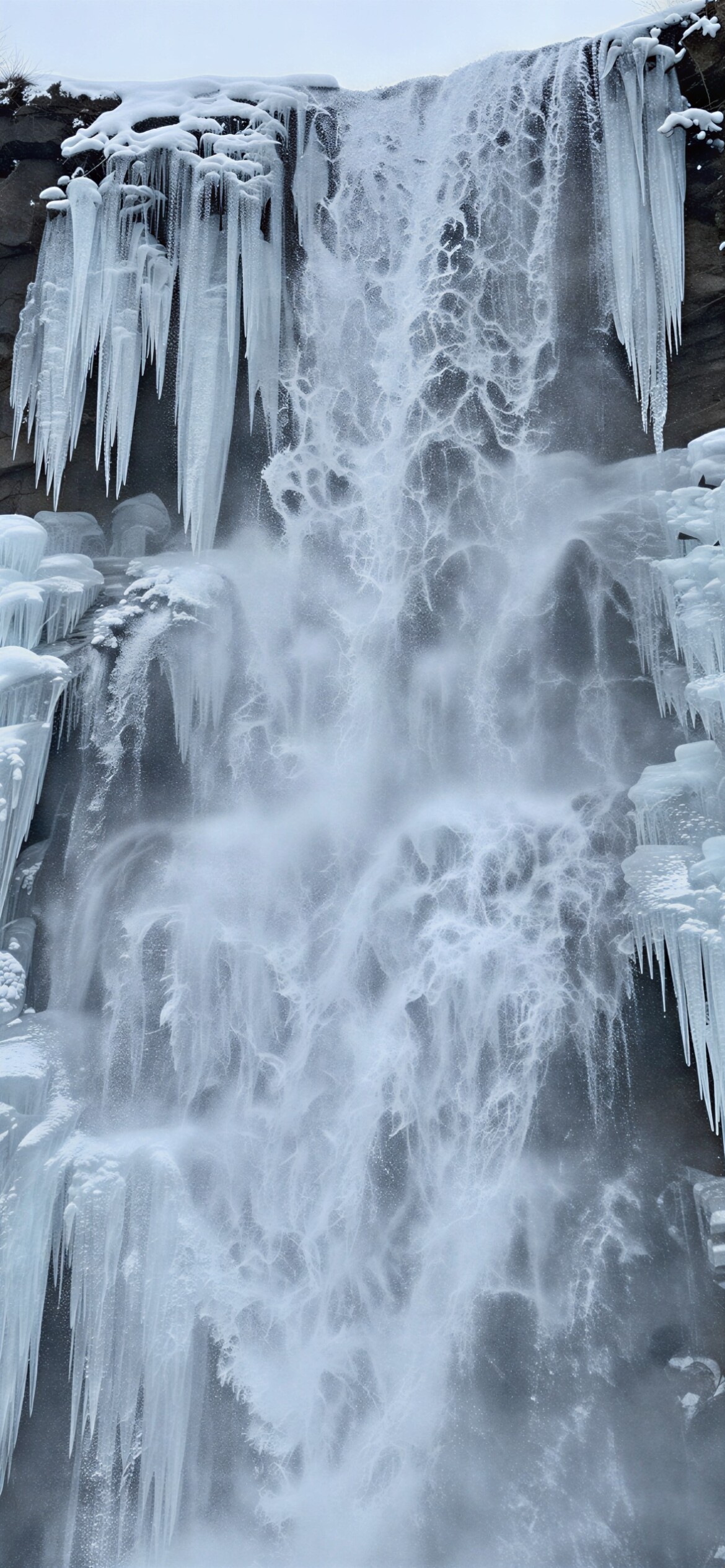
#3 and #5 are water that stopped mid-movement: a clear icicle hanging from a branch against snow, and a waterfall frozen in layers with water still running through it. Both are tall subjects that suit the shape of a phone.
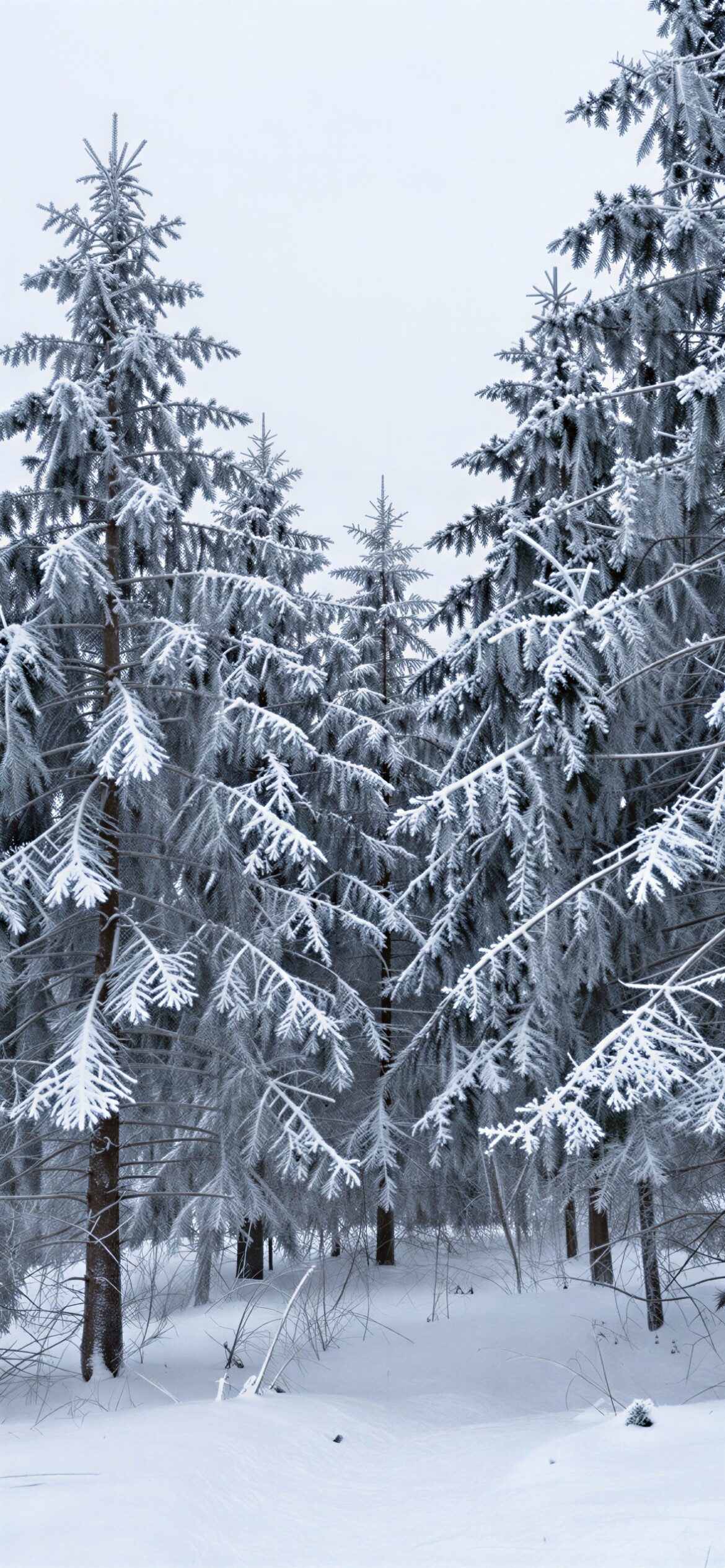
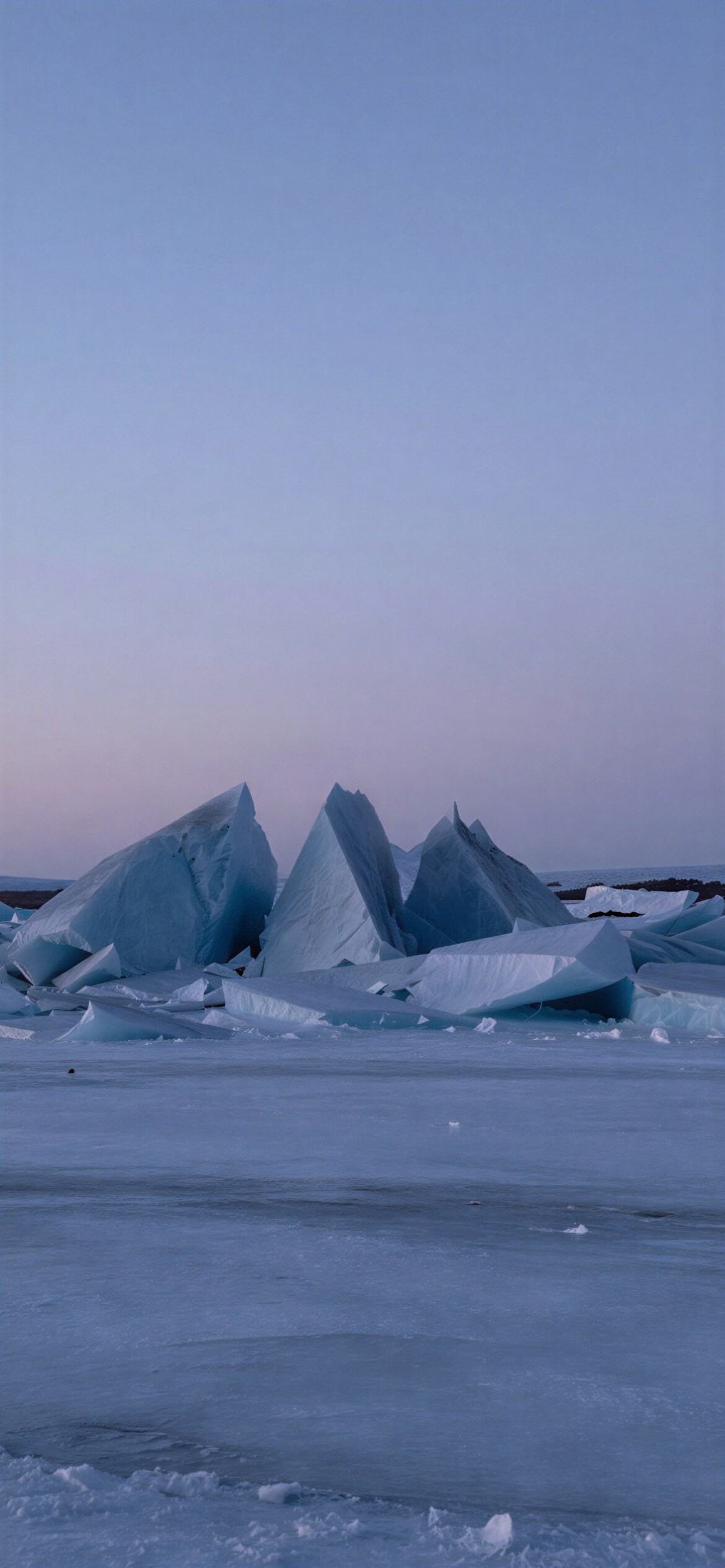
The rest go wide. #2 is a huge frozen lake under a grey sky, #10 a cracked lake surface with snowy shores in the distance, and #7 a forest of frosted evergreens reaching upward. #4 and #9 head to the Arctic, one with a glowing iceberg in dark water at dusk, the other with jagged ice shards under a twilight sky.
Daylight white or polar dusk?
- Bright and airy: #1, #3, #7 and #8, mostly white and pale blue.
- Grey and quiet: #2, #5 and #10, with muted skies and flat, still ice.
- Dark polar evening: #4 and #9, the two deepest backgrounds in the set.
- The one warm picture: #6, where low sunlight turns the frost gold.
If the cold suits you, the snowy winter set has more frosted scenery, the waterfall wallpapers show rock and water before the freeze, and the light blue collection keeps the colour without the ice.
How to set it on your iPhone
- Tap Download and save the image to Photos.
- Open Settings, tap Wallpaper, then Add New Wallpaper, and choose Photos.
- Pick the wallpaper, pinch to position it, then tap Add and choose the lock screen, home screen or both.
Stuck on a step? The iPhone and iPad guide has screenshots for each one.
Questions
Do these ice wallpapers fit all iPhone models?
Yes. These designs are sized at 1170x2532 pixels, which is the standard resolution for modern iPhones. They are sized for modern iPhones, and some older models may crop slightly at the edges when you set them as your lock screen or home screen wallpaper.
Can I use these ice wallpapers for personal use?
Absolutely. These wallpapers are free for personal use on your own devices. You can download and use them on your iPhone, tablet or computer. However, selling them, printing them for sale, or reposting them on other wallpaper sites is not allowed. See our Terms page for full details.
Which ice wallpapers work best for my lock screen?
The close-up crystal and icicle designs with simple backgrounds are ideal for lock screens because they do not distract from your time display and notifications. Look for the macro frost, frozen window, and icicle wallpapers if you want minimal visual clutter while keeping text readable.
Are these ice wallpapers seasonal or can I use them year-round?
These designs are evergreen and work beautifully in any season. The cool, serene mood brings a calm aesthetic to your device whether it is winter or summer. Many people use ice wallpapers year-round for their peaceful, minimalist quality and clean color palette.