Moon Wallpaper iPhone
Moon wallpaper for iPhone gives you free designs to download with lunar craters, soft light and night sky views that work on all iPhone models. Each moon wallpaper is original artwork, hand-checked before release. The set includes close-up lunar surfaces, distant moon views, and moonlit scenes in silver, grey and deep blue tones. These designs suit both lock screens and home screens, and work well with minimal dark-themed icons.
10 wallpapers at 1170 × 2532 px for iPhone. Checked by hand on 4 Oct 2026.
About this set
These moon wallpapers capture the lunar surface and night sky in soft greys, silvers and deep blues. The designs range from close-up crater detail to distant moon views, each with a calm and spacious feel. The simple dark backgrounds work well with minimal icon layouts and support both light and dark mode on iPhone.
Most wallpapers work best on the lock screen where the clean composition and centered subject stand out. Several also suit the home screen behind dark-themed icons. Pair these with monochrome or dark icon packs for a cohesive look, or use them with any icon style since the moon and sky backgrounds stay neutral and won't compete with app symbols.
Every phase in the set, from thin crescent to full
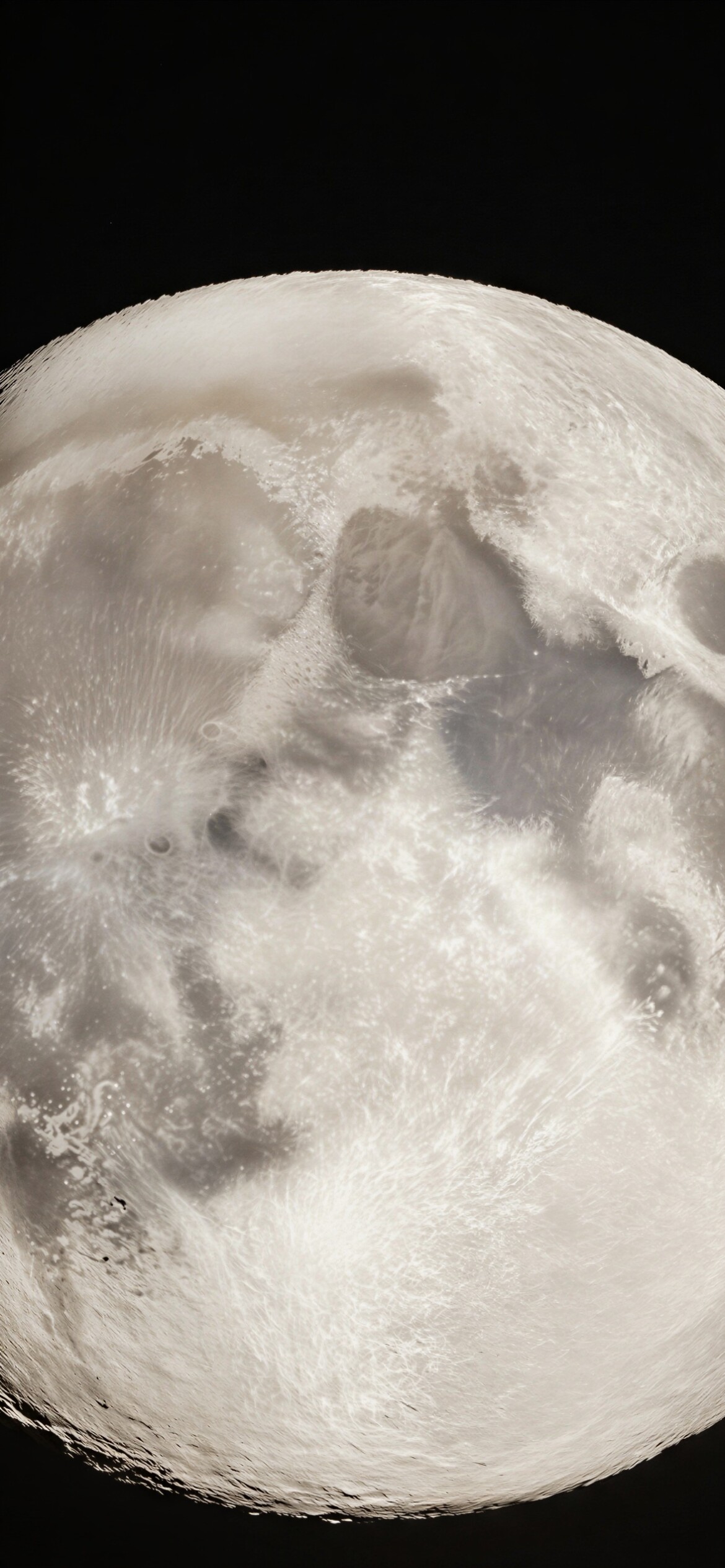
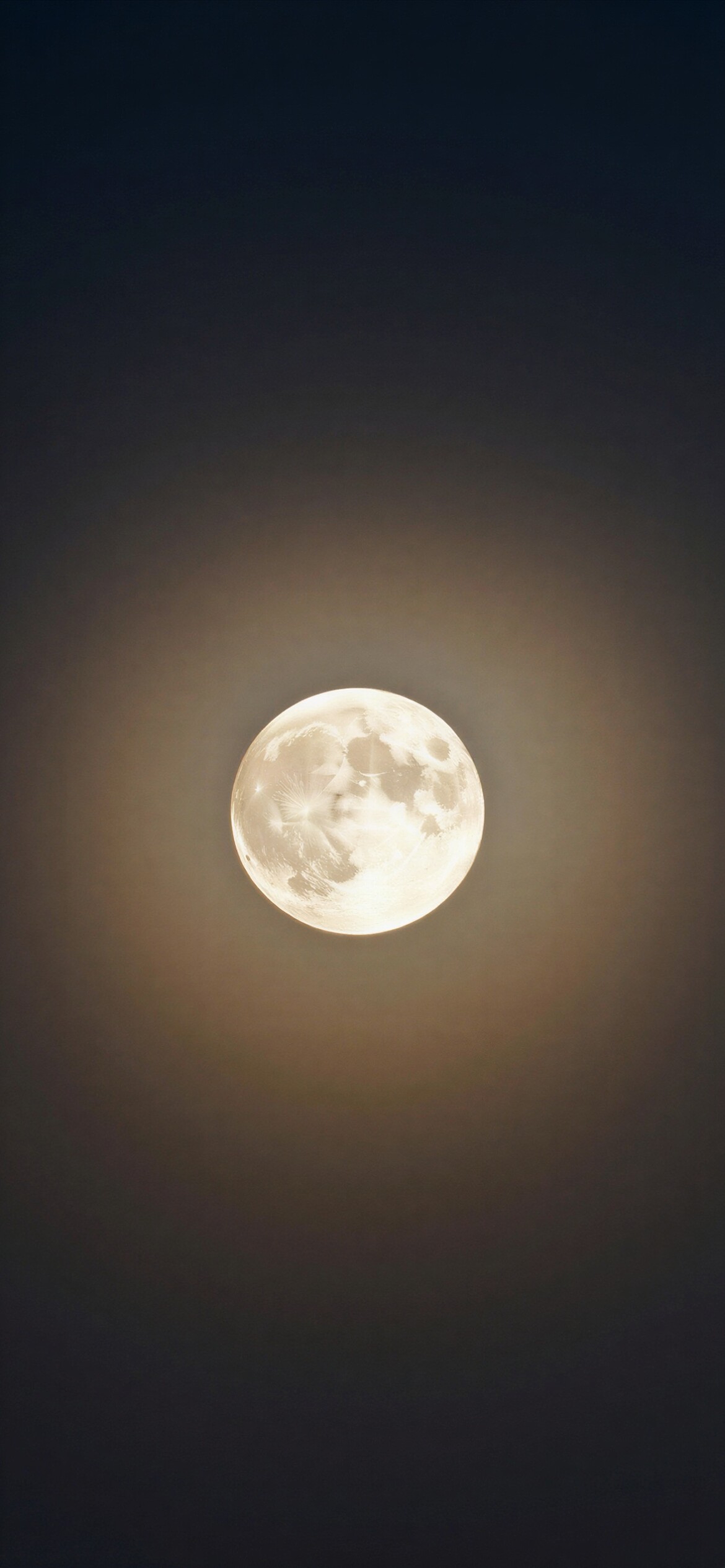
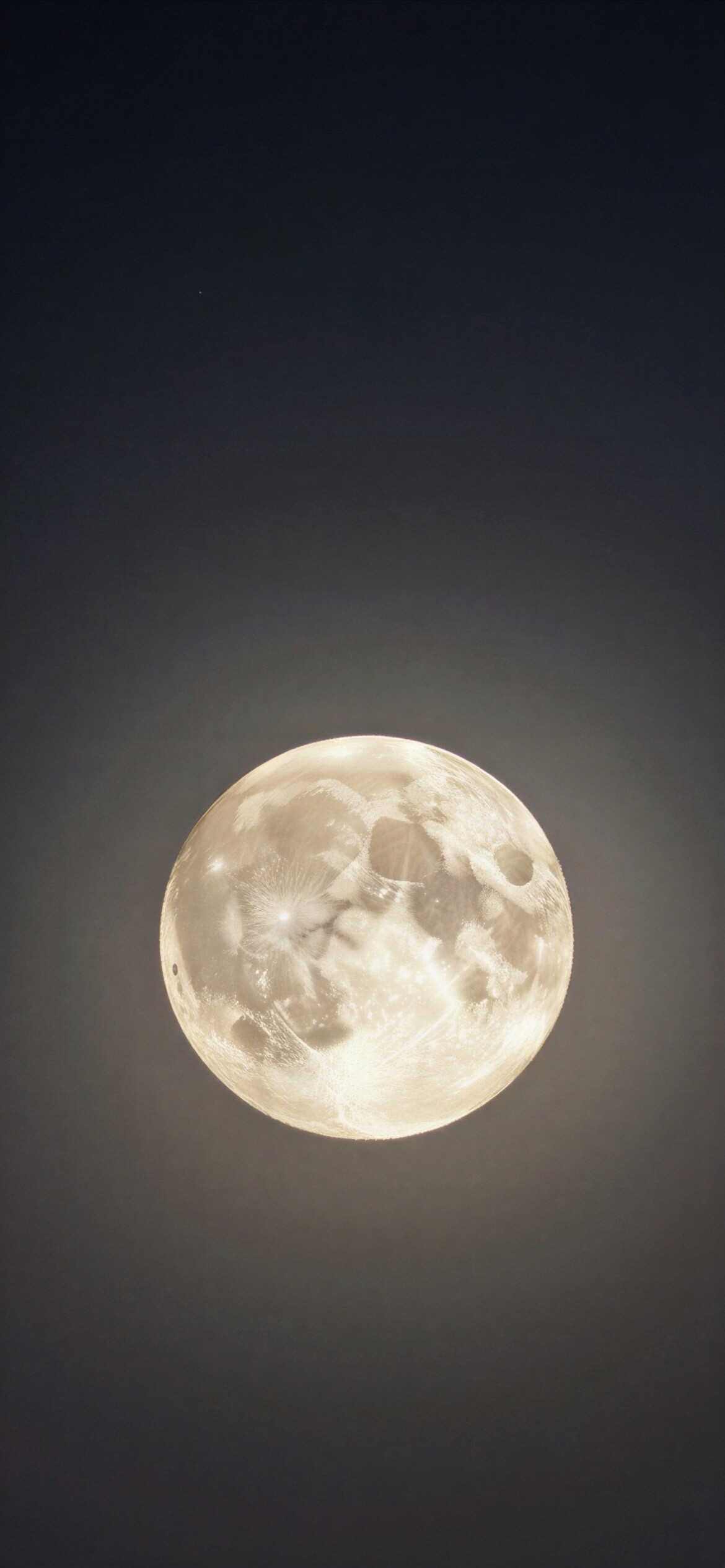
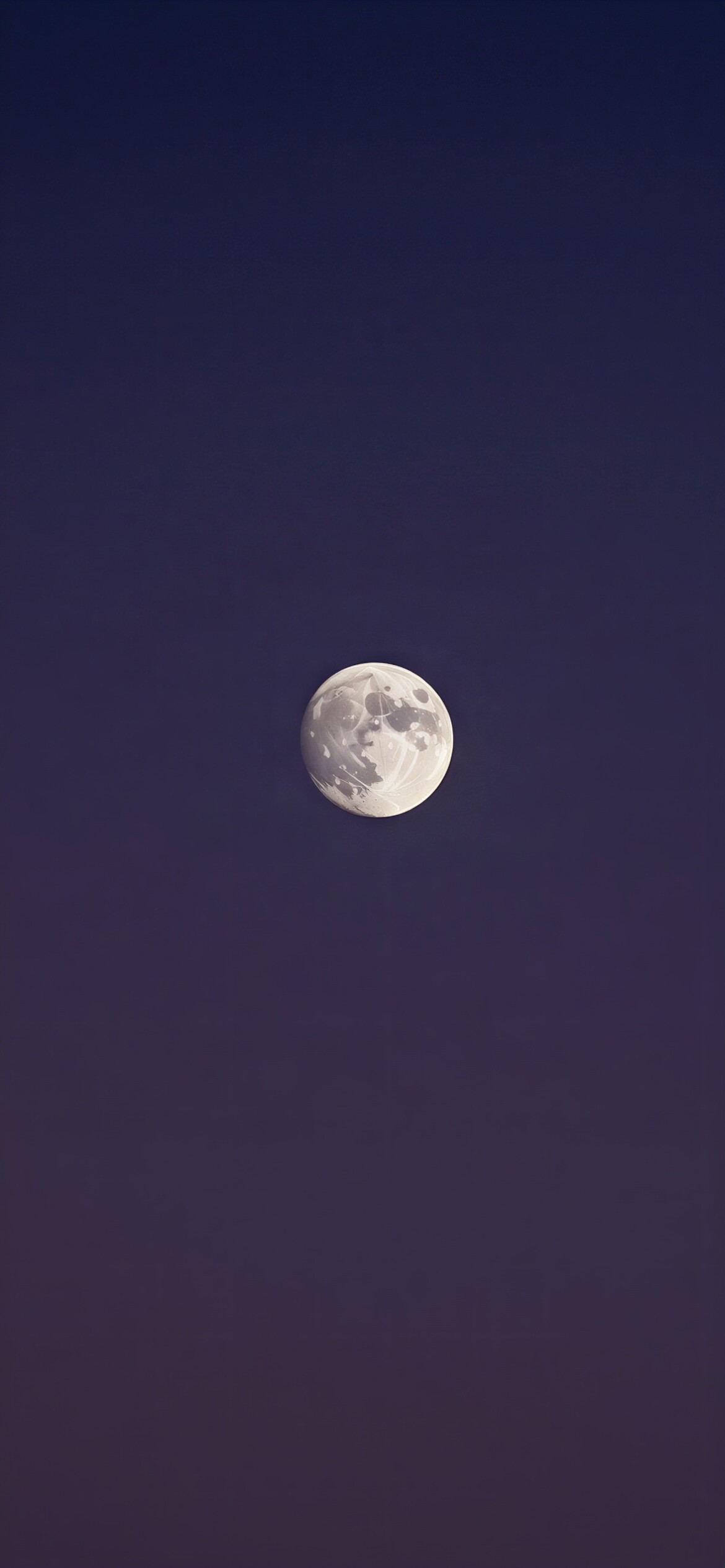
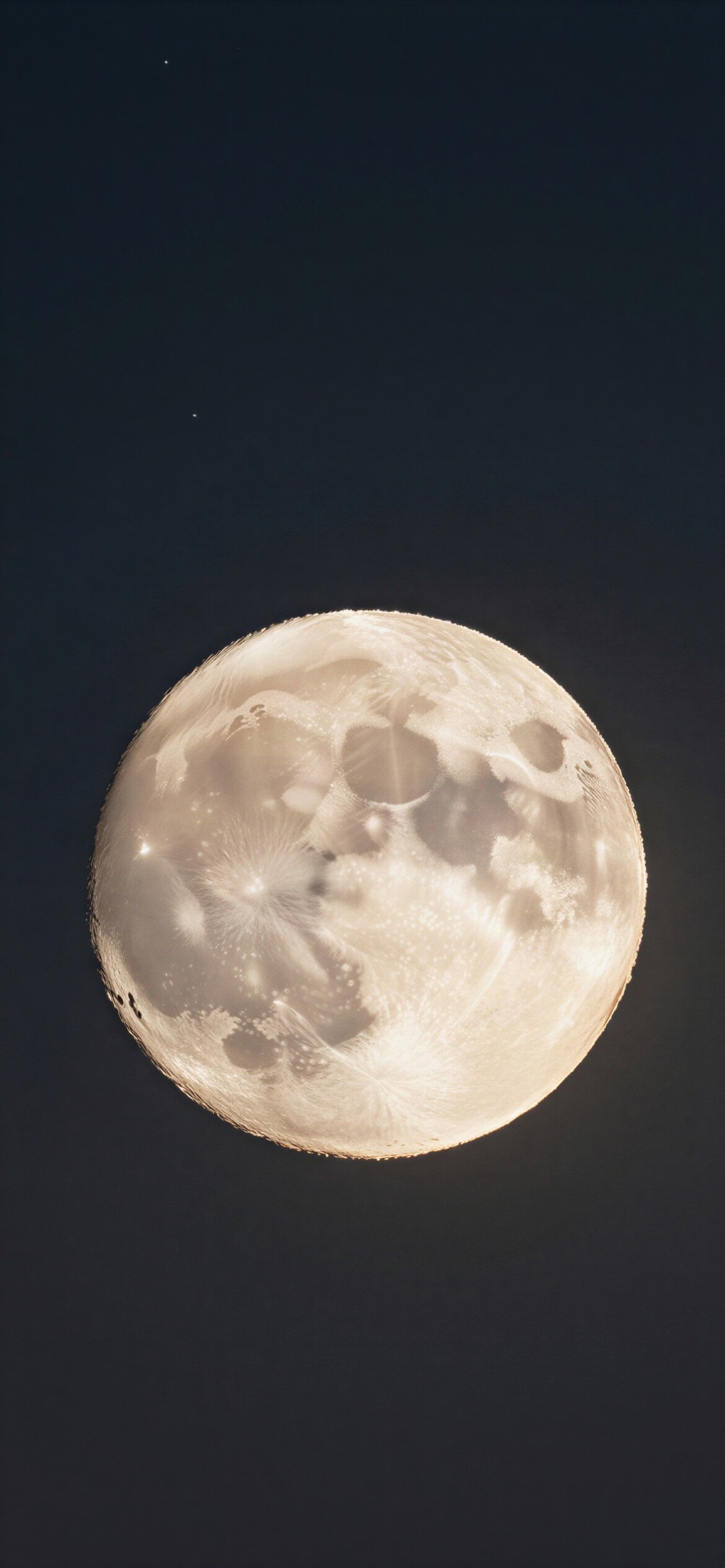
Three of the ten show a full moon. Wallpapers 1 and 7 set the craters and ridges against plain black space, while 3 is a bright full moon in a dark blue sky with scattered stars. Wallpaper 10 is nearly full, with a peachy grey tone and crater shadows. A moon low in the sky often looks this warm in real life, because its light passes through more of the atmosphere on the way to you.
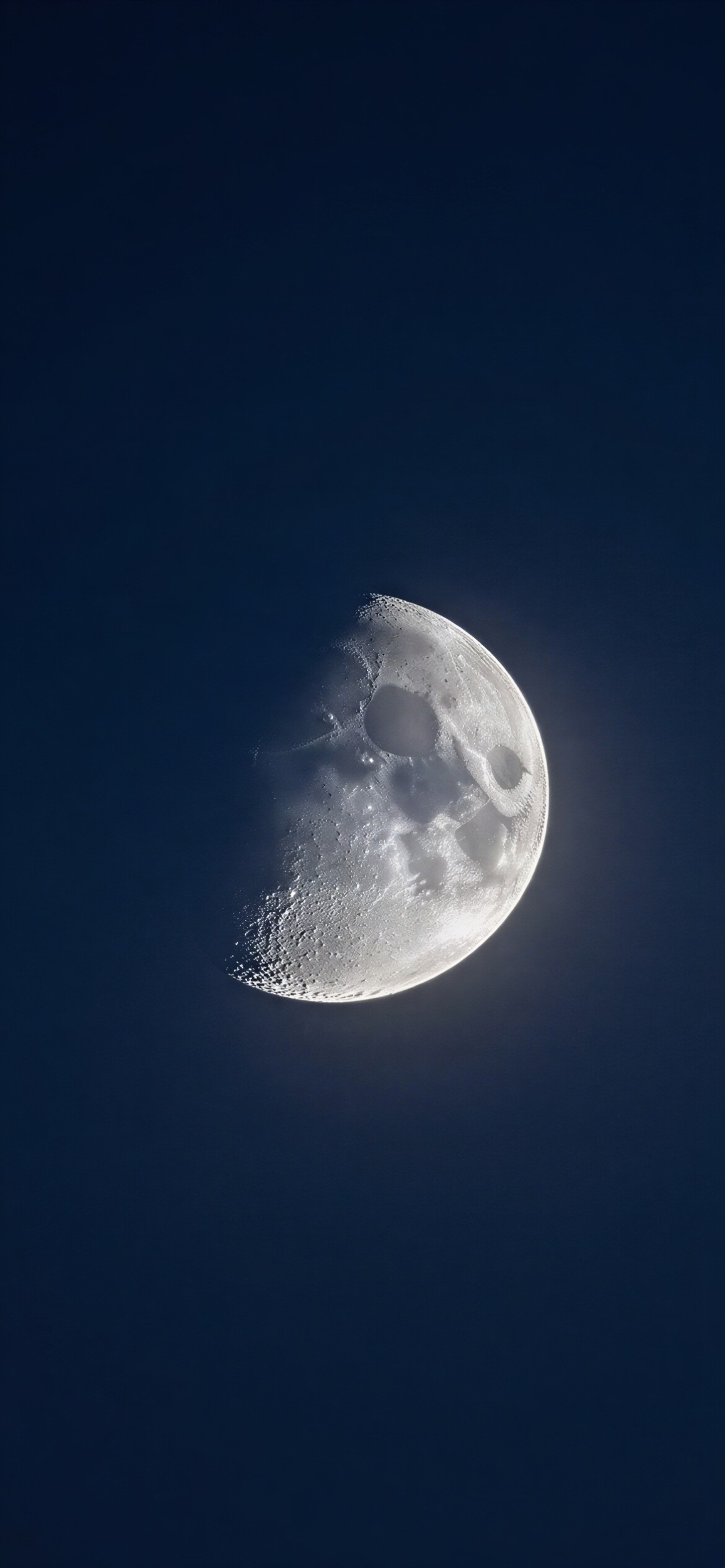
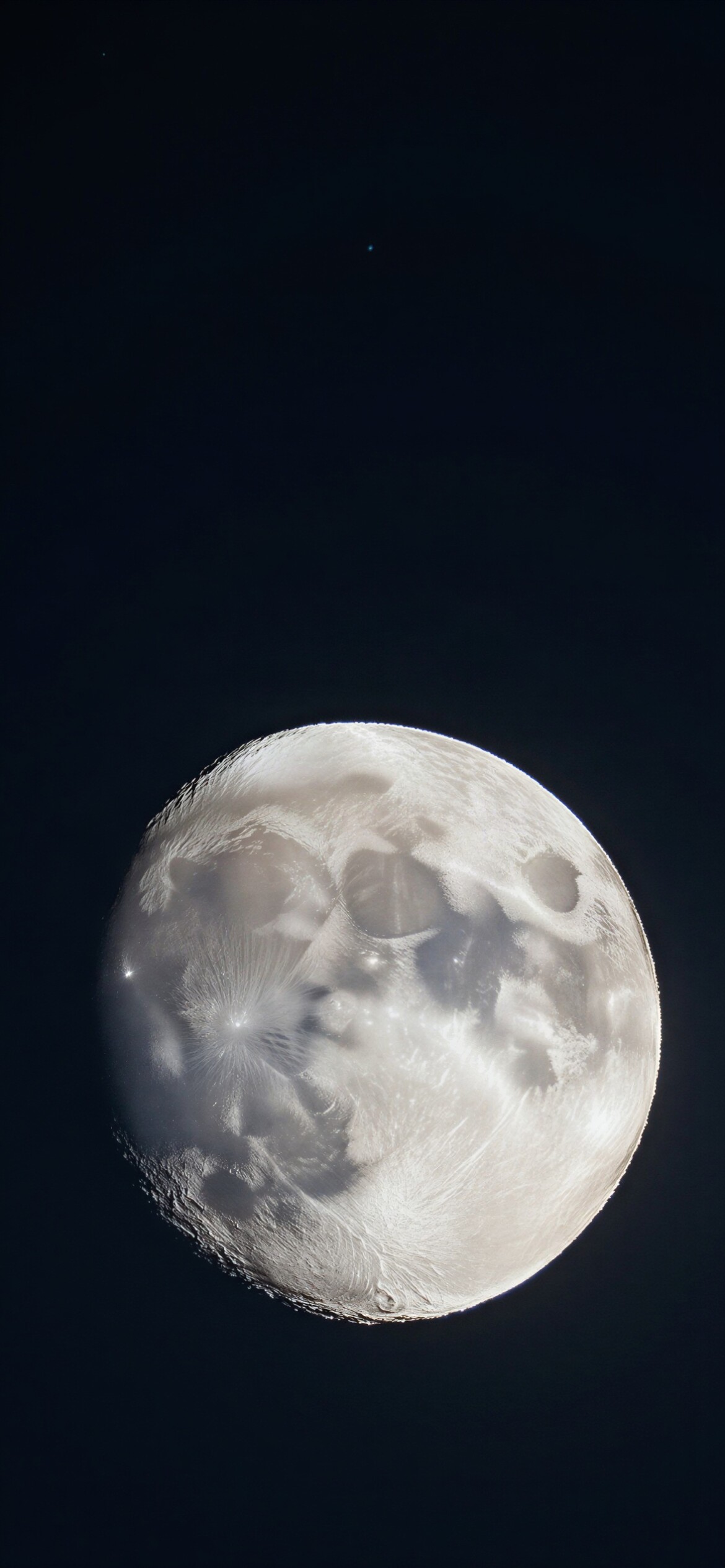
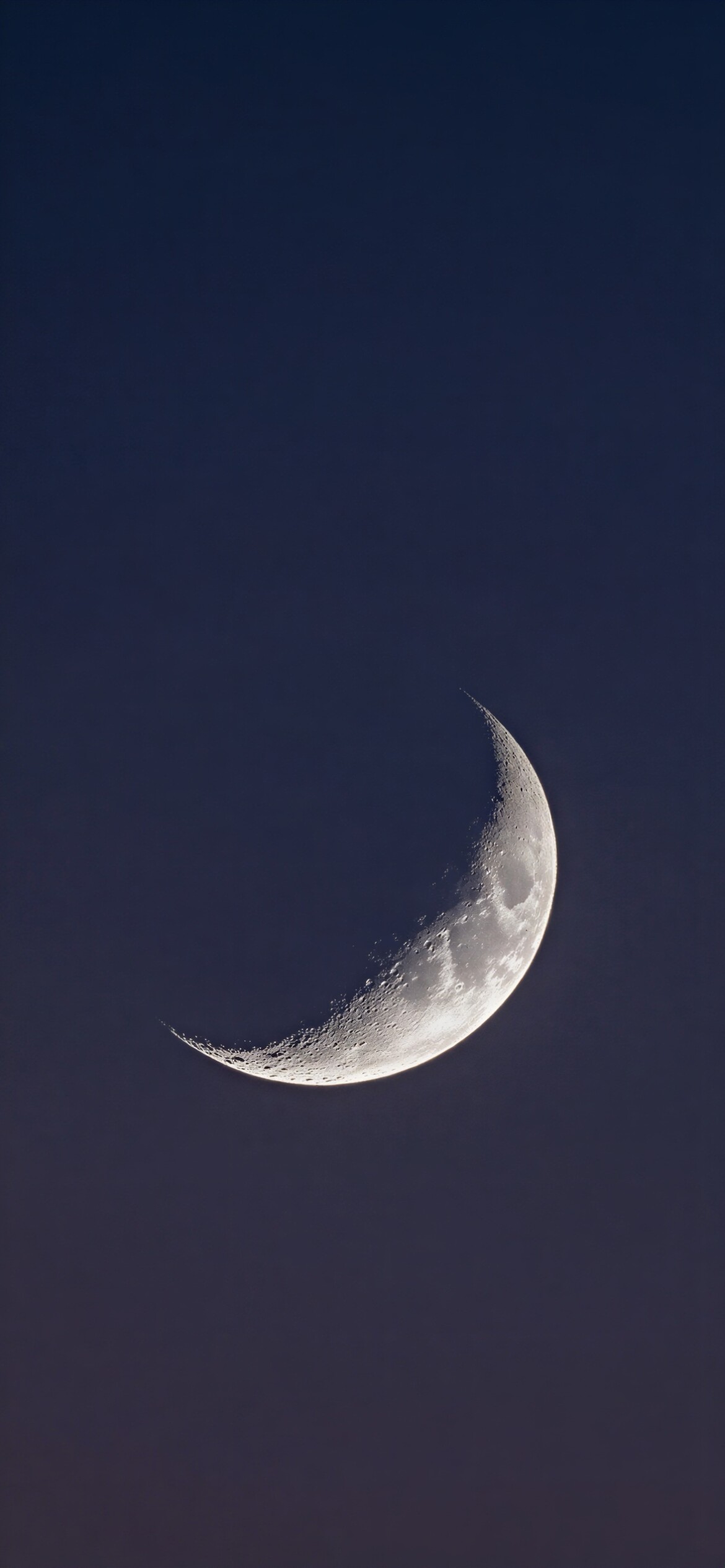
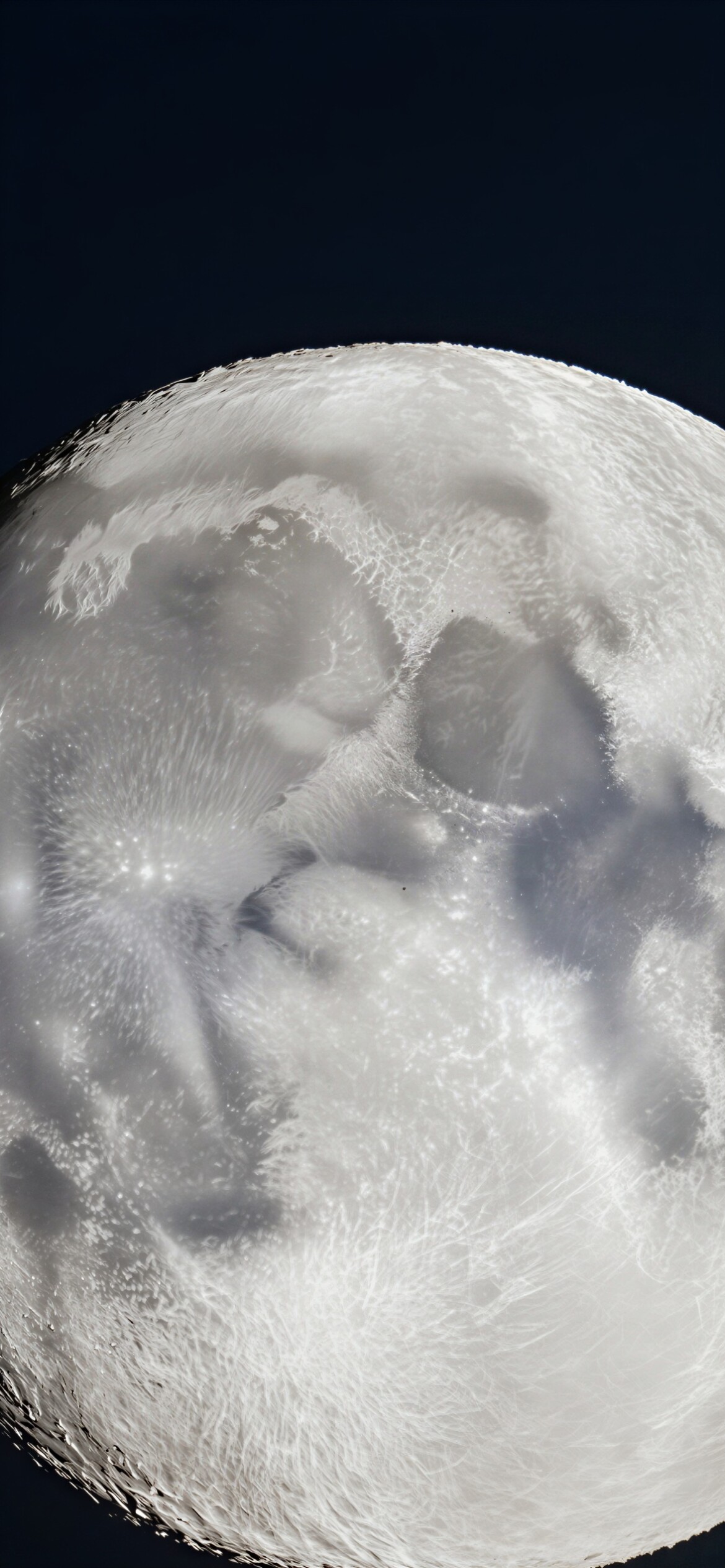
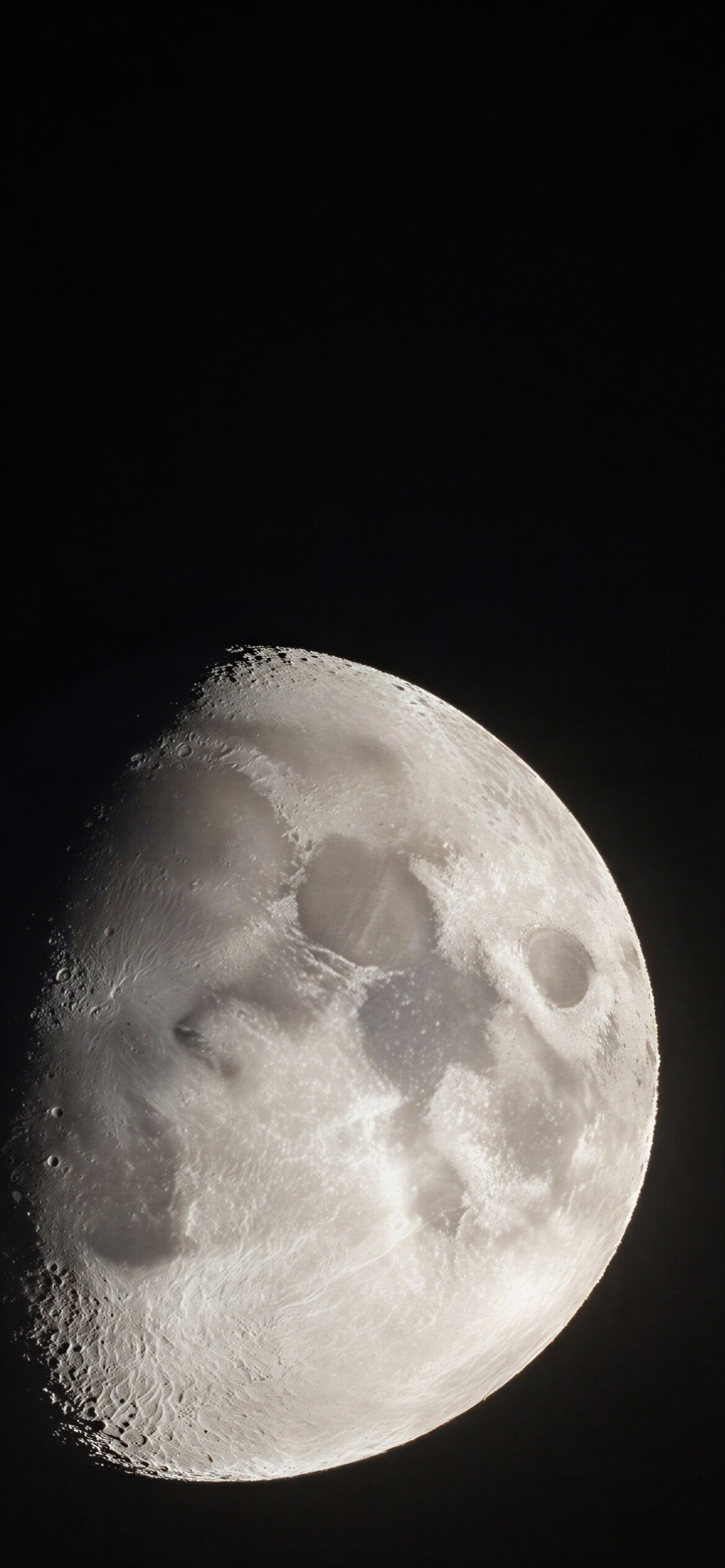
Two are gibbous, the stage between half and full. Wallpaper 4 shows the terminator line with its shadow detail, and 8 is a waning gibbous sitting low in the frame with a wide starry space above, which leaves the most room for a clock and widgets. The crescents are 2, a waxing crescent glowing silver in an indigo sky, and 5, a thin crescent with earthshine. Wallpaper 6 is a large, detailed moon with a warm halo and a starfield above it, and 9 goes the other way: a small, distant moon in a huge sky.
Light from Earth and shadows on the line
The faint glow on the dark part of the crescent in wallpaper 5 is earthshine: sunlight that bounces off Earth, lights up the Moon's night side and travels back to us. Leonardo da Vinci worked this out in the early 1500s and wrote it down in his notebooks.
The terminator in wallpaper 4 is the boundary between lunar day and night, and it is where the Moon shows the most texture. Near that line the Sun sits low over the surface, so crater rims and mountains cast long shadows. At full moon the light falls almost straight on and the surface looks flatter. The Moon also turns once for every trip around Earth, so every full moon shows us the same face, with the same dark lava plains that early astronomers took for seas.
Cold silver or a little warmth
- Stark black and grey: 1, 4 and 7, the closest to a telescope view.
- Deep blue night: 2, 3 and 5.
- Warmer tones: 6 and 10.
- Mostly empty sky: 8 and 9, the quietest pair behind a full home screen.
On an iPhone with an OLED screen, the pure black areas in 1 and 7 are shown with the pixels switched off, so the moon seems to hang in the dark with no glow around it. For more after dark, try the night sky wallpapers, the stars collection for fuller starfields, or Saturn if you would like a planet with rings instead.
How to set it on your iPhone
- Tap Download and save the image to Photos.
- Open Settings, tap Wallpaper, then Add New Wallpaper, and choose Photos.
- Pick the wallpaper, pinch to position it, then tap Add and choose the lock screen, home screen or both.
Stuck on a step? The iPhone and iPad guide has screenshots for each one.
Questions
What iPhone models do these moon wallpapers fit?
These wallpapers are sized at 1170x2532 pixels for modern iPhones, including iPhone 15, 14, 13 and 12. Some older models may crop slightly at the edges. You can download and apply them directly in the Photos app or through Settings > Wallpaper > Add Wallpaper.
Can I use these wallpapers for personal use?
Yes, these moon wallpapers are free to download and use on your own iPhone, iPad and other personal devices. You may not sell them, print them for sale, or repost them on other wallpaper sites or social media as your own work. See our Terms page for the full license details.
Which moon wallpapers work best for lock screens versus home screens?
The designs with simple, centered moons and empty sky at the top are ideal for lock screens, since they leave room for your time and date display. The more detailed crater views also work nicely on home screens behind dark icon packs. Pick whichever matches your iPhone layout and icon style for a unified look.
Can I use these moon wallpapers year-round?
Yes, these are evergreen designs with no seasonal themes or holiday elements. The moon is visible every night of the year, so these wallpapers stay relevant and calming whether it is January or December. They pair well with minimalist setups and dark mode aesthetics any time of year.